


![How to Watch Videos and Movies on Apple CarPlay[100% Work]](http://www.ottocast.com/cdn/shop/articles/1_f37cdeaf-dfd2-4392-bd35-9c67652394a1.jpg?v=1766128260&width=1500)

Learn how to watch videos and movies on Apple CarPlay with this 100% working guide. Apple CarPlay does not natively support video streaming due to safety restrictions, but this guide covers workarounds and solutions to enable video playback on your car’s screen. Find out what these video instruction aids allow you to do and why such complications must be avoided using simple and legal techniques that aim to get you the content on your car’s screen. Find all the possible ways to watch the videos on car displays without worrying about getting distracted or getting into any road accidents. Enhance your in-car entertainment system so that long drives are even more fun. Get the most out of Apple CarPlay video streaming functionality by using the all proven methods and secrets this guide has to offer.
1.Introduction
Apple CarPlay is effectively a set-top box, permitting the drivers to manipulate important applications concerning navigation, music or communication directly using the interface of the vehicle. Even though CarPlay was created for safe and convenient use, the majority of users own portable devices with the basic aim of watching video content and inquiring if the Apple CarPlay display can also play movies. Many people also use available devices such as screen mirroring tools, aftermarket CarPlay systems, and mountable screens to try to display streaming content on their car's display. Portable displays are another popular option, offering versatile, high-quality screens that can be easily moved and connected to vehicles for in-car entertainment. The video in question cannot be played back on Apple Carplay however this is due to restrictions Apple has placed for safety and legal purposes. This document aims at seeking options and methods to do this without violating the road safety manner in which it is done. You will see how to watch movies and videos in Apple CarPlay reasonably and legally.
2.Can Apple CarPlay Play Videos?
Apple Carplay was enhanced with some sort of reasoning whereby navigation was uppermost and even hands-free functions. As a result, the task of viewing videos on CarPlay has remained within the Apple ecosystem due to video play limitations which disallow the driver from watching the video while driving. Many users want to watch videos or movies directly on the car's display or car's screen, but watching videos on Apple CarPlay is not possible due to the lack of inherent support for this. However, there are several workarounds using third-party solutions, adapters, and tools. The ability to play videos often depends on what your car supports, such as compatible ports (HDMI, USB-C) or wireless connectivity features. Some aftermarket CarPlay systems also offer video support and enhanced CarPlay functions, making it easier to stream content and expand media playback options. Still, these can also compromise some safety features, which will probably void warranties or offend road safety regulations.
3.Configuring CarPlay for Video Playback
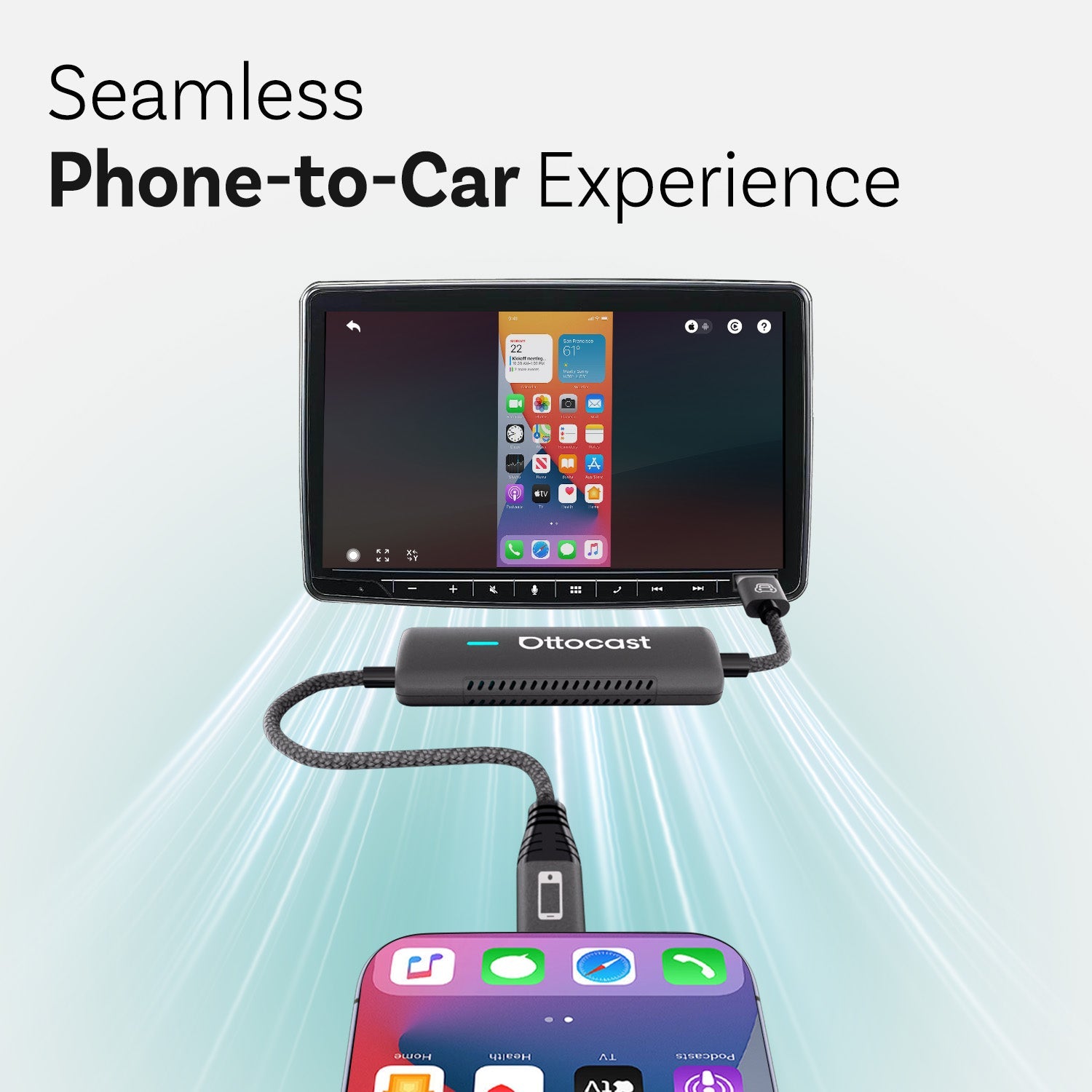
Setting up your Apple CarPlay system for video playback is easier than you might think, especially with the right combination of adapters and screen mirroring apps. Start by connecting your iPhone to your car’s Apple CarPlay system—this can be done either with a USB cable (check if your car’s USB port is USB-A or USB-C) or, for added convenience, with a wireless adapter. Once connected, download a reliable screen mirroring app like ApowerMirror or LetsView from the App Store. These screen mirroring apps allow you to project your iPhone screen onto your car’s display, making it possible to watch videos from popular streaming apps such as Netflix and YouTube right on your car’s bigger screen.
To get started, simply launch the screen mirroring app on your iPhone, follow the on-screen instructions to connect to your car’s display, and open your favorite video apps. With the right wireless adapter, you can enjoy seamless video playback without the hassle of tangled cables. This setup is perfect for watching your favorite videos while parked, keeping passengers entertained, or making the most of your in-car entertainment system. Always ensure your car is stationary before watching any video content to stay safe and compliant with road regulations.
3.How to Watch YouTube on CarPlay
To use CarPlay for watching YouTube, there is a need for external gadgets and apps because Apple has not incorporated features for video apps on CarPlay due to safety reasons. Non-O.E.M. accessories such as CarPlay dongles make it possible to view YouTube because it gives access to mirroring of the phone to the infotainment screen. When connecting your iPhone, you can use the car's USB port (USB-A or USB-C) or an HDMI adapter and HDMI cable for wired connections, depending on your car's available inputs.
Step-by-step process: 1) Plug in the CarPlay adapter 2) Plug the device and launch the app for the phone mirror 3) Play Youtube. Screen mirroring apps allow you to mirror your phone's screen, including the home screen, onto the car's display, so you can access and control your favorite video apps directly. This means you can play videos but caution must be taken. You can also play video files from a USB drive or SD card by selecting them in the car's media or input section or playback interface, enabling USB playback of offline content. After setup, ensure audio is routed through the car speakers for the best entertainment experience. Self-restraint is necessary and watching videos while driving must never be done. Applications such as CarBridge will also boost YouTube access but may require performing jailbreaks, something which is not advisable.
4.Accessing YouTube Music on CarPlay
Apple Carplay also allows one to stream music via YouTube Music which does not require any other media players enabling driving and music streaming at the same time. For CarPlay users who wish to listen to music on YouTube, you must download the app through the App Store, attach your iPhone to a wired/wireless CarPlay and select the YouTube Music app under the CarPlay user interface. This allows you to use mobile devices to play songs or watch videos like playlists, albums or live music channels while driving without safety concerns. Watching YouTube Music videos will not be possible due to Apple’s interference, and the YouTube app and YouTube videos are not natively supported for playback on CarPlay, but the music service works just fine.
5.Options for Watching Netflix on CarPlay
At present, there is no provision for supporting Netflix on CarPlay owing to safety reasons, but there are few possibilities for such provisions thanks to third-party developers. Devices such as CarPlay Box or CarLinkit, which are CarPlay dongles or adapters, let users project phone screens to it thus removing restrictions in playing Netflix. With certain wireless CarPlay adapters and third-party solutions, streaming Netflix and YouTube directly on your car's display becomes possible, offering convenient access to popular streaming apps for in-car entertainment. A Two-step process would include: 1) Attach CarPlay adapter, 2) Do phone screen mirroring, and 3) Open Netflix app. However, these things come with warranty-voiding consequences and watching while driving can be unsafe. Always safeguard health by utilizing such features only while the vehicle is stationary. Thus Carplay Netflix dongles ensure you enjoy content for your good.
6.Playing Videos on Car Screen Without Jailbreaking
Using CarPlay adapters or wireless dongles that enable screen mirroring, there are ways to use the car screen legally without having to jailbreak. Such CarPlay adapters like the Car Play Box adapter or Netflix Car Play Adapter allow streaming over wired to released Car Play. When using compatible adapters, users can access and play video files by selecting them from the car's input section, making it easy to control media playback directly through the infotainment system. However, these methods are very useful, but their application in some vehicles may cause compatibility issues and need some time for additional installation. The best part about these methods is that they are legal and do not involve any changes to the operating system of the device. Nevertheless, there are a few disadvantages likely to be experienced, such as connection instability or increased screen pixels.
7.Using CarPlay Box for Video Streaming
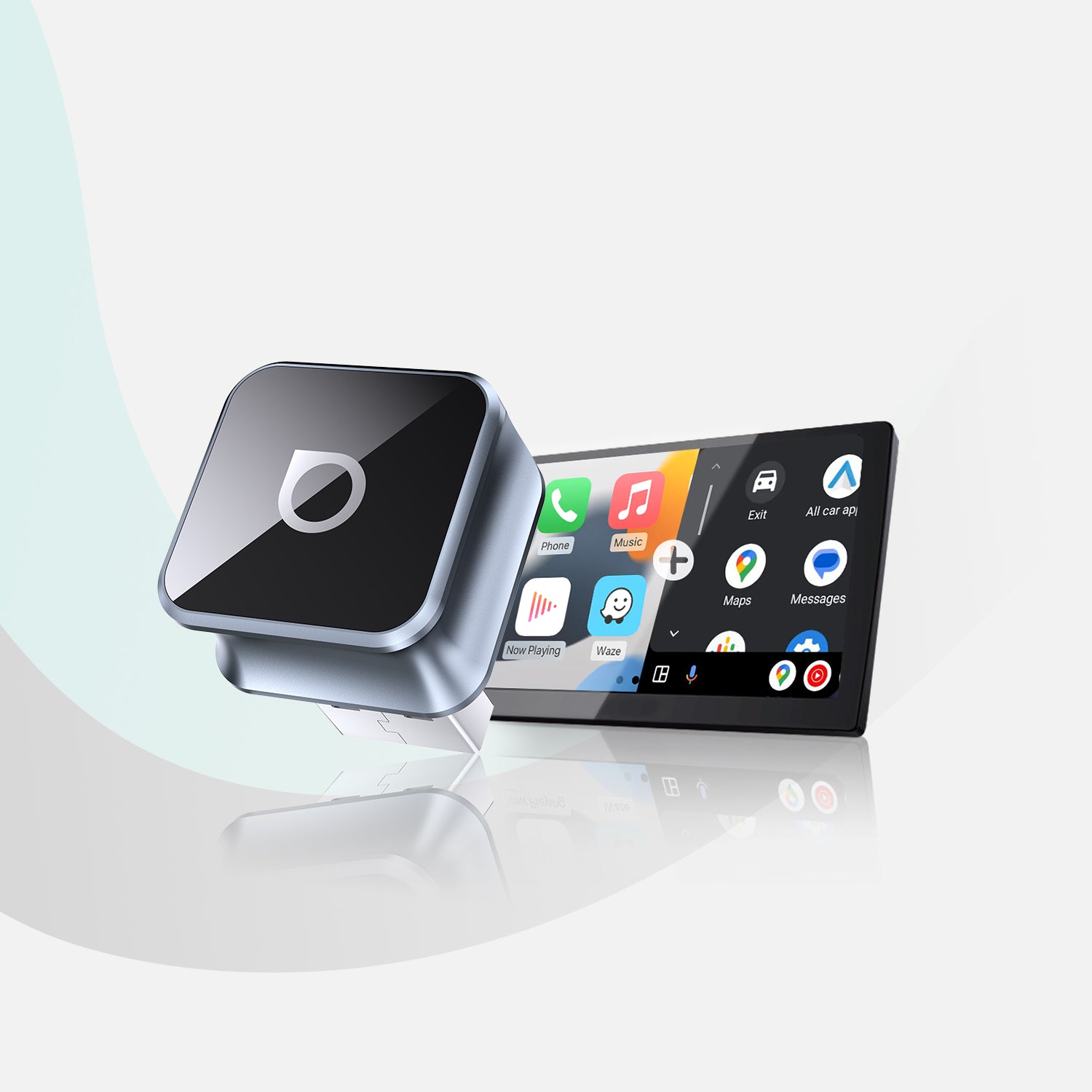
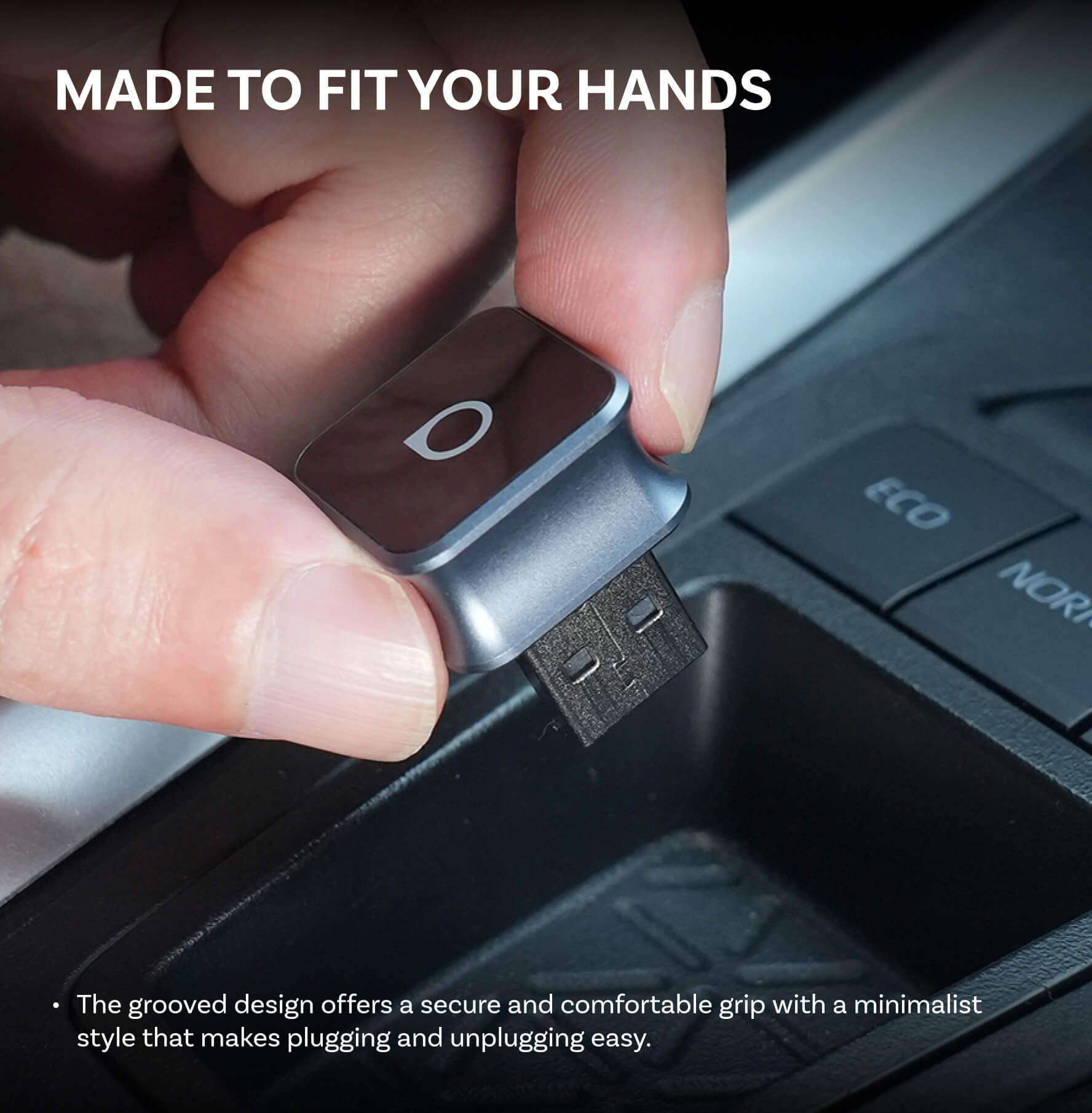
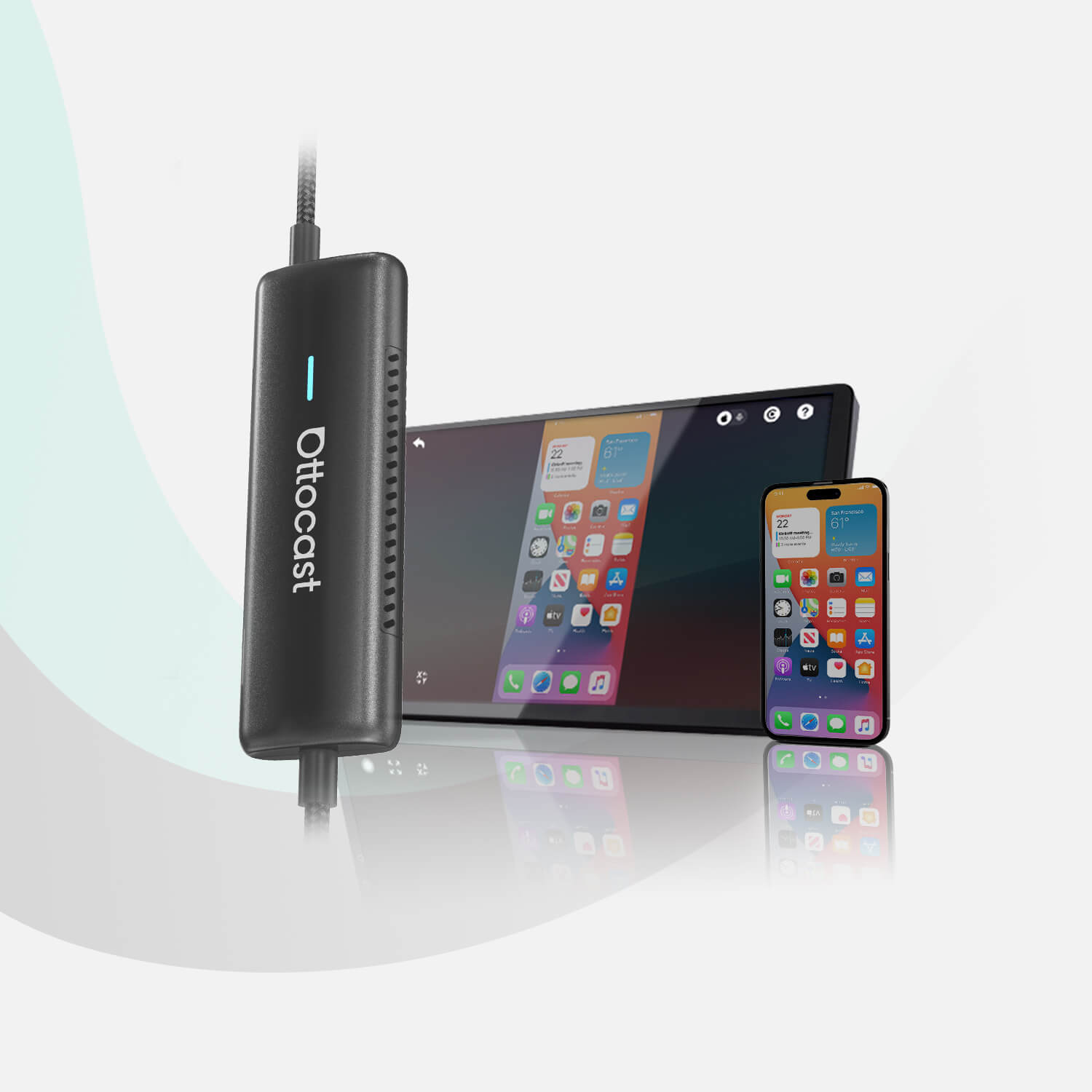
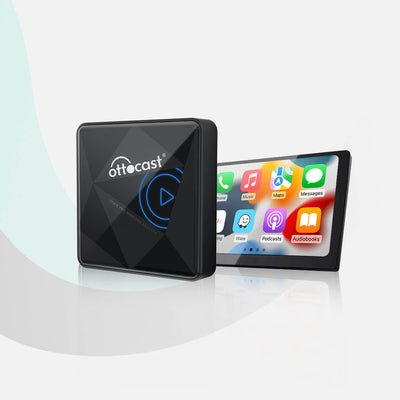
A CarPlay Box has the leverage of extending the capabilities of a car infotainment system to facilitate video playback among other features. It works by attaching itself to a car’s already installed Carplay port and using wireless technology to deliver videos from online services such as Netflix or YouTube. You just insert the Carplay Box into the USB port of your car, connect it to an iPhone, and follow the guidelines to set it up. Other products from Ottocast like OttoAiBox P3 enable fast integration providing extra media. With these devices, you can stay connected to your favorite media and apps while on the road, ensuring seamless access to navigation, streaming, and more.
Products’ Features and Benefits:
Product 1: Play2Video Pro Wireless CarPlay/ Android Auto All-in-one Adapter:
The Play2Video Pro adapter will convert your OEM wired CarPlay configuration into wireless CarPlay and Android Auto. It offers a wide range of attractive apps to fill adventures for any user, such as up to 5 built-in apps including YouTube, Netflix and IPTV. The adapter is equipped with the Android 12 operating system, runs USB multimedia, and, most simply, works right off the shelf with no mounting. This product allows iOS Carplay and Android Auto to work simultaneously over a wireless connection, thus making it more useful for users regardless of which system they are on.
Product 2: OttoAibox P3 CarPlay AI Box :
The OttoAiBox P3 is catered around the user experience with refined aesthetics, enhanced UI and flexibility. It allows switching from CarPlay, Android Auto, or OttoDrive 2.0 and helps in boosting the multimedia experience of the users. With the aid of a powerful 128GB internal storage combined with an impressive 8GB RAM, all featured on the Android 12, the P3 proves to be of high quality. The advanced technologies and the brand-new outlook set it apart as the best option for improving the car infotainment systems in a neat and sleek manner.
Product 3: OttoAibox i3 BMW CarPlay AI Box :
The OttoAiBox i3 is specifically designed for BMW cars, compatible with the standard UI while adding extra benefits. It is compatible with CarPlay, Android Auto and OttoDrive OS, allowing easy system change. Running on Android 10 with about 4GB RAM and 64GB storage, it is one of the most powerful devices in the market today. The i3 also embraces FOTA updates whereby many of the features improvements will be sent to the system making the infotainment of the BMW very productive and modern.
8.Alternative Methods for Video Streaming on Car Screens
For even more video content displayed on the car screens, built-in or externally mounted video streaming approaches can be used to achieve this. Such built-in facilities probably have HDMI ports or built-up media players through which videos can be played from connected devices. Portable multimedia devices may be used instead, over wireless HDMI connectors to the car video units. Such devices link options from the car audio system for video viewing from the car unit screen. The advantages include an increase in effectiveness as well as an increase in media choice. Nevertheless, it is a reliable prediction that these technologies may not be suited for each automobile and may even bring about legal and safety complications when misused. It is important to note that all video streaming or playback, including watching video files or using wireless CarPlay adapters, should only be done when the car is parked to ensure safety and comply with legal requirements.
10.Troubleshooting Common Issues
If you encounter problems with video playback on your CarPlay system, there are several troubleshooting steps you can take to get things running smoothly. First, double-check that your iPhone is properly connected to your car’s USB port using a compatible USB cable or a reliable wireless adapter. Make sure your screen mirroring app is installed and set up correctly on your iPhone. If you’re using a wireless adapter, try restarting the device or checking for the latest firmware updates from the manufacturer to ensure optimal performance.
It’s also important to verify that your car’s display is set to the correct input source and that the video file or streaming app you’re using is supported by your system. If issues persist, consider resetting your CarPlay system or consulting your vehicle’s user manual for specific instructions. By following these troubleshooting tips, you can resolve most common issues related to screen mirroring, video playback, and adapter connectivity, ensuring a smooth and enjoyable in-car entertainment experience.
9.Safety and Legal Considerations
But mostly reactions to sending and receiving of messages via video on CarPlay borders on safety issues and legality. One mistake and the driver's attention could be turned away from driving thus resulting in sudden accidents. Some countries even resort to regulations against this practice by handcuffing people from watching videos or even using screens that are within the driver's reach during the driving period. There's a risk of removing this practice altogether in the interests of safety, risking consequences from the law. It is always advisable to screen the video only when the vehicle is well parked and not in motion to avoid distractions. Paying attention to safety measures helps to eliminate any chances of distracting the driver in the process of delivering and receiving phone calls.
12.Additional Tips and Tricks
To truly maximize your CarPlay experience, consider these extra tips and tricks. When using screen mirroring apps, adjust the settings to enhance video quality and minimize any lag, ensuring your favorite videos play smoothly on your car’s display. Take advantage of voice commands to control video playback, switch between apps, or navigate menus hands-free, making your drive safer and more convenient.
If you have a portable display, such as a tablet, you can connect it to your car’s USB port or use a wireless adapter for an alternative viewing option—perfect for back seat passengers or when your car’s built-in screen is in use. Investing in a high-quality wireless adapter that supports both Wi-Fi and USB connectivity can make a big difference in connection stability and video streaming quality. By following these tips, you’ll enjoy seamless access to your favorite video content and make every journey more entertaining.
13.Future of Apple CarPlay
The future of Apple CarPlay is set to bring even more convenience and entertainment to your driving experience. With advancements in wireless connectivity, we can expect to see broader support for wireless Android Auto, allowing Android users to connect without a USB cable and enjoy similar benefits as Apple users. Apple is also rumored to be working on expanding support for video apps, which could mean native video streaming and playback directly from the CarPlay interface in the near future.
Other anticipated features include enhanced voice commands for easier control, improved screen mirroring capabilities, and greater compatibility with third-party apps. As technology evolves, staying connected and entertained on the road will become even more seamless, with the ability to watch videos, play music, and access your favorite apps right from your car’s screen. With brands like Ottocast leading the way in wireless adapters and in-car entertainment solutions, the possibilities for upgrading your vehicle’s infotainment system are virtually limitless. Stay tuned for exciting updates as Apple CarPlay continues to innovate and redefine in-car connectivity.
10.Conclusion
To put it differently, a situation favorable for video watching on Apple CarPlay has its limitations because of Apple Carplay restrictions, but this can be overcome to some extent by the use of external devices. These applications can play videos and other forms of media but there are safety and legal concerns with that. It should be noted that there are risks associated with the use of video features including parking only the vehicle and the laws associated with the use of video in a moving car. Risks must always be anticipated and there must be responsibility accordingly to make the driving experience enjoyable and safe.
11.FAQs
-Can you watch Netflix on CarPlay?
Unfortunately, Apple CarPlay does not support Netflix because Apple restricts video playback content while driving. However, it can be streamed through CarPlay with the aid of some third-party solutions and adapters but this usually implies inadmissible methods. The safety and technical limitations regarding the use of CarPlay for watching Netflix shall be considered.
-Is it legal to watch videos on CarPlay?
It is prohibited to use the function of CarPlay that allows videos to be watched while driving a car due to the risk of accidents. Most of the time these laws restrict any playing of videos within the line of sight of the driver so as not to cause distraction. Catastrophic collateral damage is also drawn from any road flouting of these laws and heartfelt disallowance of any video to be played while driving.
-What third-party apps support video on CarPlay?
Apple's regulations make it difficult and sometimes impossible to create third-party applications that can play videos over CarPlay. That said, some applications like VLC Player or third-party CarPlay adapters appear to work with videos. Such solutions are mostly hacks or additional hardware. Such applications are safe, as such apps have been banned from the App Store and measures are taken to avoid risks in using these applications.
-How do CarPlay Adapters work?
Carplay adapters help replace the wired Carplay connections with wireless Carplay connections for an even better experience. They fit in the CarPlay port already installed in the vehicle and Bluetooth and Wi-Fi are used to link the iPhone. Certain types of adapters provide several extra features, like playing videos or even integrating content from relevant apps, however, the extent of the features will depend on particular devices. One must always check that the iPhone with the vehicle will work.
-Are all CarPlay devices compatible with my car?
All such devices are not CarPlay compliant. This is because certain factors matter, including the vehicle accessories installed with the vehicle infotainment system and the specification of the CarPlay device. It is crucial to ascertain that the Carplay device is compatible with the intended use marquee to avoid technical hitches. To avoid being turned down when trying to purchase it, look for it at the manufacturers or ask for other users' experience aids.
You may also like