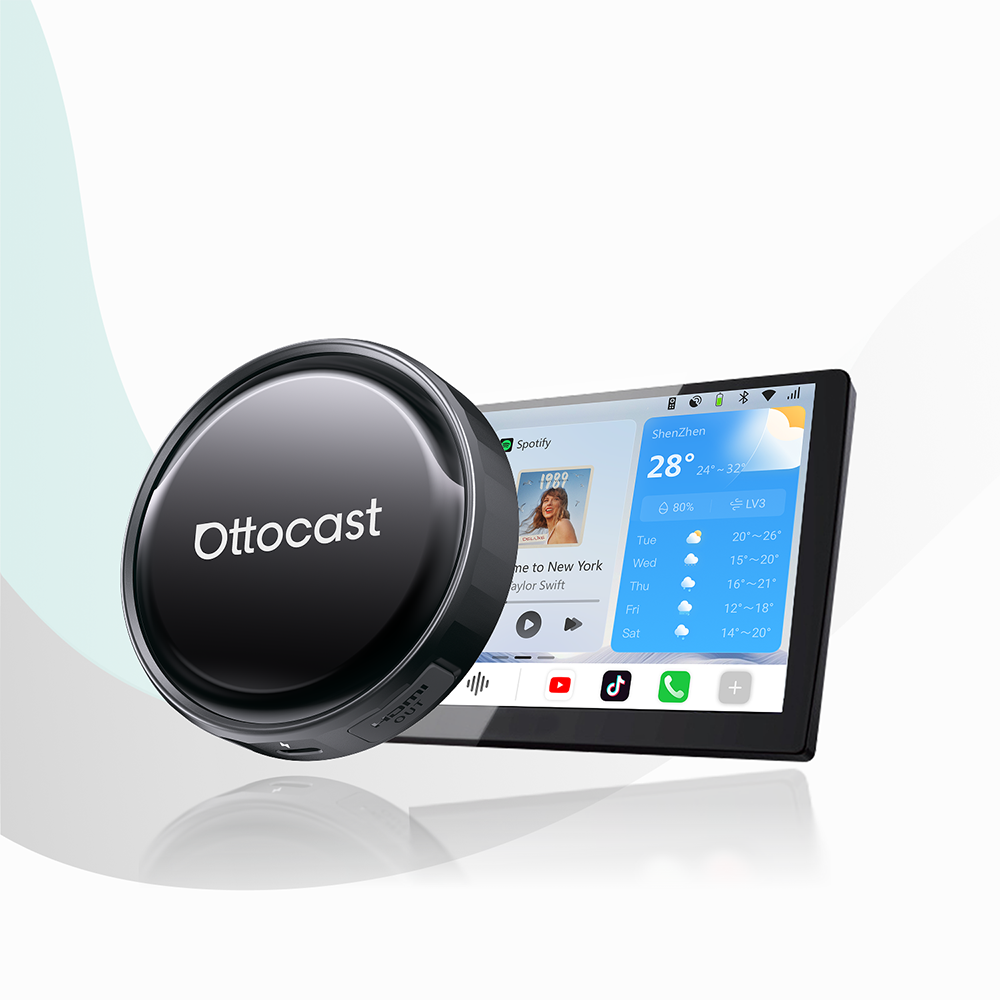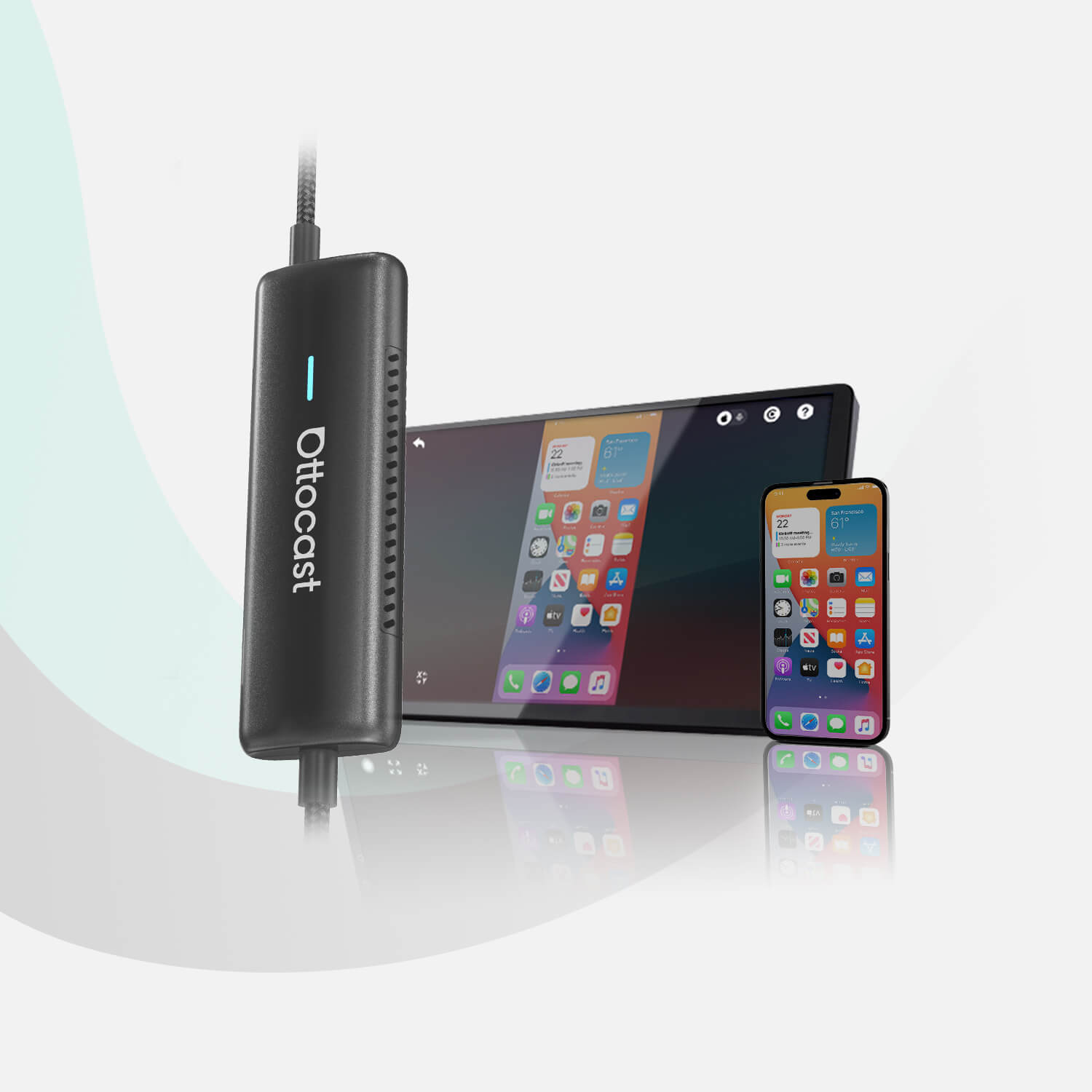


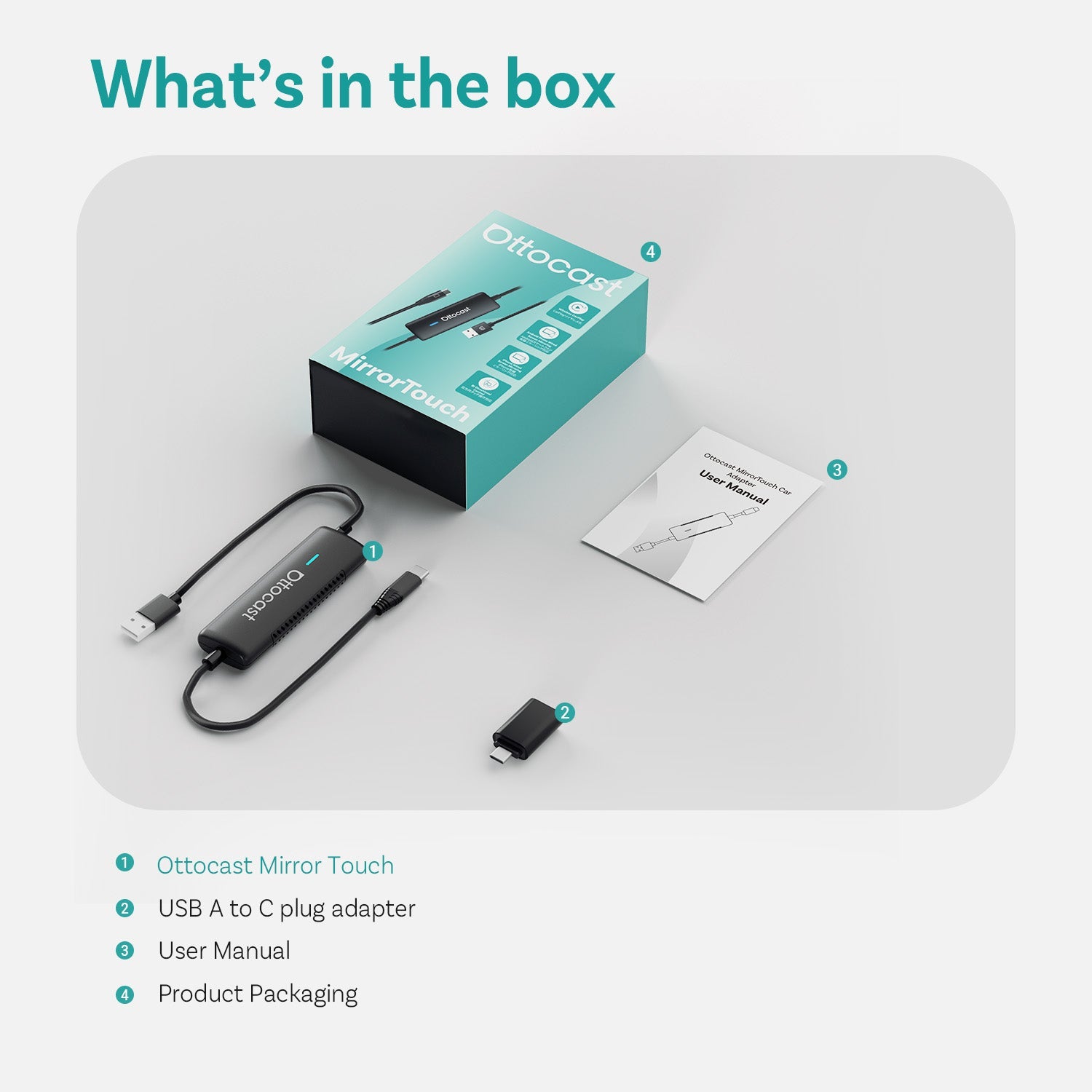
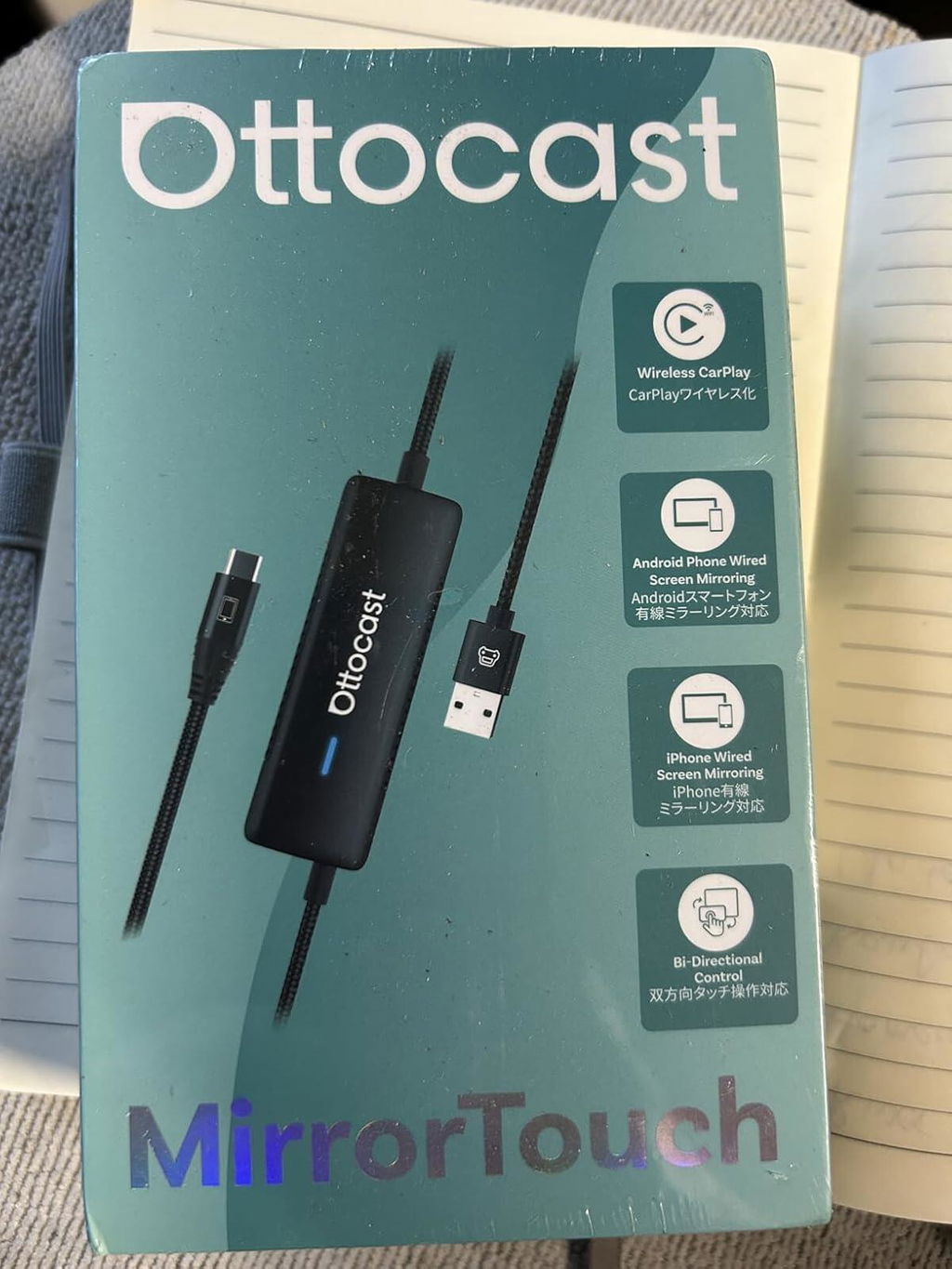
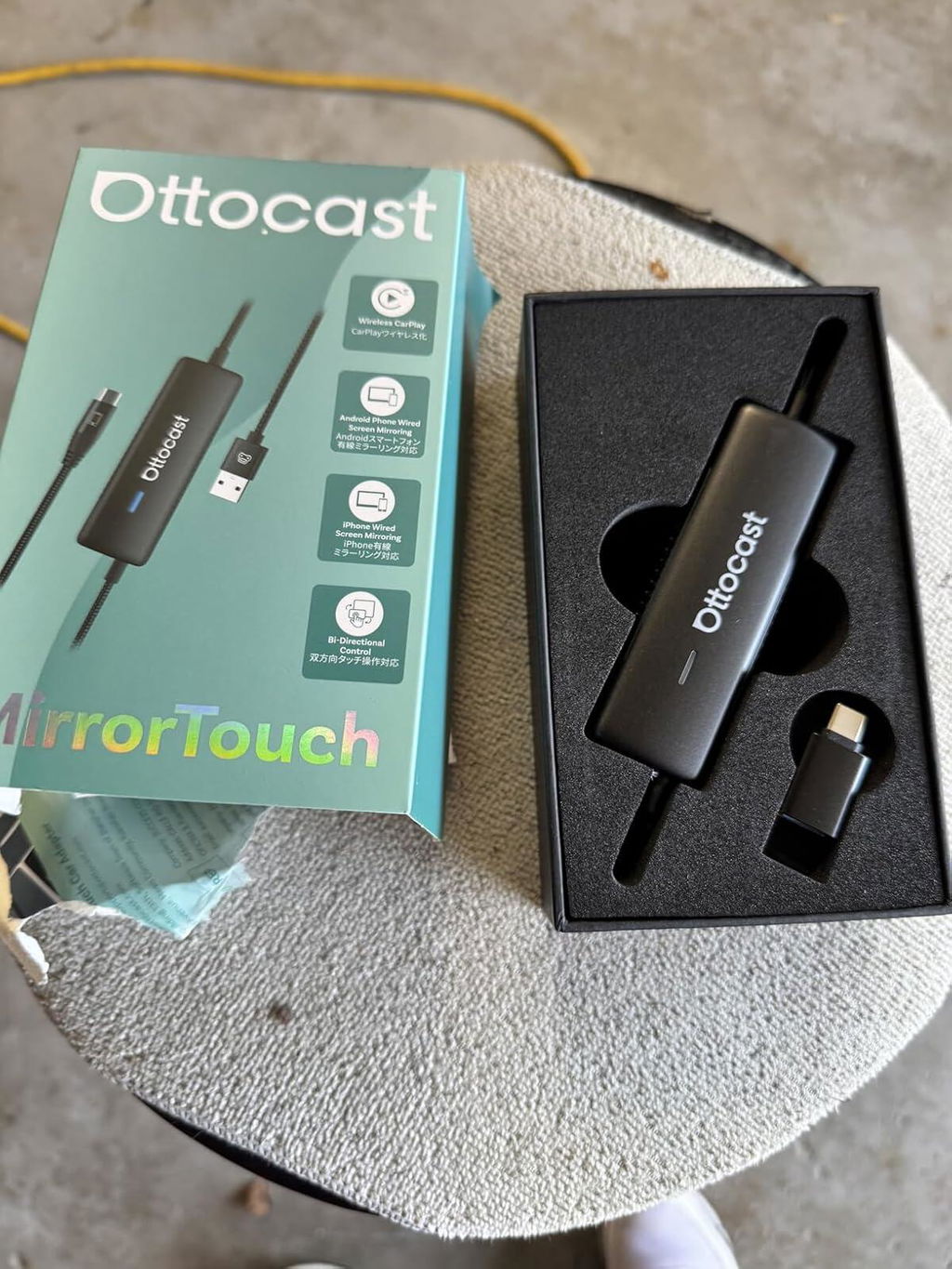
Mirror Touch Wireless CarPlay Adapter
PRICE
Requires USB-C DisplayPort Phone + Factory Wired CarPlay
-
Vehicle:Your vehicle must have factory wired CarPlay.
-
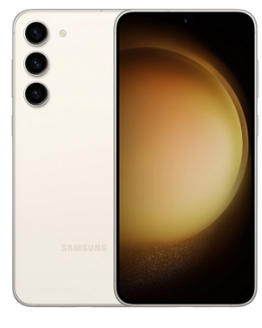
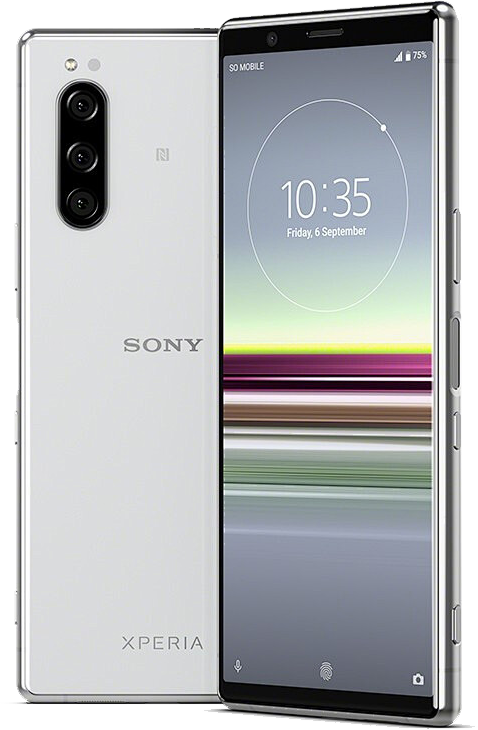
Phone:Android phones with DP (DisplayPort) screen mirroring supportiPhone 15 series and newer via USB-C DisplayPort output
Factory Wireless CarPlay Vehicles (e.g. some BMW models): Recommended Model: OttoAibox i3
How to Check Wired CarPlay / Android Auto Support
Solution found for your vehicle!
VEHICLE SELECTED
Audi A4, 2018
We've confirmed your vehicle does not have factory CarPlay. Don't worry! The Ottoscreen AI shown below is the complete solution designed to bring smart features and full screen CarPlay to your car easily.
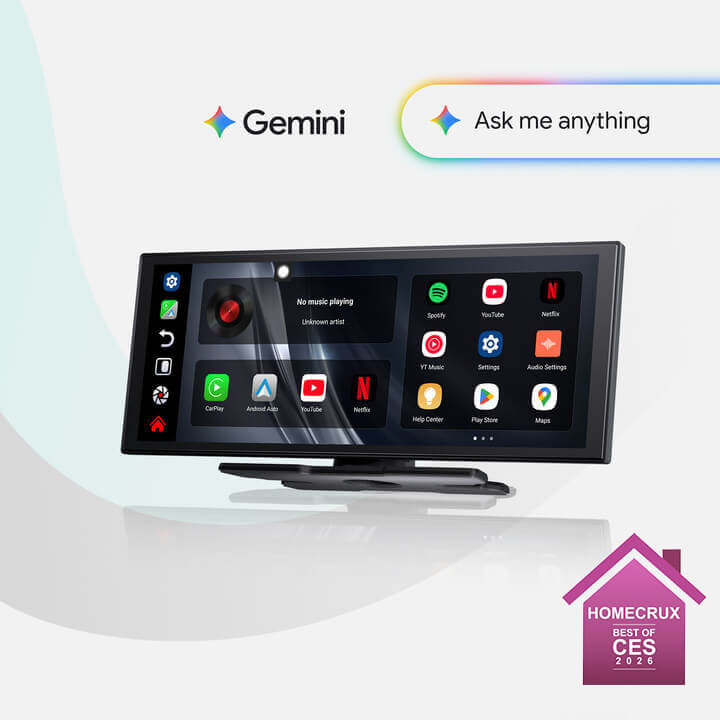
Ottoscreen AI
Great! Your Car Has Wired CarPlay
VEHICLE SELECTED
Audi A4, 2018
Your vehicle is listed with factory wired CarPlay. Review the requirements above before purchasing.
Need Confirmation
VEHICLE SELECTED
Audi A4, 2018
We apologize, your model is not in our database. Please confirm one crucial detail: Does your car have Wired Apple CarPlay?
Watch the guide video below or use an AI tool (like Gemini or ChatGPT) to quickly search your car's features and confirm. If it has wired CarPlay, our products is the perfect fit!
Wireless CarPlay Only
VEHICLE SELECTED
Audi A4, 2018
Your vehicle only supports wireless CarPlay and does not have wired CarPlay, so this product is not compatible with your vehicle. Don’t worry—you can choose our OTTOAIBOX i3 to watch videos in your car.
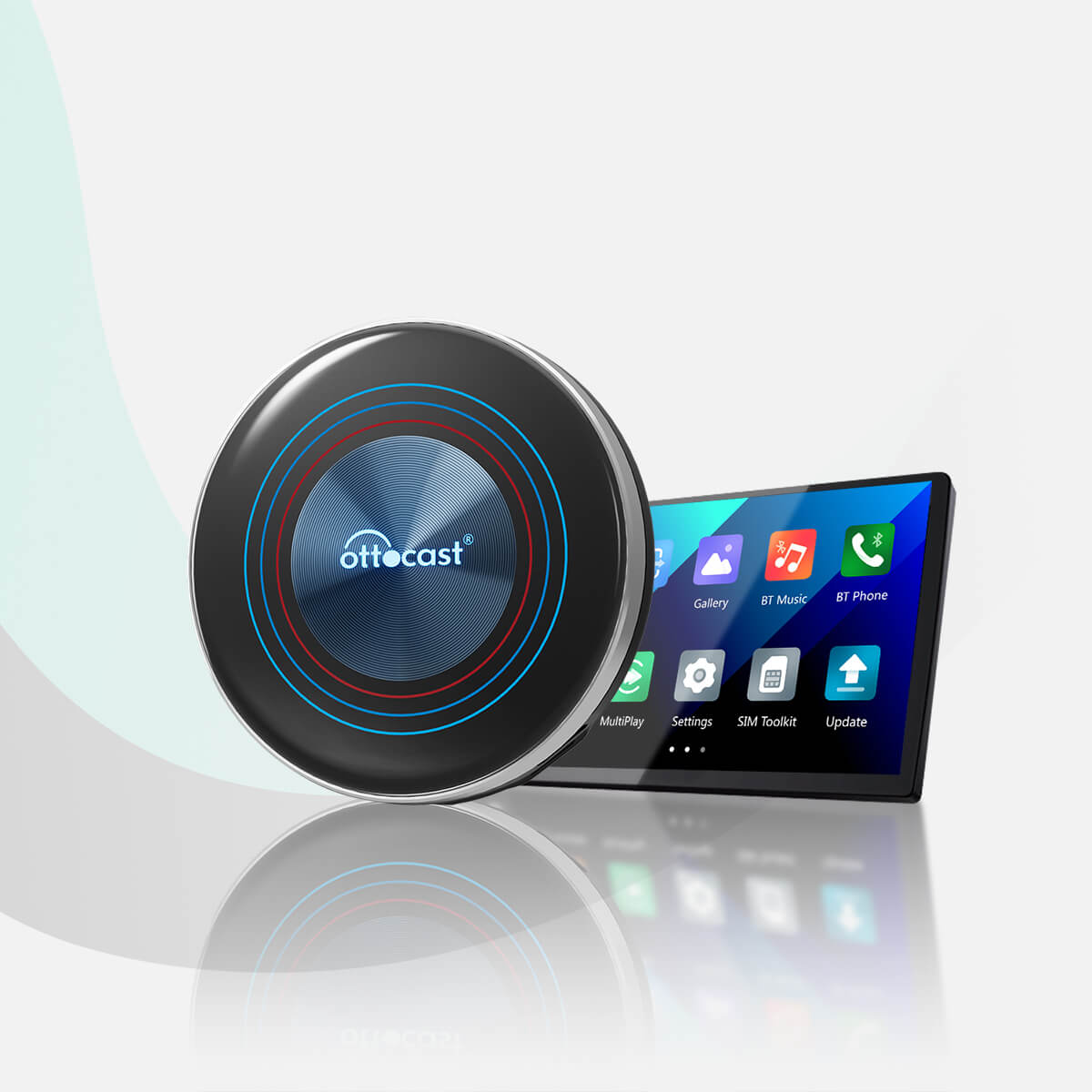
OttoAibox i3 BMW CarPlay AI Box
Great! Your Car Has Wired CarPlay
VEHICLE SELECTED
Audi A4, 2018
Your vehicle is listed with factory wired CarPlay. Review the requirements above before purchasing.
Wired Android Auto Only
VEHICLE SELECTED
Audi A4, 2018
Your vehicle only supports wired Android Auto and does not have wired CarPlay, so this product is not compatible with your vehicle.
Wireless CarPlay Only
VEHICLE SELECTED
Audi A4, 2018
Your vehicle supports factory wireless CarPlay. However, wired CarPlay has only been confirmed on higher trim levels, while availability on lower trims may vary.
Not sure if your car supports wired CarPlay? Connect your iPhone to the car’s USB port using a cable. If there are multiple USB ports, use the one intended for phone connection rather than charging only. If CarPlay appears on your factory screen, your vehicle is compatible with our product.
Wired Android Auto & wireless CarPlay only
Audi A4, 2018
Perfect Match!
VEHICLE SELECTED
Audi A4, 2018
Your car supports Wired CarPlay and works with our products.
Perfect Match!
VEHICLE SELECTED
Audi A4, 2018
Your car supports Wired CarPlay and works with our products.
Perfect Match!
VEHICLE SELECTED
Audi A4, 2018
Your car supports Wired CarPlay and works with our products.
Upsell products
Warranty products
After-sale policy

30-Day Returns

1-Year Warranty

Dedicated Support
Share
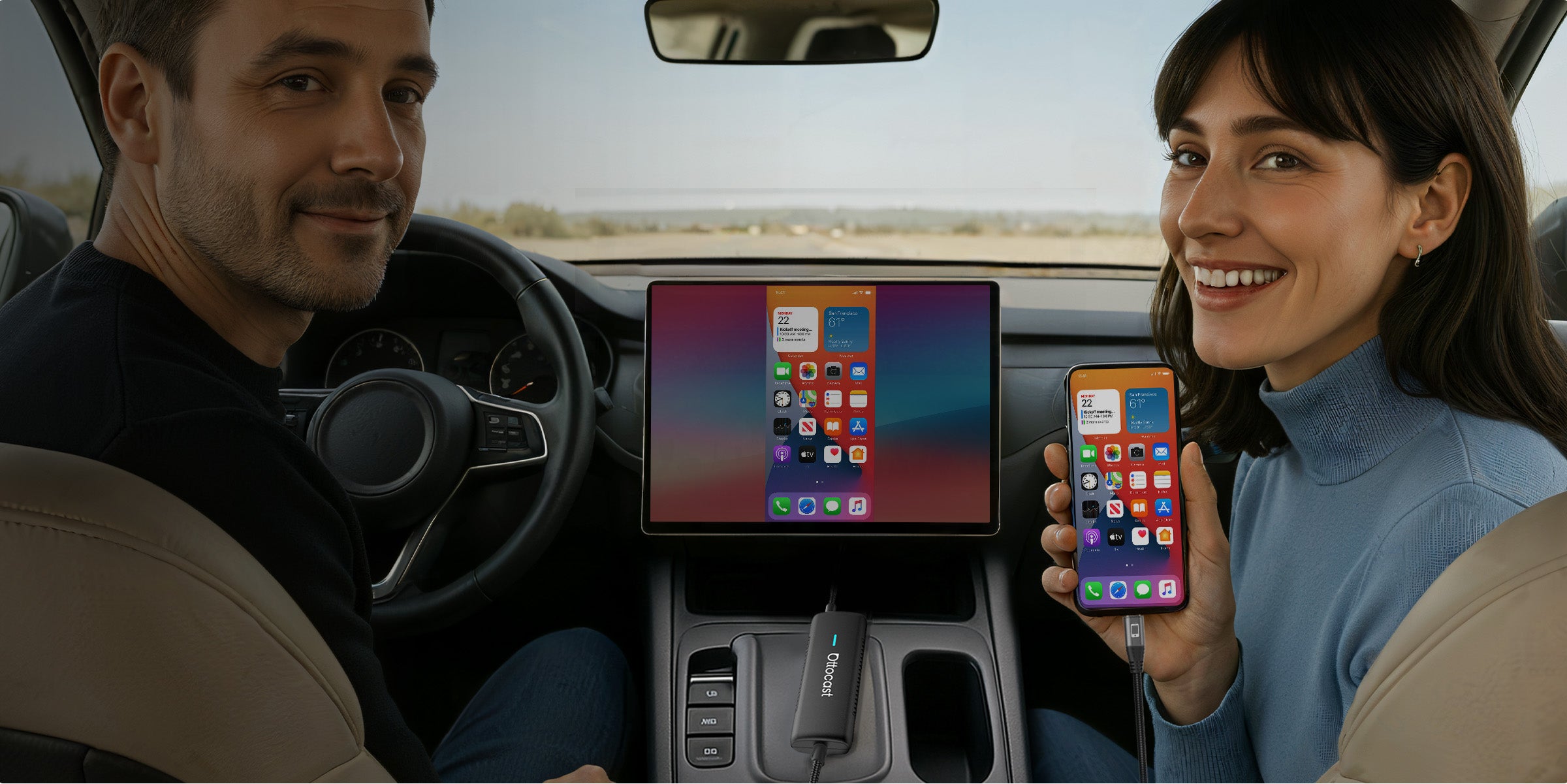
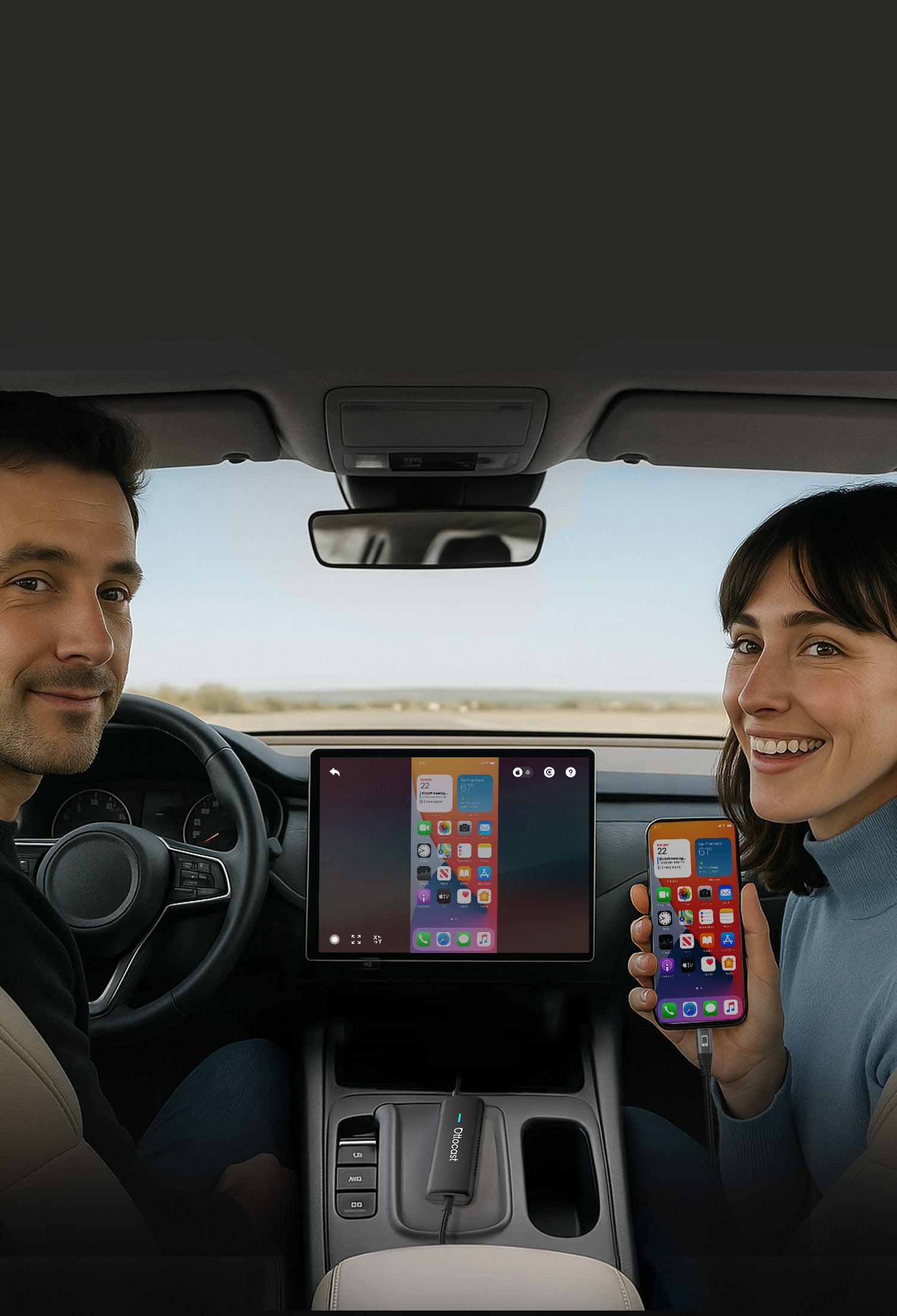


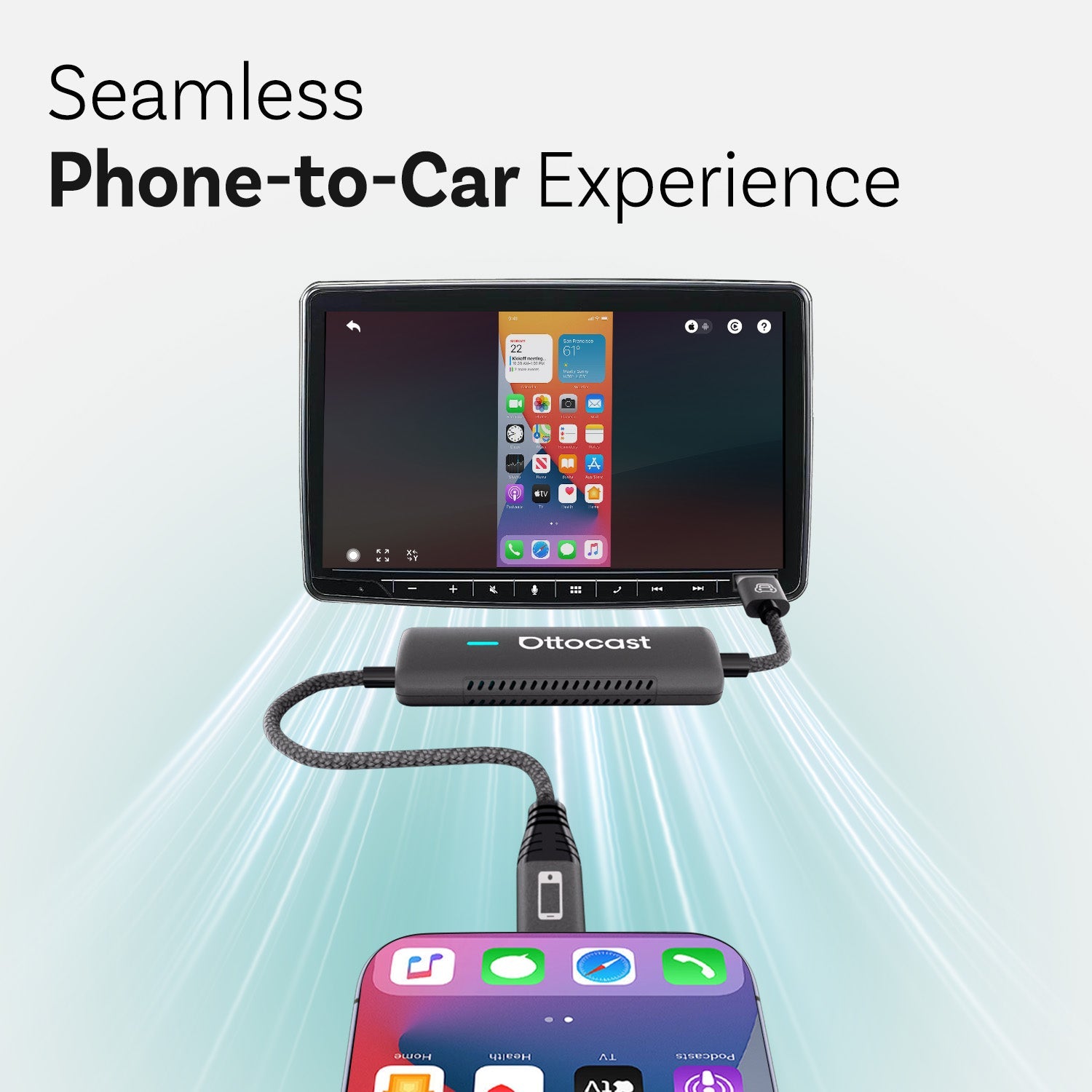
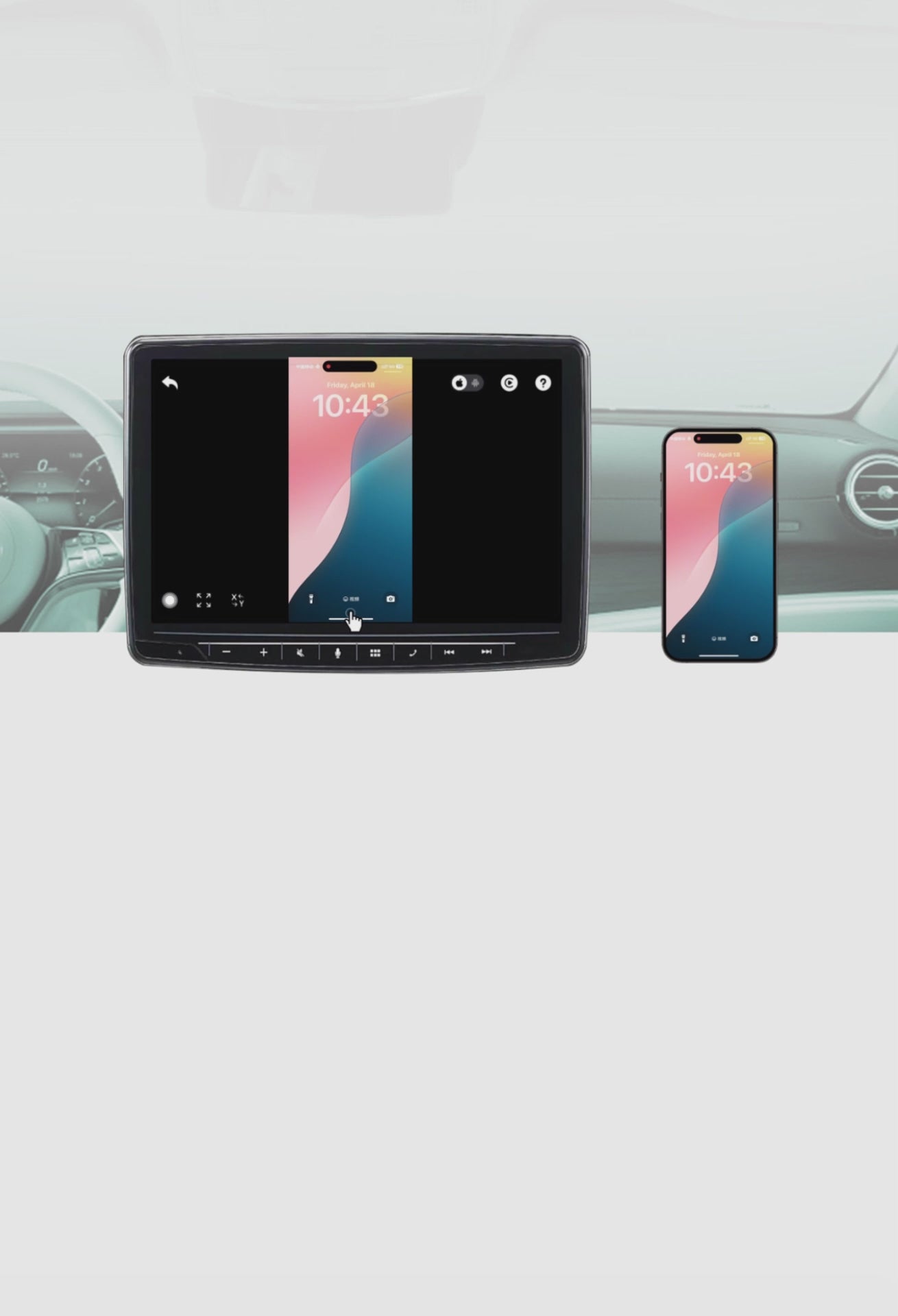
Seamless Phone-to-Car Experience
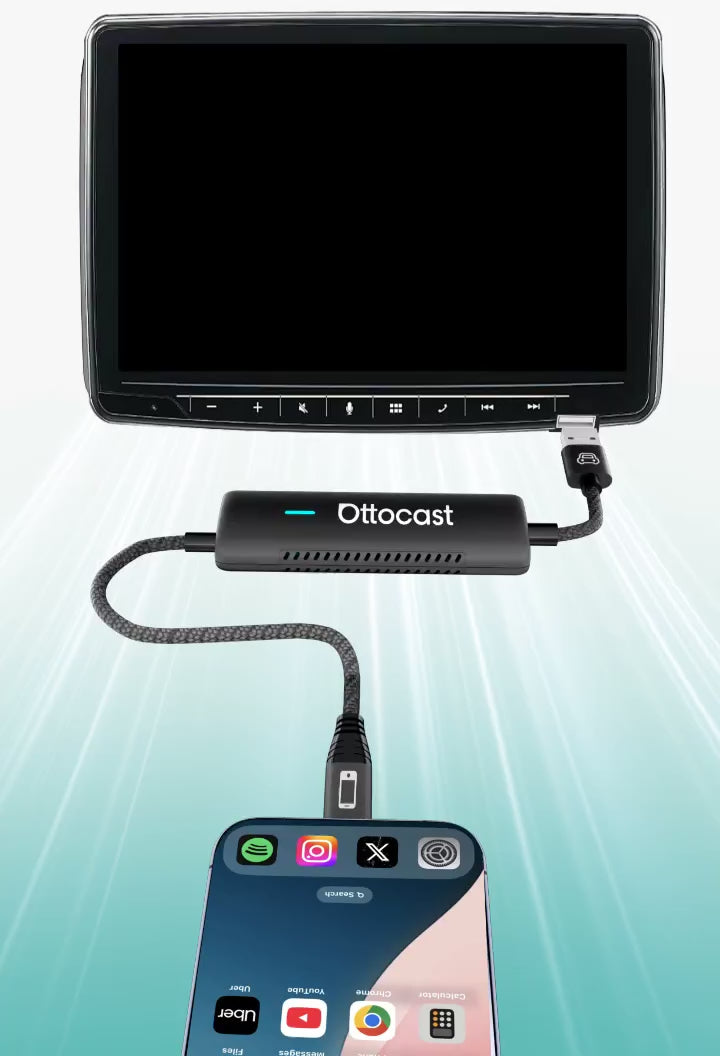


Integrate All Sound
to car’s Built-in Audio system

Making your journey smarter and safer
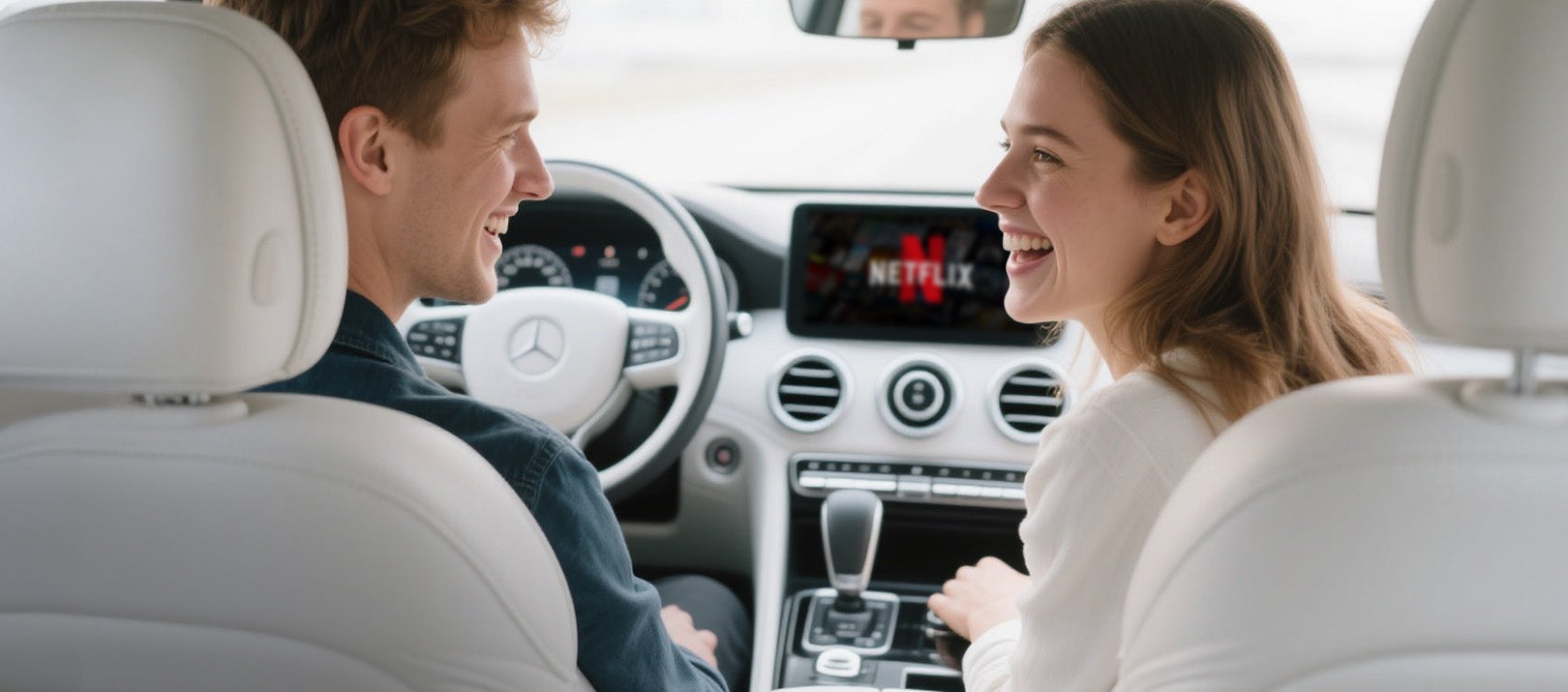

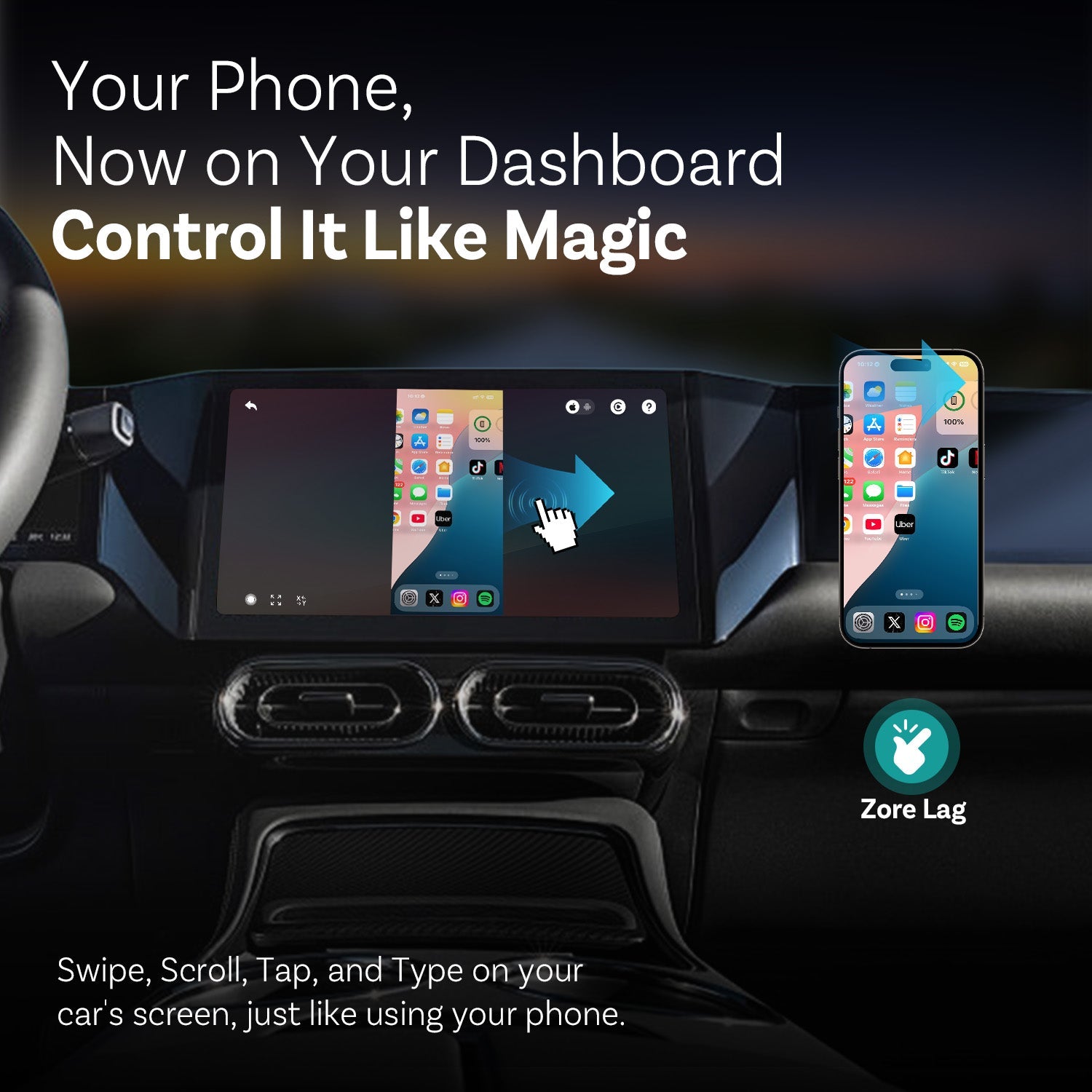
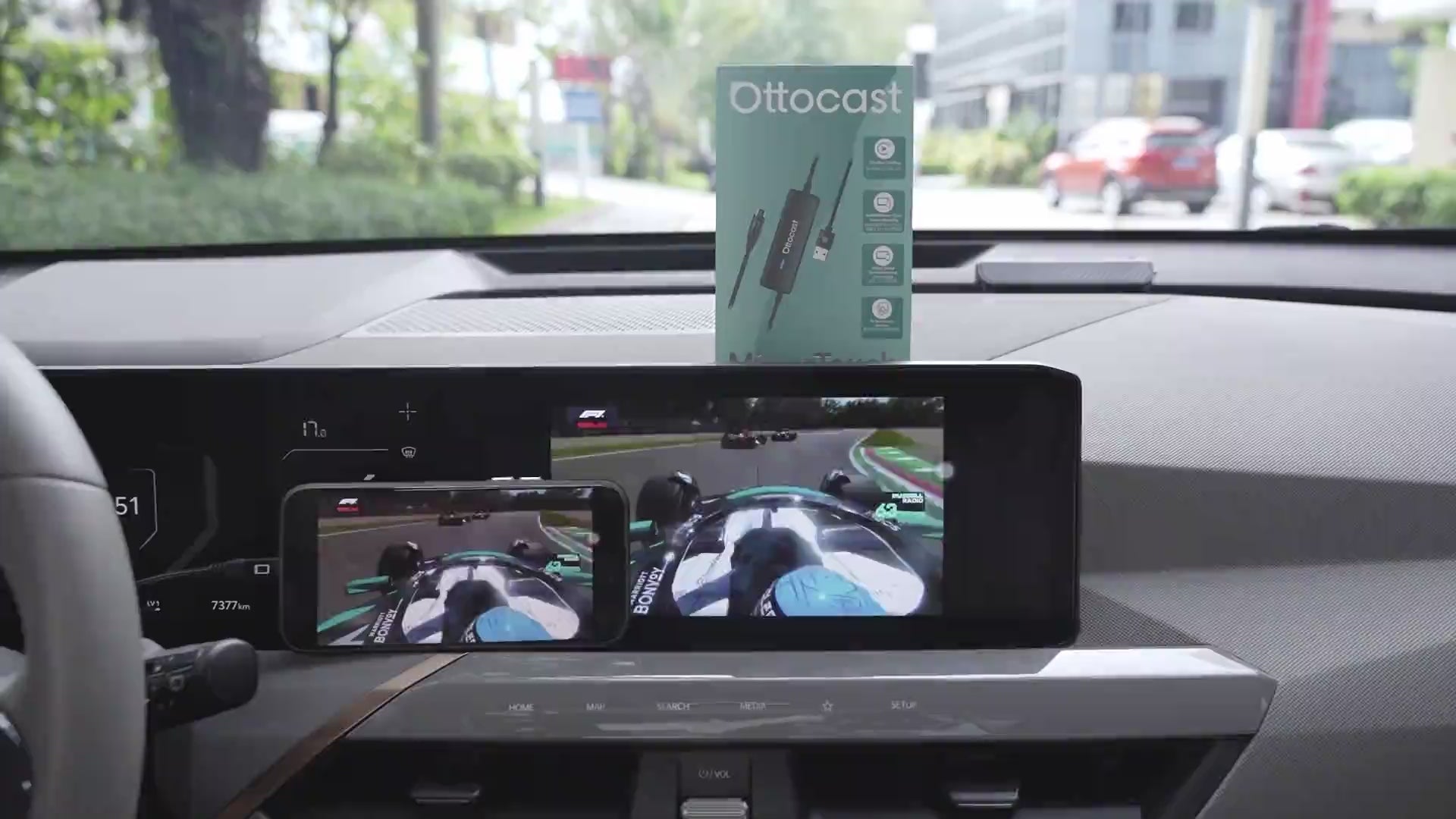
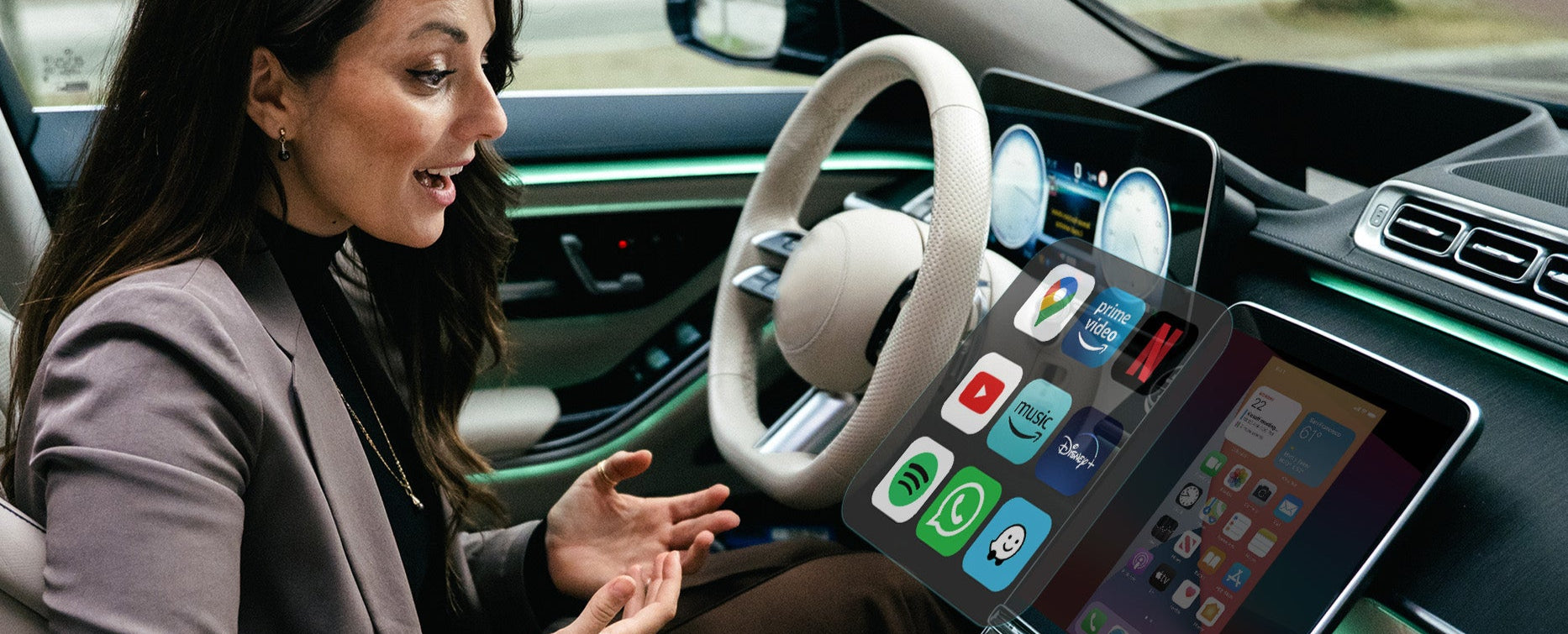
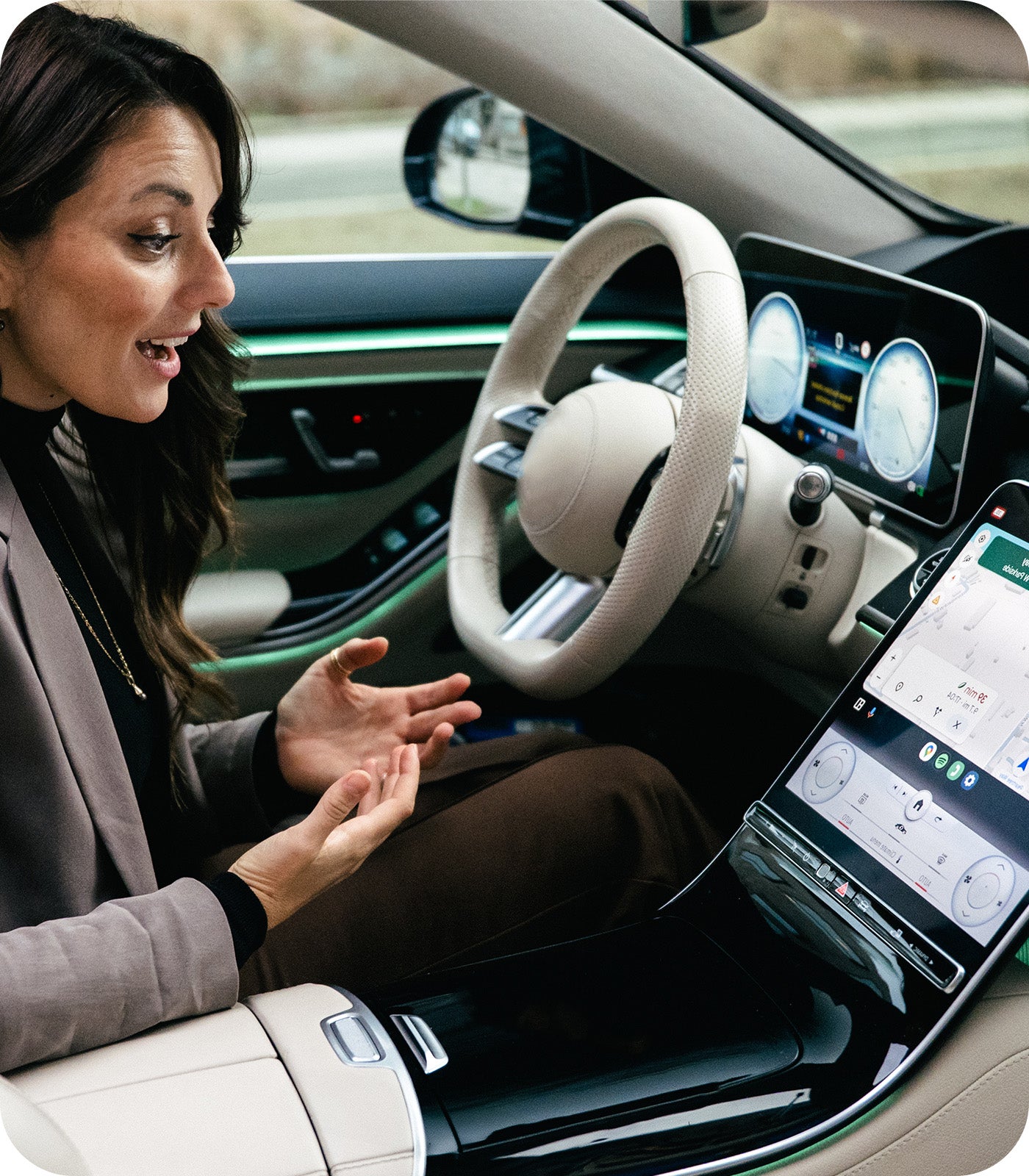
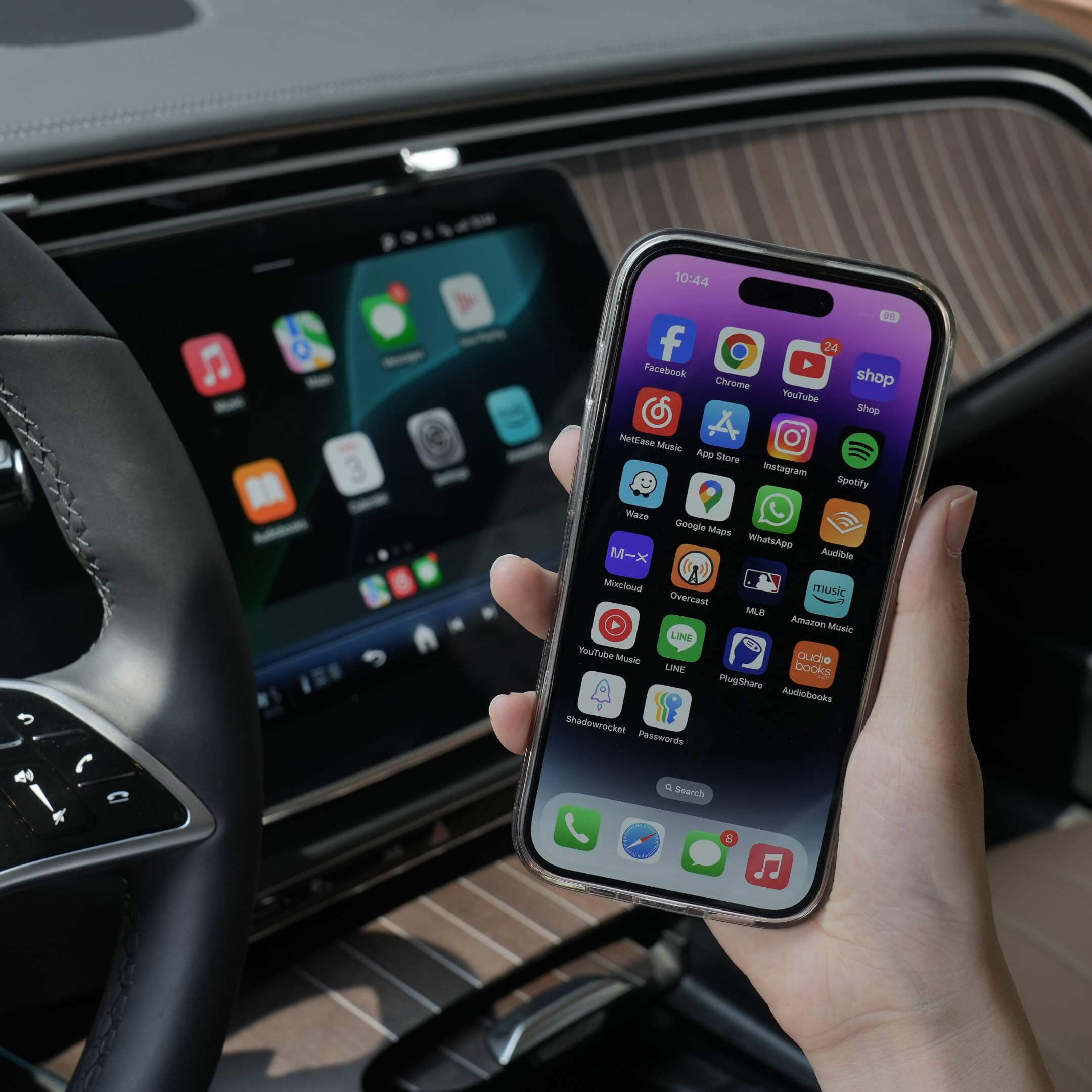
Your car screen displays everything from your phone as you step in
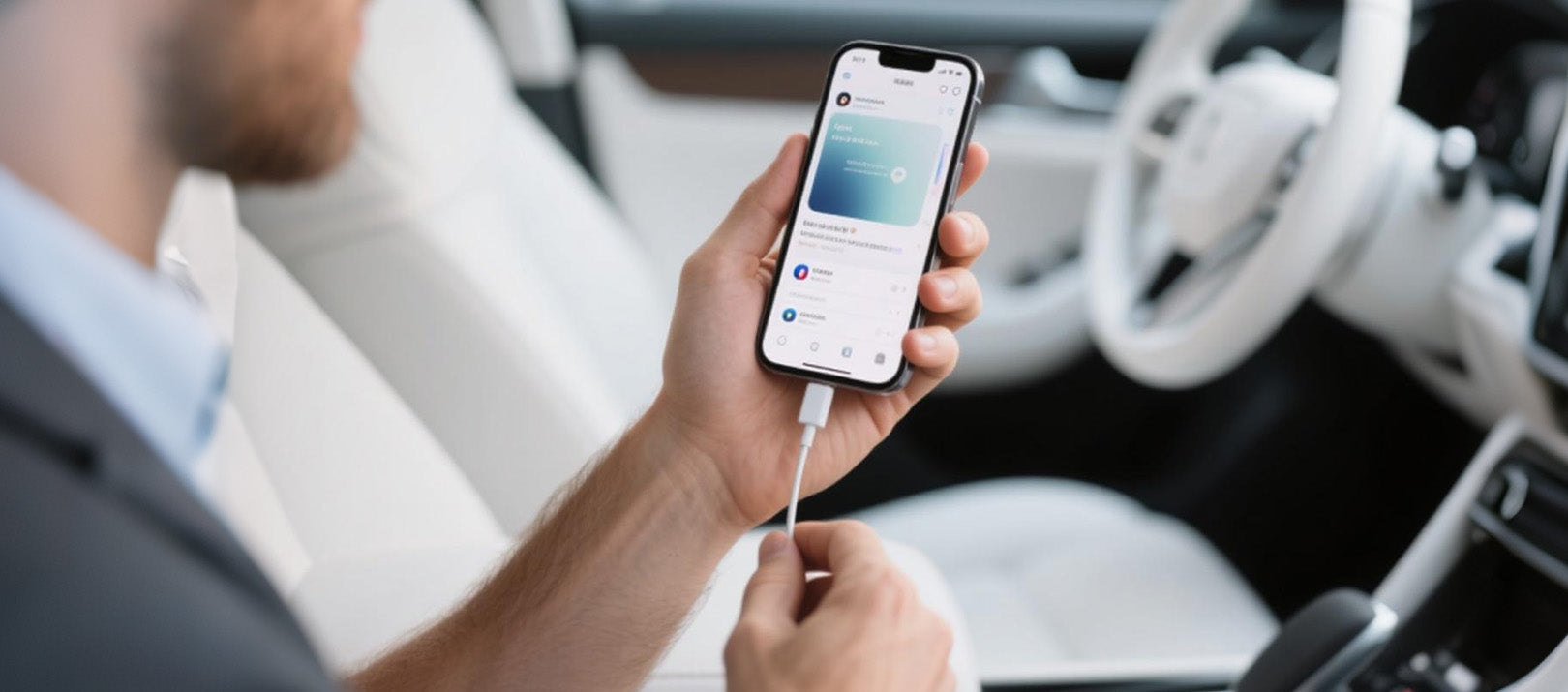

Mirror Touch provide a truly seamless start from every ride
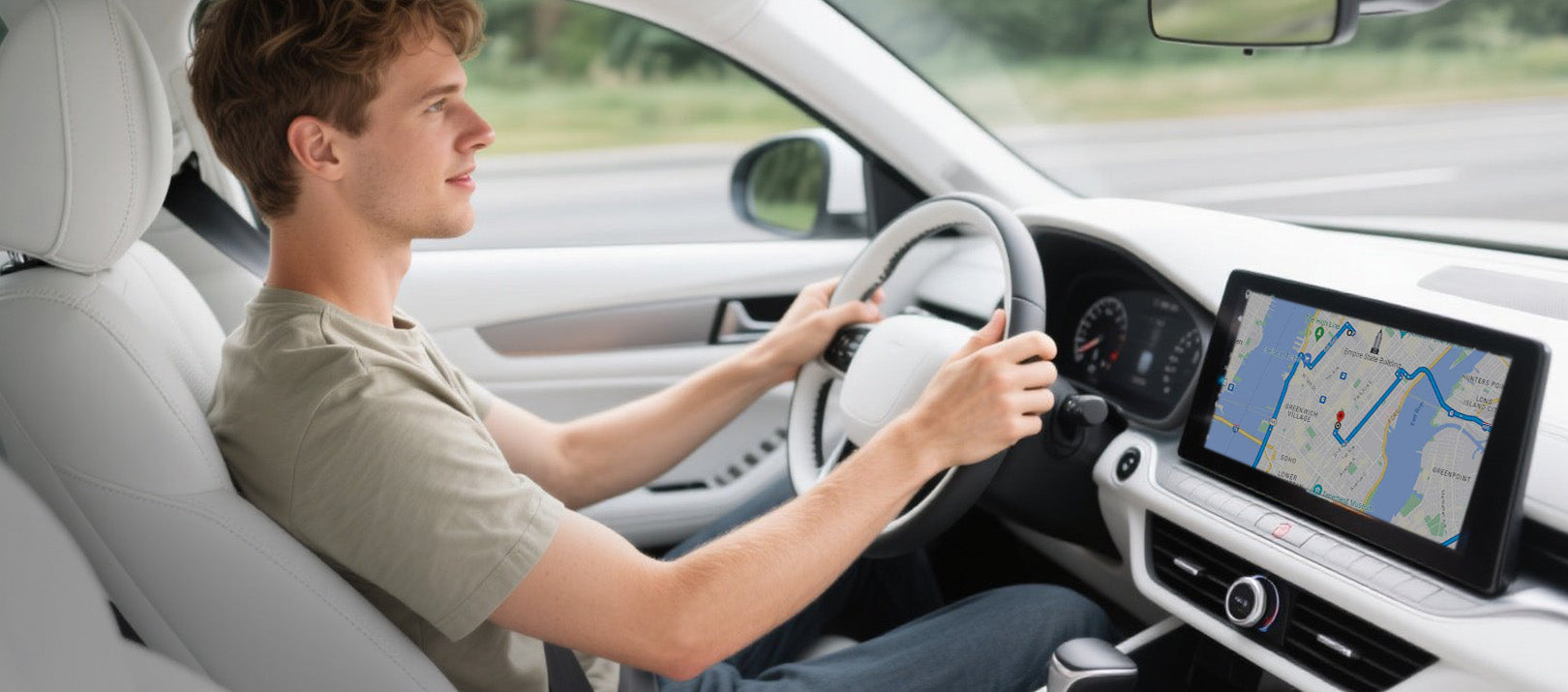

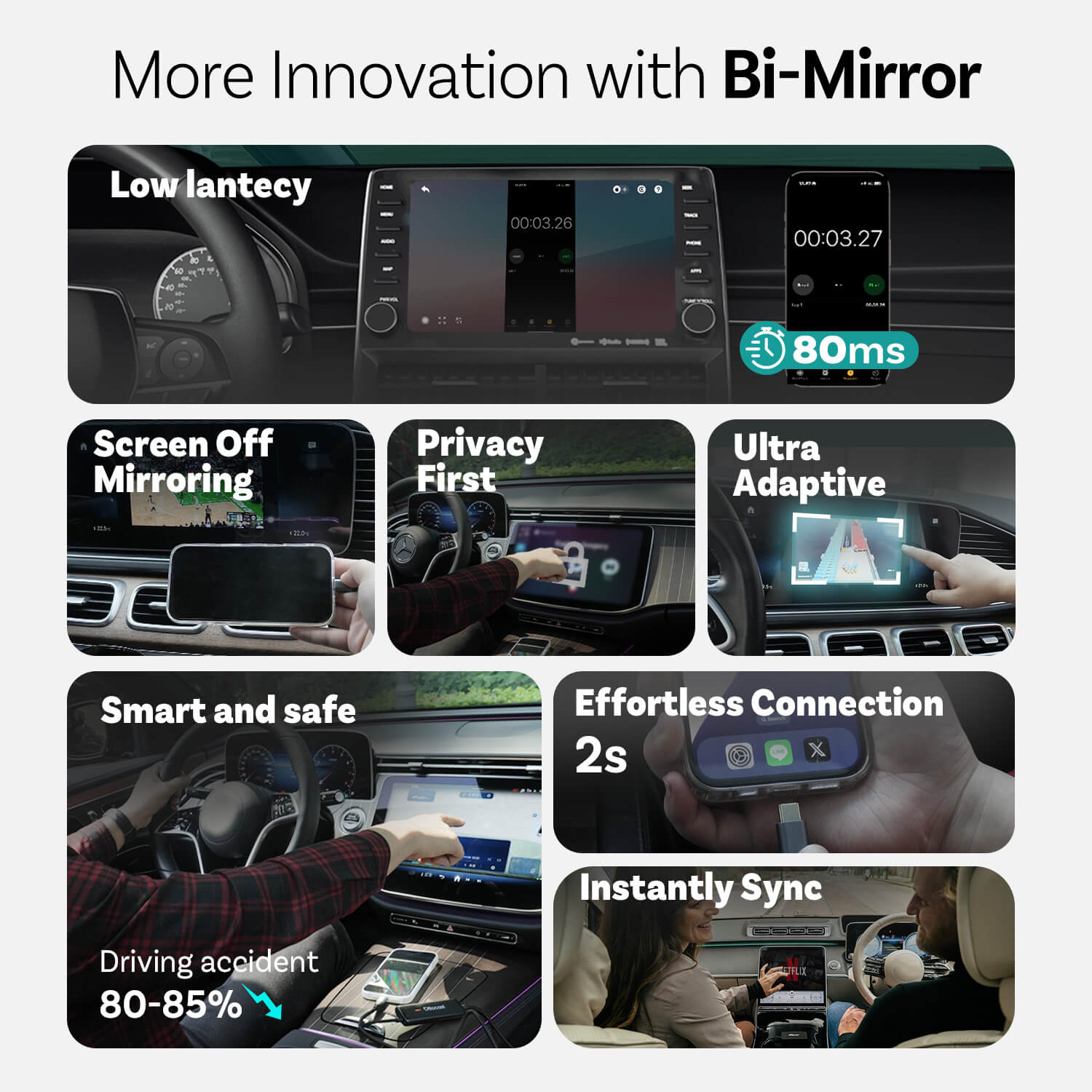
Using dashboard instead of phone to reduce driving accident around 80-85%


Innovations from Mirror Touch

Privacy First
Your messages, logins, and history stay exclusively on your phone.

80ms Low lantecy
100ms threshold that humans can perceive.

Ultra Adaptive
Effortlessly adapts to your most of apps orientation and native display features
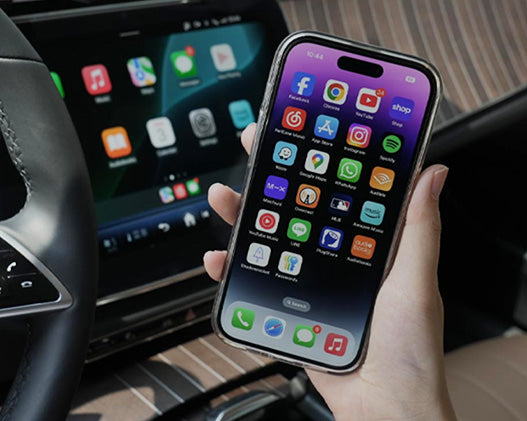


More Features
Ottocast Mirror Touch


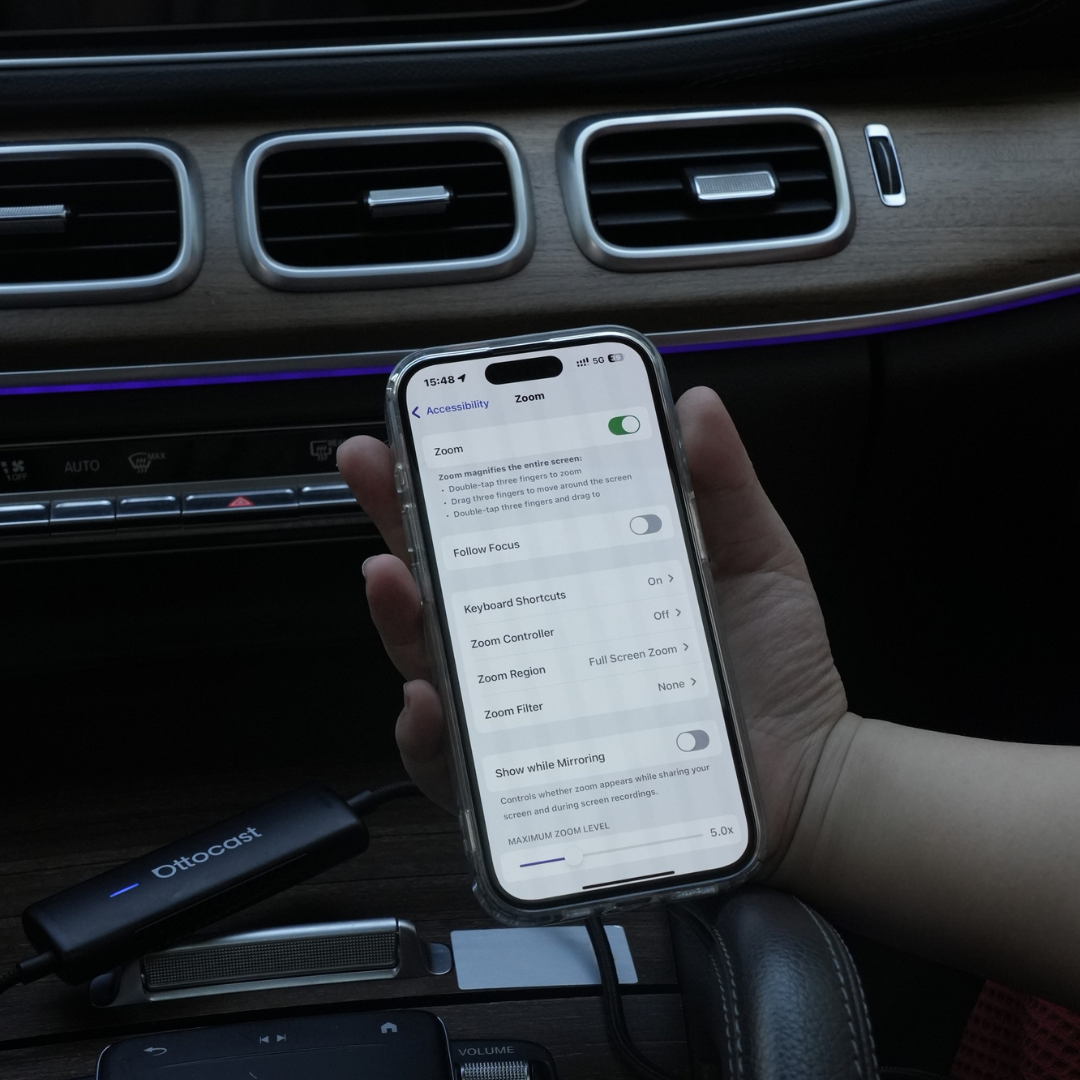
Three Steps to get Mirror and Control
FAQ
Is this Ottocast product compatible with my car?
Compatibility depends on which feature you want to use:
Phone Mirroring
- Supports Android phones with DP screen mirroring
- Supports iPhone 15 and later via USB-C DisplayPort output
Please make sure DP screen mirroring is enabled on your phone.
👉 Compatibility List
Wireless CarPlay
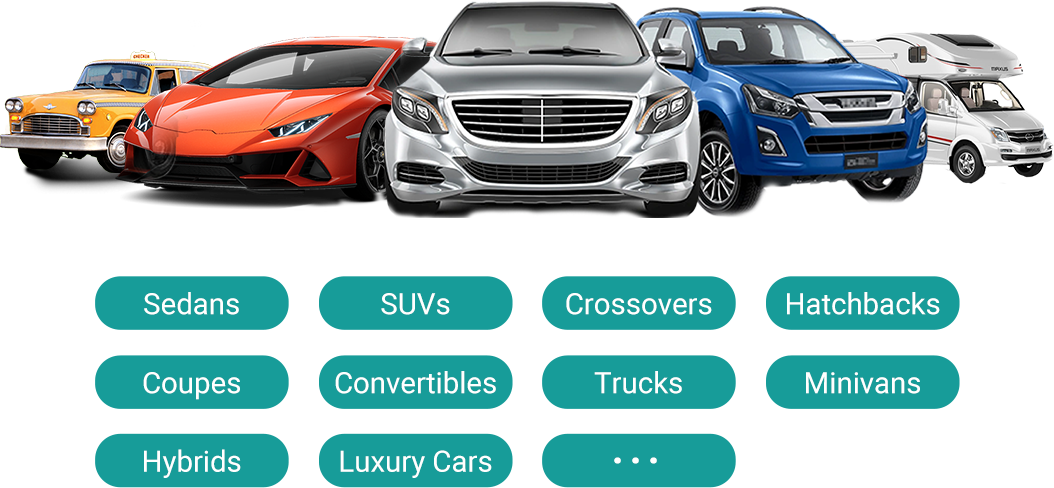
- Works with vehicles (2016 or later) or motorcycles that have factory wired Apple CarPlay
- ❌ Not compatible with Android Auto-only vehicles
How can I check compatibility on your website?
On the product page, click “Check If Your Car Has Wired CarPlay” (under “Add to Cart”), then select your make / model / year to see the result.
Are there any discount codes, coupons, or vouchers for Ottocast products?
Yes. New customers may receive a welcome offer when subscribing to Ottocast emails, and we run limited-time promotions throughout the year.
For the latest active codes, subscribe at the bottom of the page and we’ll send updates.
If I’ve paired two phones, which one will it connect to next time?
If multiple paired phones are nearby, Ottocast will usually reconnect to the last used phone.
To switch devices, disconnect CarPlay on the current phone (or turn off its Bluetooth/Wi-Fi), then connect with the other phone.
Some models also support one-tap switching or manual device selection.
Can I move it between two cars?
Yes. Just unplug it and use it in another compatible vehicle. In the new car, you may need to re-pair your phone or do a quick first-time setup.
Can my phone use the screen mirroring feature?
It depends on whether your phone supports video output (DisplayPort / DP Alt Mode).
- Android: Supported on USB-C phones with DP Alt Mode.
- iPhone: Supported on iPhone 15 and newer (USB-C DisplayPort output).
Tip: Check your phone specs/settings to confirm DP Alt Mode is supported and enabled.
Compatibility list: Click to check
Do mirroring and touch control require a cable?
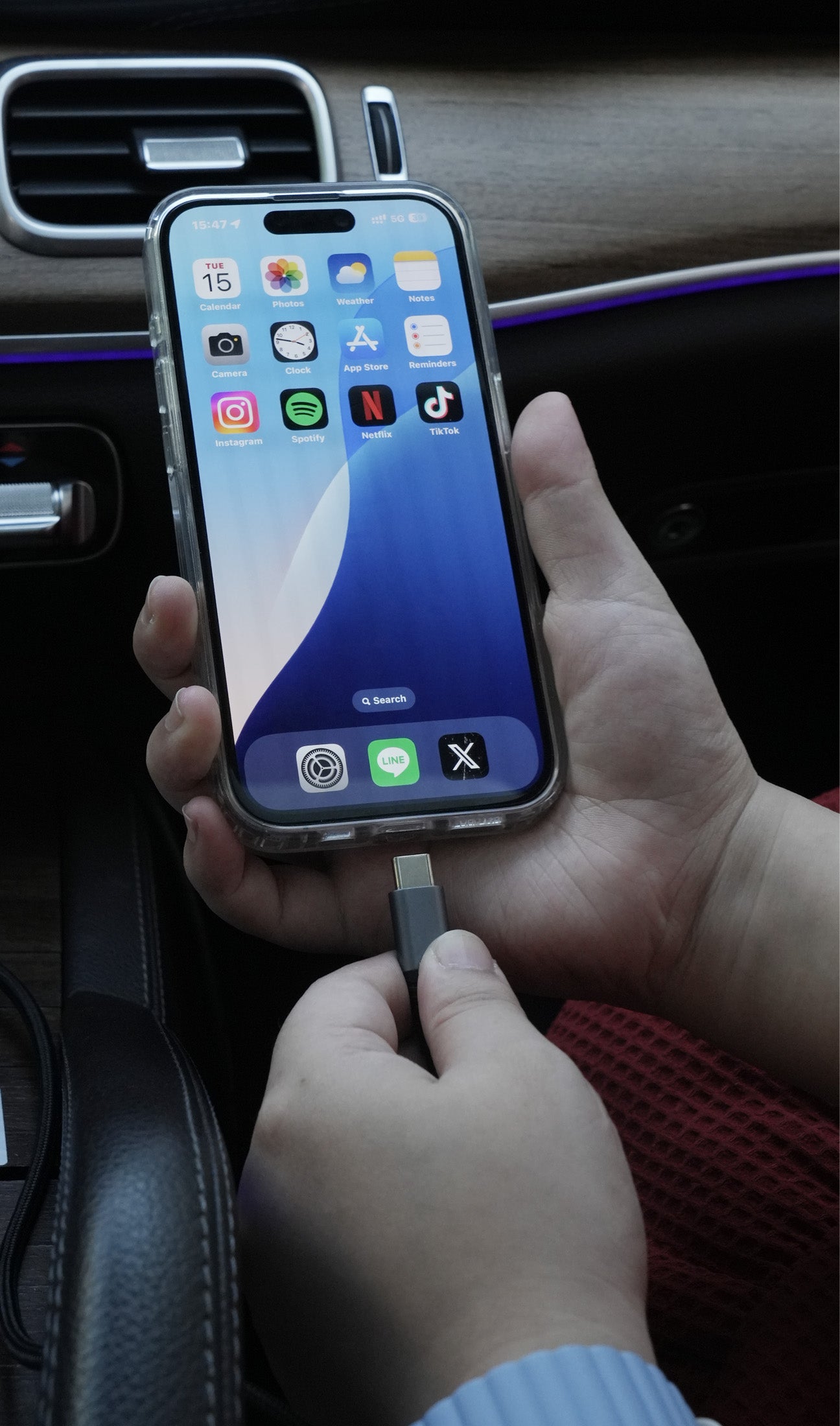
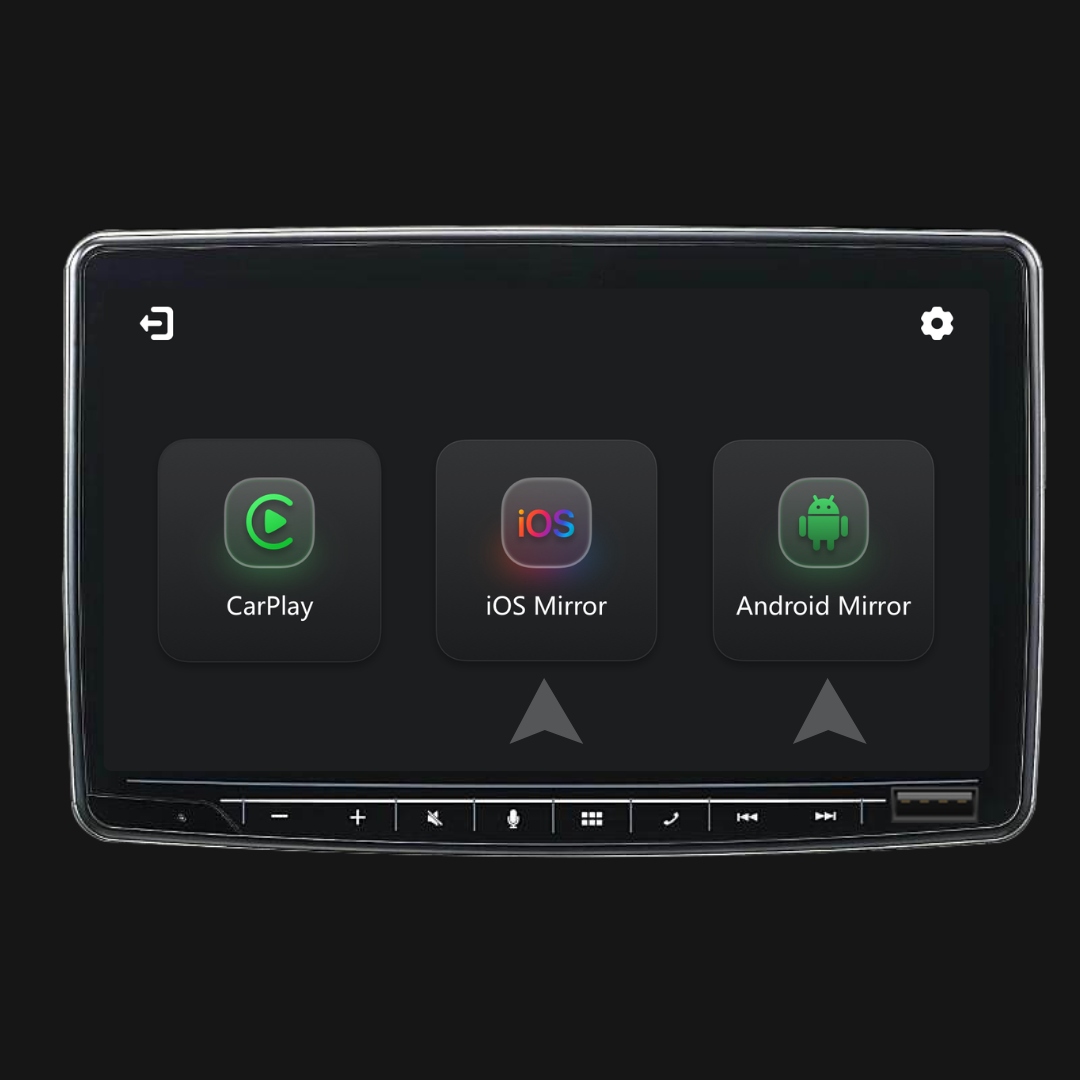
Yes. Screen mirroring and touch control require a wired connection. Connect your phone with a cable, then tap iOS Cast or Android Cast on the screen to start.
Do I need to set it up every time I get in the car?
No. After the first setup, it auto-connects when you start the car (as long as your phone’s Bluetooth/Wi-Fi are on). You can then switch between CarPlay and phone mirroring (if supported).
What should I confirm before buying?
Please confirm these 3 points:
- Phone support for mirroring/touch control:
- iPhone: iPhone 15+ (USB-C with DisplayPort/DP video output)
- Android: USB-C phone with DP Alt Mode video output
- Car requirement: Your vehicle must support factory wired CarPlay (commonly 2016+).
- Compatibility check: Use the compatibility list/checker on the product page to confirm your exact vehicle.
Why choose Mirror Touch?
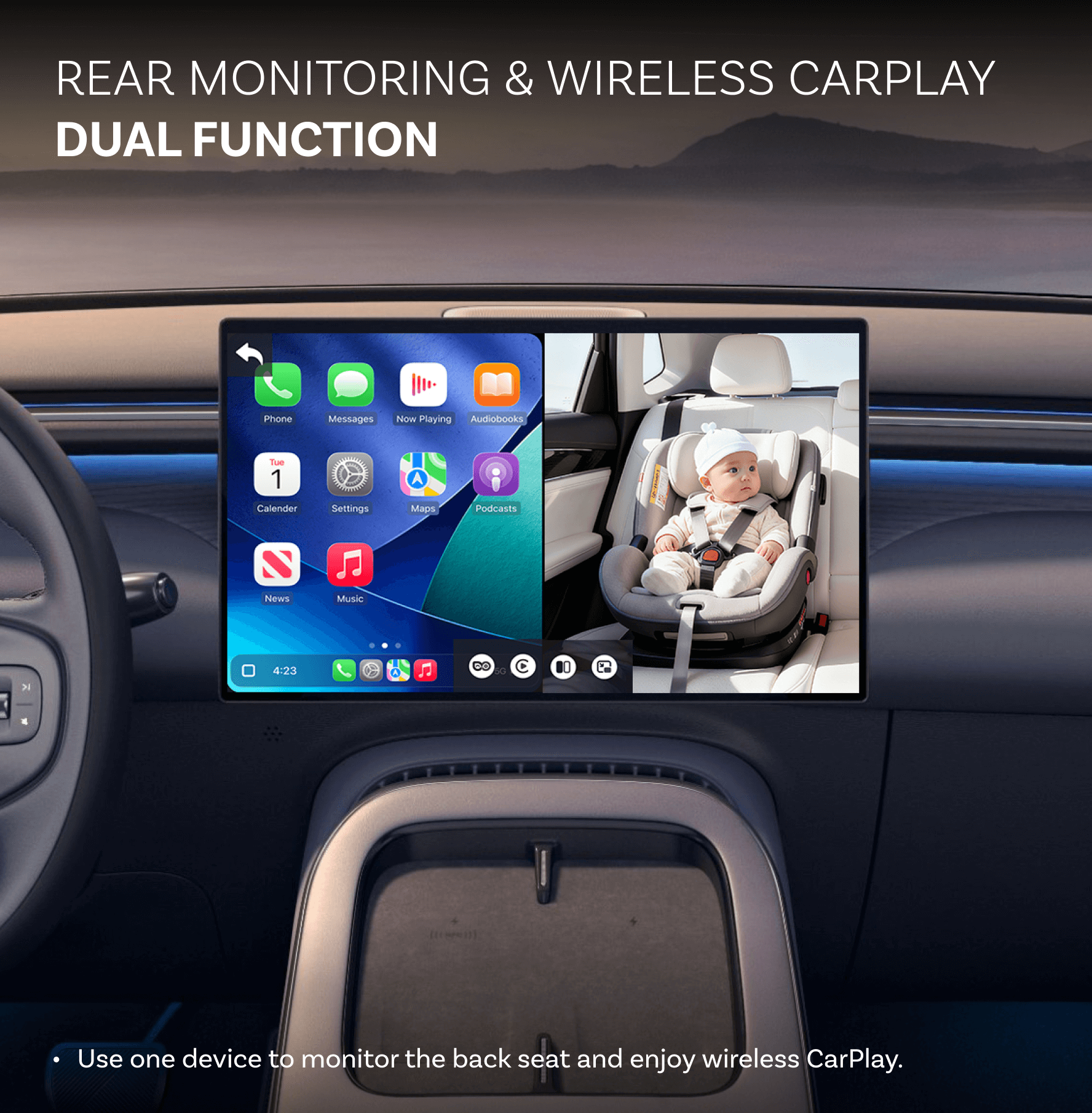
Mirror Touch upgrades standard wireless CarPlay with two key features: full-screen phone mirroring and touch control—so you can tap, swipe, and type on your car screen like on your phone.
It’s designed for low latency, and your data/history stays on your phone.

You may also like