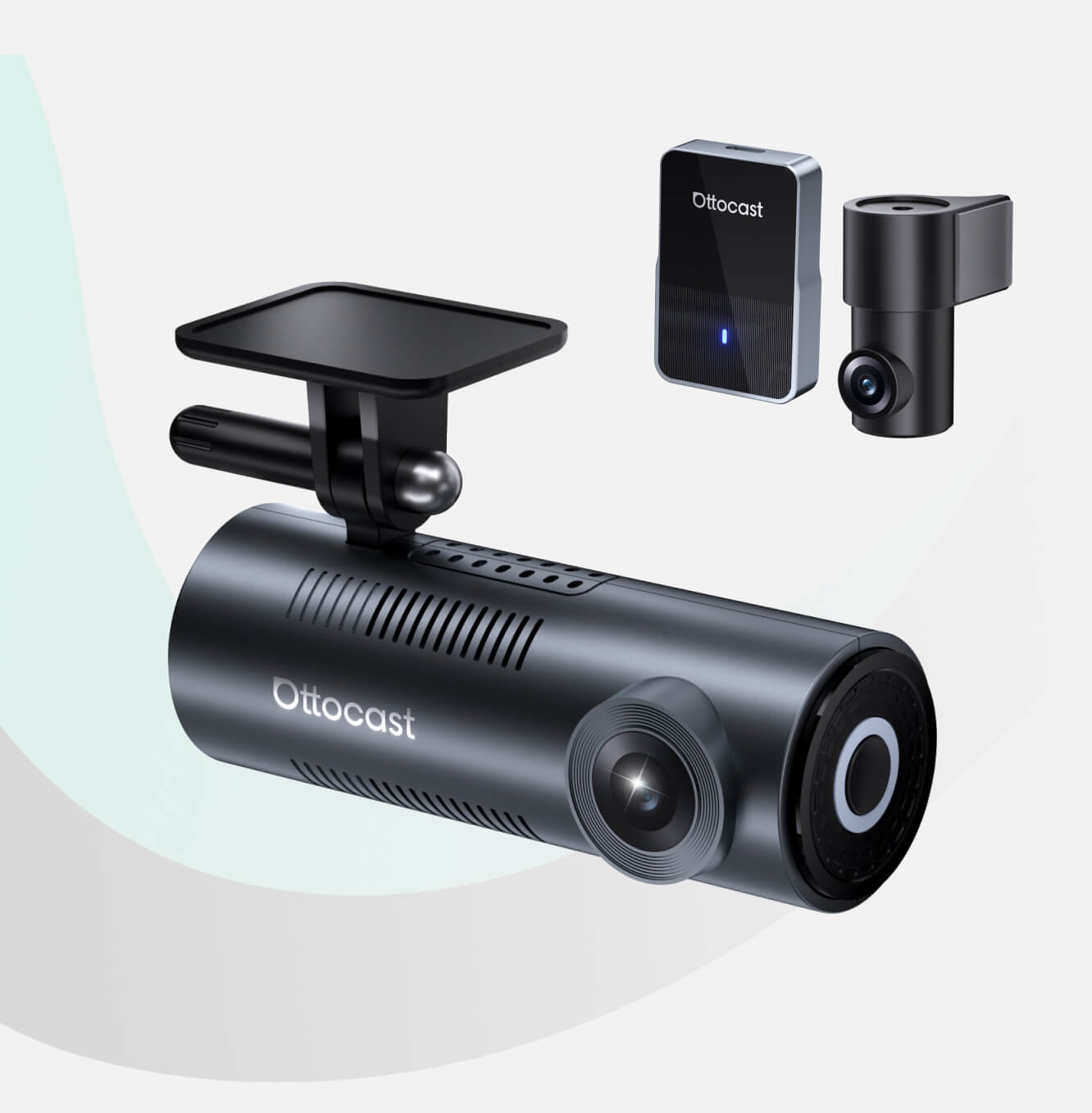

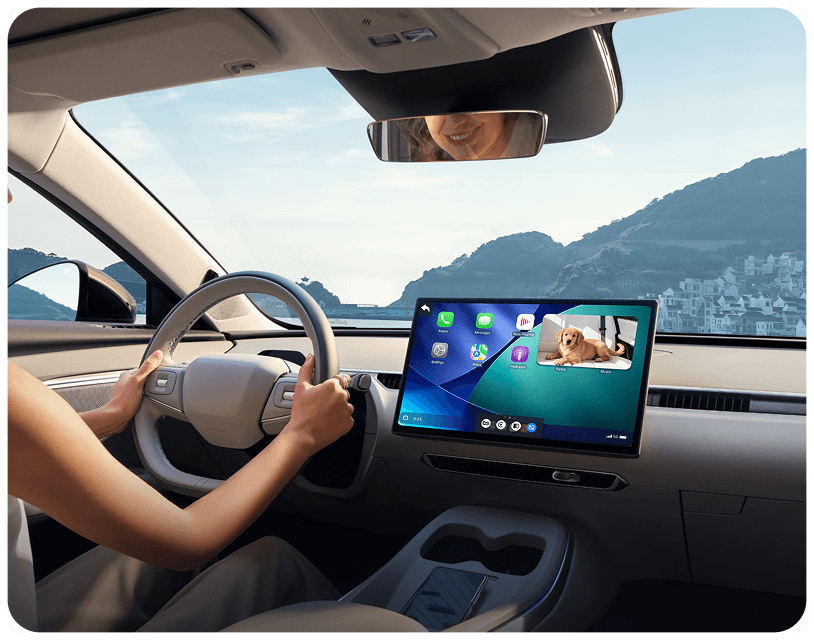
Say goodbye to tangled wires and enjoy seamless wireless freedom with full support for CarPlay.
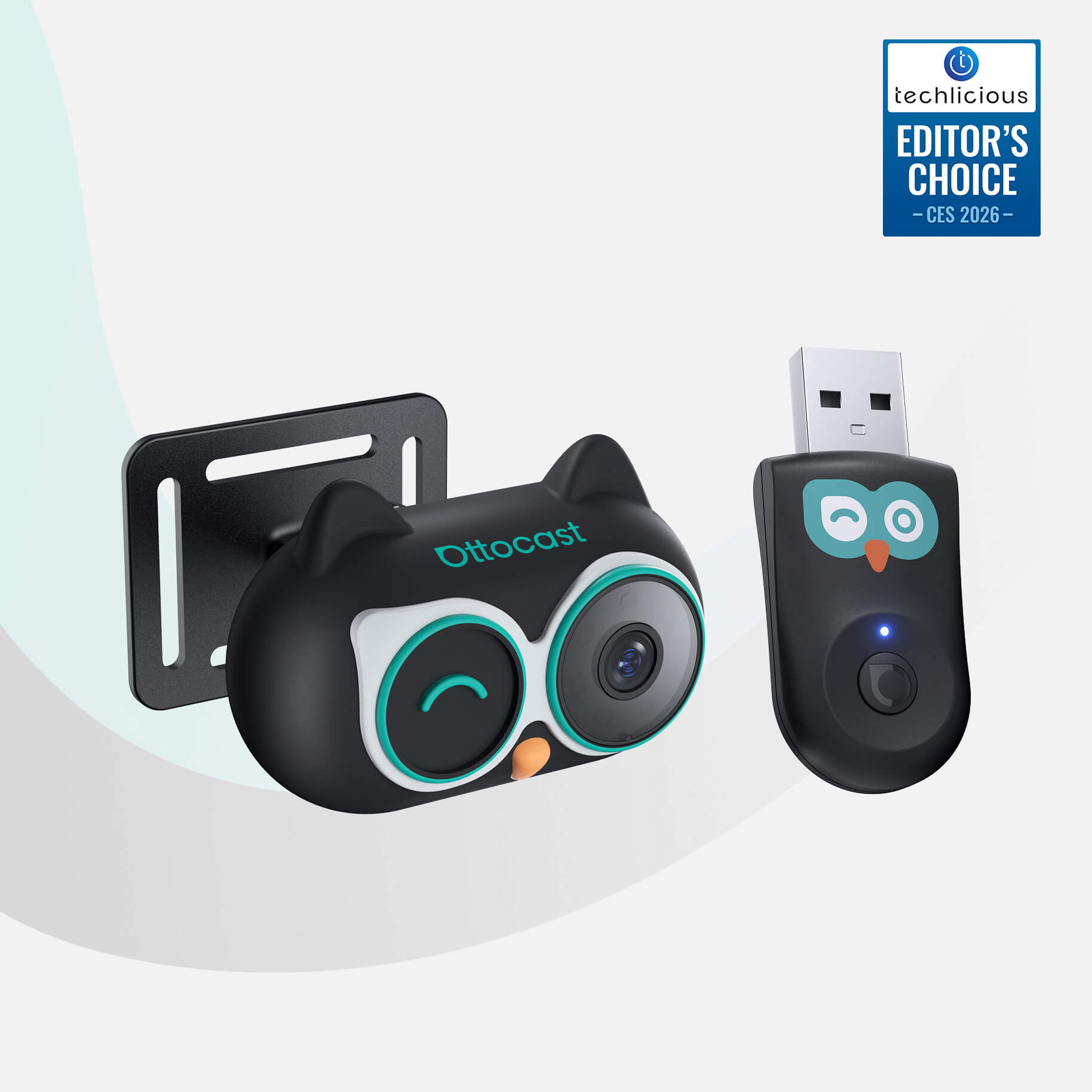


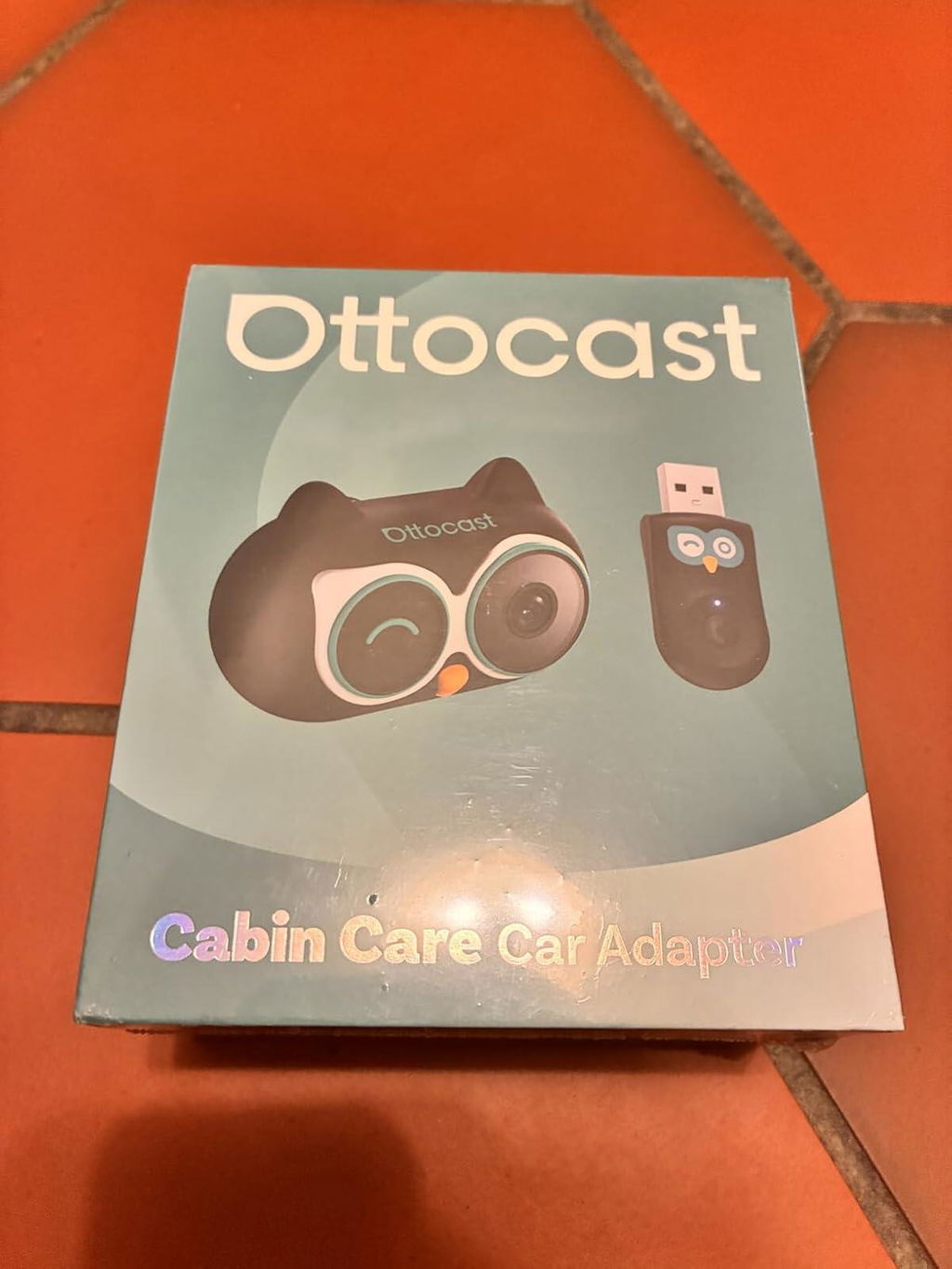
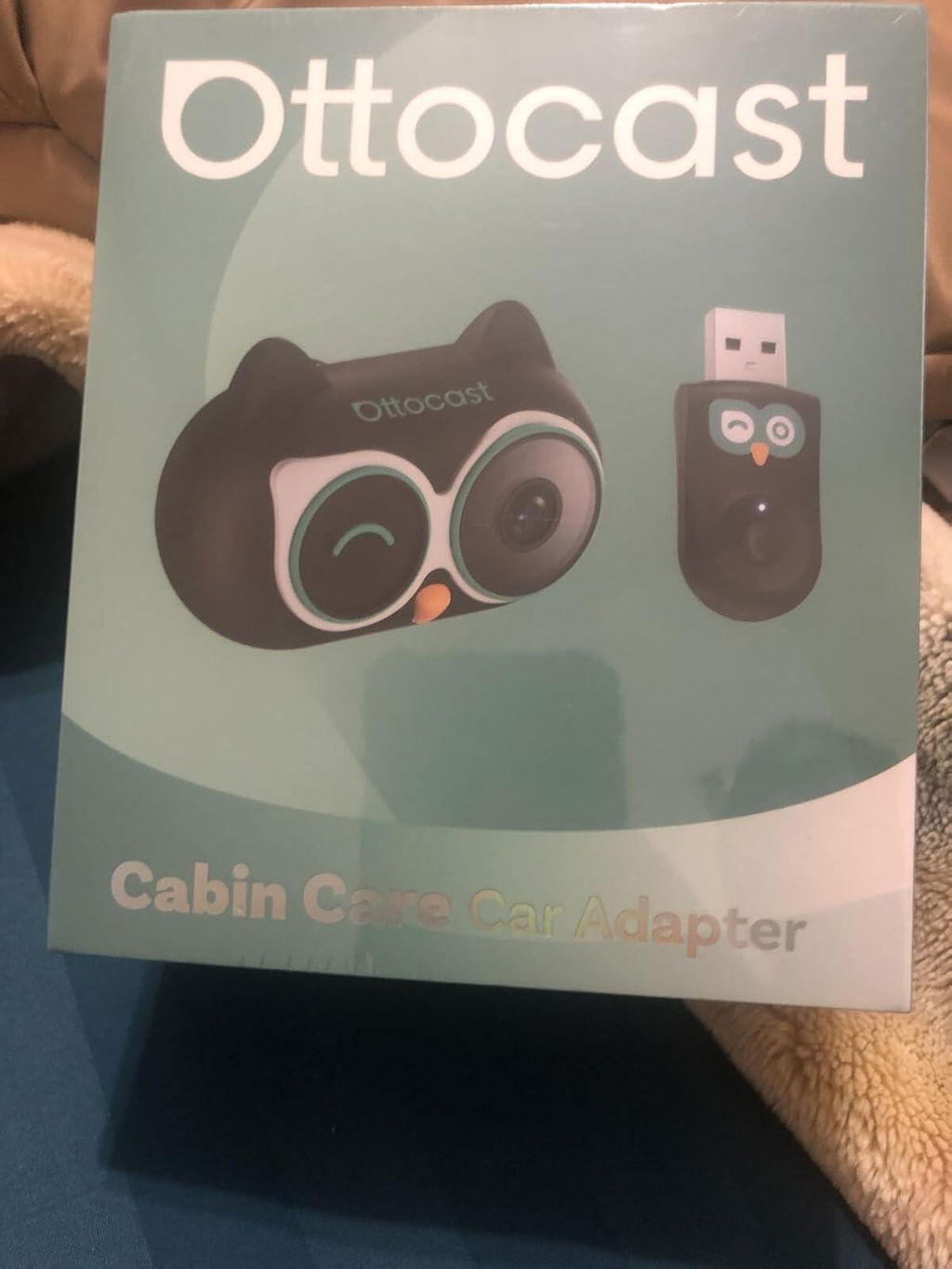
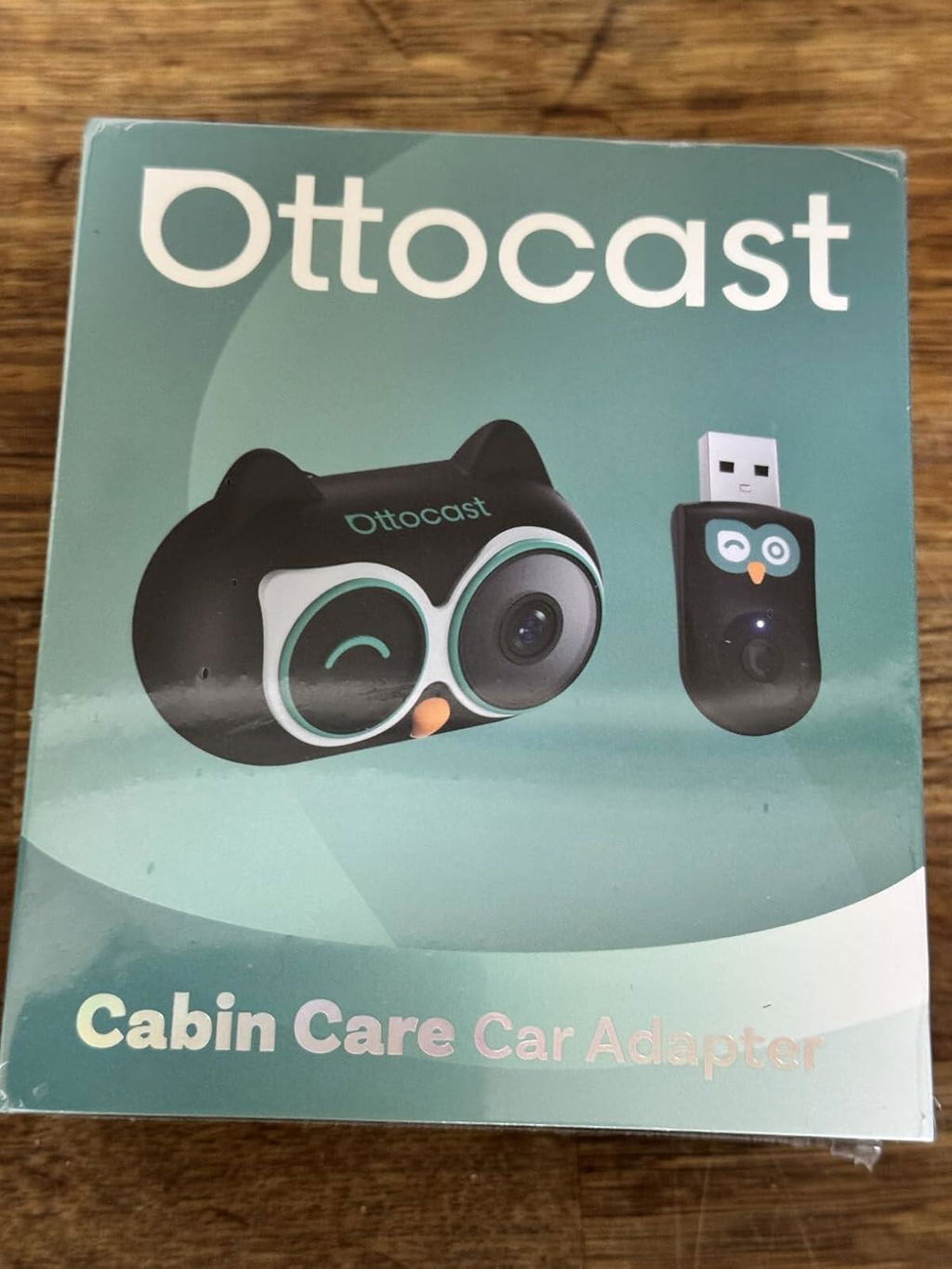
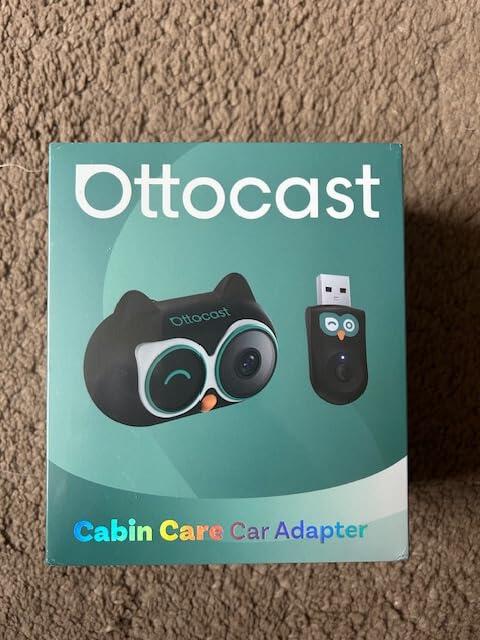
Cabin Care Wireless CarPlay Adapter
PRICE
KEY FEATURES
Seamless Wireless CarPlay
Enjoy CarPlay wirelessly while you drive, making it easy to take calls, play music, and navigate with ease.
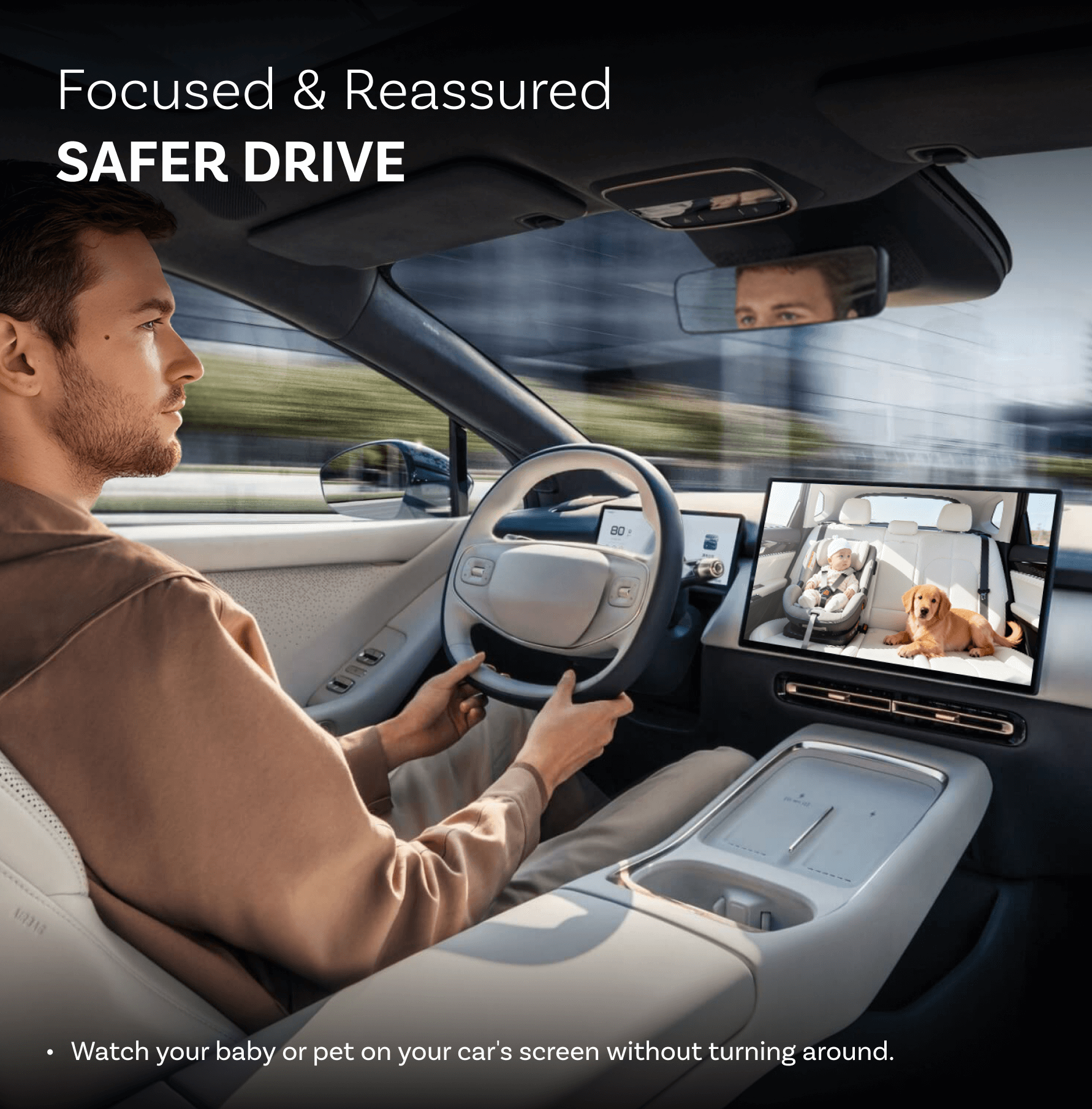
Real-Time Rear View
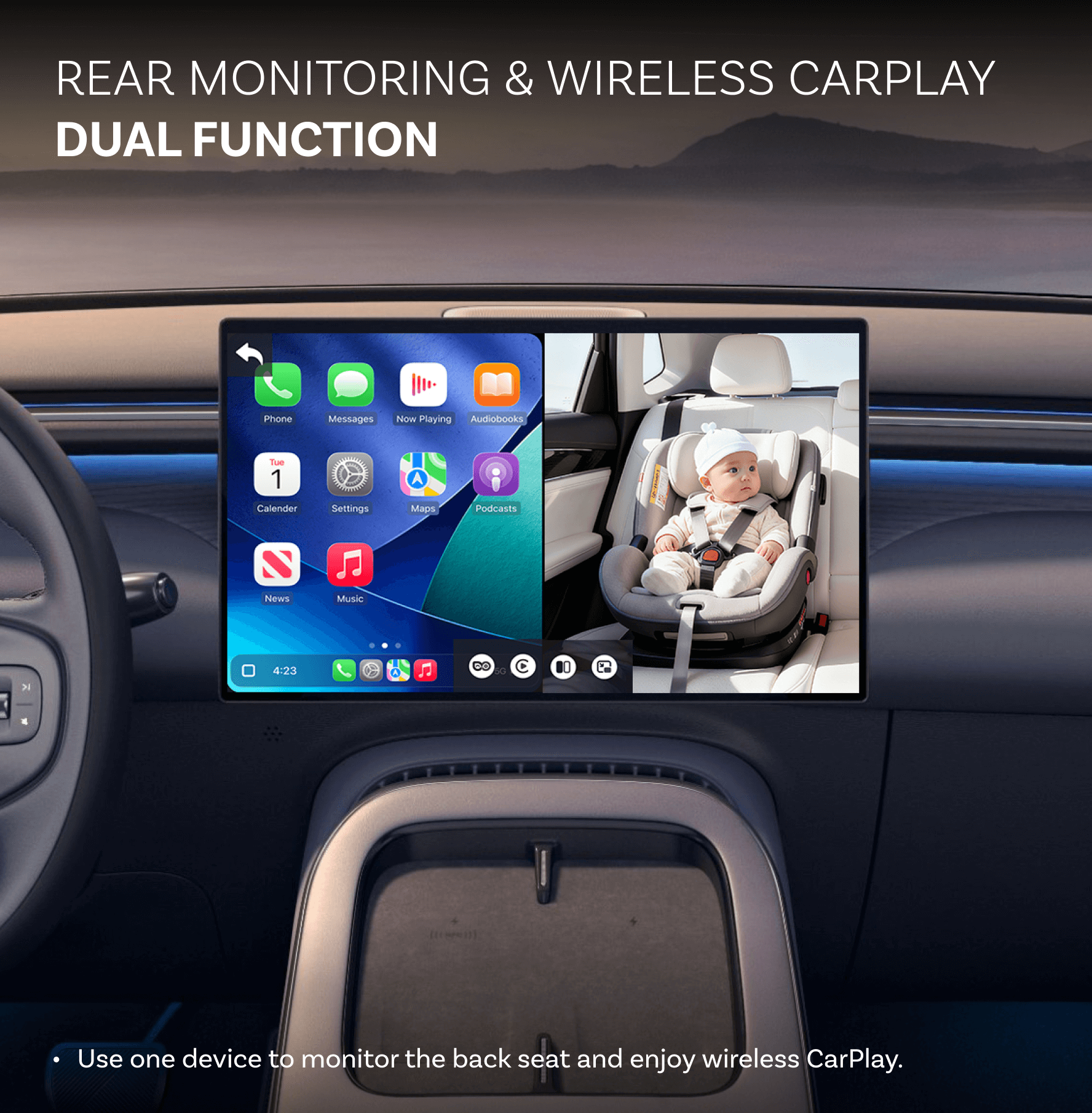
Watch your loved ones live on your car's screen with no recording or uploading, only peace of mind.
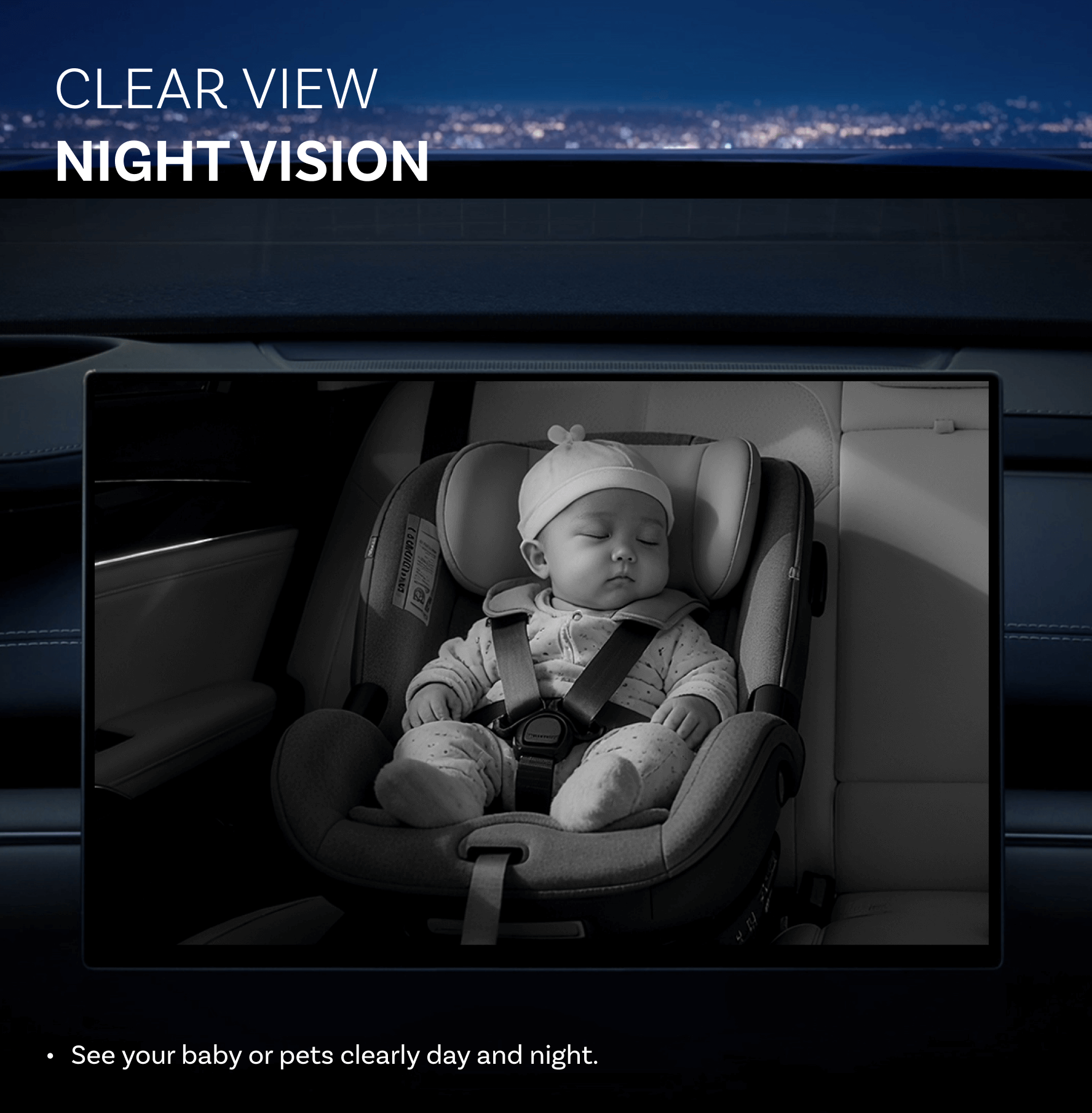
Night Vision
See your baby or pets clearly day and night.
Adjustable 150° Wide View
See the entire back seat with a 150° wide angle and set the camera to the perfect angle for you.
Two Ways to Mount
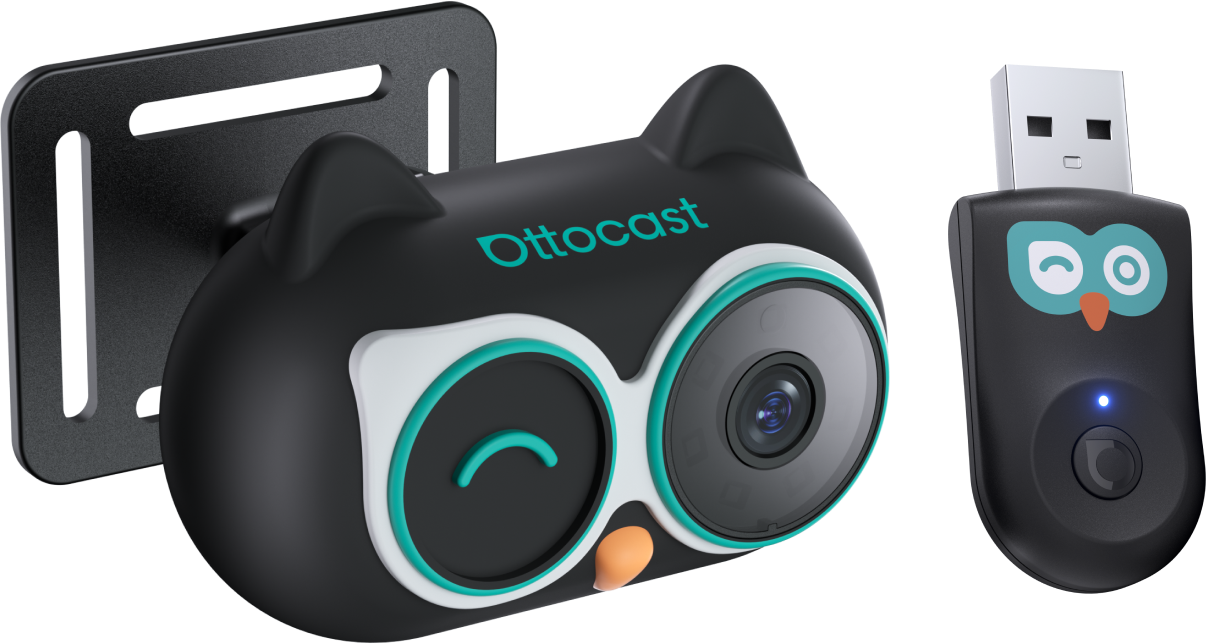
Secure the monitor with a cross strap on the headrest or clip it onto the metal rods using the included tools for quick and easy setup.
Keep it Compatible
Get quick bug fixes on-the-go with the help of FOTA upgrades.
BEFORE YOU BUY
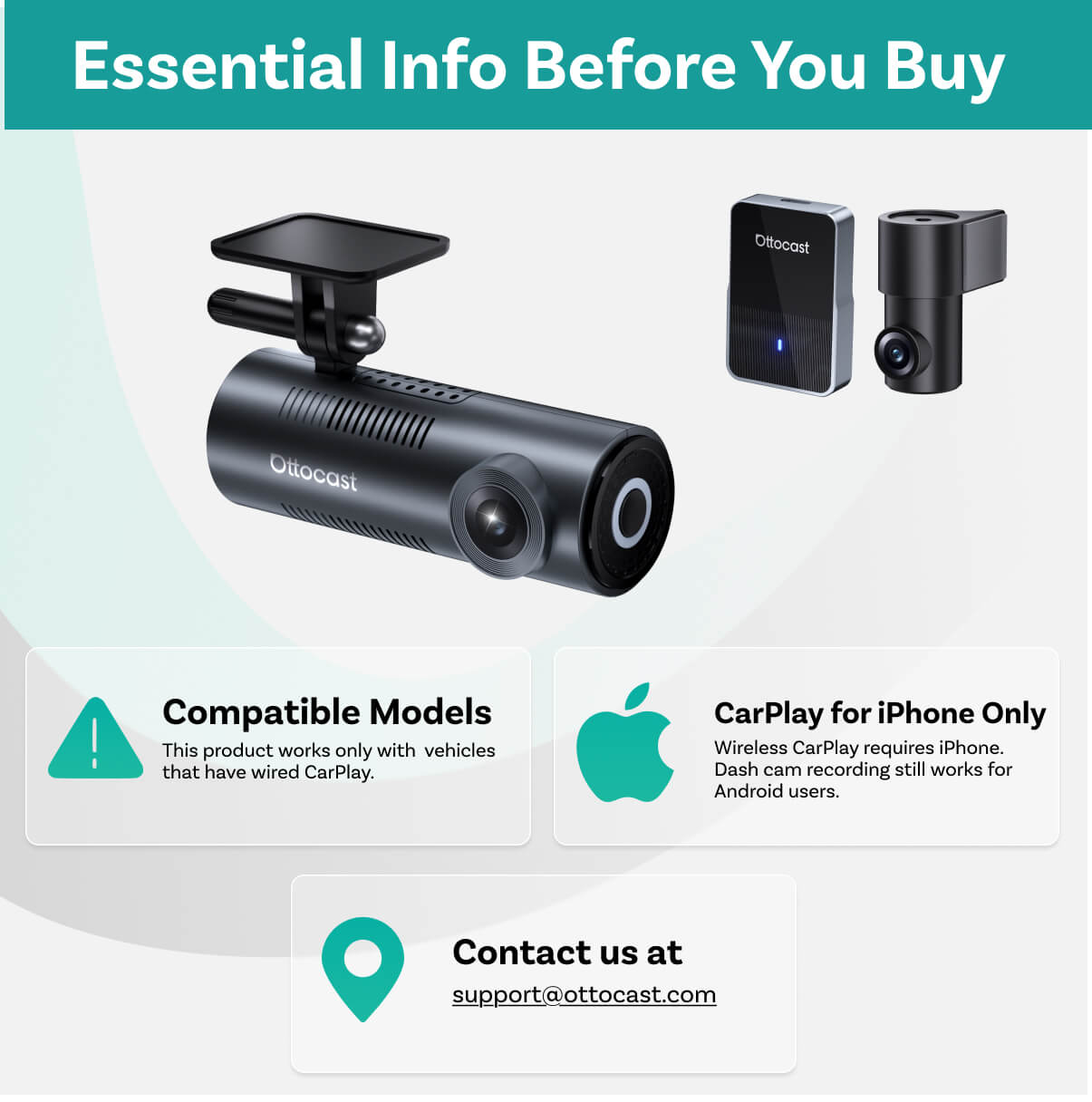
Requires Factory Wired Apple CarPlay
For 2016 or newer vehicles
Requirements:
- Vehicle: Factory wired Apple CarPlay required.
- Phone: iPhone only.
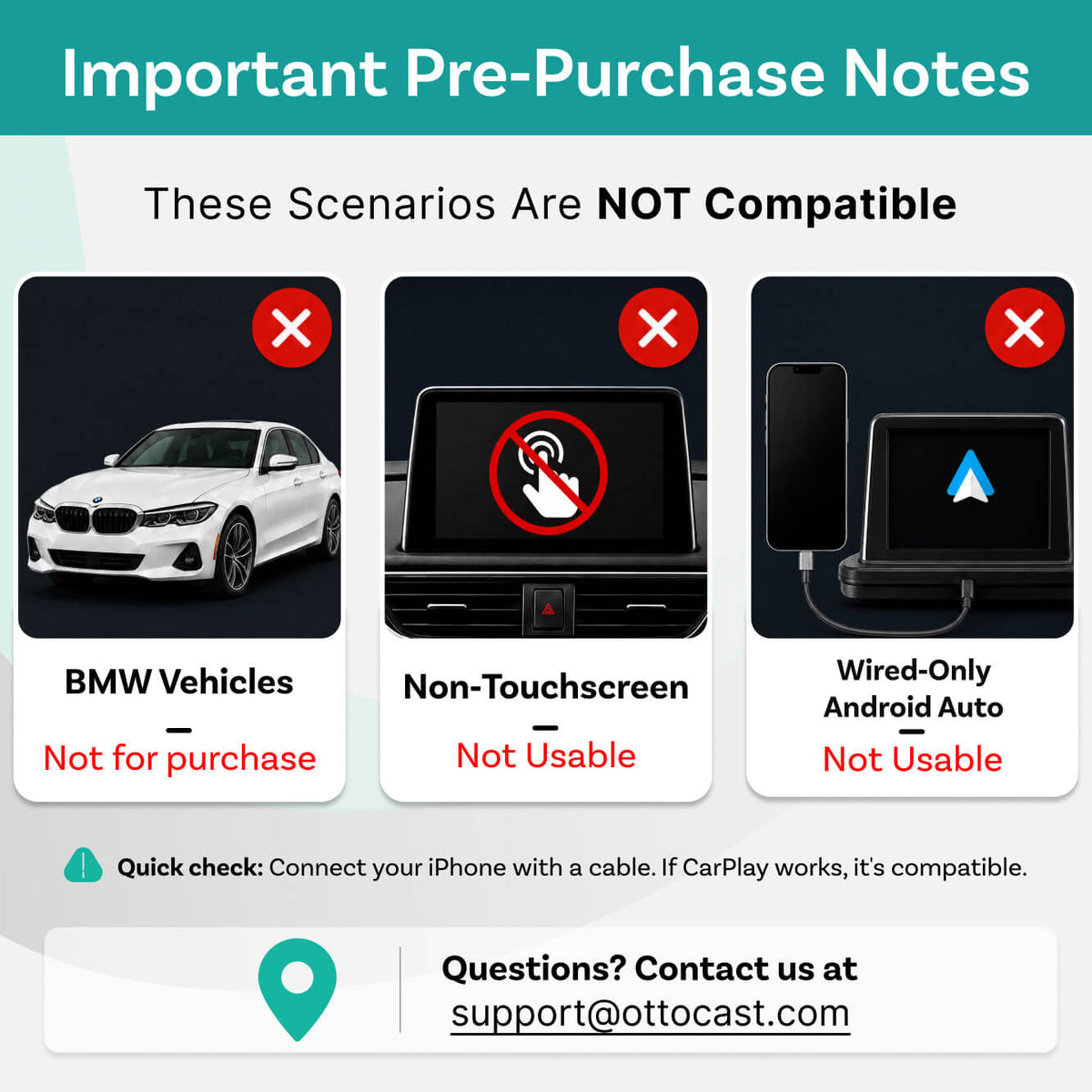
- Not supported: Android Auto-only or wireless-only CarPlay vehicles.
Camera Mode: Works independently. Just connect power—no phone connection required.
Not Compatible:
- Sony aftermarket head units.
- Vehicles without a touch screen.
Mitsubishi Vehicles: Please leave a note at checkout or email us before ordering.
Factory Wireless CarPlay Only Vehicles (found on some BMW models): OttoAibox i3 is recommended.
How to Check Wired CarPlay / Android Auto Support
×
Sale price$169.00
Regular price$260.00 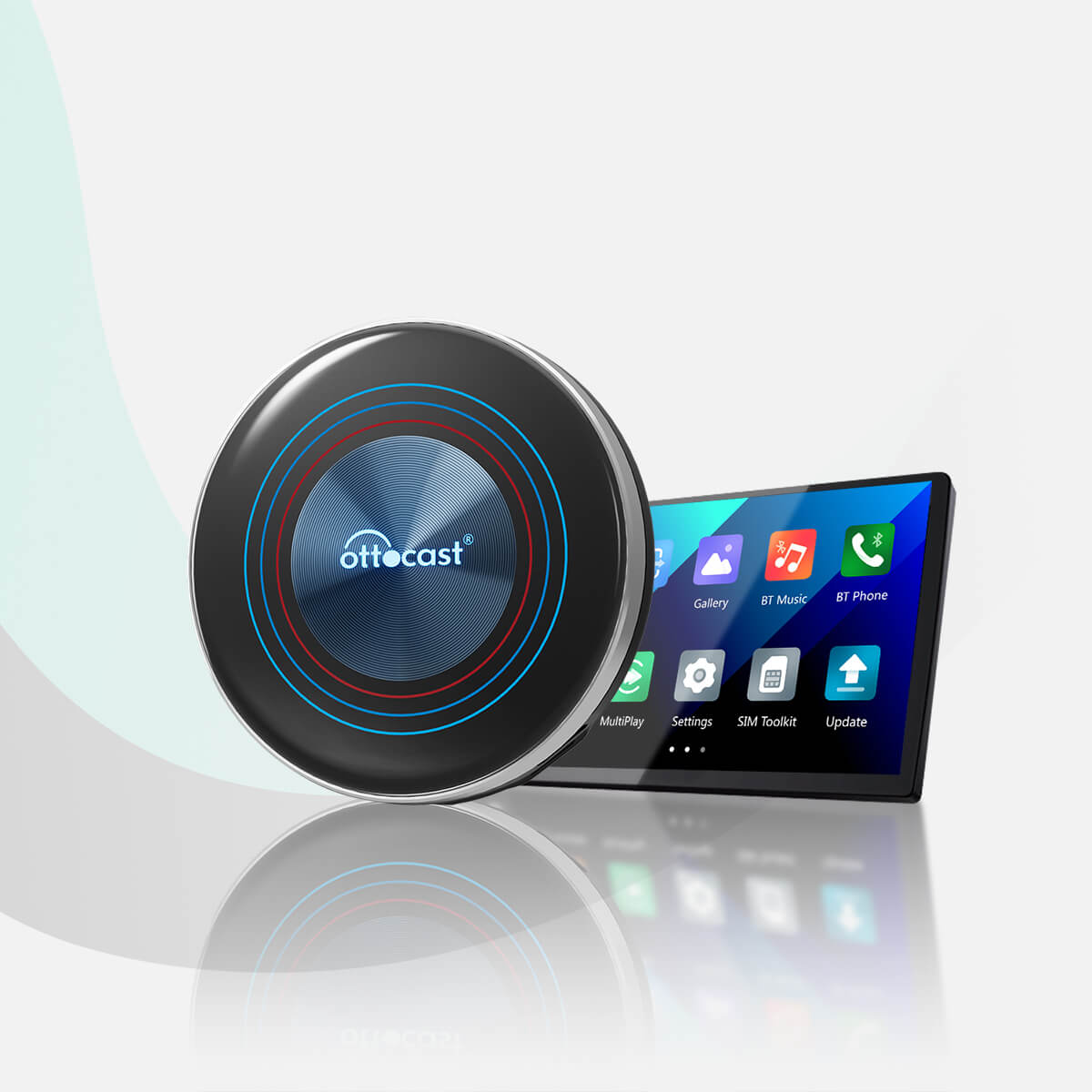
Sale price$229.00
Regular price$325.00
×
Solution found for your vehicle!
VEHICLE SELECTED
Audi A4, 2018
We've confirmed your vehicle does not have factory CarPlay. Don't worry! The Ottoscreen AI shown below is the complete solution designed to bring smart features and full screen CarPlay to your car easily.
Ottoscreen AI
Great! Your Car Has Wired CarPlay
VEHICLE SELECTED
Audi A4, 2018
Your vehicle is listed with factory wired CarPlay. Review the requirements above before purchasing.
Need Confirmation
VEHICLE SELECTED
Audi A4, 2018
We apologize, your model is not in our database. Please confirm one crucial detail: Does your car have Wired Apple CarPlay?
Watch the guide video below or use an AI tool (like Gemini or ChatGPT) to quickly search your car's features and confirm. If it has wired CarPlay, our products is the perfect fit!
Wireless CarPlay Only
VEHICLE SELECTED
Audi A4, 2018
Your vehicle only supports wireless CarPlay and does not have wired CarPlay, so this product is not compatible with your vehicle. Don’t worry—you can choose our OTTOAIBOX i3 to watch videos in your car.
OttoAibox i3 BMW CarPlay AI Box
Great! Your Car Has Wired CarPlay
VEHICLE SELECTED
Audi A4, 2018
Your vehicle is listed with factory wired CarPlay. Review the requirements above before purchasing.
Wired Android Auto Only
VEHICLE SELECTED
Audi A4, 2018
Your vehicle only supports wired Android Auto and does not have wired CarPlay, so this product is not compatible with your vehicle.
Wireless CarPlay Only
VEHICLE SELECTED
Audi A4, 2018
Your vehicle supports factory wireless CarPlay. However, wired CarPlay has only been confirmed on higher trim levels, while availability on lower trims may vary.
Not sure if your car supports wired CarPlay? Connect your iPhone to the car’s USB port using a cable. If there are multiple USB ports, use the one intended for phone connection rather than charging only. If CarPlay appears on your factory screen, your vehicle is compatible with our product.
Wired Android Auto & wireless CarPlay only
Audi A4, 2018
Great! Your Car Has Wired CarPlay
VEHICLE SELECTED
Audi A4, 2018
Your vehicle is listed with factory wired CarPlay. Review the requirements above before purchasing.
Great! Your Car Has Wired CarPlay
VEHICLE SELECTED
Audi A4, 2018
Your vehicle is listed with factory wired CarPlay. Review the requirements above before purchasing.
Great! Your Car Has Wired CarPlay
VEHICLE SELECTED
Audi A4, 2018
Your vehicle is listed with factory wired CarPlay. Review the requirements above before purchasing.
Upsell Products
Warranty products
After-sale policy

30-Day Returns

1-Year Warranty

Dedicated Support
Share
Cabin Care Wireless CarPlay Adapter
Sale price$109.00


Why Choose CABIN CARE?


See Back Seat in Real Time
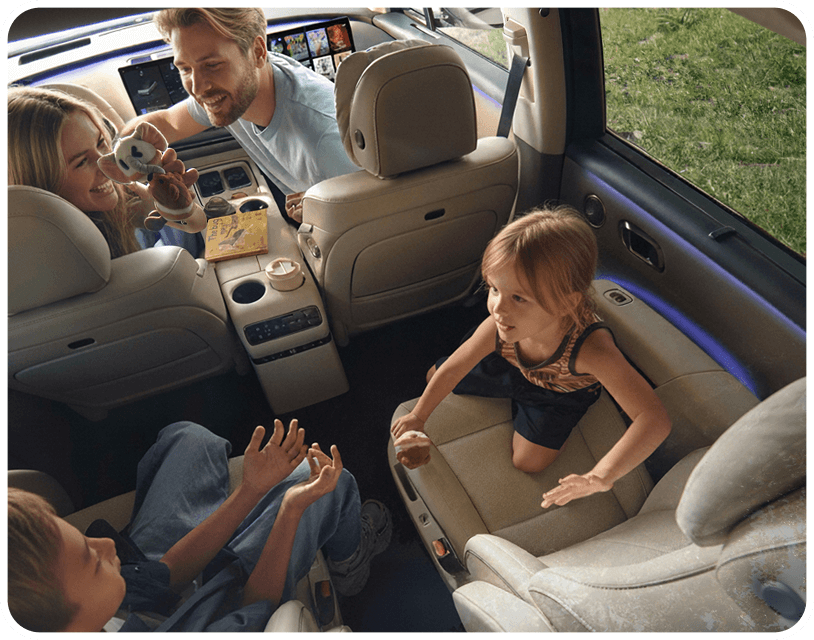
Keep an eye on your baby on your car's screen without turning around.

Wireless CarPlay Freedom
Use it as a standalone CarPlay adapter to go wireless.
Seamless Multitasking
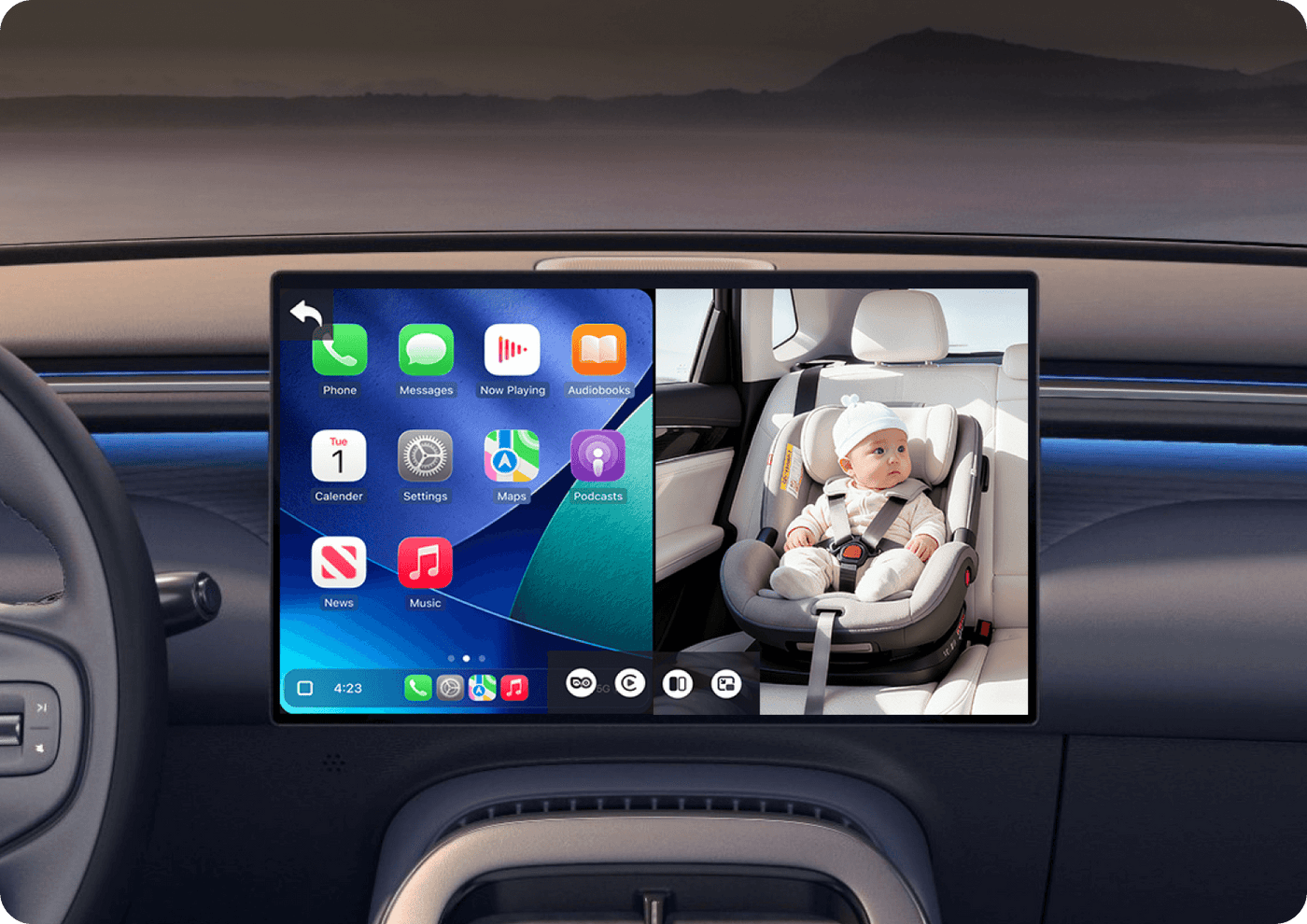
Keep an eye on the back seat while checking your route.
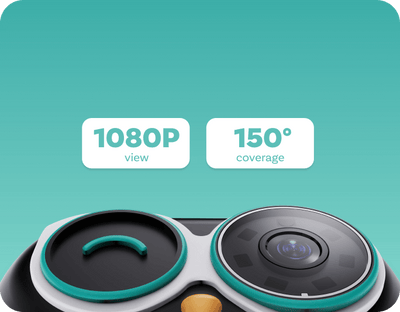
Clear & Wide
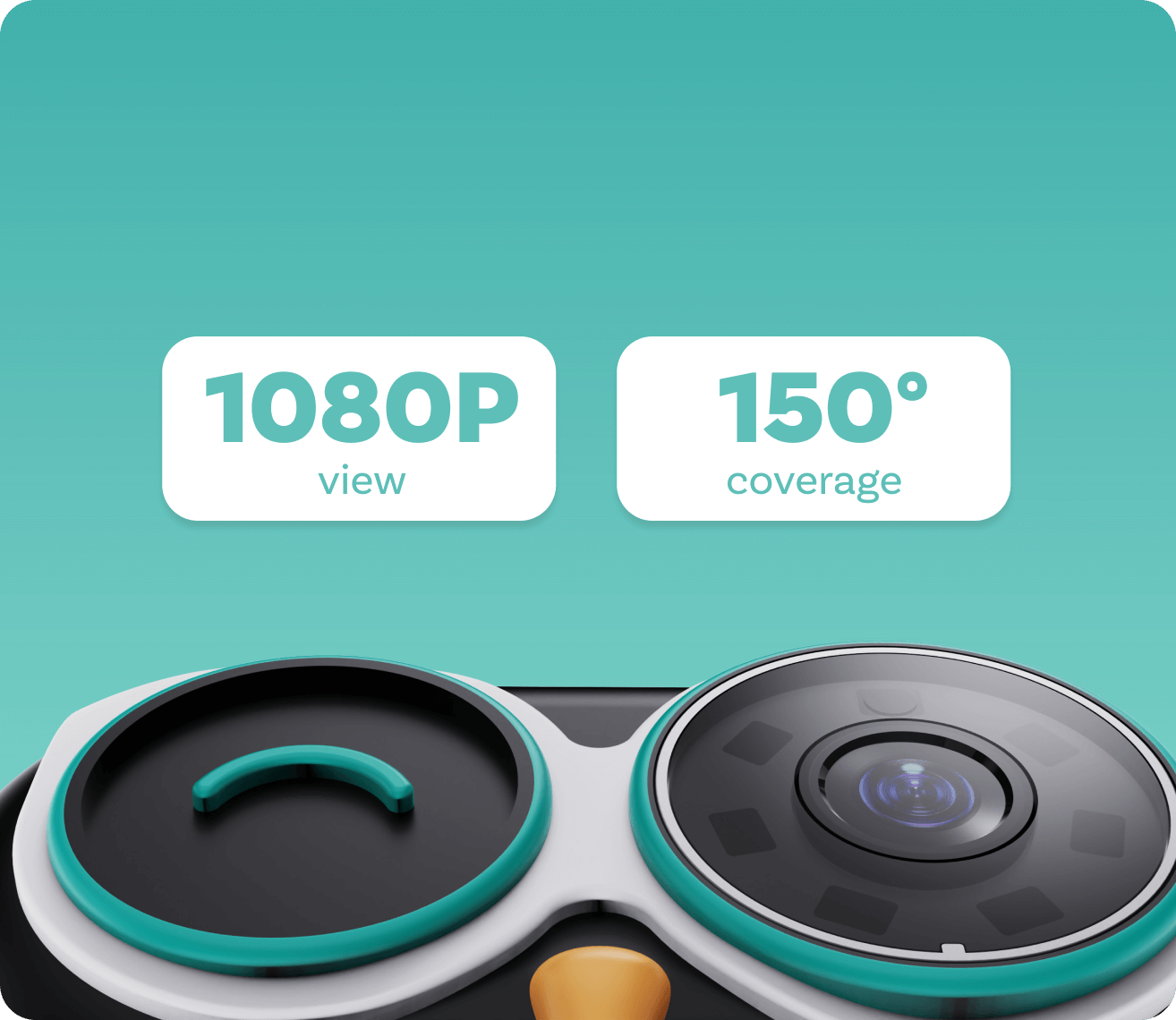
Enjoy every moment with a crisp 1080p view and wide 150° coverage
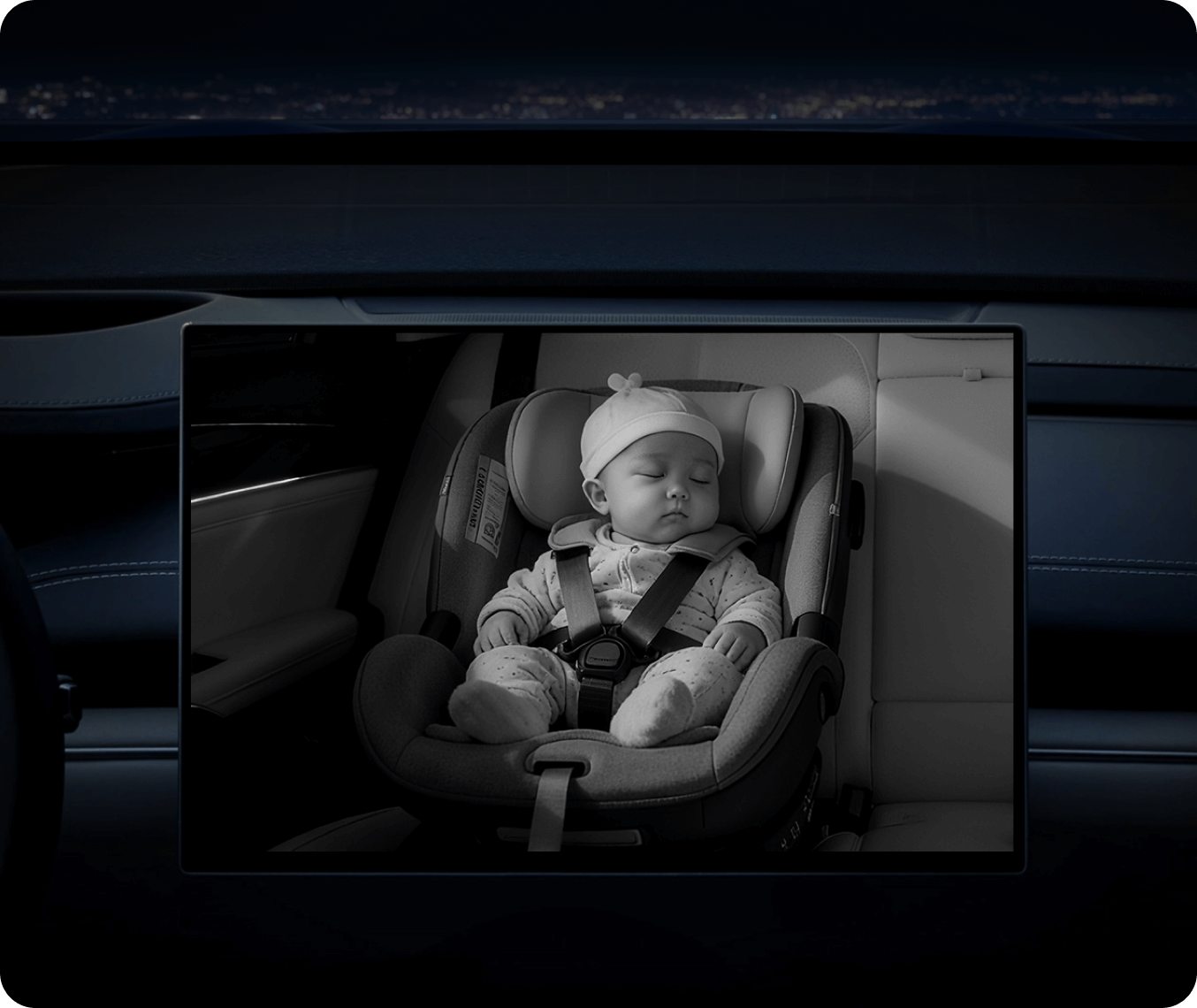
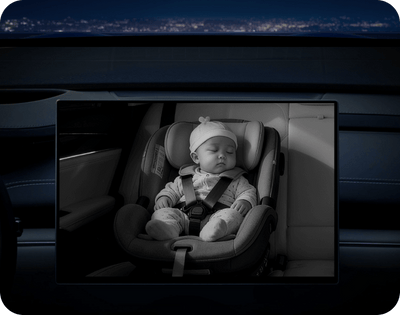
Night Vision
Enjoy a clear image of your baby day and night.
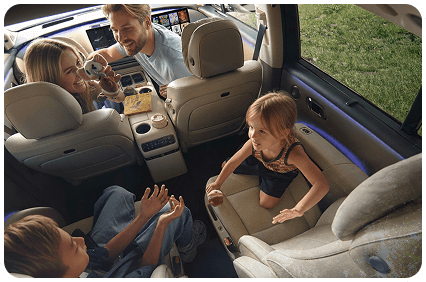
Worried About the Back?
See your little one in real time on your car's screen and drive with peace of mind.

Concerned About Privacy?
Our monitor streams live video only, with no recording or uploading, so you can drive with peace of mind.
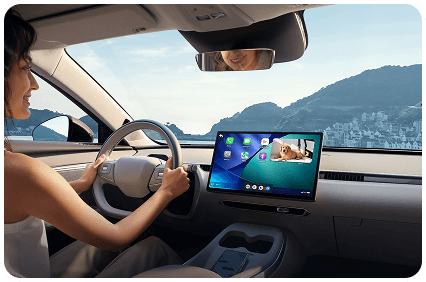
Need Multitasking Made Easy?
See your route and your little one side by side with split-screen or picture-in-picture.


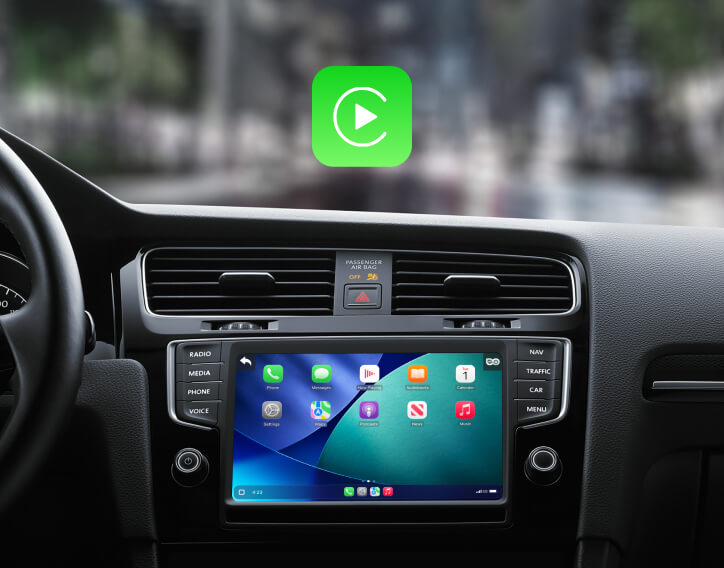
Go from Wired to Wireless
Simple Plug-and-Play Setup
Just plug in the adapter and experience the same expanded functionality that CarPlay offers.
Works with Your Car's Controls
Keep your hands on the wheel and control CarPlay the way you already do.
Easy Switch
Switch between devices with a click of a button.
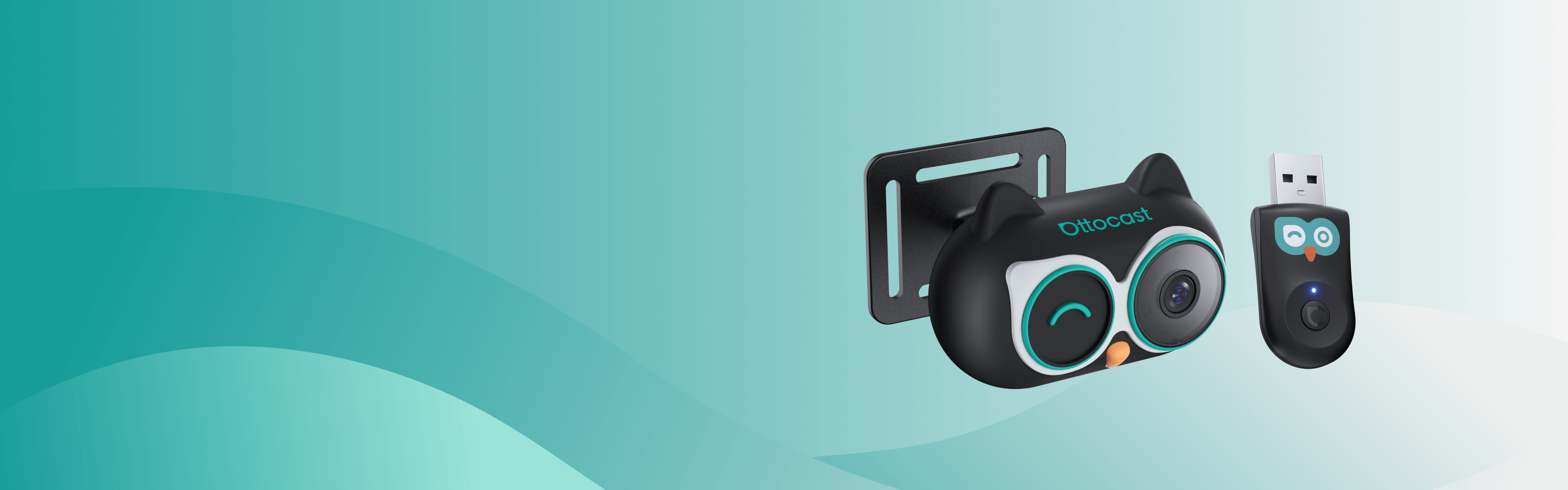
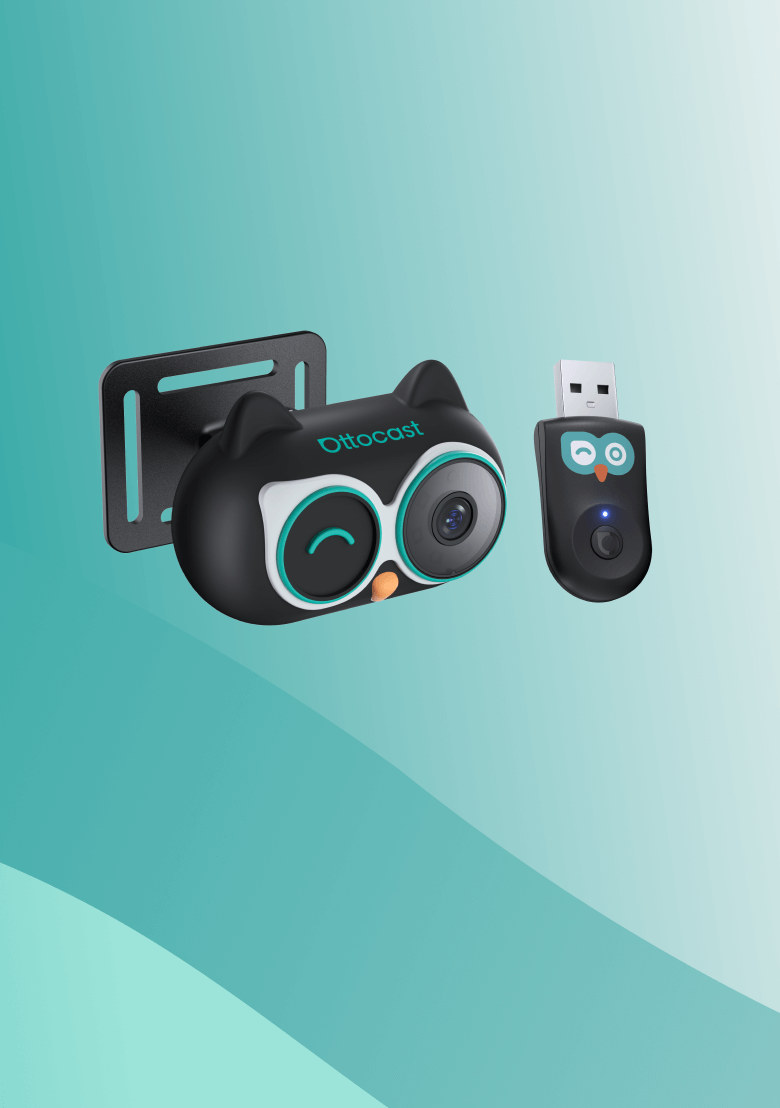
Effortless Driving for Every Trip
Effortless Driving for Every Trip
· Monitor the back seat and use navigation on your existing screen without adding extra displays.
· Power it with your car or a power bank and let the care continue wherever you go.
· Monitor the back seat and use navigation on your existing screen without adding extra displays.
· Power it with your car or a power bank and let the care continue wherever you go.
Two ways to install


Clip it onto the metal rods


Strap it on the headrest
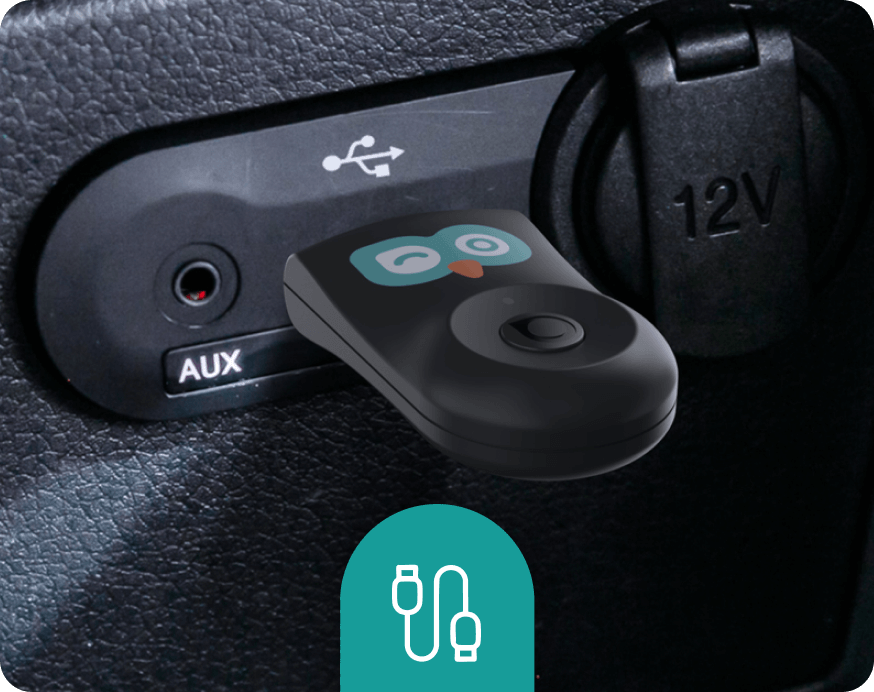
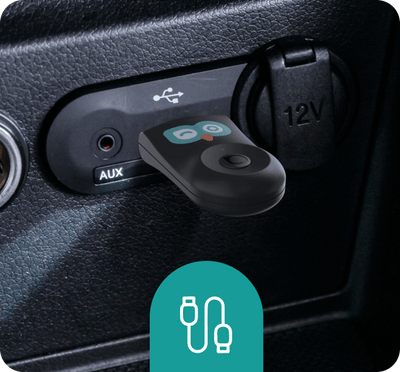
Plug and play


FOTA Upgrades
Simple over-the-air updates let you install the latest system version with just a few taps.
Always Updated
Stay ahead with new innovations.
No Hassle, No Effort
Get the latest system in minutes with easy over-the-air updates.
Future-Proof Your Car
Enjoy more years of use with fresh tech and easy updates along the way.





FAQ
Is this Ottocast product compatible with my car?
This product is compatible with vehicles from 2016 or later that have factory wired Apple CarPlay.
⚠️ iPhone only — factory wired CarPlay is required
❌ Not compatible with Android Auto-only vehicles
This product must be plugged into a USB data port (not a charge-only port).
Quick check: Plug in your iPhone. If Apple CarPlay appears on your car screen, the CarPlay functions are supported.
✅ Camera Mode works independently — the camera functions can still be used without connecting a phone, as long as the camera is powered.
Video: 👉 Watch video
How can I check compatibility on your website?
On the product page, click “Check If Your Car Has Wired CarPlay” (under “Add to Cart”), then select your make / model / year to see the result.
If I’ve paired two phones, which one will it connect to next time?
If multiple paired phones are nearby, Ottocast will usually reconnect to the last used phone.
To switch devices, disconnect CarPlay on the current phone (or turn off its Bluetooth/Wi-Fi), then connect with the other phone.
Some models also support one-tap switching or manual device selection.
Are there any discount codes, coupons, or vouchers for Ottocast products?
Yes. New customers may receive a welcome offer when subscribing to Ottocast emails, and we run limited-time promotions throughout the year.
For the latest active codes, subscribe at the bottom of the page and we’ll send updates.
Is it hard to install?
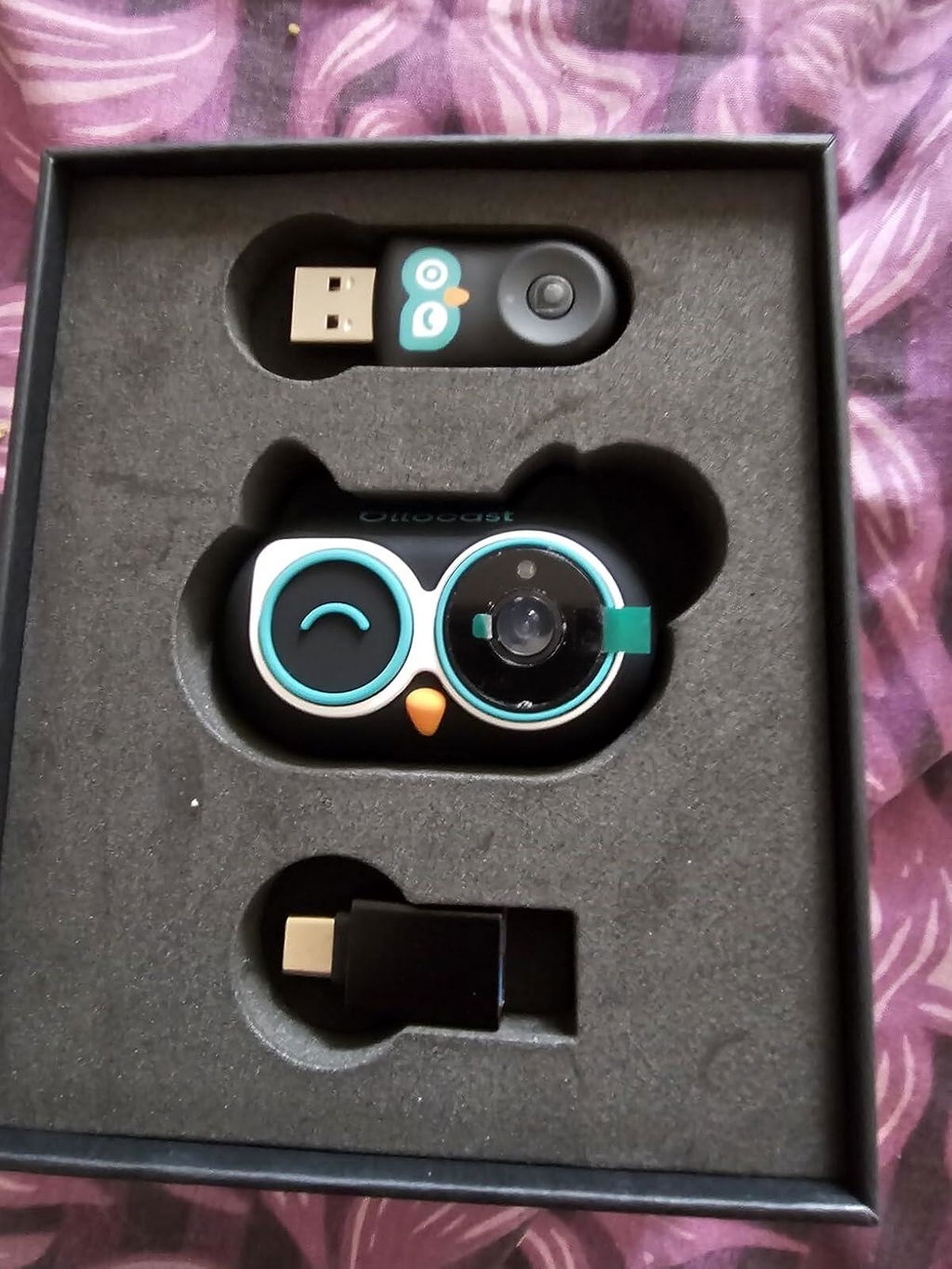
Not at all. Mount the camera in a suitable spot, connect it with the included cable, and the view will display on your car’s screen.
Why choose Cabin Care?
Cabin Care helps you keep an eye on your child in the back seat with a live view on your car’s screen—no need to turn around.
It also works as a wired-to-wireless CarPlay adapter, so you get two features in one.
Do I need an extra display/monitor?
No. The live camera view shows directly on your car’s existing screen—no additional monitor is required.
Is the camera wireless?
No. The camera is wired and connects using the included cable. Please make sure the cable is securely plugged in before use.
Does Cabin Care work with both iPhone and Android?
✅ Works with cars that have factory wired Apple CarPlay (USB data port) — iPhone only
❌ Android Auto is not supported (wired or wireless)
⚠️ Not compatible with wireless-only CarPlay
📷 Camera Mode works without a phone — just power the camera and connect it to your car display
Does the product need both Wi-Fi and Bluetooth?
Yes. Wireless CarPlay uses Bluetooth to start the connection, then switches to the device’s Wi-Fi for the main data.
Once CarPlay is running, Bluetooth may appear idle—this is normal.

You may also like


NEW


NEW
NEW