



Wireless CarPlay and Android Auto bring a smarter, simpler and more connected experience to your car.
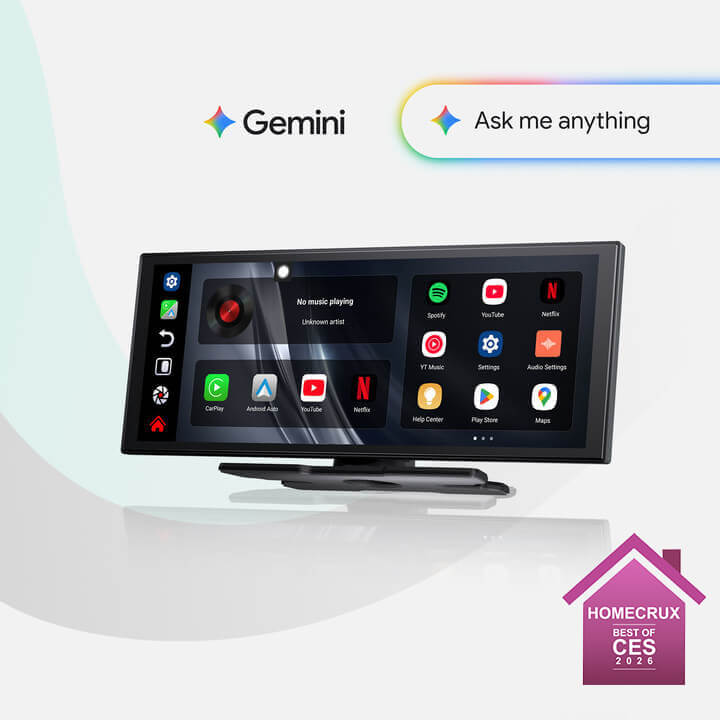


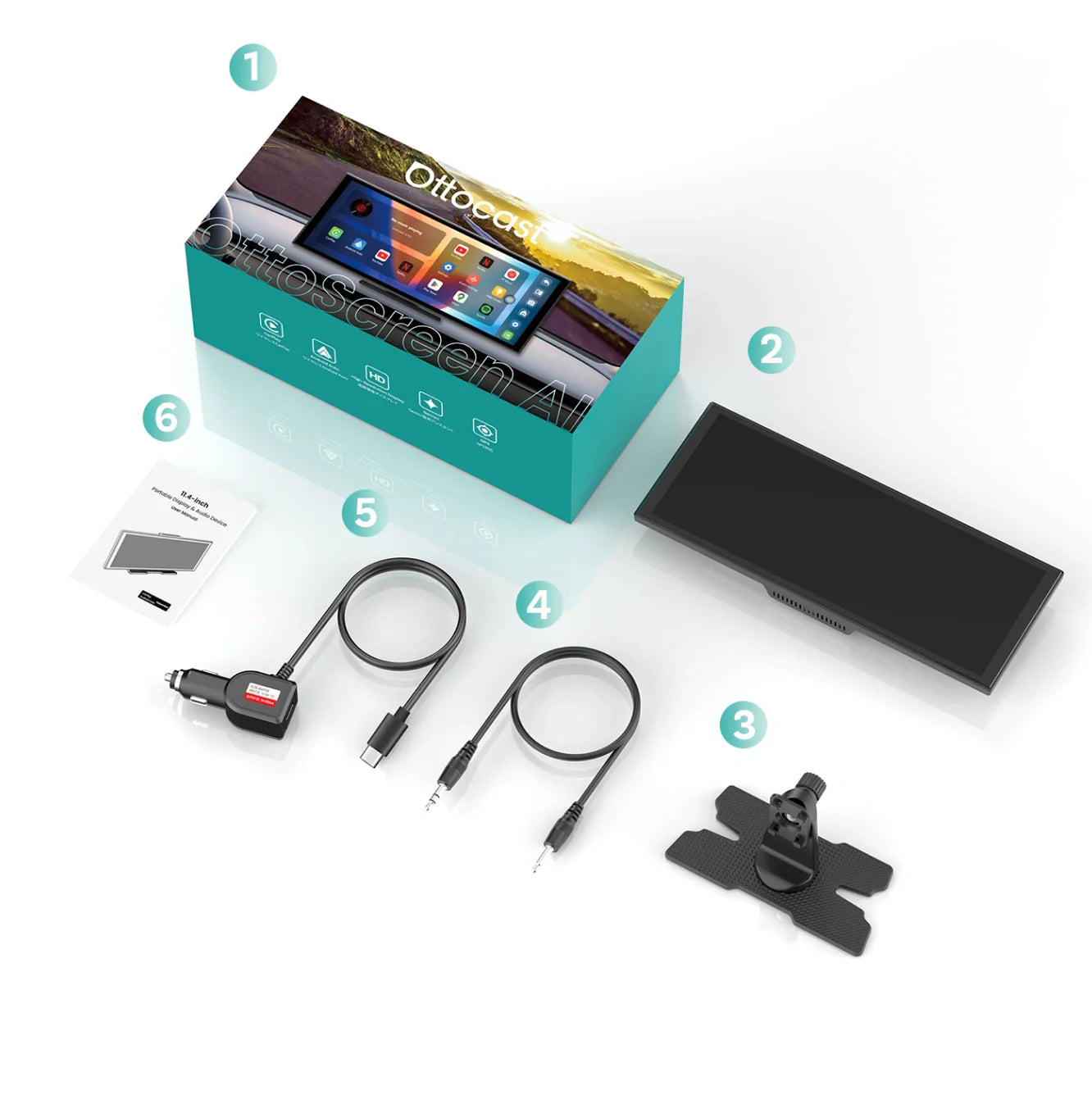
Ottoscreen AI
PRICE
KEY FEATURES
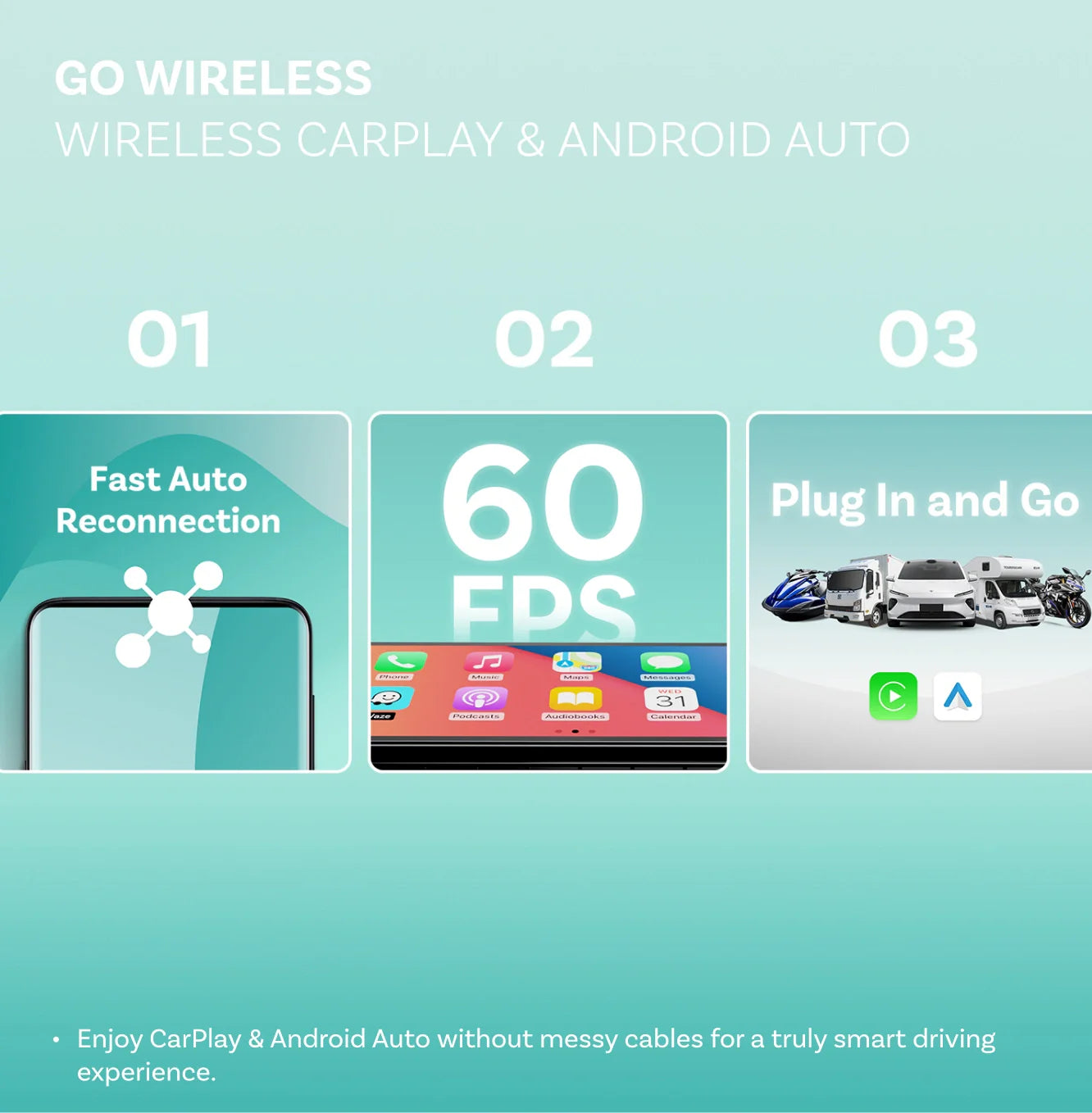
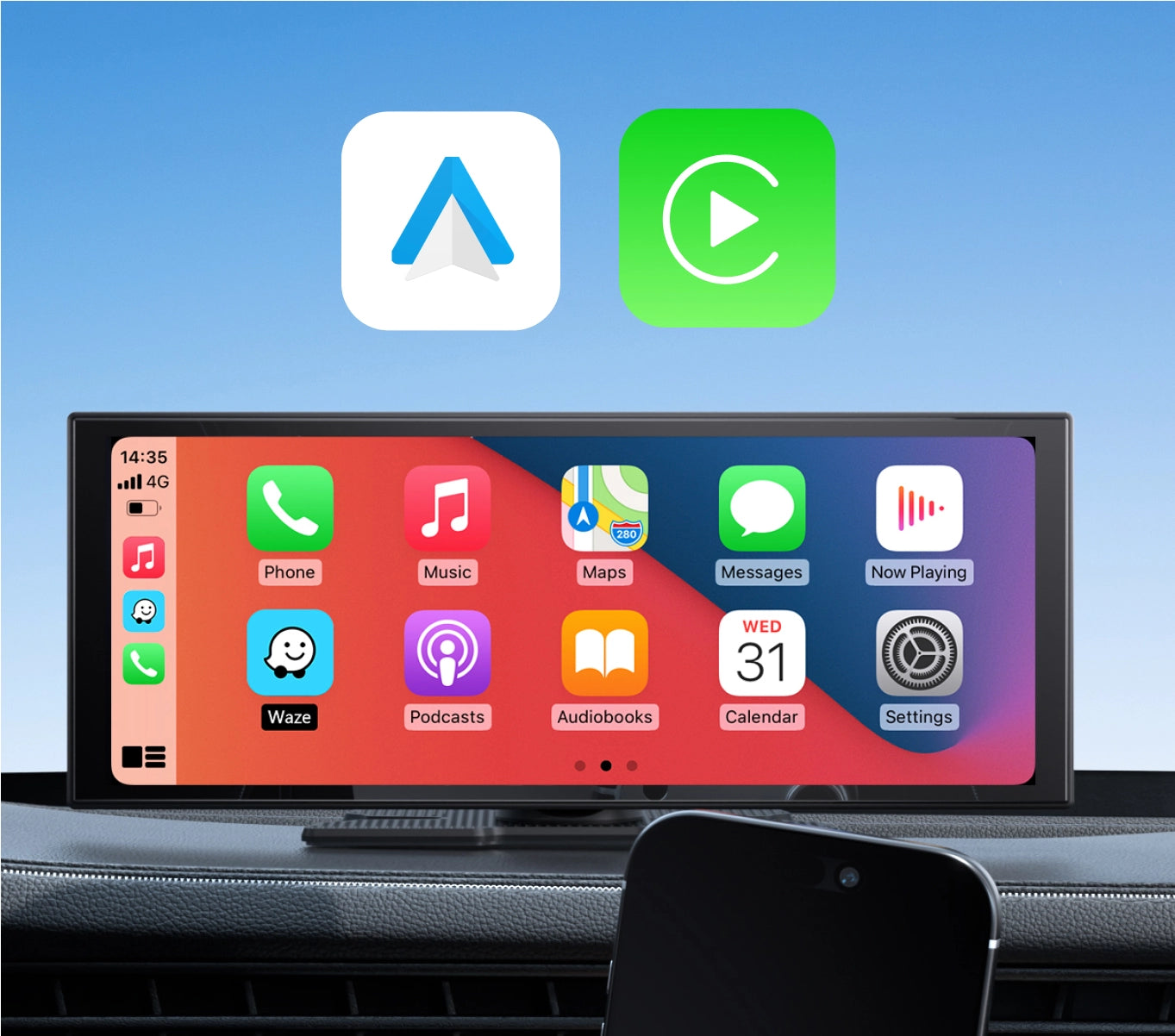
Seamless Wireless CarPlay & Android Auto
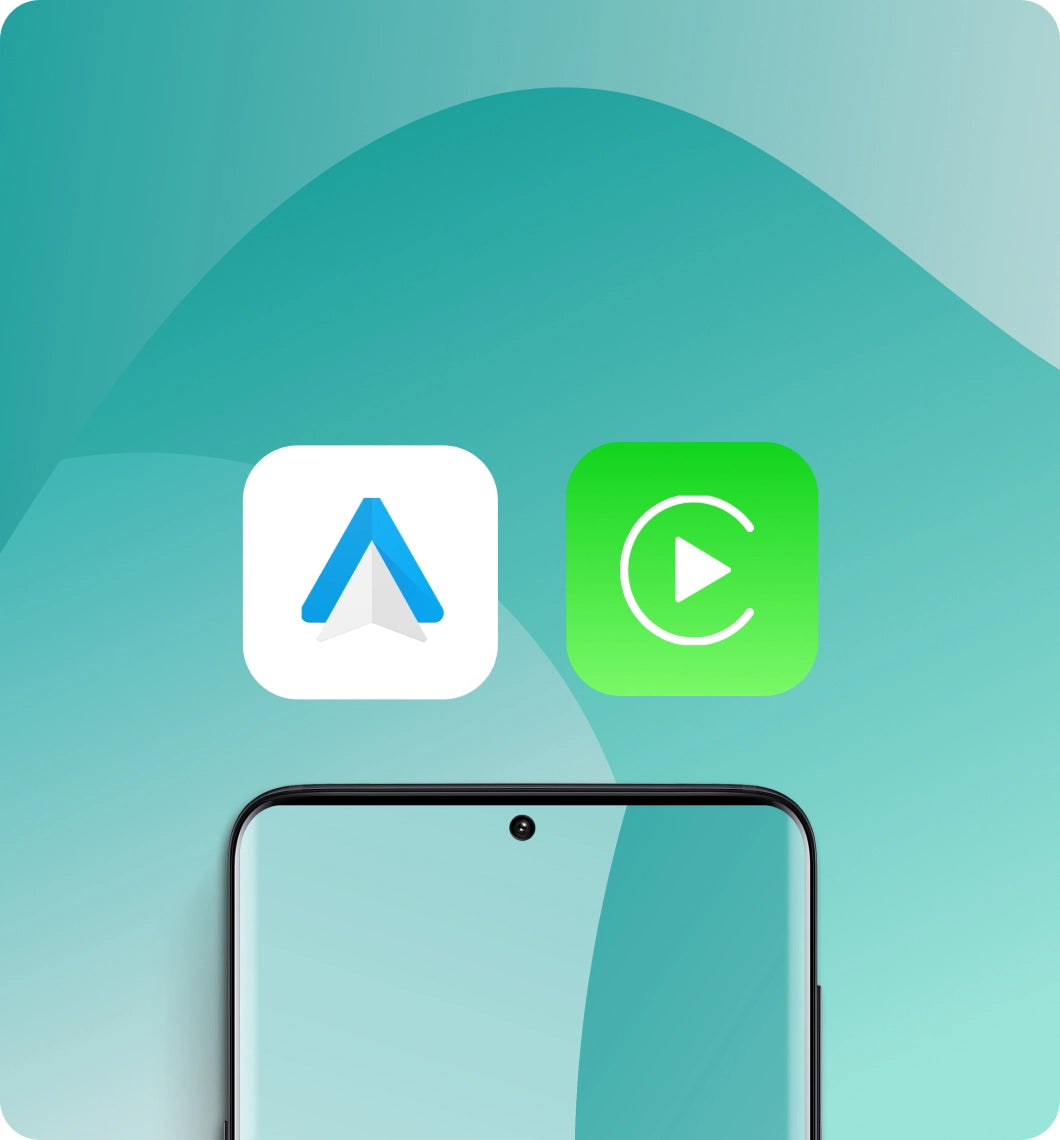
Enjoy CarPlay wirelessly while you drive making it easy to take calls, play music and navigate with ease.
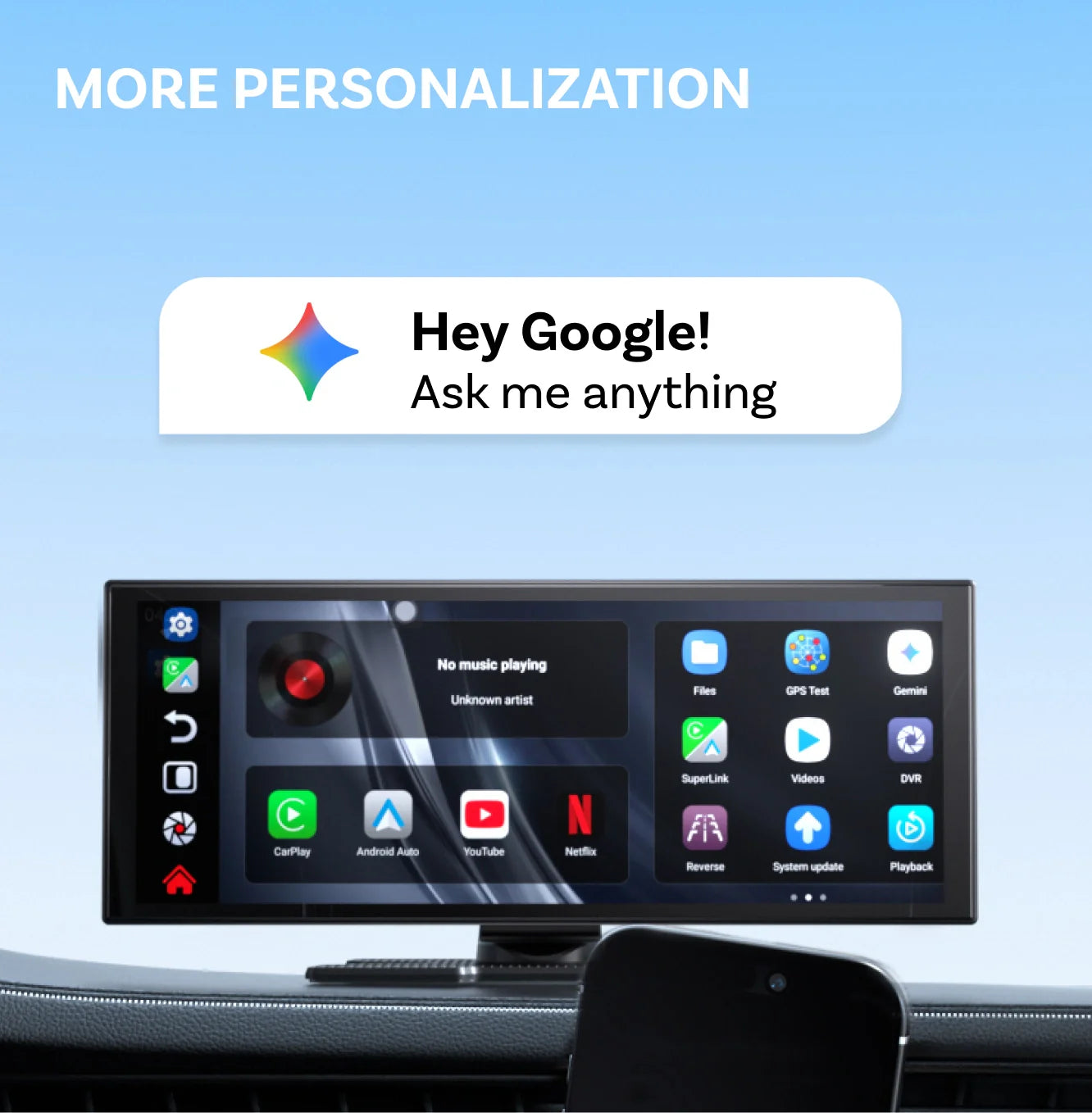
AI Assistant
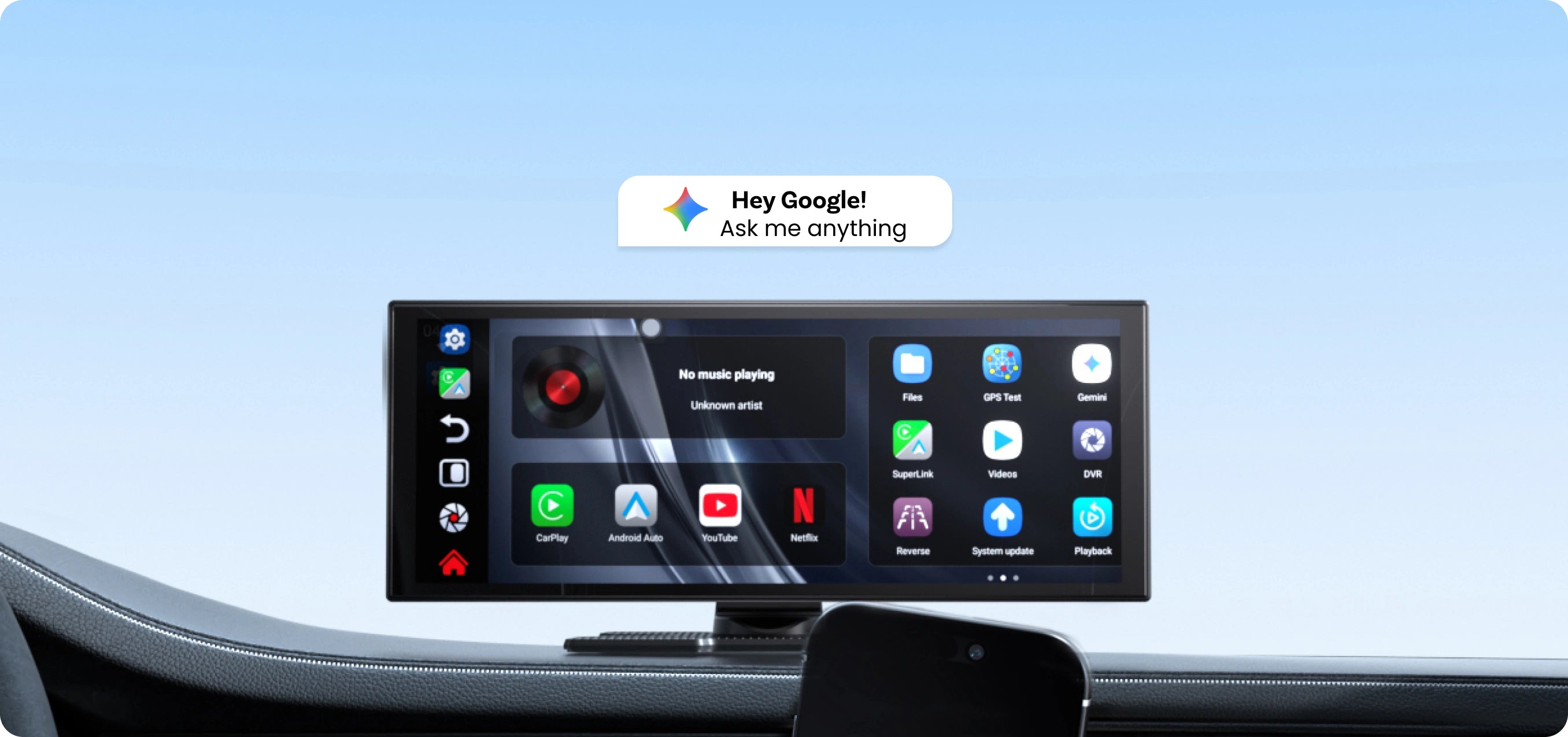
The AI assistant lets you control your car and manage navigation, planning and more hands-free.
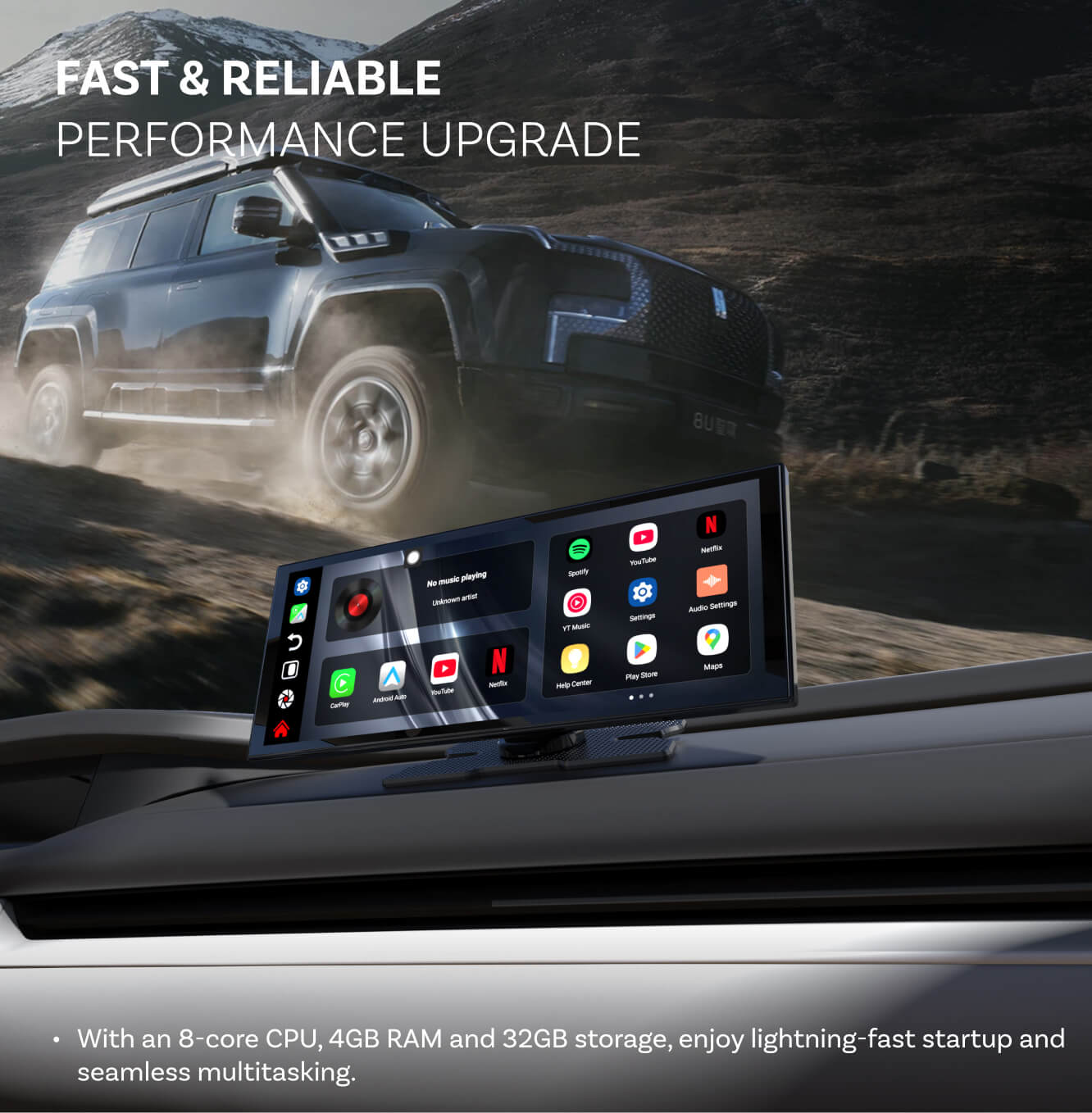
Performance Upgrade
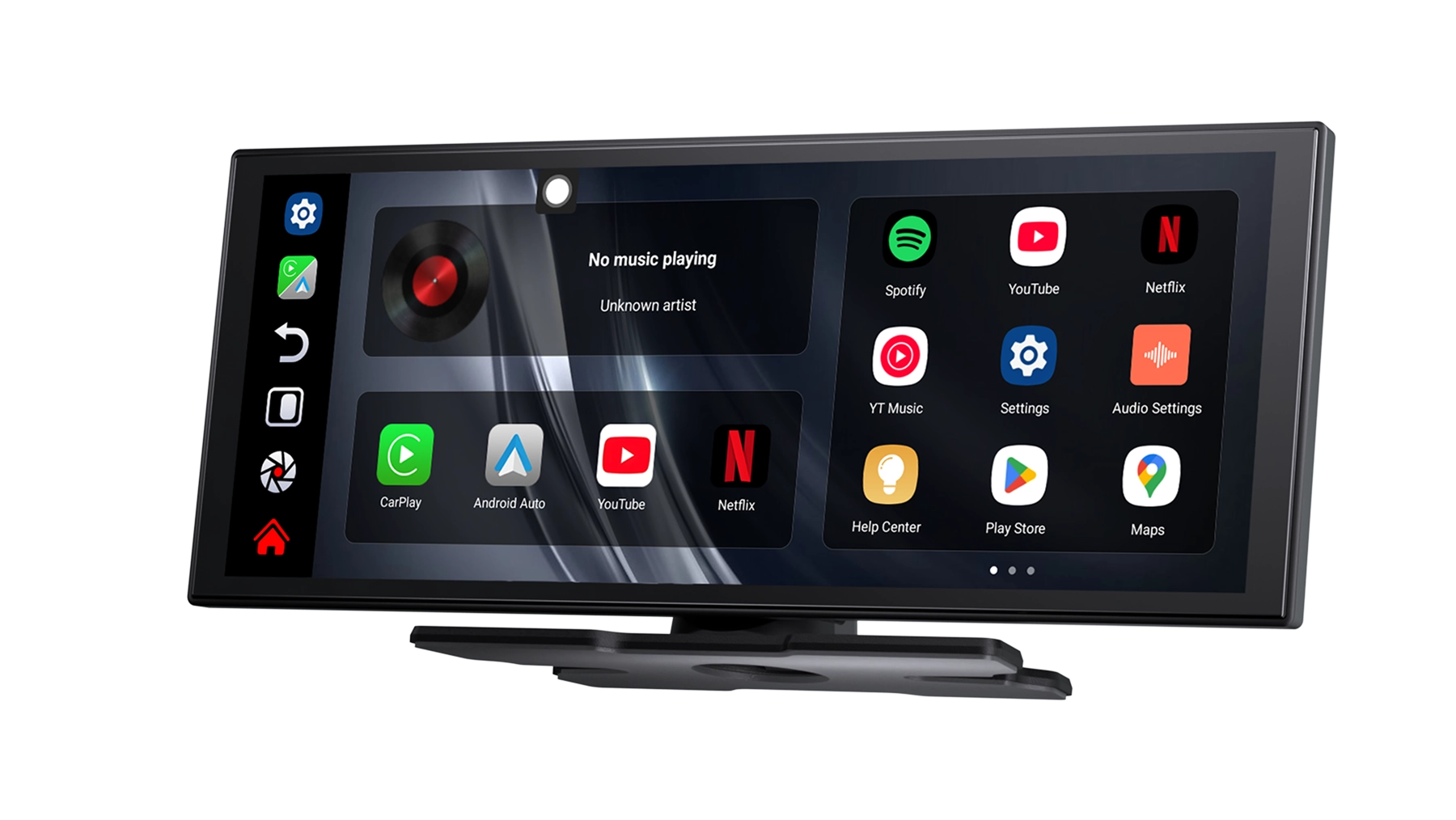
With an 8-core CPU, 4GB RAM and 32GB storage, enjoy lightning-fast startup and seamless multitasking.
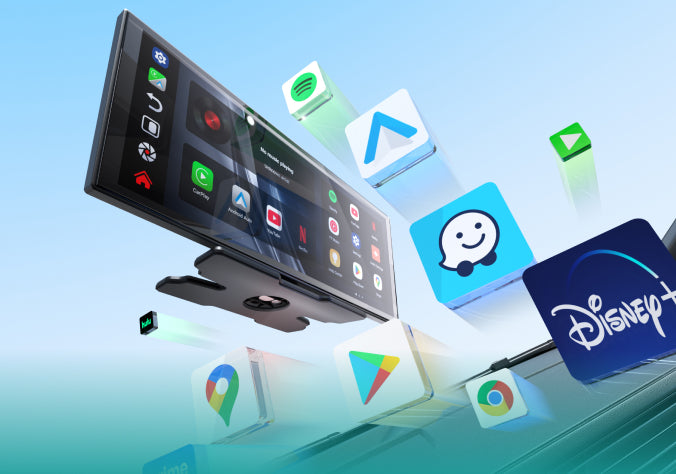
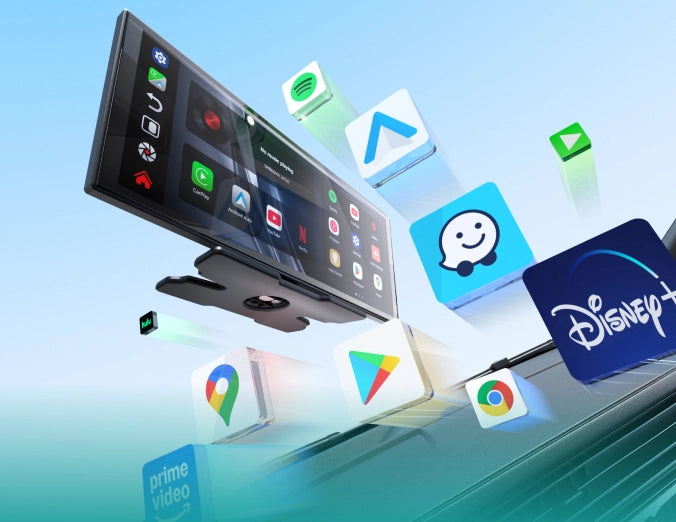
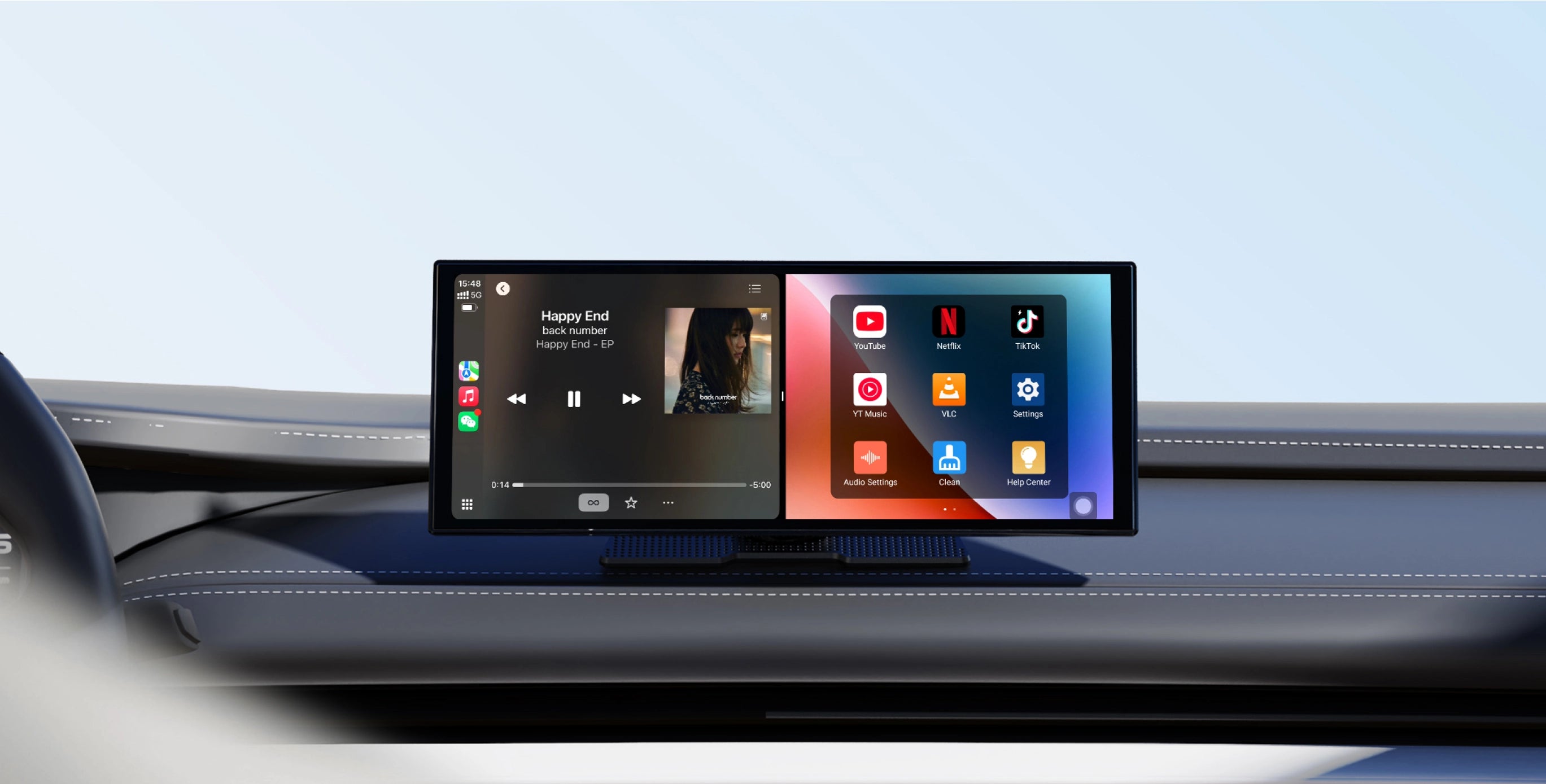
Entertainment and App Store
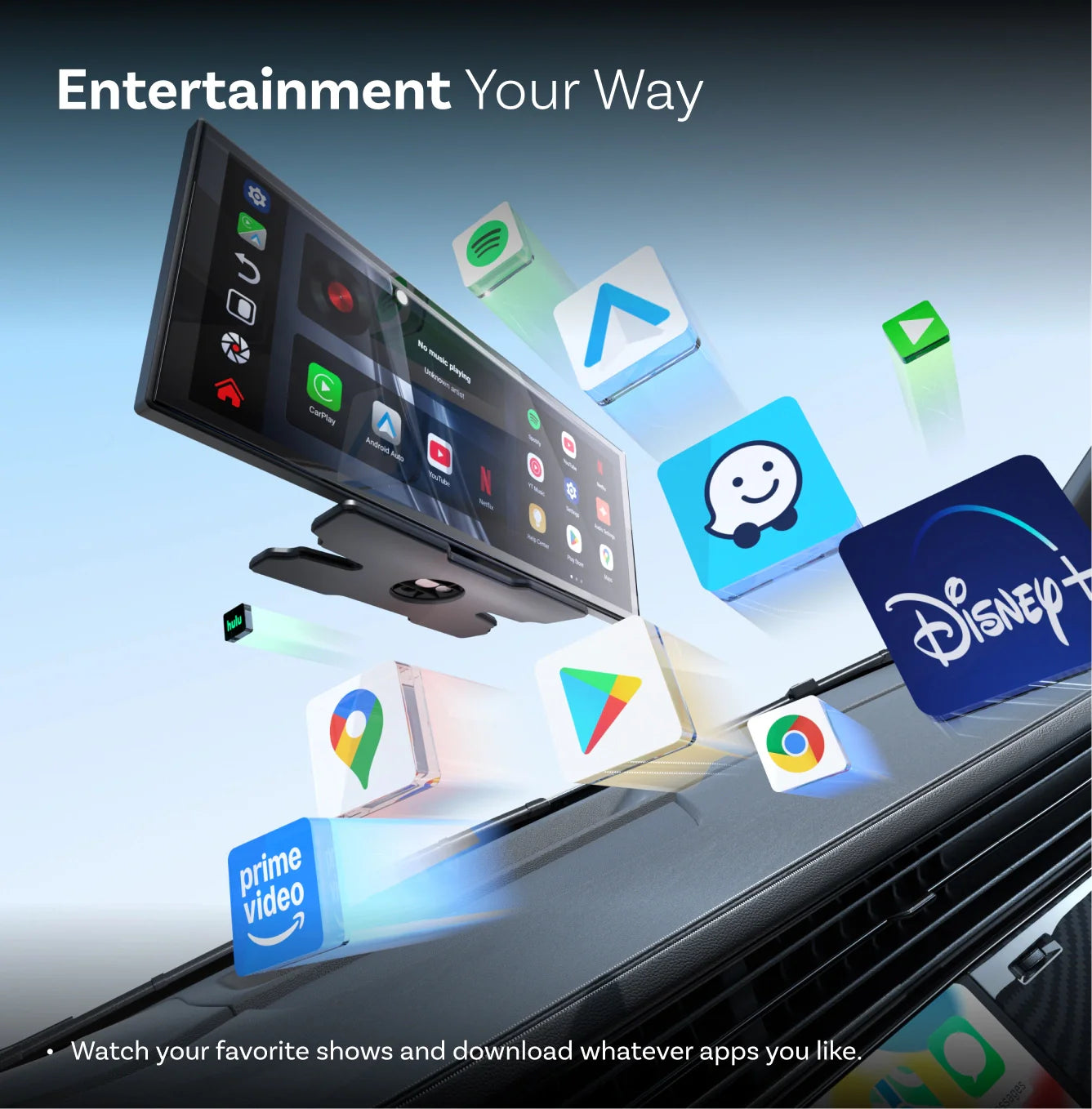
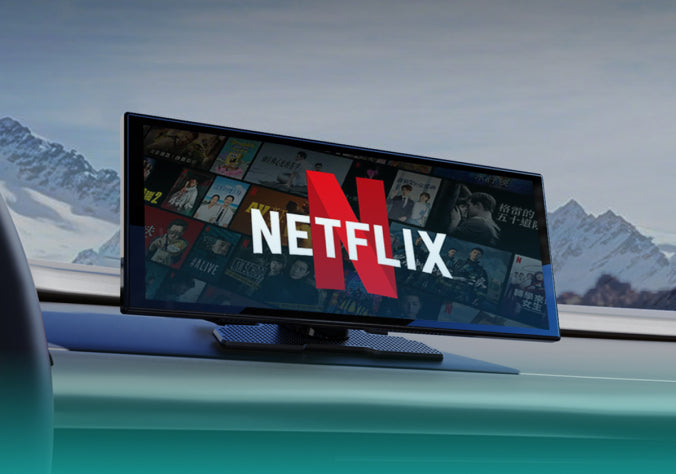
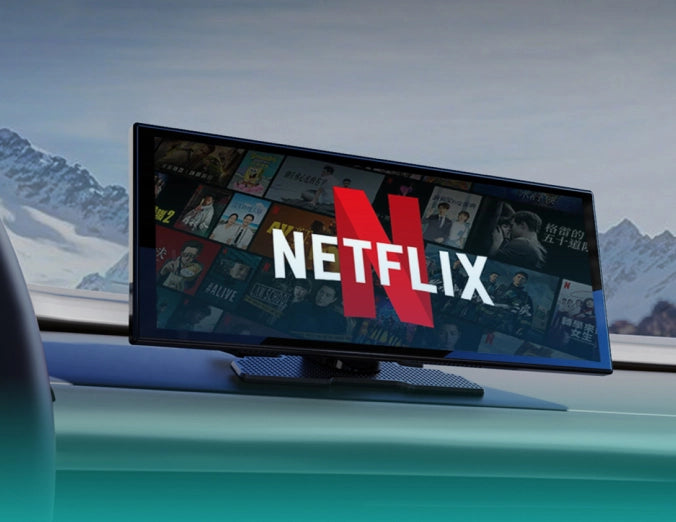
Watch your favorite shows and download any app you like.
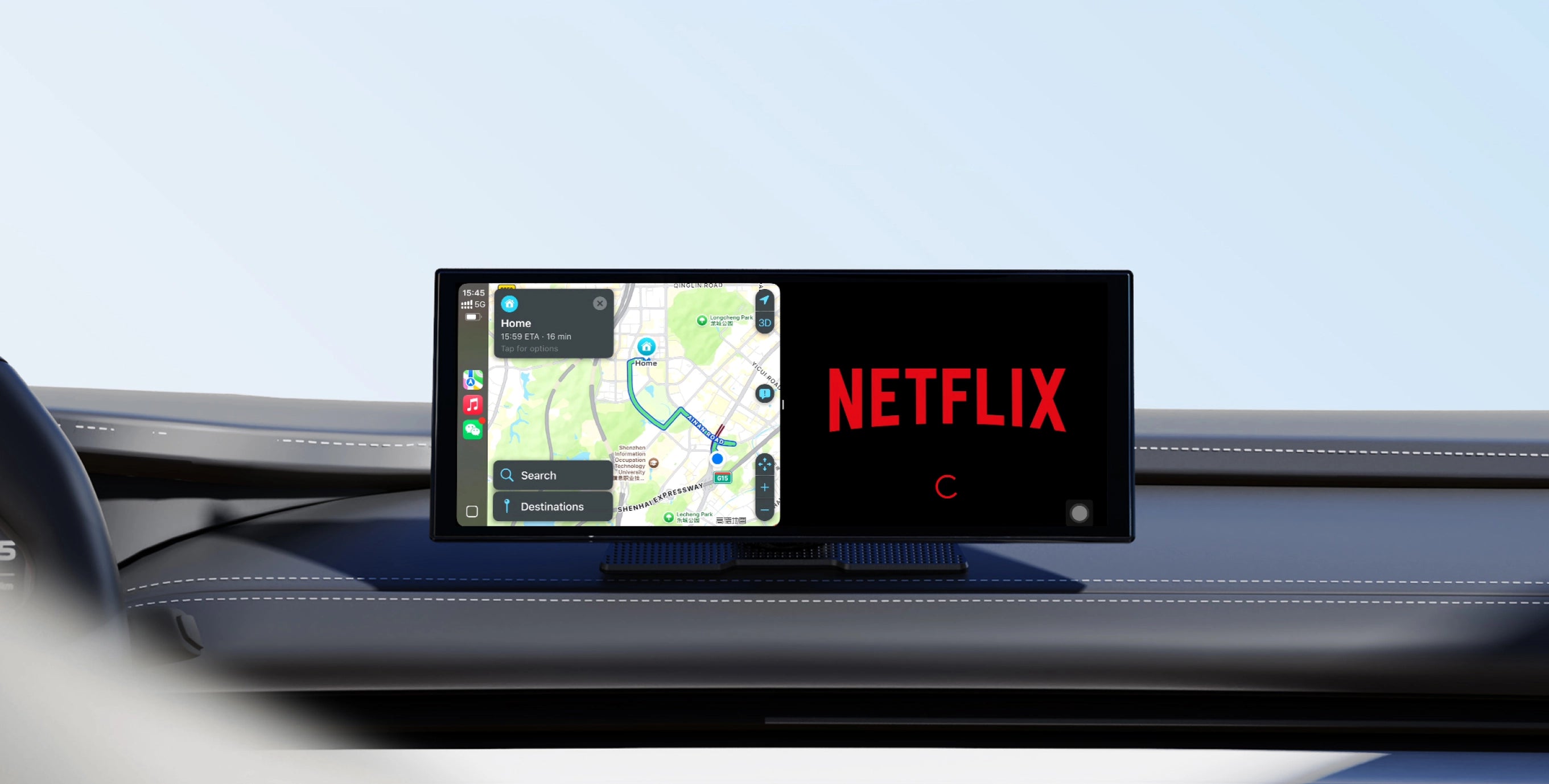
Multitask Freely
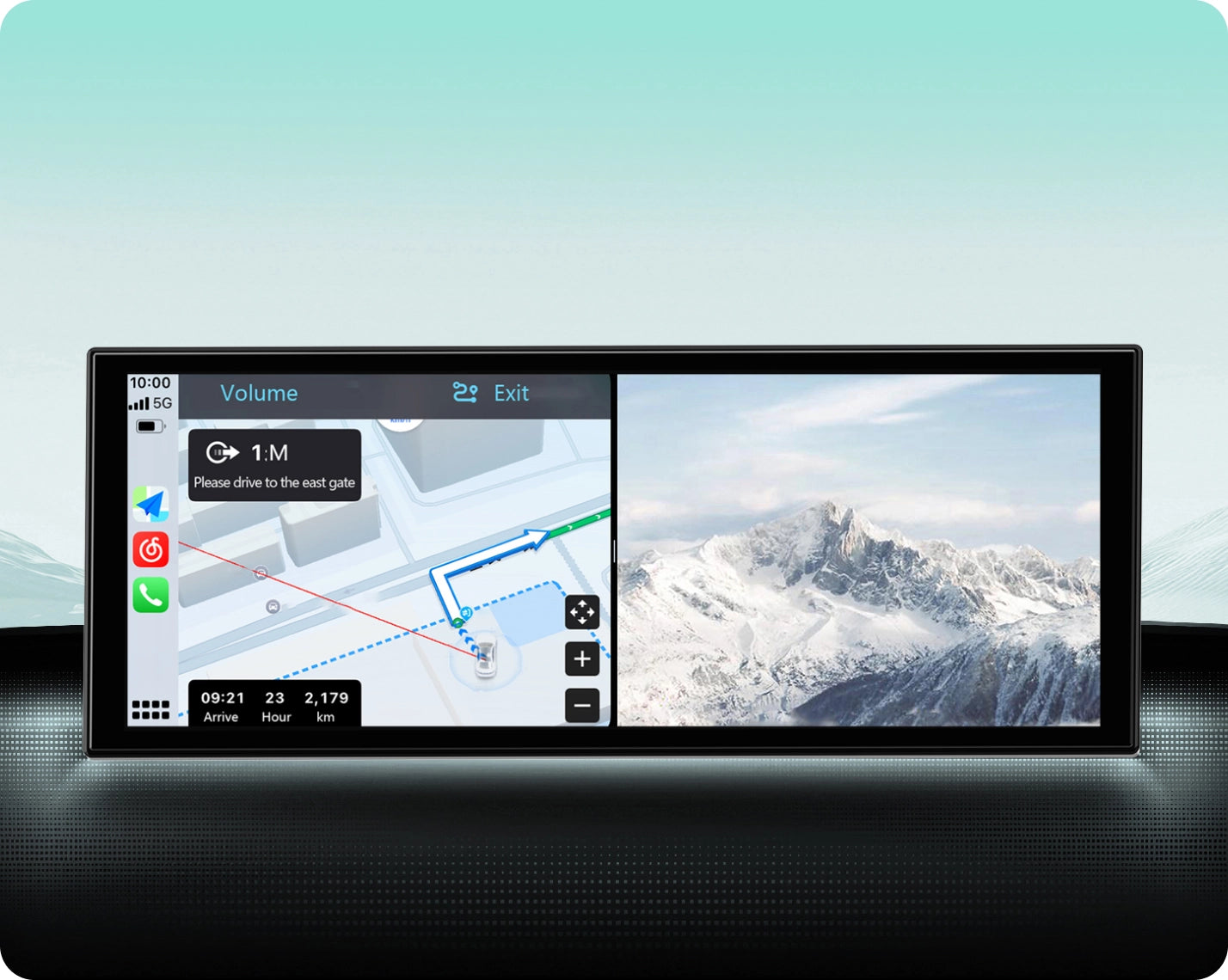
Enjoy your favorite videos while staying connected with navigation.
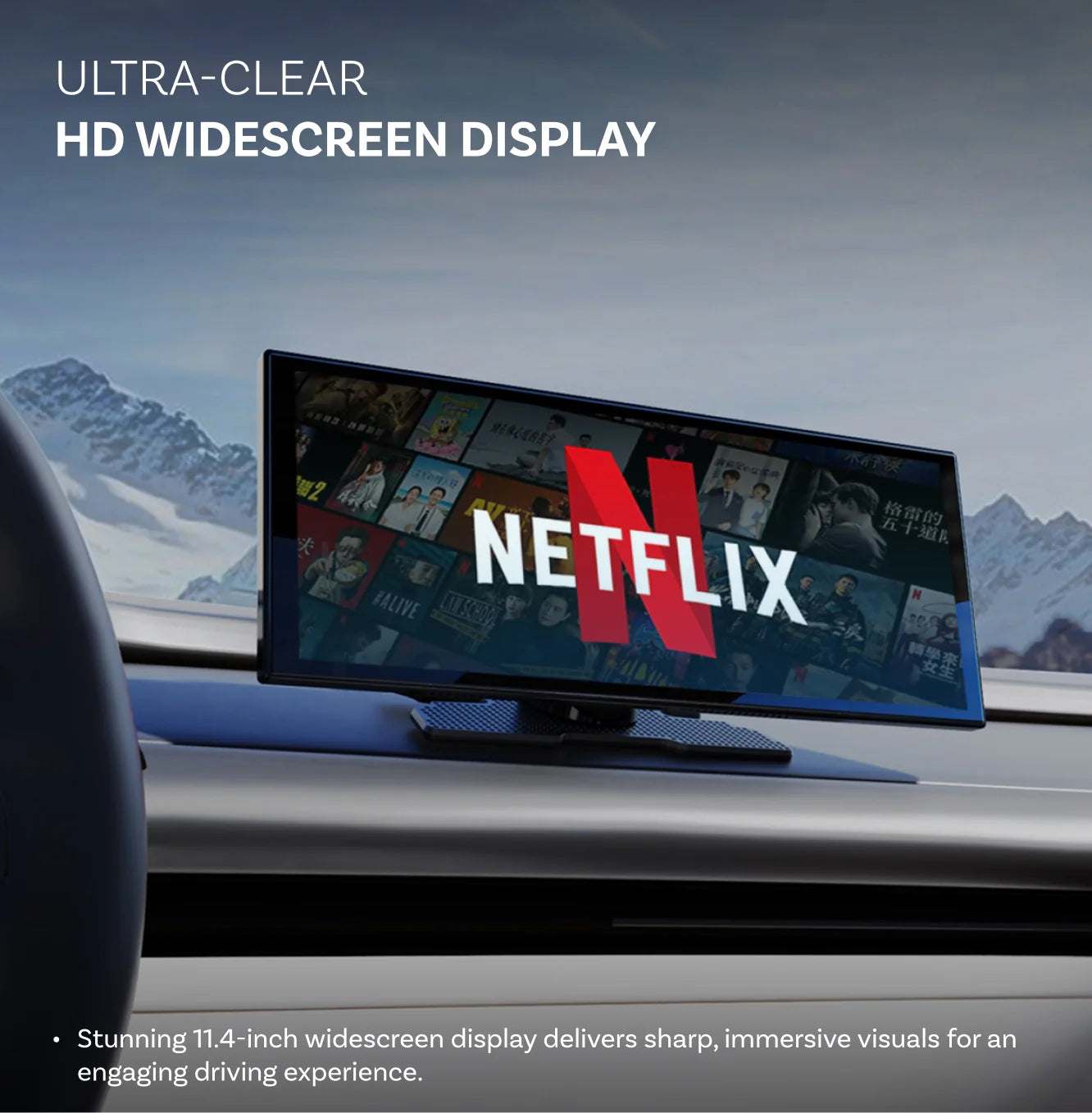
HD Widescreen Display
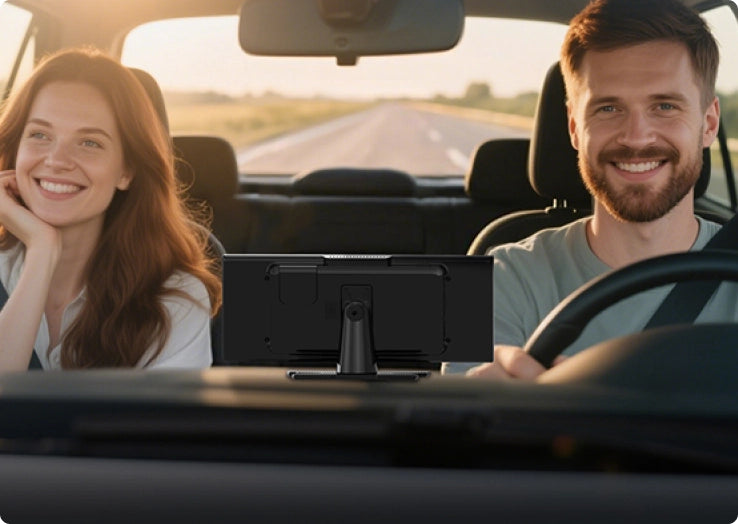
Stunning 11.4-inch widescreen display delivers sharp, immersive visuals for an engaging driving experience.
Warranty products
After-sale policy

30-Day Returns

1-Year Warranty

Dedicated Support
Share
Ottoscreen AI
Sale price$169.00
Regular price$260.00
OTTOSCREEN AI
Ready to Take Your Ride Up a Notch?



Why Choose OTTOSCREEN AI?
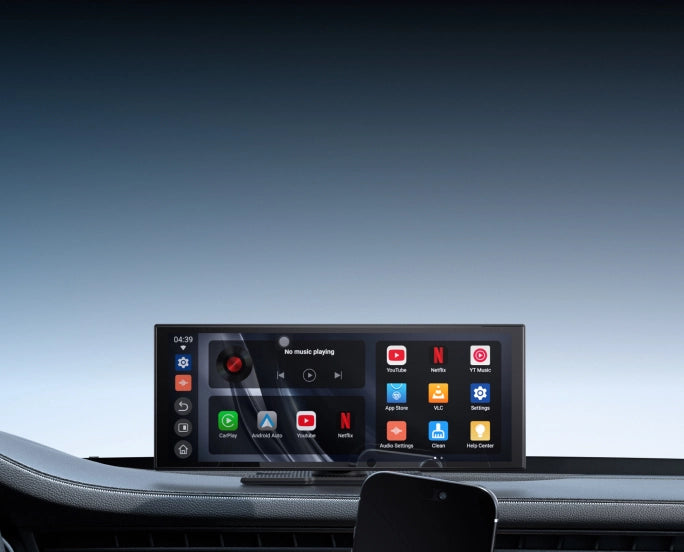
Your Smart AI Co-Pilot
Your car just got a brain with answers, directions and real-time help whenever you need it.
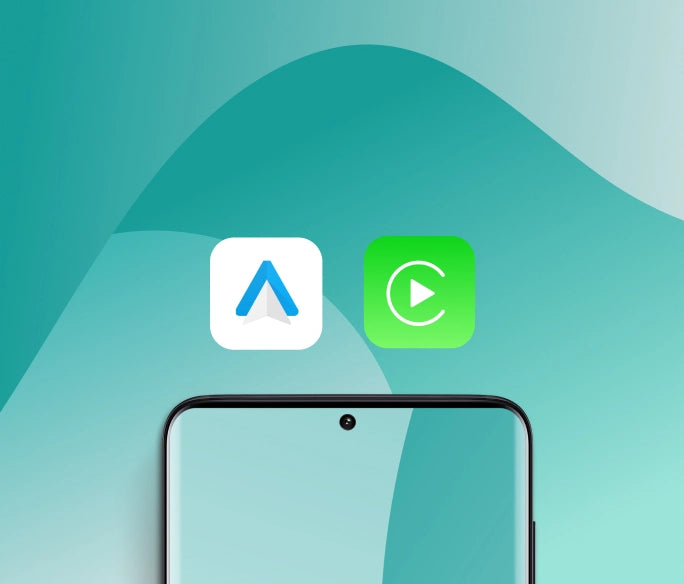
Wireless Apple CarPlay & Android Auto
Enjoy seamless wireless connectivity with full support for both iPhone and Android devices.
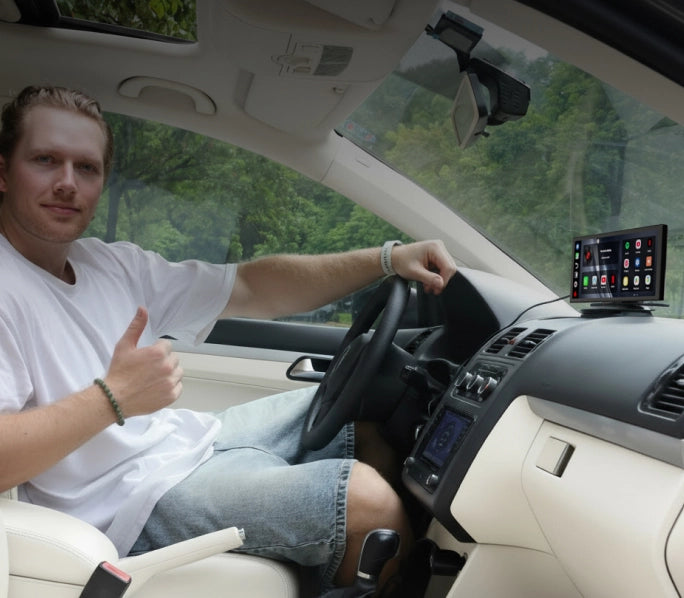
Entertainment At Your Fingertips
Make long trips fun with videos, apps and entertainment for everyone on board.
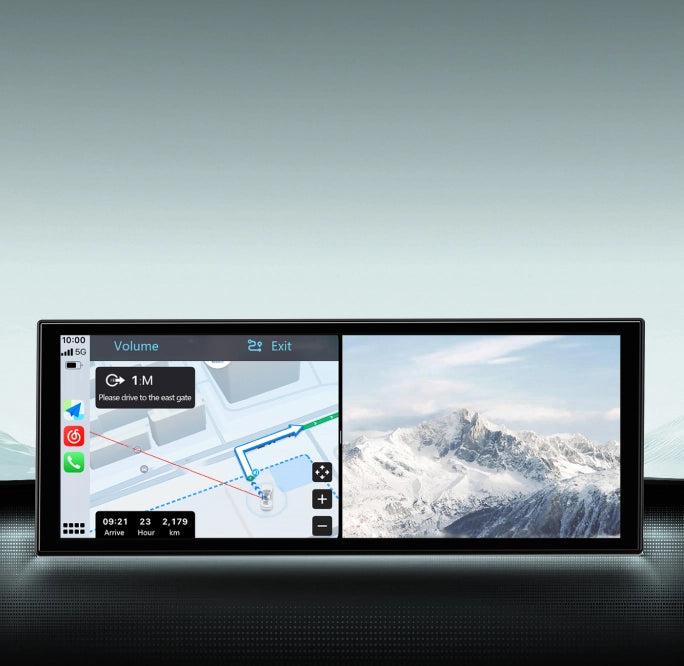
Multitask Without Compromise
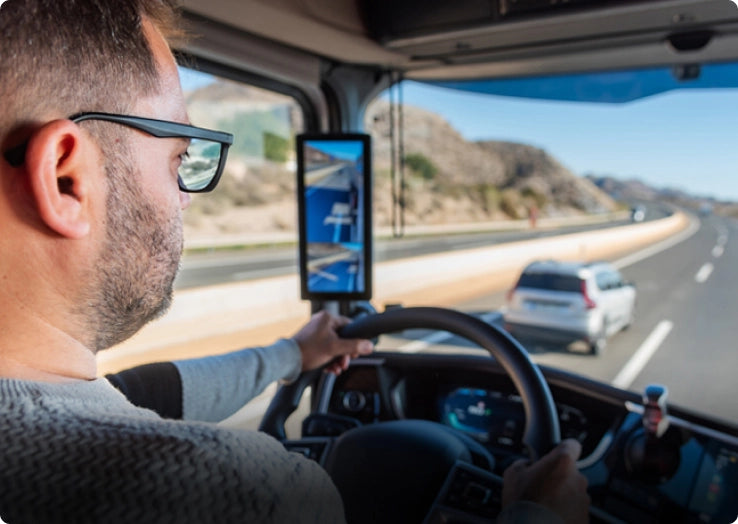
Drive with directions in view while passengers enjoy entertainment side-by-side.
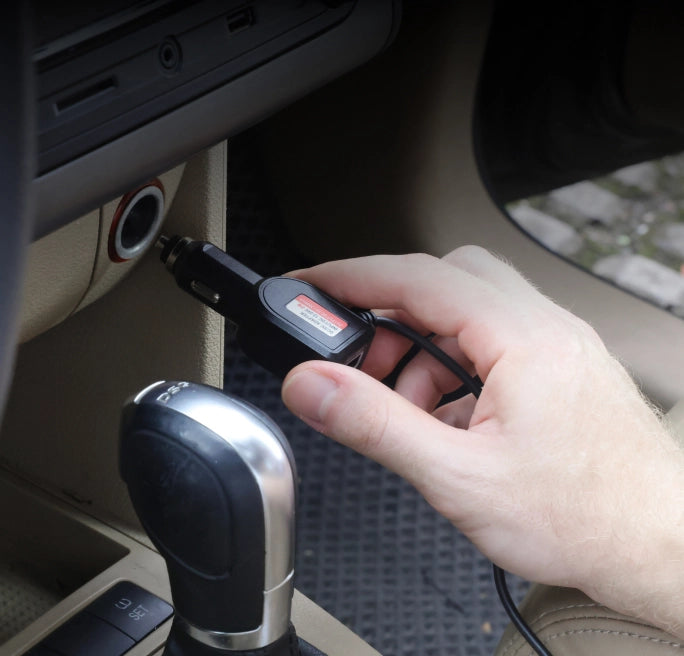
Setup with Ease
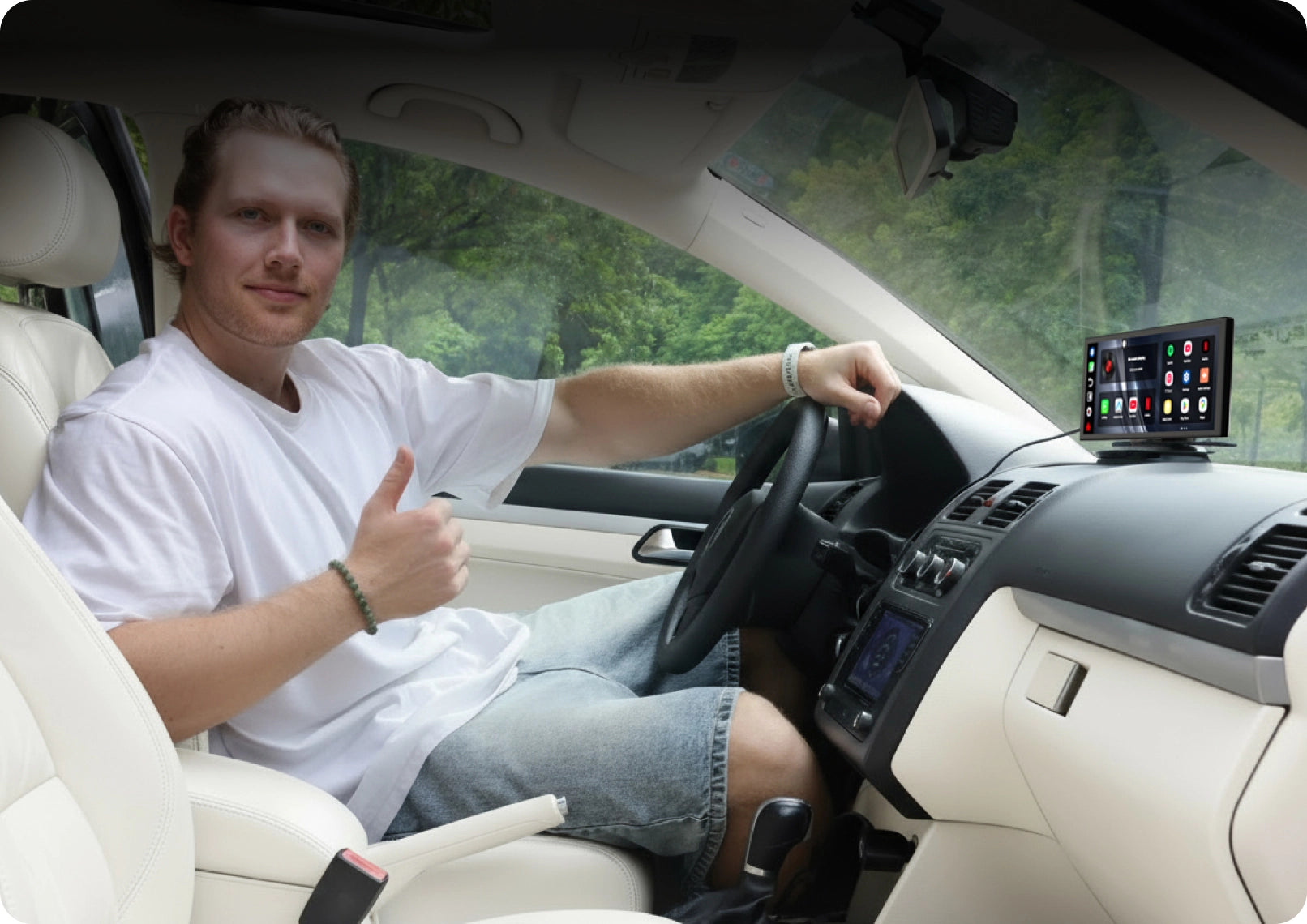
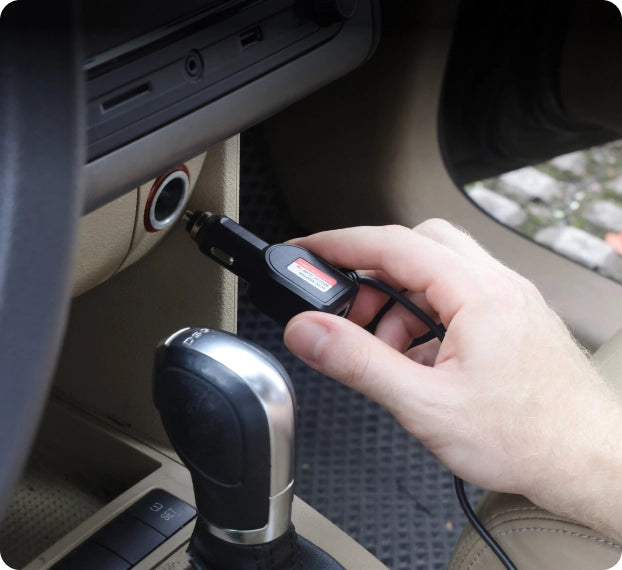
Just plug it in and go. No complicated setup, no car mods—effortless driving in minutes.
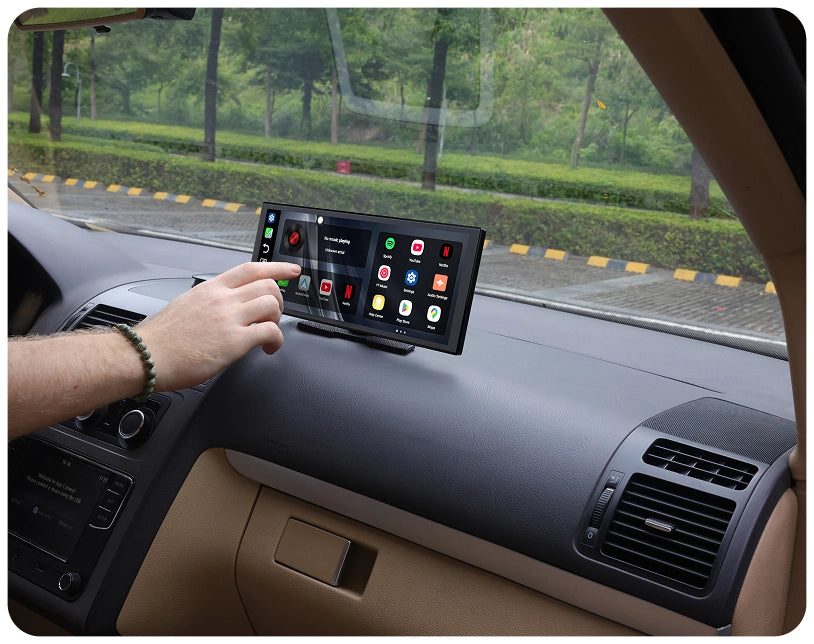
Still Missing a Touchscreen?
Upgrade your car witha modern intuitive display
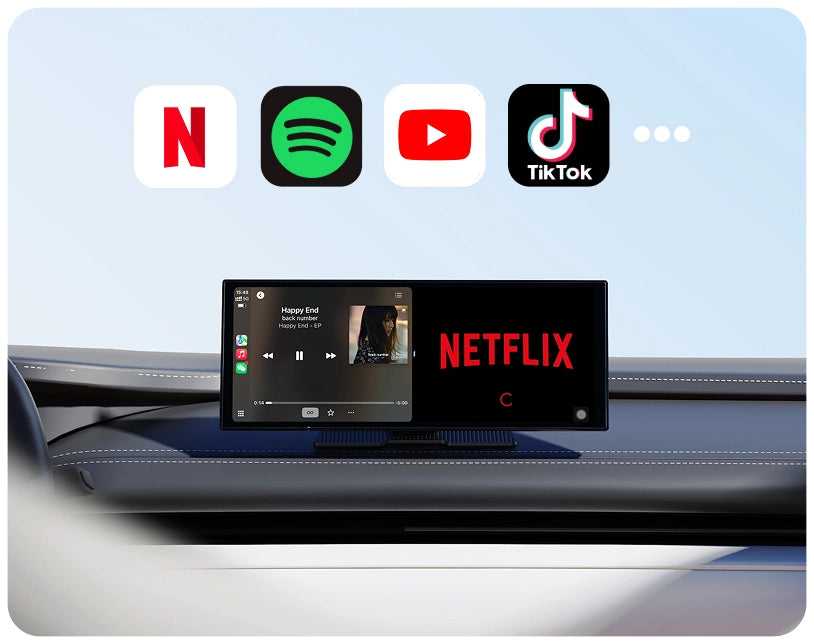
Limited Entertainment Options?
Watch videos, stream music, and enjoy apps anytime.
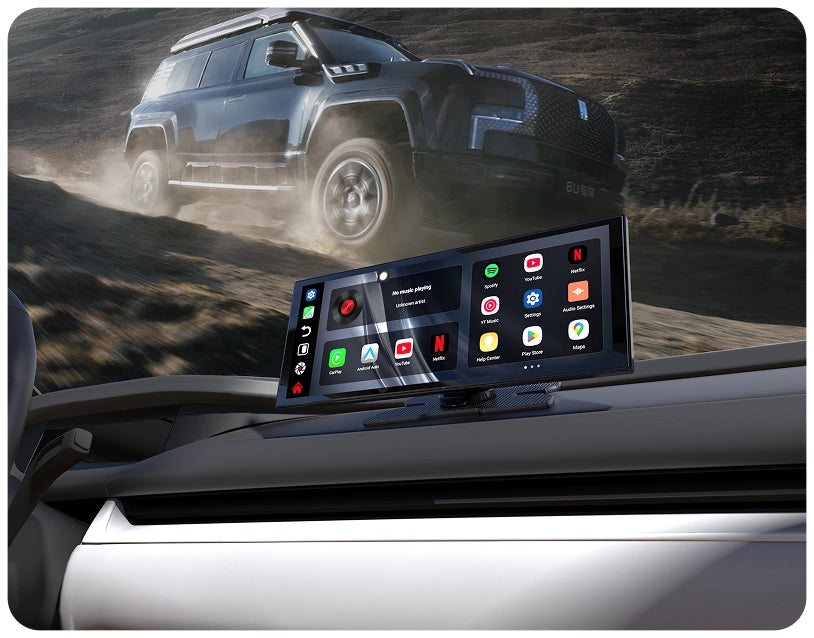
Upgrade Feels Complicated?
Plug it in and startusing it right away.
Wireless Freedom on Board
New Driving Experience
Revolutionize what you can accomplish on the road with wireless capabilities.
Reliable Connection
Enjoy a connection that feels just like your car's built-in system
Safety and Convenience
Keep your eyes on the road while handling calls, music and maps hands-free.

Android 15 Upgrade
Experience a smoother, safer and more connected drive with the latest Android 15 system.
Multitask Your Way
Watch a video while following directions or checking your apps side by side.








Compare
Compare our most popular products below.
 Ottoscreen AI
$169.00 USD
Buy Now
Ottoscreen AI
$169.00 USD
Buy Now
|
 ScreenFlow Portable Car Display Screen
$159.00 USD
Buy Now
ScreenFlow Portable Car Display Screen
$159.00 USD
Buy Now
|
|
|---|---|---|
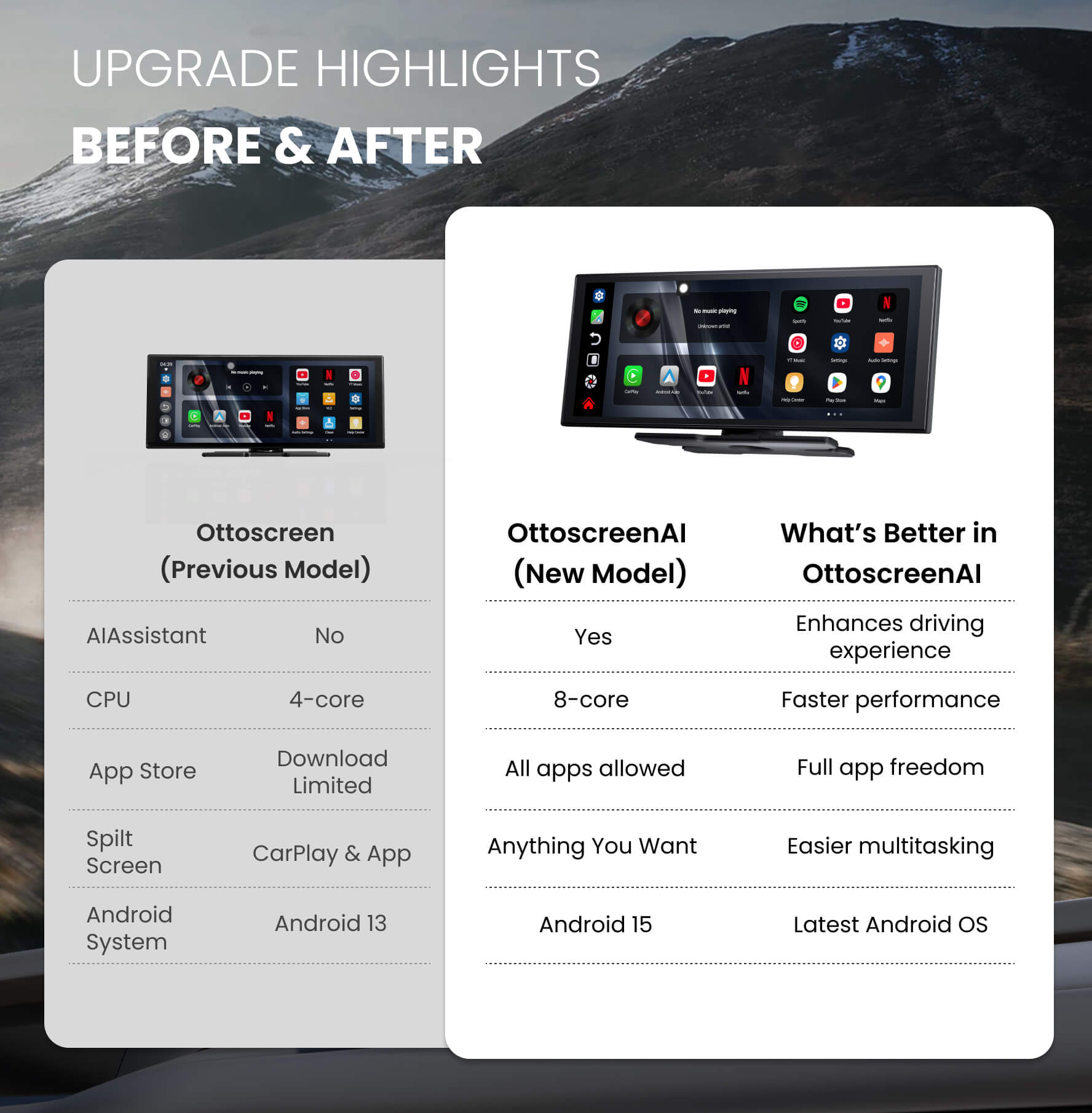
| Al Assistant |
YES
|
NO
|
| CPU |
8-core
|
4-core
|
| Memory & Storage |
4GB RAM + 32GB ROM
|
2GB RAM + 32GB ROM
|
| App Store |
All apps allowed
|
Download Limited
|
| SpiltScreen |
Anything You want
|
CarPlay & App
|
| Android System |
Android 15
|
Android 13
|
FAQ
Is this Ottocast product compatible with my car?
Most Ottocast products are designed for vehicles (typically 2016 or newer) with Factory Wired Apple CarPlay and/or Factory Wired Android Auto. This product is a wired-to-wireless adapter and must be plugged into a USB data port (not a charge-only port).
Quick check: plug your phone in—if CarPlay/Android Auto pops up, it’s supported. Video: 👉 Watch video
How can I check compatibility on your website?
On the product page, click “Check If Your Car Has Wired CarPlay” (under “Add to Cart”), then select your make / model / year to see the result.
Are there any discount codes, coupons, or vouchers for Ottocast products?
Yes. New customers may receive a welcome offer when subscribing to Ottocast emails, and we run limited-time promotions throughout the year.
For the latest active codes, subscribe at the bottom of the page and we’ll send updates.
If I’ve paired two phones, which one will it connect to next time?
If multiple paired phones are nearby, Ottocast will usually reconnect to the last used phone.
To switch devices, disconnect CarPlay on the current phone (or turn off its Bluetooth/Wi-Fi), then connect with the other phone.
Some models also support one-tap switching or manual device selection.
Can I move it between two cars?
Yes. Since it’s a plug-and-play portable screen, you can move it to another compatible vehicle. You’ll need to re-mount the bracket and reconnect power/accessories.
In the new car, you may need to re-pair your phone or complete a quick first-time setup.
Can two phones connect at the same time? How do I switch the primary phone?
Typically, only one phone can be active for Wireless CarPlay/Android Auto at a time.
To switch, disconnect CarPlay/Android Auto on the current phone (or turn off its Bluetooth/Wi-Fi), then connect with the other phone from its Bluetooth list.
Can I use Ottoscreen AI without connecting my phone?
Ottoscreen AI can work independently without staying connected to your phone. You can connect it to the internet via Wi-Fi (for example, a portable Wi-Fi hotspot/MiFi). Once online, you can use its online features (app availability may vary by region).
If my car is older than 2016, can I use OttoScreen AI / ScreenFlow?
Yes. OttoScreen AI is a standalone, plug-and-play display designed for any car, so it doesn’t rely on your vehicle having factory CarPlay (2016+ is mainly for wired-to-wireless adapters).
Does it have AI Voice / an AI Assistant?
Yes. OttoScreen AI includes a built-in AI Assistant, so you can use voice control for a smarter, more convenient drive.
Can I use split-screen to navigate while watching videos?
Yes. OttoScreen AI supports split-screen multitasking, so you can keep navigation visible while running video or other apps side by side.
For safety, play videos only when parked or for passengers.
OttoScreen AI vs. ScreenFlow—Which is smoother for multitasking?
Choose OttoScreen AI. It’s the higher-performance option (8-core + 4GB/32GB) with Android 15, AI Assistant, and more flexible split-screen/app support.
ScreenFlow is a solid plug-and-play choice for lighter daily use, but it’s lower spec (4-core + 2GB/32GB, Android 13) with more limited multitasking.