


Hvorfor BMW har brug for en specialiseret trådløs adapter
Opdag hvorfor standardadaptere ofte har problemer med moderne BMW'er, og hvordan OttoAibox i3 er designet til at integrere problemfrit med iDrive-systemet.
Lær mere U2Air Edge Wireless CarPlay/Android Auto Adapter
 Ottocast Mini Cube 3.0 trådløs CarPlay/Android Auto adapter
 Ottocast Mini NOVA trådløs CarPlay/Android Auto adapter
 Ottocast Mini Pico trådløs CarPlay/Android Auto adapter
 Cabin Care trådløs CarPlay adapter
 OttoSafe Cam 2-i-1 dashcam & trådløs CarPlay adapter
 OttoSafe Knob
 Play2Video X Wireless CarPlay/Android Auto All-in-1 Adapter
 Play2Video Ultra trådløs CarPlay/Android Auto alt-i-1 adapter
 OttoAibox P3 Pro CarPlay AI boks
 OttoAibox i3 BMW CarPlay AI-boks
 Spejl-touch trådløs CarPlay adapter
 Car TV Mate Pro - HDMI™ multimedie & trådløs CarPlay-adapter
 Car TV Mate Max - trådløs CarPlay & Android Auto med HDMI™ multimedie
 Ottoscreen AI
 ScreenFlow bærbar bilskærm
 MCM20 MagLock Pro Magnetic Car Mount
 USB Car Headrest Cooling Fan
 MCM21 Foldable Vacuum Mag Mount
 Opgraderet trådløs fjernbetjening
 Specialfremstillet fysisk kontrolpanel til Tesla Model 3/Y
 C6 Motorcycle Touchscreen


Find de bedste
CarPlay-løsninger til din bil
Bekræft din bilmodel for at finde en pålidelig, kabel-fri løsning, der er designet til at bevare kvaliteten og ingeniørkunsten i dit originale instrumentbræt.
Dækker fabriksinstallerede CarPlay-modeller fra 2016 til 2026. Søg i vores database for at bekræfte det præcise match til din bil.
Et kabel-frit cockpit på få sekunder. Når det er parret, forbinder din telefon og aktiverer CarPlay i det øjeblik, du starter motoren.
Ingen hardwareændringer. Ingen ledningsklipning eller fjernelse af instrumentbrættet—bevarer bilens oprindelige konstruktion, mens interfacet opgraderes.
Sammenlign alle løsningerVælg mærke, model og årgang for hurtigt at kontrollere kompatibiliteten.
*Kompatibiliteten kan variere afhængigt af udstyret. Den faktiske køretøjskonfiguration har forrang.

Tilslut til din bils USB-port

Aktivér Wi-Fi og Bluetooth, og par derefter med adapteren

Vælg CarPlay på bilens display. Opretter automatisk forbindelse ved efterfølgende brug.
Tilslut til din bils USB-port
Aktivér Wi-Fi og Bluetooth, og par derefter med adapteren
Vælg CarPlay på bilens display. Opretter automatisk forbindelse ved efterfølgende brug.
Vælg din bils mærke og år for hurtigt at tjekke.
Vælg din bils mærke, model og år for hurtigt at kontrollere kompatibilitet.
* Kompatibilitet varierer efter udstyrsvariant. Dit køretøjs fysiske konfiguration er afgørende.
Din opsætning er klar
Kompatibel med den valgte konfiguration. Se alle detaljer på produktsiden.

Konverterer kablet til trådløs Apple- eller Android-forbindelse til bilen, hvilket skaber en enklere oplevelse og mere fleksibilitet i placering og brug af telefonen.
Se alle modeller
Ud over traditionel smartphone-integration har den et selvstændigt operativsystem og smarte stemmekommandoer. Nyd direkte adgang til populære streamingplatforme uafhængigt og forvandl dit instrumentbræt til et alsidigt mediecenter.
Se alle modeller
Projicer din enhed nemt på instrumentbrættet. Uanset om du caster indhold eller spejler din grænseflade, forvandler du din bilskærm til en naturlig forlængelse af din telefon.
Se alle modeller
En plug-and-play-skærm, der tilføjer trådløs CarPlay eller Android Auto til enhver bil—perfekt til biler uden en indbygget skærm.
Se alle modeller
Konverterer kablet til trådløs Apple- eller Android-forbindelse til bilen, hvilket skaber en enklere oplevelse og mere fleksibilitet i placering og brug af telefonen.
Se alle modeller
Ud over traditionel smartphone-integration har den et selvstændigt operativsystem og smarte stemmekommandoer. Nyd direkte adgang til populære streamingplatforme uafhængigt og forvandl dit instrumentbræt til et alsidigt mediecenter.
Se alle modeller
Projicer din enhed nemt på instrumentbrættet. Uanset om du caster indhold eller spejler din grænseflade, forvandler du din bilskærm til en naturlig forlængelse af din telefon.
Se alle modeller
En plug-and-play-skærm, der tilføjer trådløs CarPlay eller Android Auto til enhver bil—perfekt til biler uden en indbygget skærm.
Se alle modellerEn klar oversigt over funktionerne i dit valgte produkt

Lær den 60-sekunders kabeltest og tjek dit køretøjs dataporte for at sikre en problemfri plug-and-play-oplevelse.
Lær mere
Opdag hvorfor standardadaptere ofte har problemer med moderne BMW'er, og hvordan OttoAibox i3 er designet til at integrere problemfrit med iDrive-systemet.
Lær mere
Udforsk, hvordan auto-genopkoblingsteknologi forenkler parringsprocessen og hjælper dig med at bevare fokus på vejen for en mere smidig køreoplevelse.
Lær mere
Følg disse enkle trin for hurtigt at få din trådløse adapter til at fungere, designet til at gøre din første forbindelse så nem som muligt.
Lær mere
Hold din enhed i optimal stand. Lær de grundlæggende trin for Over-The-Air firmwareopdateringer for at hjælpe med at opretholde langsigtet systemstabilitet.
Lær merePre-Sales Guide | Watch the 60-second cable test and review these quick facts before ordering.
While our product finder is a helpful starting point, the easiest way to guarantee a seamless plug-and-play experience is to understand how your car's current system works.
Take a minute to watch the quick video below on how to test your car's capability, and review the four basic facts below.
Watch: How to confirm your car has wired CarPlay.
As demonstrated in the video, the fastest way to confirm compatibility is the cable test. Simply plug your phone into your car using a standard data cable. If the native Apple CarPlay or Android Auto screen appears, your car has the required wired foundation and is ready for our wireless adapters.
When performing the cable test or plugging in your new adapter, ensure you are using the main Data Transfer USB port (usually located under the dashboard). If you plug into a "Charge-Only" port in the armrest, your phone will charge, but the CarPlay screen will never trigger.
BMWs are an exception to the cable test because modern iDrive systems are entirely wireless from the factory. If you drive a BMW, a standard adapter will not connect. You will need a specialized, BMW-engineered unit such as the OttoAibox i3.
While passing the cable test means you are generally good to go, certain display shapes or specific trims might have unique quirks. It is always a smart idea to glance at the specific product page details before adding the item to your cart.
Compatibility | Why BMW requires a specialized adapter, and how the OttoAibox i3 bridges the gap.
BMW stands entirely apart in the automotive industry when it comes to smartphone integration. Unlike other manufacturers who utilized wired CarPlay for years, BMW pioneered native wireless CarPlay very early on. However, this early innovation created a unique set of limitations for modern drivers.
Because BMWs lack a traditional wired CarPlay data protocol, standard aftermarket AI boxes simply will not work in an iDrive system. To upgrade a BMW, you need specialized engineering.
Many BMW owners want more than just basic maps and audio. They want to utilize their gorgeous widescreen displays for video streaming (like Netflix or YouTube) while parked, or they want an open Android operating system to download standalone apps. But because standard adapters rely on tricking a wired port into becoming wireless, they fail to handshake with BMW's wireless-only architecture.
This is where specialized hardware becomes necessary. The OttoAibox i3 is engineered exclusively for BMW's iDrive system (fully compatible with iDrive 6, 7, 8, and 9). It bypasses the limitations of the factory system by converting the native wireless protocol into a fully independent Android operating system.
The OttoAibox i3 is designed exclusively for BMW models equipped with factory wireless Apple CarPlay. The comprehensively verified compatibility list includes:
If you drive a modern BMW within these model years and want to unlock the true potential of your dashboard without voiding your warranty, the OttoAibox i3 is the ultimate plug-and-play solution.
Insights & Technology | Why true wireless freedom isn't just about removing clutter—it's about removing cognitive friction from your drive.
When drivers look to upgrade to wireless Apple CarPlay, the immediate appeal is obvious: a clean dashboard, no tangled cables, and an interior that matches modern minimalist design. However, the most critical benefit of going cable-free isn't aesthetic—it is safety.
Physical cables introduce a subtle but continuous source of driving distraction. True wireless hardware solves this fundamentally through a single, seamless software architecture: Auto-Reconnect.
Every driver has experienced it: you hit a minor pothole, or shift your phone slightly in the cup holder, and the CarPlay screen goes black. A worn-out lightning cable or a loose charging port instantly drops the connection mid-route.
The behavioral response is almost instantaneous and highly dangerous. Drivers instinctively look down, jiggle the cable, or attempt to replug the phone while the vehicle is still moving. Statistically, taking your eyes off the road for just two seconds at highway speeds means traveling blind for over 50 meters. By eliminating the physical cable, you eliminate the single biggest point of failure in smartphone-to-car connectivity.
Safety Insight: True automation means tech should adapt to the driver, not force the driver to adapt to the hardware. Wireless connectivity ensures that once your environment is configured, it remains uninterrupted.
An optimized wireless adapter does not require manual pairing every time you open the car door. Instead, it relies on an instantaneous, two-stage background handshake that occurs before you even shift into drive:
The entire sequence takes less than 7 to 10 seconds. By the time your engine is started and you are ready to back out of your driveway, your maps, playlists, and contacts are already live on the center dashboard.
To achieve this level of uncompromised reliability, Ottocast hardware streamlines both connection speed and system stability, ensuring the vehicle's original controls remain perfectly responsive.
| Feature | The Wireless Driving Advantage |
|---|---|
| Boot-to-Screen Time | 7–10 seconds automatic initialization upon vehicle startup. |
| Transmission Protocol | High-speed 5GHz Wi-Fi certifies lag-free real-time GPS tracking. |
| Control Integration | Full preservation of factory steering wheel controls and Siri commands. |
| Hardware Footprint | Ultra-compact industrial casing designed to stay completely out of view. |
Upgrading to a dedicated wireless adapter like the Ottocast Mini Cube or the multi-functional Play2Video Ultra transforms the driving ritual. Phone placement becomes irrelevant; it stays in your pocket, your briefcase, or securely on a wireless charging pad.
By delegating the connection entirely to automated software, you reclaim your focus where it belongs: completely on the road ahead.
Setup Guide | A step-by-step walkthrough for first-time users—from unboxing to wireless freedom.
One of the biggest misconceptions about upgrading to wireless Apple CarPlay or Android Auto is that it requires complex installation, dashboard teardowns, or a trip to an audio specialist.
The reality? If you can plug in a USB cable and tap your phone screen, you already have all the technical skills required. Here is how to achieve true wireless freedom in under a minute.
Once the interface populates on your dashboard, the setup is permanently complete. You never have to repeat these steps. When you start your car, the adapter will automatically detect your phone in your pocket and reconnect instantly.
Discover how over-the-air updates protect your investment.
In the world of automotive technology, smartphone operating systems update rapidly. Apple releases a new iOS version, or Google updates Android, and suddenly, third-party accessories can experience connection hiccups.
To prevent your wireless adapter from becoming obsolete every time your phone updates, premium devices utilize a technology called FOTA (Firmware Over-The-Air). This is the exact same wireless update architecture used by modern electric vehicles.
Traditionally, updating automotive hardware required downloading specific files from a product page to a computer, formatting a USB drive, and manually installing the update—a highly error-prone process.
FOTA eliminates this entirely. It allows your adapter to download system updates, bug fixes, and performance enhancements directly through your smartphone's Wi-Fi connection, with zero cables required.
Investment Protection: A wireless adapter without FOTA capability is a ticking clock. FOTA ensures that the hardware you buy today will remain perfectly compatible with the smartphones of tomorrow.
Updating your Ottocast device takes less than three minutes and requires nothing more than your smartphone. Follow these exact steps:
192.168.1.101 into the URL bar.As a rule of thumb in the tech industry: If it isn't broken, don't fix it. If your wireless connection is stable and fast, there is no mandatory need to update the firmware. However, if you recently updated your phone's OS and noticed slightly longer boot times or audio lag, running a quick FOTA update is your immediate solution.
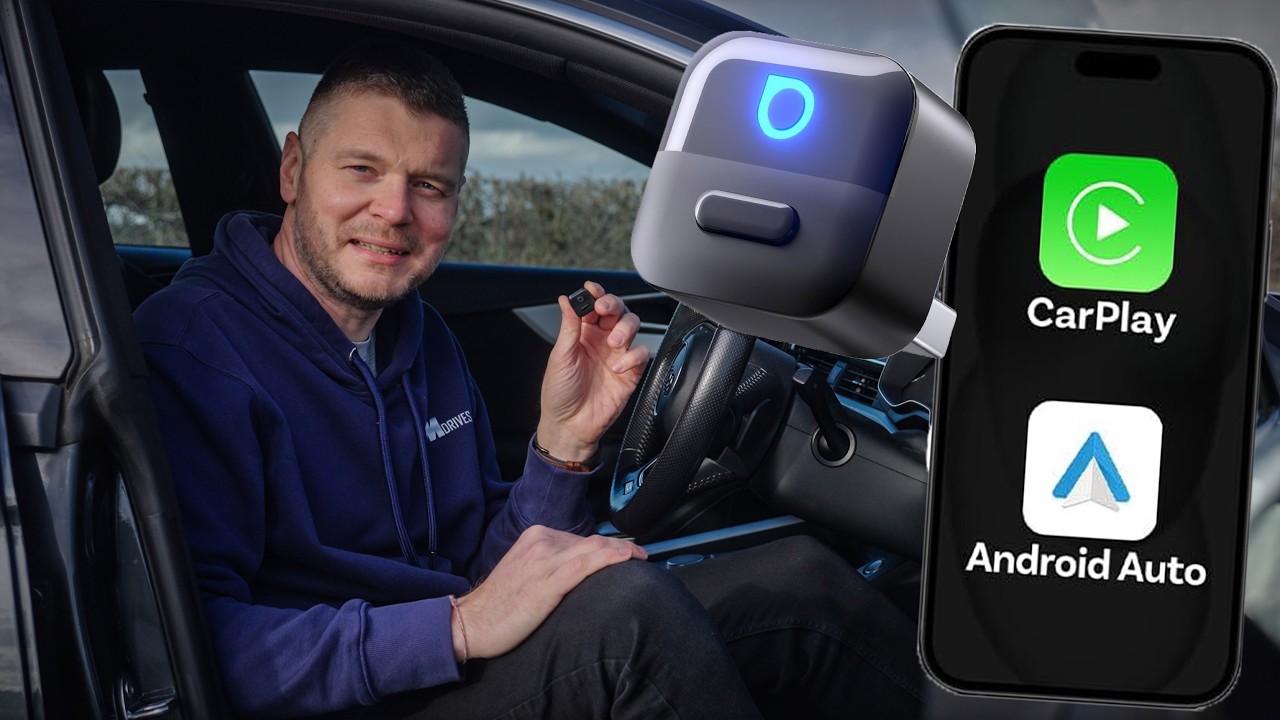
Gennemgang Mini Pico
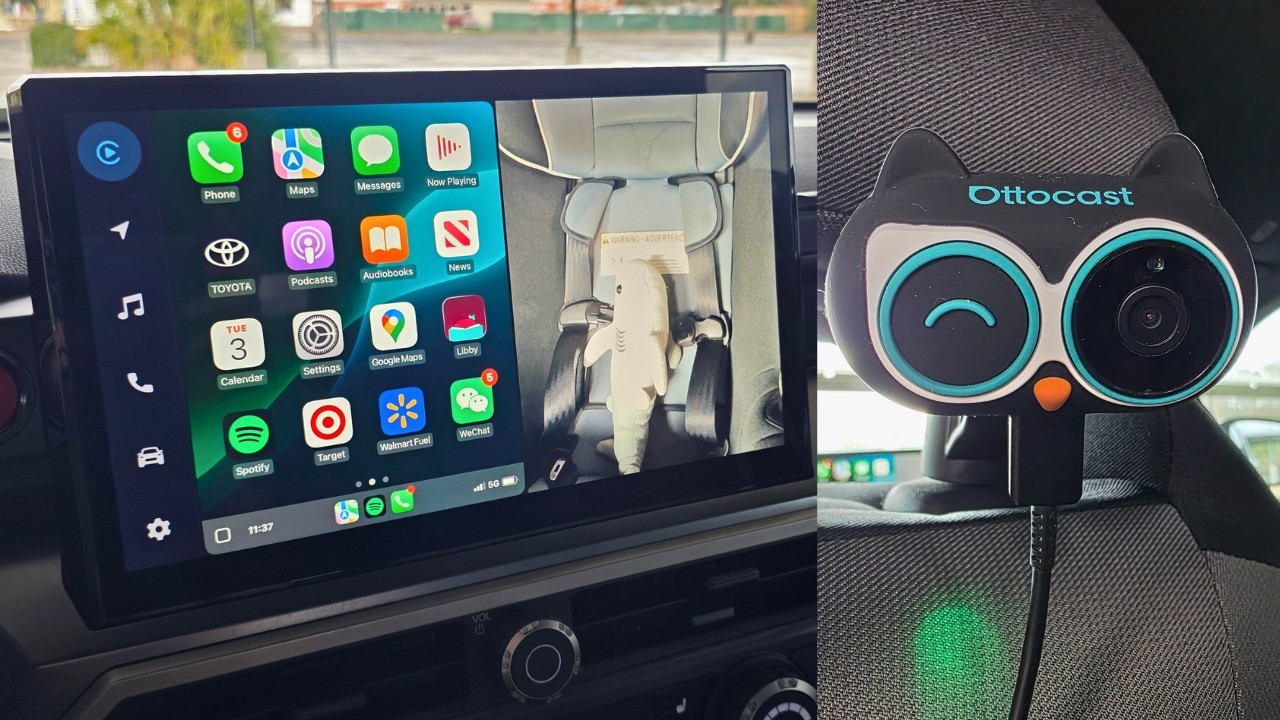
Gennemgang Hyttepleje
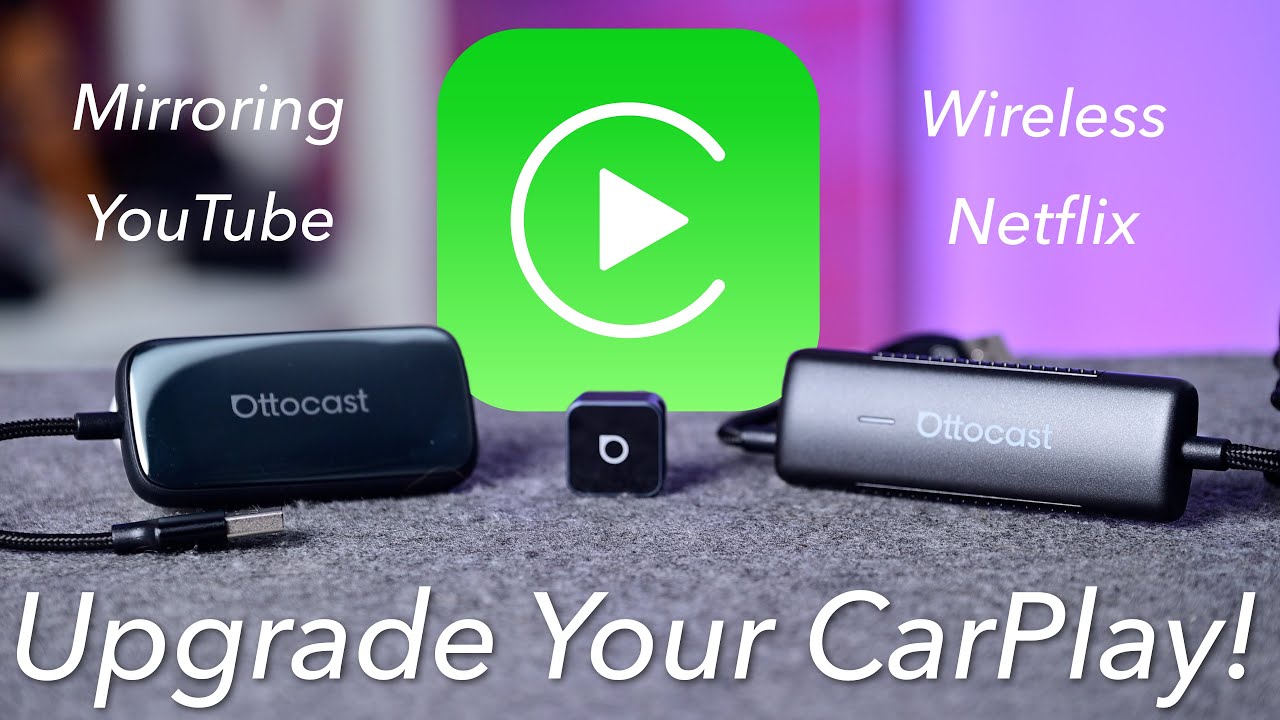
Gennemgang Play2Video Ultra →
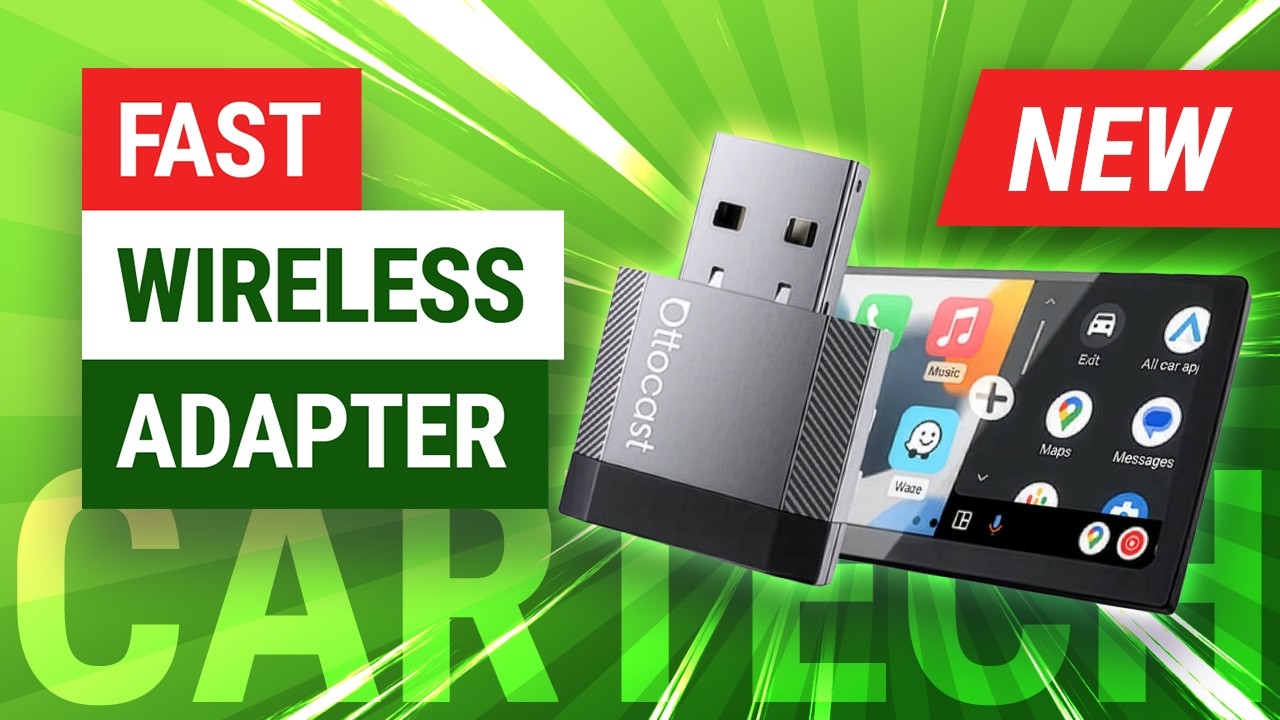
Gennemgang Mini Nova