Może być bardzo frustrujące, gdy CarPlay rozłącza się dokładnie wtedy, gdy najbardziej go potrzebujesz. Wyobraź sobie sytuację, gdy dzieje się to w trakcie podróży podczas korzystania z nawigacji lub ważnej rozmowy.
W takich sytuacjach większość kierowców od razu obwinia aktualizacje iOS, błędy oprogramowania infotainment, problemy z kompatybilnością lub coś podobnego. I to prawda. Te czynniki mają znaczenie. Jednak często nie są one prawdziwą przyczyną.
W wielu przypadkach prawdziwym problemem jest niestabilne dostarczanie energii w twoim samochodzie.
Kilka ważnych uwag zanim przejdziemy dalej

Bardzo ważne jest, aby od razu zrozumieć, że problemy z rozłączaniem CarPlay rzadko wynikają z pojedynczego punktu awarii. Zazwyczaj są efektem wielu nakładających się czynników:
- Niewystarczające zasilanie w porcie USB
- Słaby kontakt
- Niskiej jakości kable lub adaptery
- Zmodyfikowane wiązki przewodów
- Starzejące się wewnętrzne komponenty
- Przegrzewanie się i restartowanie adapterów bezprzewodowych pod dużym obciążeniem elektrycznym
W tym łańcuchu jest też element często pomijany. Mówimy o kondensatorze. Kondensatory odgrywają kluczową rolę w stabilizacji napięcia w elektronice samochodowej, w tym w systemach infotainment i modułach USB.
Jak działa CarPlay (i dlaczego stabilność zasilania jest ważna)

CarPlay występuje w dwóch formach, które oferują dość podobne doświadczenie użytkownika; jednak ich wymagania dotyczące zasilania i łączności są bardzo różne. Oto, co mamy na myśli.
- Przewodowy CarPlay wykorzystuje fizyczne połączenie USB do wszelkiego rodzaju transferu danych i w większości przypadków do ładowania telefonu.
- Bezprzewodowy CarPlay opiera się na Wi-Fi Direct i Bluetooth do komunikacji, ale nadal pobiera energię z portu USB pojazdu.
Oto szybka tabela porównawcza.
| Funkcja | Przewodowy CarPlay | Bezprzewodowy CarPlay |
| Transfer danych | Kabel USB | Wi-Fi Direct + Bluetooth |
| Pobór mocy | Stałe przez USB, ale ładuje baterię telefonu | Stałe przez USB |
| Wrażliwość na spadki napięcia | Umiarkowane | Wysokie |
| Zachowanie w przypadku awarii | Szybka regeneracja | Często przerywa sesję |
CarPlay stale obciąża system elektryczny twojego samochodu, niezależnie od jego typu. Działania takie jak duplikowanie ekranu, nawigacja w czasie rzeczywistym, dźwięk Bluetooth, komunikacja Wi-Fi i ładowanie (w przypadku połączeń przewodowych) odbywają się jednocześnie. Tworzy to stałe obciążenie elektryczne wymagające stabilnego prądu.
Krótki spadek może zresetować port USB, zakłócić komunikację Wi-Fi Direct, wywołać ciche ponowne uruchomienie jednostki głównej lub spowodować coś zupełnie innego.
Oficjalny przegląd działania CarPlay i jego wymagań według Apple znajdziesz na oficjalnej stronie wsparcia CarPlay Apple.
Typowe objawy problemów zasilania w CarPlay

Niestabilność zasilania w samochodzie nie zawsze jest widoczna. Możesz to zignorować jako przypadkowe zachowanie, ale jeśli zauważysz coś niepokojącego podczas uruchamiania silnika, włączania kierunkowskazów, wycieraczek, regulacji fotela lub podczas przełączania między aplikacjami czy ekranami nawigacji, to znak ostrzegawczy.
Mniej oczywiste objawy to losowe rozłączanie się Wireless CarPlay (które naprawia się po ręcznym ponownym połączeniu), krótkie zawieszanie się ekranu przed rozłączeniem lub nagły dźwięk ponownego podłączenia USB, który pojawia się znikąd.
To nie są awarie oprogramowania. W rzeczywistości zasilanie spadło na ułamek sekundy, co wystarczyło, by system zaczął zachowywać się, jakby urządzenie zostało odłączone.
Czym są kondensatory i jak działają w twoim samochodzie?

Ogólnie rzecz biorąc, kondensator powinien kontrolować przepływ prądu elektrycznego. Kondensatory to małe elementy elektroniczne, które magazynują i uwalniają energię elektryczną. Działają jak bufory, wygładzając wahania napięcia, aby stabilizować dostarczanie energii do wrażliwej elektroniki.
W nowszych samochodach kondensatory są stosowane w całym systemie infotainment. Gdy wszystko działa poprawnie, kondensatory pochłaniają krótkie skoki napięcia i kompensują chwilowe spadki. Jednak stare kondensatory tracą tę zdolność, co skutkuje stałymi falami napięcia, prowadzącymi do chwilowej utraty zasilania.
Jeśli używasz adapterów Wireless CarPlay od Ottocast, stabilne zasilanie staje się jeszcze ważniejsze, ponieważ te urządzenia polegają na nieprzerwanym zasilaniu USB i ciągłej komunikacji Wi-Fi, aby działać prawidłowo.
Dlaczego kondensatory zawodzą z czasem?
Kondensatory nie psują się nagle. Zamiast tego ulegają stopniowemu zużyciu, które może trwać kilka lat, dlatego problemy elektryczne w samochodzie mogą wydawać się przypadkowe.
Sprawdź najczęstsze przyczyny.
- Narażenie na ciepło za deską rozdzielczą powoduje, że temperatury regularnie przekraczają normalne zakresy pracy.
- Skoki napięcia podczas uruchamiania silnika mogą obciążać elementy odpowiedzialne za zasilanie w samochodzie.
- Tanie, zamienne jednostki główne lub adaptery z komponentami niższej jakości mogą powodować problemy.
Twój kondensator może działać poprawnie przez większość czasu, ale może zawieść przy większym obciążeniu lub wysokiej temperaturze. To z kolei prowadzi do innych problemów, takich jak losowe rozłączenia.
Jak sprawdzić kondensator
OSTRZEŻENIE BEZPIECZEŃSTWA: Przed ingerencją w instalację elektryczną wyłącz silnik, odłącz akumulator i użyj odpowiedniego sprzętu ochronnego.
Wstępna inspekcja wizualna

Prosta inspekcja wizualna może ujawnić niektóre oczywiste problemy. Powinieneś szukać:
- Wypukłości lub wypukłe czubki (mogą wskazywać na wewnętrzne ciśnienie)
- Wycieki (często brązowe lub białe)
- Korozja lub przebarwienia wokół podstawy kondensatora
Te kontrole wizualne są przydatne, ale wykrywają tylko poważne uszkodzenia. Niektóre uszkodzone kondensatory wyglądają na zewnątrz całkowicie normalnie, dlatego trzeba przetestować jeszcze kilka rzeczy.
Jak przetestować kondensator za pomocą podstawowych narzędzi
Metoda 1: Test pojemności multimetrem
Zacznij od odłączenia kondensatora od obwodu, a następnie bezpiecznie go rozładuj. Następnie możesz zmierzyć pojemność. Po uzyskaniu wartości porównaj odczyt z wartością nadrukowaną na elemencie. Większość kondensatorów jest uznawana za akceptowalną, jeśli wynik mieści się w zakresie od 10% do 20% (plus minus) ich nominalnej pojemności.
Jeśli odczyt jest znacznie niższy, oznacza to, że kondensator nie jest już w stanie magazynować wystarczającej energii, aby stabilizować napięcie w samochodzie.
Porada eksperta: Nawet jeśli otrzymasz prawidłowe wartości, problem może utrzymywać się z powodu wysokiej wewnętrznej rezystancji (ESR). W takich przypadkach może być potrzebny miernik ESR do ostatecznej diagnozy.
Metoda 2: Test stabilności napięcia (w samochodzie)
Zmierz napięcie na porcie USB lub zasilaniu podczas uruchamiania silnika i włączania urządzeń elektrycznych. Jeśli napięcie nagle spada lub waha się, oznacza to problem z kondensatorem.
Metoda 3: Test ESR (zaawansowany, opcjonalny)
ESR (Równoważna Rezystancja Szeregowa) służy do pomiaru efektywności kondensatora, a dokładniej, jak efektywnie kondensator dostarcza energię. Wysoki odczyt ESR oznacza słabą wydajność przy większych obciążeniach.
Sprawdzanie stabilności zasilania poza kondensatorami

Jak się dowiedzieliśmy, kondensatory są ważne, ale w samochodzie są tylko częścią systemu. Twój problem z CarPlay może mieć inne przyczyny.
- Problemy ze stanem baterii
- Problemy z uziemieniem za deską rozdzielczą
- Luźne lub zoxidowane złącza
- Niestabilność zasilania portu USB
- Nieoryginalne skróty w okablowaniu wprowadzające niestabilność
- Niskiej jakości kable USB lub adaptery, które nie mogą utrzymać ciągłego prądu
- Zmodyfikowane wiązki przewodów, które dodają opór lub powodują przerywane styki
Każdy z tych problemów może niestabilizować działanie CarPlay.
Bezprzewodowy CarPlay opiera się na Wi-Fi Direct i stałym obciążeniu procesora w adapterze. W przeciwieństwie do połączeń przewodowych, ma niewielką tolerancję na przerwy, a chwilowy spadek napięcia może zakończyć całą sesję. Przewodowy CarPlay może wydawać się bardziej stabilny w tym samym pojeździe, ponieważ połączenia przez kabel USB szybciej się regenerują po krótkich przerwach.
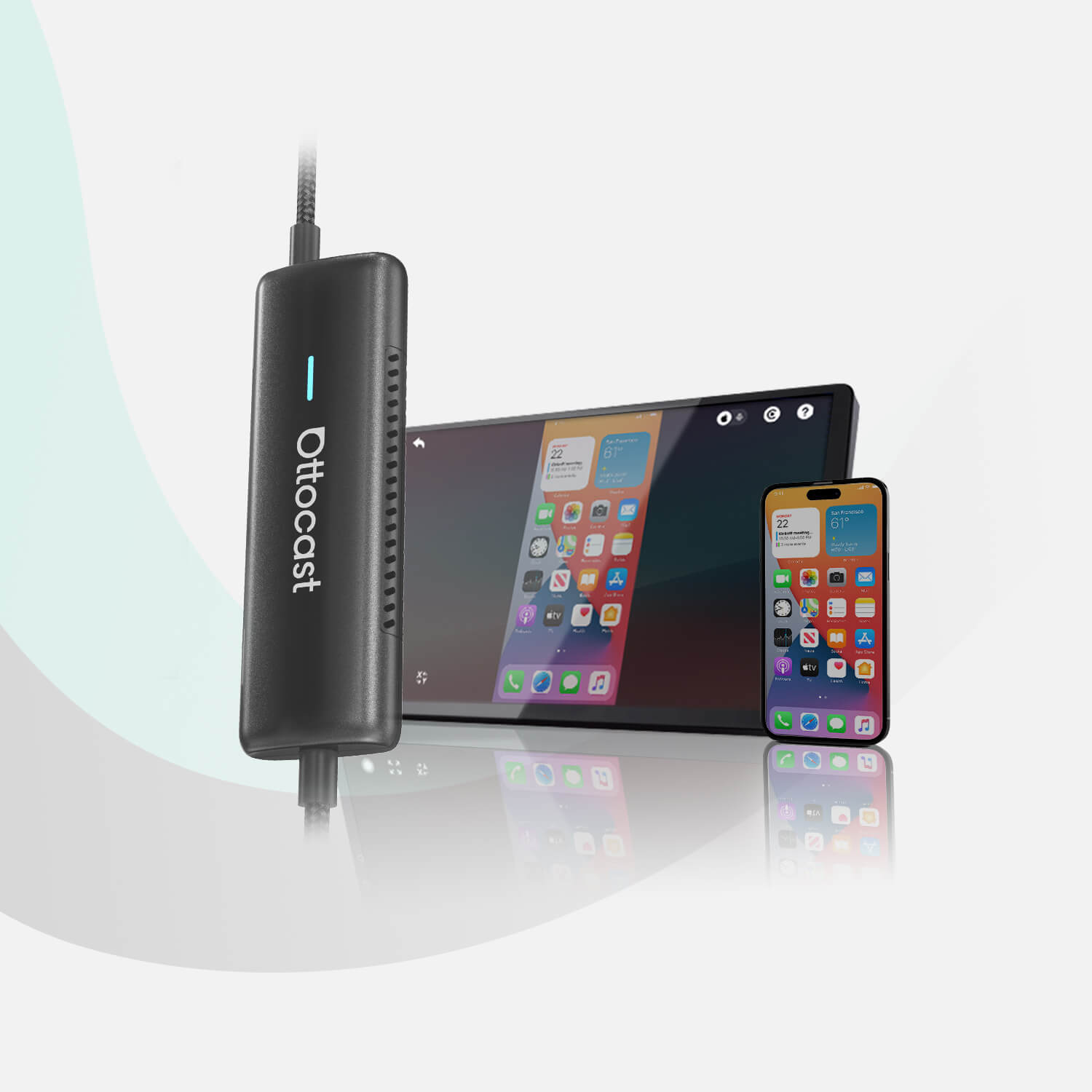
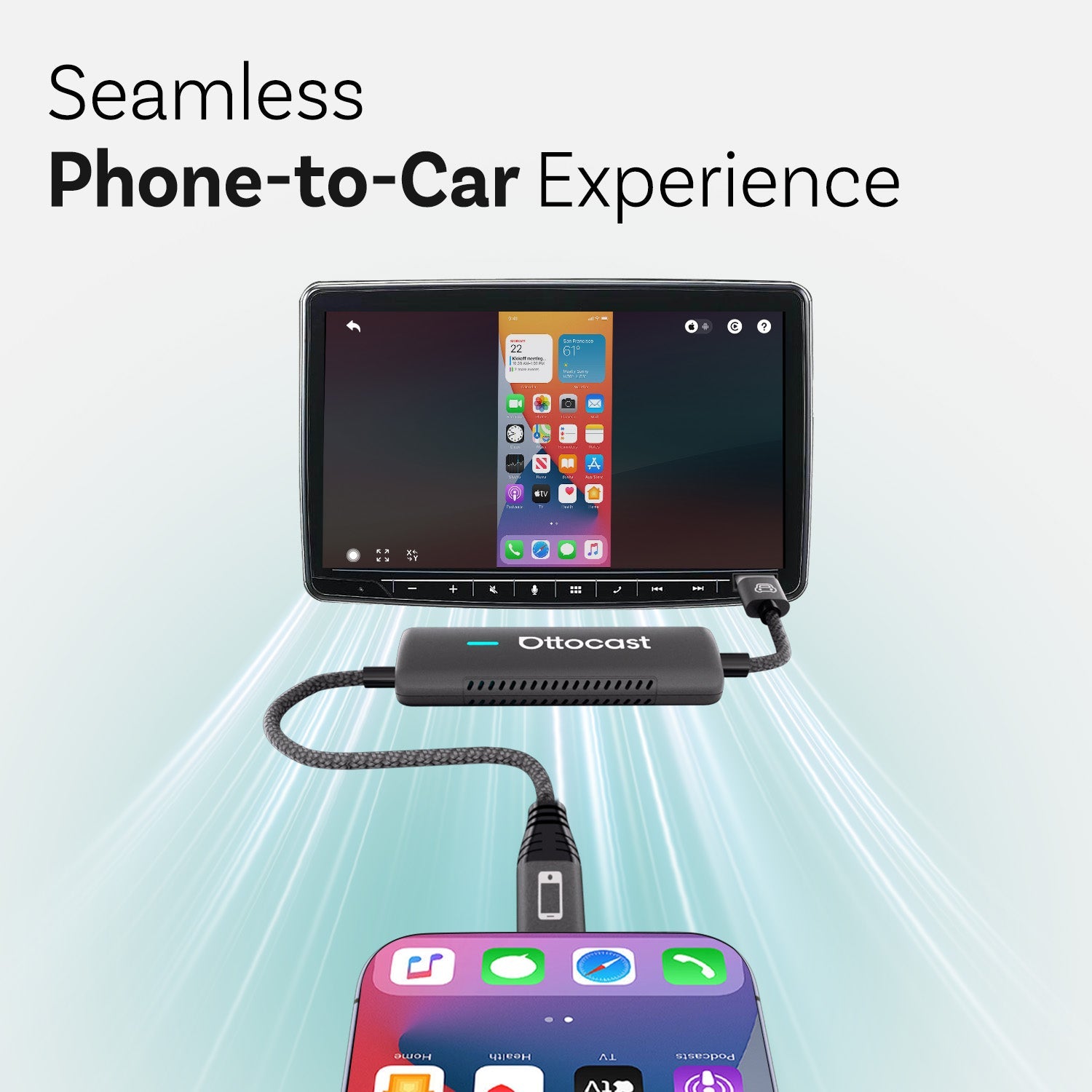
Bezprzewodowe adaptery również generują ciepło, jeśli używasz ich zbyt intensywnie, a przegrzewanie może prowadzić do termicznego ograniczenia mocy, pogorszenia wydajności i irytujących automatycznych restartów. Zaufany produkt, taki jak Ottocast Mini Pico Wireless CarPlay Adapter, uwolni Cię od kabli, ale wahania napięcia lub przegrzewanie mogą nadal powodować losowe rozłączenia.
Miło, że ten produkt jest bardzo mały, więc możesz go strategicznie umieścić, aby uniknąć przegrzewania.
Kiedy więc wymieniać kondensatory (a kiedy nie)?
Jeśli testy potwierdzą pogorszoną wydajność lub jeśli występują jakiekolwiek widoczne uszkodzenia, powinieneś poszukać nowego kondensatora. Jednak wymiana kondensatorów nie rozwiąże problemów spowodowanych złymi kablami, niestabilnymi portami USB lub przegrzewającymi się adapterami.
Pamiętaj jednak, że wymiana poszczególnych komponentów na poziomie płyty to specjalistyczna naprawa. Dla większości kierowców bardziej praktycznym pierwszym krokiem jest wymiana całej jednostki głównej lub bezprzewodowego adaptera.
W każdym przypadku metodyczne testowanie jest niezbędne, aby upewnić się, że nie tracisz czasu i pieniędzy na wymiany, które nie rozwiązują podstawowej przyczyny.
Zapobieganie przyszłym rozłączeniom CarPlay

Jeśli chcesz zminimalizować przyszłe problemy, postępuj zgodnie z tym szybkim checklistą.
- Używaj wysokiej jakości adapterów i kabli
- Unikaj tanich rozdzielaczy USB
- Utrzymuj oprogramowanie infotainmentu na bieżąco
- Regularnie sprawdzaj system zasilania
- Szukaj profesjonalnej diagnostyki, gdy problemy się utrzymują
W przypadku bezprzewodowych zestawów możesz monitorować temperaturę adaptera podczas długich jazd. Jeśli zauważysz, że jest on trochę za gorący po jeździe, to częsta, ale często pomijana przyczyna spadku wydajności.
Ostateczne wnioski: Napraw zasilanie, napraw połączenie
Niezawodność CarPlay w dużej mierze zależy od stabilnego zasilania w Twoim samochodzie. Kondensatory odgrywają tu ogromną rolę, ale są tylko jednym ogniwem w dłuższym łańcuchu, który obejmuje czyste styki USB, wysokiej jakości kable, sprawne okablowanie, odpowiednie chłodzenie i stałe napięcie. Metodyczne rozwiązywanie problemów, zamiast wymiany na chybił trafił, to najszybszy sposób, by zatrzymać sytuacje, w których CarPlay ciągle się rozłącza.
Jeśli chcesz dowiedzieć się więcej o tym, jak wybrać niezawodne bezprzewodowe rozwiązanie CarPlay, sprawdź ten kompletny przewodnik po najlepszych bezprzewodowych adapterach CarPlay w 2026 roku od Ottocast.
Może Ci się również spodobać