

The Chevrolet Equinox has one of the cleanest and most functional cabin architectures. It is the perfect companion for your daily trips, whether we’re talking about quick grocery runs or long family road trips. Every storage compartment, touchscreen interface, and seating arrangement is systematically laid out to maximize passenger comfort and driving practicality.
However, this great interior experience goes down the drain pretty quickly when you have a tangled charging cord dangling awkwardly across your shifter. It can clutter up your cup holders and occupy your front storage tray. And so, instead of enjoying your modern cockpit, you now need to deal with messy cables whenever you enter your car.
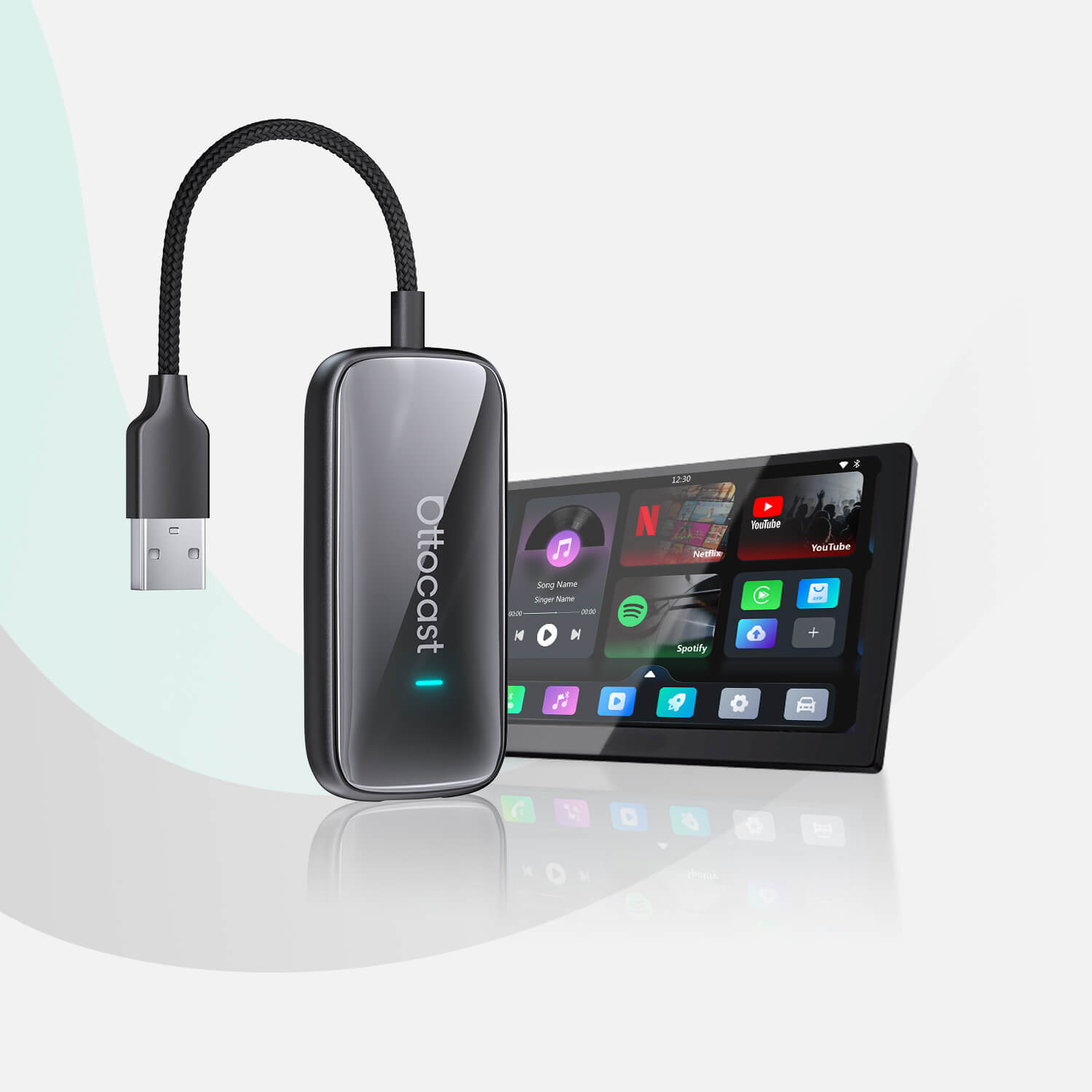
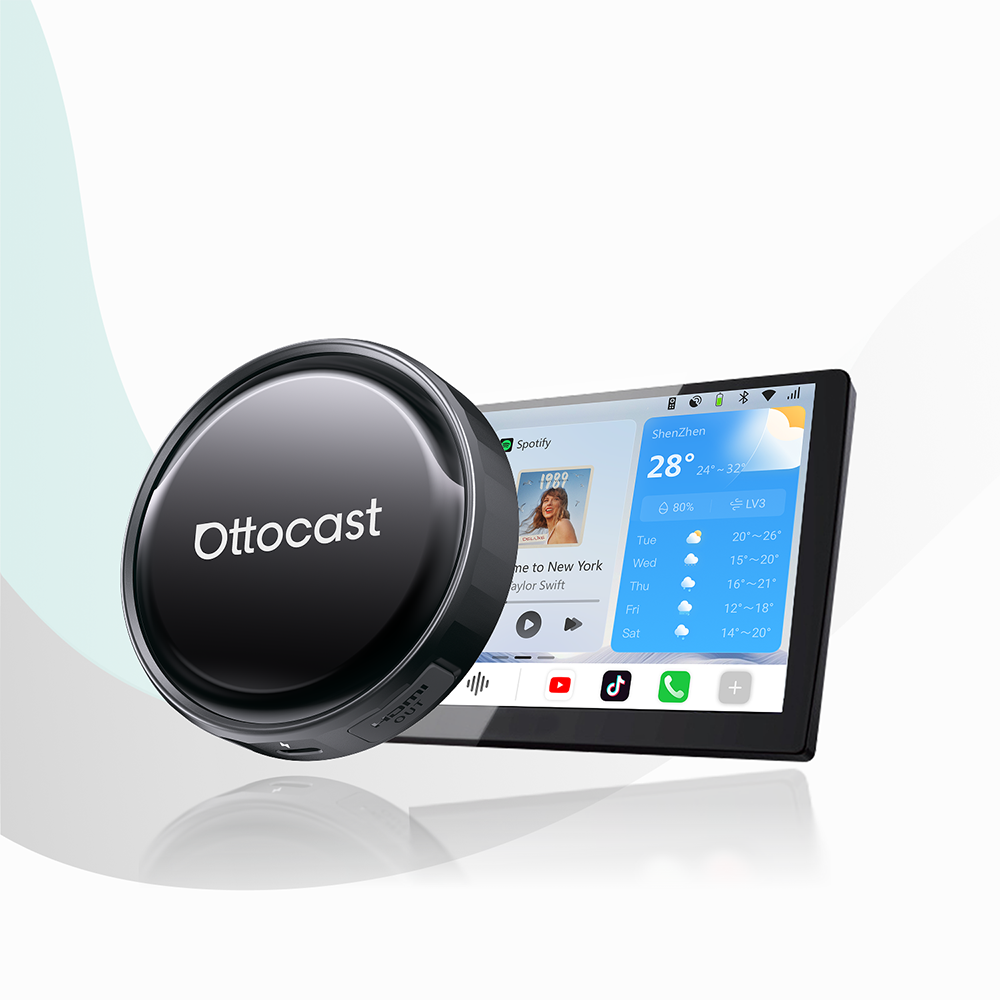
If you want to say goodbye to this daily hassle and take your driving experience to the next level, consider getting a high-quality wireless CarPlay adapter for your Chevrolet Equinox.
It is the ultimate solution. This simple plug-and-play modification is an exceptional Chevy Equinox CarPlay upgrade, letting you keep your phone tucked away while your dashboard stays completely wire-free.
If you are ready to modernize your crossover’s dashboard layout, explore the complete lineup of premium adapters on the official Ottocast website.
For a deep dive into how untethered smartphone technology transforms your daily drive, read a detailed wireless vs. wired CarPlay comparison guide for all the insights you need to permanently transition away from physical cables.
Chevy Infotainment Demystified: Does Your Equinox Qualify?

Before investing in an upgrade, it is vital to walk through the technological timeline of the Equinox’s dashboard software to understand how your specific model interfaces with smartphone integration.
Over the past decade, Chevrolet began deploying factory-wired Apple CarPlay via its signature MyLink system, providing drivers with early access to in-dash maps, hands-free messaging, and audio streaming. As vehicle technology progressed, Chevrolet later transitioned to the more advanced, highly responsive Chevrolet Infotainment 3 platform.
While both ecosystems possess robust internal hardware capable of running car mirroring protocols smoothly, they historically required a physical cable connection to operate, leaving a gap in overall convenience.
This technical background allows us to map out the perfect sweet spot for an aftermarket wireless upgrade.
The Wired Era, which heavily encompasses the 2016–2021/2022 model years alongside baseline modern trims, features excellent built-in touchscreens that run CarPlay flawlessly but lack the internal wireless antennas required for a cord-free handshake. If your vehicle falls into this category, it is a prime candidate for an external wireless adapter.
It is also important to note the native wireless transition that occurred in the crossover segment. While newer or top-tier trim configurations (like the Premier or RS) started introducing native wireless features directly from the factory in recent years, many baseline trims (such as the LS and LT) or high-utility fleet models still rely strictly on wired connections.
This dynamic makes an external adapter absolutely essential for drivers who want premium functionality without paying for expensive luxury trim packages. Upgrading your factory unit with the best wireless CarPlay adapter for Chevy SUV configurations unlocks maximum convenience across the entire Chevrolet Infotainment wireless CarPlay spectrum.
The Equinox Trim Matrix and Cabin Integration

One of the greatest benefits of using a specialized adapter is how a compact wireless dongle integrates seamlessly into the unique geometry of the Equinox’s front center console. In the Chevrolet Equinox, the primary USB media ports are located directly at the base of the center stack inside the lower storage cubby. Because this area is also heavily utilized for holding wallets, keys, and loose items, traditional long charging cables quickly turn into an unorganized mess wrapped around the gear lever.
By choosing a dedicated, low-profile wireless device, a small, ultra-low-profile dongle can be plugged directly into the port and entirely hidden away, keeping your entire dashboard space pristine and uncluttered.
This clever integration ensures that your console trays remain fully open for wireless charging pads or small gear. To help visualize how this tech fits across various model years, the matrix below details the exact layout for a compact CarPlay adapter upgrade based on your specific trim, whether you are optimizing a standard Chevy Equinox LT wireless CarPlay system or executing an Equinox RS tech upgrade.
| Equinox Generation / Trim | Factory Setup Base | Wireless Integration Layout |
|---|---|---|
| Equinox LS / LT (Wired Trims) | 7-inch or 8-inch Chevrolet Infotainment 3 | Plug into the front storage bin USB port; completely clears up the cup-holder zone. |
| Equinox RS / Premier (Wired Variants) | 8-inch HD Color Touchscreen | Frees up valuable console real estate for wireless charging pads and small essentials. |
| Older Equinox (2016–2018 MyLink) | Legacy MyLink Interface | Refreshes aging dash tech with instant, automated smartphone pairing. |
How to Choose the Best Wireless CarPlay Adapter for Chevy Equinox
When searching for the ideal hardware, it is critical to understand the core technical parameters that separate a premium, high-performance adapter from cheap online knockoffs that cause constant audio drops and system freezes. Because the Chevrolet Equinox is frequently a shared family vehicle or a multi-driver commuter car used by couples and teenagers alike, you must focus on three core product pillars to ensure long-term satisfaction:
Advanced 5GHz Dual-Band Transmission
Basic adapters rely on slow 2.4GHz Wi-Fi networks, which suffer from severe signal interference in urban areas. A premium system utilizes advanced 5GHz dual-band data transmission, which completely eliminates map navigation lag or audio delays while streaming high-quality music or taking important hands-free corporate calls.
Multi-Driver Smart Switching
Essential for couples or family members sharing an Equinox, the adapter's internal memory should easily manage multiple unique device profiles. This smart programming ensures the unit boots smoothly without causing an annoying wireless crossfire when two paired phones enter the cabin at the same time.
Instant Auto-Reconnect
You shouldn’t have to wait around for your tech to catch up. A high-tier system is engineered to boot up and finish its automated wireless handshake in under 15 seconds, often pairing before you even back out of your driveway or garage.
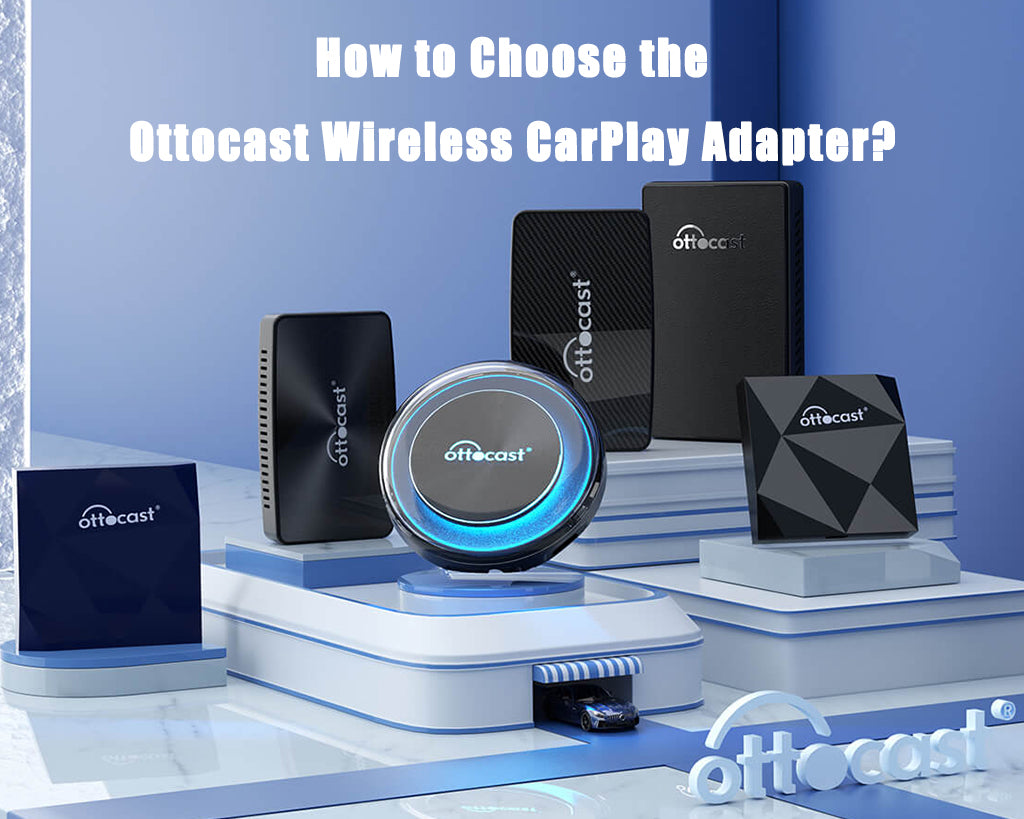
To achieve this level of stealth integration and performance within your crossover’s tight storage tray layout, you should look specifically for ultra-compact hardware like the Ottocast Mini Cube 3.0 or the Ottocast Mini Pico as the ultimate space-saving options. These micro-sized adapters tuck away effortlessly without consuming valuable bin space.
To find the perfect match for your center console, explore the technical features of these models on the specialized landing pages for the ultra-compact Ottocast Mini Cube 3.0 or the ultra-lightweight Ottocast Mini Pico to upgrade your dashboard seamlessly.
Step-by-Step Frictionless Configuration
Transitioning your crossover to a fully automated system is incredibly straightforward. By following a foolproof, three-step installation process designed to build absolute user confidence, you can cut the cords in less than five minutes:
Clear Cached Connections
Turn on your vehicle’s dash screen and open your smartphone’s settings menu. Disconnect and completely delete old, unused legacy Bluetooth profiles and Wi-Fi connections from both the phone and the Chevy screen to ensure a clean digital environment.
Connect the Hardware
Take your compact wireless adapter and plug it directly into your vehicle’s primary, data-enabled center-stack USB port located at the bottom of the dashboard stack.
Initial Pairing
Open your smartphone’s Bluetooth settings, locate the adapter’s unique ID, and select it. Allow the hardware to finish its automated 5GHz Wi-Fi handshake via Bluetooth to securely lock in the connection.
In short, it works like this:
Equinox Center Stack USB Port ──> Ottocast Mini Dongle ──> Automated 5GHz Handshake ──> Pristine, Wire-Free Console Space
Once this one-time handshake is complete, the adapter will automatically synchronize with your phone every time you start the car. If you ever experience a minor connection hiccup due to an unexpected smartphone operating system update, you can check out the master Bluetooth pairing troubleshooting guide for rapid, comprehensive technical support to keep your system running perfectly.
Conclusion: Enjoy the Open Road Untethered
Upgrading your Chevrolet Equinox with a premium wireless adapter delivers the ultimate daily driving benefit: a clean, fully automated dashboard ecosystem that respects and preserves the sleek factory aesthetics of your vehicle’s cabin.
By removing loose cables from your center console, you completely reclaim your interior space, ensuring your smartphone functions in harmony with your crossover’s layout.
Do not let tangled wires hold back your vehicle’s potential. It is time to make a smart change, invest in an uncompromised driving environment, and permanently ditch the cords to enjoy the freedom of the open road completely untethered by using a high-performance wireless CarPlay adapter for the Chevrolet Equinox!
Featured Products