Get Better Audio, Navigation, All Hands-Free
So, you want to connect your smartphone to your car? Today, doing this isn’t just about convenience. It’s about safety. It’s about functionality. It’s about having peace of mind, and with the right setup, you can set up your car to access navigation, stream music, make calls, send messages, and use voice assistants, all without taking your hands off the wheel for a single second.
Now, in all honesty, the best connection method will depend on your vehicle, your phone, and what matters to you the most. For example, some drivers want simple, easy, hands-free calls. Others want a full, smart interface with apps and real-time navigation. But a vast majority want the convenience of a wireless experience without having to connect and plug in every time they get into the car.
Well, that’s why you have this guide! We’ll break down the four best ways to connect your phone to your vehicle and help you choose the right option.
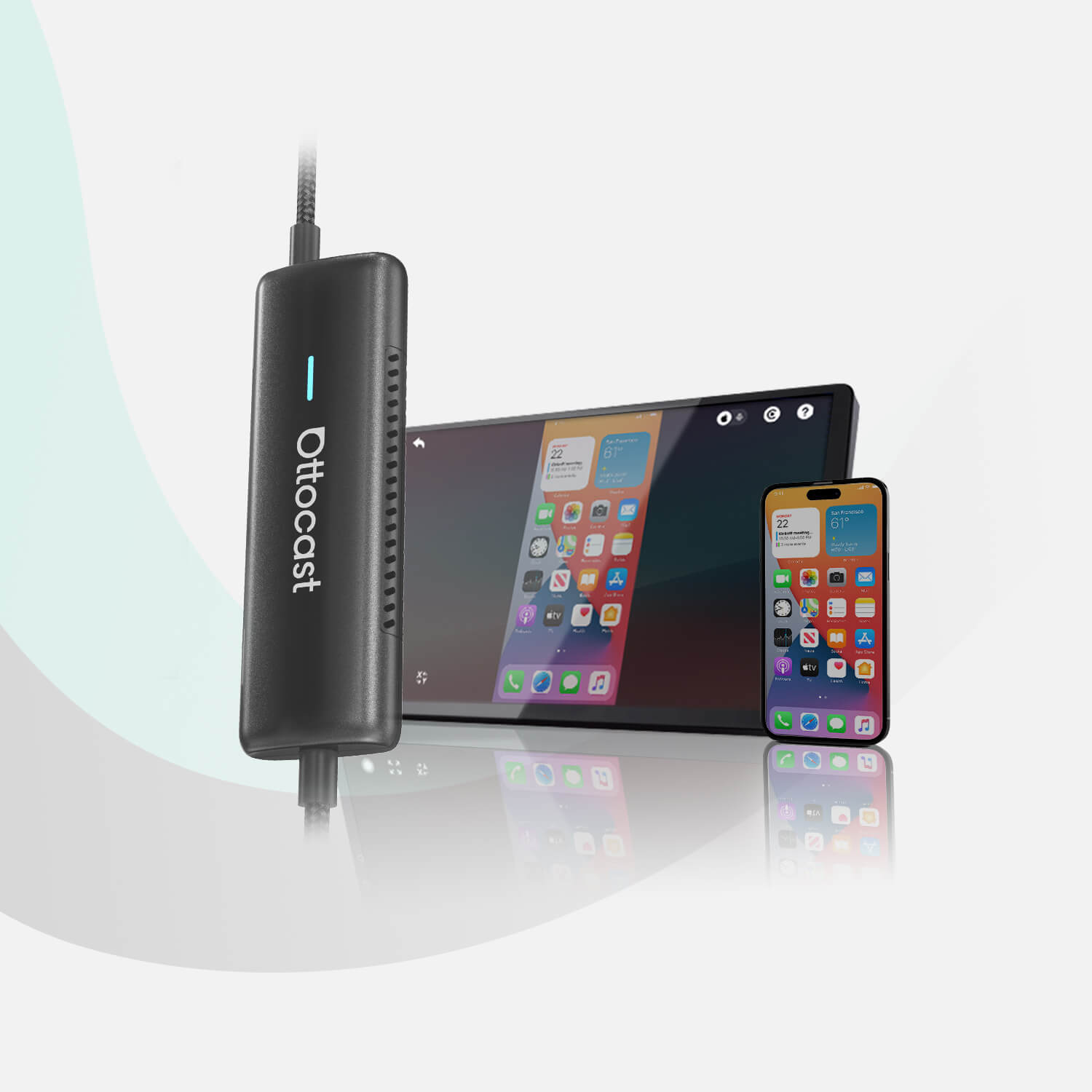
If you’re looking to upgrade your setup, modern Ottocast wireless adapters can make the transition to a cable-free experience very easy.
Quick Comparison: Which Connection Method Is Best?
Let’s be honest for a quick second. There’s no single best way to connect your smartphone to your car.
There just isn’t.
It all depends on your situation. Also, each method offers different levels of convenience.
And so, we made this table for you to summarize the key differences.
| Method | Best for | Pros | Cons | What you need |
|---|---|---|---|---|
| Bluetooth | Basic calls and music | Easy setup, wireless | Limited controls, compressed audio | Bluetooth-enabled car |
| USB Cable | Stability and charging | Reliable connection, fast response | Requires plugging in | USB port + cable |
| Built-in CarPlay/Android Auto | Full smart interface | Navigation, apps, voice control | Often wired only | Compatible car |
| Wireless Adapter | Convenience upgrade | Auto-connect, no cables | Requires wired CarPlay/AA | Adapter device |
Pro Tip: If your car already supports some form of wired smartphone integration, upgrading to wireless is, more often than not, the simplest way to get the most out of it.
Method 1: Bluetooth
Simple Calls + Music

Bluetooth certainly is the most common way to connect your phone to your car, and this is particularly true in older vehicles. You can make hands-free calls, stream music, and you can also get some basic playback controls from the dashboard or on your steering wheel.
The main advantage of this method is, of course, simplicity. After the first pairing, your phone will reconnect automatically every single time you start the car. You won’t have to worry about cable clutter, and the setup usually takes less than a minute.
On the flipside, Bluetooth does have some limitations. Audio quality is definitely compressed compared to wired connections (which is very important for music lovers), and you won’t get a full app interface like navigation or messaging controls on your car screen. Also, some vehicles struggle with pairing stability issues.
How to set up Bluetooth?
Here’s a quick step-by-step:
- Enable Bluetooth on your phone.
- Open your car’s Bluetooth settings.
- Select your phone from the device list.
- Confirm the pairing code.
- Allow contacts and media access.
Who is Bluetooth best for?
Bluetooth is best for drivers who want simple, hands-free calls and music without advanced features. Learn more about connection standards in this Bluetooth and wireless standards overview.
Method 2: USB Cable
Most Stable + Charges Your Phone

Any kind of wired connection is, without a single shadow of a doubt, the most reliable way to connect your smartphone to your car (if the cable works properly, that is). It provides a stable data link and keeps your phone charged during those long drives.
Now, there are two types of USB connections. Some cars will support USB audio only, and this allows music playback, but you don’t get app control. Others support Apple CarPlay or Android Auto, and this helps you mirror key apps onto the car’s display.
For this method, the biggest advantage by far is performance. There’s no signal interference, and everything (navigation, voice commands, media controls) responds quickly. The downside, on the other hand, is convenience. You’ll need to plug in your phone every time you enter the car, and don’t get us started on how untidy those cables look.
How to connect via USB?
Here’s another quick guide for you.
- Use a high-quality data cable.
- Plug your phone into the car’s USB port.
- Select USB or CarPlay/Android Auto on the screen.
- Grant permissions on your phone.
- Continue to follow the on-screen setup prompts.
Who is USB best for?
This method is ideal for daily commuters and long-distance drivers who prefer stability. For more details, visit the Android Auto and Apple CarPlay official overviews.
Method 3: Built-In Apple CarPlay/Android Auto
Full Smart Interface

If you are someone who can afford a newer model, then your car has support for Apple CarPlay or Android Auto. In this case, you get the most complete smartphone experience that’s available in a car today.
Instead of basic audio streaming, your car’s display turns into a very simplified phone interface that’s explicitly designed for safe driving. With this method, you can:
- Use Google Maps, Waze, or Apple Maps
- Stream music and podcasts
- Make calls and send messages
- Use voice assistants (Google Assistant or Siri)
- Control everything from the touchscreen or steering wheel
The interface features large icons and minimal distractions, and you can simply drive and stay focused on the road.
But there is a limitation, and it’s compatibility. Your car simply must support CarPlay or Android Auto, and many vehicle models only offer these features through a wired connection.
Who is this best for?
This option is best for tech-savvy drivers who want full smartphone integration with navigation, communication, and media, all in one system. You can determine whether your car is compatible using the Ottocast Apple CarPlay vehicle compatibility list.
Method 4: Upgrade to Wireless
No Cable, Auto-Connect Every Drive

As we mentioned already, there are many newer vehicles that offer wireless CarPlay or Android Auto right out of the factory, but if your car only supports wired connections, you shouldn’t worry, because there’s an easy upgrade.
Enter wireless adapters. They allow your phone to connect to your car automatically. No cables. Also, once installed, just like Bluetooth, the system will re-launch automatically every time you start the car. The result is basically the same interface you get with a wired connection, but with an added dose of convenience.
How Does it Work?
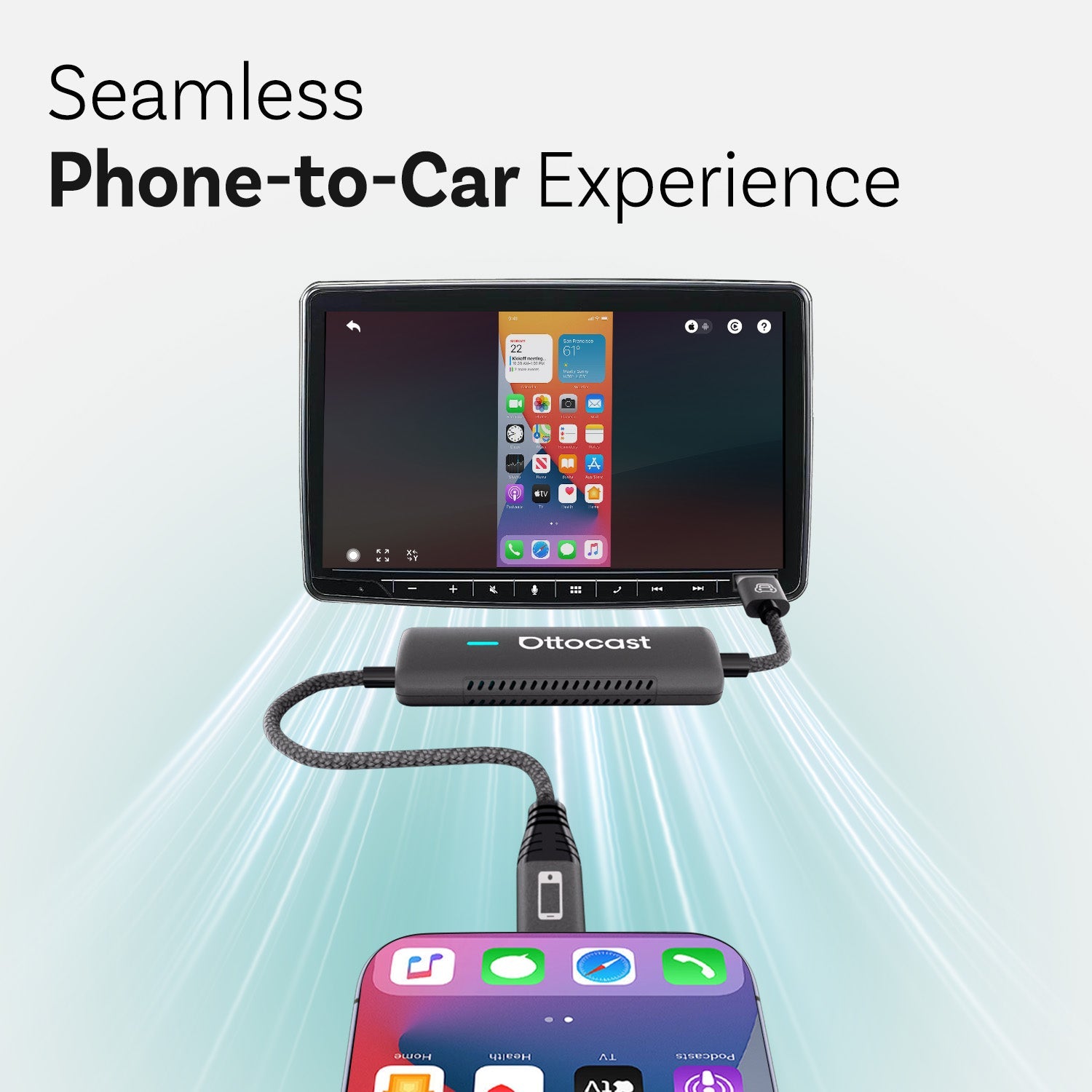
- Plug the adapter into the car’s USB CarPlay/Android Auto port.
- Pair your phone using Bluetooth.
- The adapter will then connect to your phone through Wi-Fi for data.
And, again, all future connections will happen automatically. This upgrade keeps your factory system intact while eliminating the daily plug-in routine.
Who is the upgrade to wireless best for?
It’s especially useful for people who take short trips often, or for rideshare drivers, and frankly, anyone who prefers a clean, cable-free dashboard.
Compact devices like the Ottocast Mini NOVA make the installation process quick and discreet.
You can also explore other wireless CarPlay adapters.
How to Choose the Right Method for You
The best option will, naturally, depend on your driving habits, your car model, and your personal preferences.
Do you want a full smart interface?
If so, choose Apple CarPlay or Android Auto for navigation, messaging, music, and voice control on your car’s screen.
Do you want maximum stability and charging?
In that case, a USB cable connection offers the most reliable performance, especially for long drives or daily commutes.
Perhaps you want simple calls and music?
In that case, Bluetooth is the easiest solution if you only need basic hands-free features.
Do you want convenience without cables?
If so, a wireless adapter will eliminate the plug-in routine and connect automatically each time you start the car.
Pro Tip: If your car already supports wired CarPlay or Android Auto, why not upgrade to wireless? You get more comfort, reduce clutter, and you don’t even have to change any of your factory system settings.
FAQs
Which method offers the best sound quality?
USB connections will typically provide the best audio quality simply because they transmit an uncompressed digital signal. Wireless CarPlay and Android Auto also perform well, while Bluetooth may reduce sound quality (due to compression).
Why does Bluetooth sometimes lag?
Bluetooth audio is compressed, and the data transmission speed depends heavily on the wireless signal’s strength. Interference from any other device and low battery levels can cause issues, or it can simply be due to an older version of Bluetooth tech.
Does wireless CarPlay drain the battery?
Yes, of course it does. Wireless CarPlay and Android Auto use both Wi-Fi and Bluetooth, and you already know that these features increase power consumption. If you’re going on a long trip, it’s a good idea to keep a charger with you.
What if my car only supports wired CarPlay?
There’s an easy option. You don’t need to replace your system. A wireless adapter can convert wired CarPlay into a wireless connection, allowing your phone to connect automatically when you start the car.
If you have some additional compatibility questions, check out the Ottocast FAQ page.
You may also like