Apple CarPlay is a very useful car feature for many drivers. It provides safer navigation and an easy way to control what you listen to on the road. But there’s one benefit that’s a lot more important: hands-free calling. It’s the only safe way to have a phone conversation while driving.
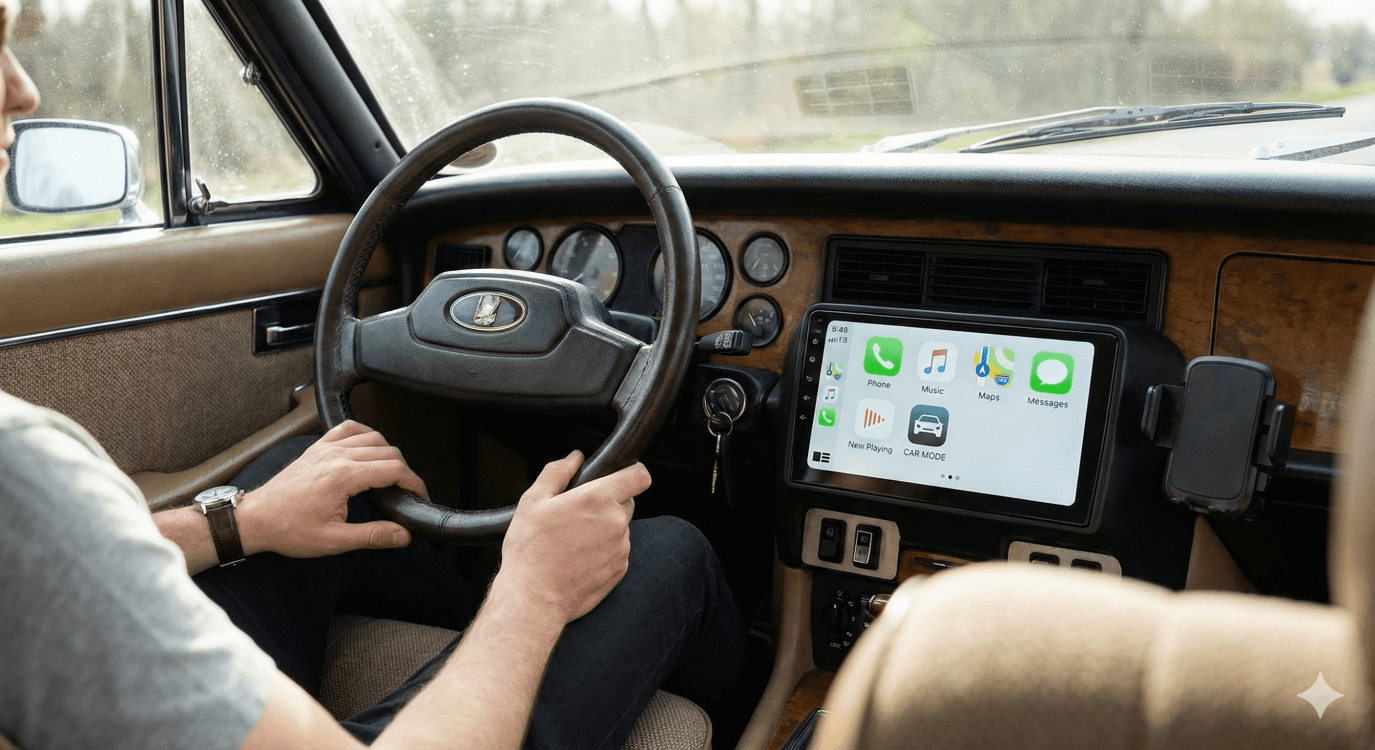
New car models will come with CarPlay, but what about older cars? If you think that you can’t get it to work in your car, you’re dead wrong. Older models just need the right setup, and presto! They can get CarPlay support, but you need to get the installation right, and everything else falls into place.

Top Reasons Why You Should Install Apple CarPlay In An Older Car
You’ve been using your Bluetooth or AUX input for years. It works fine. Why change it? It’s a simple reason. Convenience! CarPlay is easier to use. This also means that it’s safer.
Here are the most important benefits.
● Safer voice control through Siri.
● Real-time navigation with Apple Maps, Google Maps, Waze, etc.
● Voice-activated features.
● Clean interior with zero cable clutter.
So, What Do You Need To Add CarPlay to an Older Car?

There are three options.
Option 1: Install an Aftermarket CarPlay Head Unit
This solution is for older cars that have never had a CarPlay feature. Here’s how it works.
Remove your factory radio and replace it with a CarPlay-compatible unit from brands like Pioneer, Kenwood, Alpine, or Sony. They all offer models with modern touchscreens and high-quality audio.
You’ll need a compatible head unit and a dash installation kit for your car. Prepare a wiring harness as well.
NOTE: Sterling wheel control adapters are optional.
You’ll have a full CarPlay experience with better audio and screen quality when you’re done. You’ll also get other cool features like Bluetooth and backup camera support.
A downside is the upfront costs and installation expenses. It actually makes this option less attractive for people who don’t know how to do it or don’t have the right tools.
But one thing is for sure. If your car doesn’t support wired CarPlay, this is the most complete and future-proof upgrade you can find.
Option 2: Use a CarPlay AI Box
If your car already supports wired CarPlay, an AI Box gives you wireless access, standalone apps, stronger performance, and the feel of a smart touchscreen system. You can get your hands on one of the most advanced models available today, the OttoAibox P3 Pro CarPlay AI Box.
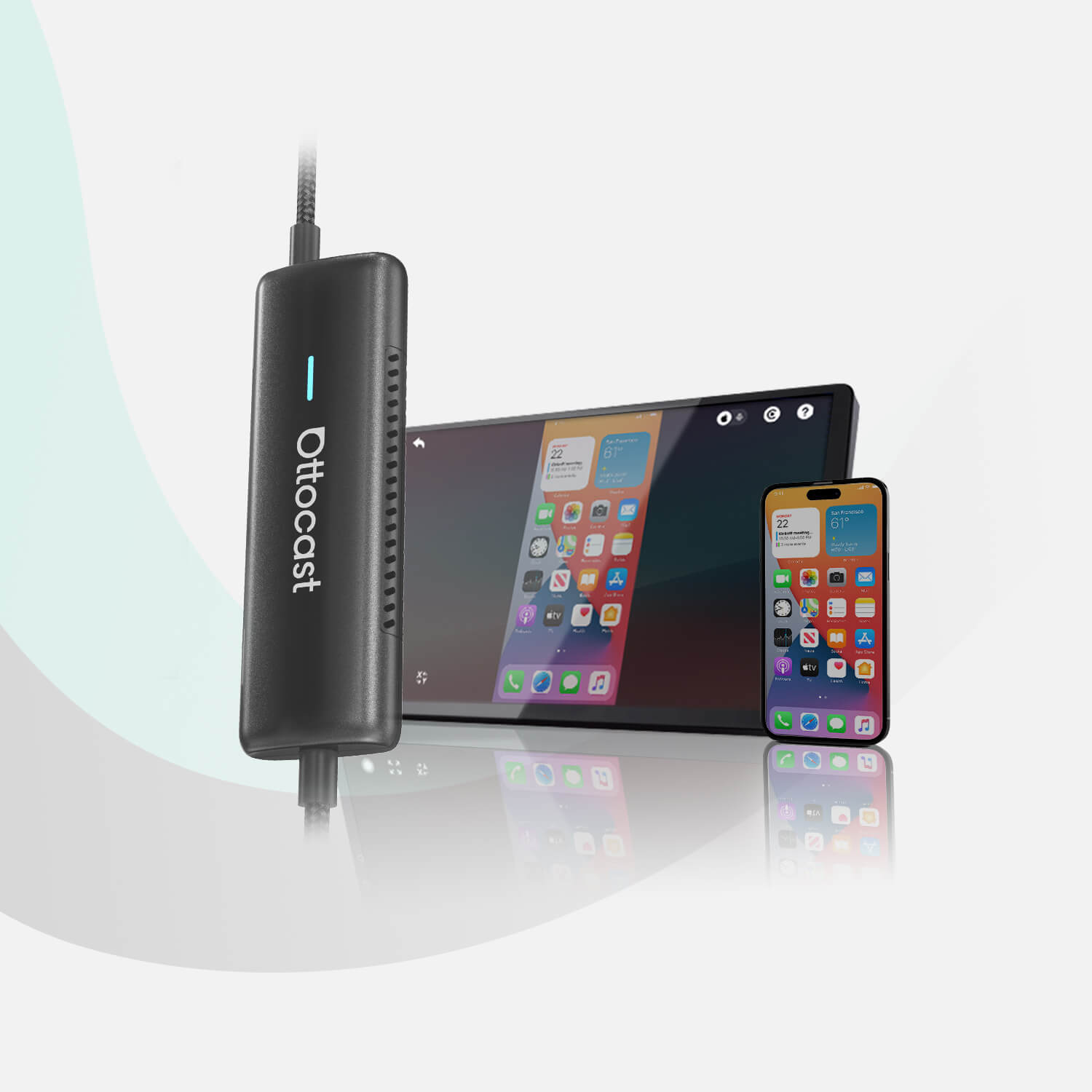
This smart little device converts a wired CarPlay into a wireless connection, while also adding YouTube, Netflix, Google Play, and other Android apps.
And that’s actually not all. It also improves loading speed and screen responsiveness. Multitasking is much easier as a result.
Many cars released between 2016 and 2021 offer wired CarPlay connectivity. However, they lack wireless support, and the P3 Pro is designed to bridge that gap.
Option 3: Use a Wireless CarPlay Adapter
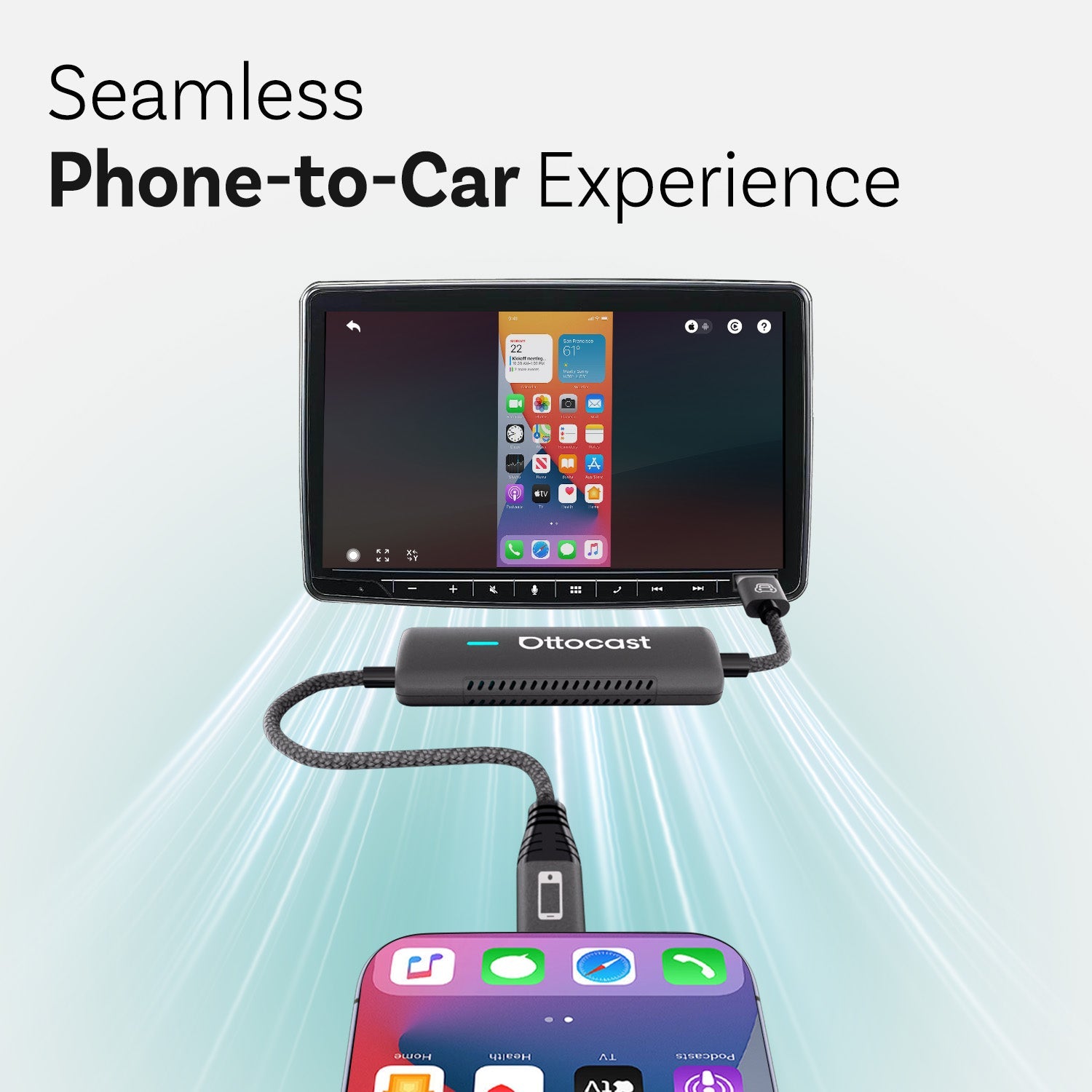
If you simply want to remove cables from your setup, a wireless adapter is the easiest and fastest way. It keeps your original system but makes CarPlay far more convenient.
There are three great options.
Cabin Care Wireless CarPlay Adapter
This adapter offers plug-and-play convenience. It starts fast and keeps a stable connection. It works with both iPhone and Android and is ideal for drivers who want simple reliability without extra features.
Ottocast Mini Cube 3.0 Wireless CarPlay/Android Auto Adapter
The Mini Cube 3.0 is compact and pairs quickly with your devices. It supports both major mobile OS platforms, responds quickly, and improves on the previous generation of adapters with smoother reconnection times. It is a great fit for drivers who regularly switch between different devices.
Play2Video Ultra Wireless CarPlay/Android Auto All-in-1 Adapter
This adapter offers far more than just wireless CarPlay features. It mirrors your phone and supports video playback apps. It also allows you to turn your factory screen into a full media hub. Older cars with wired CarPlay can benefit from its flexibility without requiring any hardware replacement.
Step by Step: How To Install Wireless CarPlay In An Older Car
We have prepared a general guide for setting up a wireless adapter or an AI Box in any older car. Please note that the steps may vary slightly in your specific situation.

Step 1: Your infotainment system must be running for the device to connect. Therefore, you need to start your car first.
Step 2: Next, plug the adapter into your USB CarPlay port. Most cars have a labeled USB port for CarPlay. If you can’t find yours, you should use the main data port.
Step 3: Wait for the on-screen prompts. Your car’s display will show a message that a new device is loading. This usually takes about 10 or 20 seconds.
Step 4: Open Bluetooth on your phone and connect to the adapter. Once paired, the device will handle everything automatically.
You are basically done after you complete these steps. When you start your car next time, it will connect automatically.
Which Option Is Right for You?
You should install a new head unit if your car does not support CarPlay at all and you want a modern touchscreen and an upgrade to your entire audio system.
You should choose an AI Box like the P3 Pro if you already have wired CarPlay and you want wireless CarPlay and streaming apps. This is the upgrade with the most features.
Your car has a wired CarPlay solution, but you want more? In this case, choose a wireless adapter for a budget-friendly upgrade with a fast and easy setup.
Wrapping Up
Adding Apple CarPlay to an older car sounds complicated. It actually isn’t. The upgrade will help you drive more safely and enjoy your rides more, no matter the option you choose. If your car already has wired CarPlay, we have many products here at Ottocast, and there are multiple ways to modernize your car without replacing the entire system.
Check out our products or read more articles on our blog to learn more.
You may also like