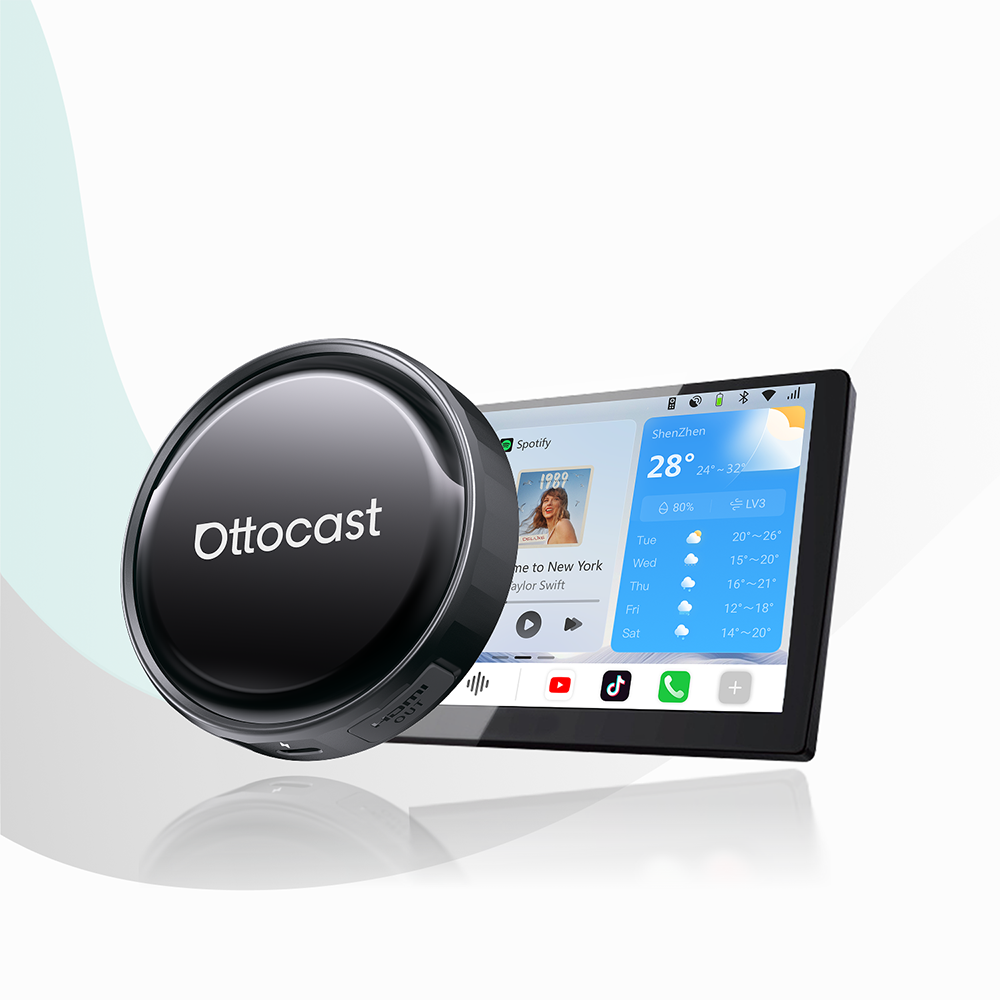


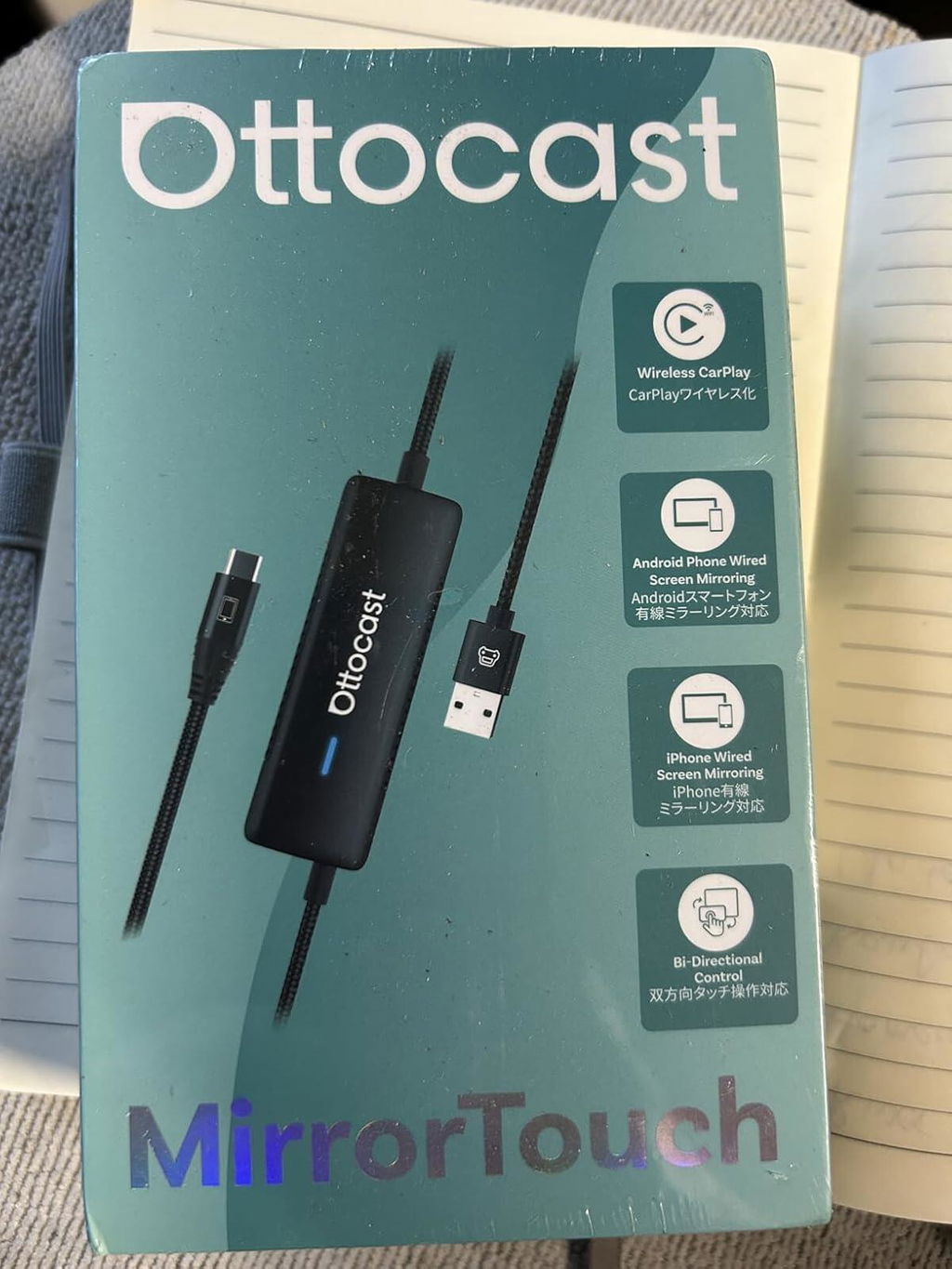
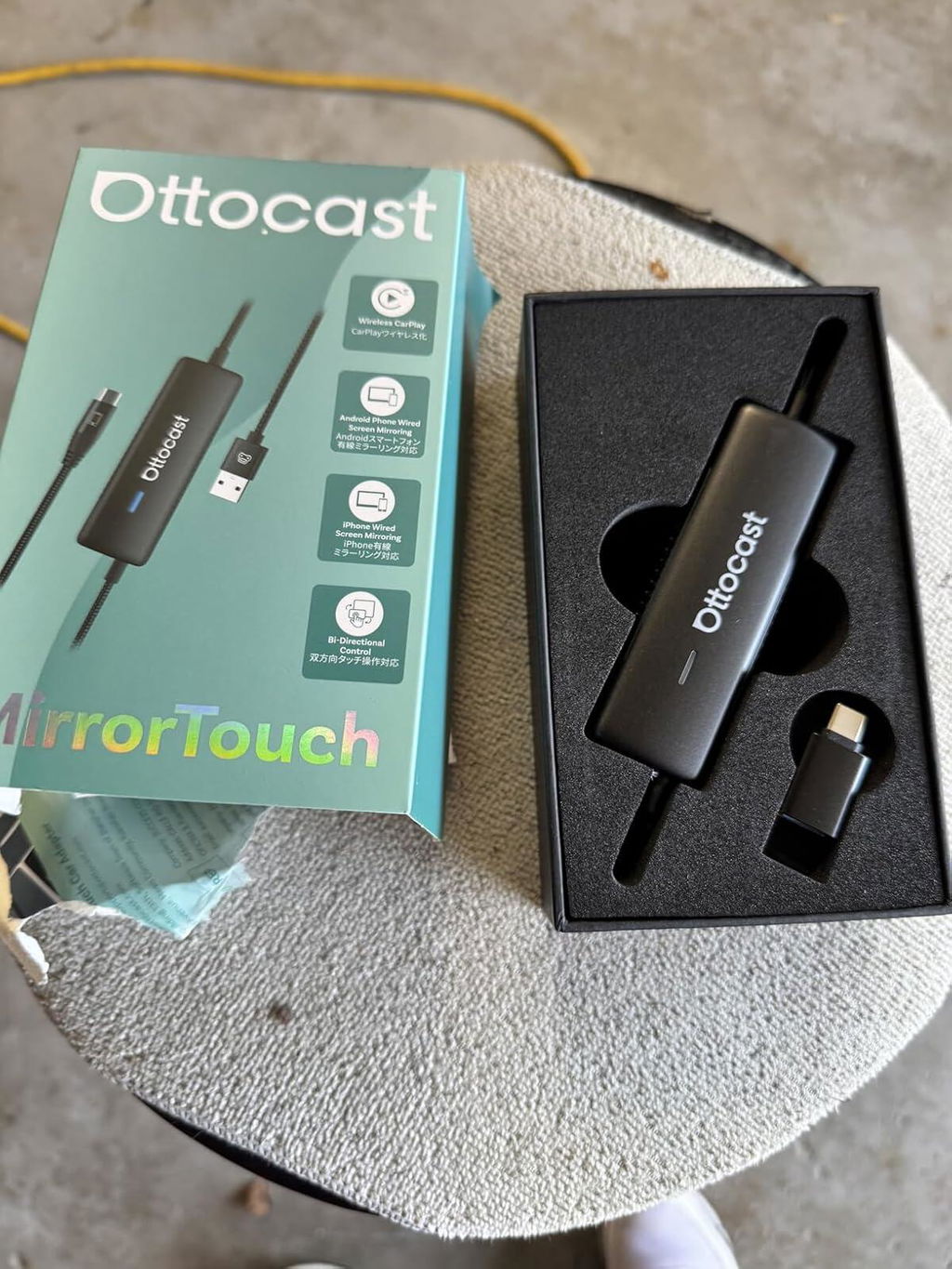
Adattatore Wireless CarPlay con touch specchio
PRICE
Requires USB-C DisplayPort Phone + Factory Wired CarPlay
-
Vehicle:Your vehicle must have factory wired CarPlay.
-
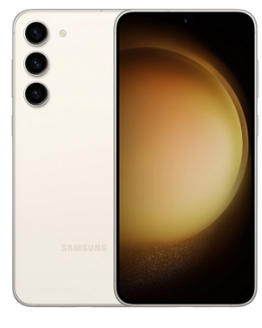
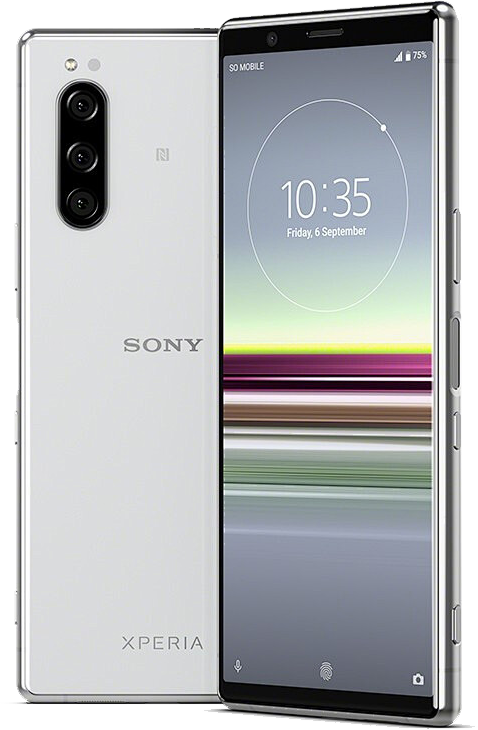
Phone:Android phones with DP (DisplayPort) screen mirroring supportiPhone 15 series and newer via USB-C DisplayPort output
Factory Wireless CarPlay Vehicles (e.g. some BMW models): Recommended Model: OttoAibox i3
How to Check Wired CarPlay / Android Auto Support
Soluzione trovata per il tuo veicolo!
VEICOLO SELEZIONATO
Audi A4, 2018
Abbiamo confermato che il tuo veicolo non dispone di CarPlay di serie. Non preoccuparti! Il Ottoscreen AI mostrato di seguito è la soluzione completa progettata per portare funzionalità intelligenti e CarPlay a schermo intero nella tua auto in modo semplice.
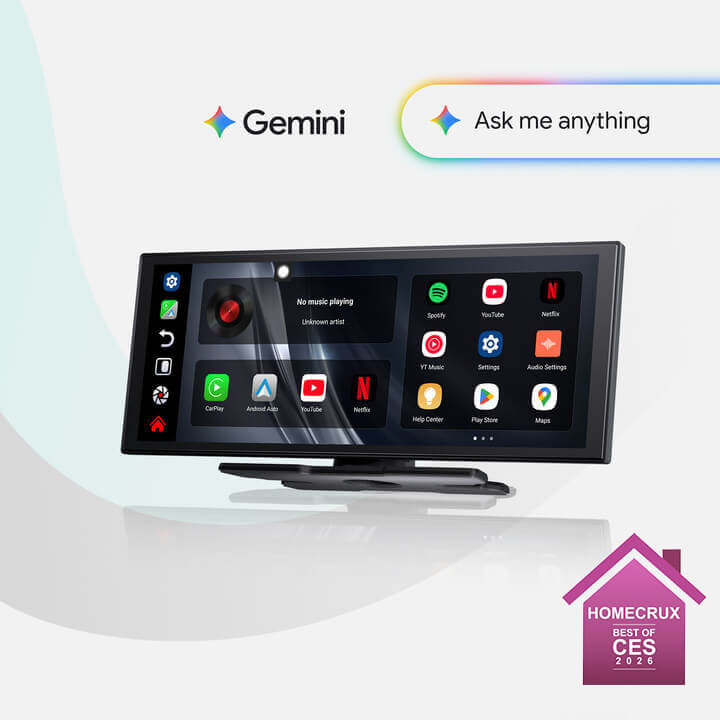
Ottoscreen AI
Abbinamento perfetto!
VEICOLO SELEZIONATO
Audi A4, 2018
La tua auto è dotata di CarPlay cablato, pronto per i nostri prodotti. Continua a navigare per scoprire di più.
Necessita di conferma
VEICOLO SELEZIONATO
Audi A4, 2018
Ci scusiamo, il tuo modello non è nel nostro database. Ti preghiamo di confermare un dettaglio fondamentale: la tua auto dispone di Apple CarPlay cablato?
Guarda il video guida qui sotto o utilizza uno strumento di intelligenza artificiale (come Gemini o ChatGPT) per cercare rapidamente le caratteristiche della tua auto e confermare. Se ha Apple CarPlay cablato, i nostri prodotti sono la scelta perfetta!
CarPlay wireless rilevato
VEICOLO SELEZIONATO
Audi A4, 2018
Dato che hai già il CarPlay wireless, dai un'occhiata al nostro Ottoaibox i3 per guardare video in auto.
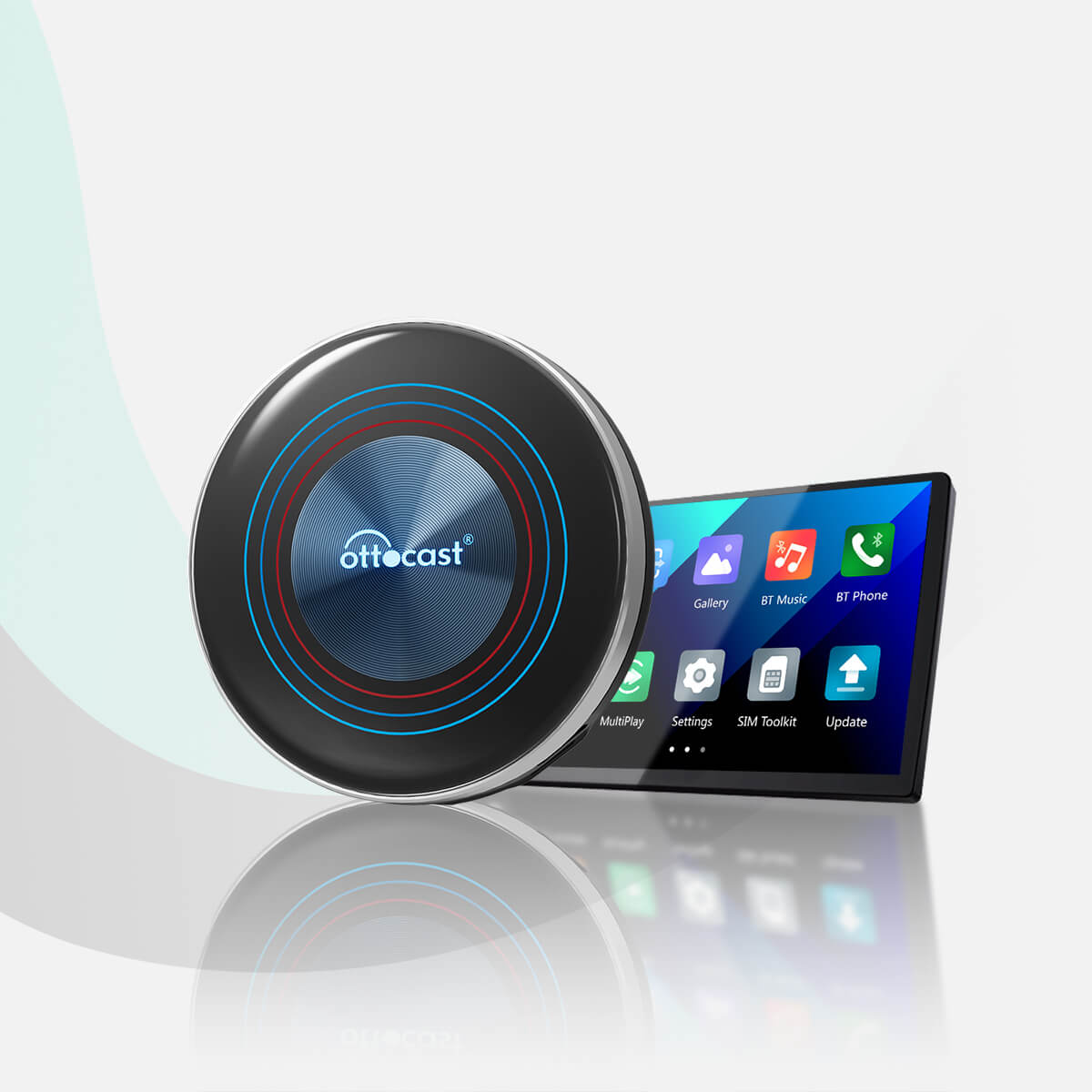
OttoAibox i3 BMW CarPlay AI Box
Abbinamento perfetto!
VEICOLO SELEZIONATO
Audi A4, 2018
La tua auto è compatibile — continua a navigare per scoprire altri prodotti che adorerai.
Android Auto cablato rilevato
VEICOLO SELEZIONATO
Audi A4, 2018
Abbiamo rilevato che il tuo veicolo supporta solo Android Auto cablato, non CarPlay cablato. Non è compatibile con la tua auto. Non preoccuparti! L'Adattatore A2Air Pro mostrato di seguito è la soluzione perfetta per te.
Wireless CarPlay Only
VEHICLE SELECTED
Audi A4, 2018
Your vehicle supports factory wireless CarPlay. However, wired CarPlay has only been confirmed on higher trim levels, while availability on lower trims may vary.
Not sure if your car supports wired CarPlay? Connect your iPhone to the car’s USB port using a cable. If there are multiple USB ports, use the one intended for phone connection rather than charging only. If CarPlay appears on your factory screen, your vehicle is compatible with our product.
Wired Android Auto & wireless CarPlay only
Audi A4, 2018
Perfect Match!
VEHICLE SELECTED
Audi A4, 2018
Your car supports Wired CarPlay and works with our products.
Perfect Match!
VEHICLE SELECTED
Audi A4, 2018
Your car supports Wired CarPlay and works with our products.
Perfect Match!
VEHICLE SELECTED
Audi A4, 2018
Your car supports Wired CarPlay and works with our products.
Prodotti in upsell
Prodotti con garanzia
Politica post-vendita

Resi entro 30 giorni

Garanzia di 1 anno

Supporto dedicato
Condividi
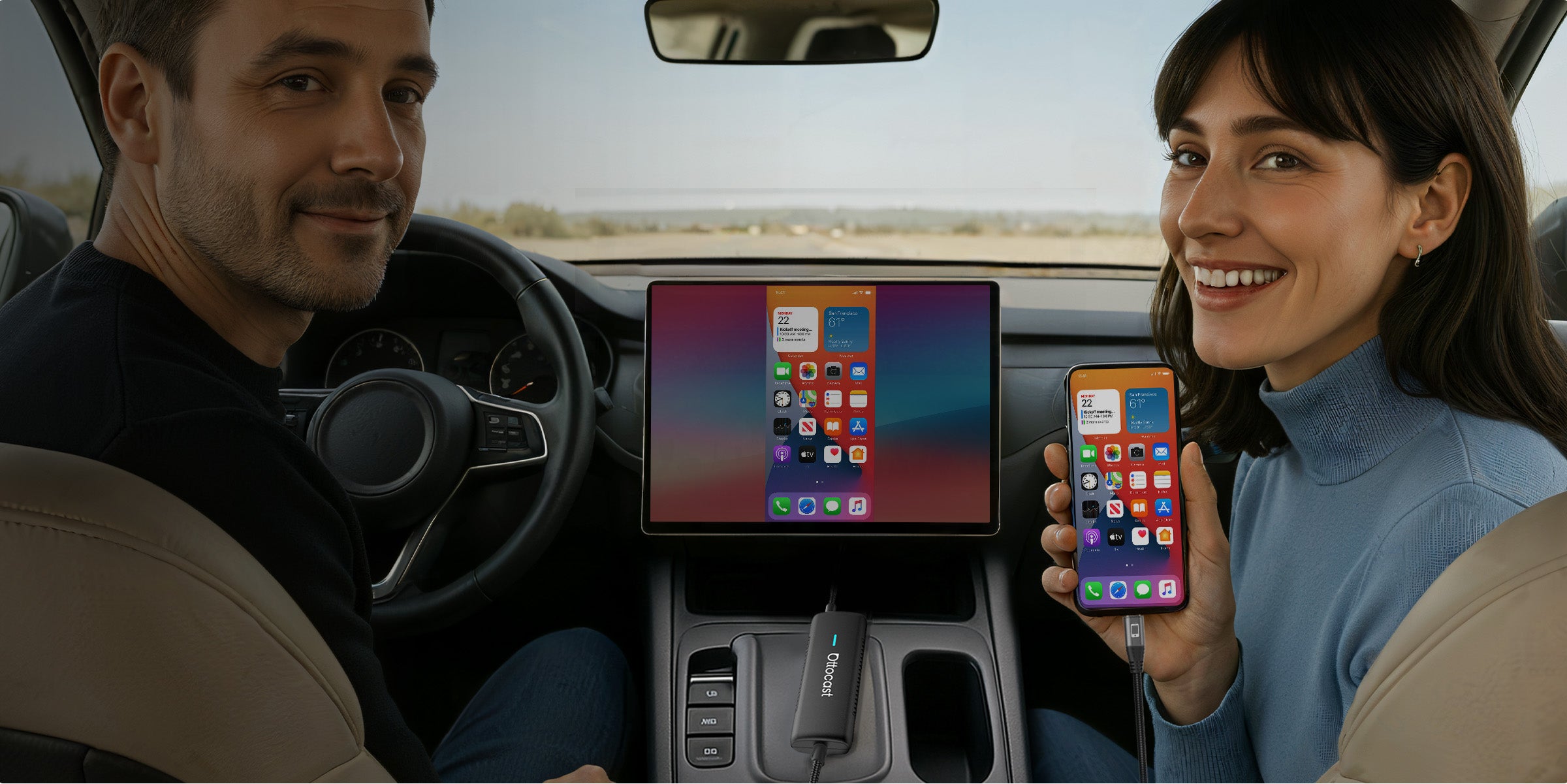
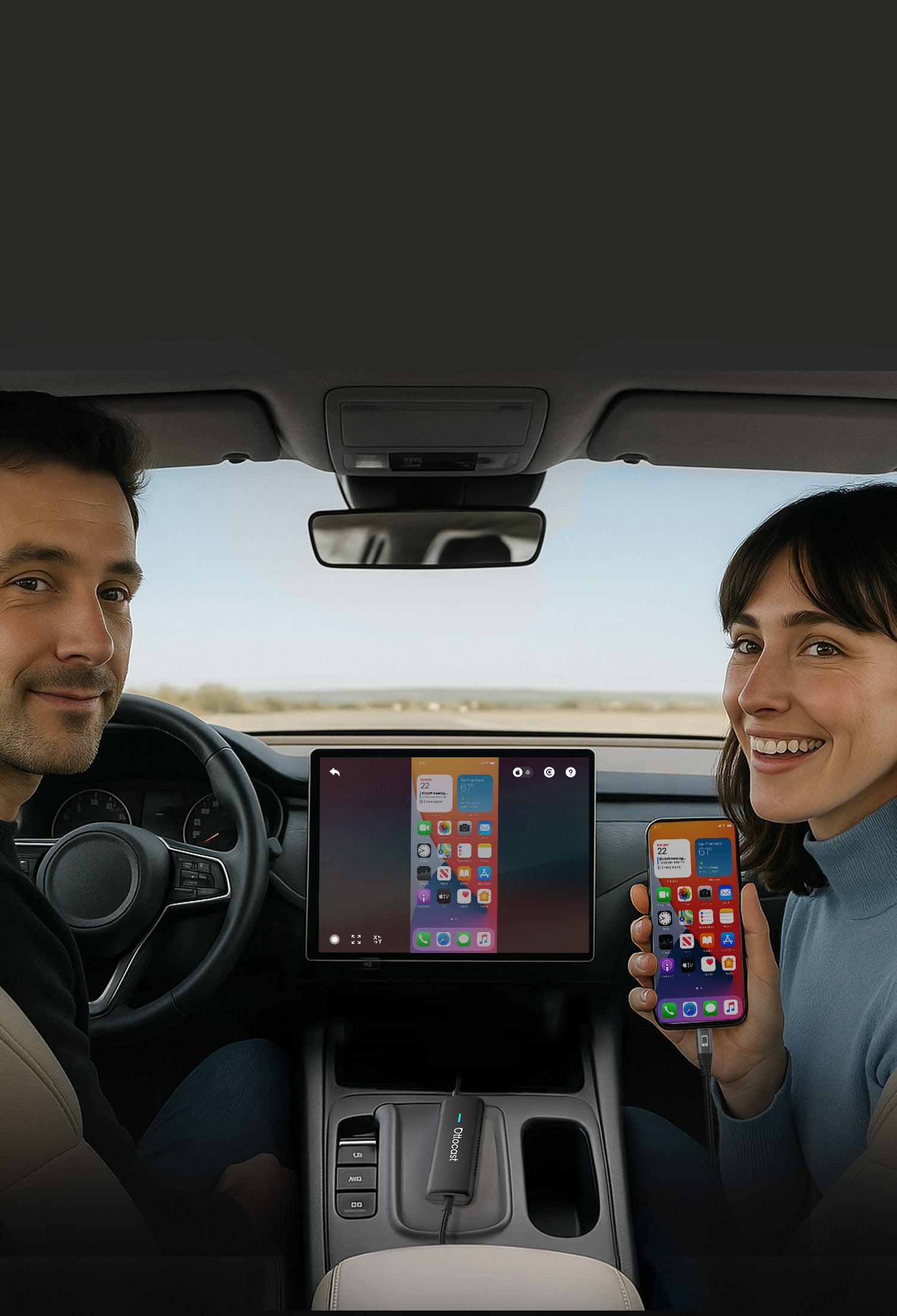


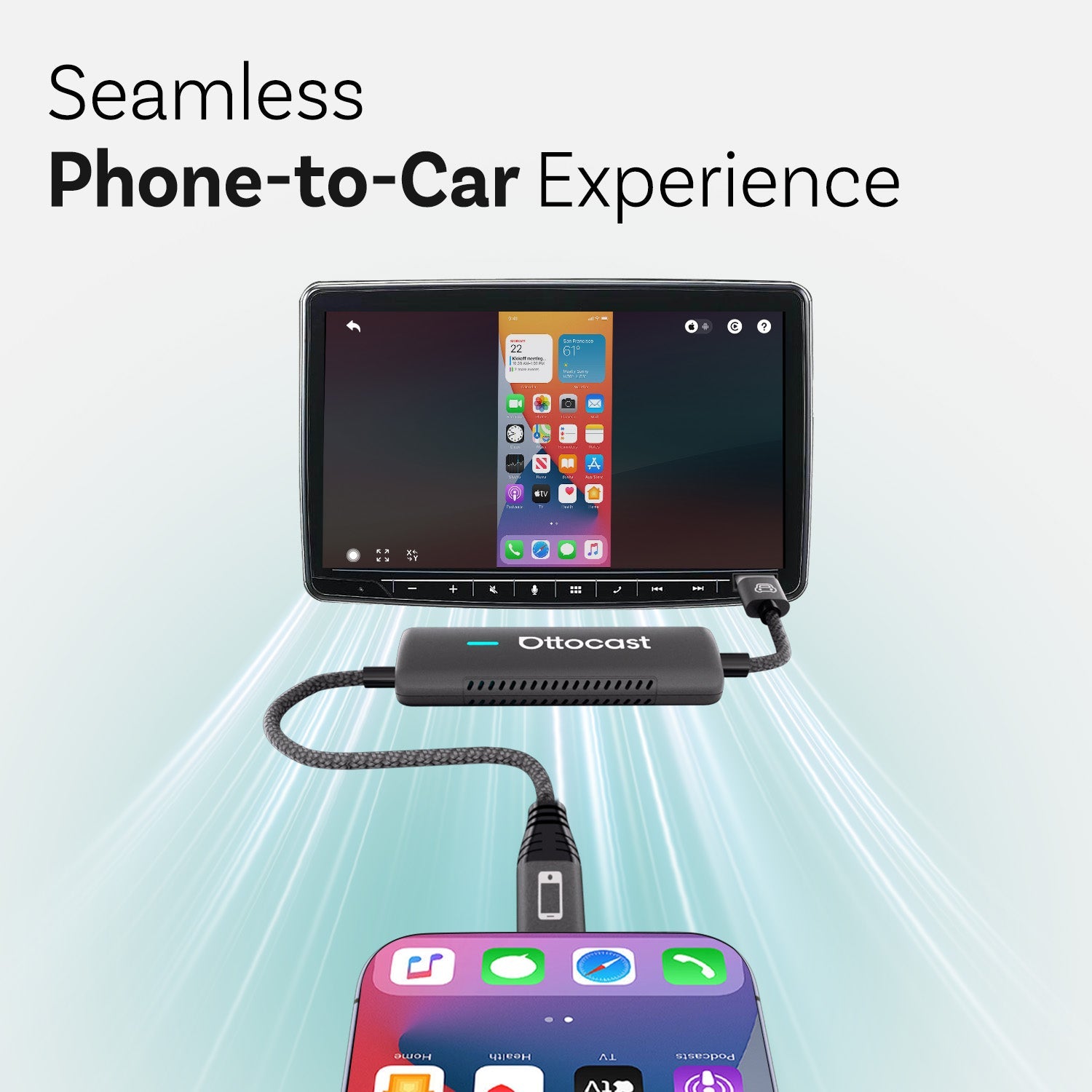
Esperienza senza interruzioni dal telefono all’auto


Integra tutto il suono
nel sistema audio integrato dell'auto

Rendere il tuo viaggio più intelligente e sicuro
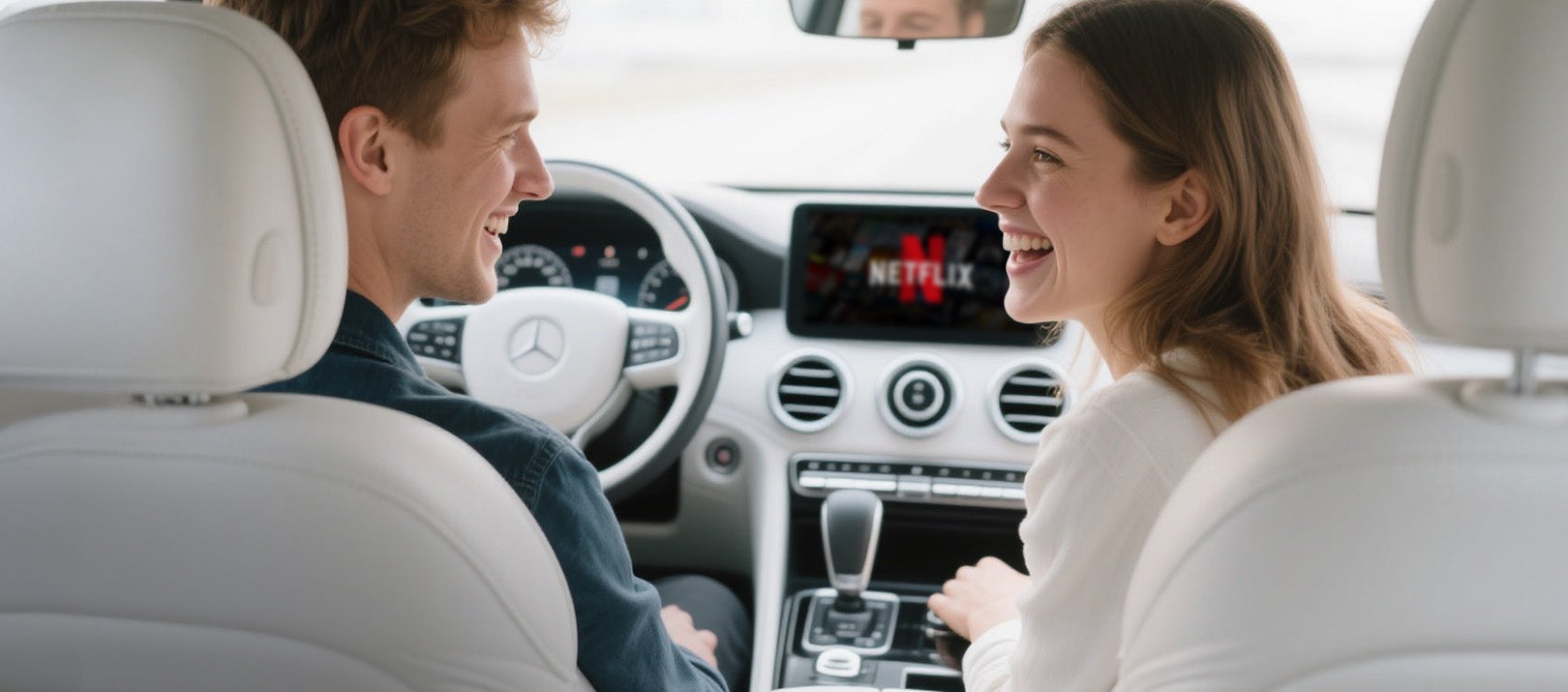

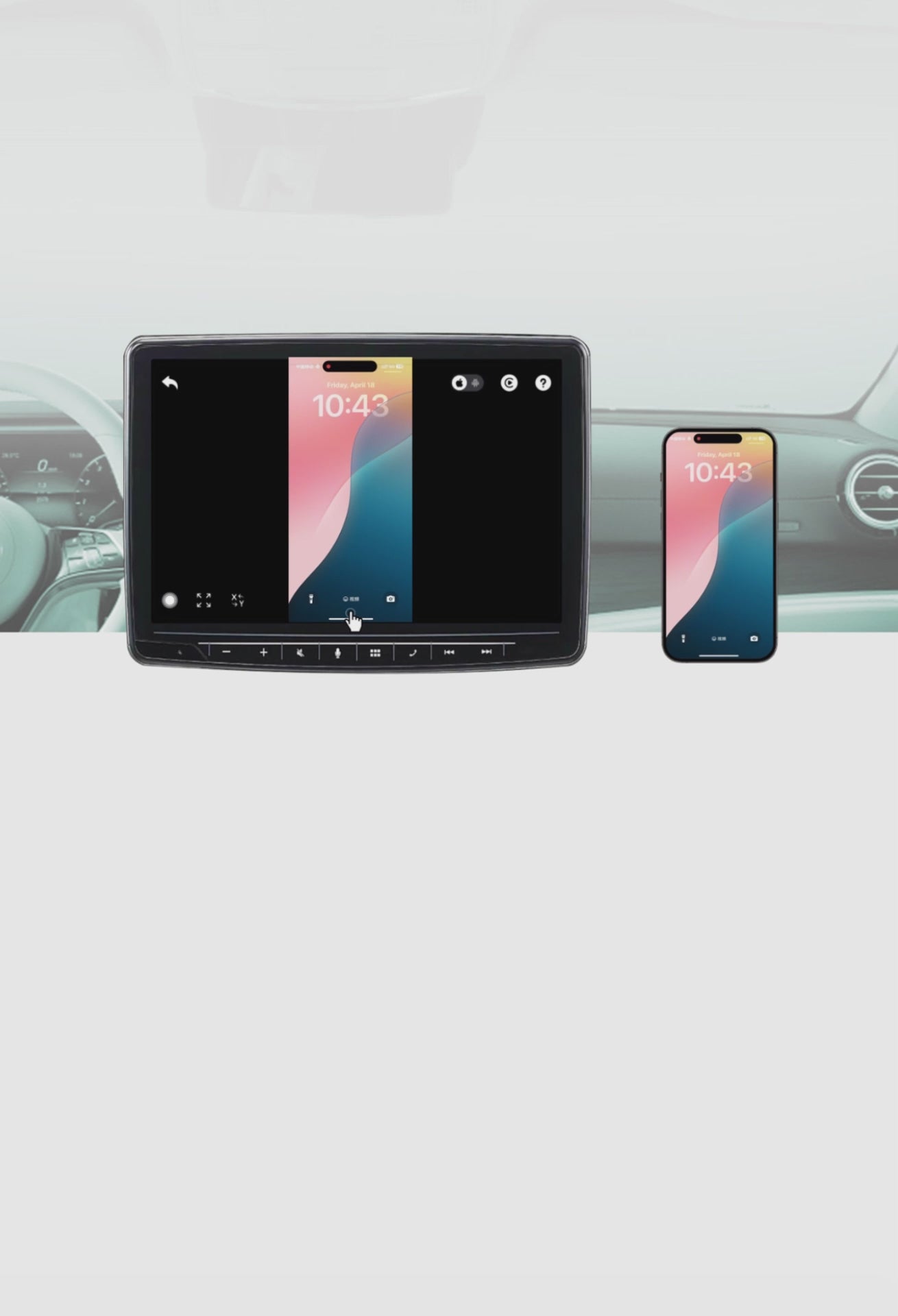
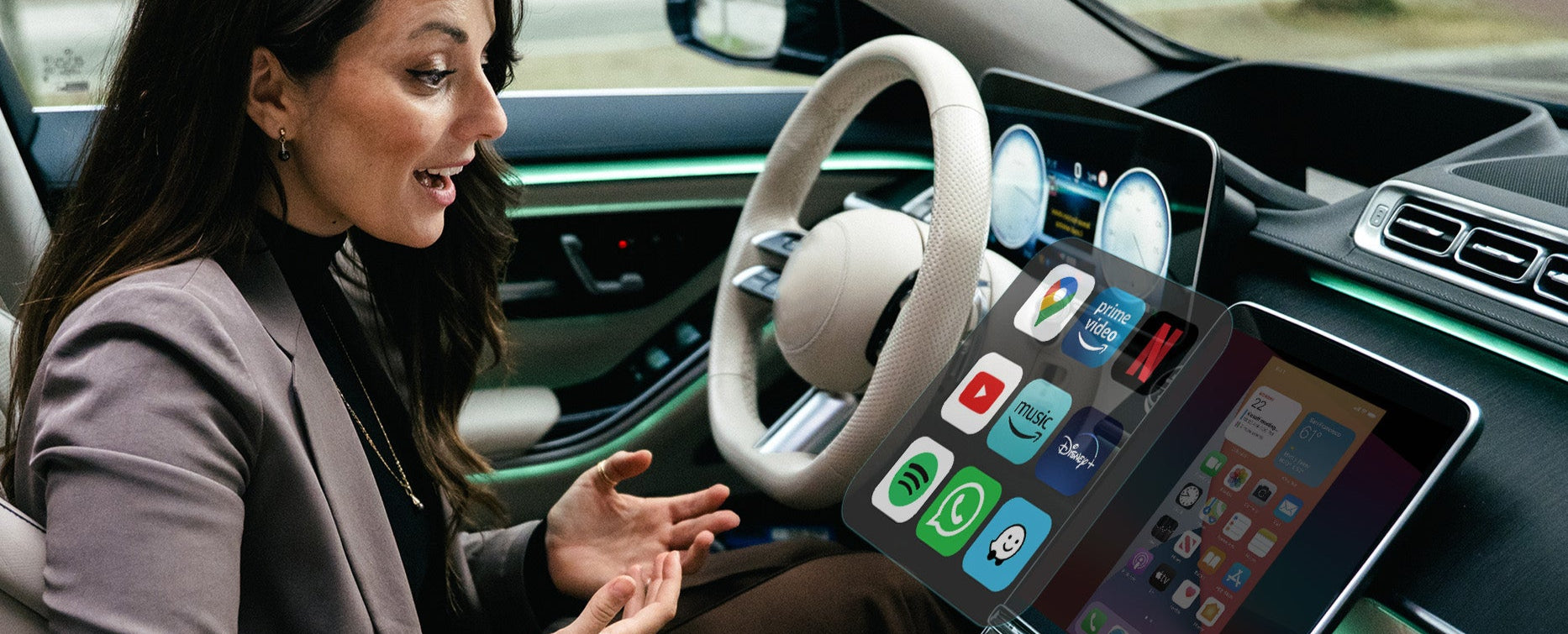
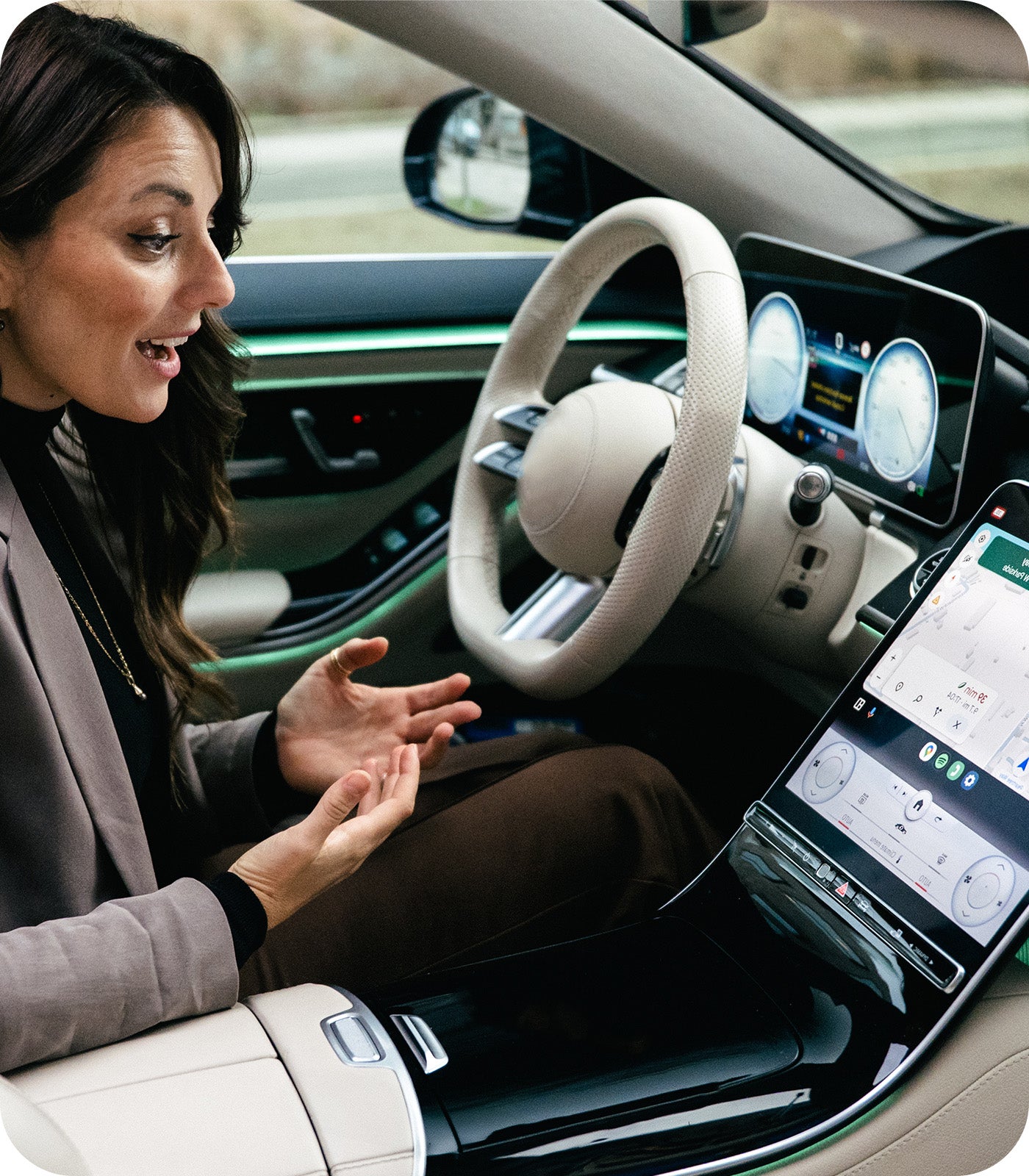
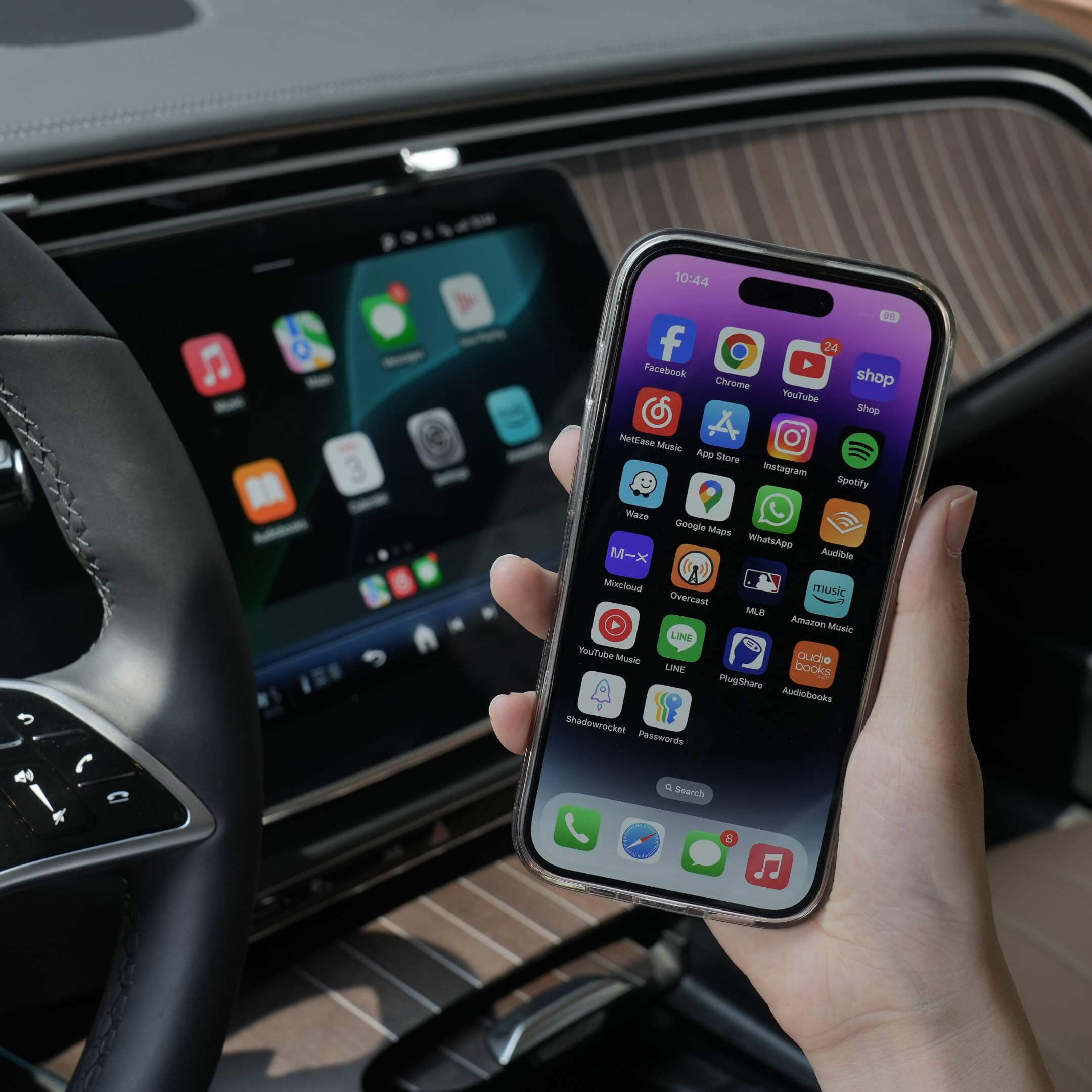
Lo schermo della tua auto mostra tutto ciò che c'è sul tuo telefono non appena sali a bordo
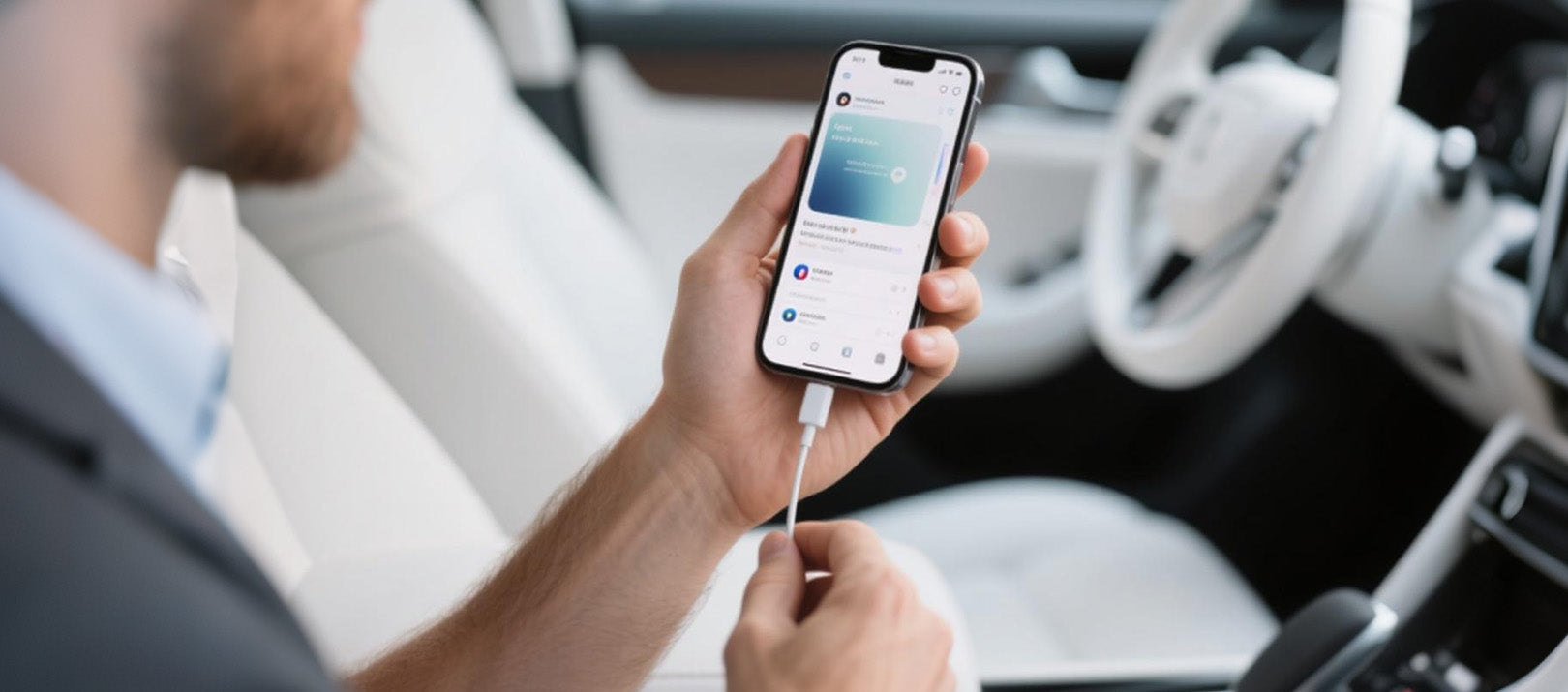

Mirror Touch offre un inizio davvero fluido ad ogni corsa
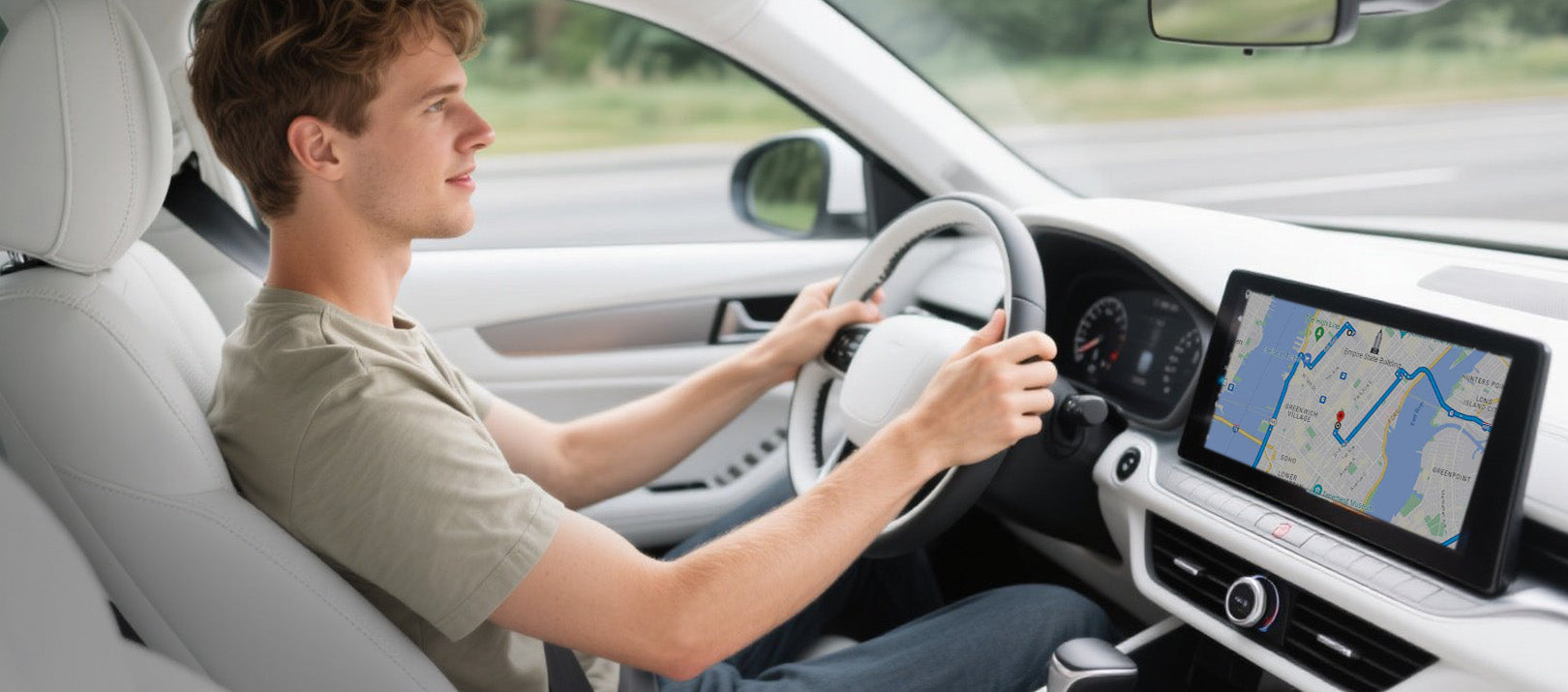

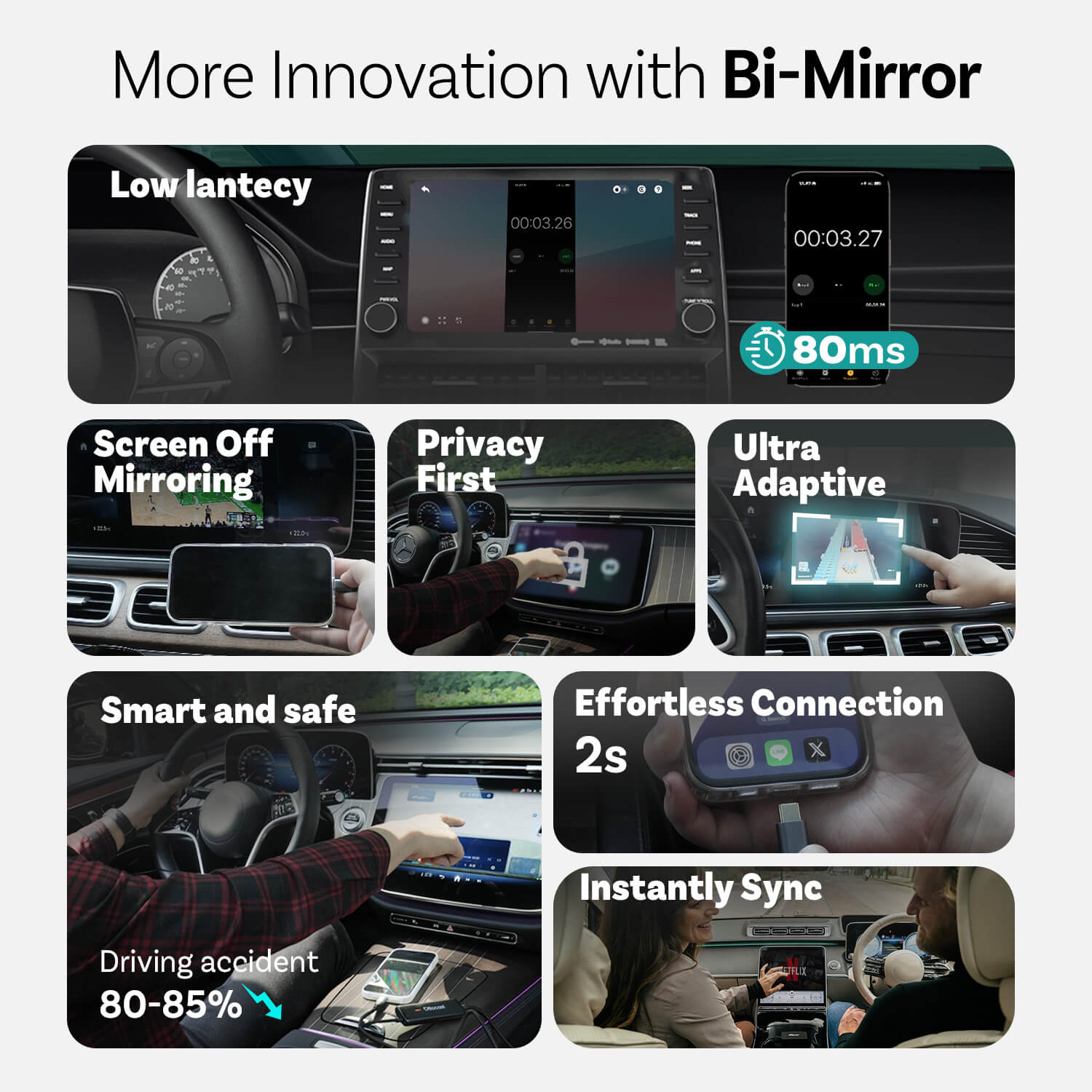
Utilizzare il cruscotto invece del telefono per ridurre gli incidenti stradali di circa l'80-85%

Guida in modo più sicuro
Usa il cruscotto invece del telefono per ridurre gli incidenti stradali di circa l'80-85%

Connessione senza sforzo
Mirror Touch offre un inizio davvero fluido ad ogni corsa

Sincronizzazione istantanea
Lo schermo della tua auto mostra tutto ciò che c'è sul tuo telefono non appena sali
Innovazioni da Mirror Touch

Privacy Prima
I tuoi messaggi, accessi e cronologia rimangono esclusivamente sul tuo telefono.

80 ms di bassa latenza
Soglia di 100 ms percepibile dagli esseri umani.

Ultra Adattivo
Si adatta facilmente all'orientamento della maggior parte delle tue app e alle funzionalità native del display
CarPlay senza interruzioni in evidenza
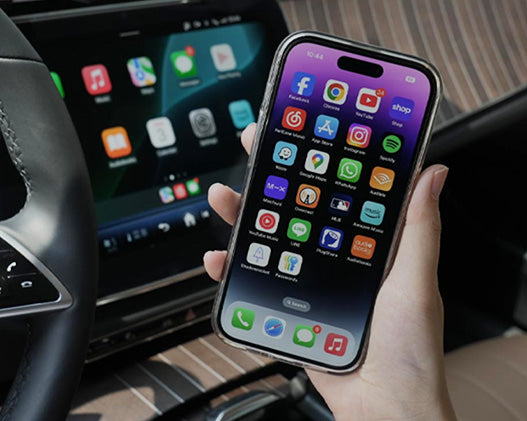
Da cablato a wireless

Modalità di commutazione semplice

Connessione automatica
Altre Caratteristiche
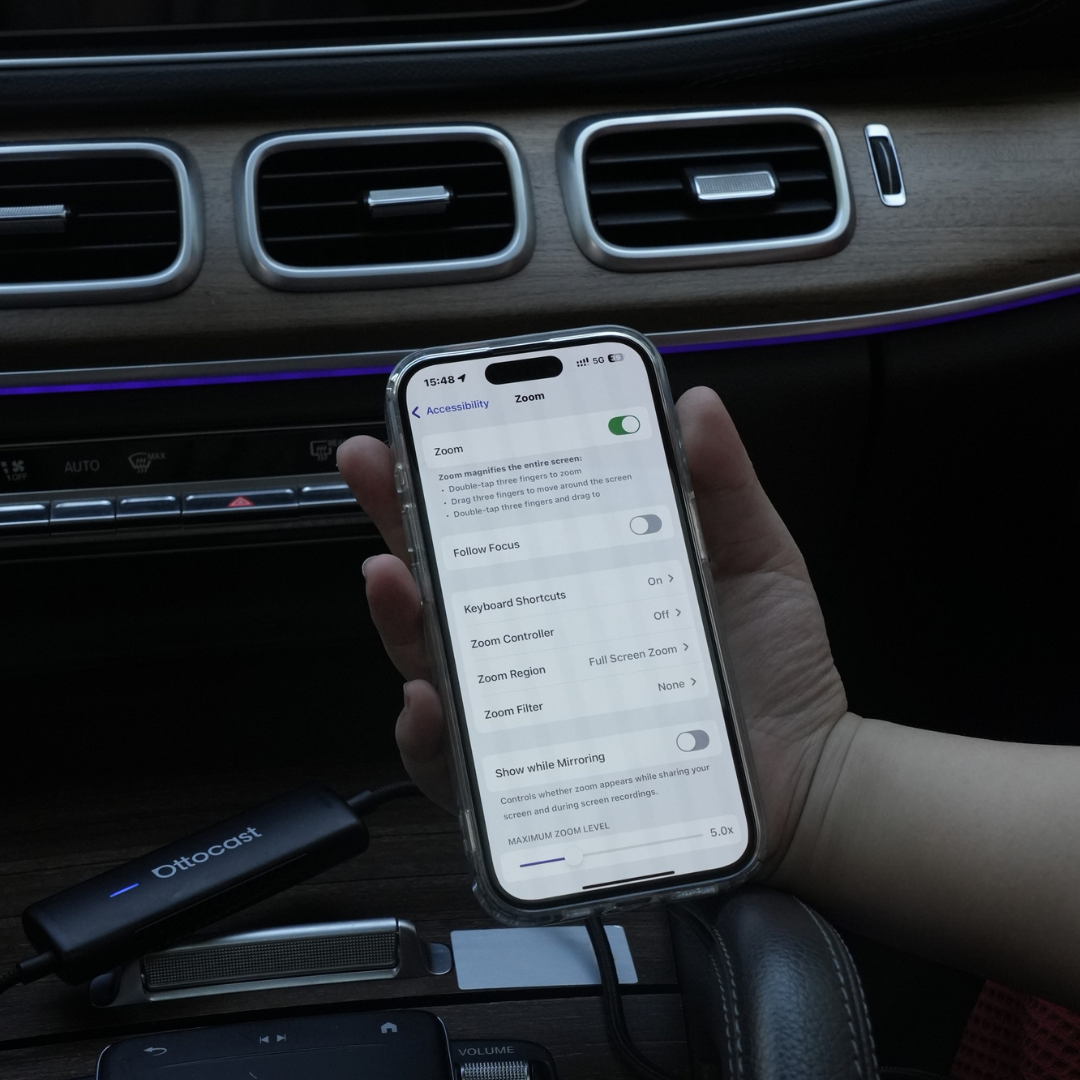
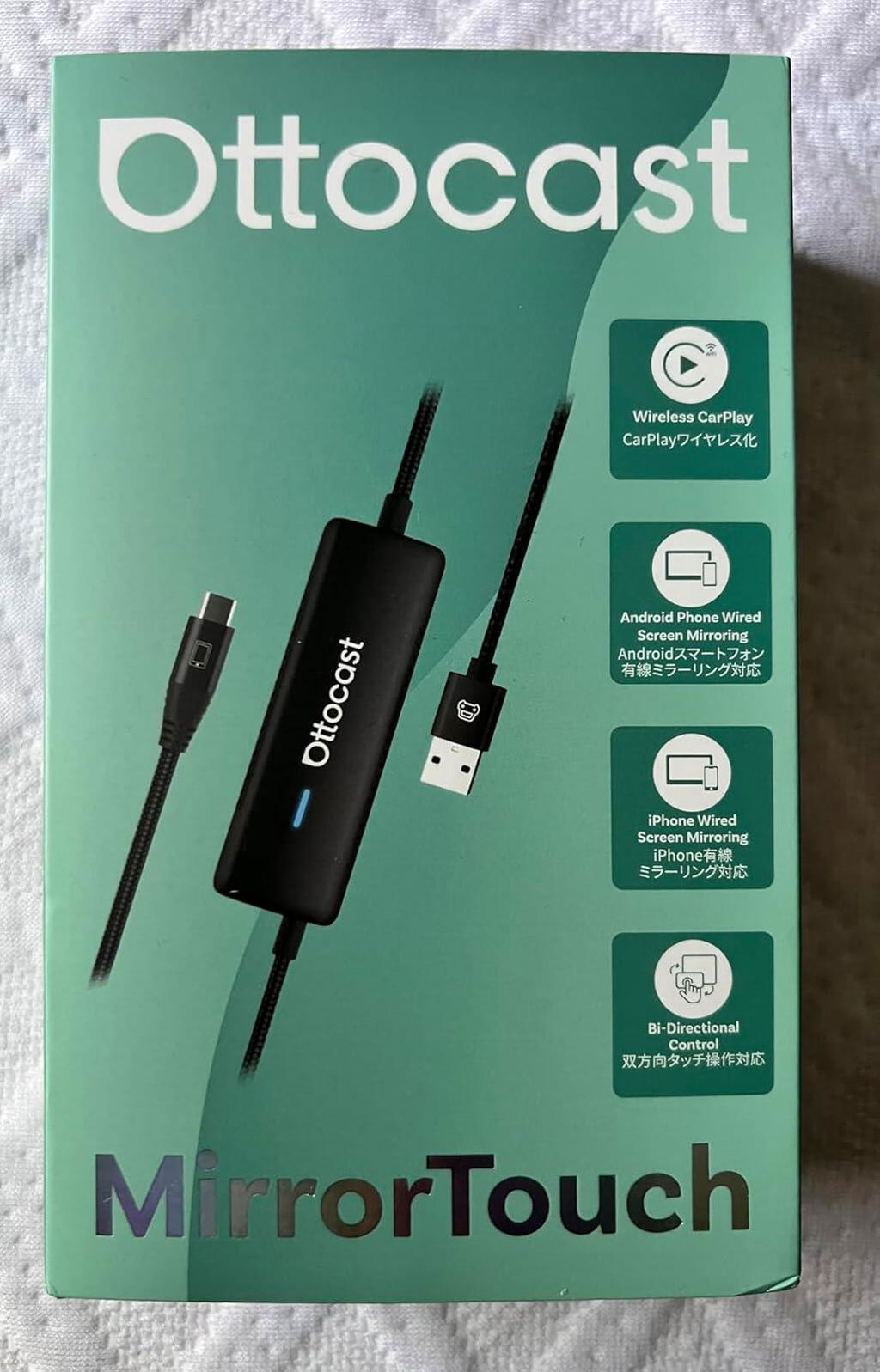
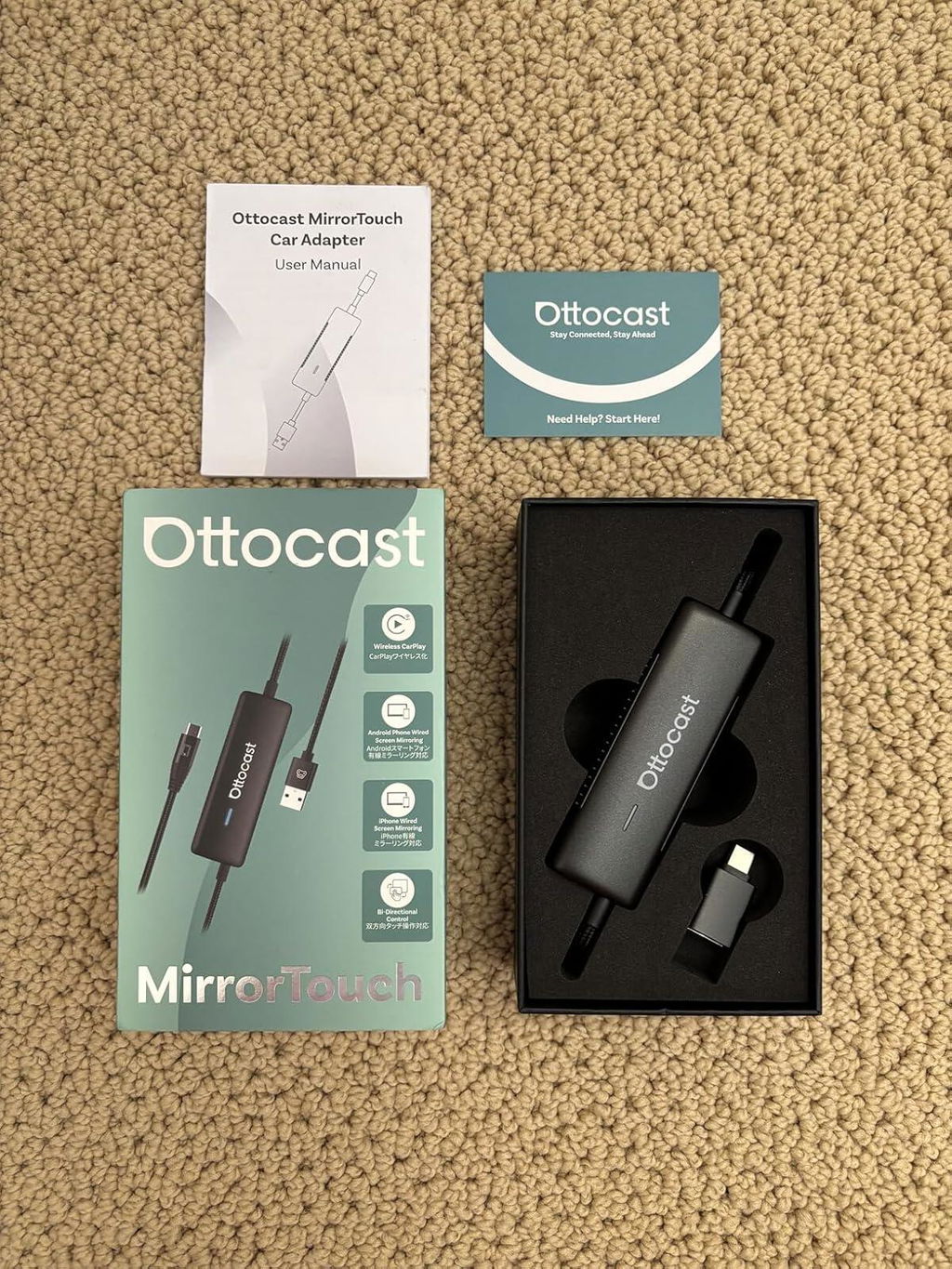
Ottocast Mirror Touch


Tre passaggi per ottenere Mirror e Control
Domande frequenti
Questo prodotto Ottocast è compatibile con la mia auto?
La compatibilità dipende dalla funzione che desideri utilizzare:
Mirroring del telefono
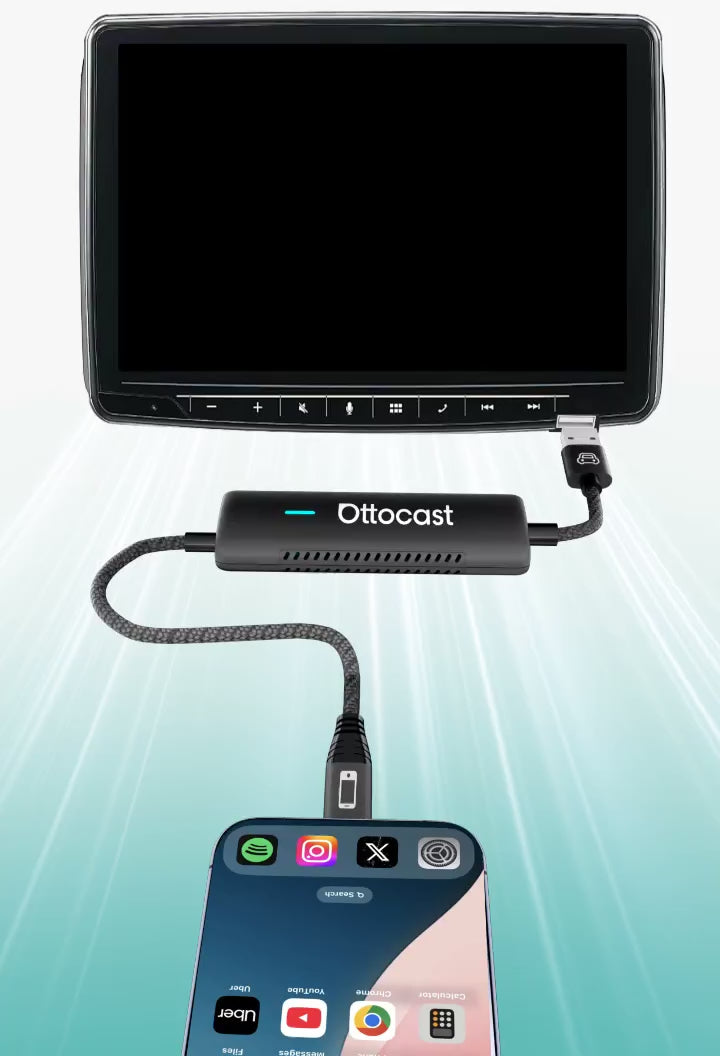
- Supporta smartphone Android con mirroring schermo DP
- Supporta iPhone 15 e successivi tramite uscita DisplayPort USB-C
Assicurati che il mirroring schermo DP sia abilitato sul tuo telefono.
👉 Elenco di compatibilità
CarPlay wireless
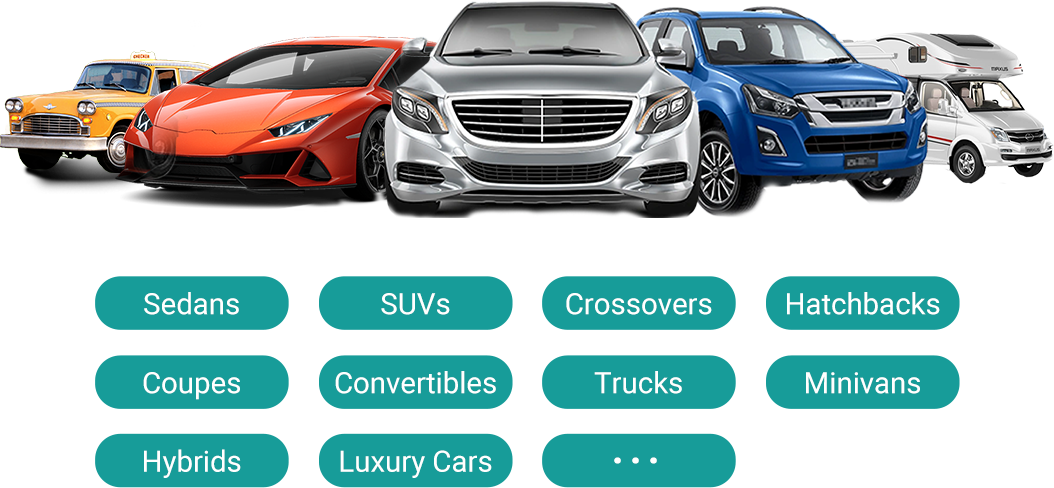
- Funziona con veicoli (2016 o successivi) o motociclette che dispongono di Apple CarPlay cablato di fabbrica
- ❌ Non compatibile con veicoli solo Android Auto
Come posso verificare la compatibilità sul vostro sito web?
Sulla pagina del prodotto, clicca su “Verifica se è compatibile con la tua auto” (sotto “Aggiungi al carrello”), quindi seleziona marca / modello / anno per vedere il risultato.
Ci sono codici sconto, coupon o buoni per i prodotti Ottocast?
Sì. I nuovi clienti possono ricevere un'offerta di benvenuto iscrivendosi alle email di Ottocast, e organizziamo promozioni a tempo limitato durante tutto l'anno.
Per i codici attivi più recenti, iscriviti in fondo alla pagina e ti invieremo gli aggiornamenti.
Se ho associato due telefoni, a quale si connetterà la prossima volta?
Se ci sono più telefoni abbinati nelle vicinanze, Ottocast di solito si riconnetterà all'ultimo telefono utilizzato.
Per cambiare dispositivo, disconnetti CarPlay sul telefono attuale (o spegni il Bluetooth/Wi-Fi), quindi connettiti con l'altro telefono.
Alcuni modelli supportano anche il passaggio con un tocco o la selezione manuale del dispositivo.
Posso spostarlo tra due auto?
Sì. Basta scollegarlo e usarlo in un altro veicolo compatibile. Nella nuova auto, potrebbe essere necessario ricollegare il telefono o fare una rapida configurazione iniziale.
Il mio telefono può utilizzare la funzione di duplicazione dello schermo?
Dipende se il tuo telefono supporta l'uscita video (DisplayPort / DP Alt Mode).
- Android: Supportato su telefoni USB-C con DP Alt Mode.
- iPhone: Supportato su iPhone 15 e modelli successivi (uscita DisplayPort USB-C).
Consiglio: Controlla le specifiche/impostazioni del tuo telefono per confermare che DP Alt Mode sia supportato e attivato.
Lista di compatibilità: Clicca per verificare
Il mirroring e il controllo touch richiedono un cavo?
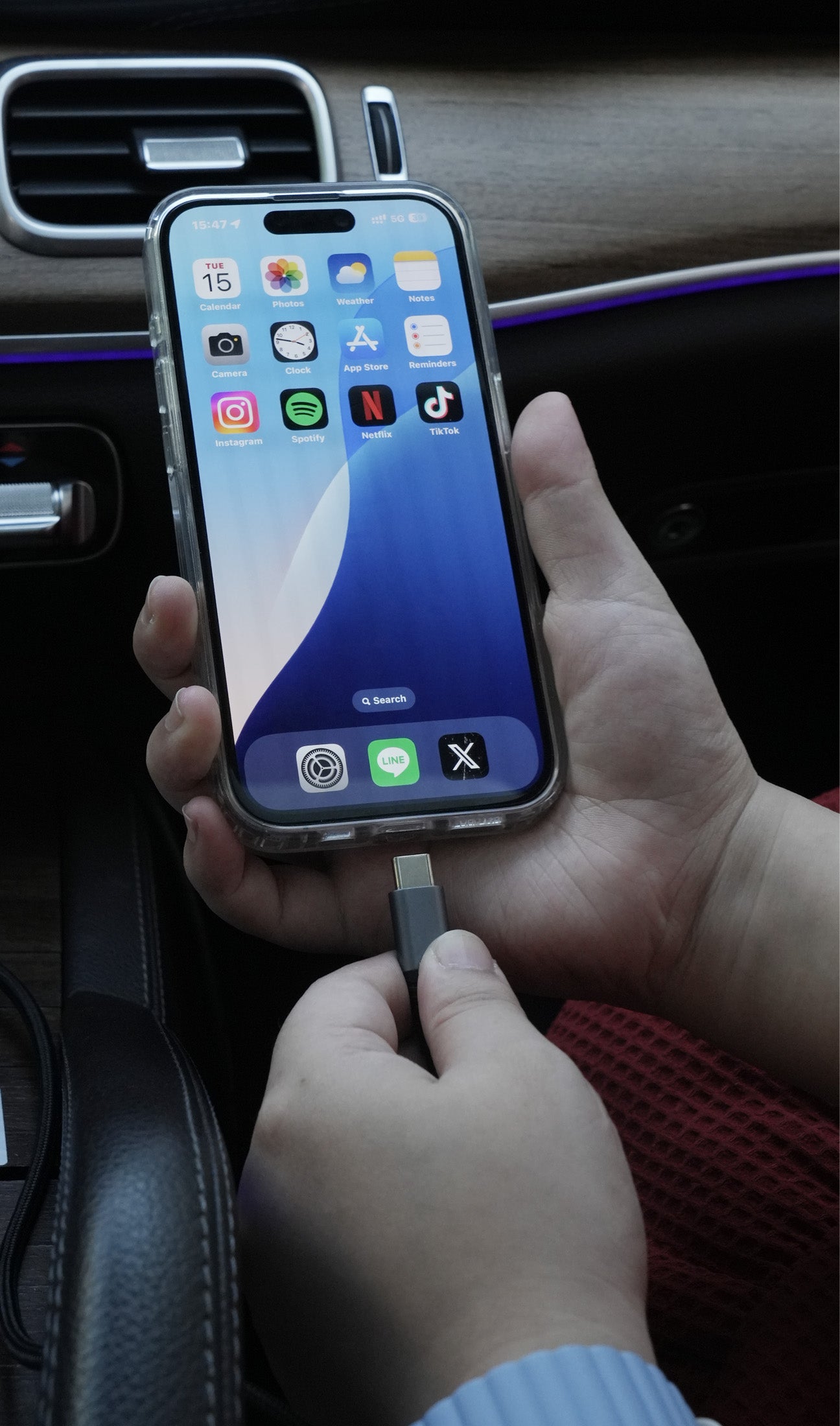
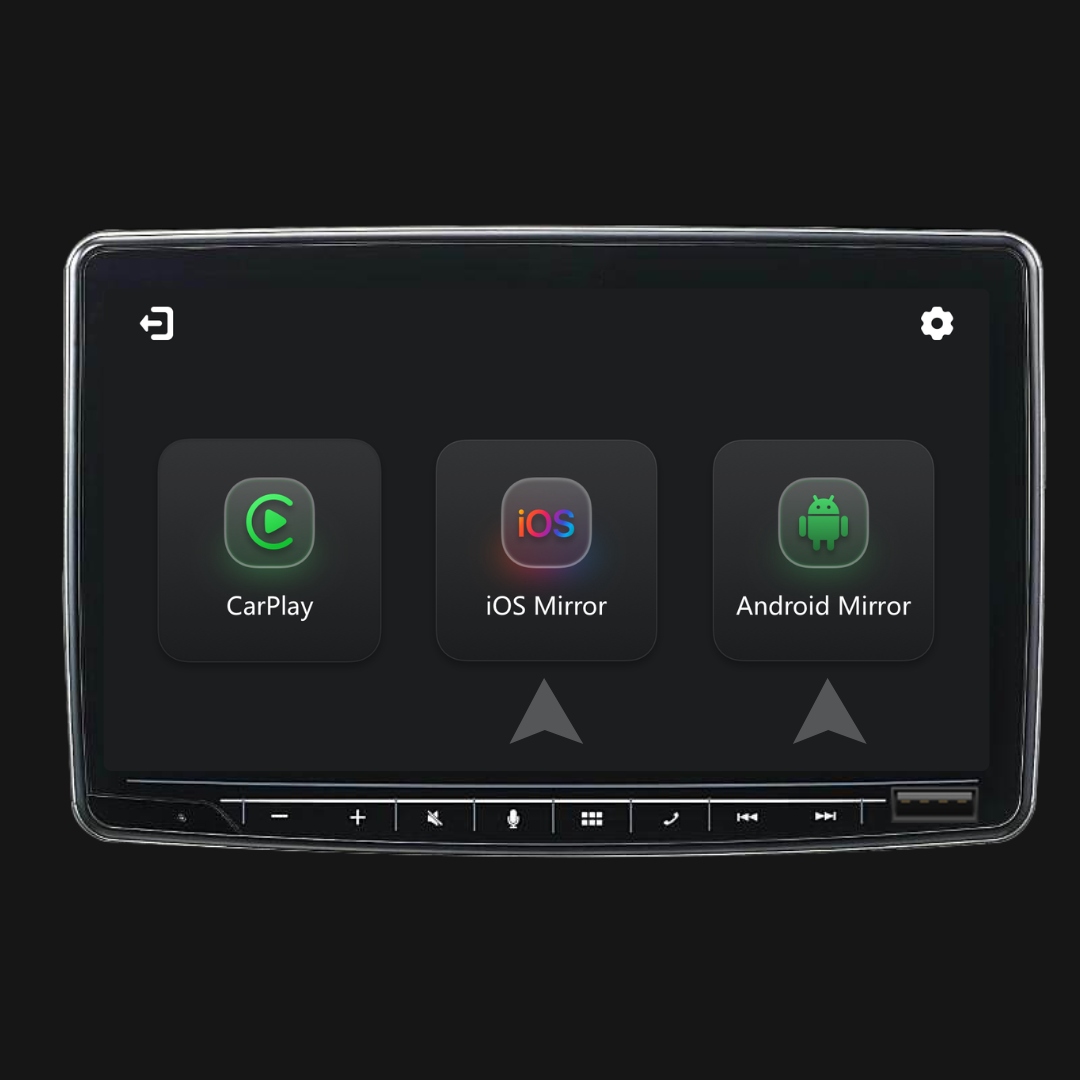
Sì. La duplicazione dello schermo e il controllo touch richiedono una connessione cablata. Collega il tuo telefono con un cavo, quindi tocca iOS Cast o Android Cast sullo schermo per iniziare.
Devo configurarlo ogni volta che salgo in macchina?
No. Dopo la prima configurazione, si connette automaticamente quando avvii l'auto (purché il Bluetooth/Wi-Fi del tuo telefono sia attivo). Puoi quindi passare tra CarPlay e la duplicazione dello schermo del telefono (se supportata).
Cosa dovrei confermare prima di acquistare?
Si prega di confermare questi 3 punti:
- Supporto telefonico per mirroring/controllo touch:
- iPhone: iPhone 15+ (USB-C con uscita video DisplayPort/DP)
- Android: telefono USB-C con uscita video DP Alt Mode
- Requisito dell’auto: Il veicolo deve supportare CarPlay cablato di fabbrica (di solito 2016+).
- Verifica compatibilità: Usa la lista/il verificatore di compatibilità sulla pagina del prodotto per confermare il tuo veicolo esatto.
Perché scegliere Mirror Touch?
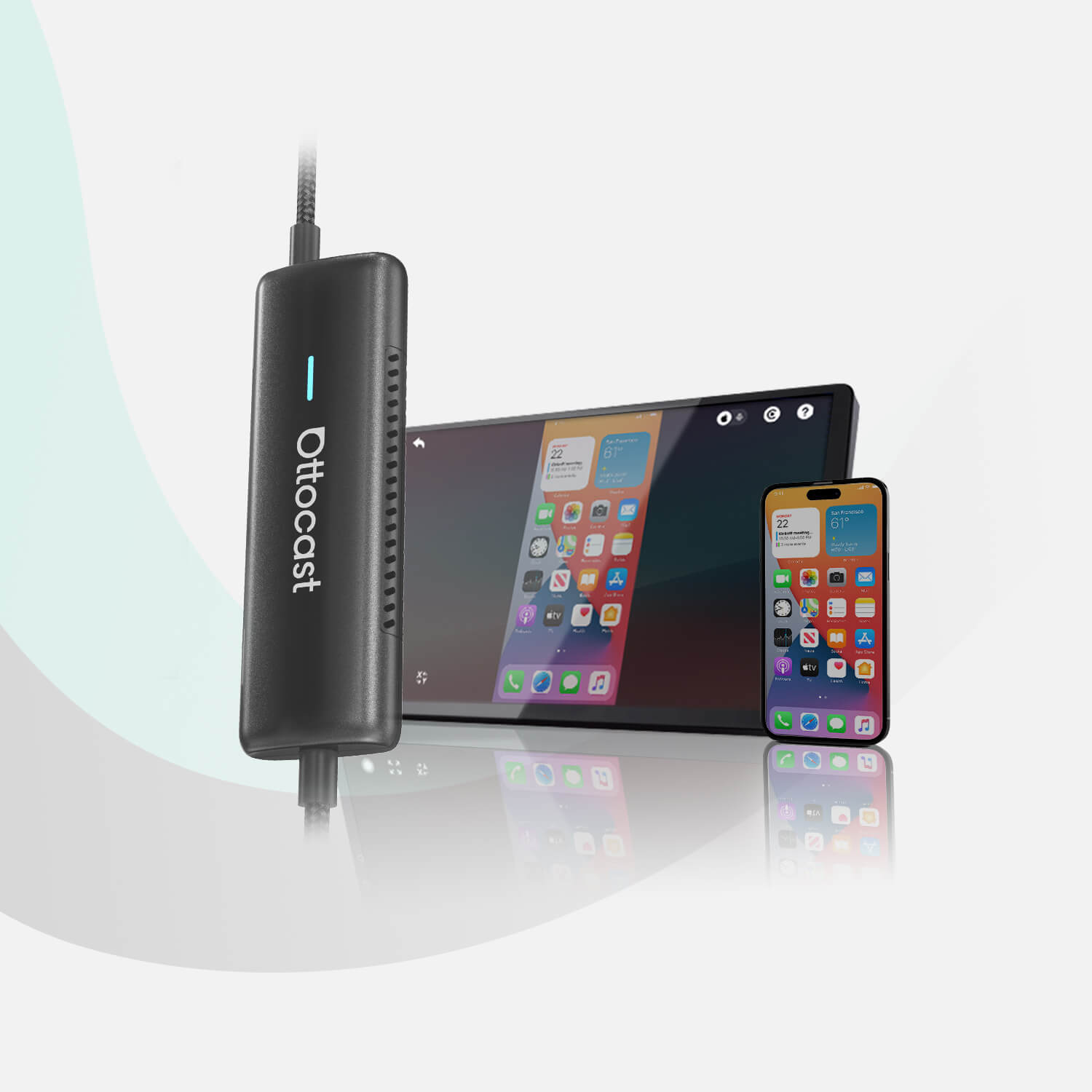
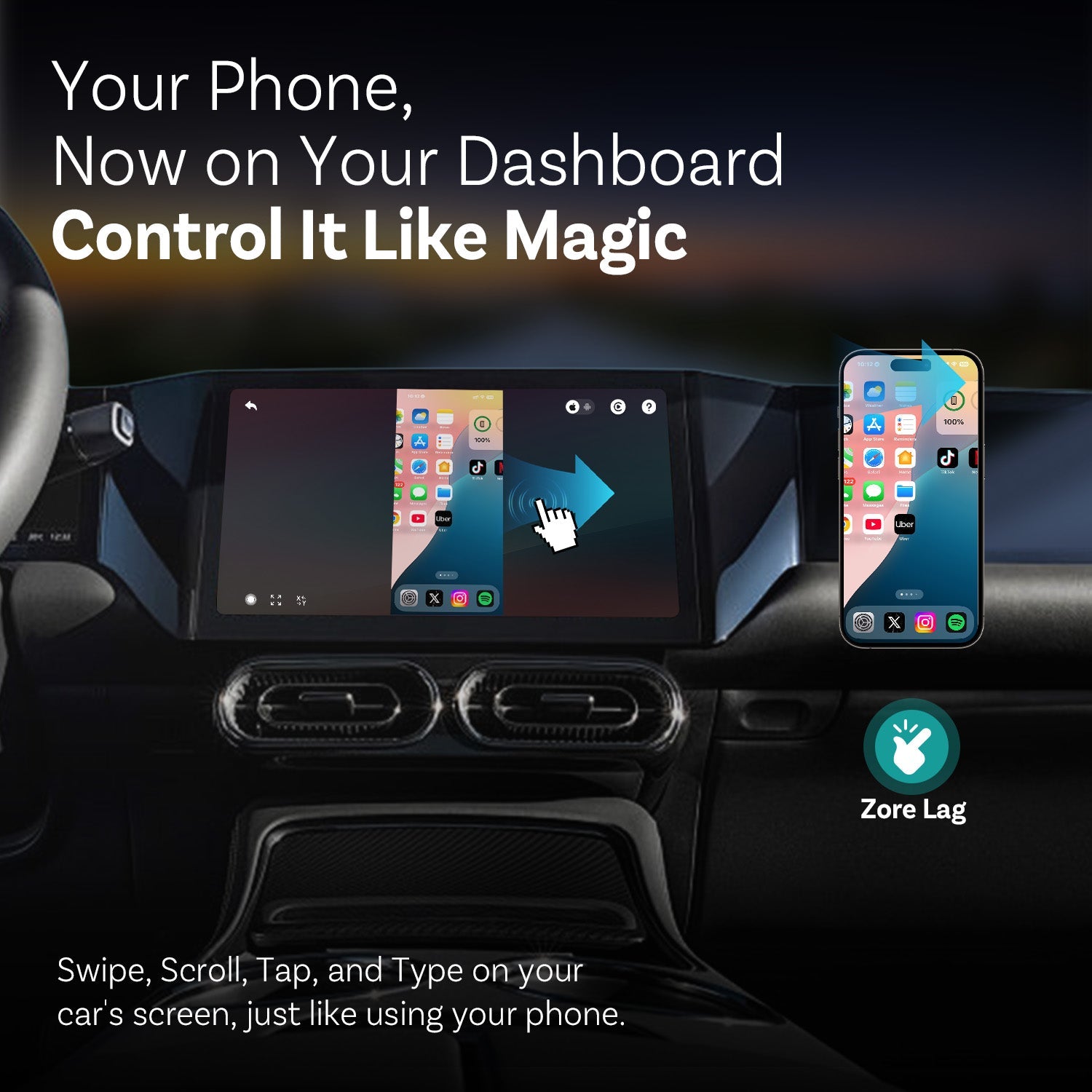
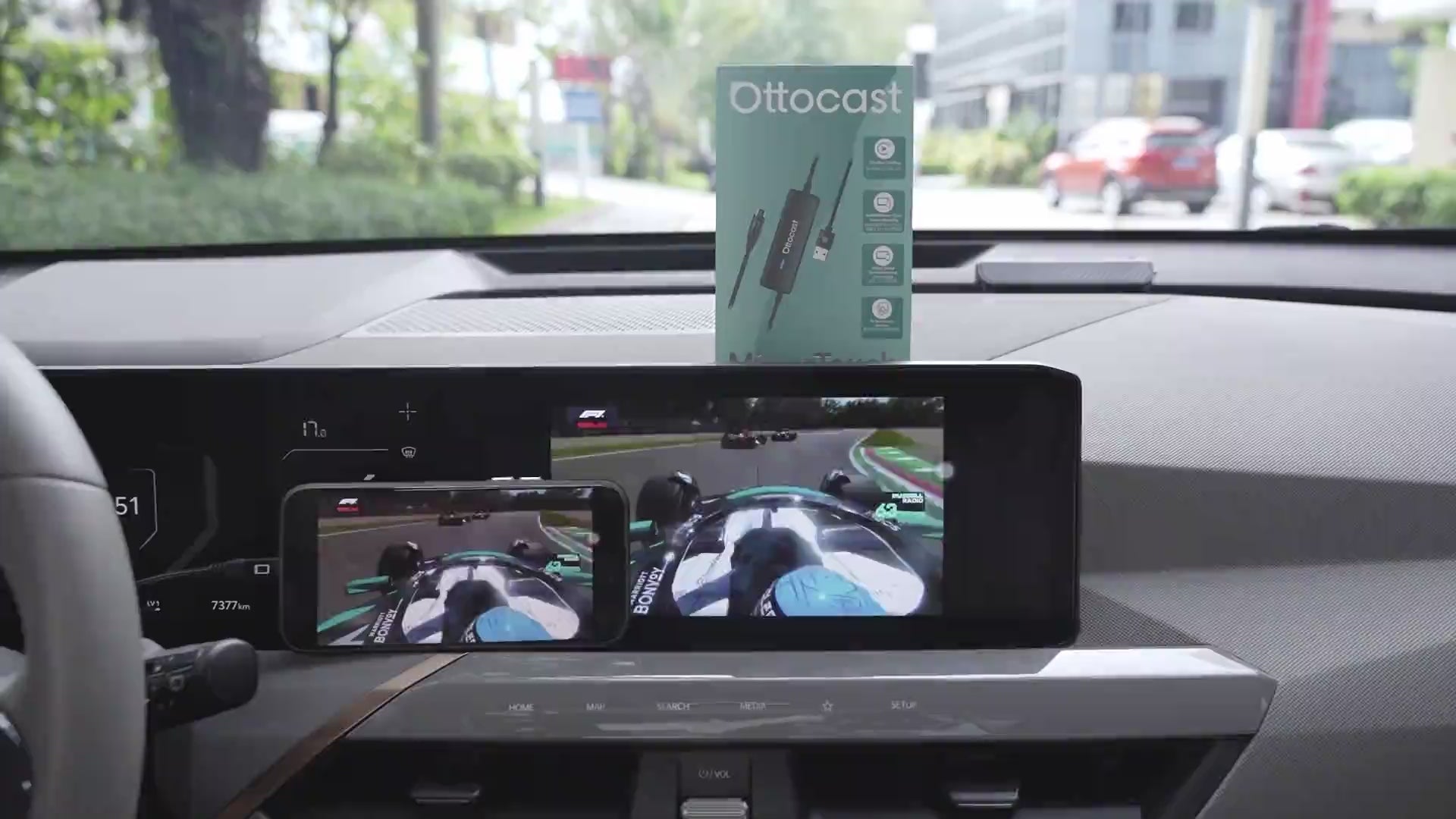
Mirror Touch migliora il CarPlay wireless standard con due funzionalità chiave: mirroring completo dello schermo del telefono e controllo touch, così puoi toccare, scorrere e digitare sullo schermo della tua auto come sul tuo telefono.
È progettato per una bassa latenza e i tuoi dati/la cronologia rimangono sul tuo telefono.

Potrebbe piacerti anche