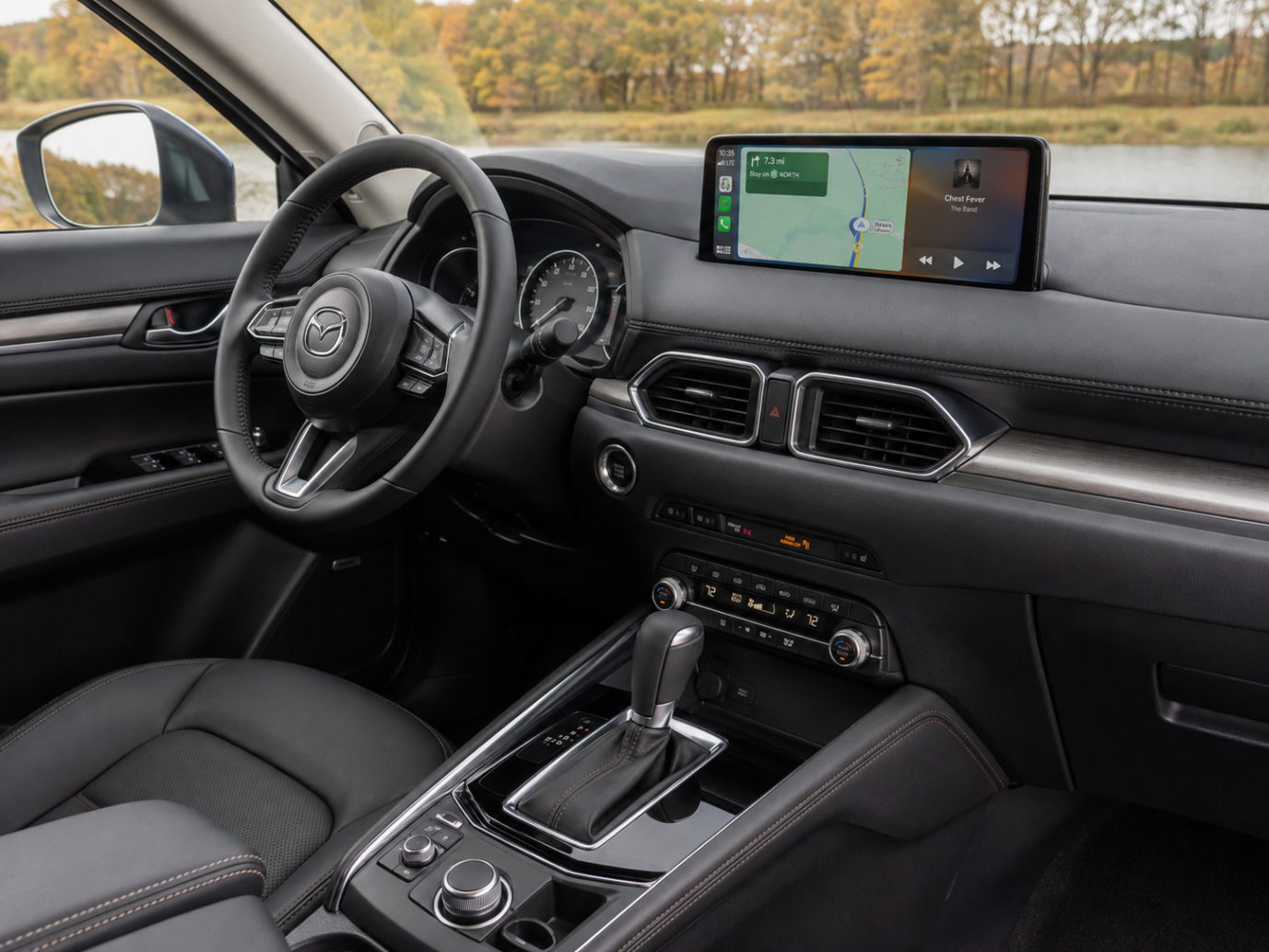

The Mazda CX-5 has been one of the most popular compact crossover options for some time now. It features a neat mixture of driver-centric dynamics and a near-luxury interior.
With a clear dashboard and excellent build, the CX-5 actually delivers an awesome driving experience. But there’s a catch. This commitment to modern cabin luxury does make the digital experience appear seamless, and the physical craftsmanship really is top-notch, but when smartphone integration starts suffering from lag or cumbersome wiring, your otherwise clean cabin aesthetic starts to suffer as well.
Therefore, it’s safe to say that you need responsive, high-speed Apple CarPlay connectivity if you want that premium design to stay, well, premium.
That’s where Ottocast comes in, but more on that later.
Mazda CX-5 Review: Performance, Cabin Comfort, and Display Setup

So, as we’ve established, when you get behind the wheel, the Mazda CX-5 sets a high standard for crossover driving dynamics. It gives you precise steering, composed handling, responsive throttle tuning, and it simply has an engaging feel on winding roads.
At the same time, it has awesome acoustic cabin insulation. This effectively suppresses tire and wind noise. So, you can enjoy some peace and quiet and a comfortable interior environment.
It has high-quality dashboard materials, plush seating, and soft-touch surfaces. At the center of the cabin setup, infotainment displays and control schemes vary significantly depending on your specific model year. While recent years featured the high-mounted 10.25-inch Mazda Connect widescreen display operated primarily via the Commander Knob, newer generations transition toward larger, touchscreen-first interfaces.
To determine how Apple CarPlay functions in your vehicle, and whether you need a wired-to-wireless adapter, refer to the breakdown by model year below:
| Model Year | Display / Infotainment | CarPlay | Wireless CarPlay | Main Control |
|---|---|---|---|---|
| Older CX-5 | Mazda Connect | Yes, on applicable trims | Generally No | Commander Knob |
| 2021–2023 | 10.25-inch Mazda Connect | Yes | Generally No | Commander Knob |
| 2024 | 10.25-inch Mazda Connect | Yes | Available on selected trims | Commander Knob + CarPlay Touch |
| 2025 | 10.25-inch Mazda Connect | Yes | Available on selected trims | Commander Knob + CarPlay Touch |
| 2026 | 12.9-inch standard / 15.6-inch available | Yes | Wired on 2.5 S; wireless from Select trim | Touchscreen-focused |
But because Mazda prioritizes physical dial controls and not continuous touch interactions, system responsiveness and input setup become very important factors in daily use.
Is the Mazda CX-5 Infotainment System Good?
That’s the important question here, and answering it is not as easy as you might think. If we want to evaluate the Mazda CX-5 infotainment setup, we first need to understand Mazda’s unique design choices.
For starters, the first thing to note is that, rather than slapping a massive touchscreen on the dash and calling it a day, Mazda prioritizes driver focus and ergonomics. To help you understand this, here’s a quick breakdown of how the system holds up in your standard daily drives.
| Category | Feature / Aspect | Detailed Evaluation |
|---|---|---|
| Pro | Large display on applicable models | The available 10.25-inch widescreen monitor offers high-resolution map graphics and interface cards that are positioned directly in your natural line of sight. |
| Pro | Premium-looking dashboard integration | Rather than looking like an added, out-of-place tablet, the display naturally fits into the high-end dashboard. This preserves the cabin’s near-luxury feel. |
| Pro | Commander Knob reduces physical reach | The rotary dial is positioned intuitively on the center console. This gives you full menu navigation without requiring you to lean forward or stretch toward the screen. |
| Pro | Good Apple CarPlay integration | Apple CarPlay will render natively across the wide display area. It provides great navigation visuals, well-organized audio layouts, and clean hands-free management. |
| Pro | Convenient steering-wheel controls | There are dedicated tactile buttons on the steering wheel that let you control volume, skip tracks, and activate voice assistants without taking your hands off the wheel. |
| Con | Commander Knob learning curve | Selecting apps and scrolling through menus using a rotary dial instead of direct finger taps requires an initial adjustment period for new owners. |
| Con | Touchscreen functionality varies by model year | On 2024 to 2025 models, touchscreen support is enabled specifically for Apple CarPlay and Android Auto on applicable trims, while the Commander Knob remains active. The 2026 CX-5 transitions to a touchscreen-focused system, while 2023 and earlier CX-5 models rely primarily on the Commander Knob for infotainment control. |
| Con | Preference for full touchscreen control | Drivers accustomed to modern smartphone interfaces will probably find scrolling through grid items with a physical dial less direct than a standard touchscreen. |
| Con | Occasional wireless connectivity delay | Stock wireless connections can occasionally encounter signal buffer delays, leading to minor latency during audio playback or map navigation. |
Navigating CarPlay in the CX-5: Commander Knob vs. Touchscreen

Mazda has a rather simple safety philosophy. Generally speaking, it revolves around minimizing cognitive load and keeping the driver’s eyes on the road. That’s why they position the display high on the dashboard and rely on the tactile Commander Knob on the center console.
That way, Mazda keeps you focused on driving rather than reaching forward to tap a screen. How you interact with Apple CarPlay depends heavily on your car’s model year:
- 2024–2025 CX-5: Apple CarPlay and Android Auto support touchscreen functionality, while the Commander Knob remains available as an alternative control method.
- 2026 CX-5: The new-generation CX-5 shifts to a larger, touchscreen-focused infotainment system (offering 12.9-inch standard and 15.6-inch available displays with Google built-in), moving away from the traditional rotary-first layout.
- 2023 and Older CX-5: These models rely almost exclusively on the Commander Knob while in motion, where precise, low-latency control is essential to prevent cursor lag across app icons.
Input latency can feel more noticeable when navigating CarPlay with a physical dial, since even a small delay may make menu selection feel less responsive. And if there is a lag between turning the Commander Knob and the cursor jumping to the next icon, you risk making mistakes, which can be frustrating and can lead to you losing focus. You don’t want that.
You want a low-latency connection, right? It is essential for keeping dial navigation precise. Before you purchase anything, make sure to review the official Ottocast compatibility list to verify hardware support for your specific car.
Wireless CarPlay Technical Deep Dive and Troubleshooting
Let’s check out some common questions.
Why Is Wireless CarPlay Lagging and How to Reduce Audio and Touch Delay?
If Wireless CarPlay feels slow, unstable, or occasionally disconnects, the issue may be related to wireless interference, software, pairing data, or the adapter itself.
Start by forgetting the vehicle in your iPhone’s CarPlay settings and pairing it again. Restart both the iPhone and the infotainment system, make sure iOS is up to date, and remove unused Bluetooth or CarPlay connections.
If you use a wireless CarPlay adapter, also check for available firmware updates and follow the manufacturer’s recommended connection settings. Adapters that support 5GHz Wi-Fi may provide a more stable connection in compatible setups.
Why Does Wireless CarPlay Use Both Bluetooth and Wi-Fi?
Many drivers wonder why wireless CarPlay requires both wireless and Bluetooth protocols active at once.
Well, Bluetooth is used strictly during the initial connection process. Its job is to perform a digital handshake and authenticate your iPhone. Once verified, the system seamlessly transitions data transfers over to a high-bandwidth Wi-Fi Direct connection protocol.
Wi-Fi Direct gives the system the speed necessary to stream live navigation maps and uncompressed, high-bitrate audio without any stutters.
Can You Use Your iPhone Hotspot While Using Wireless CarPlay?
While wireless CarPlay relies on Wi-Fi to stream data directly to your car’s display, using Personal Hotspot at the same time may be limited or behave differently depending on your specific iPhone model, iOS version, and vehicle system architecture.
If passenger Wi-Fi connectivity is a priority during road trips, check out our FAQ section to find some alternative solutions.
Optimizing the Mazda CX-5 Cabin with Ottocast
Naturally, we all want to get the absolute best out of our CX-5’s widescreen display without running messy cables across that clean center console.
To help you with that, we’ll help you choose the right hardware upgrade.
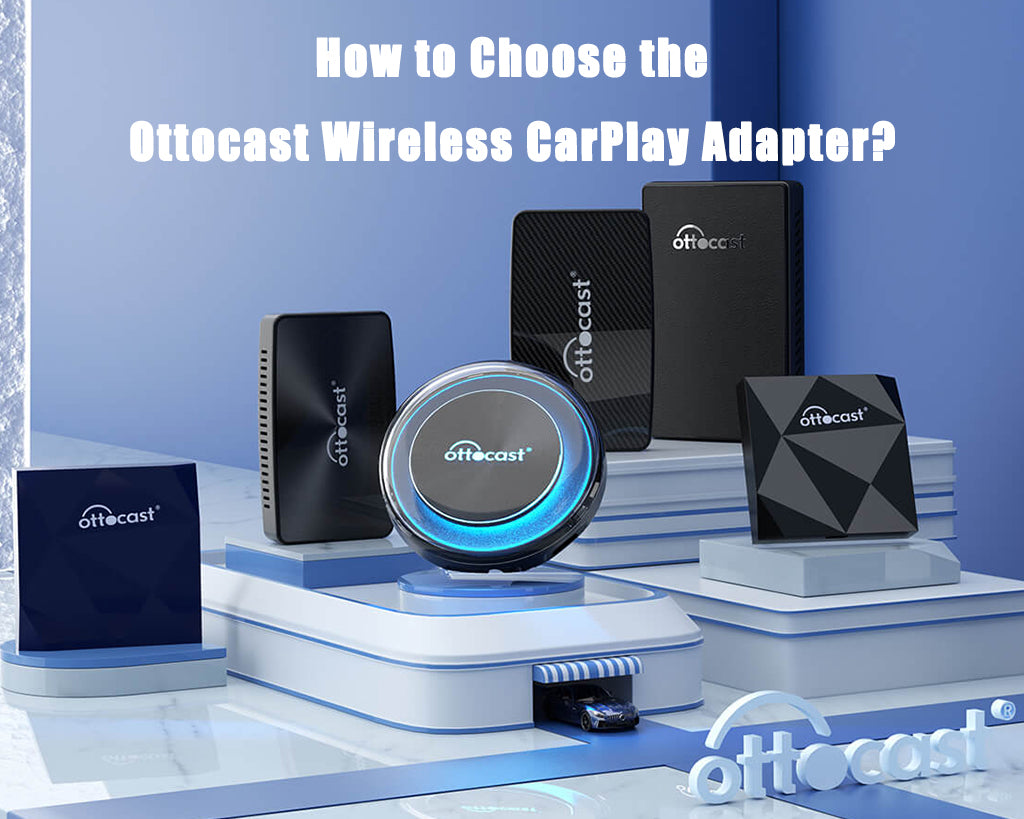
This is what will make the biggest difference for you. Here at Ottocast, we offer three specialized solutions for different cabin needs.
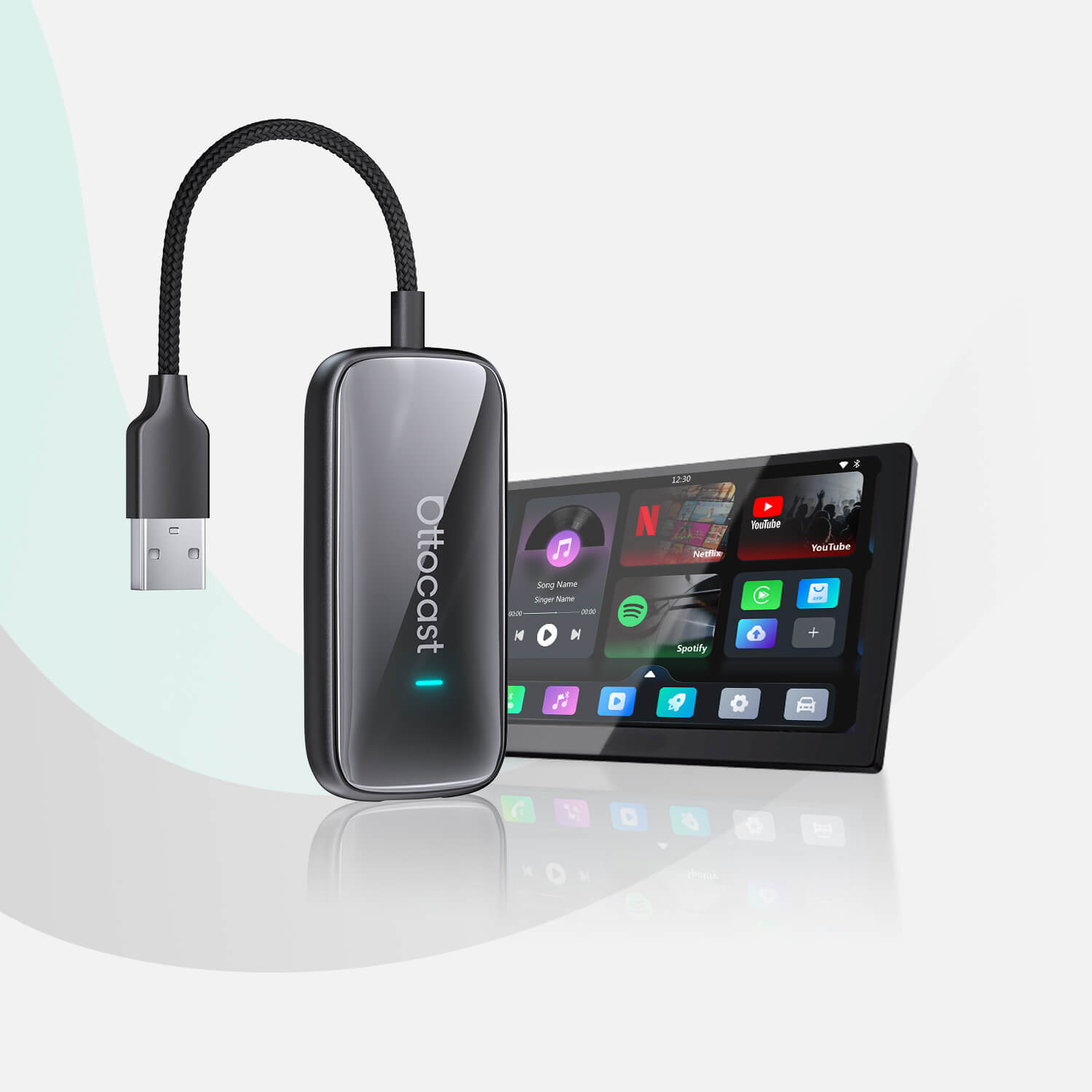
- If you want ultra-fast Wireless CarPlay, go with the Ottocast U2Air Pro.
This product is designed specifically for drivers who want a fast, wire-free CarPlay connection. Featuring high-speed 5GHz transmission, it is designed to provide a faster, more stable CarPlay experience and may help reduce noticeable input or audio latency when navigating menus, playing music, or receiving turn-by-turn prompts.
- For on-board video streaming, if you want native media entertainment directly on your car’s display screen while parked, you can go with the Play2Video Ultra.
This one acts as an all-in-one smart adapter. It has built-in video apps like Netflix and YouTube, and that way, it will turn your dash into a personal theater during rest stops.
Of course, we don’t need to tell you that you shouldn’t use streaming apps while you’re driving, right?
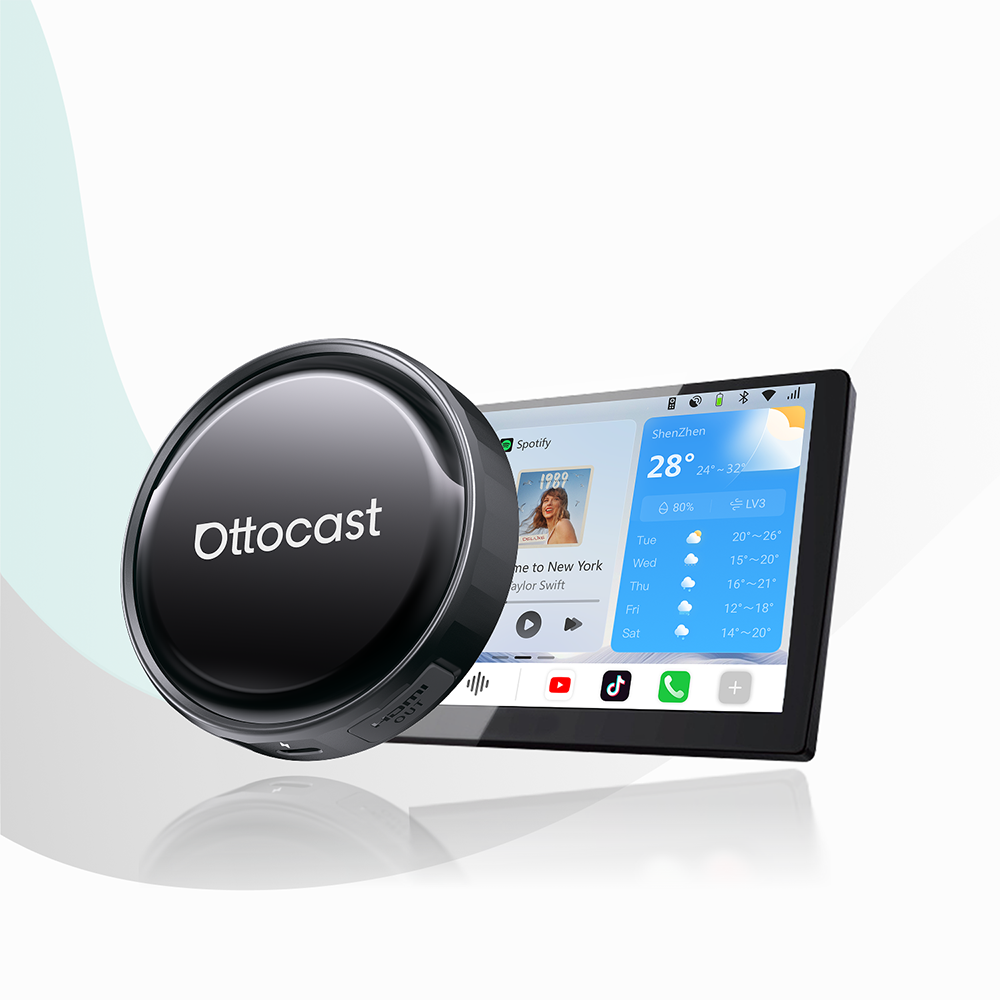
- For passenger console and streaming input, or better yet, for ultimate entertainment flexibility, you can try the Car TV Mate Pro.
This product has a dedicated HDMI input interface. What does this do? Well, it lets passengers plug in external HDMI devices. Think of TV streaming sticks or portable gaming consoles. You can plug them directly into the car’s display screen.
Final Verdict
The Mazda CX-5 delivers one of the most refined interiors and dynamic driving experiences in its class, and its widescreen display setup looks perfectly suitable for the near-luxury crossover. By pairing your infotainment setup with a high-speed wireless adapter, you can clean up cabin clutter and minimize input delays in one swift move.
If you are exploring other compact crossover options before making your decision, feel free to read our Honda CR-V CarPlay review to see how Mazda’s traditional rotary control layout compares to standard touchscreen setups.
आपको यह भी पसंद आ सकता है