


What do you think of when you hear the term “German engineering”?
In the car industry, these two words are practically synonymous with excellent and neat interior design and driver-focused ergonomics. Also, there’s amazing precision in terms of performance.
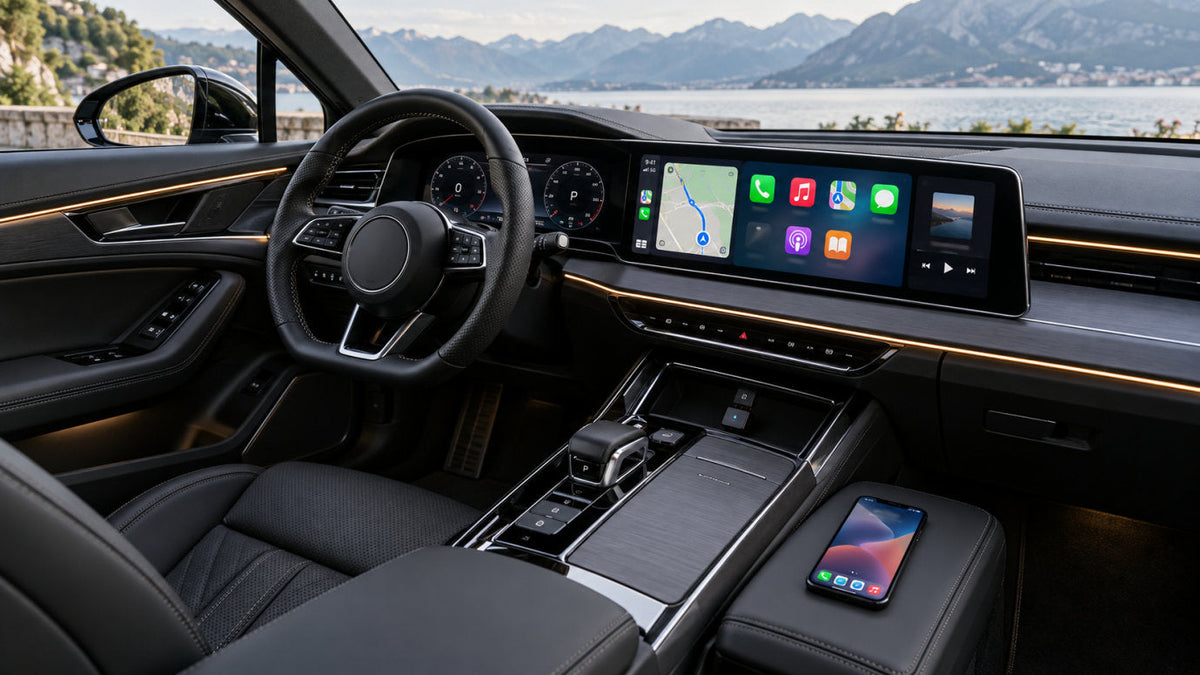
When you sit inside an Audi, Porsche, or BMW, you notice that every tactile dial, leather seam, ambient lighting element, and everything else is simply top-notch.
And yet, when you find yourself in a situation where you need to plug in a Lightning or USB-C tether every time you step into the car, that (kind of) ruins that excellence. It introduces some annoying friction. Well, that’s not the way, right?
A physical cable dangling across the center console is messy and contradicts the clean aesthetics. Why does this happen?
Well, the core issue comes from factory feature packaging. Many of these luxury vehicles manufactured between 2016 and 2024 came with standard wired Apple CarPlay and Android Auto. If you wanted wireless connectivity, you had to cough up extra cash for later model refreshes. If you’re reading this as a luxury vehicle owner, you are probably screaming “I KNOW” at the screen, and we understand.
You want a seamless, cable-free driving experience.
Well, you’ve come to the right place. Aftermarket conversion dongles offer the ideal solution.
But as you might have guessed, not all aftermarket wireless adapters are created equal, and they don’t work the same across European infotainment architectures.
If you want a reliable, lag-free connection, you need something that’s designed for your car’s specific infotainment generation.
It doesn’t matter if you have an Audi MMI, a Porsche PCM, or a BMW iDrive. With the right Ottocast hardware solution, you’ll get exactly what you want.
The Baseline Requirement: Factory Wired CarPlay vs. Native Wireless
Before you pick an aftermarket wireless adapter, you must understand the underlying hardware architecture of these conversion dongles, and that’s why we’ll start with something we like to call the “Wired-First Rule.”
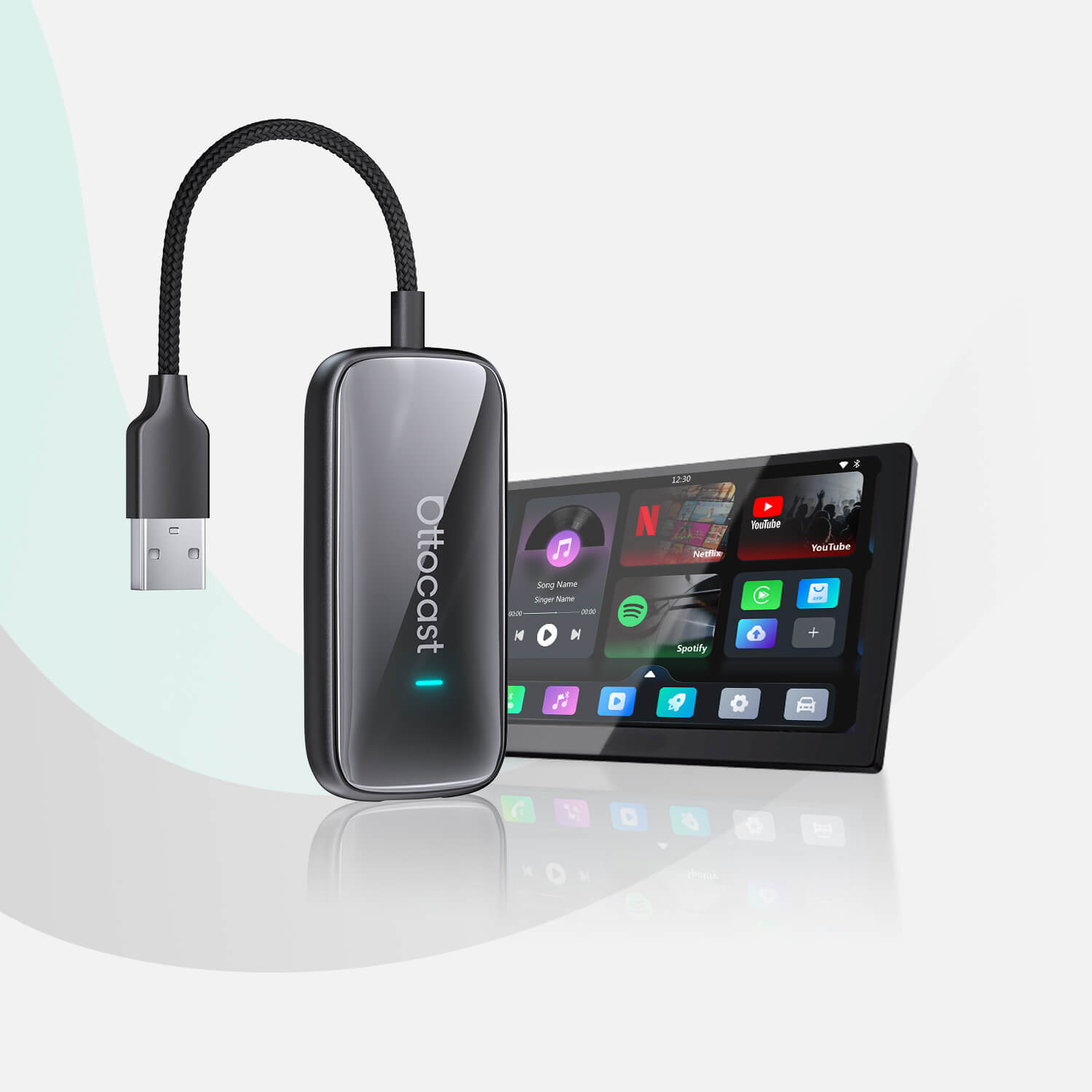
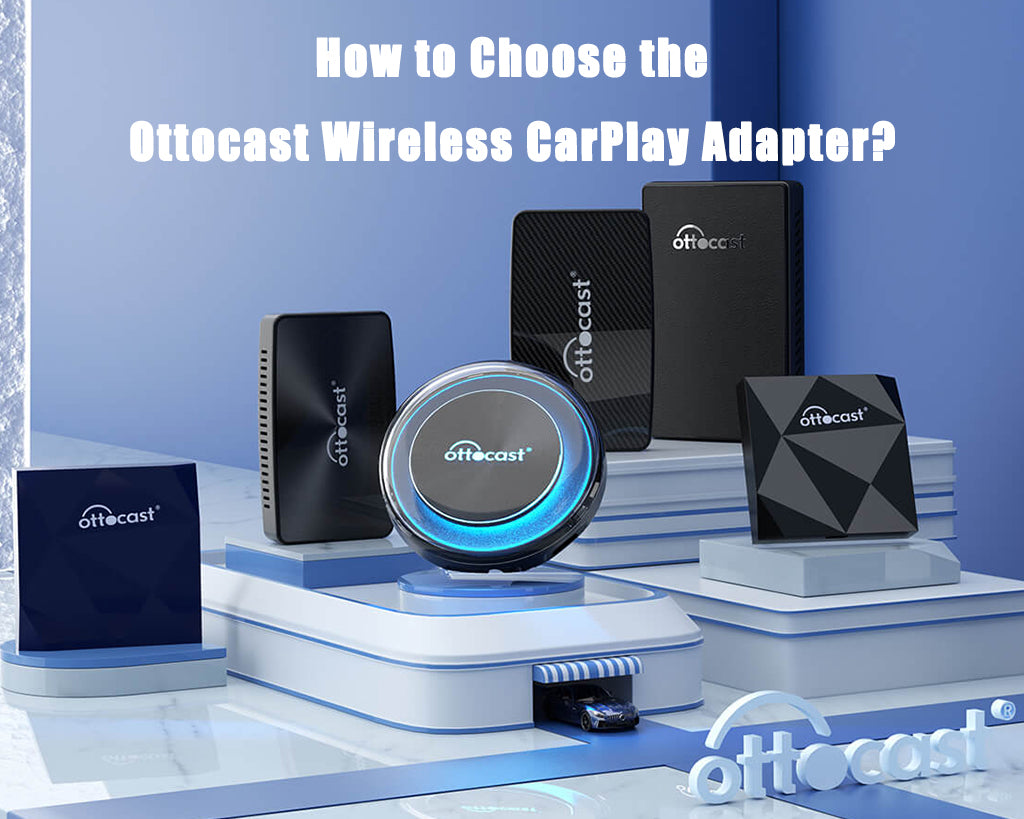
Approximately 95% of aftermarket wireless adapters, including the ultra-compact Ottocast U2AIR Edge and the multimedia-focused Play2Video X, work based on a simple principle.
They convert an existing factory wired Apple CarPlay protocol into a wireless 5.8GHz connection. The adapter plugs directly into your car’s primary data USB port, and it “tricks” the native head unit into recognizing a wired CarPlay connection while broadcasting a high-speed Wi-Fi and Bluetooth signal to your smartphone.
It’s as simple as that.
But How Do You Verify Factory CarPlay?
It’s easy. Plus, it takes less than a minute.
Connect your iPhone to your car’s main console USB port using an original OEM cable. Make sure you plug into the primary data port, usually marked with a smartphone icon or a white trim box, rather than a charge-only port.
Then, observe your central display. If Apple CarPlay launches through the USB data port, your vehicle meets the core requirement for a wired-to-wireless adapter. However, you should still confirm your exact make, model, and year using the Ottocast compatibility checker before purchasing.
The BMW Exception
Audi and Porsche used to rely heavily on wired CarPlay setups between 2016 and 2024. The BMW, on the other hand, came with a unique factory architecture.
Starting with iDrive 6, 7, 8, 8.5, and 9, many BMW models equipped with iDrive 6–9 use factory wireless CarPlay. Now, because BMW head units lack the physical wired CarPlay protocol required by standard dongles, traditional conversion adapters (like the U2AIR Edge) cannot interface with them.
But don’t worry, because Ottocast is here to help. We’ve engineered specialized hardware, like the OttoAibox i3. It was designed specifically for BMW’s native wireless environment to help you unlock third-party multimedia apps.
Comprehensive Brand Compatibility Matrix (2016–2026)
The most important thing you need to worry about is matching your car’s specific model year and infotainment platform to the correct adapter. That way, you get plug-and-play operation, instant auto-connection, and zero loss of factory controls.
Check out this simple compatibility matrix that we made for Audi, Porsche, and BMW models:
| Vehicle Brand | Model and Year Range | Infotainment Generation | Primary Connection Type | Recommended Ottocast Hardware |
|---|---|---|---|---|
| Audi | A3/A4/A5/Q5/Q7 (2017–2019) | MMI Navigation Plus (MIB2) | USB-A Data Port | U2AIR Edge (Plug-and-play wireless) |
| Audi | A6/A7/A8/Q8/e-tron (2020–2026) | MMI Touch Response (MIB3) | USB-C Data Port | Play2Video X (Wireless + Streaming) |
| Porsche | 911 / 718 Cayman / Boxster (2017–2021) | PCM 4.0 / PCM 5.0 | USB-A Console Port | U2AIR Edge (Ultra-low latency) |
| Porsche | Macan / Cayenne / Panamera (2019–2026) | PCM 5.0 / PCM 6.0 | USB-C Storage Port | Play2Video X or OttoAibox P3 |
| BMW | 3/4/5/7 Series, X3/X5/X7 (2017–2026) | iDrive 6, 7, 8, 8.5, 9 | Factory Wireless Only | OttoAibox i3 (Dedicated BMW AI Box) |
A Deep-Dive Brand Retrofit Strategies

Audi: Factory Wired CarPlay → Wireless CarPlay Adapter
Audi MMI systems have distinct hardware configurations (depending on the generation).
MIB2 systems (2017–2019) use standard USB-A data ports. Here, the ultra-compact Ottocast U2AIR Edge would be a great fit. With this adapter, compatible factory controls can continue to work, including the central console click-wheel, touchpad, and steering wheel thumb-roller adjustments.
Now, for modern MIB3 dual-touchscreen cockpits (found in 2020+ A6, A8, and e-tron models), the Play2Video X works like a charm with dual USB-C ports. On compatible vehicles, Play2Video X can add wireless CarPlay and Android Auto while retaining supported factory touchscreen and steering-wheel controls.
Porsche: Factory Wired CarPlay → Wireless CarPlay Adapter
Porsche cabins simply demand quick connectivity from the moment you turn the iconic left-hand ignition switch. On PCM 4.0 and 5.0 systems (718, 911, and Macan), the primary data USB port is typically tucked inside the deep center armrest storage compartment.

That’s some pretty restricted enclosure space, and dongles require high-performance internal antennas. Because Porsche data ports are often located inside the center armrest, a compact adapter is especially useful. U2Air Edge fits neatly in the console, reconnects automatically after the initial pairing, and supports compatible factory touchscreen, steering-wheel, and dial controls.
For newer Porsche models with PCM 6.0, first confirm whether the vehicle provides factory wired Apple CarPlay. If wired CarPlay is available through a USB data port, a compatible Ottocast multimedia adapter such as the OttoAibox P3 may be suitable. Wireless-only CarPlay configurations require a different compatibility check.
BMW: Factory Wireless CarPlay → BMW-Compatible AI Box
As we’ve explained, many BMW models equipped with iDrive 6–9 use factory wireless CarPlay, and traditional conversion adapters will fail to handshake with these iDrive displays.
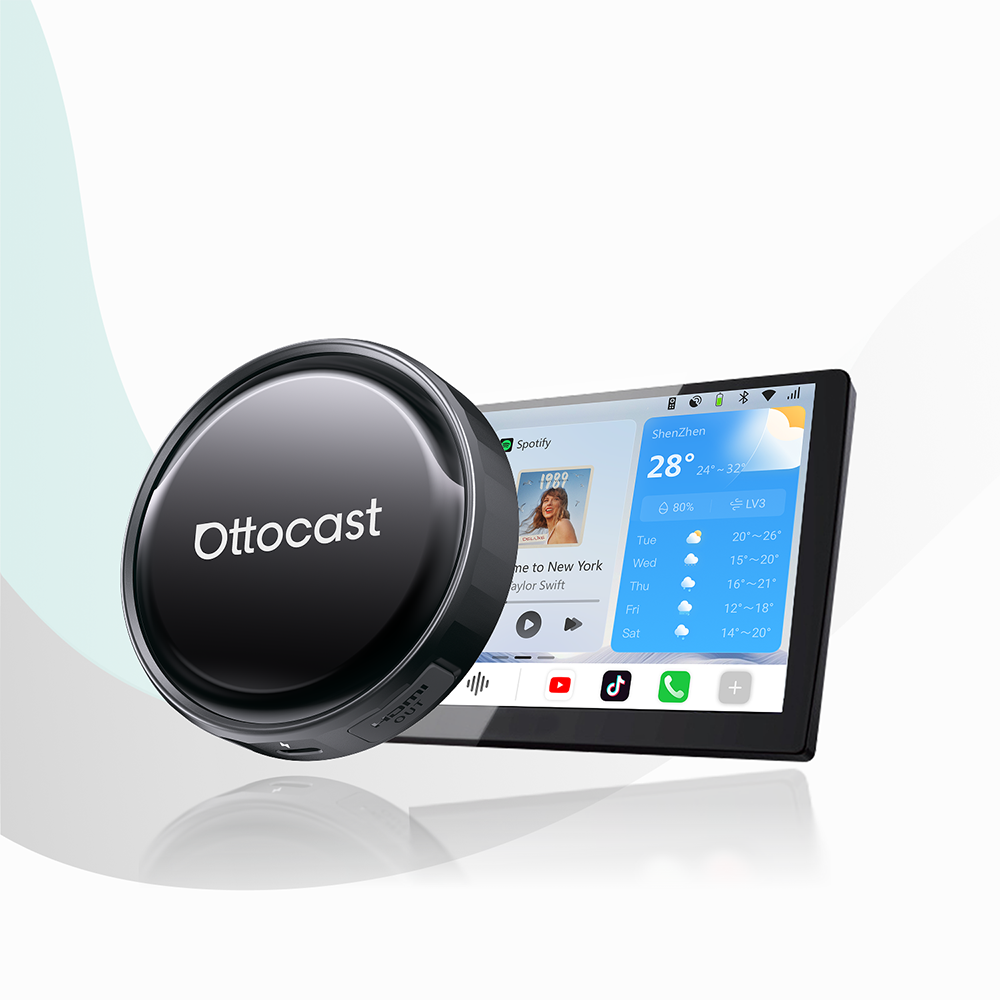
But it doesn’t matter. You have the OttoAibox i3 that was engineered specifically to solve this limitation. It runs on an Android 13 platform powered by a Qualcomm Snapdragon processor. It connects to your BMW’s native wireless protocol, and once paired, it unlocks full Android OS access directly on your iDrive display.
That way, you can run native streaming apps (YouTube, Netflix, etc.) on screens that used to restrict third-party software.
For a hands-on look at setting up wireless CarPlay and streaming on BMW displays, check out this Ottocast OttoAibox i3 Overview. This video demonstrates how the adapter integrates with BMW iDrive systems to run native streaming apps and wireless interfaces.
Power Delivery and USB Bus Architecture Troubleshooting
So, if you embark on a journey to retrofit wireless adapters into European luxury vehicles, you must consider power delivery.
For instance, certain German vehicles (particularly older Audi models equipped with MIB2 systems) have a limited power output (often capped at 5V/1A) through their armrest USB ports.
And, while lightweight wireless adapters like the U2AIR Edge work efficiently under standard 5V/1A USB power, higher-powered multimedia AI boxes (such as the OttoAibox P3) need more current during peak processor loads.
This insufficient USB amperage can cause unexpected system restarts or boot loops when you try to launch heavy video apps. So, here’s what you need to check.
- First, if your multimedia AI box experiences power instability, connect a dual USB Y-splitter cable to draw auxiliary power from a secondary 12V USB car charger while keeping data transmission through the main head unit port.
- Second, for cars that have modern USB-C ports (like MIB3 or PCM 6.0), make sure that you use high-speed, power-rated USB-C to USB-C data cables to supply uninterrupted power.
- Third and final, to eliminate audio lag and lip-sync delays on wireless streams, set your adapter’s internal Wi-Fi broadcast band to 5.8GHz rather than 2.4GHz in the adapter settings menu.
Conclusion
And so, we’ve come to the end of this little article. What have we learned?
Well, upgrading your Audi, Porsche, or BMW from a tangled wired setup and morphing it into an effortless wireless cabin is easy, but it’s only easy if you manage to match your car’s infotainment system with the correct hardware generation.
Whether you need the ultra-low latency of the U2AIR Edge for daily driving or the BMW-ready architecture of the OttoAibox i3, here at Ottocast, you will find tailored retrofit solutions across different European luxury platforms.
If you want to learn more about what we have to offer, make sure to check out our other Ottocast products. And if you want to read more, be sure to check out our blog for other interesting entries.
Featured Products