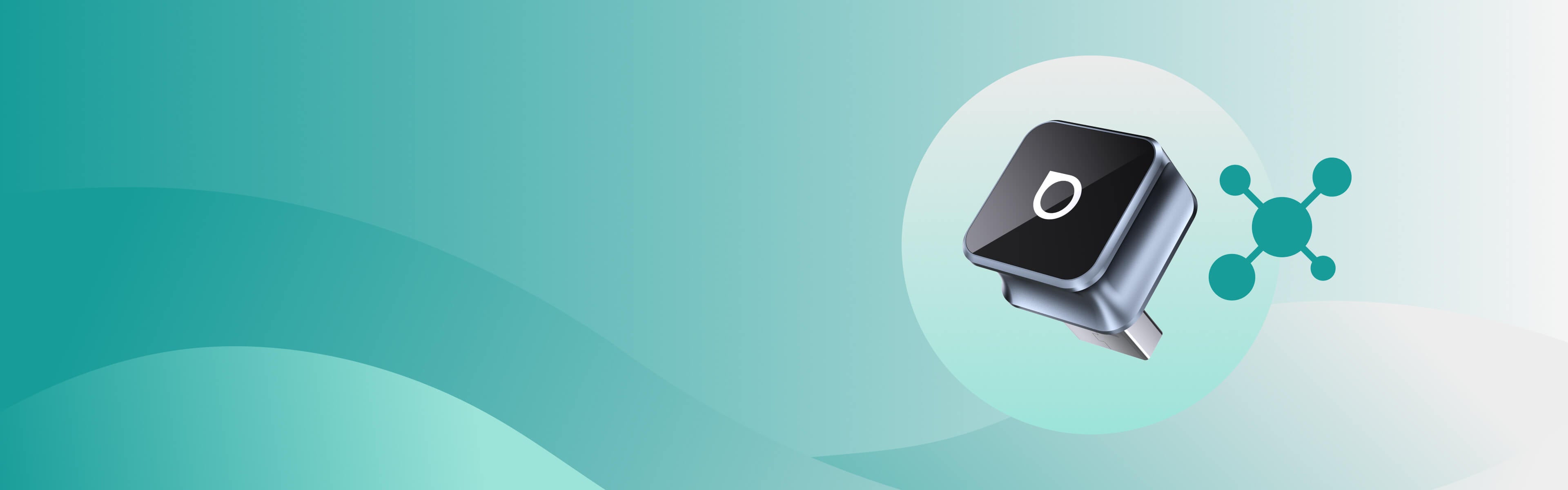
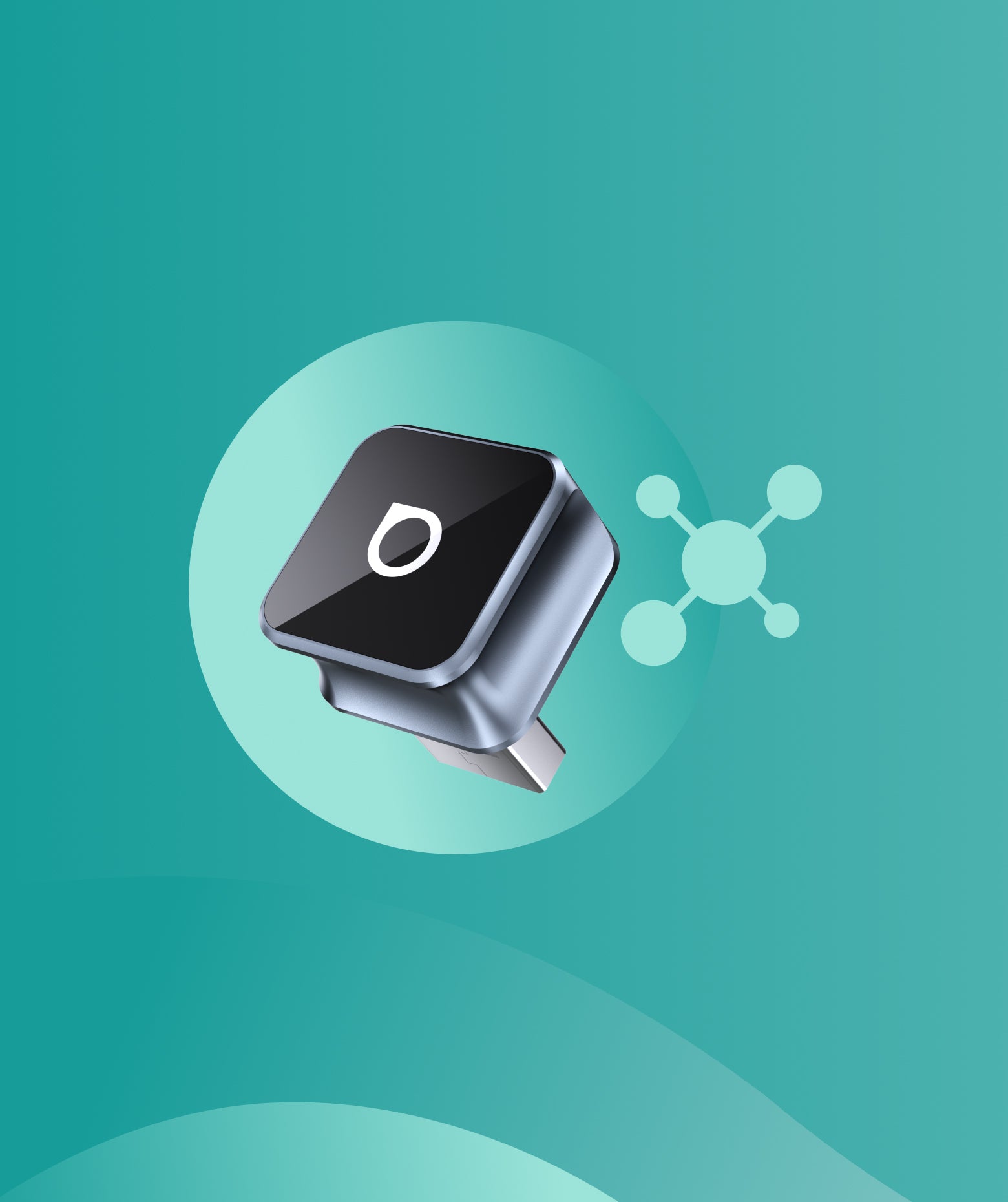
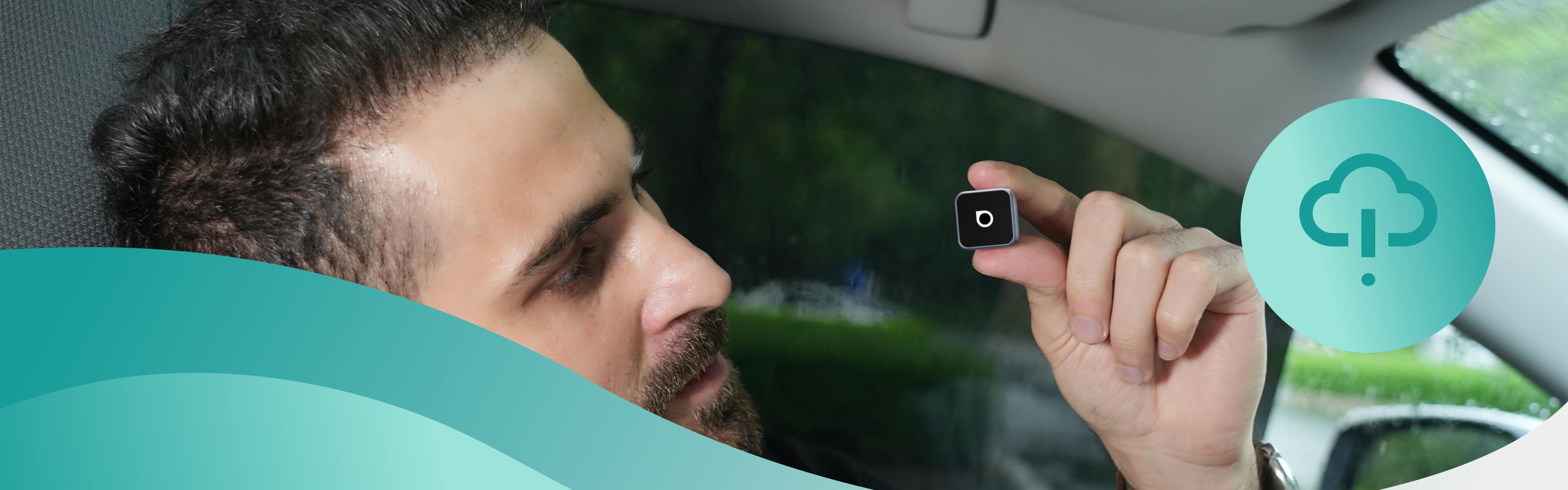
Simple over-the-air updates let you install the latest system version with just a few taps.






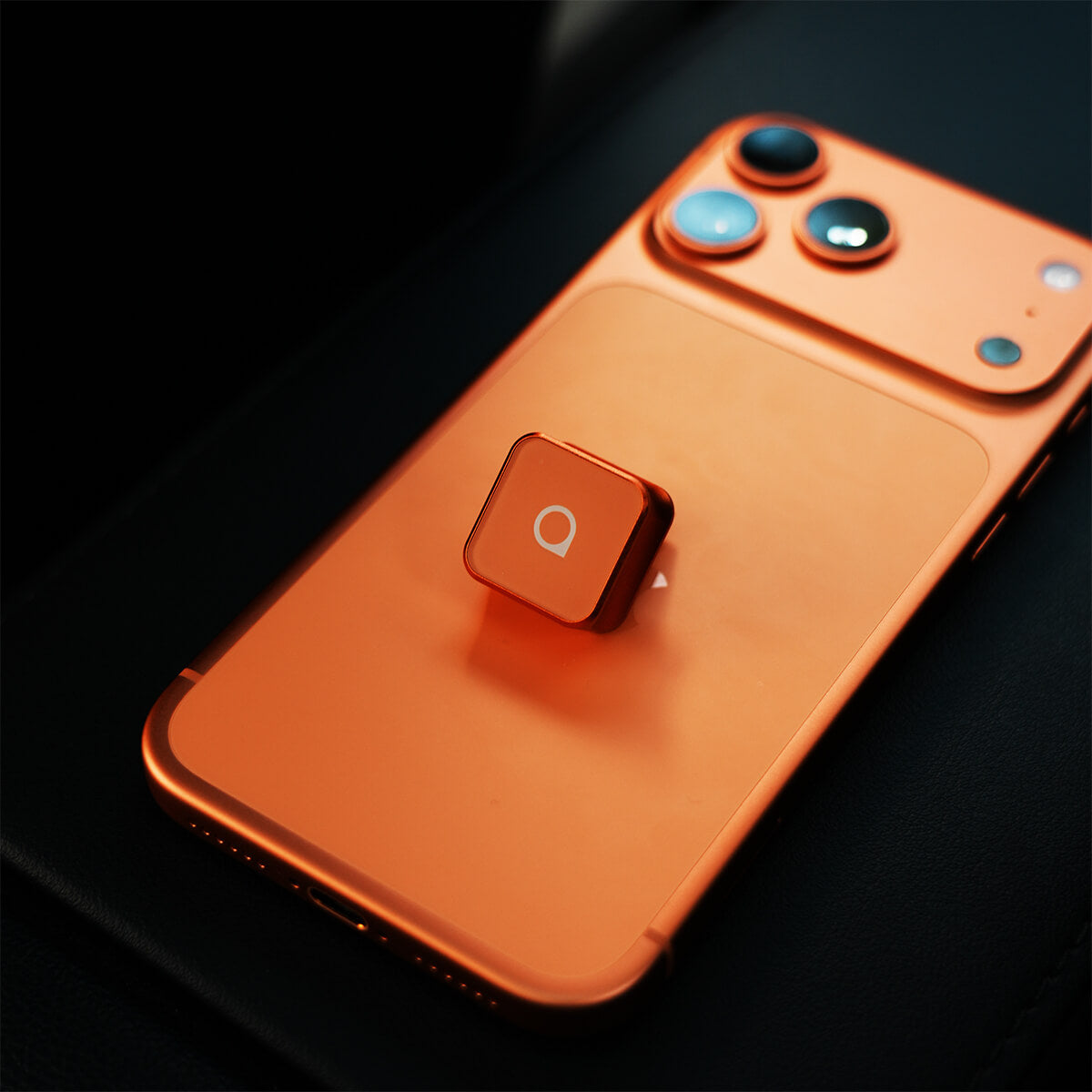


Ottocast Mini Cube 3.0 Wireless CarPlay/Android Auto Adapter
PRICE
KEY FEATURES
Seamless Wireless CarPlay and Android Auto
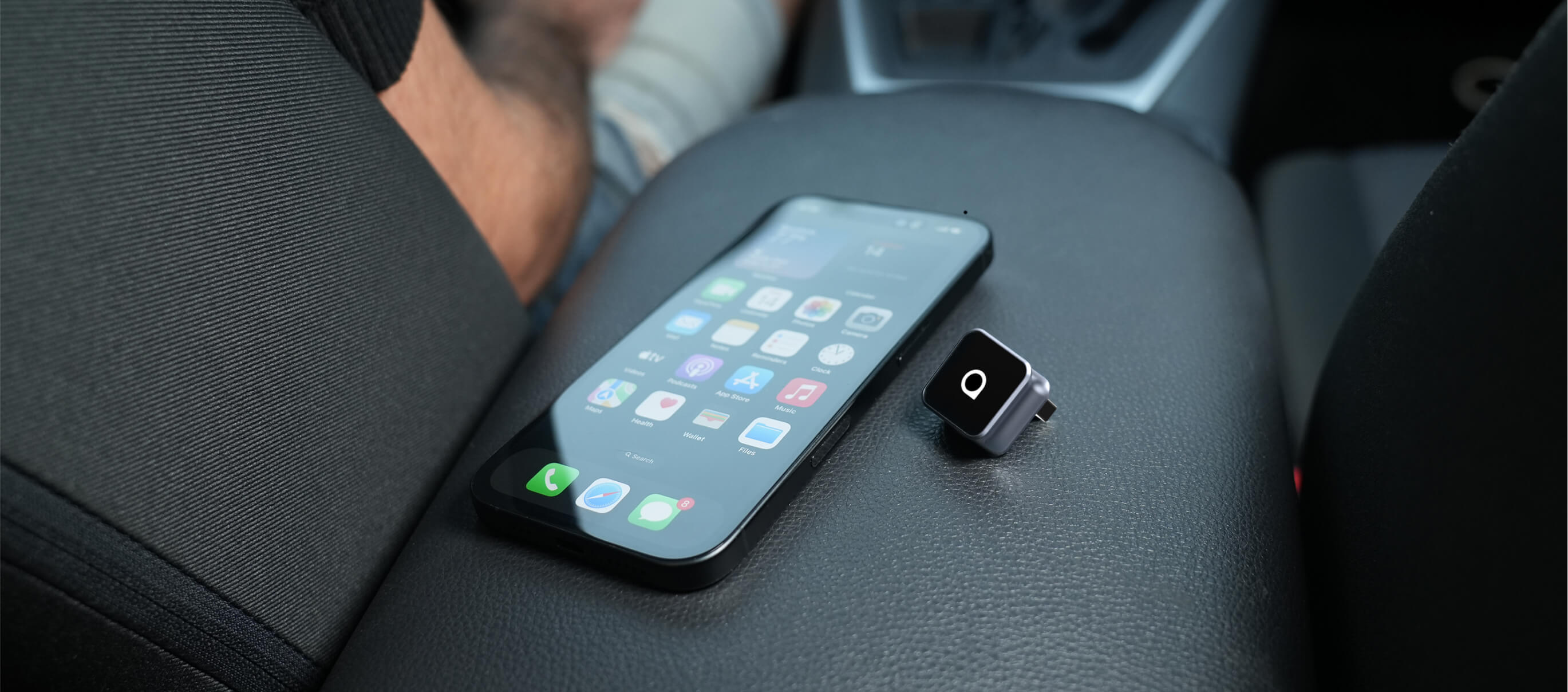
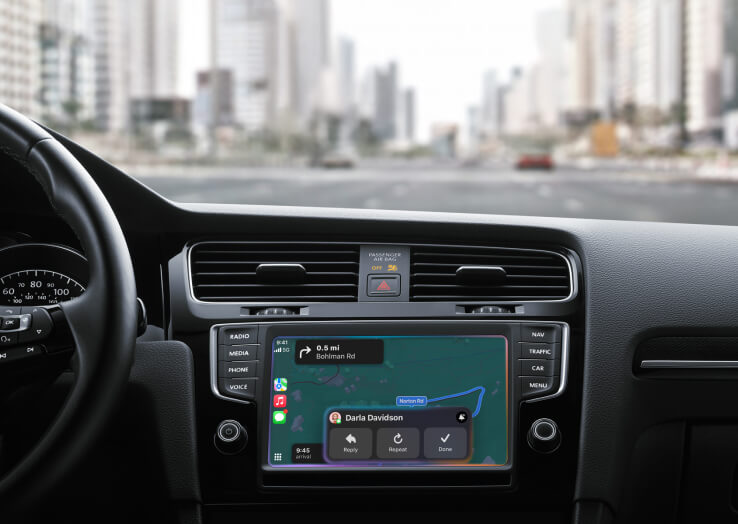
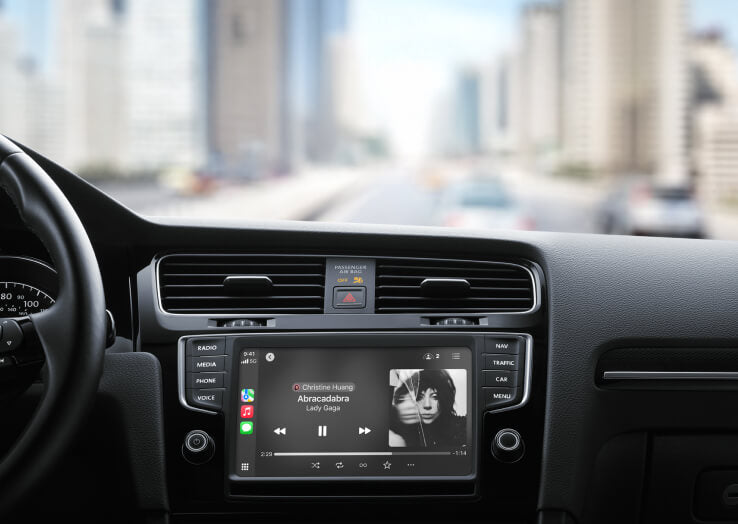
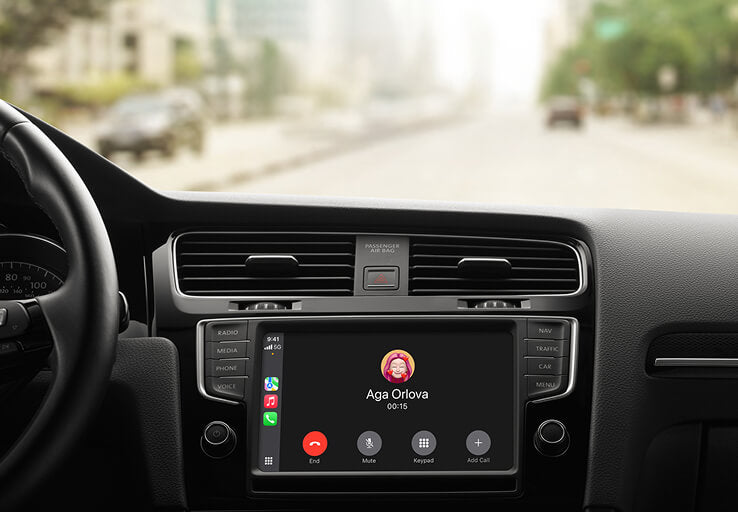
Enjoy CarPlay and Android Auto wirelessly while you drive, making it easy to take calls, play music and navigate with ease.
Fast Auto Reconnection
The Mini Cube remembers your device and reconnects automatically every time you start your car.
Compact & Firm Fit
The compact body features a 90-degree USB connector that saves space and keeps your setup neat and refined.
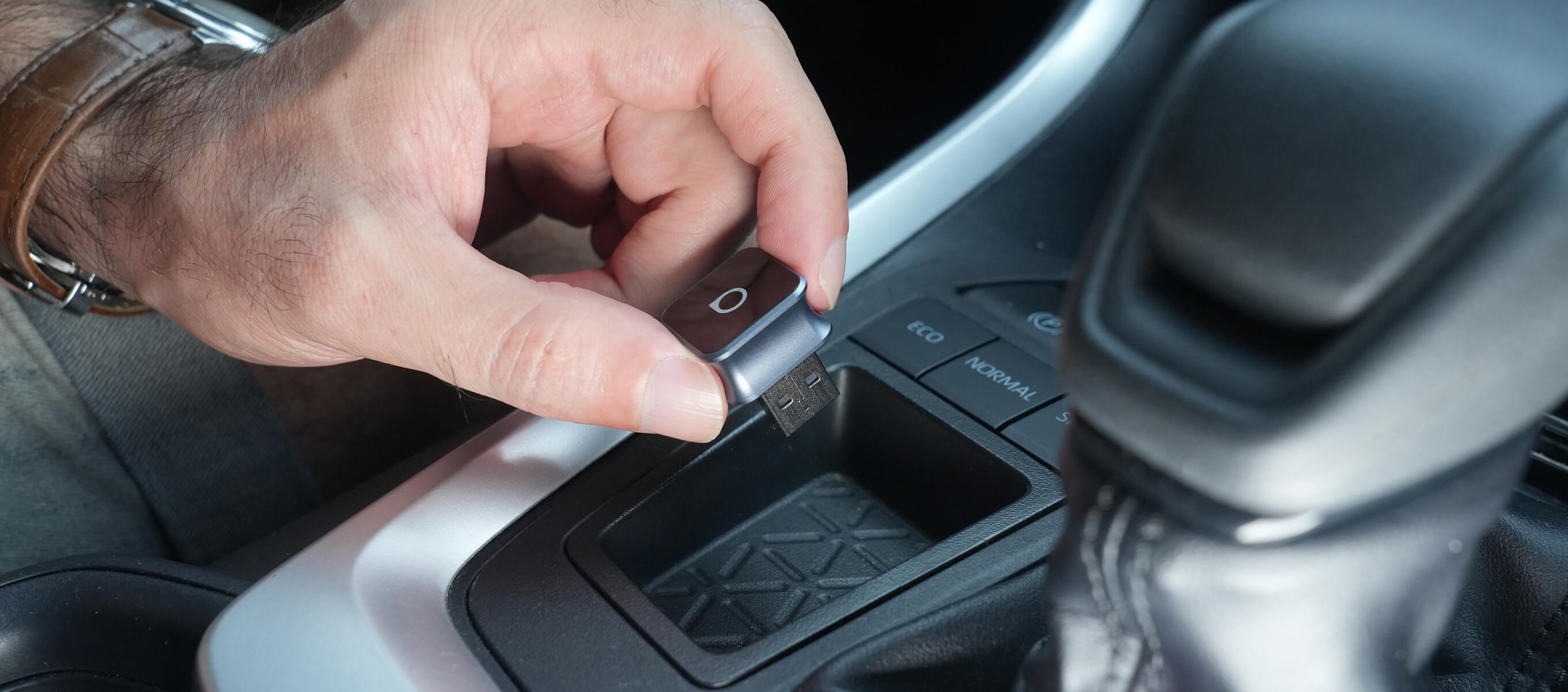
Simple Plug-and-Play Setup
No apps, no hassle—just plug it in and drive.
Keep It Compatible
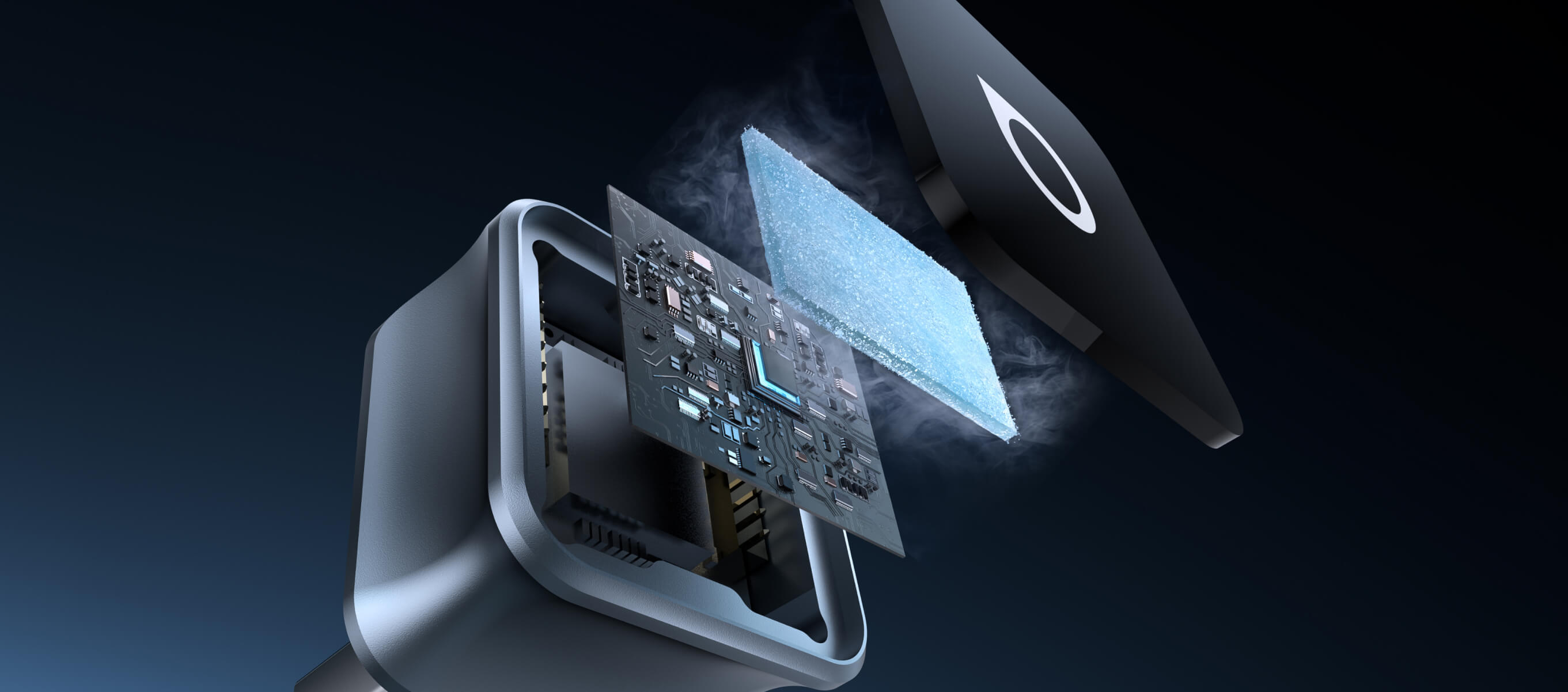
Get quick bug fixes on-the-go with the help of FOTA upgrades.
BEFORE YOU BUY
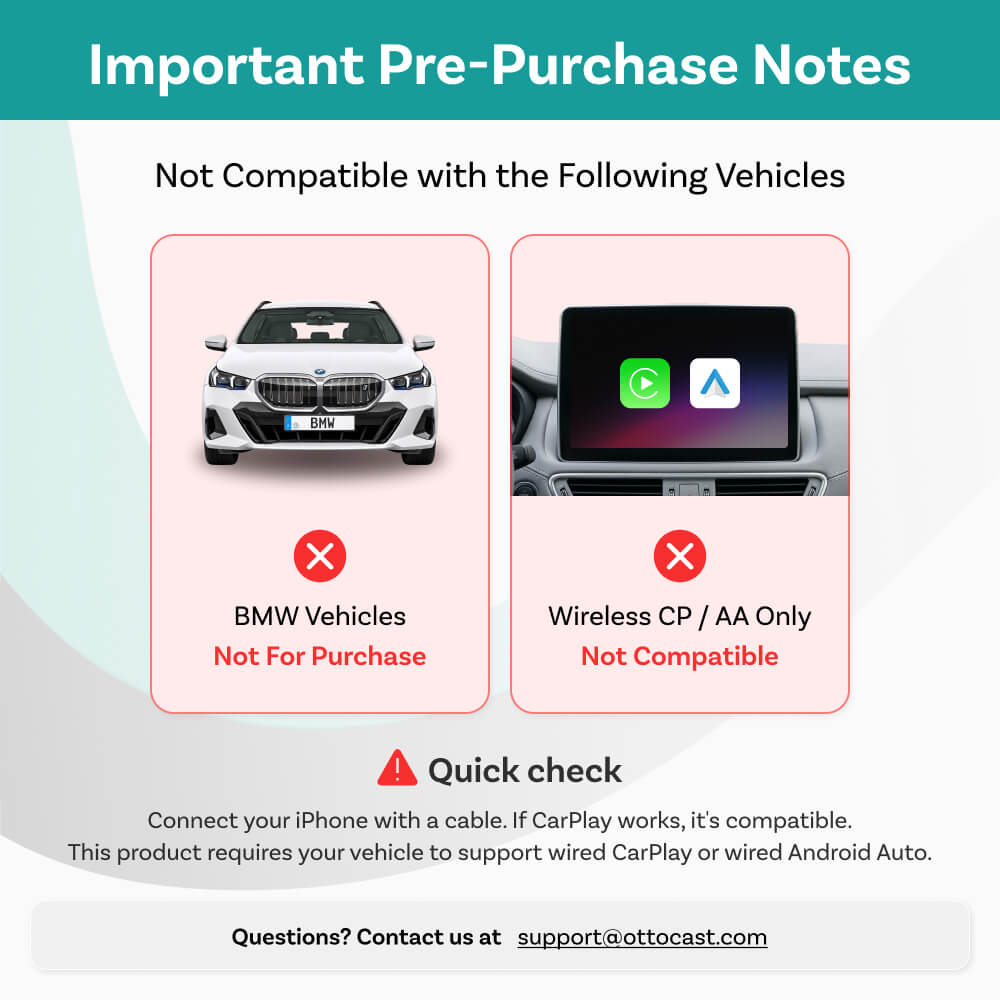
Requires Factory Wired CarPlay or Wired Android Auto
For 2016 or newer vehicles
Requirements:
-
Vehicle:
To use Wireless CarPlay, your vehicle must have factory Wired CarPlayTo use Wireless Android Auto, your vehicle must have factory Wired Android Auto
- Phone: Works with iPhone (iOS 10+) and Android (Android 11+). Selected Samsung/Google phones also support Android 9.
Not Compatible: Sony aftermarket head units.
Mitsubishi Vehicles: Please leave a note at checkout or email us before ordering.
Factory Wireless CarPlay Vehicles (e.g. some BMW models): Recommended Model: OttoAibox i3
How to Check Wired CarPlay / Android Auto Support
×
Sale price673,00 zł
Regular price1.035,00 zł 
Sale price911,00 zł
Regular price1.293,00 zł
×
Solution found for your vehicle!
VEHICLE SELECTED
Audi A4, 2018
We've confirmed your vehicle does not have factory CarPlay. Don't worry! The Ottoscreen AI shown below is the complete solution designed to bring smart features and full screen CarPlay to your car easily.
Ottoscreen AI
Great! Your Car Has Wired CarPlay
VEHICLE SELECTED
Audi A4, 2018
Your vehicle is listed with factory wired CarPlay. Review the requirements above before purchasing.
Need Confirmation
VEHICLE SELECTED
Audi A4, 2018
We apologize, your model is not in our database. Please confirm one crucial detail: Does your car have Wired Apple CarPlay?
Watch the guide video below or use an AI tool (like Gemini or ChatGPT) to quickly search your car's features and confirm. If it has wired CarPlay, our products is the perfect fit!
Wireless CarPlay Only
VEHICLE SELECTED
Audi A4, 2018
Your vehicle only supports wireless CarPlay and does not have wired CarPlay, so this product is not compatible with your vehicle. Don’t worry—you can choose our OTTOAIBOX i3 to watch videos in your car.
OttoAibox i3 BMW CarPlay AI Box
Great! Your Car Has Wired CarPlay
VEHICLE SELECTED
Audi A4, 2018
Your vehicle is listed with factory wired CarPlay. Review the requirements above before purchasing.
Great! Great! Your Car Has Wired Android Auto Only
VEHICLE SELECTED
Audi A4, 2018
Your vehicle is listed with factory wired Android Auto. Review the requirements above before purchasing.
Wireless CarPlay Only
VEHICLE SELECTED
Audi A4, 2018
Your vehicle supports factory wireless CarPlay. However, wired CarPlay has only been confirmed on higher trim levels, while availability on lower trims may vary.
Not sure if your car supports wired CarPlay? Connect your iPhone to the car’s USB port using a cable. If there are multiple USB ports, use the one intended for phone connection rather than charging only. If CarPlay appears on your factory screen, your vehicle is compatible with our product.
Wired Android Auto & wireless CarPlay only
Audi A4, 2018
Perfect Match!
VEHICLE SELECTED
Audi A4, 2018
Your car supports Wired CarPlay and works with our products.
Perfect Match!
VEHICLE SELECTED
Audi A4, 2018
Your car supports Wired CarPlay and works with our products.
Perfect Match!
VEHICLE SELECTED
Audi A4, 2018
Your car supports Wired CarPlay and works with our products.
Upsell products
Warranty products
After-sale policy

30-Day Returns

1-Year Warranty

Dedicated Support
Share
Ottocast Mini Cube 3.0 Wireless CarPlay/Android Auto Adapter
Sale price176,00 zł
Regular price195,00 zł
Mini Cube
Cut the Cord, Drive Freely
Say goodbye to cables and enjoy effortless wireless CarPlay & Android Auto
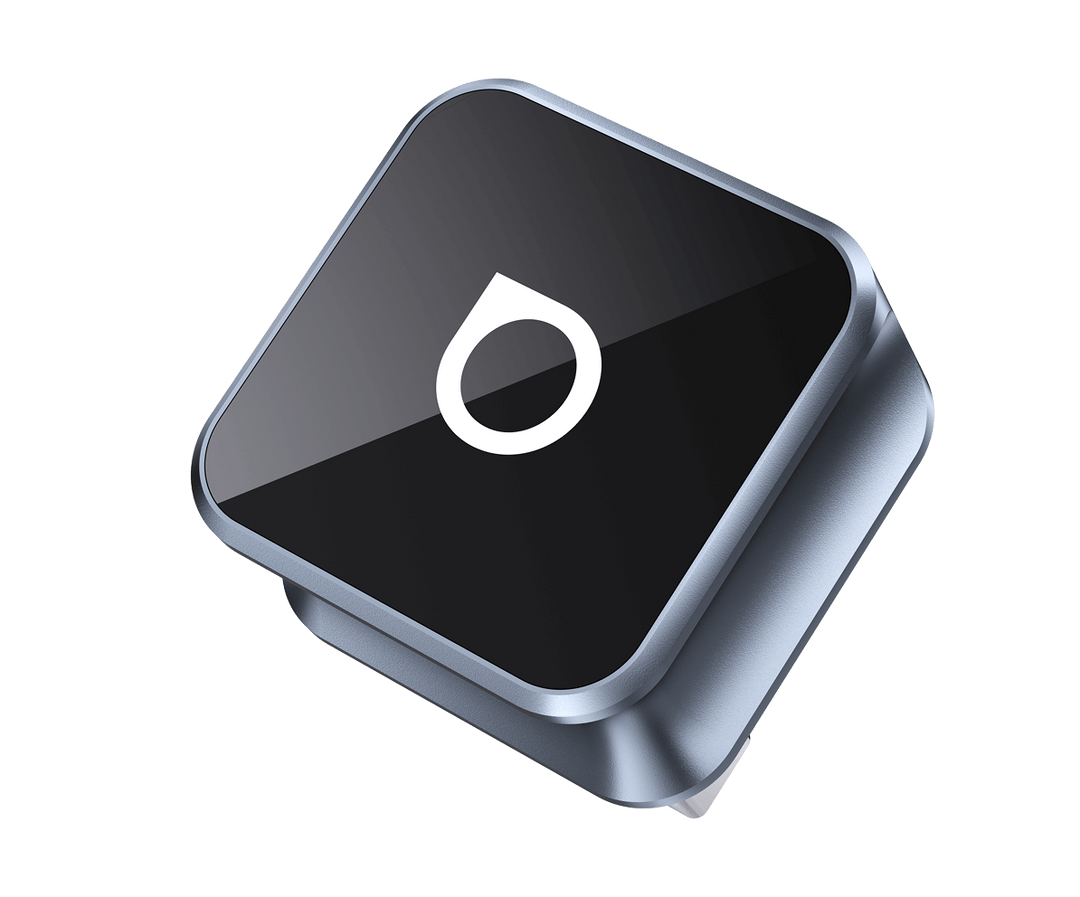

Wireless CarPlay + Wireless Android Auto

Sleek & Portable

Expand the Way You Drive

Auto Reconnection

FOTA Upgrades

Easy Installation
Why Choose Mini Cube?
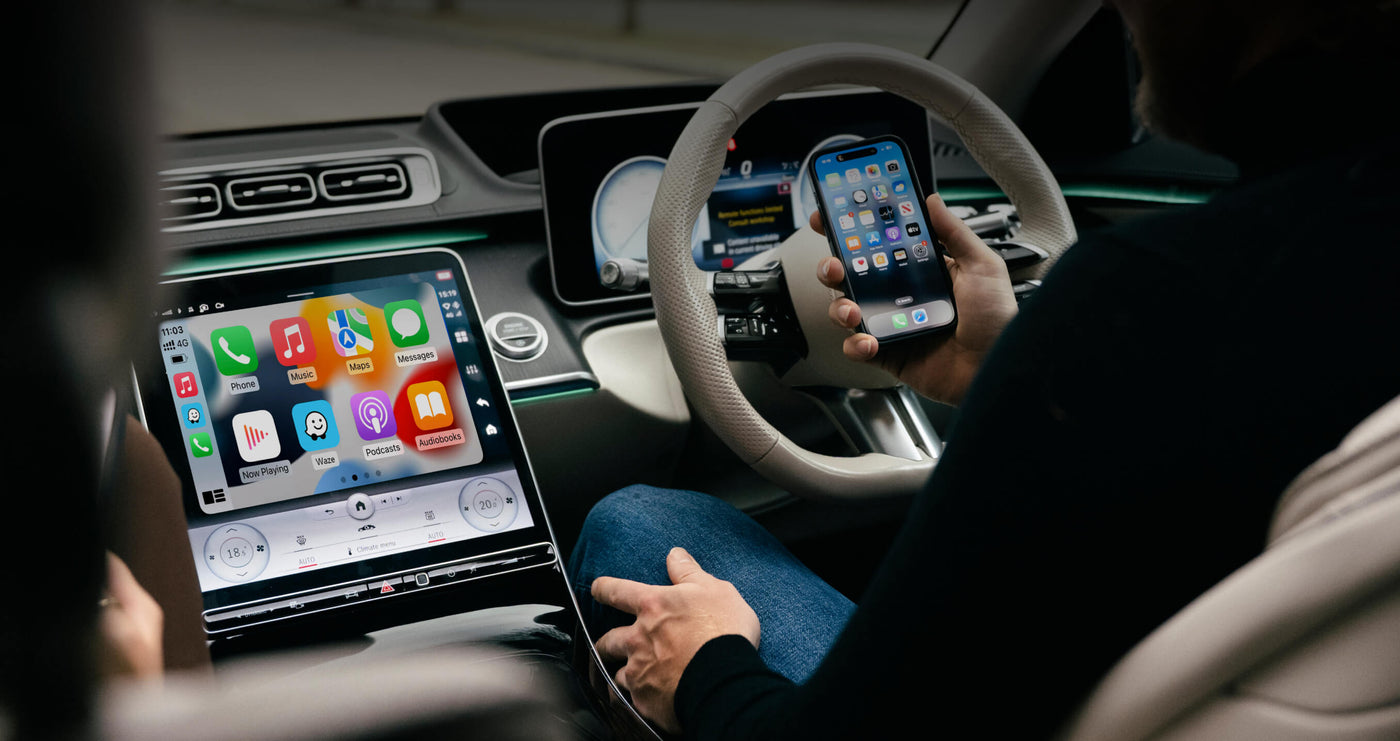
Seamless Wireless CarPlay and Android Auto
Take calls, play music, send messages, use maps, and access your favorite apps with ease
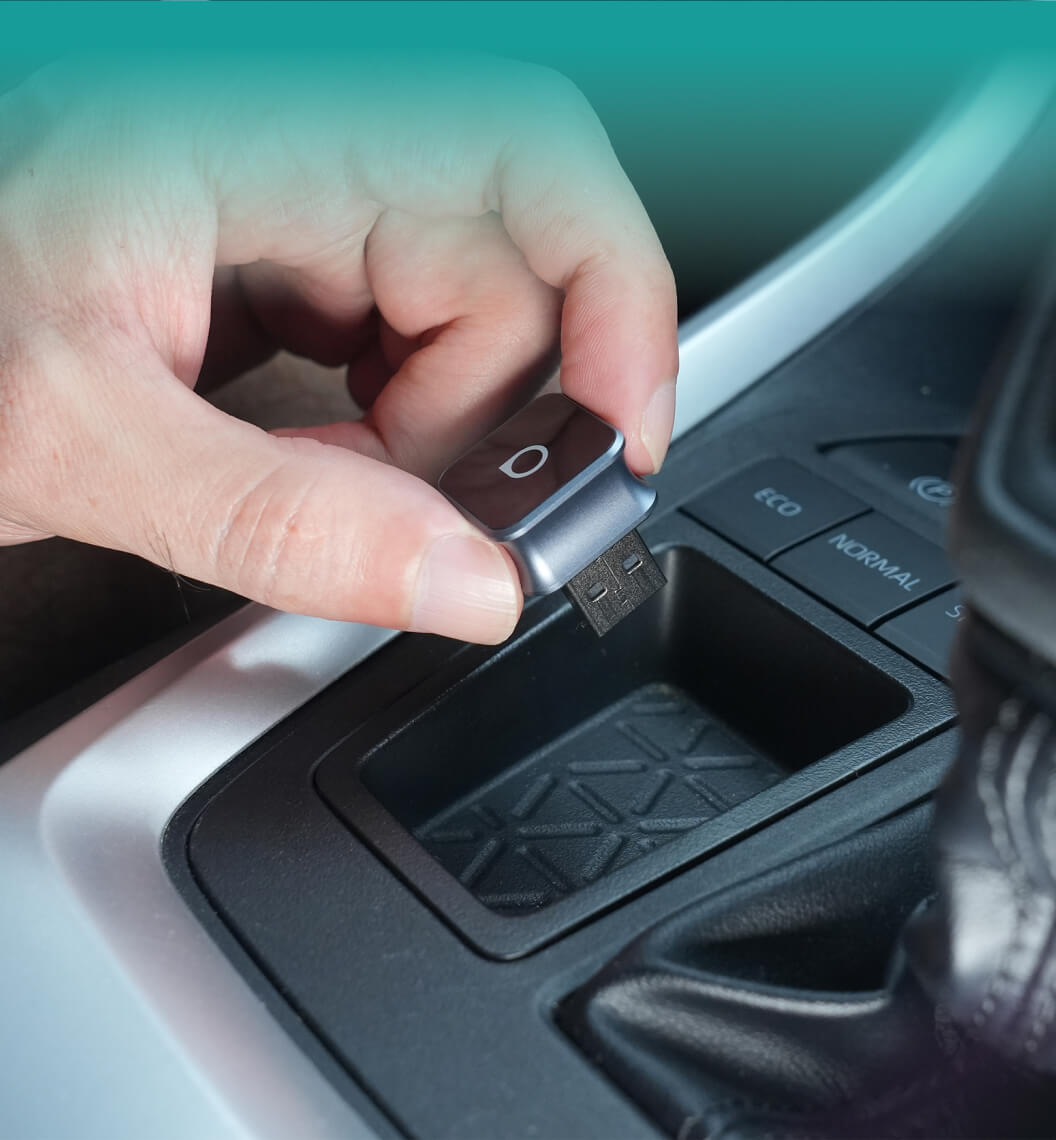
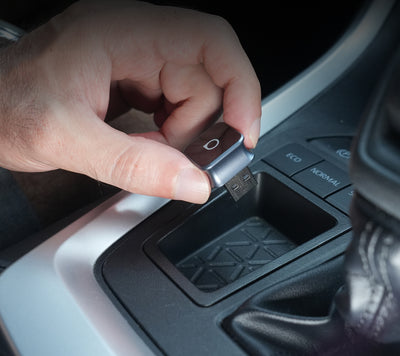
Compact & Firm Fit
90° USB design saves space, keeps setup neat
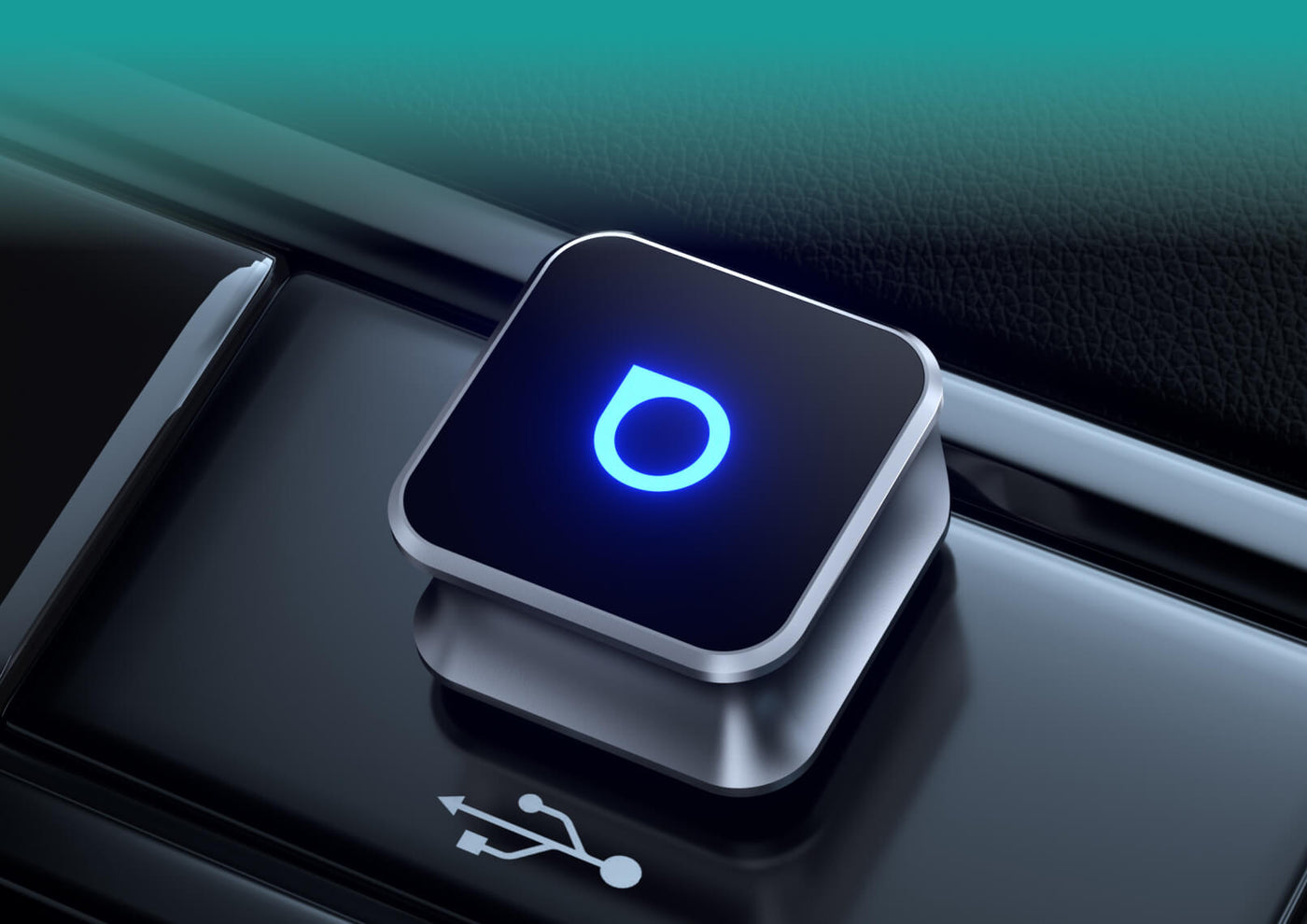
Simple Plug-and-Play Setup
No apps, no hassle—just plug it in and drive.
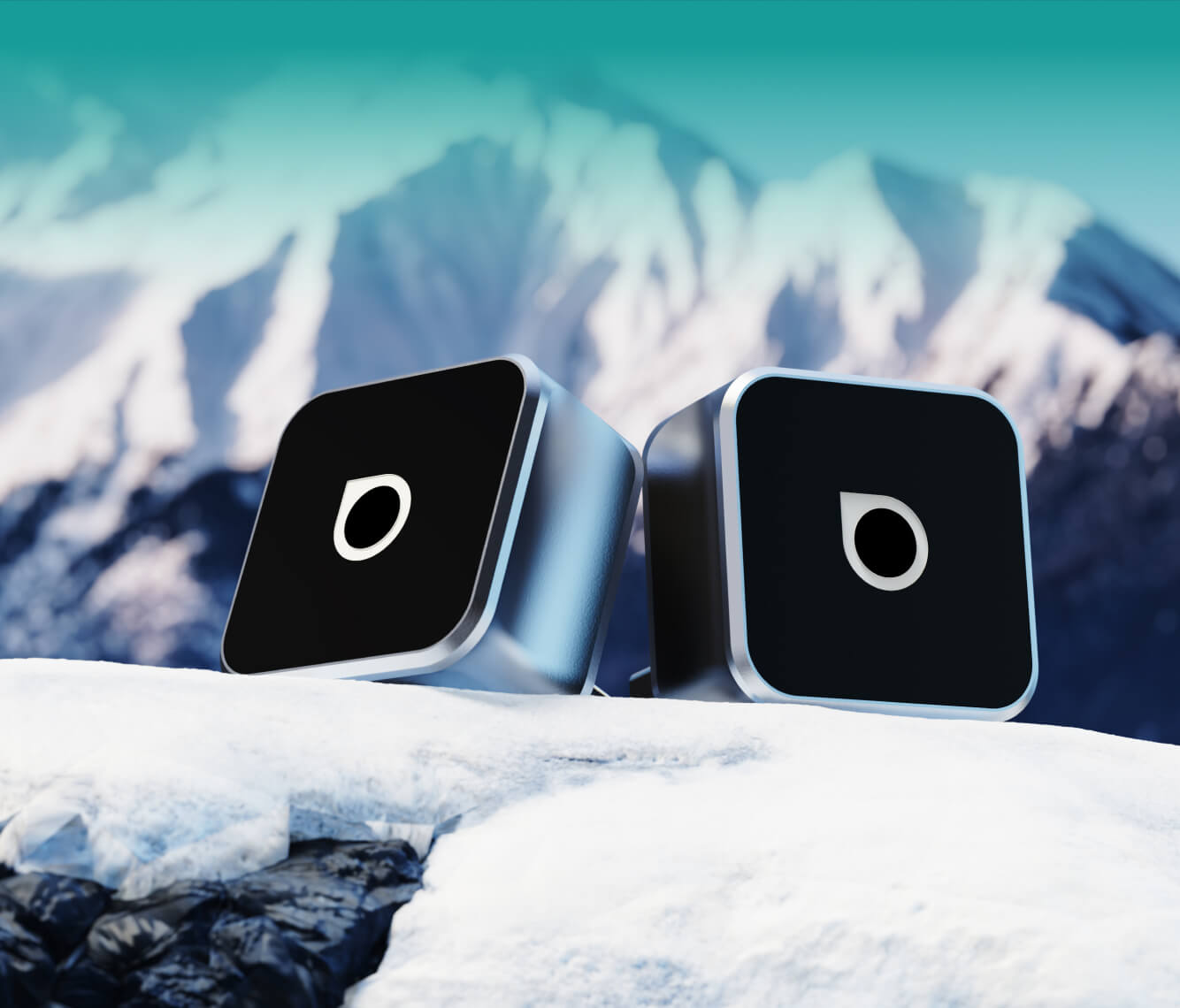
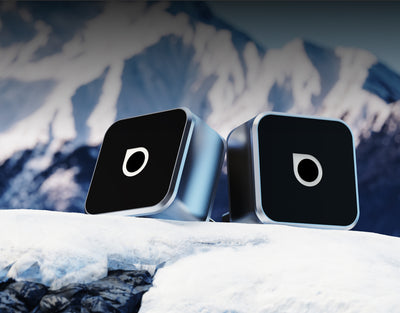
Sleek & Cooling Design
Blends with your car interior while maintaining optimal temperature for smooth, reliable performance.
Fast Auto Reconnection
Connects automatically the moment you start your car.

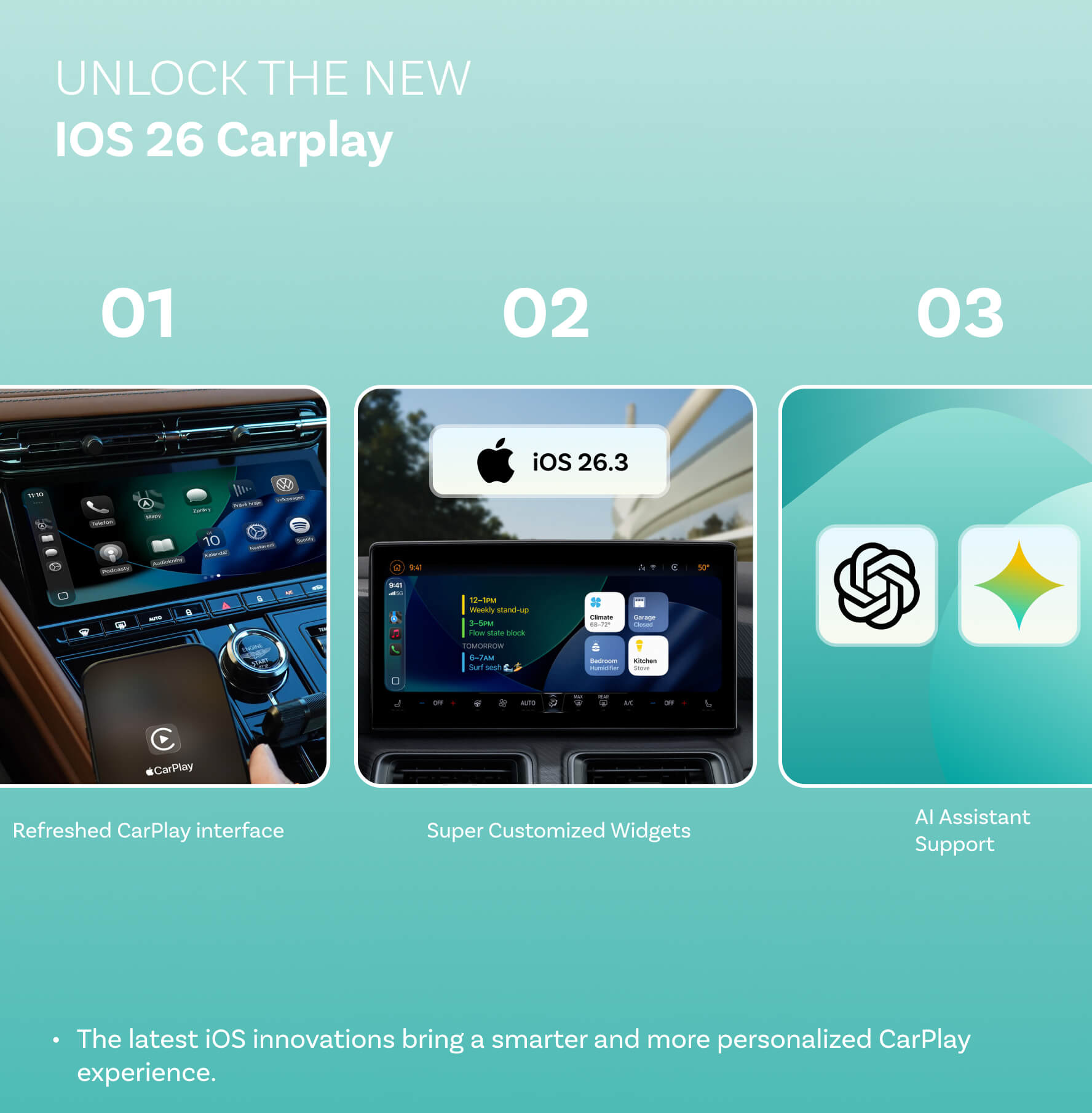
Unlock the Latest CarPlay Features
The latest iOS innovations bring a smarter and more personalized CarPlay experience.


Refreshed CarPlay interface


Super Customized Widgets


AI Assistant Support
Add Hands-On Control to CarPlay
Browse apps and menus with a turn, press to select, and jump back or Home with the side buttons.


OttoSafe Knob
Works with U2Air Edge on Apple CarPlay
$39.00
Turn
Browse lists and apps
Press
Select what's on screen
Built-in battery
No wires to run
Adds it to the buy box above, next to U2Air Edge
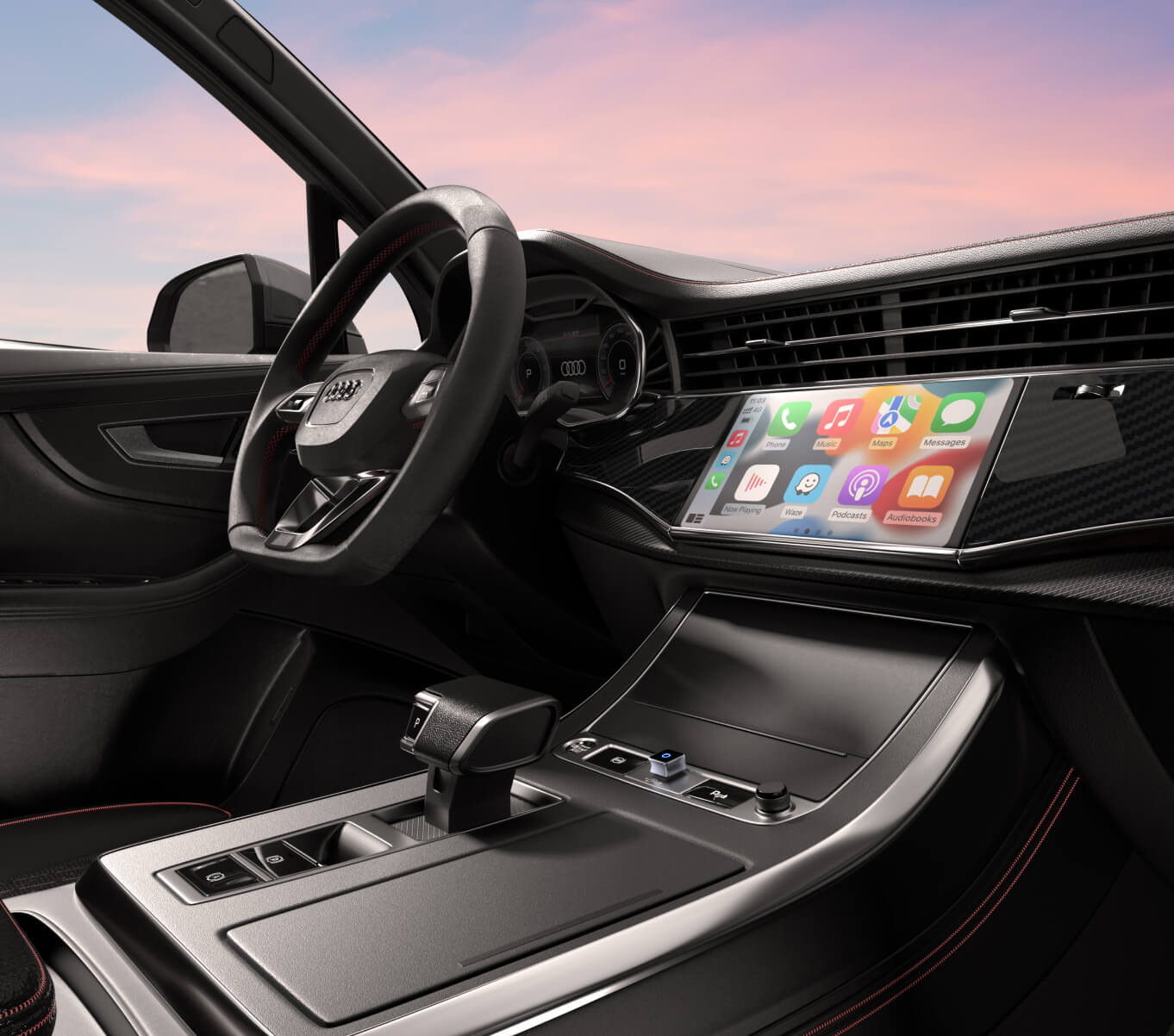
Freedom from Cables
Say goodbye to tangled wires and enjoy seamless wireless freedom with full support for both CarPlay and Android Auto.
Revolutionize what you can accomplish on the road with wireless capabilities.
Just plug in the Mini and experience the same expanded functionality that CarPlay & Android Auto offer.
Your device reconnects seamlessly within 5 seconds after the first connection with smart memory pairing.
Form Meets Function in Every Detail
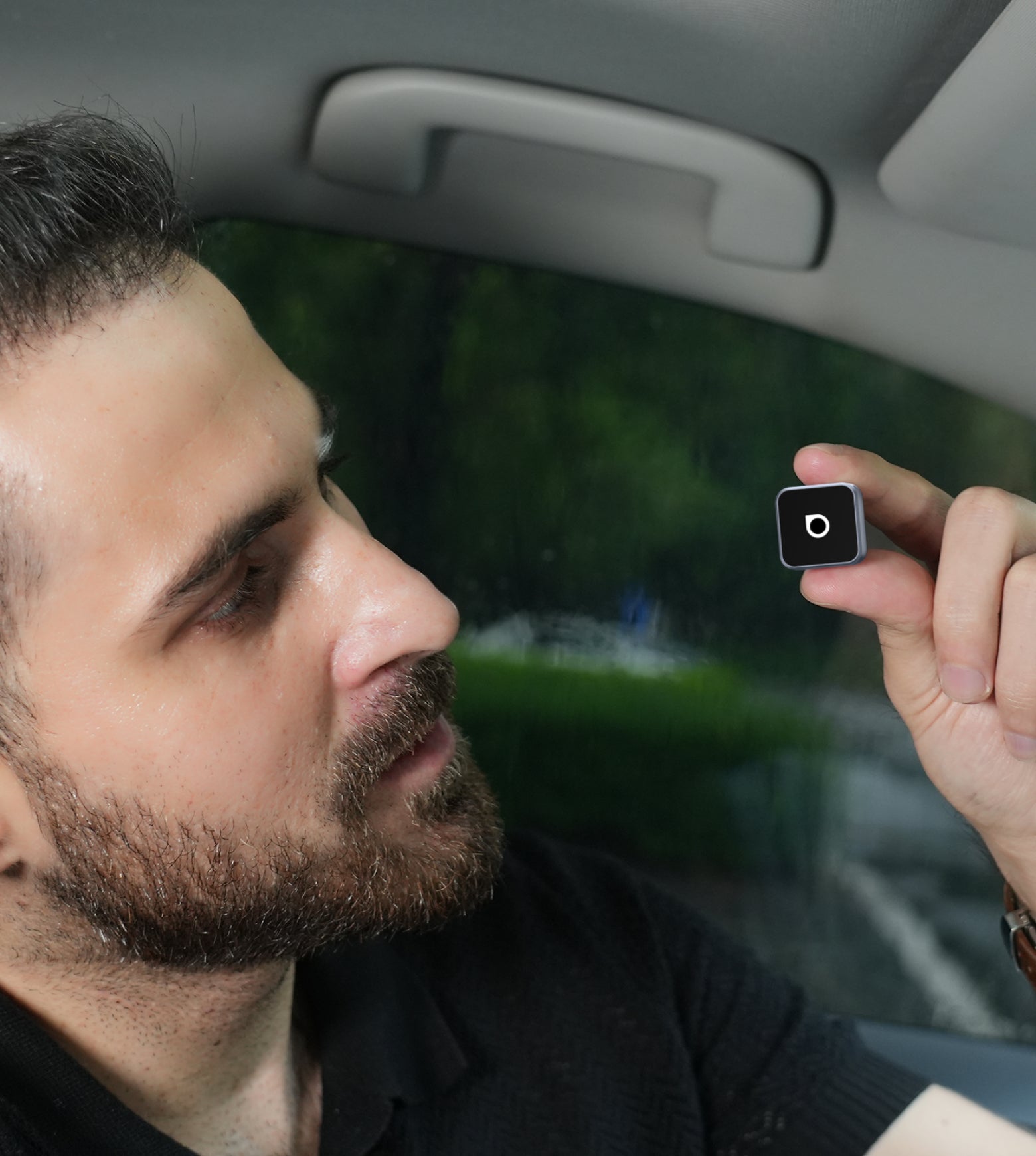
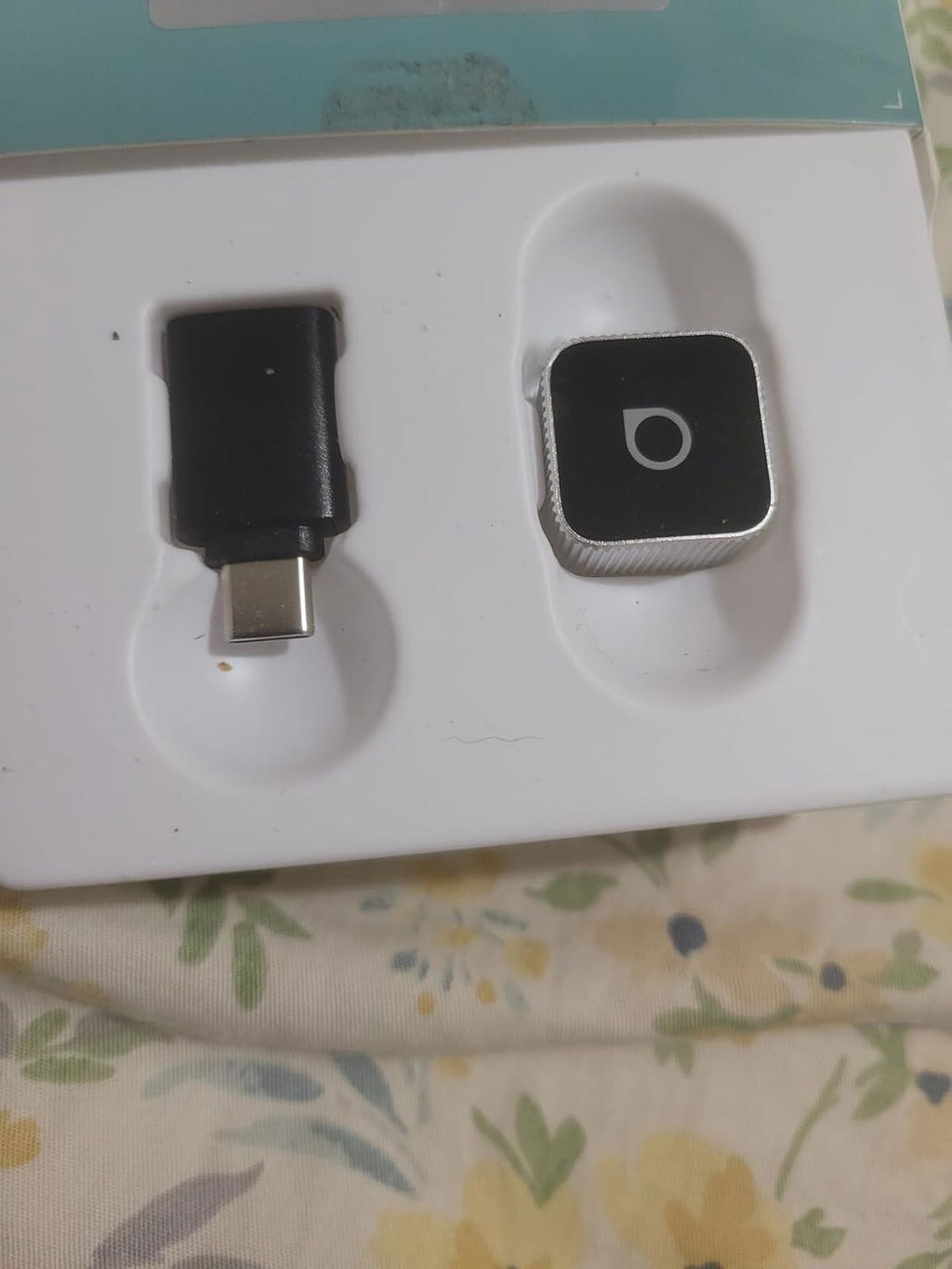
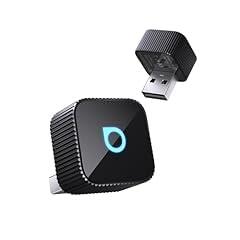
A sleek metal body keeps performance cool, while the compact grooved design ensures a secure fit and more space in your car.
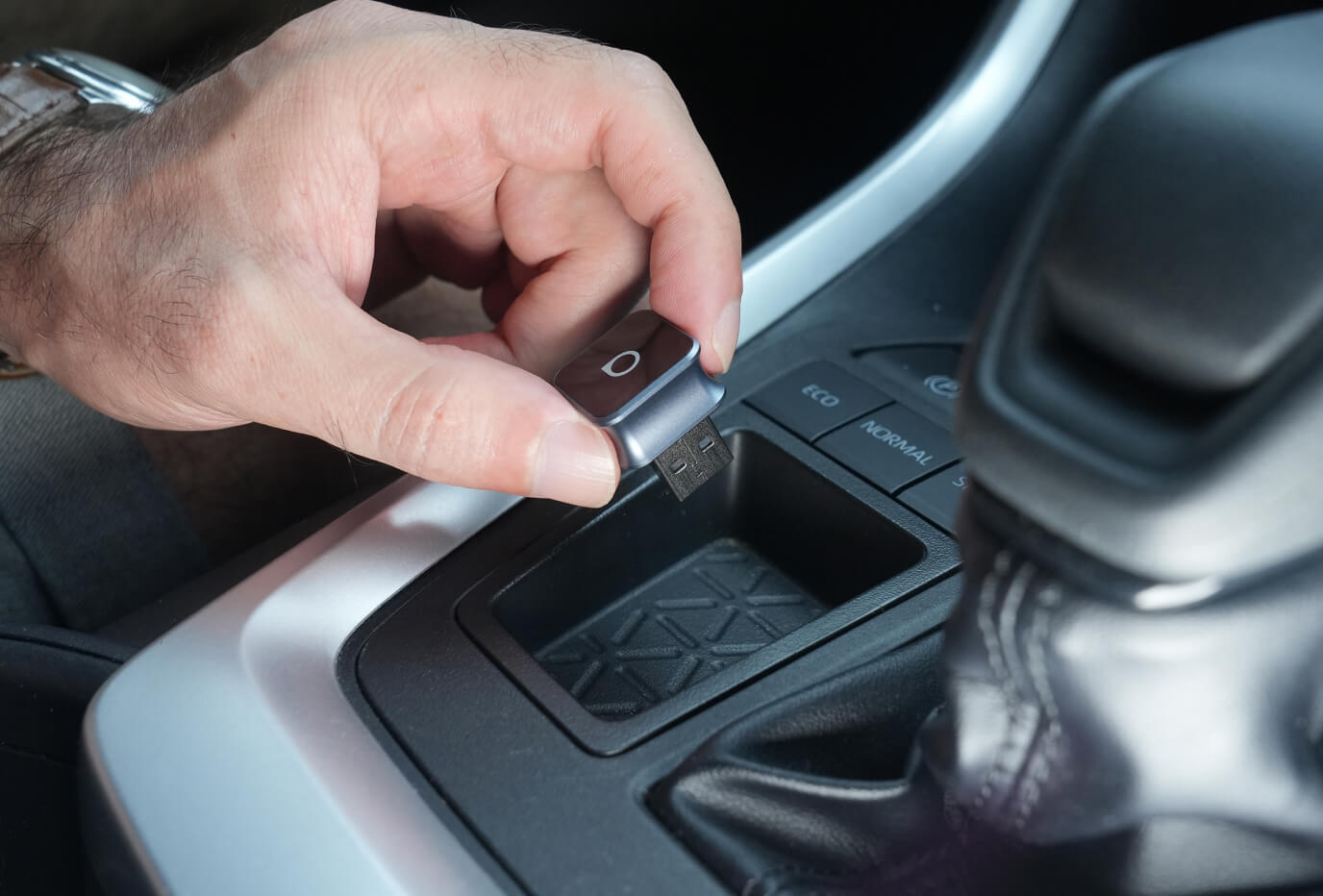
The grooved design offers a secure and comfortable grip with a minimalist style that makes plugging and unplugging easy.
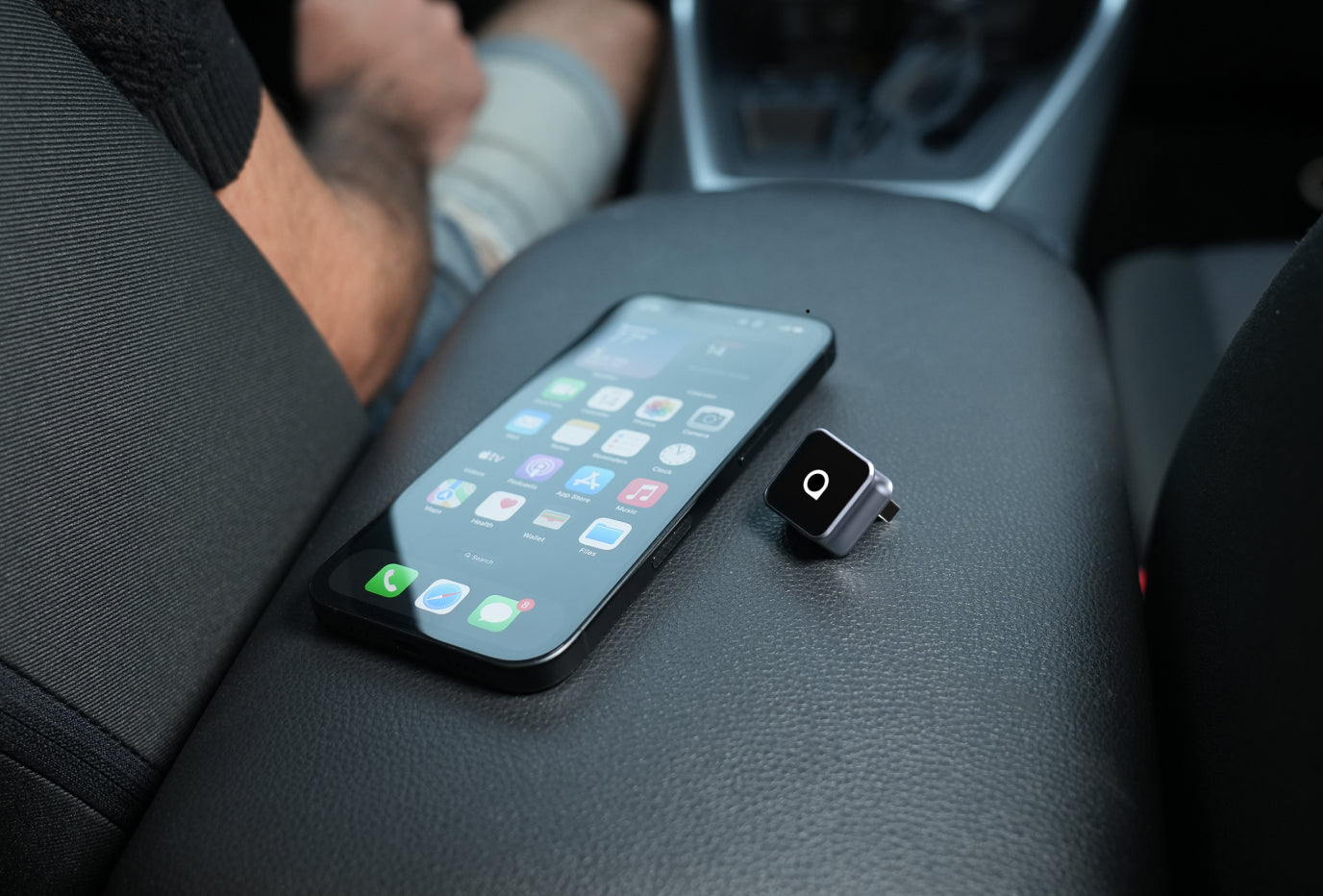
The compact design with a 90-degree USB plug saves space and stays firmly connected even on rough rides.
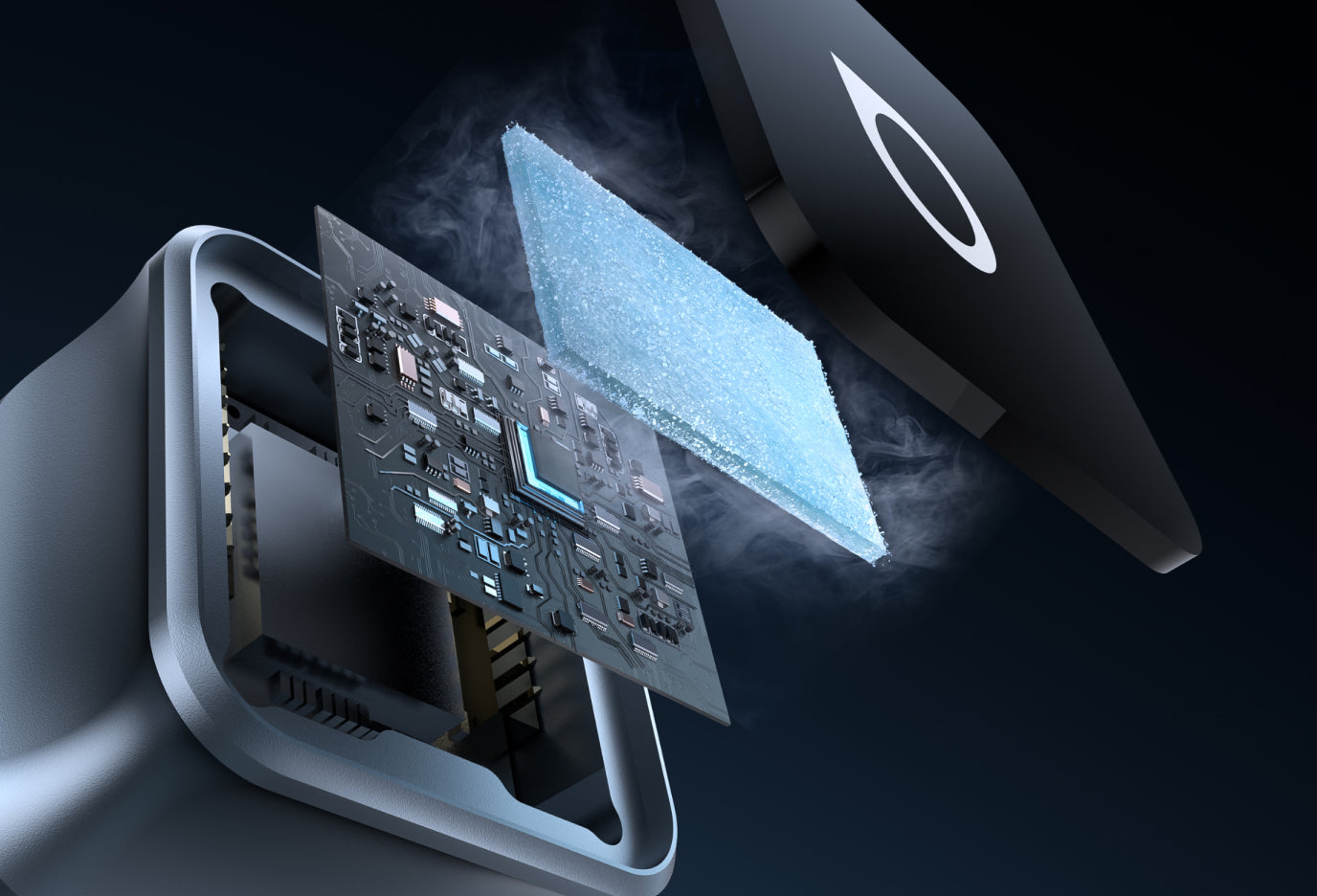
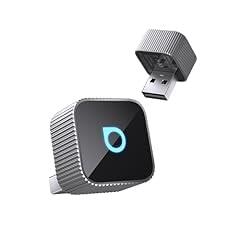
The sandblasted aluminum alloy body with a high-gloss finish blends seamlessly with your interior while efficiently drawing heat away and offering durable performance.
The Quickest Installation In Your Life
Many car accessories require complicated setup processes. The Ottoadapter Mini is designed for effortless installation—just plug it in, and it works. No apps or complex configurations needed.
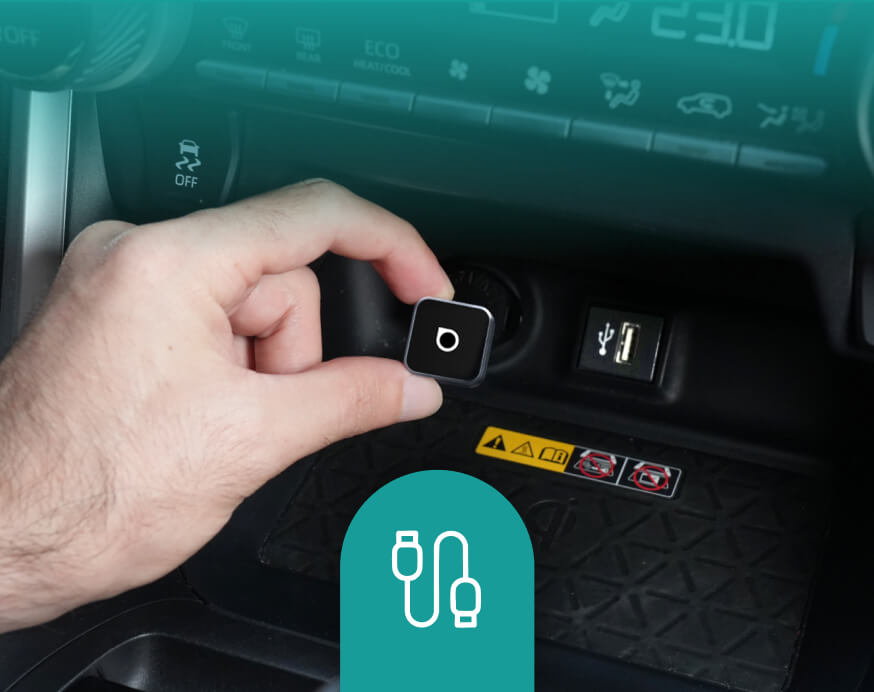
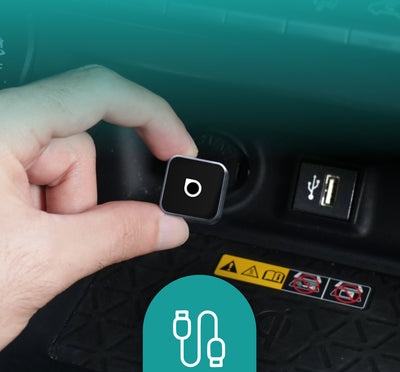
Plug into USB port
Car screen displays wireless connection
CarPlay/Android Auto starts instantly.
FOTA Upgrades
Always Updated
Stay ahead with new innovations.
No Hassle, No Effort
Get the latest system in minutes with easy over-the-air updates.
Future-Proof Your Car
Enjoy more years of use with fresh tech and easy updates along the way.
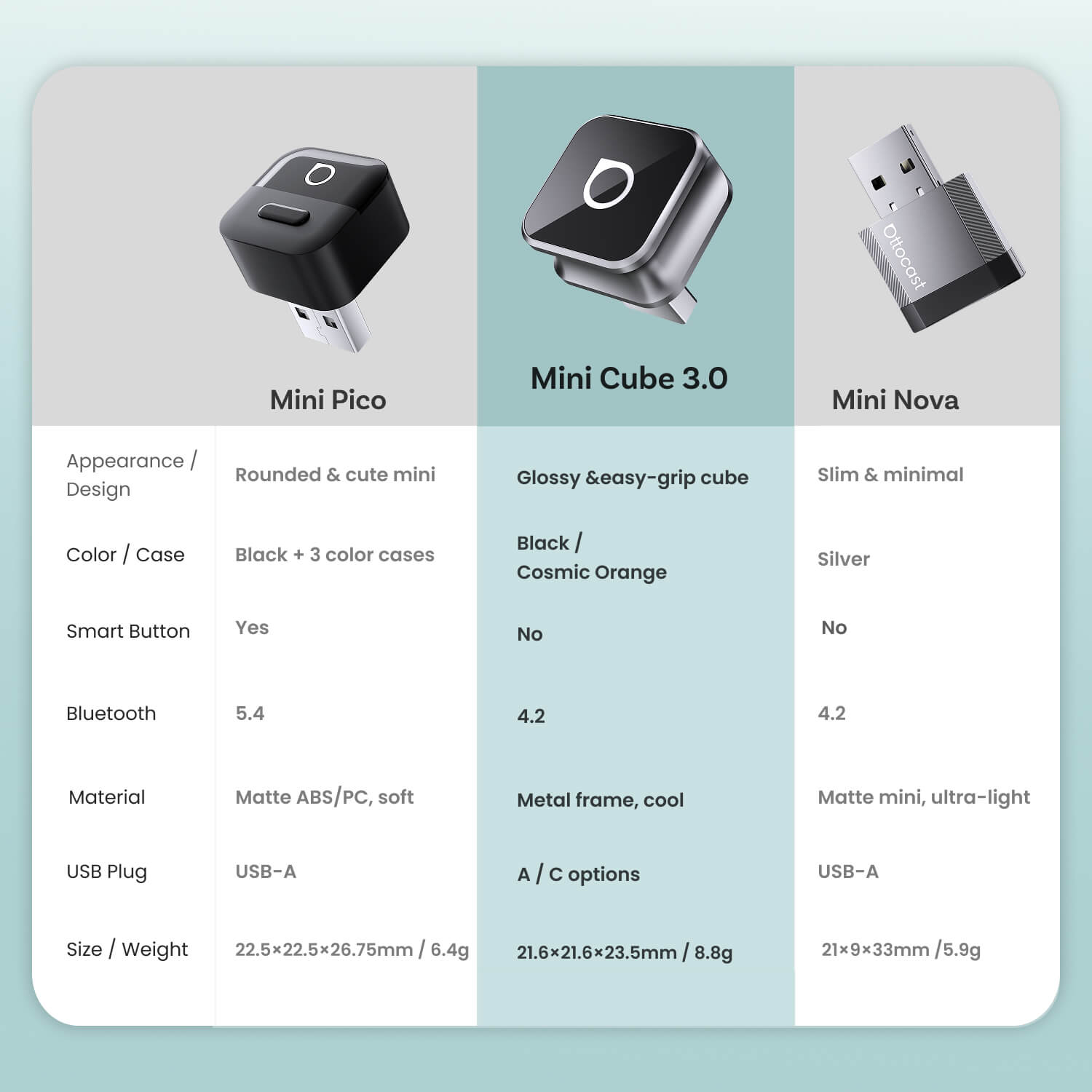
Compare
Compare our most popular products below.
 Ottocast Mini Cube 3.0 Wireless CarPlay/Android Auto Adapter
176,00 PLN
Buy Now
Ottocast Mini Cube 3.0 Wireless CarPlay/Android Auto Adapter
176,00 PLN
Buy Now
|
 Ottocast Mini Pico Wireless CarPlay/Android Auto Adapter
195,00 PLN
Buy Now
Ottocast Mini Pico Wireless CarPlay/Android Auto Adapter
195,00 PLN
Buy Now
|
 Ottocast Mini NOVA Wireless CarPlay/Android Auto Adapter
195,00 PLN
Buy Now
Ottocast Mini NOVA Wireless CarPlay/Android Auto Adapter
195,00 PLN
Buy Now
|
|
|---|---|---|---|
| Appearance /Design |
Rounded & cute mini
|
Rounded & cute mini
|
Slim & minimal
|
| Color / Case |
Black /Cosmic Orange
|
Black + 3 color cases
|
Silver
|
| Smart Button |
|
|
|
| USB Plug |
A / C options
|
USB-A
|
USB-A
|
| Material |
Metal frame, cool
|
Matte ABS/PC, soft
|
Matte mini, ultra-light
|
|
|
|
|
FAQ
Should I choose the USB-A version or the USB-C (Type-C) version?
Choose the version that matches your car’s CarPlay/Android Auto USB data port:
- USB-A port → USB-A version
- USB-C port → USB-C (Type-C) version
Not sure? Check the port shape in your car or contact support.
Is this Ottocast product compatible with my car?
Most Ottocast products are designed for vehicles (typically 2016 or newer) with Factory Wired Apple CarPlay and/or Factory Wired Android Auto. This product is a wired-to-wireless adapter and must be plugged into a USB data port (not a charge-only port).
Quick check: plug your phone in—if CarPlay/Android Auto pops up, it’s supported. Video: 👉 Watch video
How can I check compatibility on your website?
On the product page, click “Check If Your Car Has Wired CarPlay” (under “Add to Cart”), then select your make / model / year to see the result.
Are there any discount codes, coupons, or vouchers for Ottocast products?
Yes. New customers may receive a welcome offer when subscribing to Ottocast emails, and we run limited-time promotions throughout the year.
For the latest active codes, subscribe at the bottom of the page and we’ll send updates.
What should I do if Play2Video X does not automatically reconnect after restarting my vehicle?
If Play2Video X does not automatically reconnect after your vehicle restarts, please follow these steps:
- Connect Play2Video X to your phone successfully.
- Open your phone browser and visit: 192.168.1.101
- On the settings page, find “Delayed Start”.
- Adjust the setting to Mode 1 or try other available modes to find the option that works best for your vehicle.
If I’ve paired two phones, which one will it connect to next time?
If multiple paired phones are nearby, Ottocast will usually reconnect to the last used phone.
To switch devices, disconnect CarPlay on the current phone (or turn off its Bluetooth/Wi-Fi), then connect with the other phone.
Some models also support one-tap switching or manual device selection.
Can I move it between two cars?
Yes. Just unplug it and use it in another compatible vehicle. In the new car, you may need to re-pair your phone or do a quick first-time setup.
Is it hard to set up?
Not at all. Just plug it into your car’s wired CarPlay/Android Auto USB data port and follow the on-screen prompts for first-time pairing.
Will it reconnect automatically when I start the car? How long does it take?
Yes. After the first setup, it auto-reconnects using memory pairing—usually around 5 seconds (actual time may vary by vehicle and phone).
Will the Mini Cube 3.0 fit in my car’s USB port area?
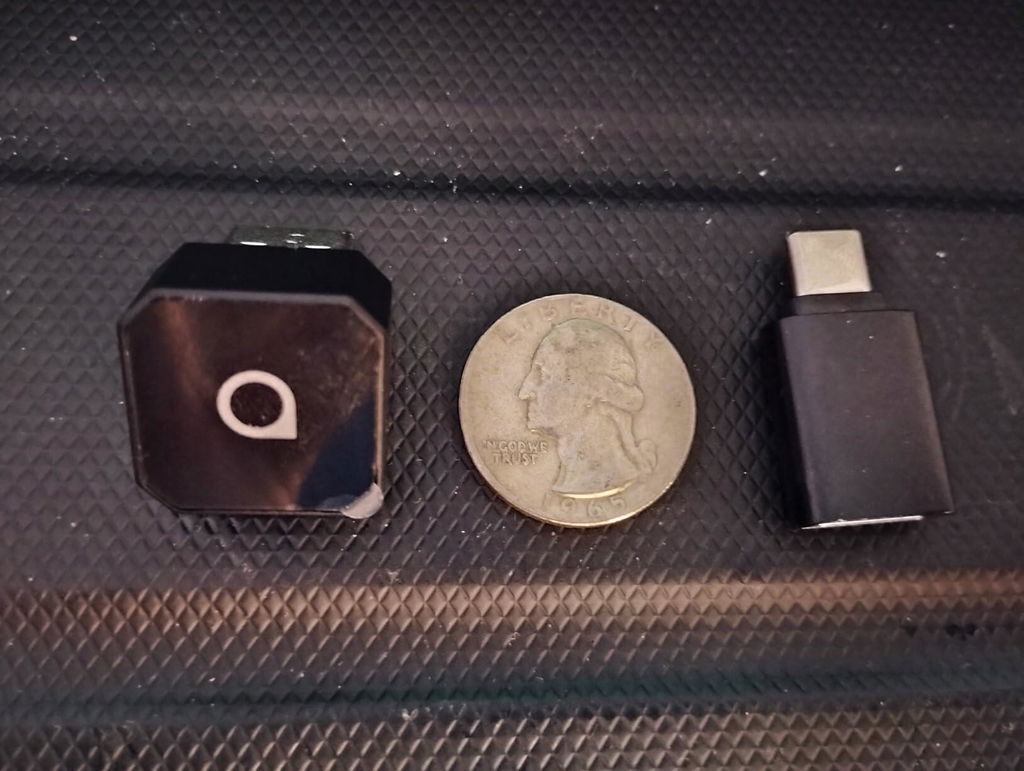
Yes. Mini Cube 3.0 is ultra-compact (21.6 × 21.6 × 23.5 mm, ~8.8 g) and fits neatly in most CarPlay/Android Auto USB ports.
If your port is recessed or tight, a short USB extension cable can help avoid sharp angles and make plugging/unplugging easier.
What’s the difference between Mini Cube 3.0 / Mini Pico / Mini Nova?
All provide wireless CarPlay/Android Auto. Key differences are in design/materials, Wi-Fi/Bluetooth spec, USB connector type, and whether a Smart Button is included.
Does it work with both iPhone and Android?
Yes. Mini Cube 3.0 supports Wireless CarPlay (iPhone) and Wireless Android Auto (Android). Your car must already support factory wired CarPlay and/or wired Android Auto (USB data port)—this adapter upgrades wired to wireless.
Recommended: iOS 10+ / Android 11+.

You may also like


NEW
NEW
NEW