Apple CarPlay has been the primary way to bring our iPhone experience (and our entire digital presence) into our cars for decades now. However, the landscape in 2026 has been changing, and it’s doing so pretty fast. CarPlay is evolving. It was once a simple tool for mirroring basic phone functions. Now, it has evolved into a futuristic, liquid-glass command center.
And, with the release of iOS 26.4, CarPlay is no longer just a secondary interface. Now, it is a sophisticated, deeply integrated operating system that mirrors the aesthetic and power of the iPhone 17 series.
The transition to iOS 26 and later updates marks a major turning point, rendering older setup guides completely obsolete. The new architecture takes advantage of advanced translucency, real-time reflections, and AI-driven responsiveness.
All that require modern hardware and specific configuration steps. If you are new to this, you might be worried, but fear not. This guide provides a definitive roadmap for setting up, updating, and personalizing the 2026 CarPlay experience, ensuring that you can maximize the potential of your modern infotainment systems.
Setting Up Apple CarPlay in 2026: A Step-by-Step Guide
 So, if you are setting up CarPlay for the very first time in 2026, you should know that the latest updates reflect the entire industry’s shift towards wireless ecosystems (but wired connections are still a vital option for stability and for legacy vehicles).
As of March 2026, most new cars come out of the factory with native wireless support, but still, the distinction between factory-wired and wireless setups remains crucial for performance.
What Are the Standard Connection Steps?
Step 1: If you want to initiate a connection in the iOS 26.4 environment, the first thing you should do is to ensure that both Siri and Bluetooth are active on your iPhone.
Step 2: When connecting for the first time, your iPhone will trigger a Trust This Car notification. You need to accept this for the first data handshake between your phone and your car.
NOTE: If you are a wireless user, you should pay close attention to Auto-Join Wi-Fi settings, as these are now essential for the high-bandwidth seamless handoff required by the newer, high-resolution Liquid Glass interface.
While it’s true that many 2026 vehicles are wireless, there is still a massive segment of cars on the road that rely on older, wired-only infotainment units. If you are in this situation, you’ll be glad to learn that this has led to a surge in users opting for wireless CarPlay adapters to bridge the gap.
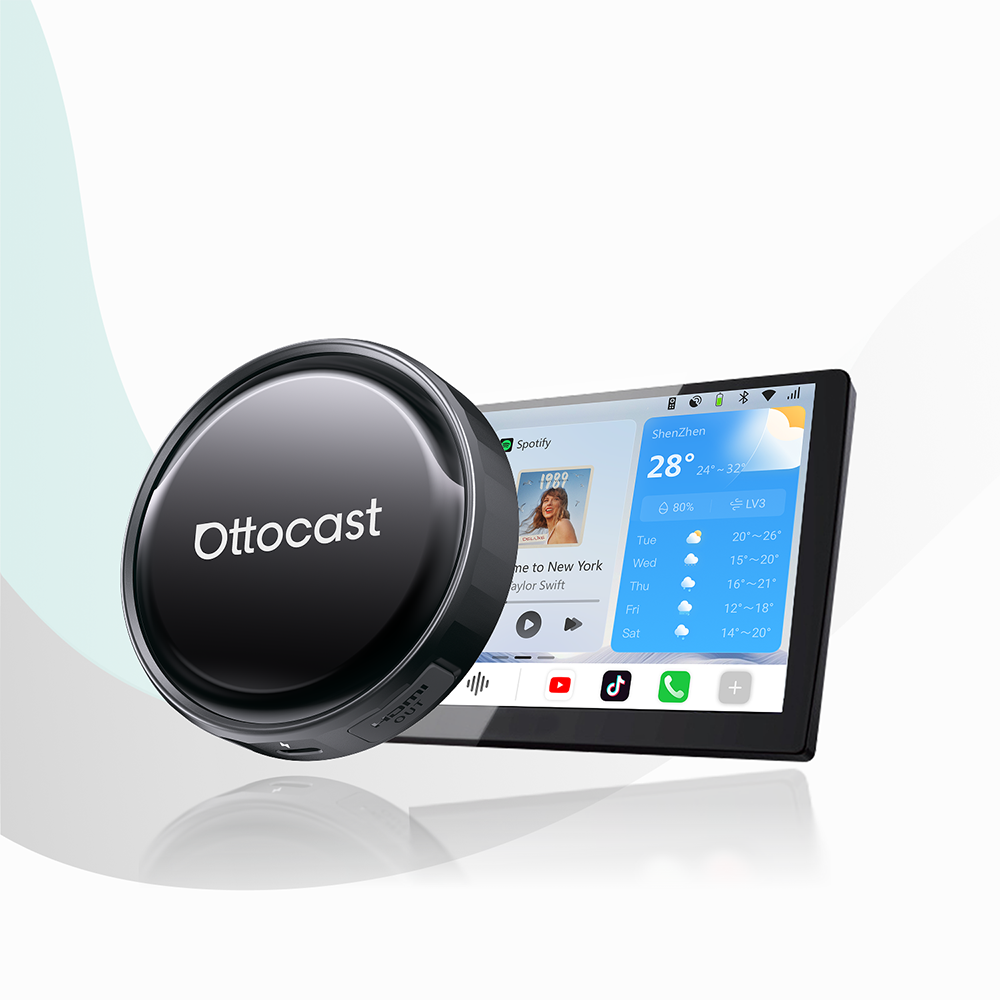
These adapters, like the Ottocast U2-AIR Wireless CarPlay Adapter, can convert a wired connection into a wireless one, allowing users to keep their iPhones in their pockets while still accessing the full suite of new iOS features.
This conversion is particularly popular for drivers who want to avoid the wear and tear (and clutter) of physical cables while maintaining a neat aesthetic and a cable-free cockpit.
These adapters, like the Ottocast U2-AIR Wireless CarPlay Adapter, can convert a wired connection into a wireless one, allowing users to keep their iPhones in their pockets while still accessing the full suite of new iOS features.
Keeping Your System Current: Updating for iOS 26.4
 Software maintenance is more important in 2026 than ever before. With the arrival of iOS 26.4 on March 24th, 2026, Apple introduced some important changes to the backend, and now, CarPlay handles widgets and voice-based queries a bit differently.
Here’s what’s most important.
Updating the iPhone
You need to ensure that your system is running the latest version of iOS. To do this, navigate to Settings > General > Software Update on your iPhone.
The current stable build, iOS 26.4, includes important stability patches for the new Liquid Glass animations that can lag on older versions (26.0 builds and lower).
Updating Vehicle Firmware
Keeping your head unit firmware up to date is now mandatory if you want to access advanced features like multi-touch maps. Car manufacturers will also frequently release Over-the-Air (OTA) updates that optimize how the car’s hardware handles the increased graphical load of the iOS 26.4 translucent UI.
Updating Ottocast Adapters
If you are someone who is using hardware bridges, you should also keep the adapter’s firmware up to date. That’s equally vital.
Users can access the 192.168.1.101 update portal using their mobile browser when connected to the same Wi-Fi network as the adapter. This portal allows for granular adjustments and firmware flashes that ensure compatibility with the latest iOS 26 iterations.
If you run into obstacles during the update process, you can check the troubleshooting firmware updates section on Ottocast’s official FAQ page.
What’s New in iOS 26? The Features Changing Your Drive
 The new iOS 26 features that actually prioritize visual depth and real-time information are at the very center of the 2026 CarPlay experience.
We have broken these new features down and devised these three categories.
Liquid Glass Design
The most striking change is the Liquid Glass Design. This is a UI foundation characterized by rounded, translucent elements that reflect and refract the content beneath them. This aesthetic mirrors the iPhone 17's system-wide look, creating a unified experience from phone to dashboard.
Customizable Widget Stacks & Live Activities
iOS 26.4 adds two new widget columns on the dashboard, and you can fully customize them. You can also now manage Customizable Widget Stacks, including the new Ambient Music widget that offers curated playlists without you having to purchase a subscription.
Furthermore, Live Activities are now fully integrated into the dashboard, and this allows you to track food deliveries, sports scores, and even your EV charging status in real-time without switching apps.
Multi-touch Interactions
The update brings Multi-touch Interactions front and center in Apple Maps. Drivers (or passengers) can now use pinch-to-zoom and fluid gestures, making navigation more intuitive on the larger, high-resolution screens found in 2026 vehicles.
Advanced Customization: Creating Your Bespoke Dashboard
 Personalization in 2026 goes way beyond just changing your wallpaper. Now, the latest framework allows for a truly and completely bespoke digital environment. Let’s take a look at the most important aspects.
Wallpaper and Icon Modes
Users can now toggle between three distinct icon modes. You can go for Default, Dark, and the revolutionary Clear mode. This clear mode uses the new Liquid Glass materials to make icons appear as transparent layers, blending seamlessly with your chosen high-definition wallpaper.
Third-Party Chatbots and Siri LLM
The iOS 26.4 framework has officially opened the door for third-party chatbot integration. Through the new API, you can now engage in voice-based queries with ChatGPT or Gemini directly through the CarPlay interface.
Simultaneously, Siri has received a massive LLM (Large Language Model) upgrade, and it can now understand deep personal contexts and handle complex Ambient Music requests with natural language processing.
Maximizing Screen Real Estate
If your car has ultra-wide or vertical displays, the Smart Display Zoom feature optimizes the layout to ensure that no pixels are wasted. This provides a more expansive view of maps and media controls.
If you live in a home where people use both iOS and Android devices, you will definitely benefit from the versatile connection options provided by 2-in-1 adapters like the Play2Video Pro Wireless CarPlay/ Android Auto All-in-one Adapter, which allows for seamless switching between different ecosystems.
Beyond the Basics: Video and Multimedia in the Car
 Multimedia capabilities have now reached a new milestone in 2026. This came with the introduction of native AirPlay Video Support.
This feature allows users to stream video directly from their iPhone to the car’s screen, but, of course, you cannot do that while you’re driving. Your car needs to be parked and not moving.
Now, while this is a flagship iOS 26 addition, it still remains subject to automaker approval and specific safety regulations.
If you want complete and unrestricted access to entertainment, then you should probably go for an AI Box. It’s still a superior solution.
Unlike native CarPlay, which has strict safety lockdowns on video apps, an AI Box runs a standalone OS that allows for streaming Netflix, YouTube, and other apps directly on the car's screen. These in-car entertainment systems provide a full tablet-like experience for passengers or for use during long charging sessions in EVs.
Troubleshooting
Even with the advancements present in iOS 26.4, these digital interfaces can occasionally encounter some friction. If you experience lag within the Liquid Glass UI or connection drops in high-interference urban zones, you should follow these primary troubleshooting steps.
- Toggle the Connection Cycle: Briefly toggle Airplane Mode on your iPhone to reset the wireless handshake.
- Verify Auto-Join: Ensure that Auto-Join is enabled in your iPhone’s Wi-Fi settings for the vehicle’s network, as iOS 26.4 requires a high-bandwidth connection for real-time translucent rendering.
- Clear Cache for Adapters: If you are using a wireless adapter and cannot access the 192.168.1.101 update portal, clear your mobile browser’s cache or try an Incognito window to force a fresh connection to the firmware interface.
- Hardware Check: If animations appear choppy, verify that your device is an iPhone 11 or newer. Older hardware can struggle with the graphical intensity of the modern CarPlay environment.
For more on this, make sure to read Apple’s official support page.
FAQs
-
Which iPhone models are compatible with the full iOS 26.4 feature set?
To enjoy the full Liquid Glass design and advanced widget stacks, you must be using an iPhone 11 or a later model. While older iPhones might still connect to CarPlay, they often lack the processing power required for the high-resolution reflections and fluid animations introduced in the 2026 updates.
-
Can I get wireless CarPlay if my car only supports a wired connection?
Yes. You can bridge this gap by using a wireless CarPlay adapter, such as the Ottocast U2-AIR Pro. This, and similar devices, can plug into your car’s USB port. Then, they convert the signal, allowing your iPhone to connect using Bluetooth and Wi-Fi. The result is a completely cable-free experience.
-
Why can’t I watch Netflix or YouTube directly through the native CarPlay interface?
Apple enforces strict safety protocols in its tech to prevent driver distractions. And even though iOS 26.4 introduced AirPlay Video Support for streaming only while the car is parked, native video apps are still restricted. If you want complete and unrestricted access to streaming services for passengers, then an AI Box from Ottocast is one of the best solutions you can find, as it operates on an independent operating system.
-
How do I update the firmware on my car’s infotainment system?
Most 2026 vehicles support Over-the-Air (OTA) updates. You can typically find this option under the System or Software menu in your car’s settings. Keeping this firmware up to date is essential for the Multi-touch Maps feature to function correctly with the latest iOS build.
-
What is the Ambient Music widget, and does it require a subscription?
The Ambient Music widget is a new addition in iOS 26.4 that offers curated, mood-based audio streams directly on your dashboard. While it integrates perfectly with Apple Music, it also provides several free-to-stream stations that do not require a monthly subscription, though these may have limited skip functionalities.
Conclusion
The 2026 version of Apple CarPlay is the new frontier in software design for cars. The iOS 26.4 update has transformed the dashboard into a fluid, intelligent, and (most importantly) highly customizable extension of your iPhone.
One thing is for sure! This is a rapidly changing landscape, and staying updated with both software patches and hardware enhancements is the only way to get that driving experience you were looking for.
If you want to learn more, you can explore the latest CarPlay tips and hardware reviews right here at Ottocast.
Stay ahead of the curve. Whether you are looking to go wireless or add full multimedia streaming to your vehicle, the tools available in 2026 make it easier than ever to unlock the full potential of your car’s infotainment system.
Featured Products