



Imagine this! It is the high-stakes knockout rounds of the 2026 World Cup, and a massive, history-making match is about to kick off. If you are stuck in brutal gridlock traffic, waiting at an EV charging station, or out on a long family road trip, you might think you are completely out of luck.
However, you can actually watch the World Cup in your car without missing a single moment of the action. Instead of staring anxiously at a dead dashboard or stressing over a missed penalty kick, your car’s center display can instantly transform into an immersive, front-row stadium seat.
If you are a die-hard football enthusiast but also a daily commuter trapped in rush hour, or a parent trying to keep the peace during a cross-country drive, staying connected to the 104 matches of the 2026 tournament while on the move is the ultimate game-changer.
Long gone are the days when you had to squint at a tiny smartphone screen propped up on your steering wheel or rely solely on frantic radio commentary. By using advanced multimedia hardware, you can easily watch World Cup matches with beautiful clarity and perfect audio fidelity.
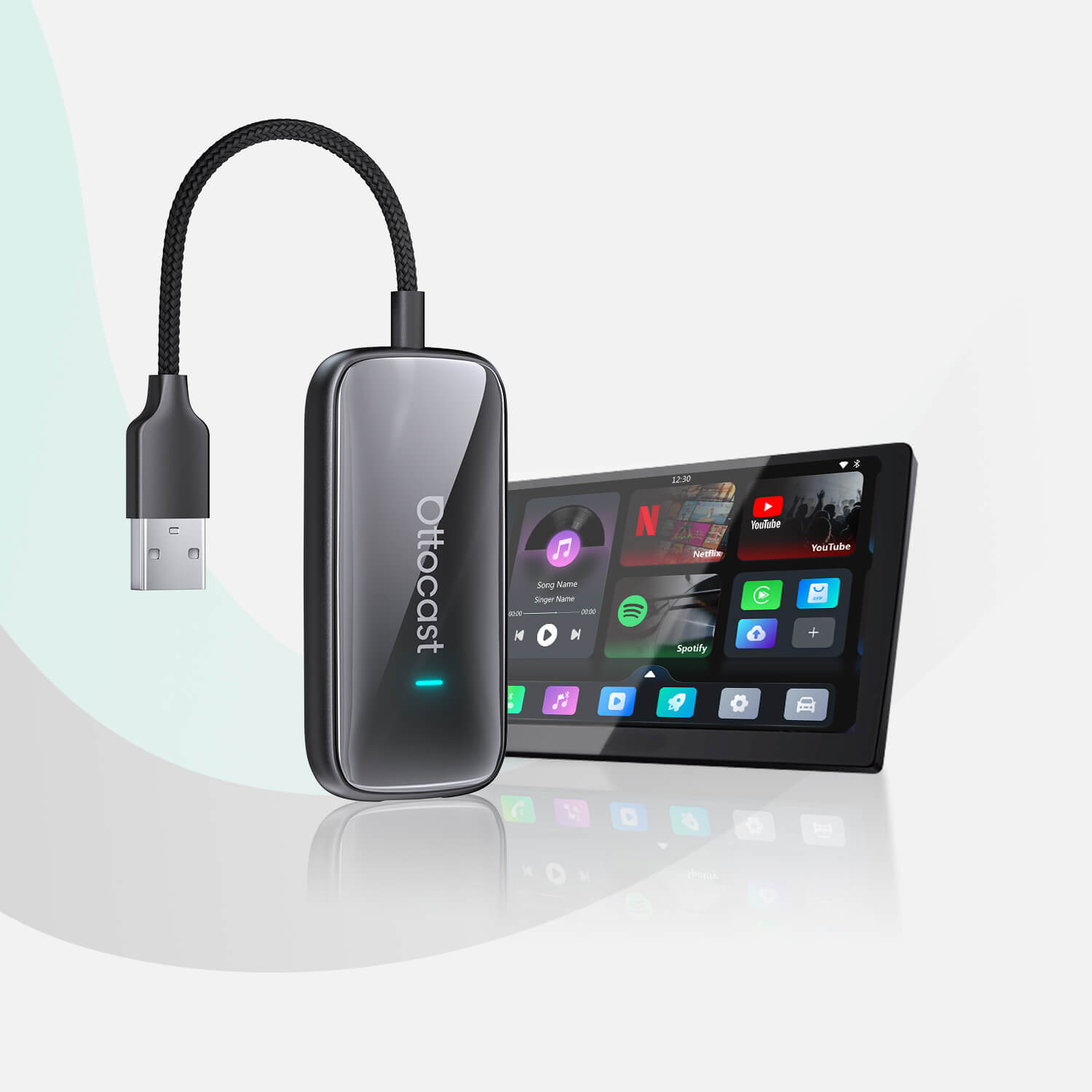
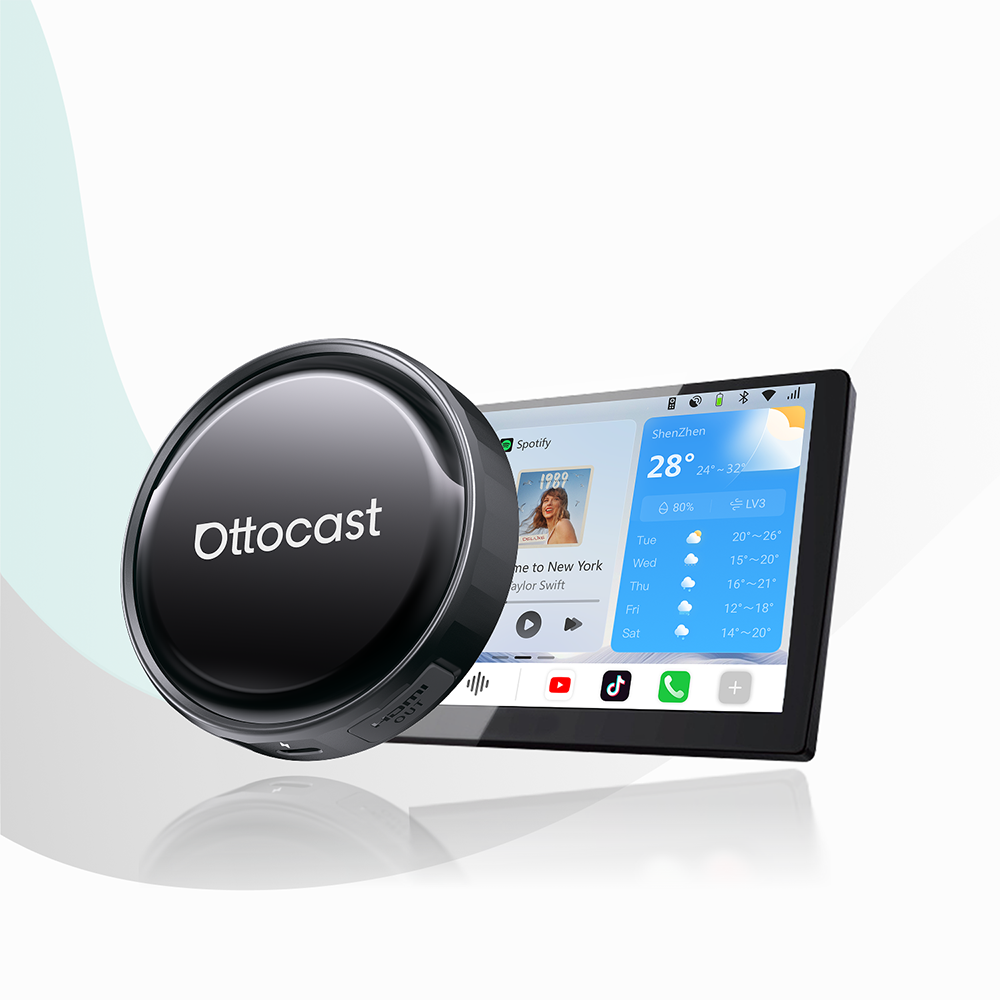
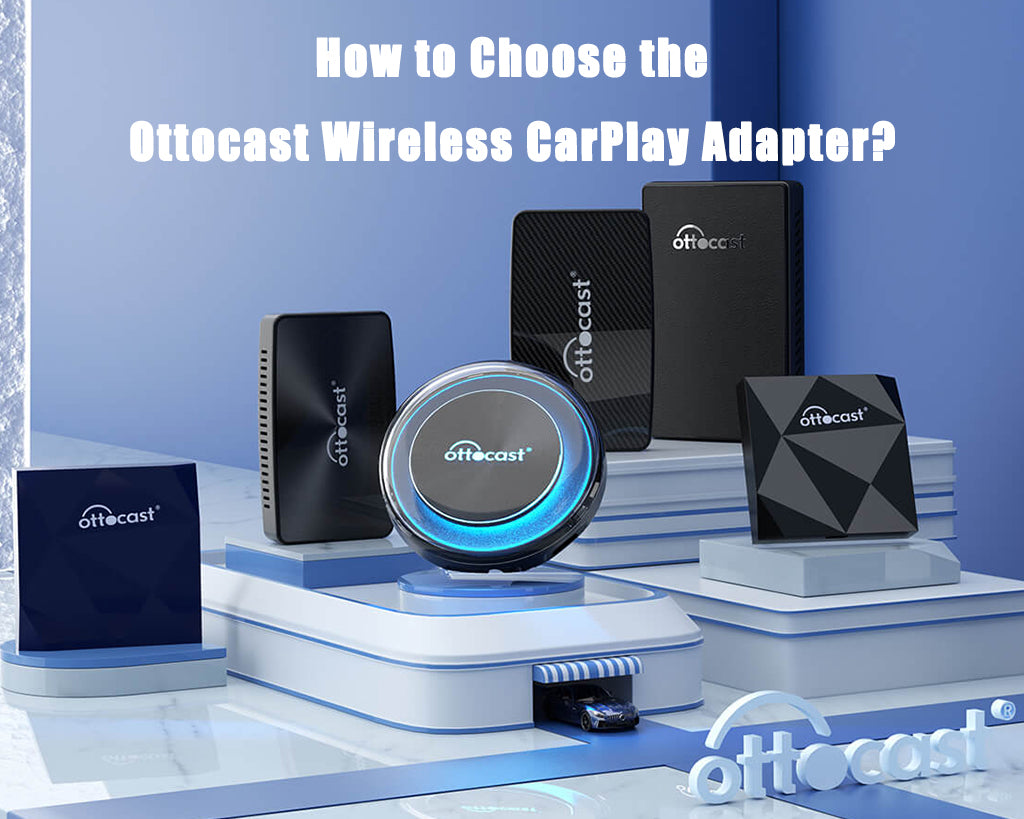
To elevate your car’s capabilities to this next level, it is time to explore the Ottocast P3 Pro product page to see how modern adapters completely unlock your screen’s potential.
Alternatively, you can catch up on the latest automotive tech shifts by reading our guide to the next generation of in-car Entertainment, which details how smart boxes are revolutionizing how we interact with our dashboards.
No matter where your travels take you, you can confidently stream football in car setups and ensure your cabin functions as a mobile fan zone.
Why Standard Apple CarPlay Won’t Let You Stream Live Sports

If your car already features factory-wired Apple CarPlay or Android Auto, you might assume that streaming live matches is as simple as launching your favorite sports app.
Unfortunately, you will quickly hit a digital brick wall. Standard factory systems are intentionally hardcoded with strict safety protocols and severe app sandbox limitations. To prevent driver distraction, automotive manufacturers and smartphone developers explicitly block video-rendering applications like YouTube, Netflix, and live television broadcasts from displaying on the screen while the vehicle is operational.
Furthermore, many drivers mistakenly believe that buying a standard wireless adapter will solve this problem. It is essential to realize that a traditional wireless dongle only untethers your existing smartphone audio and map navigation. It does absolutely nothing to inject new application capabilities or bypass factory video restrictions.
If you want to understand how to watch live sports in your car, you must look beyond basic mirroring tools. Achieving true live streaming in car setups requires a fundamental architectural upgrade that transforms how your system processes data.
Understanding the Hardware Difference
- A basic wireless adapter converts a physical cable connection into a wireless one. It is strictly limited to standard maps, communication apps, and audio streaming authorized by Apple or Google.
- A multimedia AI Box is a standalone computing device that overrides factory software environments, allowing you to run an entirely open, unrestricted operating system right on your dashboard screen.
To better plan your dashboard setup and choose the exact category of device that matches your entertainment goals, review our foundational guide on wired vs. wireless vs. multimedia CarPlay adapters to understand the difference.
The Ultimate Upgrade: How a CarPlay AI Box Unlocks the Screen
This is where a premium CarPlay AI Box becomes an indispensable addition to your vehicle. Instead of acting as a simple passive pass-through cable, an AI Box is actually a miniature, fully independent computer that plugs directly into your car’s factory USB data port.
The moment it connects, it intelligently tricks your car’s native infotainment manager into reading it as a standard wired smartphone interface. Behind the scenes, however, it completely overrides the factory restrictions to project a full, unrestricted Android Operating System right onto your dashboard touchscreen.
To handle high-definition live video feeds without dropped frames, stuttering, or endless buffering, the best Android AI box 2026 options use heavy-duty, high-performance computing hardware. This hardware delivers an uncompromised entertainment experience through several key technical angles:
- You get independent, high-tier processing power.
These devices come equipped with robust 8-core processors and generous expandable storage capacities. Therefore, these smart modules handle heavy multitasking, UI rendering, and live video decoding effortlessly.
- You also get access to an unrestricted built-in app ecosystem.
When you boot into a native Android environment, you get direct access to the Google Play Store directly on your dashboard. Therefore, you can download your preferred global sports channels, cable alternatives, and streaming apps exactly as you would on a premium tablet.
- And finally, advanced HDMI pass-through connectivity is also available.
Premium models work as an Android CarPlay AI box with HDMI. They feature physical outputs that let you route video signals to back-seat headrest monitors or overhead screens. This allows passengers in the back to enjoy a full cabin view of the match while the driver can stay focused on the road.
| Hardware Specification | High-End Performance Benchmark | In-Car Utility Benefit |
|---|---|---|
| Processor (CPU) | Powerful 8-Core Chipsets | Guarantees fluid menu navigation and smooth 60FPS video playback. |
| App Store Access | Google Play Store Built-in | Lets you install any local or global live broadcasting application seamlessly. |
| Video Expansion | HDMI Output Ports | Enables dual-zone entertainment across rear passenger monitors. |
If you want to see exactly how these technical parameters perform under real-world conditions, take a look at the comprehensive Ottocast OttoAibox P3 detailed review to determine if this premium hardware upgrade fits your driving lifestyle.
How to Watch the World Cup in Your Car
A Step-by-Step Guide
Setting up your system to watch the World Cup in your car requires absolutely zero automotive experience, wiring splices, or risky software jailbreaks. The entire installation process is completely non-invasive and can be completed in just a few minutes by following this frictionless guide:
- Step 1: Plug and Initialize: Locate your vehicle's primary media USB data port (the same one you normally use to connect your phone for wired CarPlay) and insert the AI Box using the provided cable. Within about 15 seconds, your dashboard screen will transition from the default factory screen to the custom Android desktop layout.
- Step 2: Connect to High-Speed Data: Because live streaming video requires an active internet connection, you need to supply data to the device. You can easily achieve this by broadcasting a mobile Wi-Fi hotspot from your personal smartphone, tethering to your car’s built-in subscription Wi-Fi network, or by inserting a standalone 4G LTE SIM card directly into the adapter's integrated card slot.
- Step 3: Download and Log In: Once your device is online, tap into the onboard Google Play Store. Search for your regional broadcasting network or cable provider app, install it directly onto the internal storage, log in to your personal user account, and prepare to stream the live matches.
Using this systematic layout ensures you learn exactly how to watch the World Cup in your car with total confidence. If you want to optimize your signal performance and eliminate buffering during heavy streaming sessions, check out our collection of practical tips for keeping your CarPlay AI box connected to a mobile hotspot smoothly.
Essential Apps for Streaming the 2026 World Cup Internationally

To maximize your viewing experience and get immediate, high-value utility out of your hardware, you must ensure you are using the correct 2026 FIFA World Cup streaming apps tailored to your current location. Broadcasting rights are divided strictly by country, meaning you will need specific regional platforms to catch the matches live:
- United States: English-language broadcasts are hosted natively via the Fox Sports app on CarPlay (including the dedicated FOX One coverage), while Spanish-language feeds are available through Telemundo and Peacock.
- United Kingdom: Fans residing in the UK can access full, comprehensive coverage across the BBC iPlayer and ITVX apps.
- Australia: Matches are widely available completely free of charge by downloading the SBS On Demand application.
- Global Access & Replays: If you are a fan who needs real-time statistics tracking, instant highlights, multi-angle match summaries, and other data like this, then the official FIFA+ app will be great for you.
International Traveler Alert
If you are planning on crossing international borders, keep in mind that streaming applications use strict digital geo-restrictions.
A live stream that works perfectly in the United States might throw an error message the moment you cross into Canada or Mexico. You should check regional locks or manage your network configuration to keep an uninterrupted connection to your favorite sports channels.
A Note on Co-Pilot Entertainment and Safety
Driving a car requires your full, uncompromised focus on the road and traffic. While the ability to stream football in car configurations is an amazing piece of modern technology, video streaming is explicitly intended only for parked situations or strictly for passenger entertainment.
Conclusion: Turn Your Cabin Into a Mobile Fan Zone
Upgrading your vehicle's dashboard with a premium CarPlay AI Box ensures you will never miss an unforgettable tournament goal, no matter where you happen to be driving. Don’t let long road trips or huge traffic jams stand between you and the match.
Stick with Ottocast! Here, you can explore the complete 2026 product lineup and prepare your car for the first kickoff!
Featured Products