Side-by-side (SxS) vehicles, also called UTVs, are built for off-road adventures. Riders want fun on trails, dunes, or work sites. A good entertainment system changes everything. It brings clear music, easy navigation, and hands-free calls even in rough conditions. The best setups combine a strong sound bar with wireless CarPlay for UTV/SxS. This guide shows how to build the ultimate SxS entertainment system. It focuses on practical steps and key features that work in real off-road use.
Why Audio Matters in an SxS Vehicle
Open-air SxS vehicles let in wind, engine noise, and trail sounds. Normal car speakers cannot cut through that. A dedicated sound bar made for UTVs solves this problem. These bars mount overhead on the roll cage. They have powerful speakers pointed at passengers. Most are waterproof and dust-resistant with IP67 ratings. They handle mud, rain, and splashes without issues. Many riders say good audio makes long rides more enjoyable. It lets everyone hear playlists or podcasts clearly. Adding wireless CarPlay for UTV/SxS takes it further. It connects your phone without cables for music and maps.
The Role of Sound Bars in UTV Audio
For many riders, a sound bar is the heart of the system. The Best Sound Bar for UTV use is not just loud. It needs to be clear at high speed and stable on rough ground. Sound bars work well on SxS vehicles because they are easy to mount and they spread sound across the cabin. They also take up less space than full speaker setups. In open vehicles, sound can get lost in the wind. A good sound bar is tuned to push sound forward and down into the seats. This helps the driver and passengers hear music and voice prompts without turning the volume to painful levels.
Key Features to Look for in the Best Sound Bar for UTV
When you pick the best sound bar for UTV, focus on a few main things. Power output matters most. Look for at least 100-300 watts so it stays loud over noise. Multiple speakers help too. Eight-speaker bars with mid-range drivers and tweeters give clear highs and mids. Some add built-in amps for extra punch. Bluetooth connection is standard now. It lets you stream from phones easily. RGB lighting is popular because it syncs with music and looks good at night. Remote controls or phone apps make volume changes simple while driving. Durable mounts are important. They need to fit common cage sizes like 1.75 or 2 inches. Brands like MTX, EcoXGear, Kemimoto, and MB Quart offer solid options that riders trust on trails.
Popular Sound Bar Choices for SxS Builds
Many riders choose overhead sound bars for easy install and good coverage. The MTX eight-speaker bar is common on Polaris models. It puts out 100 watts and mounts clean to the cage. EcoXGear SoundExtreme models get praise for loud sound and tough build. They work well in wet conditions. Kemimoto bars offer good value with bright lights and Bluetooth. Boss Audio and JBL Rallybar are other strong picks for clear audio. Some riders prefer longer bars like 28-33 inches for bigger machines. Shorter 18-22 inch ones fit tighter cages. Pick based on your vehicle model and how loud you want it. Most connect via Bluetooth, so they pair fast with phones or other devices.
Mounting Screens and Controls in an SxS
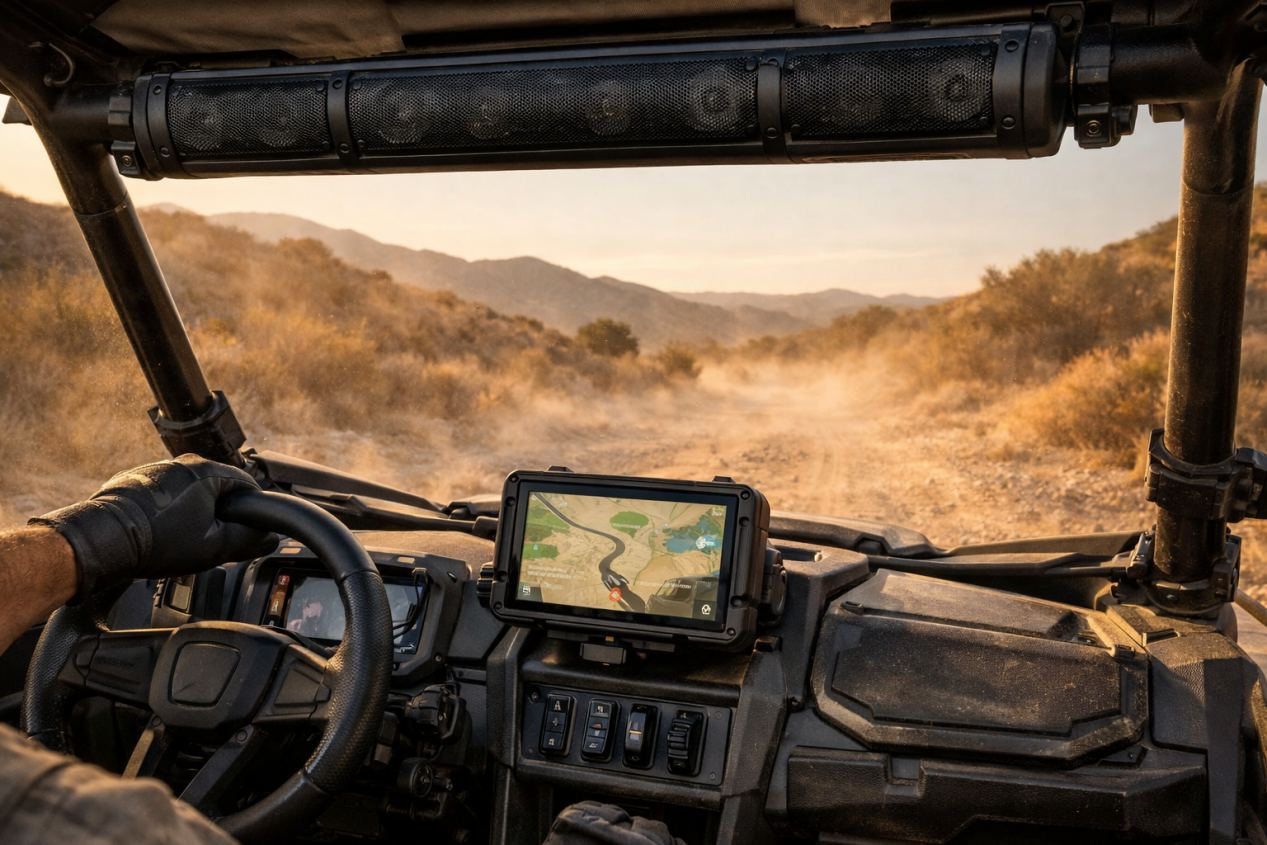
Screen placement is often overlooked. In an SxS, space is limited and sight lines matter. The screen for Wireless CarPlay for UTV/SxS should sit within easy view but should not block the trail view. Many riders mount screens near the center of the dash or on a solid bar mount. The mount must be strong enough to handle bumps and shakes. Loose mounts cause blur and can damage screens over time. Controls should be simple and reachable. Large buttons work better with gloves. Touchscreens should be bright enough to read in direct sun.

Power Management and Wiring Basics
Building the ultimate SxS entertainment system also means thinking about power. UTV electrical systems are smaller than those in cars. Adding a sound bar and a wireless display draws extra power. It is important to use proper wiring and fuses to avoid draining the battery or causing faults. Many riders add a dedicated power line with a switch. This allows the system to shut off fully when not in use. Clean wiring also reduces the risk of short circuits in wet conditions. Taking time to plan power use helps keep the system reliable for long rides.
Understanding Wireless CarPlay for UTV/SxS
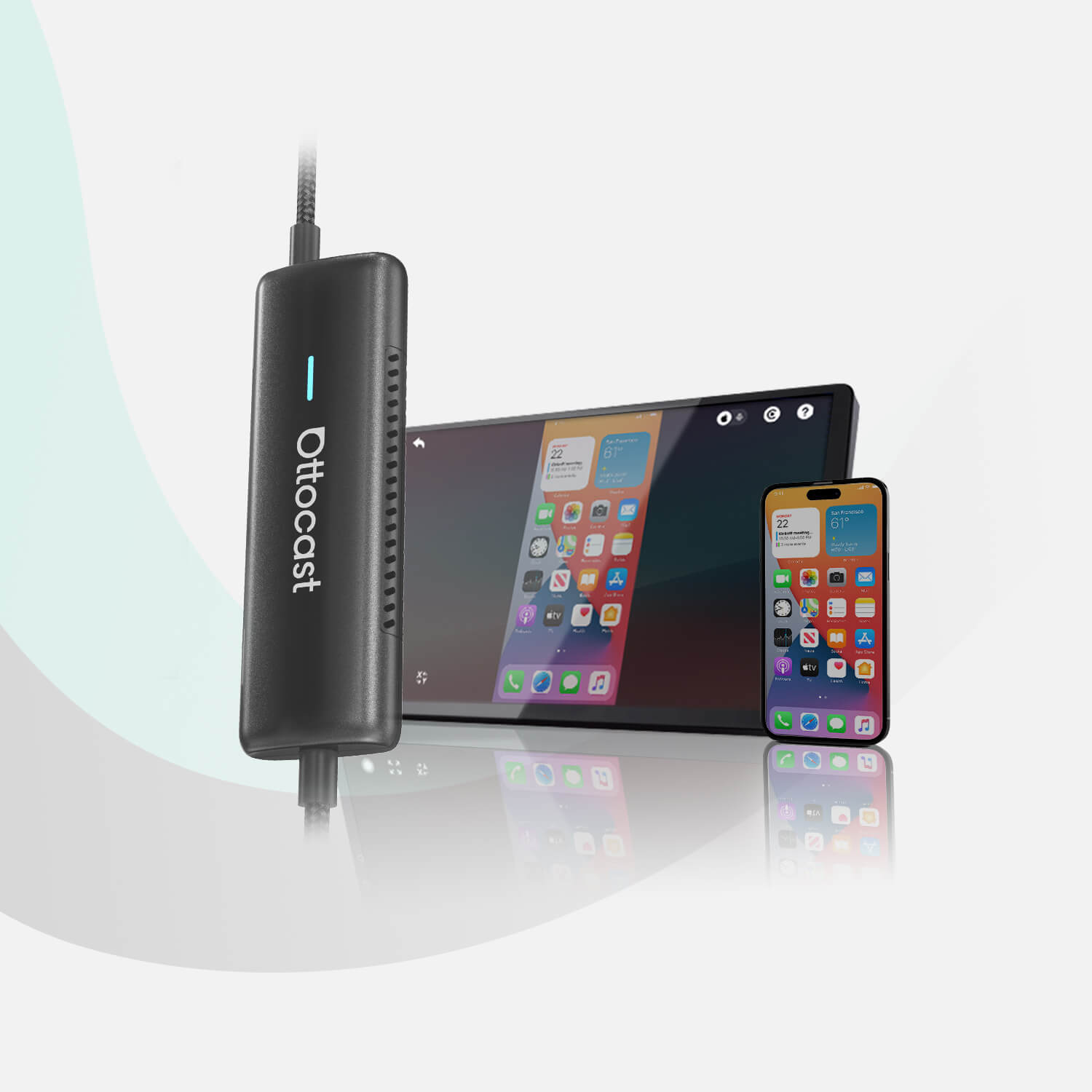
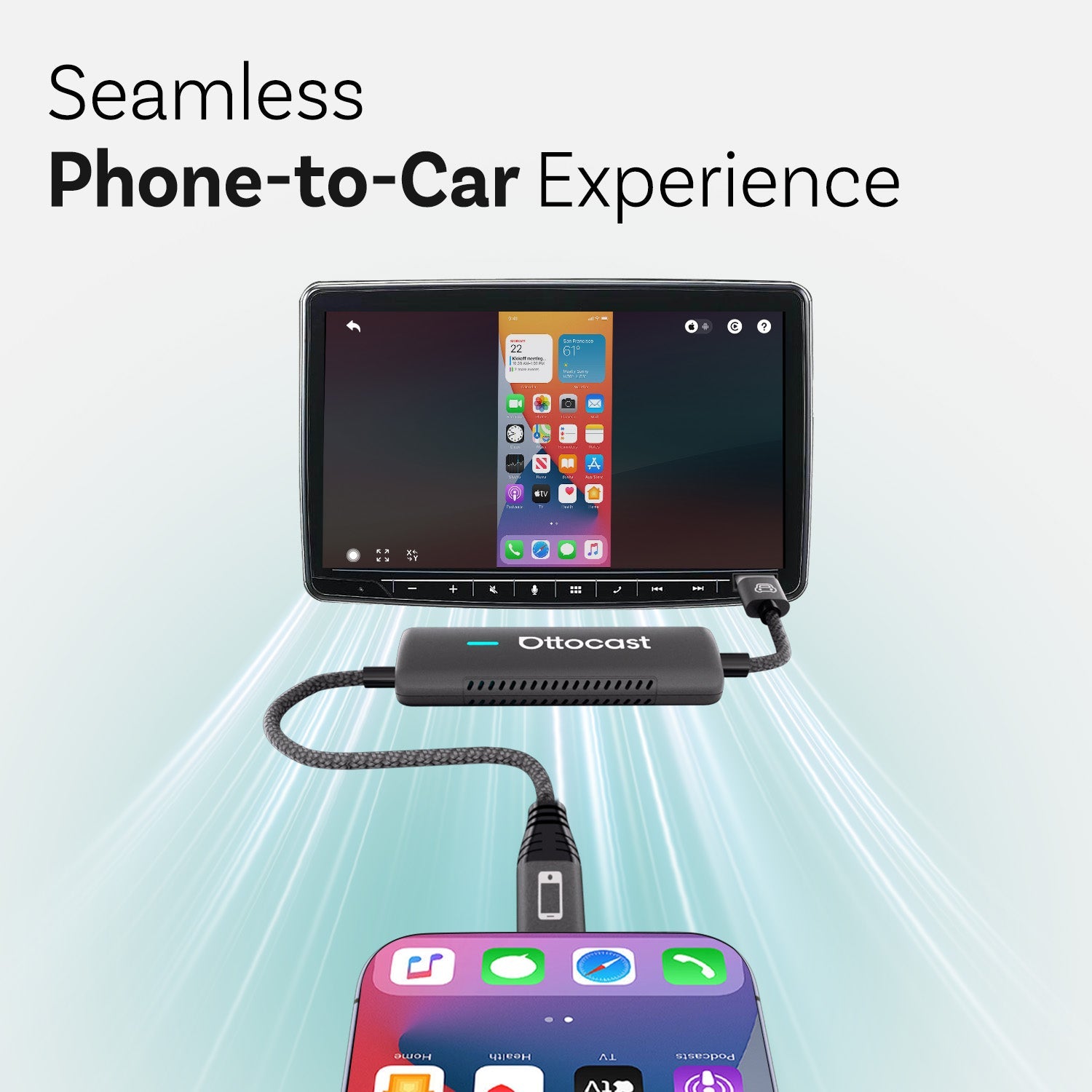
Wireless CarPlay lets you mirror iPhone features to a screen without plugging in. It shows navigation, music, messages, and calls. In an SxS, this means safer driving because you keep eyes on the trail. Most factory UTV screens do not have CarPlay. Riders add it with adapters or portable displays. A wireless adapter plugs into the USB port and connects via Wi-Fi and Bluetooth. It starts automatically when you turn on the vehicle. This setup works great for off-road because no cables get in the way or snag. Android users can use similar Android Auto adapters.
Adding a Display for Wireless CarPlay in Your SxS
Many SxS vehicles lack big screens. Riders mount portable CarPlay units on the dash or cage. These 7-9 inch touchscreen displays are waterproof and bright for sunlight. They support wireless CarPlay right out of the box. Brands like Carpuride or Podofo make models that clamp securely. Mount them at eye level for quick glances. Power comes from the accessory circuit or cigarette lighter. Once set up, your iPhone connects in seconds. You get Apple Maps, Spotify, or Waze on the screen. The sound routes through the display's output or Bluetooth to your sound bar.
Syncing Wireless CarPlay with Your Sound Bar
The best part of this setup is seamless audio sync. When wireless CarPlay connects to the display, send music through Bluetooth to the sound bar. Most adapters and screens support this without lag. Some displays have AUX outputs if you prefer wired connection. For full control, pair the phone directly to the sound bar for regular music, then switch to CarPlay audio when needed. This way, navigation prompts come through loud and clear over tunes. Riders find this mix perfect for group rides. Everyone hears directions while enjoying shared playlists.
Step-by-Step Guide to Building the System
Start with the sound bar. Mount it first since it takes more space. Run power and test Bluetooth. Next, choose your CarPlay solution. If your UTV has a factory screen with wired CarPlay, add a wireless adapter. It plugs in once and works every time. For no screen, install a portable display. Secure the mount, connect power, and pair your phone. Test everything together on a short drive. Adjust speaker angles for best coverage. Add zip ties to secure wires away from moving parts. This full build takes a weekend for most people and costs less than many expect.
Extra Tips for Off-Road Durability
Dust and vibration are hard on gear. Choose components with high IP ratings. Seal connections with dielectric grease. Check mounts after rough rides. Clean speakers with soft brushes to remove mud. Firmware updates on adapters and displays fix bugs and add features. Join UTV forums to see what works for your model. Many share wiring diagrams and mount ideas.
Maintenance and Troubleshooting
Keep the system running smooth with basic care. Wipe screens to avoid scratches. Check Bluetooth connections if audio drops. Reset adapters by unplugging for a minute. Update phone software for best compatibility. Store removable displays when not riding to avoid theft or damage.
The Experience of a Well-Built System
When everything works well, the difference is clear. Music sounds full without being harsh. Maps are easy to read and follow. Calls come through clearly when needed. Riders feel more connected without feeling distracted. This is the real goal of How to build the ultimate SxS entertainment system. It is about making rides smoother and more enjoyable, not about showing off gear. A good system blends into the ride and supports it in a quiet, steady way.
How Wireless CarPlay Supports Safer Riding
One of the strongest points of Wireless CarPlay for UTV/SxS use is hands-free access. Riders can ask for directions, change tracks, or answer calls with voice commands. This keeps hands on the wheel and eyes on the trail. In group rides, clear navigation helps riders stay on track. In work settings, quick calls can save time. The system should start fast when the vehicle powers on. Long boot times can frustrate users and lead them to use their phones by hand. A smooth startup helps build safer habits during every ride.
Balancing Sound Quality and Rider Comfort
Loud audio can be fun at first, but long rides with harsh sound can cause fatigue. The Best Sound Bar for UTV use should offer balanced sound. Clear mids help vocals and navigation prompts stand out. Solid lows add depth to music, but too much bass can rattle mounts and tires riders out. Good sound tuning makes long trips more pleasant. But many cyclists forget that sound is part of comfort. A system that sounds clean at medium volume will often feel better than one that is only good at full blast. Real-World Use and Simple Setup Tips In real use, the best systems are the ones that work without fuss. Wireless CarPlay for UTV/SxS setups should reconnect fast after engine start. Sound bars should pair once and remember devices. Riders should not need to reset the system every weekend. Keeping software updated can help with stability. Simple habits like checking mounts and cleaning dust from ports can extend system life. These small steps keep the system ready for each ride and reduce stress before heading out.
FAQ
What is the best sound bar for UTV use?
Many riders like MTX, EcoXGear, and Kemimoto bars. They offer good power, waterproof build, and easy mounting on cages.
Do I need a special screen for wireless CarPlay in SxS?
Not always. If your vehicle has wired CarPlay, a wireless adapter works. Otherwise, add a portable waterproof display made for off-road.
How does wireless CarPlay sync with a sound bar?
It sends audio via Bluetooth from the display or phone to the sound bar. Connection is fast and clear.
Is installation hard for beginners?
Most parts are plug-and-play. Basic wiring skills help, but many do it themselves with online videos.
Will this setup drain my battery fast?
Not much if connected to switched power. Use low-draw devices and add a second battery for heavy use.
Can Android users get the same features?
Yes. Most adapters and displays support wireless Android Auto with similar setup.
Are these systems fully waterproof?
Top models have IP67 ratings. They handle rain and splashes, but avoid full submersion.
You may also like