

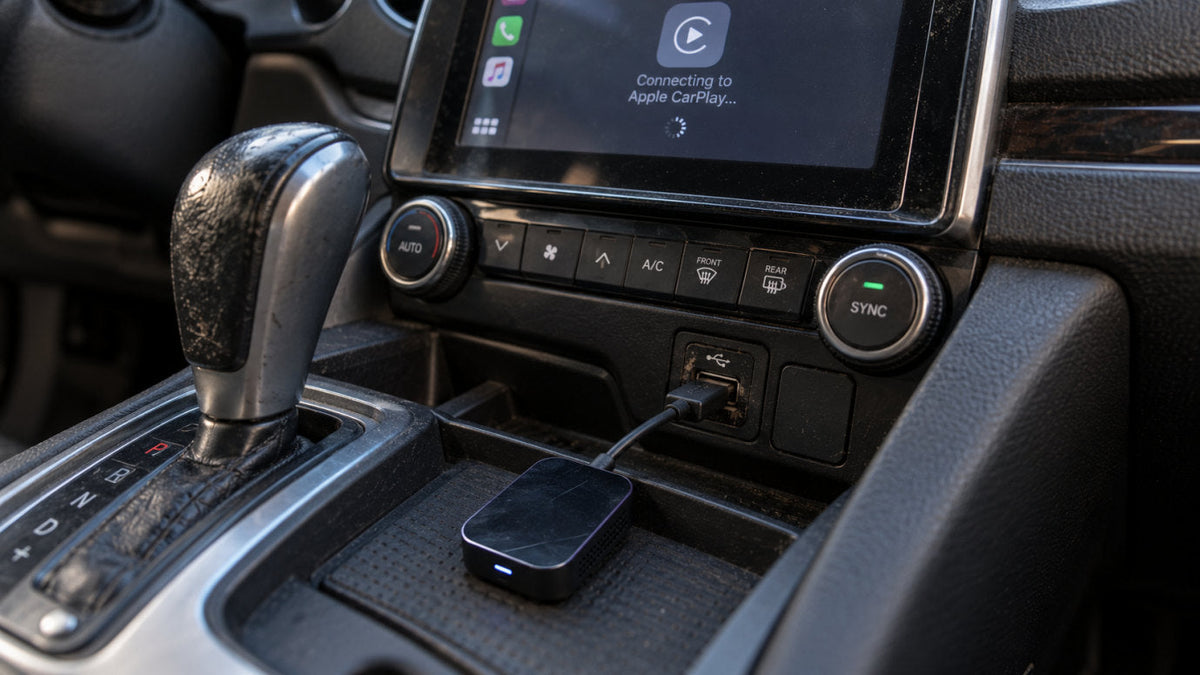

Have you ever been in this situation?
You are driving your car, and you’re using Apple Maps in heavy traffic, but then your wireless CarPlay suddenly disconnects and reboots. Frustrating, right?
Sure, upgrading to wireless CarPlay is a massive convenience upgrade. However, many drivers who use third-party dongles tend to experience audio stuttering, black screens, random reboots, and the like.
These unexpected drops can turn an otherwise relaxing drive into a very, very frustrating experience.
If you are constantly searching for ways to fix wireless CarPlay issues, fear not. You are not alone.
That’s why we prepared this guide. We’ll break down exactly why these disconnects happen. We’ll tackle everything from power delivery to wireless interference and provide a step-by-step guide to fixing them.
Understanding the root causes of CarPlay dropouts is the first step to that seamless, cord-free driving experience you’d expect.
For more content like this, stick with Ottocast.
The Root Causes: Why Wireless Adapters Fail
Before we go to the actual fixes, we need to understand the technical reasons behind these issues.
The first thing to note is that wireless adapters operate in a very demanding environment. Thus, they are susceptible to several points of failure.
Weak USB Power Delivery (The Silent Killer)
Inconsistent power is quite often the hidden culprit behind connectivity drops.
Many older or factory head units were designed only to power basic wired data connections. They often max out at 1A or less.
Now, since cheap wireless adapters draw power inconsistently, they can trigger voltage drops that cause the adapter to reboot or “brownout” during resource-heavy tasks. For example, running Maps and Spotify simultaneously.
When your adapter does not receive a steady flow of electricity, it simply cannot sustain a stable connection.
Wi-Fi and Bluetooth Interference (The Traffic Jam)
Your wireless connection does not exist in a vacuum.
You see, Wireless CarPlay uses Bluetooth for the initial handshake. Then, it switches to a 5GHz Wi-Fi band for heavy data transfer.
Unfortunately, crowded Wi-Fi channels, like for example, when you’re driving through dense urban areas or past toll booths with strong localized signals, can cause packet loss.
This interference directly leads to your wireless CarPlay disconnecting or experiencing CarPlay audio stuttering. Additionally, internal car interference, such as competing car Wi-Fi hotspots or dashcams, can disrupt the frequency your phone is actively using.
Thermal Throttling (The Overheating Problem)
Our car cabins go through extreme temperature fluctuations. This puts severe thermal stress on electronics.
Adapters that are left in hot cars, especially cheap plastic ones without heat sinks, will overheat and throttle their performance or even shut down to protect their internal mechanisms.
And when this safety mechanism kicks in, the system drops the connection with zero warning.
Outdated Firmware or OS Incompatibilities
Last but not least, the issue can be purely software-based.
Apple’s iOS updates frequently change background protocols, which can break compatibility with older adapter firmware.
That way, a device that worked flawlessly yesterday might suddenly struggle to keep a stable connection simply because the operating system on your phone is no longer speaking the exact same language as your adapter’s software, so to speak (pun intended).
An EZ Step-by-Step Troubleshooting Guide

So, let’s get down to brass tacks.
If you are dealing with frequent wireless CarPlay disconnects, the good news is that many of these issues can be resolved with a few simple tweaks.
Here are actionable steps you can take to troubleshoot and fix your current setup.
1. Re-establish a Clean Connection:
Just like a PC, your phone and adapter sometimes need a fresh start to clear out corrupted connection data.
- Begin by going into your iPhone’s settings and completely forgetting the existing Bluetooth and Wi-Fi connections associated with the adapter.
- Next, dive into your car’s native infotainment system memory and delete your phone from the device list.
- Once everything is wiped clean, re-pair your phone to the adapter from scratch.
This simple reset often cures intermittent connection drops.
2. Test the USB Cable and Port:
The cable connecting your adapter to the car is the lifeline for both power and data.
Many drivers make the mistake of using a cheap charging cord instead of a high-quality USB cable. You can swap out your current wire for a premium cable to ensure sufficient bandwidth.
Additionally, try plugging the adapter into a different USB port in the car. Some ports are engineered to prioritize data transfer over power delivery.
3. Check for Firmware Updates:
Manufacturers frequently release firmware patches to address bugs and improve system stability.
You can usually access your adapter’s IP address using a mobile browser or a dedicated companion app to check for these updates.
As a general rule of thumb, keeping the device’s software up-to-date basically ensures that it will stay compatible with the latest iOS versions.
However, we have one major warning! Never run an update while driving!
Interrupting the process could permanently brick (damage) your device.
4. Manage Phone Settings:
In some cases, your smartphone might be unknowingly self-sabotaging the CarPlay connection.
Background applications, particularly VPNs or secondary Wi-Fi connections, can severely interfere with the wireless CarPlay handshake.
Try disabling your VPN and ensuring your phone isn’t actively searching for or clinging to other known Wi-Fi networks (like your home router or a nearby hotspot) while you are in the car.
Streamlining your phone’s network focus will help it keep a locked-in connection with the adapter.
5. The "Y-Cable" Solution:
If you are driving an older vehicle and suspect that weak power delivery is causing your adapter to reboot, then we have a hardware workaround for you.
You can have severe power-delivery issues on older cars, so go for a USB Y-cable. It can be a lifesaver.
This specialized cable splits the connection. One end sends data to the head unit, while the other end routes power directly from a 12V cigarette lighter charger.
This ensures that even cheap adapters receive the consistent voltage they need to function normally.
After going through all these steps, your connection should be more stable. Significantly more stable, that is.
But what happens in this scenario?
You covered all the steps above, and yet you are still experiencing dropouts despite your best troubleshooting efforts.
Well, in that case, it might be time to admit that there are real limitations to your current setup.
But that’s why you’re here, right? You’re here because you know that Ottocast has your back.
In the following section, we will introduce you to a device that will never have the issues we talked about in this text.
The Hardware Solution: Why Upgrading Matters
So, as we have established already, you can only troubleshoot so much when the core problem is poor heat dissipation, outdated chipsets, or inefficient power draw.
Many budget-friendly adapters are simply not built to withstand the rigors of long drives and demanding smartphone processing.
This is where you should consider premium hardware.

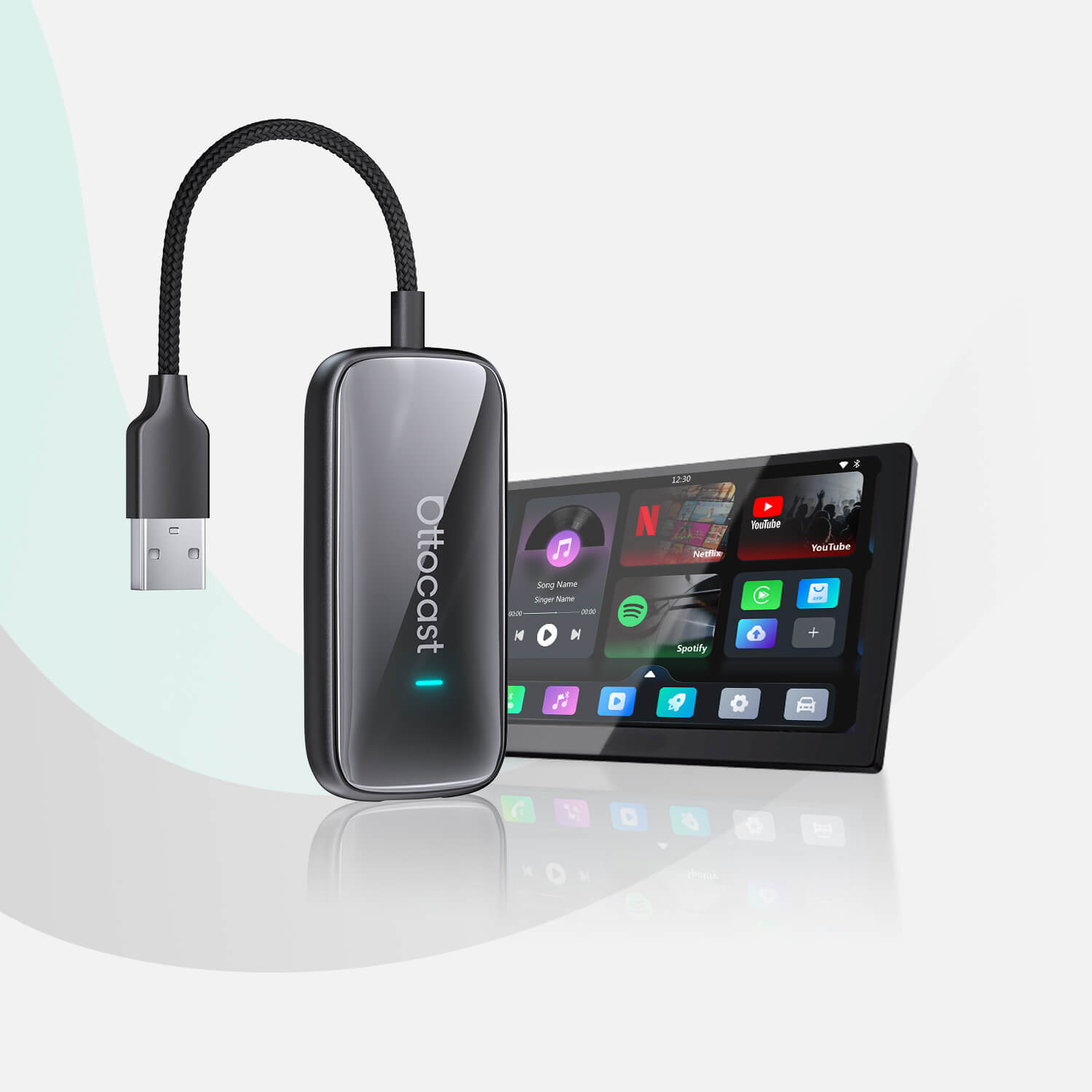
The Ottocast U2AIR Edge is engineered to be the ultimate “set it and forget it” solution. It directly addresses the common points of failure found in lower-tier adapters.
It takes the guesswork out of wireless connectivity by using top-tier components.
Check out how the U2AIR Edge solves the most frequent connection issues:
- The U2AIR Edge is engineered to draw stable power, preventing those brownouts common in older head units. This ensures that even when your phone is running heavy navigation and music apps, the adapter will stay fully powered and engaged.
- To fight wireless interference, the U2AIR Edge has 2.4GHz/5GHz dynamic switching. This cuts through interference and keeps a lag-free connection. Whether you are passing through a busy toll plaza or a congested city center, the signal will be strong.
- The physical build quality is specifically designed to resist thermal throttling on long road trips or hot summer days. Instead of overheating and crashing, the internal components efficiently manage the heat, keeping your map exactly where you need it.
- Here at Ottocast, we are fully committed to pushing firmware updates to ensure compatibility with the latest iOS versions. As Apple continues to evolve its operating systems, your adapter will evolve right alongside it, preventing unexpected software incompatibilities down the road.
Conclusion
At the end of the day, wireless CarPlay should be, in a word, seamless.
When you start your car, your apps, maps, and music should be ready to go without a second thought.
If you are constantly fighting disconnects, it’s usually a battle between your car’s power delivery and your adapter’s hardware.
And while our troubleshooting steps can solve minor software bugs, outdated hardware will always hold your infotainment system back.
Stop fighting with cheap dongles and invest in stability. Upgrade to a flawless connection with the U2AIR Edge today and experience wireless CarPlay the way it was always meant to be.
For more cool stories like this, check out our blog.
Może Ci się również spodobać