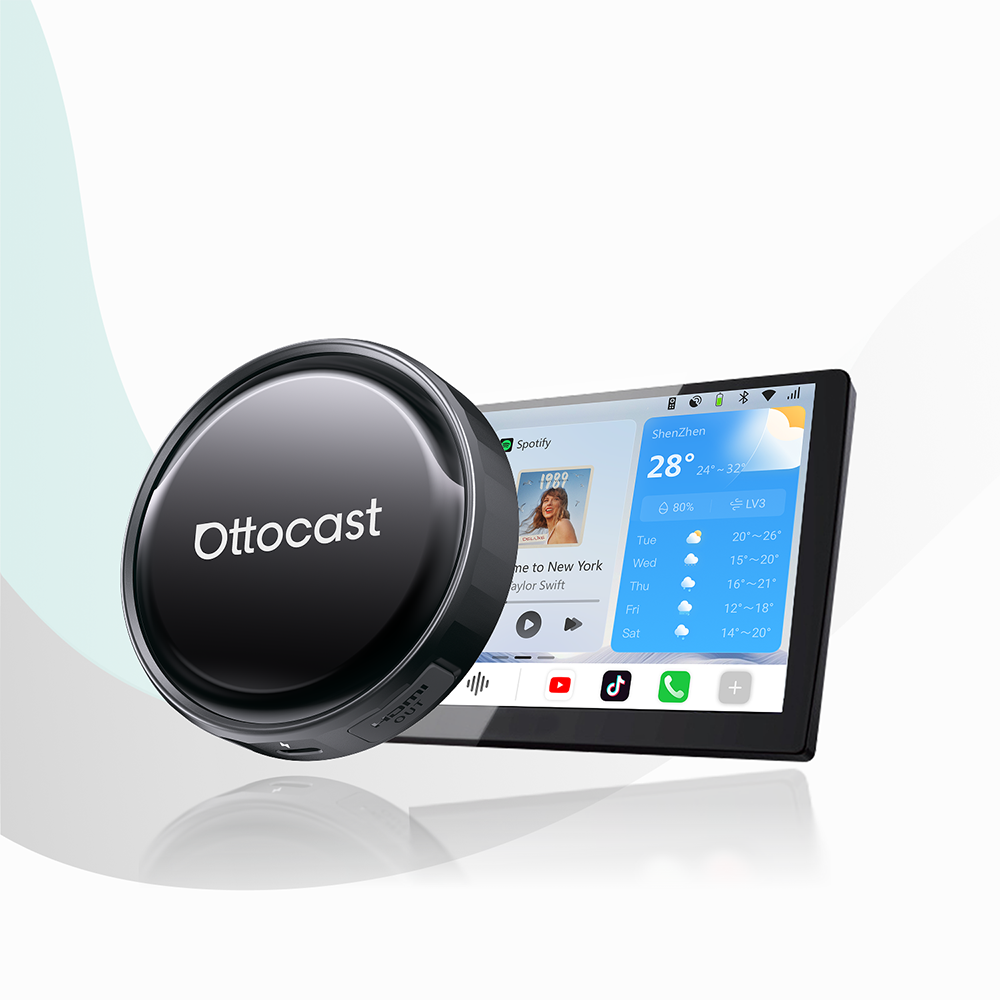
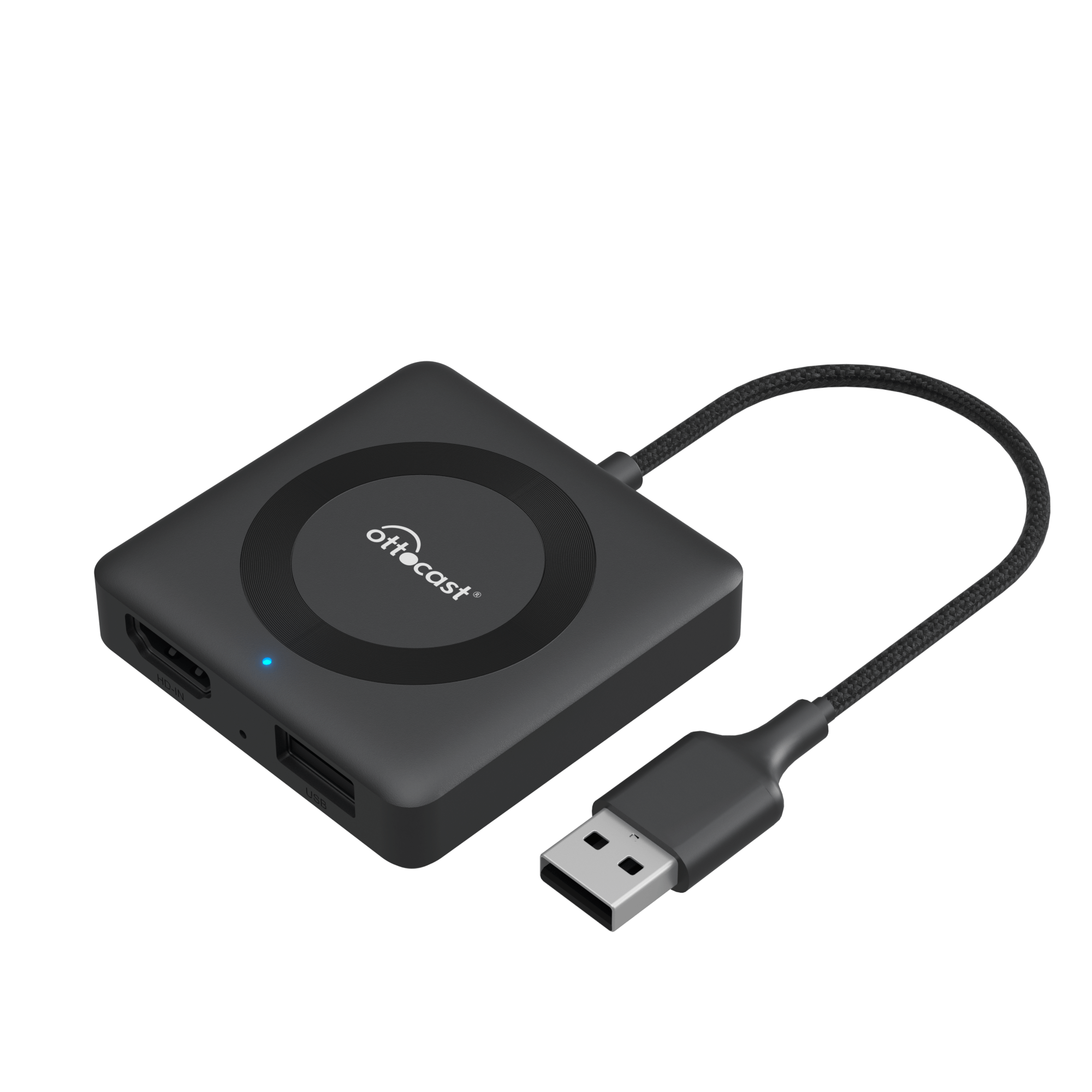
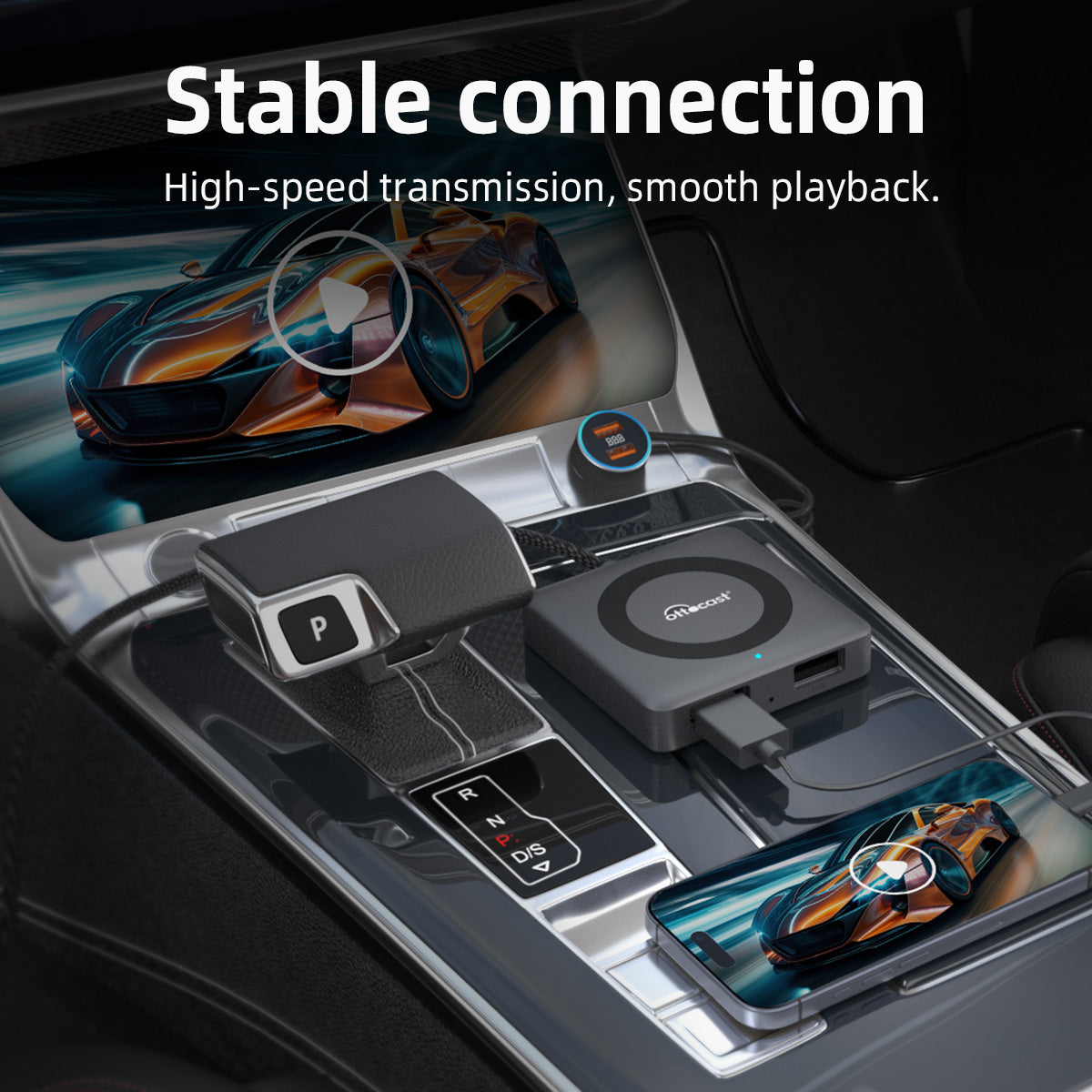
✨Special Promotions Save 47%✨Car TV Pro
PRICE
Requires Factory Wired CarPlay
-
Vehicle:To use Wireless CarPlay or Wireless Android Auto, your vehicle must have factory Wired CarPlay.
-
Phone:iPhone (iOS 10+)Android (Android 11+)Selected Samsung / Google phones also support Android 9
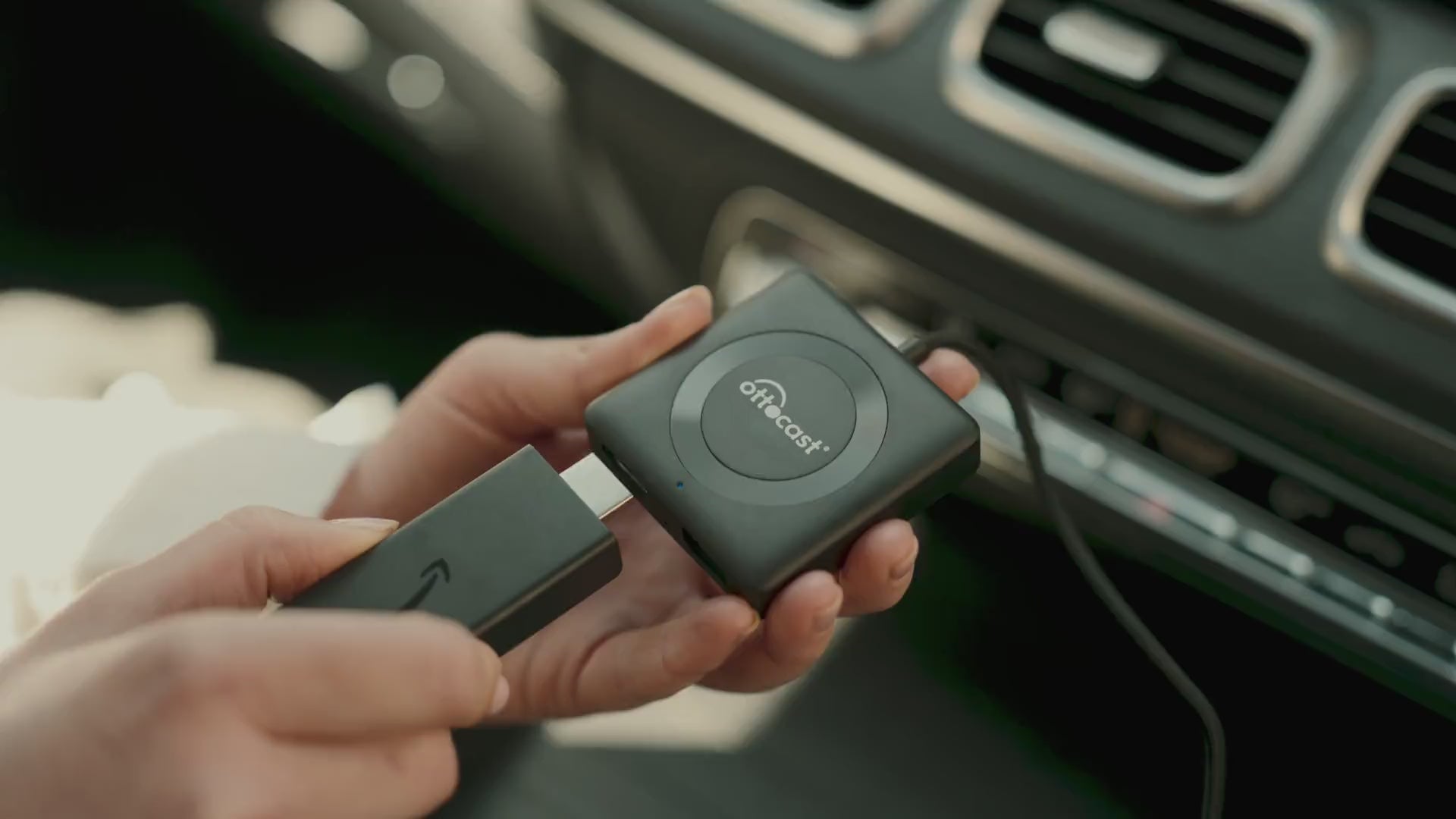
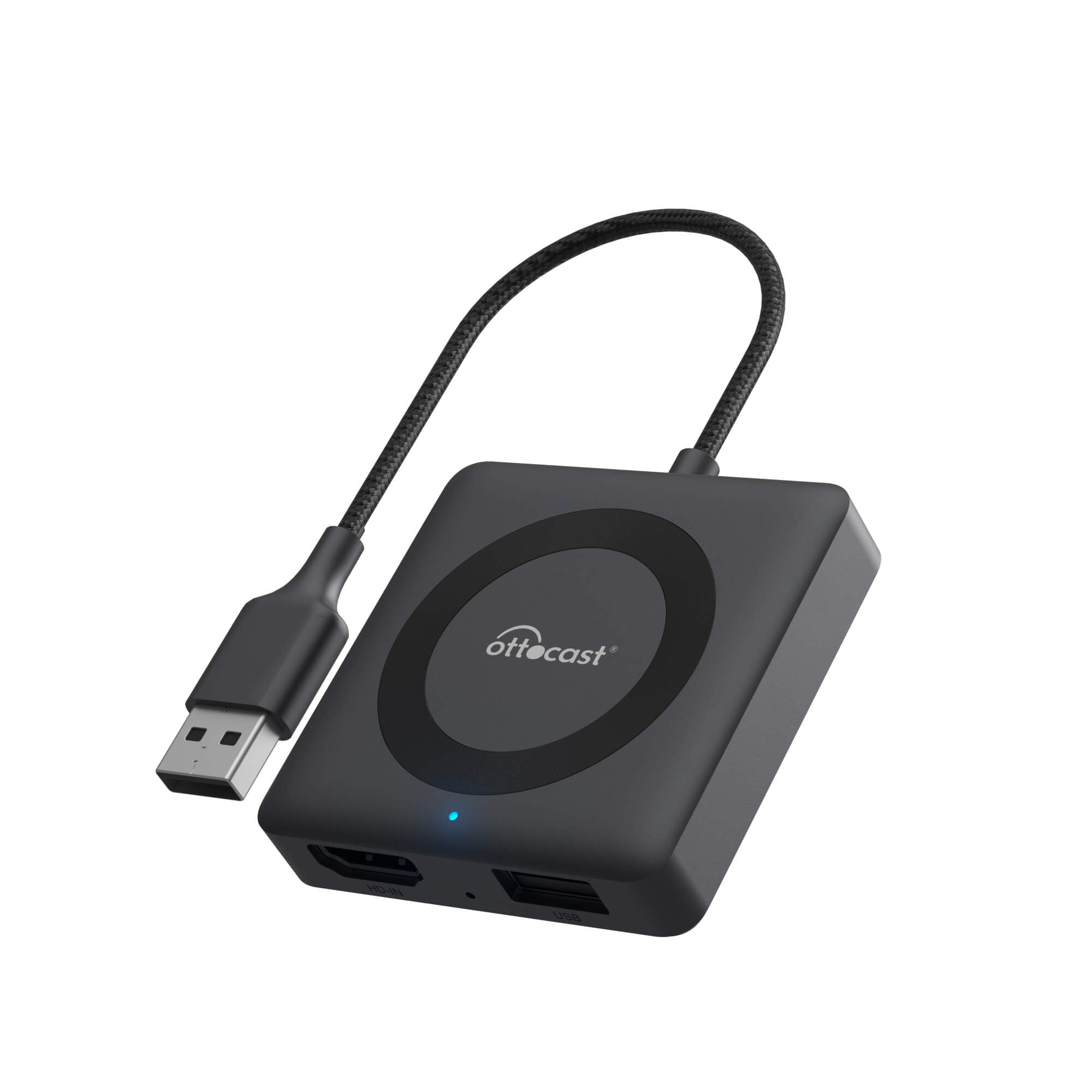
- Connect an HDMI™ OUT device to the adapter’s HDMI™ IN
- Supports video input up to 2K
Not Compatible: Sony aftermarket head units.
Mitsubishi Vehicles: Please leave a note at checkout or email us before ordering.
Factory Wireless CarPlay Only Vehicles (found on some BMW models): OttoAibox i3 is recommended.
How to Check Wired CarPlay / Android Auto Support
Supports HDMI™ Screen Mirroring
Solution found for your vehicle!
VEHICLE SELECTED
Audi A4, 2018
We've confirmed your vehicle does not have factory CarPlay. Don't worry! The Ottoscreen AI shown below is the complete solution designed to bring smart features and full screen CarPlay to your car easily.
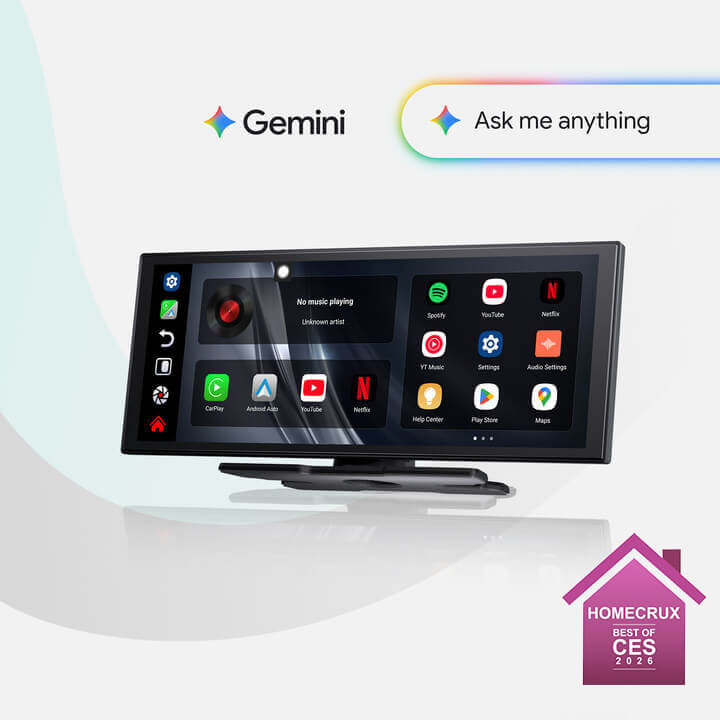
Ottoscreen AI
Great! Your Car Has Wired CarPlay
VEHICLE SELECTED
Audi A4, 2018
Your vehicle is listed with factory wired CarPlay. Review the requirements above before purchasing.
Need Confirmation
VEHICLE SELECTED
Audi A4, 2018
We apologize, your model is not in our database. Please confirm one crucial detail: Does your car have Wired Apple CarPlay?
Watch the guide video below or use an AI tool (like Gemini or ChatGPT) to quickly search your car's features and confirm. If it has wired CarPlay, our products is the perfect fit!
Wireless CarPlay Only
VEHICLE SELECTED
Audi A4, 2018
Your vehicle only supports wireless CarPlay and does not have wired CarPlay, so this product is not compatible with your vehicle. Don’t worry—you can choose our OTTOAIBOX i3 to watch videos in your car.
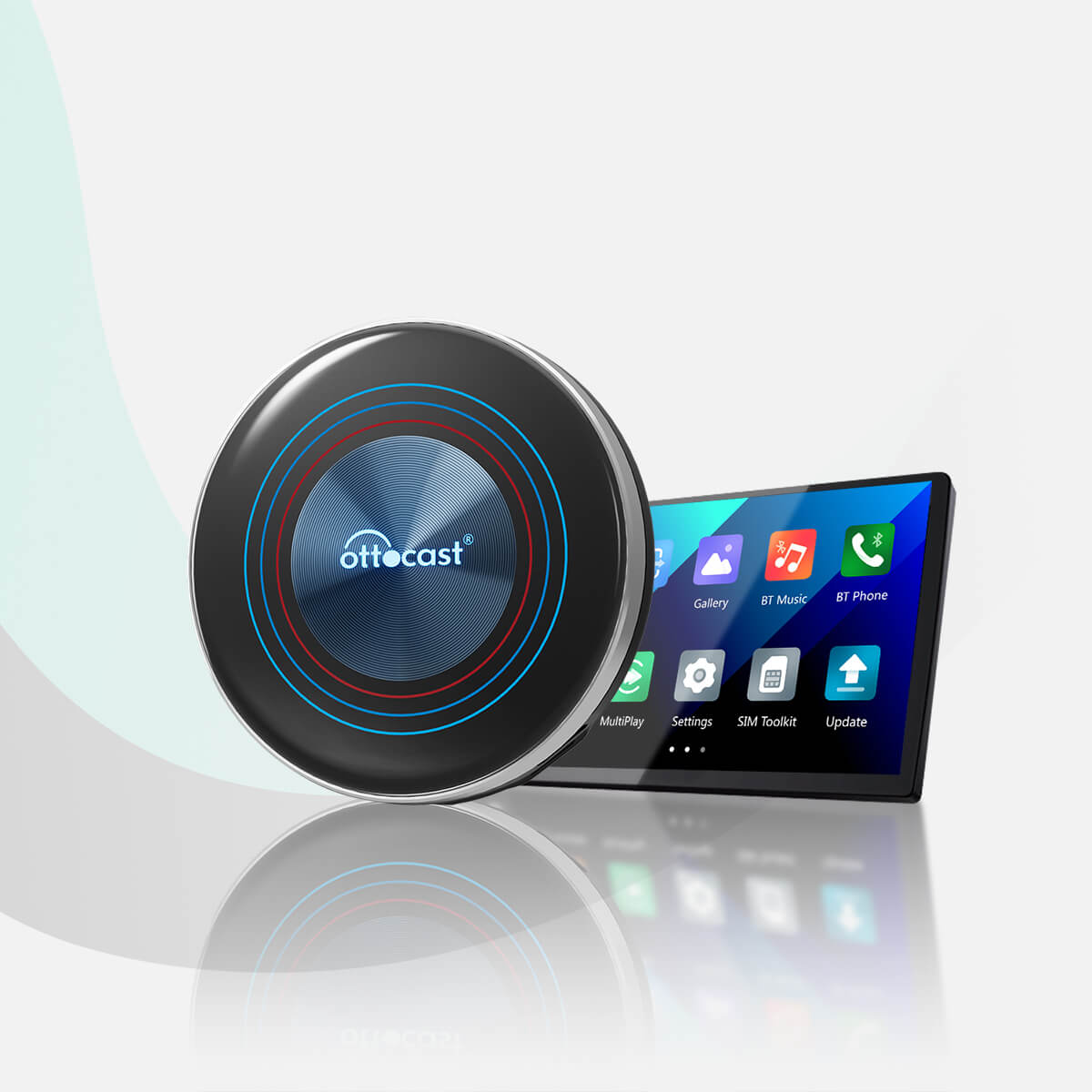
OttoAibox i3 BMW CarPlay AI Box
Great! Your Car Has Wired CarPlay
VEHICLE SELECTED
Audi A4, 2018
Your vehicle is listed with factory wired CarPlay. Review the requirements above before purchasing.
Wired Android Auto Only
VEHICLE SELECTED
Audi A4, 2018
Your vehicle only supports wired Android Auto and does not have wired CarPlay, so this product is not compatible with your vehicle.
Wireless CarPlay Only
VEHICLE SELECTED
Audi A4, 2018
Your vehicle supports factory wireless CarPlay. However, wired CarPlay has only been confirmed on higher trim levels, while availability on lower trims may vary.
Not sure if your car supports wired CarPlay? Connect your iPhone to the car’s USB port using a cable. If there are multiple USB ports, use the one intended for phone connection rather than charging only. If CarPlay appears on your factory screen, your vehicle is compatible with our product.
Wired Android Auto & wireless CarPlay only
Audi A4, 2018
Perfect Match!
VEHICLE SELECTED
Audi A4, 2018
Your car supports Wired CarPlay and works with our products.
Perfect Match!
VEHICLE SELECTED
Audi A4, 2018
Your car supports Wired CarPlay and works with our products.
Perfect Match!
VEHICLE SELECTED
Audi A4, 2018
Your car supports Wired CarPlay and works with our products.
Upsell products
Warranty products
After-sale policy

30-Day Returns

1-Year Warranty

Dedicated Support
Share
Car TV Mate Max
Stream, Connect, and Play—All on Your Car Screen.
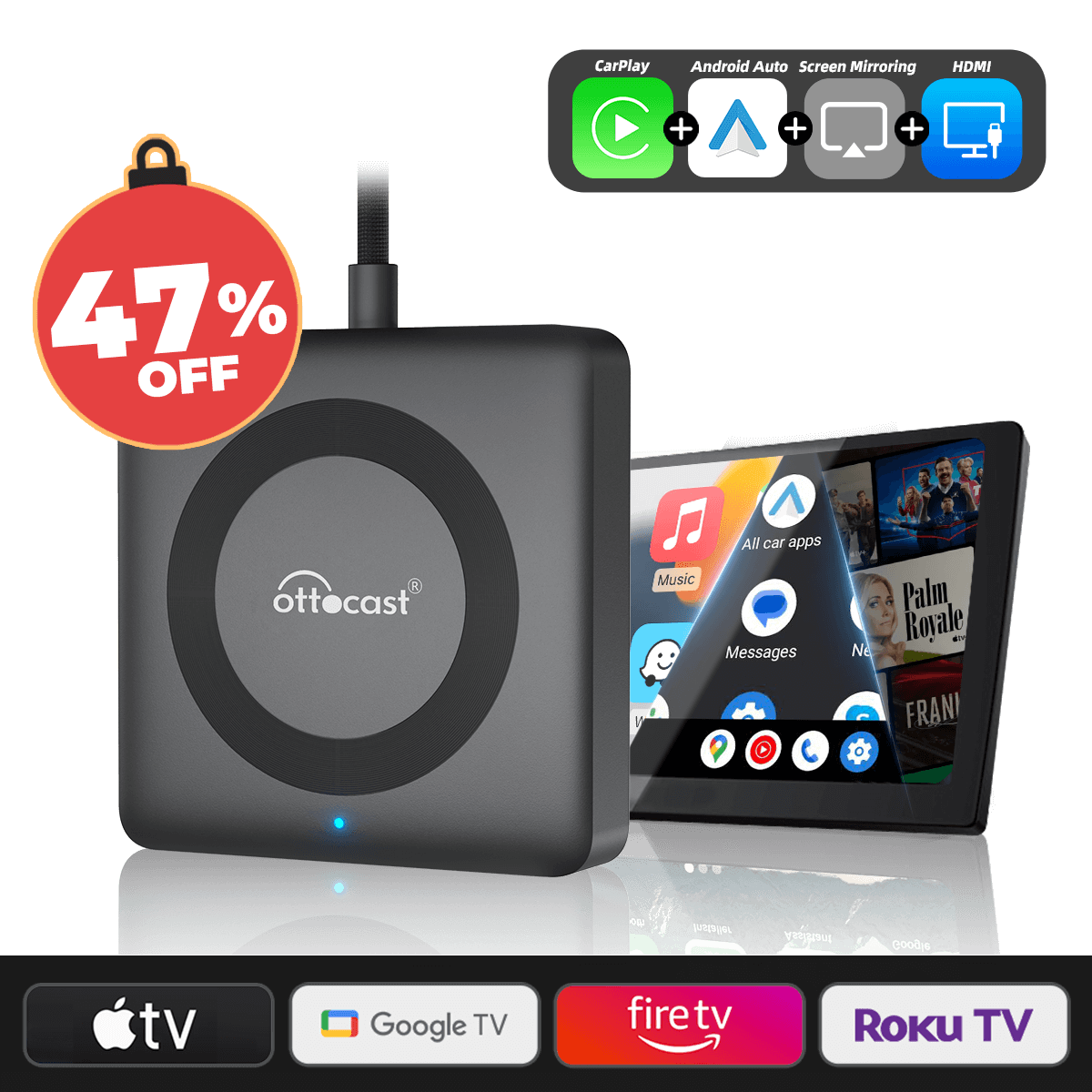
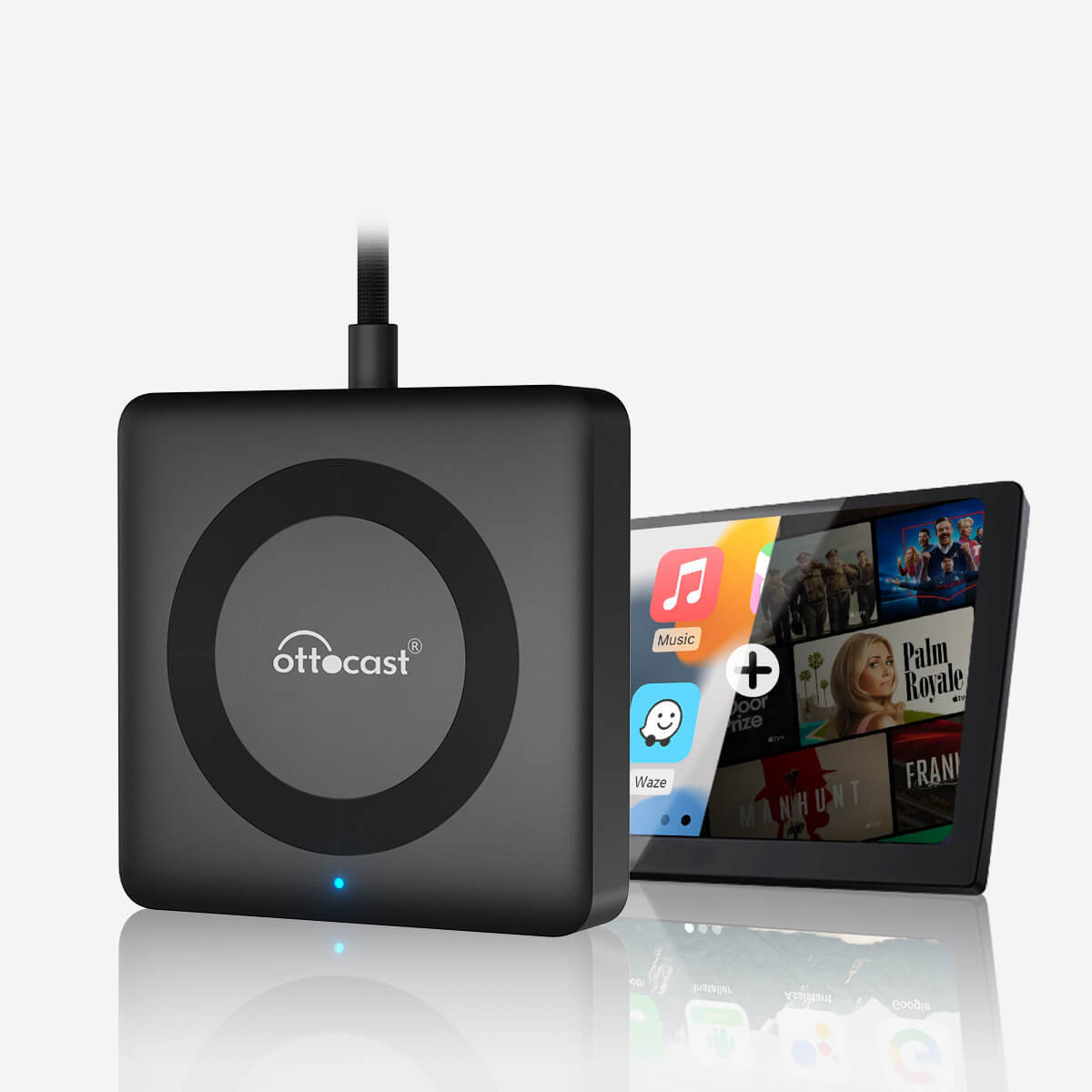
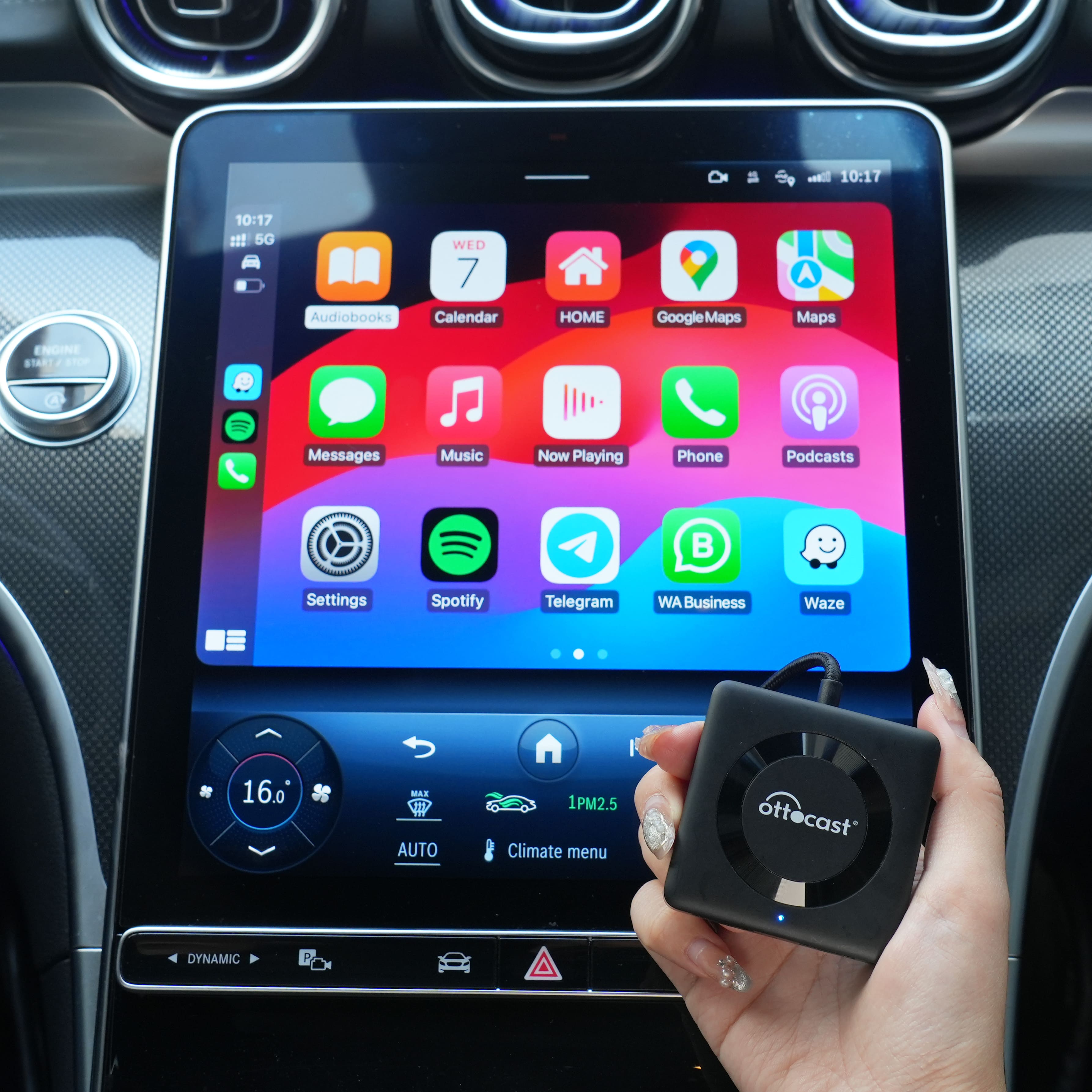
The Car TV Mate Max upgrades your car with wireless CarPlay & Android Auto, HDMI™ support, and wired phone projection for seamless entertainment.
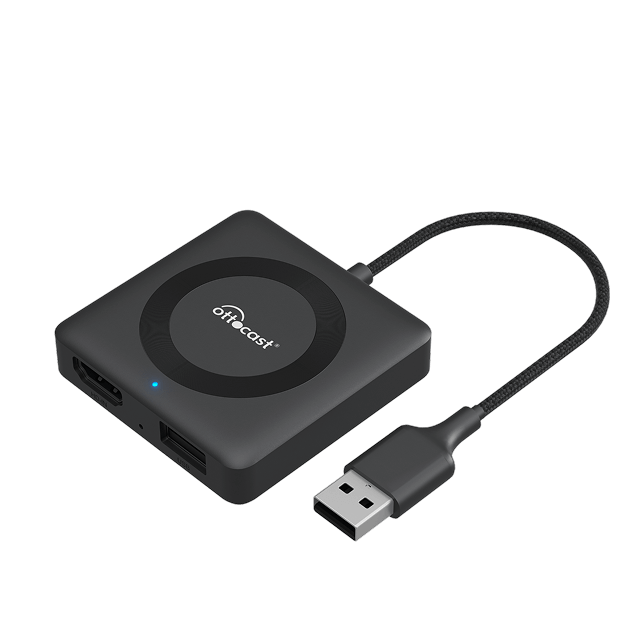

HDMI™ Input

Wireless CarPlay + Wireless Android Auto

Auto Reconnection

FOTA Upgrades

SimpleInstallation
Why Choose Mate Max?
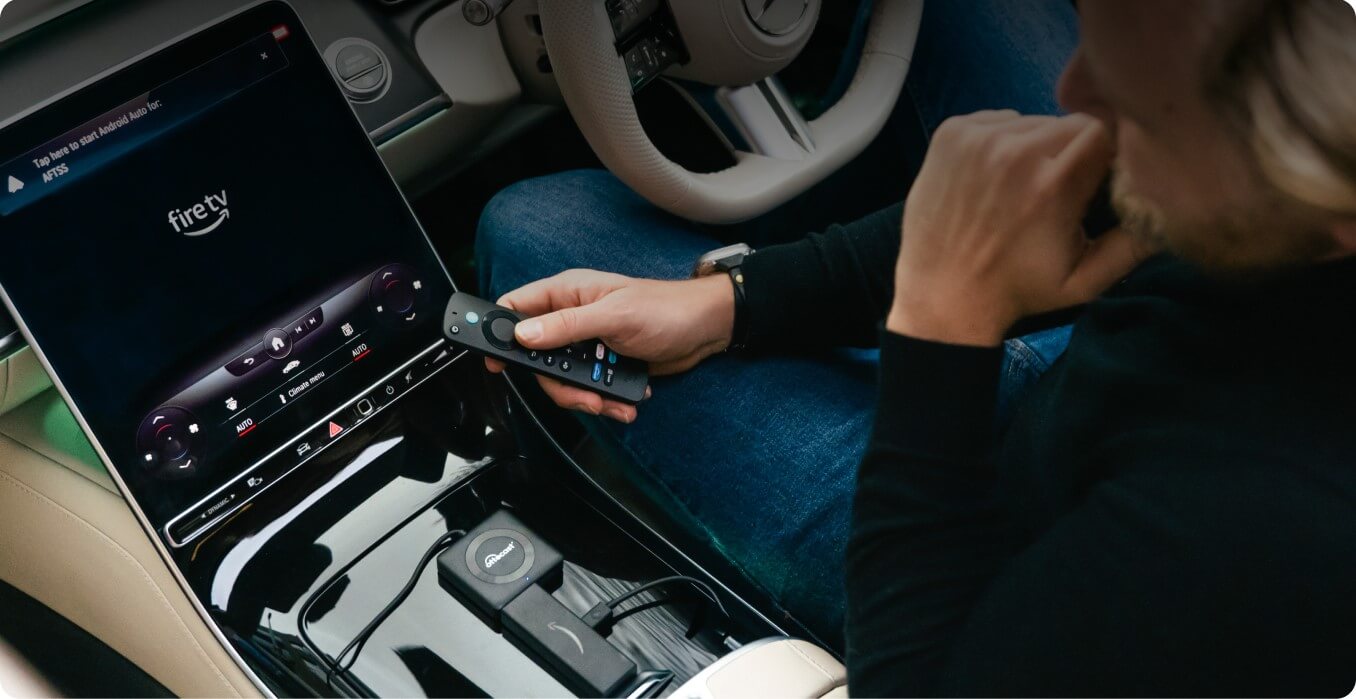
HDMI™ & Wired Projection
Transform your car into a mobile entertainment hub—watch movies, play games, or mirror presentations.
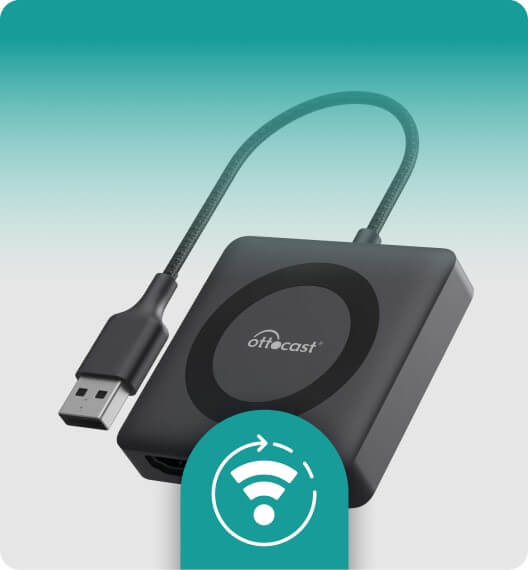
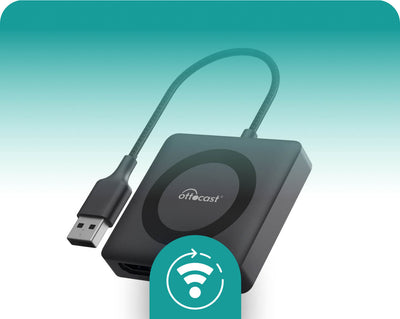
Fast Auto Reconnection
The device remembers your last paired phone and connects instantly when you start your car.
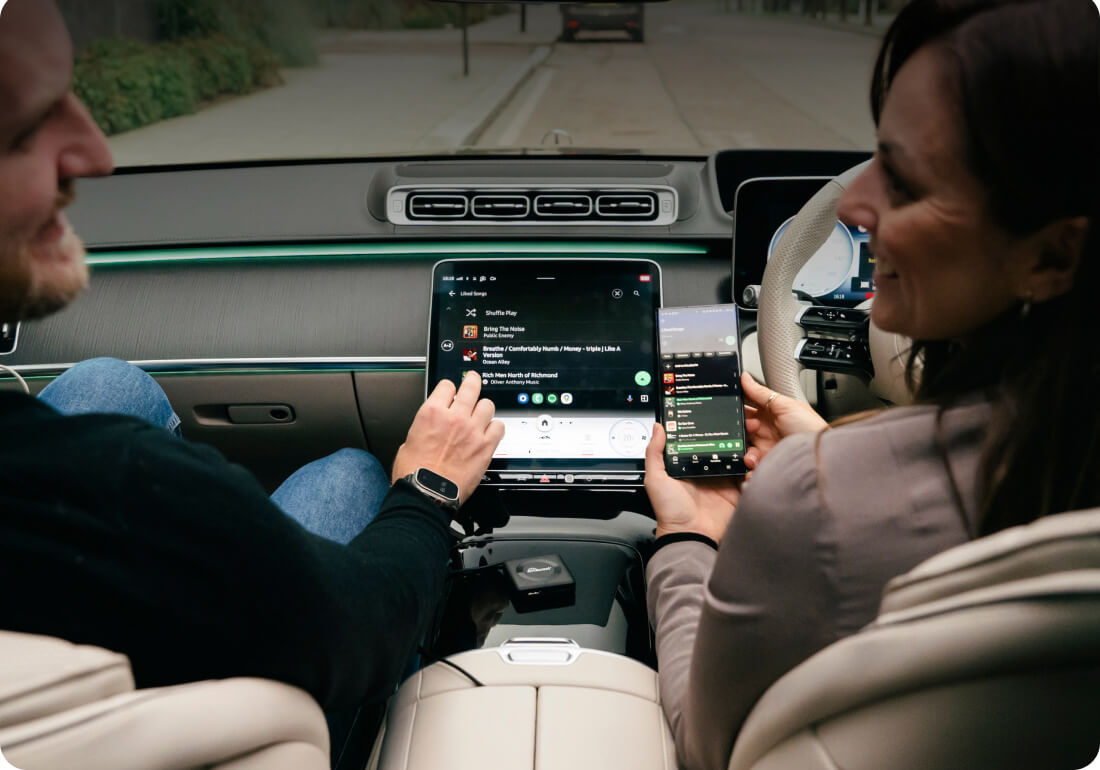
Instant Wireless Upgrade
Convert your wired CarPlay/Android Auto to wireless in seconds.

Firmware Updates Over-the-Air (FOTA)
Regular software updates delivered wirelessly via the OttoPilot App, no need for manual downloads or installations.
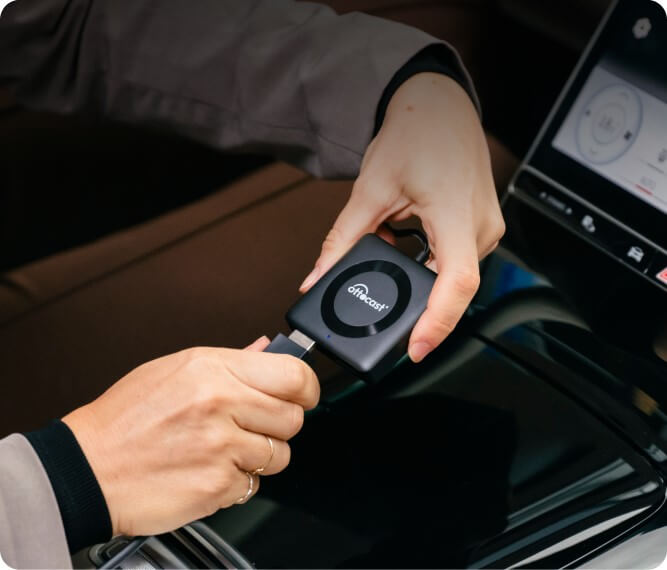
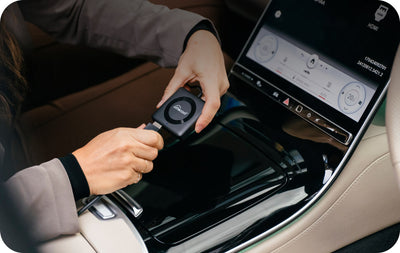
Simple Plug-and-Play Installation
No apps, no complicated setup—just plug in and enjoy.

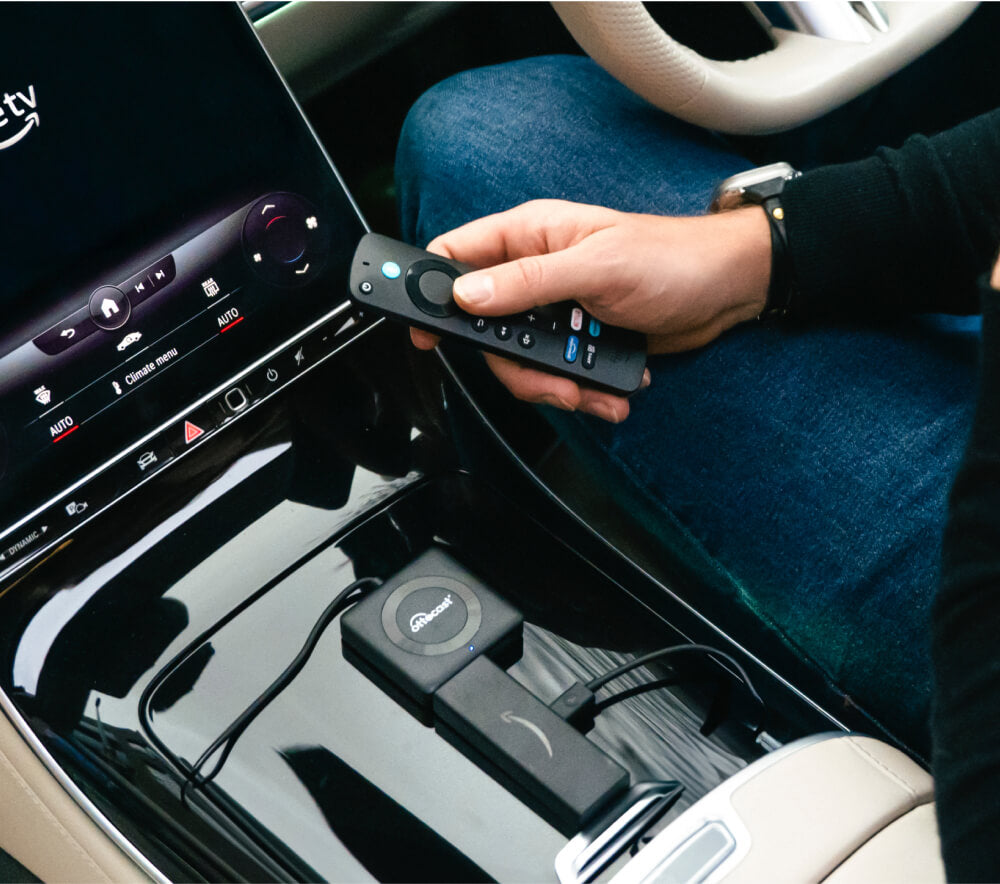
HDMI™ & Wired Projection
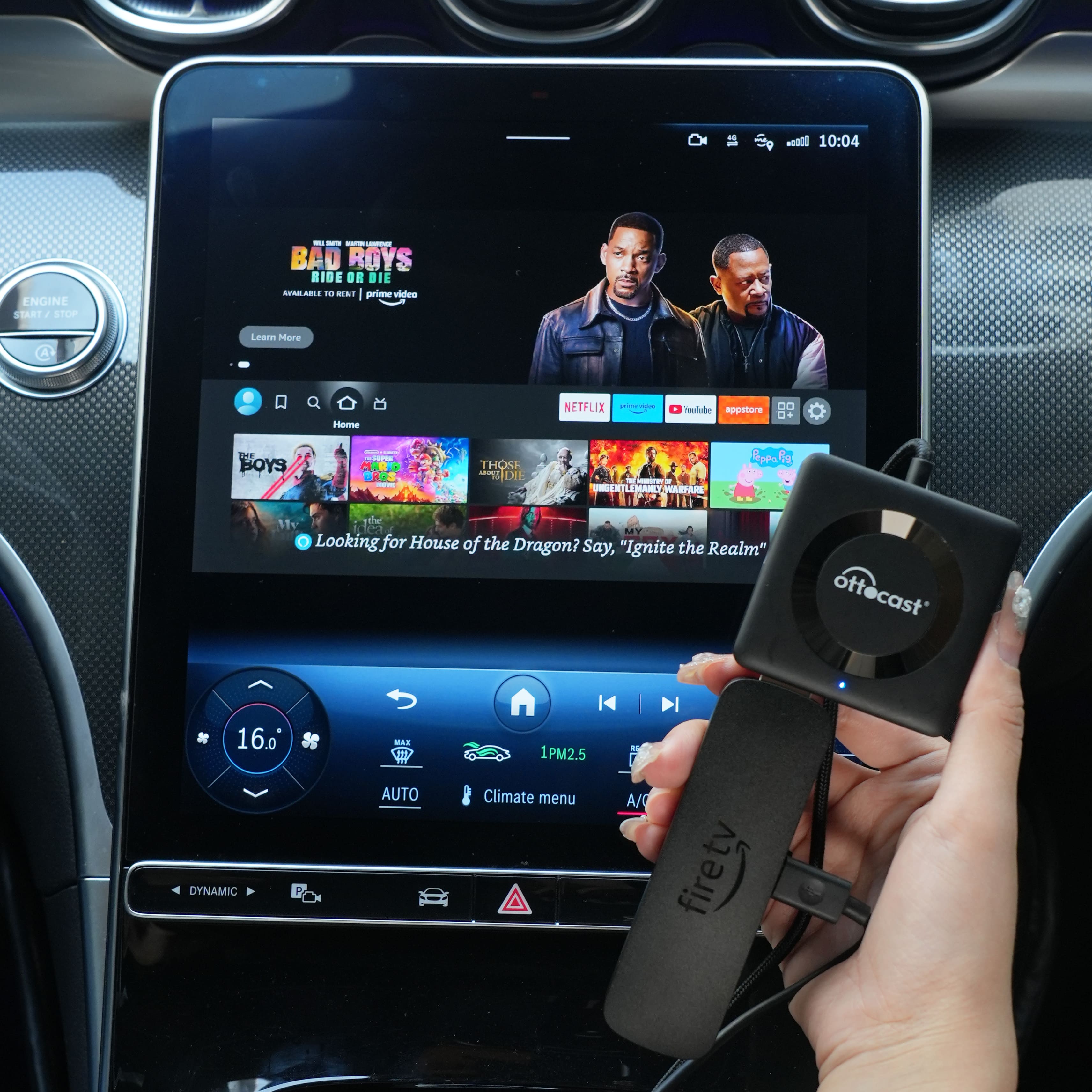
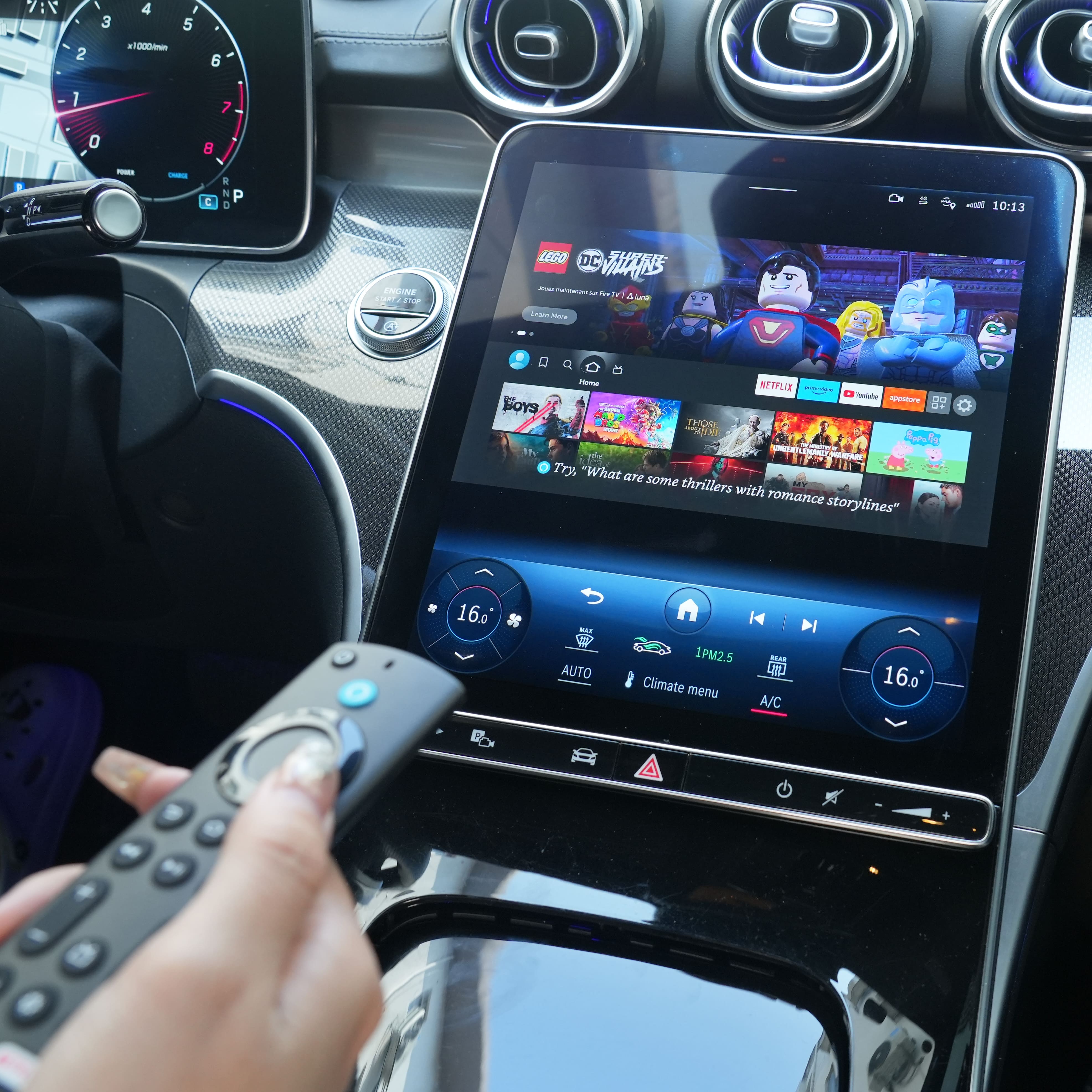
Standard car systems have limited entertainment options. HDMI™ support lets you connect gaming consoles, streaming sticks, and more.
Never miss a beat, even on the road. Connect your TV Sticks or Gaming Consoles whenever, wherever.
Easily integrate your mobile apps with your ride via a wired connection. To use this feature, a Type-C to HDMI™ adapter cable is required. Buy it here: Type-C to HDMI™ Cable
Keep things lively especially on long trips.



Firmware Updates Over-the-Air (FOTA)
Simple over-the-air updates let you install the latest system version with just a few taps.
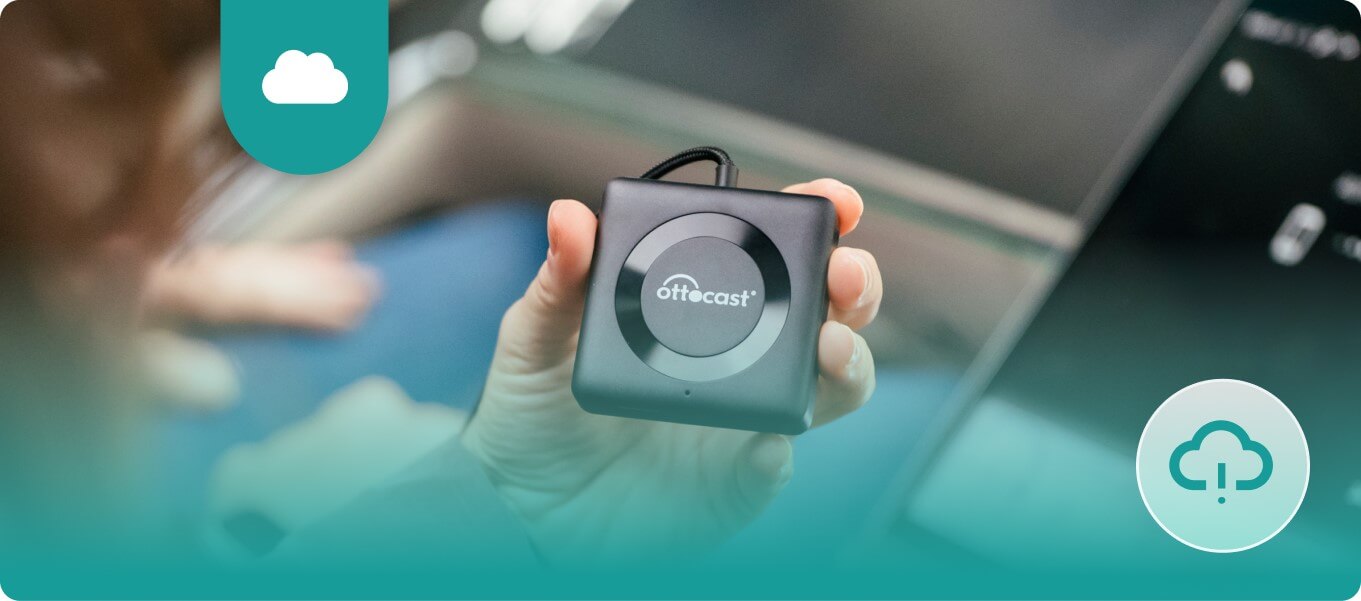
- Enables automatic software updates delivered wirelessly via the OttoPilot App.
- Ensures that the system stays up to date with the latest features.
- Eliminates the need for manual firmware updates.
- Gives access to a dedicated 24/7 tech support team.
Simple, Plug-and-Play Installation
Plug into the car’s USB port and start using instantly, no special tools or apps required, works with CarPlay and Android Auto out of the box.
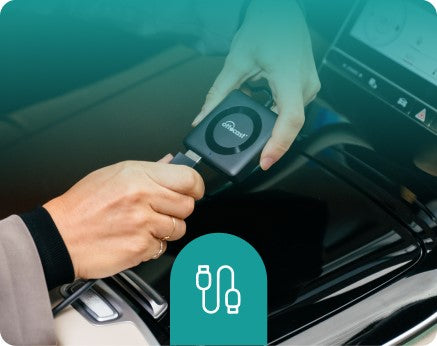
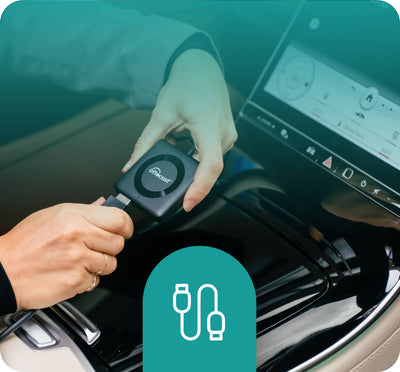
Plug into USB port
Car screen displays wireless connection


CarPlay/Android Auto starts instantly.
Compare
Compare our most popular products below.
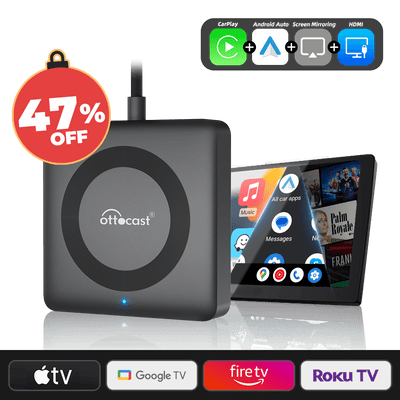 ✨Special Promotions Save 47%✨Car TV Pro
7,300 ISK
Buy Now
✨Special Promotions Save 47%✨Car TV Pro
7,300 ISK
Buy Now
|
 Standard CarPlay
|
 Other AI Boxes
|
|
|---|---|---|---|
| Wireless Connectivity |
|
|
|
| HDMI™ Device Support |
|
|
|
| Wired Phone Screen Projection |
|
|
|
| Auto-Reconnection |
|
|
Inconsistent
|
| Firmware Updates |
(Over the Air)
|
Manual Updates
|
Rarely Updated
|
| Plug-and-Play |
|
Requires Setup
|
|
FAQ
Is this Ottocast product compatible with my car?
Most Ottocast products are designed for vehicles (typically 2016 or newer) with Factory Wired Apple CarPlay and/or Factory Wired Android Auto. This product is a wired-to-wireless adapter and must be plugged into a USB data port (not a charge-only port).
Quick check: plug your phone in—if CarPlay/Android Auto pops up, it’s supported. Video: 👉 Watch video
How can I check compatibility on your website?
On the product page, click “Check If Your Car Has Wired CarPlay” (under “Add to Cart”), then select your make / model / year to see the result.
Are there any discount codes, coupons, or vouchers for Ottocast products?
Yes. New customers may receive a welcome offer when subscribing to Ottocast emails, and we run limited-time promotions throughout the year.
For the latest active codes, subscribe at the bottom of the page and we’ll send updates.
If I’ve paired two phones, which one will it connect to next time?
If multiple paired phones are nearby, Ottocast will usually reconnect to the last used phone.
To switch devices, disconnect CarPlay on the current phone (or turn off its Bluetooth/Wi-Fi), then connect with the other phone.
Some models also support one-tap switching or manual device selection.
Can I move it between two cars?
Yes. Just unplug it and use it in another compatible vehicle. In the new car, you may need to re-pair your phone or do a quick first-time setup.
What devices can I use with this product?
- Phones: iPhone supports Wireless CarPlay; Android phones support Wireless Android Auto.
- HDMI devices: Connect any device with HDMI output (e.g., a TV stick or streaming box) to display and play content.
Note: Performance may vary by vehicle, phone, and connected device.
Does the box include an HDMI cable?
No. A phone HDMI mirroring cable is not included. If you want to mirror your phone via HDMI, please use your own cable or purchase the correct adapter/cable separately.
What do I need to use the HDMI feature on Car TV Mate Max?
You need an HDMI source device and an HDMI cable. Connect the source device’s HDMI OUT (e.g., TV stick/streaming box/game console) to Car TV Mate Max HDMI IN.
If there’s no cable or no active HDMI signal, HDMI won’t display and may return to the home screen.
Note: Car TV Mate Max has HDMI IN only (no HDMI OUT).
What’s the key difference between Car TV Mate Max and Car TV Mate Pro?
Car TV Mate Max adds Wireless Android Auto support for a more “get in and go” experience. Car TV Mate Pro focuses on the basic connection and media use case.
How do I mirror my phone on Car TV Mate Max?
Use HDMI mirroring. Connect your phone to Car TV Mate Max HDMI IN (up to 2K) with the correct adapter/cable.
- Cable not included.
- Phone requirement: your phone must support DP (DisplayPort) output (Click to check).
- Android: DP supported + USB-C to HDMI cable (recommended: our Type-C to HDMI cable).
- iPhone: use an official Apple Lightning/USB-C to HDMI adapter/cable.(for example, iPhone 15 and newer use USB-C; earlier models use Lightning).
You may also like