Have you ever felt the fear of missing out (FOMO) with your older car? You’re driving something that is, at least according to every mechanical standard, a real masterpiece. The engine hums so nicely, the transmission is smooth, and you’ve finished the last payment for it years ago.
And yet, while the rest of the world is navigating using a massive, high-definition display, you’re still rocking a vintage, button-heavy radio that looks like it belongs in a museum.
Modern cars have essentially become smart computers on wheels with massive infotainment screens, and older vehicles feel ancient by comparison.
Now, if you think that the solution to this is to drop a $50,000 down payment on a new Tesla or fork over $1,500 for a professional dashboard overhaul, you’re wrong. You don’t need a complex car stereo system touch screen installation to get a premium experience.
In 2026, the cheapest way to add a touch screen to your car is to install a portable Apple CarPlay screen. In 2026, this is the undisputed champ of cheap car tech upgrades, allowing you to update your ride without emptying your wallet.
The Evolution of the Car Dashboard
 In-car technology has seen a rapid climb. Analog simplicity is out of the window, and we now have digital complexity. For decades, the gold standard for the dashboard was the FM/AM radio, eventually giving way to cassette decks and then the high-fidelity era of CD players.
But the screen era changed everything. People now want much more than just hearing music and seeing driving information.
In the beginning, drivers turned to their smartphones to fill the gap, using suction-cup phone mounts to help with GPS navigation. However, relying on small phone mounts has become a major safety hazard. They distract drivers and add clutter.
That’s why Apple CarPlay and Android Auto have now established themselves as the absolute best standard when it comes to driving interfaces.
These platforms give you a simplified version of your phone’s most essential apps, but they do require a high-quality car screen to work correctly.
Why You Need a Touchscreen in 2026
 Let’s assume you are still riding in a car with a 2010-era single-DIN touch screen or a basic button radio. This year, you should upgrade for reasons that go far beyond aesthetics.
Safety and legality are now at the forefront. New regulations on hands-free phone use while driving are stricter than ever. A dedicated touch screen radio for a car lets you keep your hands on the wheel and your eyes on the road with voice commands and large, easy-to-tap icons.
Visual navigation is another game-changer. When you’re navigating complex city intersections, a 10-inch or 11-inch touch screen car stereo is much, much better than a 6-inch phone screen. It provides the spatial awareness you need to make quick, safe decisions.
The way we use our cars is also changing. Our cars are now a place for entertainment during breaks, while waiting for the kids after soccer practice, or during those long EV charging sessions.
All in all, having a high-quality display transforms your car from a simple transport pod into a mobile hub for streaming and communication.
Cost Analysis: Head Unit Replacement vs. Portable Screens
 When you think about the cheapest way to add a touch screen to your car, you’ll probably make the mistake of looking only at the sticker price of an aftermarket head unit. You might find a generic double-DIN touch screen on a discount site for $85, but that is rarely the final price.
Option A: The Traditional Head Unit Replacement ($$$)
Traditional touch-screen car decks involve a hidden complexity tax. To install one, you typically need a specific dash kit ($20–$50), a wiring harness adapter ($15–$30), and often an antenna adapter.
If your car has steering wheel controls, that’s another $50 for a specialized interface module. And, if you are not comfortable tearing apart your dashboard and soldering wires, the professional installation in 2026 averages between $150 and $250. Suddenly, your $85 bargain turned into a $400 weekend project that risks damaging your car’s interior clips and plastics.
At the high end of the spectrum, we have high-end units from brands like Pioneer and Alpine that can cost anywhere from $600 to $1,500. These offer a ton of features, but they are permanent fixtures. If you sell the car, that investment stays with the vehicle.
Option B: The Portable Screen Revolution ($)
This is where the portable Apple CarPlay screen wins the cost-benefit battle. A premium device like the Ottocast ScreenFlow costs a whole lot less than a professional dashboard overhaul (usually under $200) and requires exactly zero dollars in installation fees.
There are no extra wires to buy and no labor costs. It is a one-and-done purchase that provides the same 10-inch or 11-inch high-definition experience as a $50,000 luxury car infotainment system, and it won’t set you back a fortune.
Verdict: Option B is not just cheaper, but smarter for older vehicles or leased cars.
Technical Deep Dive: What Separates Cheap from Value?
 If you buy the cheapest possible option, you’ll likely end up with a bad plastic screen that is impossible to see in direct sunlight. Plus, it will feel laggy. Instead, look for this:
1. IPS Panels vs. Standard LCD
Sunlight hits the dashboard from every angle in a car, and traditional LCD screens wash out. HQ portable displays (like the Ottocast ScreenFlow) use IPS (In-Plane Switching) technology. They offer 178-degree viewing angles and high brightness, often reaching 850 to 1000 nits.
2. The 60FPS Fluidity Standard
Many cheap touch screen car stereos run at a low frame rate, causing the map to stutter as you drive. You need 60 FPS (Frames Per Second). This refresh rate makes the interface feel as responsive as a modern iPhone. When you swipe across the screen or zoom into a map, the motion will be fluid and instantaneous.
3. Versatile Audio Routing
A good screen should offer at least three ways to get sound to your car’s speakers. Either a built-in FM transmitter, which is best for older cars with no modern inputs, or an AUX Output, which is a good wired solution for crystal-clear sound, or dual Bluetooth, which is the modern standard, where the screen acts as the interface, and your phone sends audio directly to the car’s original Bluetooth system.
Spotlight: The Ottocast Solution – ScreenFlow 11.4"
 Your search for the cheapest way to add a touch screen to your car has come to an end. Ottocast has established itself as the premium budget-friendly leader in the market.
The ScreenFlow 11.4" offers a massive display that is actually larger than the factory screens found in many modern luxury vehicles. It is designed for ultimate versatility, functioning perfectly in cars, trucks, RVs, and even boats.
Apart from its size, it packs high-end features, including wireless Apple CarPlay and Android Auto, as well as a split-screen mode that lets you view navigation and music controls simultaneously.
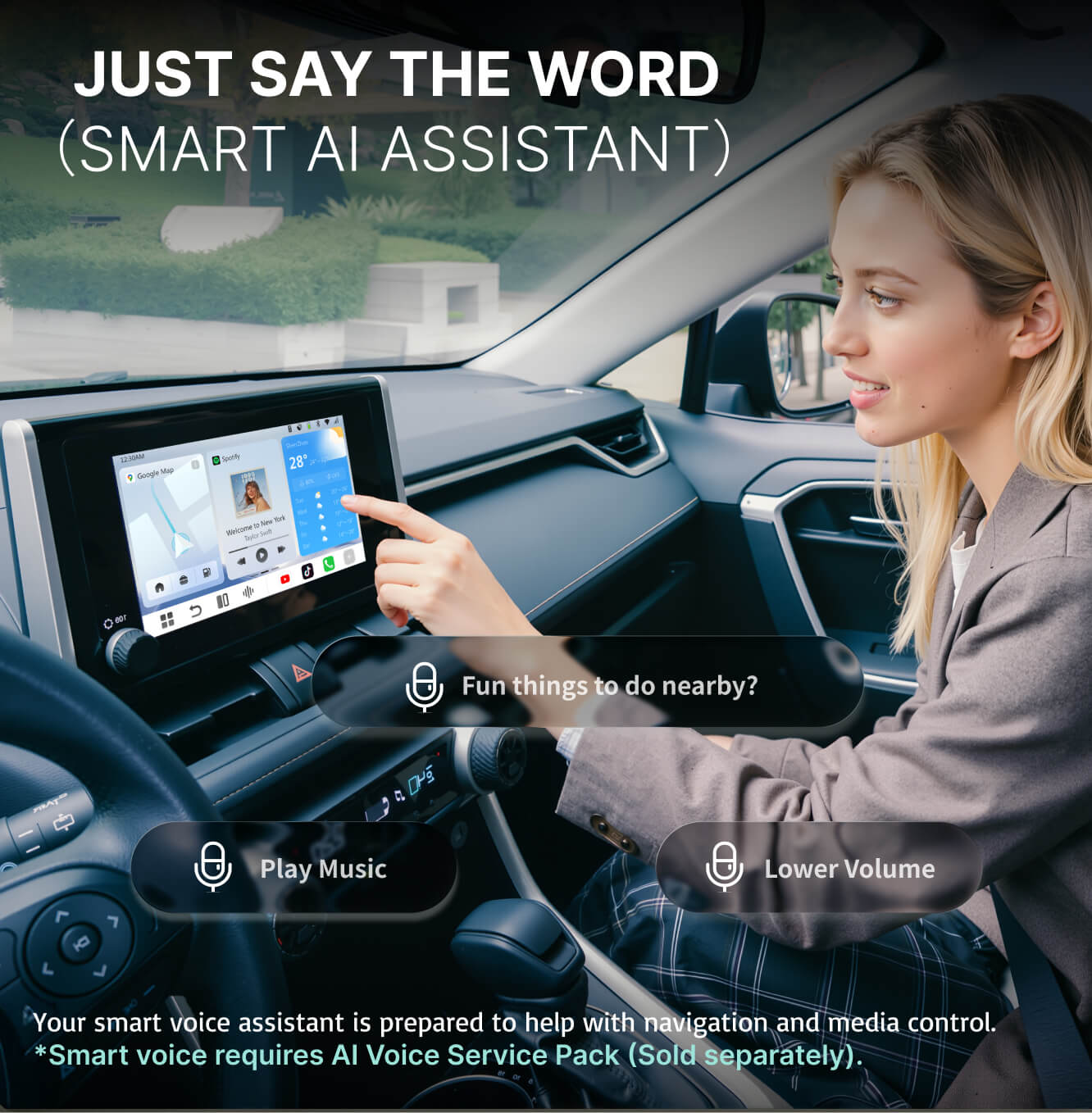
It even comes with built-in streaming apps like Netflix for entertainment when you are parked. It also comes with OttoScreen AI, providing a built-in AI assistant for seamless voice-controlled technology.
The 3-Minute Installation And Cable Management Guide
This portable Apple CarPlay screen offers Plug & Go simplicity. You don’t need to be a mechanic to modernize your dashboard. Just follow these steps.
Step 1
Mount the screen using either the dashboard adhesive base or the windshield suction mount.
Step 2
Plug the power cable into your vehicle’s 12V cigarette lighter socket.
Step 3
Pair your phone using Bluetooth to enjoy wireless CarPlay or Android Auto immediately.
Pro Tip: If you want to keep your interior professional, use small adhesive dash clips to tuck the power cable along the seams of your center console. This keeps wires out of sight and prevents them from interfering with your gear shifter or climate controls.
Who is This Upgrade For? (User Personas) (150 Words)
The cheapest way to add a touch screen to your car appeals to different types of drivers.
If you’re a student driving a reliable 2010 Corolla to campus, this screen offers a modern interface for safety and music without the high cost.
For Uber, Lyft, or DoorDash professionals, an 11.4-inch map makes navigation effortless and allows for easier, safer communication with clients.
Enthusiasts can also add this state-of-the-art tech to a vintage vehicle pretty quickly.
Also, these screens are portable, and you can pack them in your luggage and install them in a rental car in seconds.
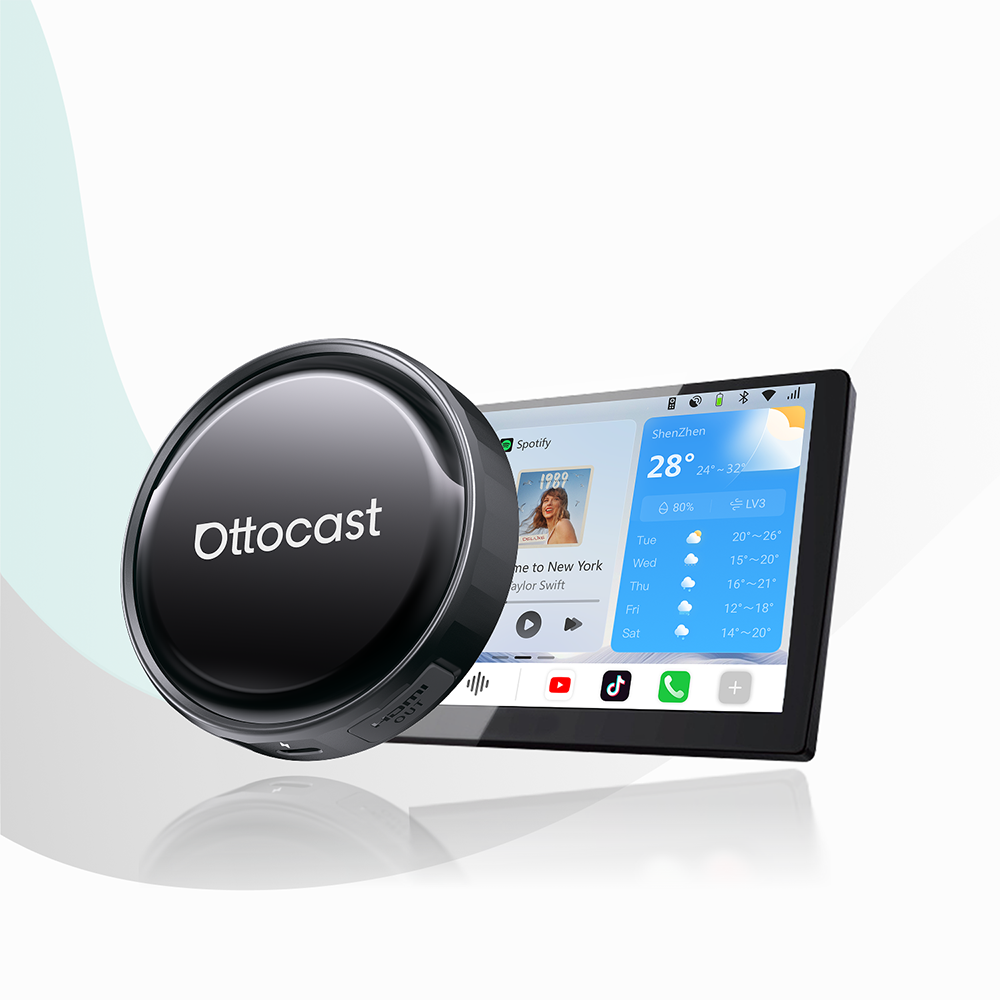
On a different note, if you have a car with a screen but no CarPlay, you can try the Ottocast Mini Cube 3.0.
FAQ & Troubleshooting
Will this drain my car battery?
No. Most portable screens are powered by the 12V cigarette lighter. In most vehicles, this port receives power only when the ignition is on, so the device will shut down automatically when you park.
Can I use my car’s original Bluetooth speakers?
Absolutely. Modern units like the ScreenFlow support Dual Bluetooth. Your phone will handle the visual interface on the screen while simultaneously routing high-quality audio directly to your car’s existing Bluetooth system.
Is it legal to have a screen on my dashboard?
Yes, provided it does not obstruct your primary field of vision. Mount the device low on the dashboard or in a corner of the windshield to ensure safety and compliance with local laws.
Does it work with older phones?
Yes. As long as your iPhone or Android device supports CarPlay or Android Auto (standard on almost all phones from the last several years), it will pair with the display.
Conclusion
So, for under $200, a portable screen offers the best ROI for your car, with improved safety, higher resale value, and a vastly superior driving experience. By choosing a high-quality IPS display like the Ottocast ScreenFlow, you get a premium, lag-free interface that will modernize your older car.
For more information about CarPlay and Android Auto, stick with Ottocast, or check out other products like the Rear-View Camera Kit.
Featured Products