

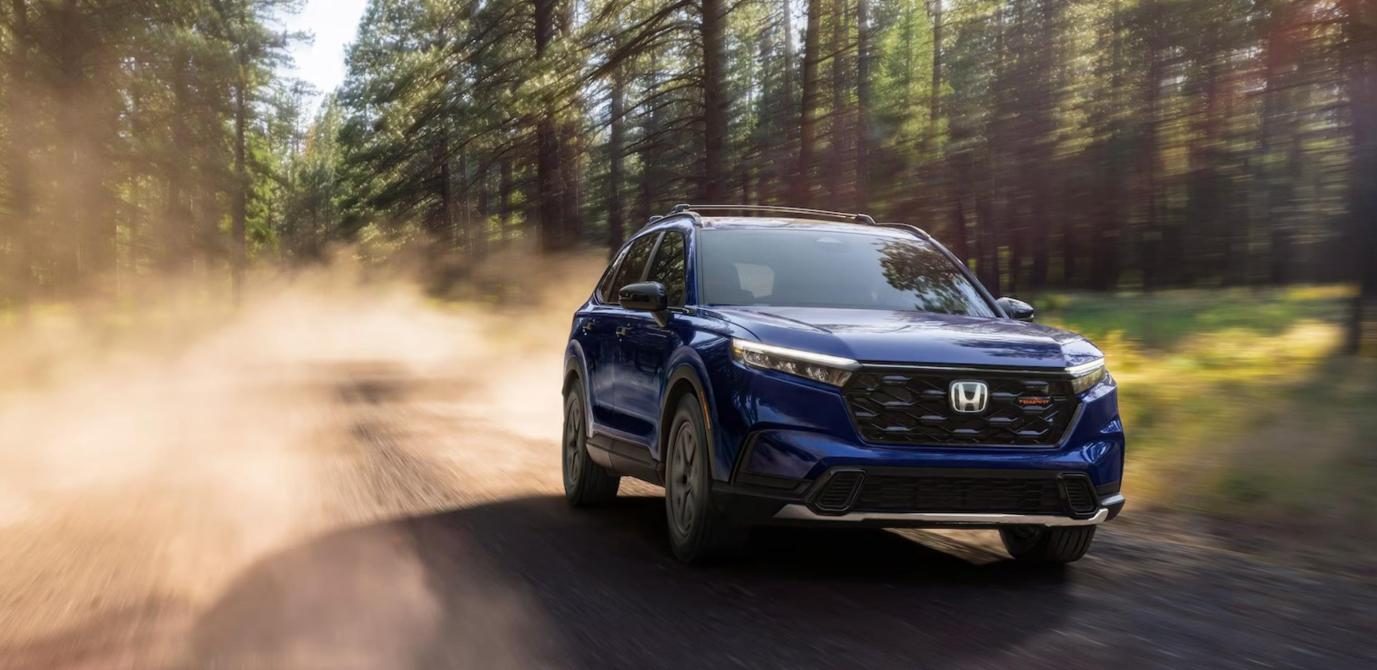

Did you know that the Honda CR-V has been one of North America’s best-selling compact SUVs for some time? Drivers love the car’s rock-solid reliability, exceptional passenger comfort, class-leading interior space, and the fact that it looks damn cool.
Daily school runs? It has your back! Cross-country road trips? It can take it. The CR-V was (and still is) very famous because of the excellent balance between practical utility and accessible driving dynamics.
But the world is moving too fast. Today, in our modern driving landscape, all this mechanical dependability is only half the equation. You also need easy (frankly, effortless) smartphone integration. This is what gives you the best CR-V driving experience.
Today, amazing legroom and excellent fuel efficiency just won’t cut it. You need instant navigation, simple hands-free calls, and easy access to media streaming all from the dashboard.
Keep in mind, though, that your integration options depend heavily on your car’s model year. Models released between 2023 and 2025 split connectivity features across trims, while the 2026 lineup introduces standard factory wireless across the board.
This is where Ottocast comes to the rescue, but more on that later. Let’s start with some specifics.
Performance, Interior Comfort, and Dashboard Tech

So, when you hop on the road, the current-generation Honda CR-V delivers a solid and predictable drive. It has a well-insulated cabin that minimizes road and engine noise. The seating room is through the roof (pun intended), and you get so much rear legroom and versatile cargo room that you can pack everything you might need on a vacation.
Also, ergonomically speaking, the dashboard is clean and completely driver-centric. The primary infotainment and climate controls are within easy reach.
At the center of the CR-V's cabin technology is the Honda infotainment system system, which varies by model year.
- 2023 to 2025 models like the Base LX and EX feature a 7-inch touchscreen with wired-only smartphone integration, while EX-L and Sport Touring options step up to a 9-inch HD display with factory wireless support.
- For 2026 models, Honda made the 9-inch HD touchscreen and wireless Apple CarPlay/Android Auto standard across the board, including the base LX.
Let’s learn a bit more about them, shall we?
- 7-inch infotainment touchscreen serves as a functional, straightforward unit that’s equipped with all the essential digital connectivity you’ll ever need. Responsive touch inputs, clean menu layouts, dedicated physical volume knob alongside tactile tuning controls… You name it!
- 9-inch infotainment touchscreen, naturally, offers noticeably sharper graphics, faster menu switching, customizable shortcuts, and a more modern physical volume knob. This means more intuitive control while driving.
But basically, both system setups integrate very well with physical steering-wheel controls. You can adjust audio levels, skip tracks, activate voice commands, and more, without a hitch, or better, without taking your eyes off the road.
Cabin connectivity is also well-rounded across the lineup.
Base models have standard USB-A and USB-C ports for media interface and device charging. Upgraded versions have high-output rear USB ports, enhanced multi-speaker audio systems, and a Qi-compatible wireless smartphone charging pad.
Here’s everything in a nice table.
| Model Year & Trim | Screen Size | Factory CarPlay | Upgrade Target |
|---|---|---|---|
| 2023–2025 (LX, EX) | 7-inch touchscreen | Wired-only | Wireless Adapter (U2AIR Pro / Mini) |
| 2023–2025 (EX-L, Sport Touring) | 9-inch HD display | Factory Wireless | P3 Pro only if factory wired CarPlay or wired Android Auto is also supported |
| 2026 (All Trims) | 9-inch HD display | Factory Wireless | P3 Pro only if factory wired CarPlay or wired Android Auto is also supported |
Honda CR-V Apple CarPlay Integration: Wired vs. Wireless

The first thing you need to understand here is how smartphone integration works across different levels. This is important for both potential buyers and current owners.
So, if you drive a 2023 to 2025 base or mid-tier CR-V (LX, EX), your car has a wired-only setup. Plugging in a cable every time you step into the cabin quickly becomes a nagging inconvenience. All that center-console cord clutter disrupts an otherwise clean dashboard layout. And the constant plugging and unplugging wears down smartphone charging ports and USB outlets over time.
There's more. Physical cables often loosen during driving, and this triggers unexpected disconnects right when you need your GPS the most. For these drivers, adding a wireless adapter is the ultimate quality-of-life upgrade.
For 2026 CR-V owners, factory wireless CarPlay comes built in. If you want additional multimedia features for parked use or road trips, an AI Box may be an option, but compatibility should be confirmed first. Devices such as the P3 Pro require factory wired CarPlay or wired Android Auto support.
A word of caution is that, before you decide on an aftermarket upgrade, make sure to check your Honda CR-V’s compatibility.
Troubleshooting Honda CR-V Wireless CarPlay Issues
If your head unit clearly shows that media is playing but you hear no audio coming through the speakers, you can try these steps:
- Verify that your iPhone's output is routed to CarPlay rather than an active Bluetooth headset or secondary device.
- Check that Siri volume and media volume are turned up independently using the steering wheel controls (of course, during audio playback).
- Cycle the iPhone’s Bluetooth off and on. If that doesn’t work, you can reboot the Honda display by holding the audio power button for 5 seconds.
If you want to find out a bit more about this topic, you can always consult our comprehensive CarPlay connected but no sound troubleshooting guide.
CarPlay Won’t Connect Automatically?
What happens when your phone fails to auto-connect when you start the engine? You can try this.
- Make sure that Auto-Join is toggled ON under your iPhone’s Wi-Fi settings for the CR-V network.
- Disable Low Power Mode and disconnect active VPN profiles. Both of these can interfere with background wireless handshakes.
- Clear old devices from the car’s HandsFreeLink system memory to prevent connection timeouts.
If you are still experiencing some failures, check our top 4 options to establish a connection.
Why Does CarPlay Keep Switching Between Two Phones?
Let’s imagine that you live in a multi-driver household. Honda’s infotainment system can struggle to prioritize between two saved iPhones in the front seat. If you find yourself in this scenario, here are some solutions.
- Navigate to the car’s Bluetooth device settings to reorder phone pairing priority.
- Temporarily toggle Bluetooth off on the passenger’s device before starting the ignition.
- Assign dedicated user profiles within the HondaLink system for each driver.
And, of course, you can learn more about establishing smooth multi-driver connections by setting master Bluetooth priority in your car’s settings.
Wireless CarPlay Not Working After an iPhone Update: What to Check?
Any major iOS update will occasionally reset network permissions or security protocols. Luckily, there’s an easy fix.
- Go to Settings > General > CarPlay, select your car, and tap Forget This Car before re-pairing.
- You can also reset iPhone Network Settings to clear corrupt connection caches.
- Make sure that your infotainment software and connected hardware are up to date using dedicated firmware update software.
Upgrading Your Honda CR-V with Ottocast Solutions
The entire text was leading to this.
As you might have already understood, if you own a base or mid-tier Honda CR-V that comes with wired-only CarPlay, the good news for you is that you do not need to replace your factory touchscreen display to enjoy some well-deserved modern wireless convenience.
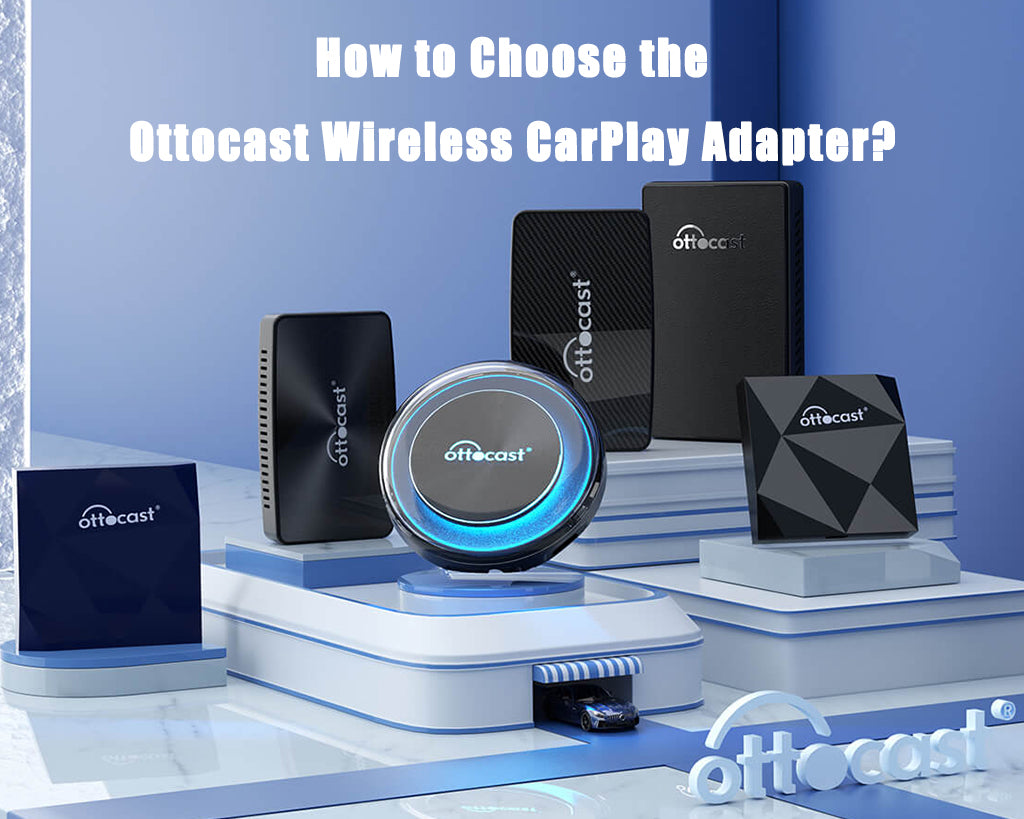
You can try some premium plug-and-play aftermarket hardware that allows you to convert your OEM setup in seconds. We tried to keep everything simple for you, so we categorized everything according to your exact connectivity needs.
| Product | Best For | CarPlay | Android Auto | Key Benefit |
|---|---|---|---|---|
| U2AIR Pro | iPhone-only drivers | Wireless | — | Stable, low-latency CarPlay connection |
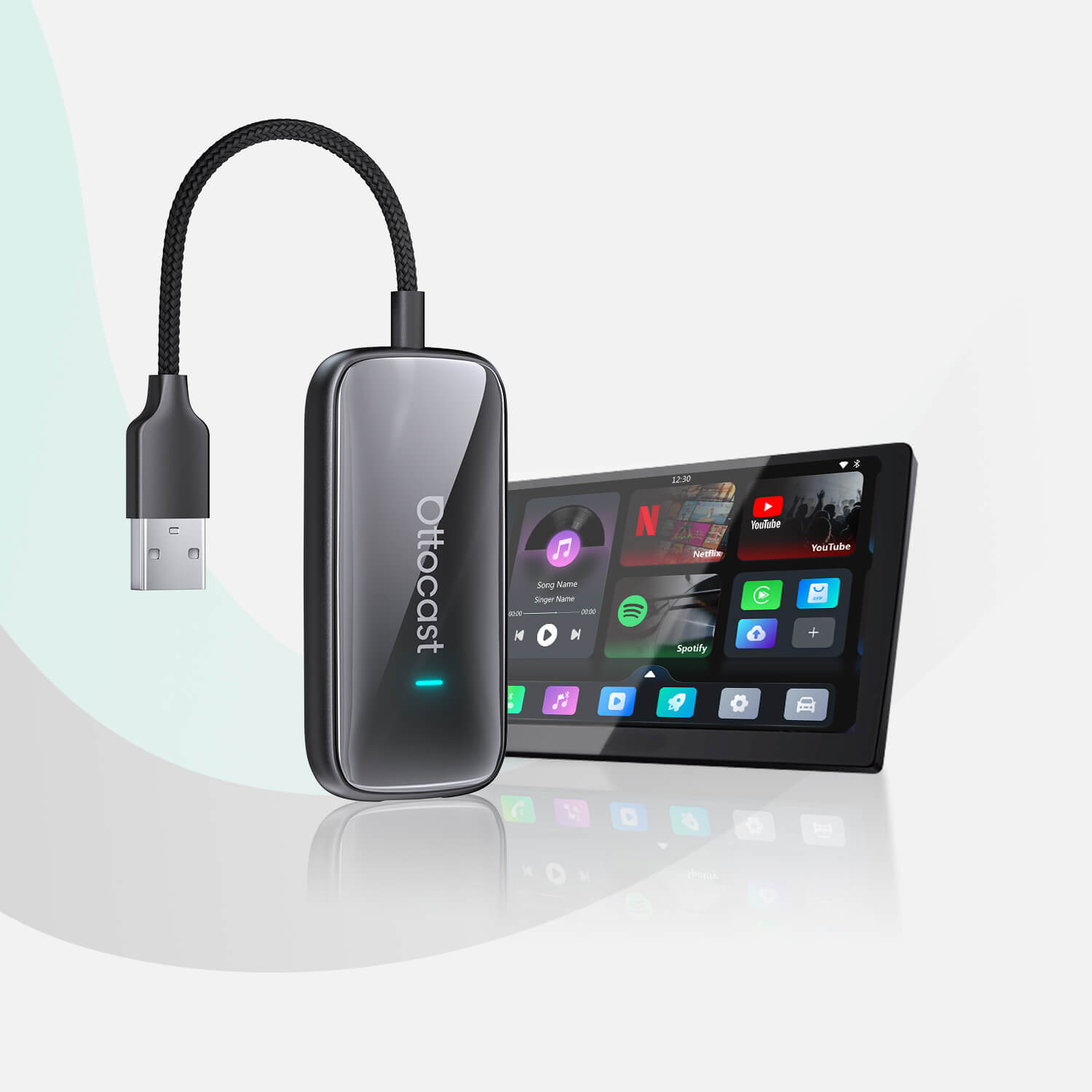
| Ottocast Mini | Multi-device households | Wireless | Wireless | Compact 2-in-1 dual OS adapter |
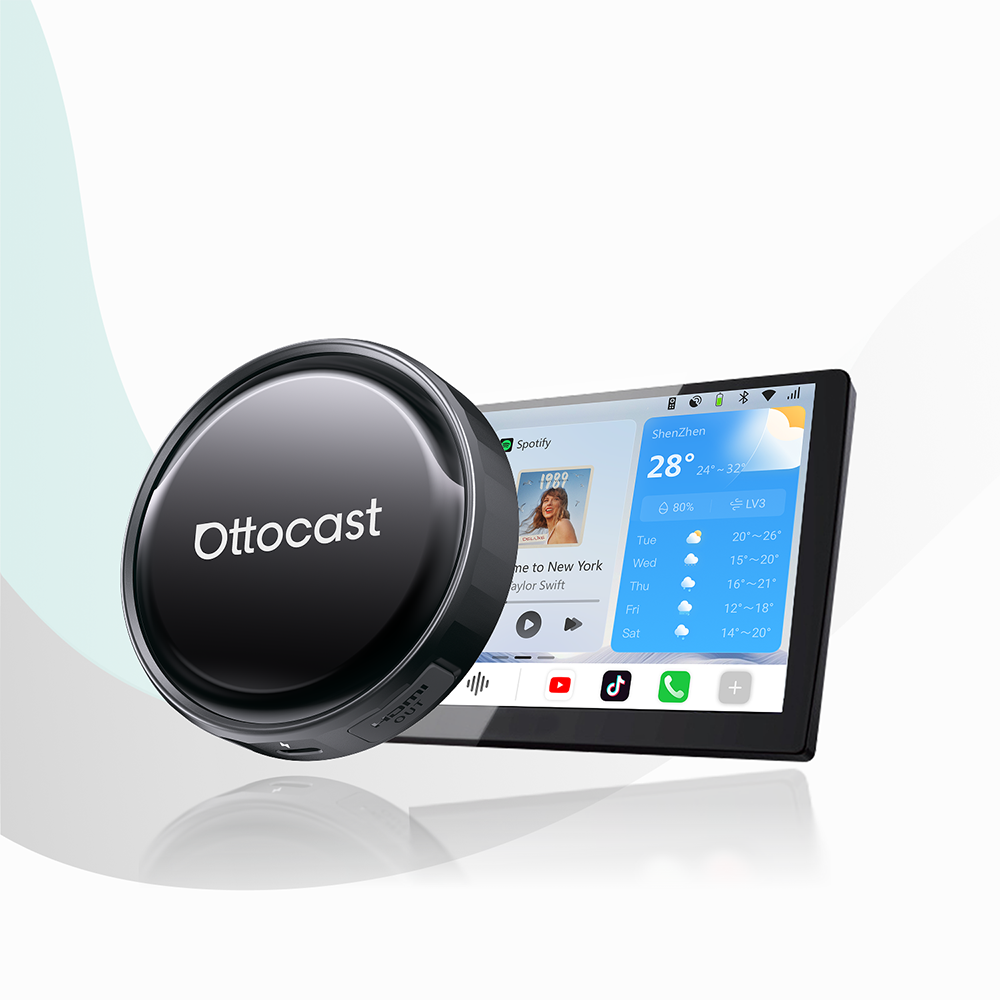
| OttoAibox P3 Pro | Parked media & road trips | Wireless | Wireless | Full Android OS with video app streaming |
Do You Want Wireless CarPlay?
Are you someone who has a clear goal of eliminating charging cables and enjoying an instant, automatic smartphone connection whenever you start the engine? If the answer is yes, you should check out the two Ottocast products presented below.
This product is built specifically for you if you want to convert to wireless as seamlessly as possible. This adapter uses 5GHz Wi-Fi transmission to convert factory wired CarPlay into a fast, reliable wireless connection. This delivers low-latency wireless performance and a highly responsive connection for daily driving.
Here, we have an ultra-compact, low-profile alternative that’s designed to sit discreetly in your CR-V’s center console. It is a versatile 2-in-1 adapter, and as such, it supports both Wireless CarPlay and Wireless Android Auto. All this makes it the ideal pick for multi-driver households with different smartphones.
This product delivers auto-pairing performance without taking up virtually any storage space.
Do You Want a Little More Than Wireless CarPlay?
Now, if you are someone who wants to upgrade your cabin screen into a full multimedia interface for parking downtime or family road trips, then we have a great solution for you.
This is something different. For 2026 CR-V owners and upper 2023 to 2025 trims, the P3 Pro should only be considered if the vehicle also supports factory wired CarPlay or wired Android Auto. Factory wireless CarPlay alone does not confirm compatibility. So, here, we have an advanced AI Box system that provides wireless CarPlay and Android Auto integration while running a dedicated smart OS. This device allows you to run streaming apps like Netflix and YouTube directly on your Honda display.
Of course, do NOT watch Netflix while you’re driving. You know that! Do this when you’re parked.
Final Verdict
So, let’s wrap this up.
The Honda CR-V is still a top option when it comes to compact SUV cars. It manages to do so because it pairs class-leading passenger comfort with clean, driver-centric cabin technology.
Whether you drive a 2023 to 2025 CR-V with factory wired CarPlay or a newer CR-V with factory wireless connectivity, the right upgrade depends on your vehicle’s original CarPlay configuration. Wireless adapters are ideal for compatible wired CarPlay models, while multimedia AI Boxes such as the P3 Pro require factory wired CarPlay or wired Android Auto support.
You can get plug-and-play hardware right here at Ottocast, and you’ve already learned that it’s much easier than you expected.
All you need to do is pair clear diagnostic steps with simple adapter upgrades. That way, you can keep a clutter-free dashboard and enjoy reliable smartphone integration on every drive.
Are you ready to upgrade your driving experience?
Explore Ottocast’s lineup of wireless adapters. When you’re done with that, you can also read our Mazda CX-5 infotainment review to compare competitive crossover tech.
Featured Products