
Let’s get the quick answer out of the way. Wired connections provide reliable charging and maximum audio bitrates. Wireless systems, on the other hand, provide a cable-free experience for daily commuting.
But, it’s also important to note that modern 5GHz adapters have effectively minimized traditional wireless lag, making the cord-cutting transition easier than ever for most drivers.
Now, let’s imagine entering your vehicle and watching your favorite morning playlist resume exactly where you left off, all without you ever needing to pull your phone out of your pocket. This level of automation is why modern wireless ecosystems are so appealing.
But the reality for many drivers is a bit more complicated. Wireless connectivity is the technological dream, but many users still cling to their physical USB cables.
Well, our goal today is to break down the performance, audio fidelity, and daily convenience of both systems. We will help you decide if it is finally time to cut the cord for good. The performance gap between wired and wireless is smaller than ever before, but the best choice still depends entirely on your specific driving habits and the quality of your hardware.
The Core Mechanics: How Do They Actually Work?

If you want to truly understand which system is best for your specific needs, you first need to understand what’s going on under the hood.
- Wired CarPlay offers a straightforward plug-and-play protocol. You will use a high-speed USB-C or Lightning cable to connect your phone to the head unit, and the data transfer just happens. The connection is physical, and therefore, it is virtually immune to any outside electronic interference.
- Wireless CarPlay, on the other hand, goes through a much more sophisticated dance, if you will, between two different wireless standards. It starts with a Bluetooth handshake that’s used for initial device discovery and authentication. Once the handshake is complete, the system then hands off all the heavy lifting to a 5GHz Wi-Fi connection.
Now that you know that, you need to understand that it is a common myth today that wireless CarPlay runs entirely on Bluetooth. In reality, Bluetooth lacks the bandwidth necessary to stream high-resolution video and complex map data simultaneously. Wi-Fi is the secret sauce that enables a smooth, high-fidelity experience without a physical tether.
Using the 5GHz band, rather than the older, more crowded 2.4GHz band, is what ensures the interface is responsive even in environments with a lot of electronic interference.
The Convenience Factor: Living Life Untethered

Now, you’ve probably heard that wireless systems are growing in popularity, and it’s no secret why. They offer the sheer convenience of the automatic connection. For modern commuters, the fact that they can simply leave their phone in their pocket while the dashboard instantly pulls up maps and music is a significant quality-of-life upgrade.
It simply removes the friction of having to set up every time you hop in the car.
If you are evaluating your daily habits, you should take the short trip vs. long haul rule into consideration. Wireless connectivity clearly wins for any quick errand run, like quick stops at the grocery store or post office, where the entire ritual of plugging and unplugging a cable becomes more of a chore.
However, for cross-country road trips, some drivers still prefer the guaranteed charge of a wired connection.
Finally, we need to consider the visual element. All that cable clutter has become a major pain point for tech-forward drivers. By removing the cable spaghetti from the center console, you will make the cockpit safer by reducing tangles and maintaining that clean, professional look.
Performance Deep Dive: Stability and Latency

It’s true that, in the early days of wireless integration, the lag issue was a dealbreaker for many people. There was a noticeable delay when skipping tracks or a slight stutter in the navigation cursor. This can completely break the immersion.
However, if you stop to analyze modern performance metrics, results show that high-speed data transmission has reached a point where the human eye and ear can barely distinguish the difference between a wired and a wireless command.
Connection stability is still a topic of debate among power users. Wired connections are naturally safe from the environment, whereas wireless signals may sometimes face interference zones, or rather areas with high voltage lines or specific toll booths that can cause a temporary dip in the signal.
But manufacturers know this, and the new industry standard is all about hardware that sacrifices nothing for stability. Premium solutions like the Ottocast U2-AIR Pro have been built to easily handle these high-interference environments.
These devices utilize specialized chipsets that have almost completely eliminated any perceivable latency, making the switch from a cable to a wireless adapter feel totally seamless to the average user.
Here’s a quick breakdown:
- Wired connections provide a rock-solid, zero-latency connection.
- High-performance adapters now use advanced 5Ghz Wi-Fi protocols to eliminate the 1-2 second lag previously seen in song skipping or map scrolling, providing a responsive experience even in high-interference urban zones.
Audiophile Corner: Is There a Sound Quality Trade-off?

And now, something for those music lovers who want to hear every note and every chord change. We know that the distinction between lossless and compressed audio is still a key factor in the wired vs. wireless debate.
As we have covered, a physical wired connection offers the bandwidth necessary to support the highest bitrates possible, making it the preferred choice for avid music enjoyers or musicians who subscribe to high-fidelity services like Tidal or Apple Music Lossless. Your logic is flawless. The data just doesn’t need to be packaged for air travel, and the signal remains pure from the phone to the car’s DAC.
Wireless systems, by contrast, must navigate the realities of AAC or LPCM compression over a Wi-Fi signal. While 5GHz Wi-Fi offers a ton of bandwidth, some degree of data management is required to make sure that the stream stays stable. But the truth is that for the vast majority of drivers, the actual audible difference is completely negligible when factoring in ambient road noise, wind, and engine hums.
Apart from music, microphone clarity is also important in this section. Premium wireless protocols have evolved to ensure that Siri commands and hands-free phone calls are crisp when you hear them, though a wired link still offers the most consistent performance for professional-grade voice capture (if you are, for example, recording a podcast in your car).
The Battery Dilemma: Charging vs. Draining

And now, we’ll move to the most practical argument for staying plugged in. It can be referred to as the wired advantage of continuous power.
If you use a cable, your device is constantly receiving a charge while it works, ensuring you never arrive at your destination with a dead battery after a long navigation session.
On the other hand, the wireless drain is a genuine concern. Running GPS, streaming high-quality music, and maintaining a high-speed wireless data connection simultaneously creates a triple threat that can deplete your phone’s battery over several hours.
Luckily, we have the modern solution to this problem, and it is the hybrid approach.
Many drivers now pair a high-quality wireless CarPlay adapter with a MagSafe or Qi-compatible wireless charging pad. This setup provides the untethered convenience of a wireless interface while keeping the device topped up on power, effectively giving you the best of both worlds without that pesky data cable mess.
Converting Your Car: How to Go Wireless on a Budget

While many new vehicle models come equipped with native wireless connectivity, millions of cars currently on the road are stuck in the factory-wired era. The choice for those drivers isn’t between buying a new car or sticking with a cable. It’s about choosing the right conversion hardware.
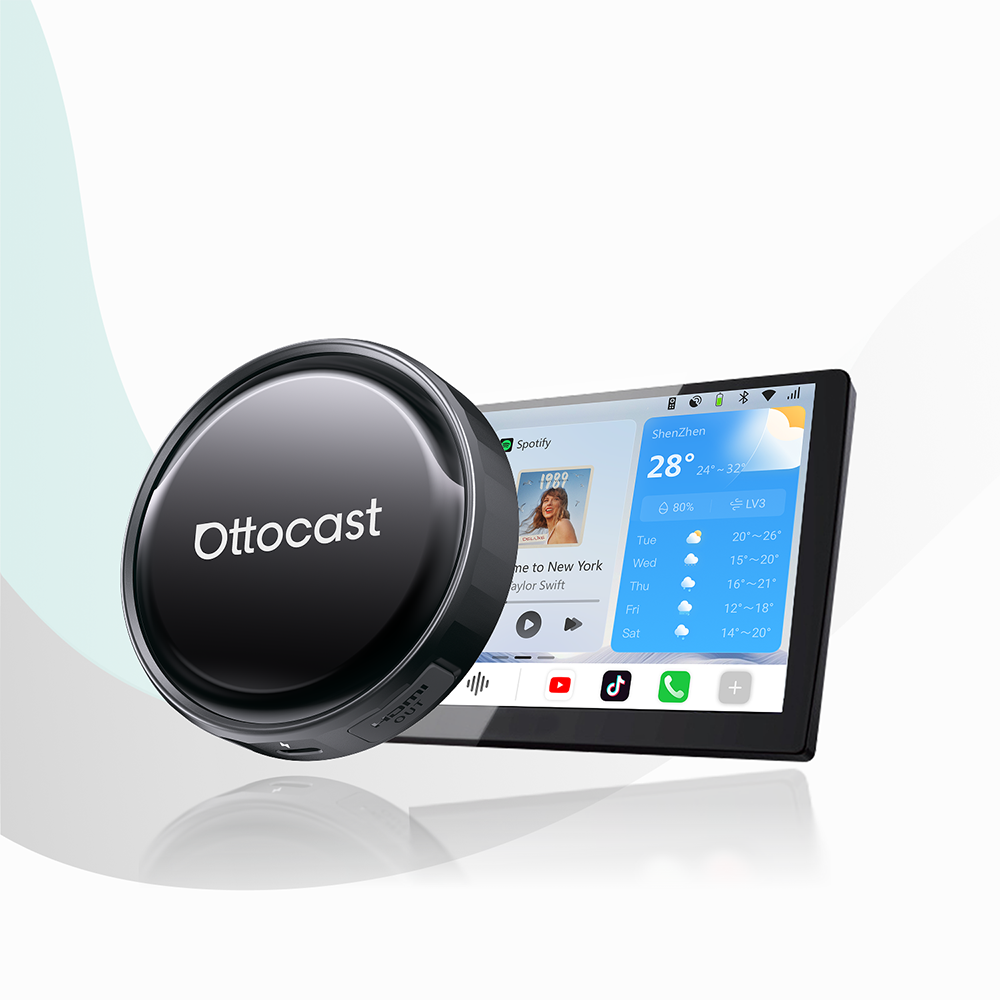
The most accessible entry point into the wireless ecosystem is through compact, budget-friendly adapters like the Ottocast Mini Cube 3.0. These devices are designed to plug directly into your car’s existing USB port, instantly transforming a restricted wired setup into a wireless-capable system. They are ideal for users who want the convenience of an automatic connection without complex installations or a high price tag.
If you want to prioritize performance and long-term reliability, the Ottocast U2-AIR Pro represents the professional-grade choice. It’s built for maximum speed and connection stability, and is compatible with approximately 98% of vehicles. It uses optimized software to ensure that the wireless experience feels identical to a factory-installed system.
Here’s a quick comparison.
| Feature | Wired CarPlay | Wireless (with Adapter) |
|---|---|---|
| Connection Speed | Instant (Plug & Play) | 10–20 Seconds (Auto-connect) |
| Audio Quality | High-Fidelity/Lossless | Compressed/Standard |
| Stability | 100% (Interference Proof) | 98% (Occasional Signal Dips) |
| Phone Charging | Direct Charging (Fast) | Passive (Drain without Qi Pad) |
| Cabin Aesthetics | Visible Cables/Clutter | Clean/Minimalist |
| Best For | Long Road Trips & Audiophiles | Daily Commuters & Errand Runs |
FAQs
Can I still use my steering wheel controls with a wireless adapter?
Yes. Volume buttons, track skipping, and voice assistant triggers (like the Siri button) on your steering wheel will continue to function exactly as they did with a wired connection.
Does wireless CarPlay work with multiple drivers or phones?
Most adapters support multiple device pairings, but you can have only one phone connected at a time. The system remembers multiple devices and automatically connects to the last-used one.
Why does my wireless CarPlay disconnect at certain intersections?
There are interference zones in urban areas (near high-voltage power lines, certain toll booths, or large wireless hubs) that can momentarily disrupt the signal.
Conclusion: Choosing Your Best Drive
A high-quality display and a reliable connection are no longer just tech gadgets. They are essential tools for a safer and more connected driving experience. If you are ready to remove the cable clutter and modernize your cabin, stick with Ottocast.
If you want to check whether your car is compatible with CarPlay, you can check our list.
Featured Products