
Most cars that were manufactured before 2017 are paradoxical in a way. They pass every mechanical check with flying colors and are perfectly capable on the road, but their interior technology feels, in lack of a better word, prehistoric.
The engine purrs like it’s brand new, but the dashboard is often a cluttered mess of plastic buttons, and it features a dated monochrome radio display that firmly belongs in the previous decade.
This kind of digital divide leaves many drivers wondering:
Can my faithful daily driver host a modern, high-definition touch interface?
The answer is a definitive yes. No matter if you are behind the wheel of a 1995 vintage classic, a dependable 2010 commuter, or a luxury vehicle with a complex proprietary dash, there is a way to modernize everything.
This guide will break down the three primary methods for bringing any car into the modern era. Let’s get into it.
The Short Answer: Why Compatibility is No Longer a Barrier
The fact is that the automotive aftermarket industry has gone through a significant transformation. It completely moved away from the era of expensive custom fabrication. It now focuses on the new standard of universal plug-and-play solutions.
Compatibility today is rarely about the make or model of the car and more about identifying the right hardware for your specific needs.
The shortest answer we can give you is that the primary requirement for modernization is remarkably simple. As long as your car has a standard 12V cigarette lighter power source or a traditional radio slot, it is compatible with modern touch screen technology.
The goal is no longer just to add a radio, but to transition your vehicle into a full-fledged infotainment hub that supports Apple CarPlay and Android Auto. With these modern protocols, any driver can enjoy the same navigation, media, and communication features just like something you’d find in the latest showroom models.
Path 1: The In-Dash Replacement
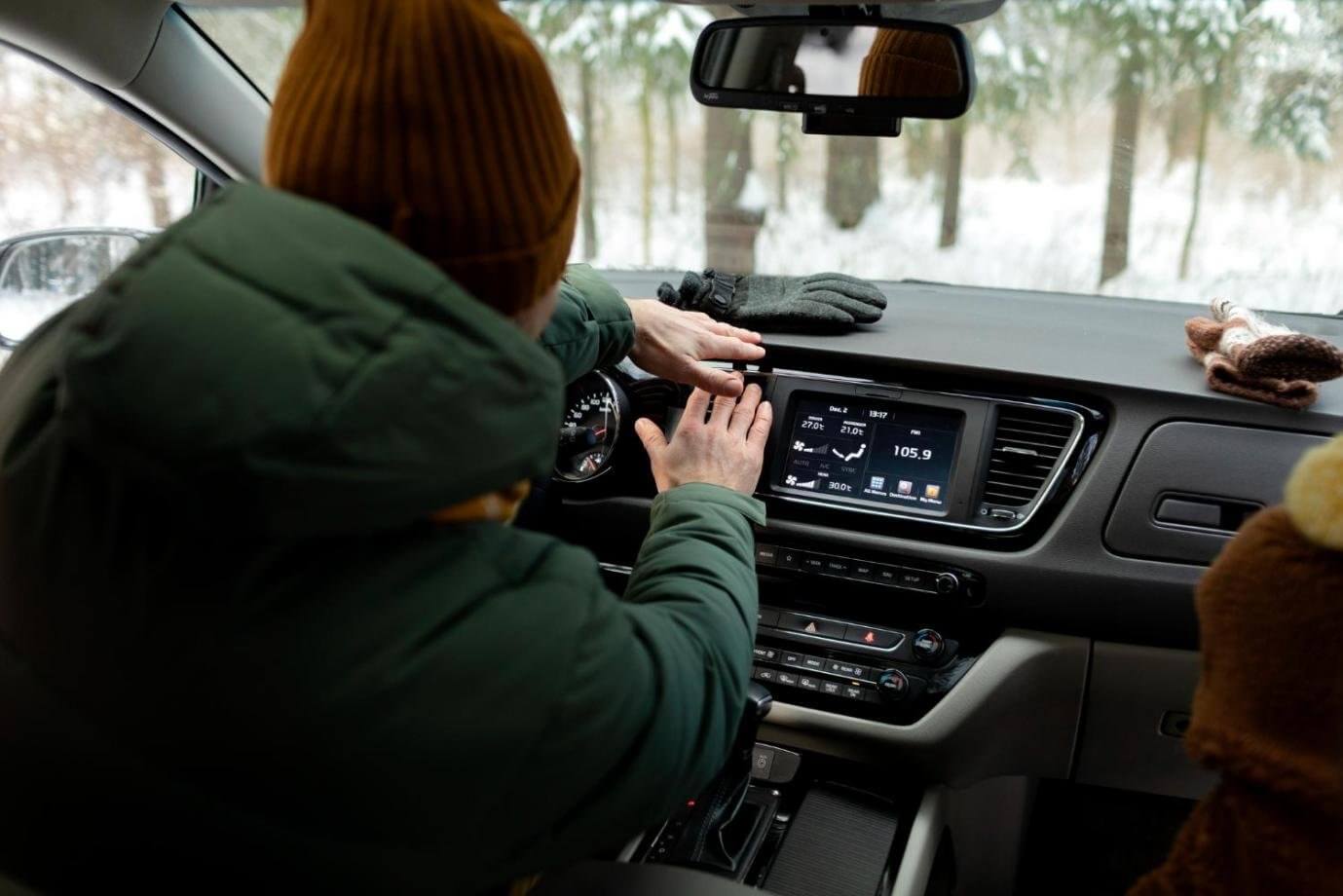
The traditional method for adding a touch screen to a car involves an in-dash replacement, where the factory radio is removed and replaced with an aftermarket head unit.
If you want to go with this approach, you will need to pick between two standard sizes. Those are Single-DIN (2 inches tall) and Double-DIN (4 inches tall).
Double-DIN slots are the ideal canvas for large, integrated touch screens.
Owners of older vehicles with Single-DIN slots are also not left behind.
Modern engineering has introduced flip-out or floating designs that allow a large screen to extend from a smaller slot. That way, they provide a modern interface even in vintage dashboards.
However, this factory look comes with significant hardware issues. Successful installation usually requires specific wiring harnesses to match the car’s electrical system, specialized dash kits to fill the gaps in the console, and often, professional installation to ensure that steering wheel controls and backup cameras stay fully functional.
The primary pros and cons of this path are clear
The plus side is that it gives you the cleanest aesthetic and the most stable integration. But it is often the most expensive option, and it involves permanent modifications to the car’s wiring. It can be very difficult to go back to factory settings if you decide to sell the car later.
Path 2: The Portable Touch Screen
For many drivers, the portable touch screen has become the ultimate hack for making your dashboard modern. It works in virtually any car. There’s no need for “surgery” on the dashboard. There is no need to remove the original radio. There’s no need to do anything like that.
Instead, the portable device acts as a secondary layer of intelligence.
A leading example of this technology is the Ottocast ScreenFlow Portable Car Display Screen. Thanks to its versatility, this product is the ideal solution for vehicles with non-standard dashboards, such as older BMWs or Audis, or even classic vintage cars, where the preservation of the original interior is important.
The system is remarkably easy to use, featuring an 11.4-inch HD display that mounts securely via a suction cup or an anti-shake bracket.
These screens offer premium features, including Wireless Apple CarPlay and Android Auto, and a 60 FPS, fluid touch interface that is just as responsive as high-end tablets.
But the greatest advantage is portability. This type of device isn’t hardwired to a specific vehicle. You can move your high-definition interface from one car to another (or even a boat) and keep your maps and media wherever you go.
Path 3: The AI Box (For Cars That Already Have a Screen)
Now, if you already have a factory-installed touch screen but you feel limited by its basic features, the CarPlay AI Box represents the ultimate upgrade.
Many modern vehicles come with a screen that is locked into a specific ecosystem. It offers only basic navigation or restricted app access. The AI Box solves this by plugging into your car’s existing USB data port and essentially injecting a high-performance Android tablet directly into your dashboard.
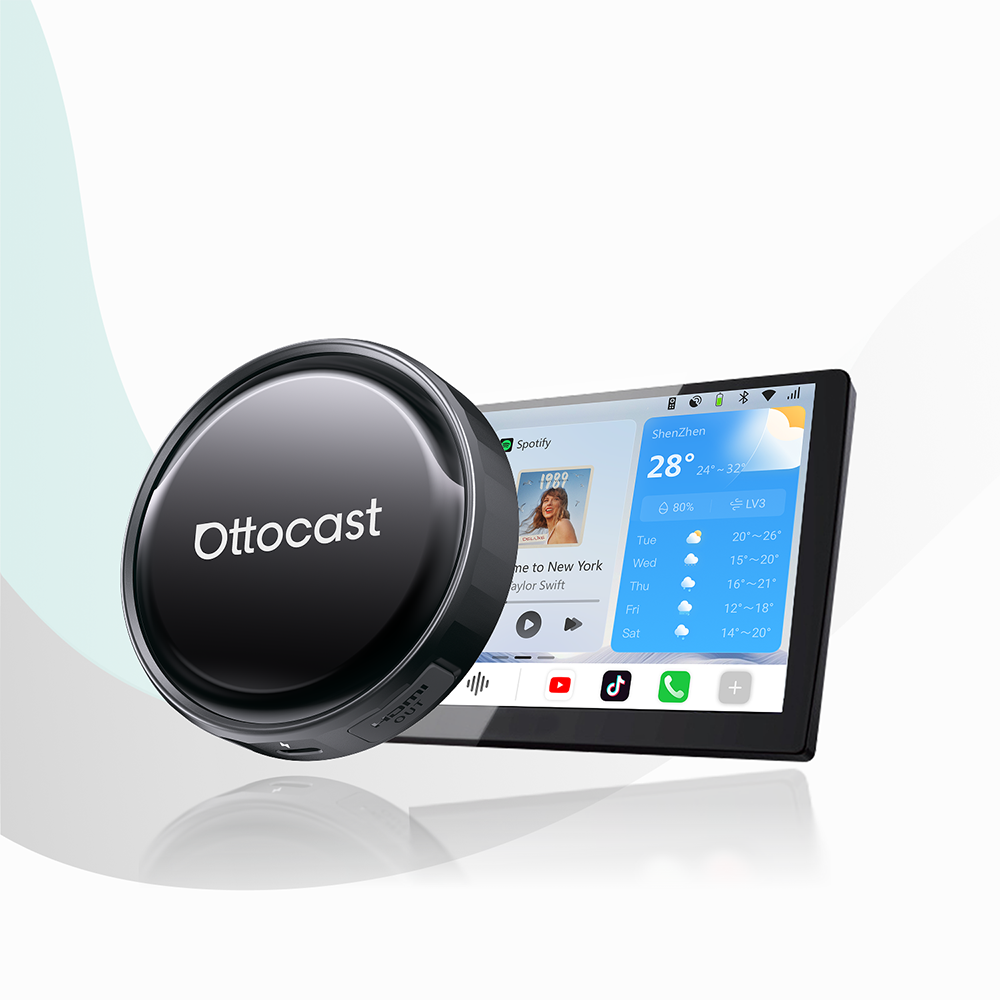
The industry leader in this category is the Ottocast P3 Pro AI Box. This device is powered by a high-end Snapdragon chipset and has 8GB of RAM, so multitasking between heavy apps like Netflix, YouTube, and Google Maps is fast and lag-free. It transforms your static factory display into an open Android 13 environment (using the OttoDrive OS 3.0 interface), allowing you to download any app from the Google Play Store.
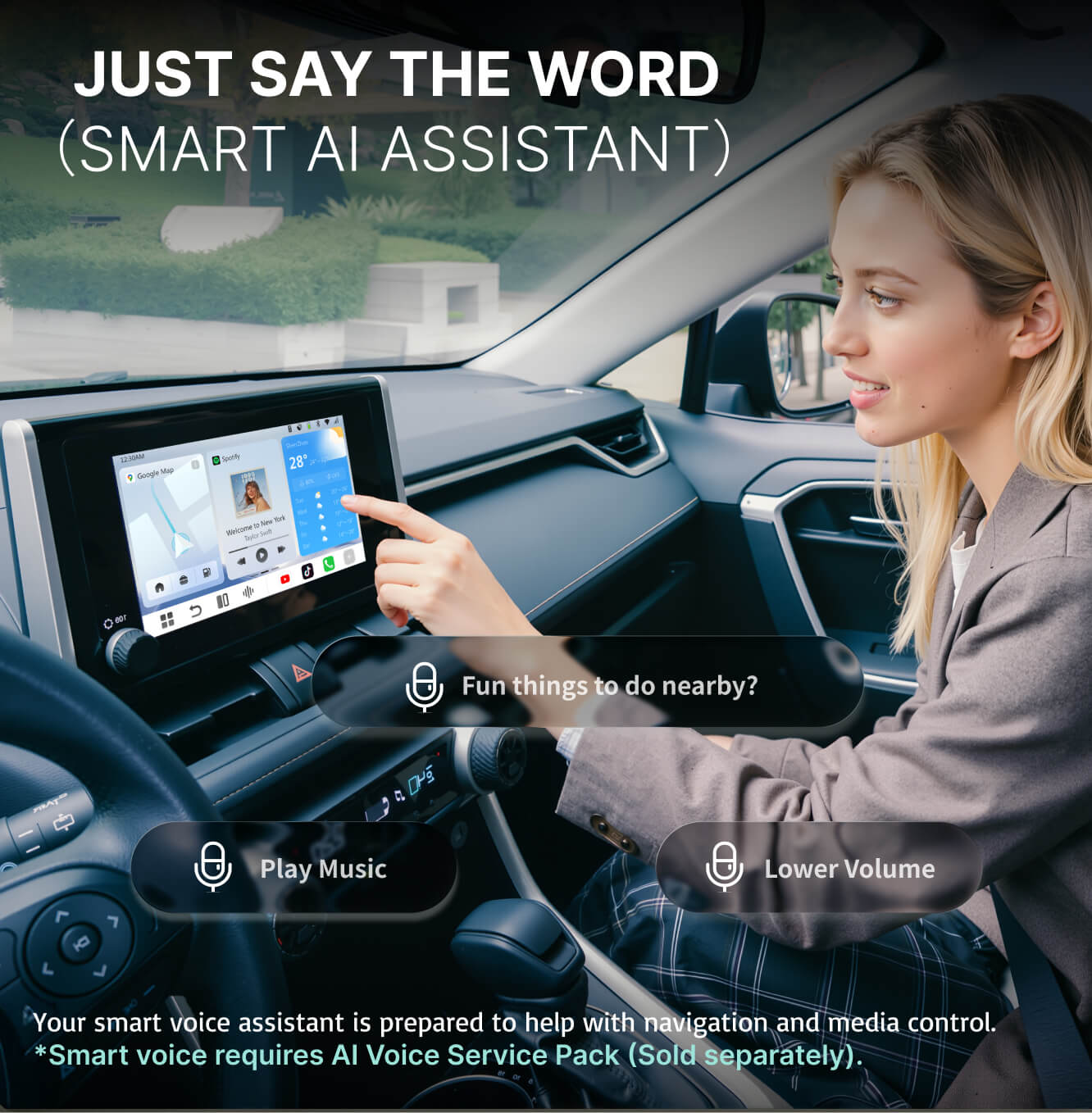
The main advantage here is zero physical installation. It also adds features such as HDMI output (allowing you to mirror the display to rear-seat monitors for passengers) and an integrated AI Voice Assistant for safer, hands-free control.
The only requirement is that your car supports factory-wired CarPlay or Android Auto to act as the host.
Compatibility Checklist: What You Need to Check First
There are four benchmarks you need to evaluate to ensure a smooth integration.
- The Power Source (12V vs. Hardwired)
If you want a portable screen like the ScreenFlow, you need a standard 12V cigarette lighter port. If you are going for an in-dash replacement, your car’s electrical system should support the higher power draw of a modern 1080p head unit.
- Dashboard Real Estate
Measure your dash carefully. A 10.1-inch or 11.4-inch floating screen looks great, but you need to ensure that it won’t block critical air vents, gear shifters, or your field of vision.
- Smartphone OS Compatibility
Make sure that your phone meets the minimum requirements. Your device should be running at least iOS 10 or Android 11 to support the latest wireless protocols.
- Existing Connectivity Ports
If you want an AI Box, your car must have a functional USB-A or USB-C data port that supports a wired connection to your phone. If your USB port is charge-only, then a standard AI Box will not be able to communicate with your screen.
Audio Routing: How to Get Sound to Your Speakers
The most common concern when adding a separate touch screen is whether the audio will be limited to the device’s small internal speaker. Fortunately, modern hardware offers several high-fidelity methods to route your music and navigation directly through your car’s existing sound system.
- Method A: Bluetooth Pairing
This is the most seamless modern option, allowing the screen to act as a bridge that transmits audio directly to your car's factory Bluetooth head unit.
- Method B: The AUX Cable
This is the gold standard for audiophiles. You use a physical 3.5mm AUX cable to ensure zero-latency and the highest possible sound quality.
- Method C: FM Transmitter
For vintage vehicles from the 90s or early 2000s that lack modern inputs, you can set the screen to broadcast on a specific radio frequency, which your car’s original radio then picks up and plays through the speakers.
Safety & Legality
Integrating a large screen into your cockpit comes with responsibilities regarding safety and local regulations. These systems are designed to prioritize voice commands via Siri or Google Assistant, allowing you to manage navigation and messages entirely hands-free.
Furthermore, you must be mindful of mounting laws, which vary by region. While windshield suction mounts are popular, many areas have strict rules against obstructing the driver’s view.
In these cases, using a dashboard-mounted bracket is often the safer, more universal choice that ensures your new high-tech interface remains legal and secure.
FAQ: Common Questions from Car Owners
Will a touch screen radio drain my car battery?
No, a modern touch screen radio will not drain your battery when the vehicle is turned off. These systems are designed to trigger a sleep or off mode the moment the ignition is cut.
Can I still use my existing steering wheel buttons?
Yes, but it typically requires a specific steering wheel control (SWC) adapter. Portable screens like ScreenFlow connect via Bluetooth and don’t interfere with original buttons, but in-dash replacements require these adapters to translate the signals from your car’s buttons to the new touch screen interface.
Can I add a backup camera to these aftermarket screens?
Absolutely. One of the biggest safety advantages of adding a touch screen is the ability to integrate a rear-view camera. For instance, systems like the Ottocast Rear-View Camera Kit are specifically designed to plug directly into these monitors, providing an automatic high-definition video feed whenever you shift into reverse.
Conclusion: Bringing Your Car into the Future
The final verdict is simple: you do not need to buy a brand-new vehicle just to enjoy a modern, high-tech driving experience. By modernizing your infotainment system, you enhance your safety, increase your car’s resale value, and make every mile more enjoyable. If you’re ready for the fastest and most compatible upgrade available, stick with Ottocast.
You can also check our essential guide to aftermarket Apple CarPlay.
Featured Products