The Best Mini Wireless CarPlay Adapters in 2026: Compact Comparison And Buying Guide

Wireless CarPlay is becoming standard in newer vehicles, but many cars still support only the wired version. That’s why wireless adapters remain a practical upgrade. They let your phone connect automatically every time you start the engine, without using a cable.
Mini adapters take this a step further. They offer the same wireless functionality as full-size devices, but in a much smaller form factor that fits easily into tight USB areas and stays out of sight.
In this guide, we compare the best mini wireless CarPlay adapters available in 2026 based on real-world factors like reconnection speed, stability, boot time, and everyday usability.
Pro Tip: The Ottocast Mini NOVA is a reliable upgrade and one of the most advanced mini solutions currently available.
Why Choose a Mini Wireless CarPlay Adapter?

Full-size wireless adapters provide reliable performance, but their size can be an issue in vehicles where the USB port is in a small storage area or near other controls. Larger devices may stick out, leave cables visible, or interfere with closing the compartment.
Mini adapters are designed for these tighter spaces. Their compact form allows them to stay inside the console or behind trim, keeping the installation out of sight and reducing cable clutter.
Because of their small size and lightweight design, mini models are also easier to move between vehicles. This can be useful for drivers who regularly switch cars, use rentals, or share a vehicle with other family members.
Most newer mini adapters also use updated chipsets that prioritize fast, automatic reconnection and stable wireless performance, without adding extra hardware or external components.
If you’re working with limited space or want a wireless setup that stays hidden once installed, a mini adapter is simply easier to integrate into the vehicle.
Top Products: A Short Comparison Table
Before you pick a device, you need to consider real-world performance factors like connection speed, stability, platform support, and a few other things. That’s why we prepared the table below.
| Device | Size | Boot Time | Stability | Price Range | CarPlay & Android Auto |
|---|---|---|---|---|---|
| Ottocast Mini NOVA | Ultra-compact | ~5 to 8 sec | Excellent | Mid-range | Yes |
| Carlinkit Mini SE | Compact | ~10 to 15 sec | Good | Budget | CarPlay only |
| Ottocast U2-Air Mini | Small | ~8 to 10 sec | Very good | Mid-range | CarPlay only |
| AAWireless Mini | Small | ~10 sec | Good | Mid-range | Android-focused |
| Carlinkit 5.0 Mini | Compact | ~12 to 18 sec | Moderate | Budget | Yes |
Ottocast Mini NOVA Review

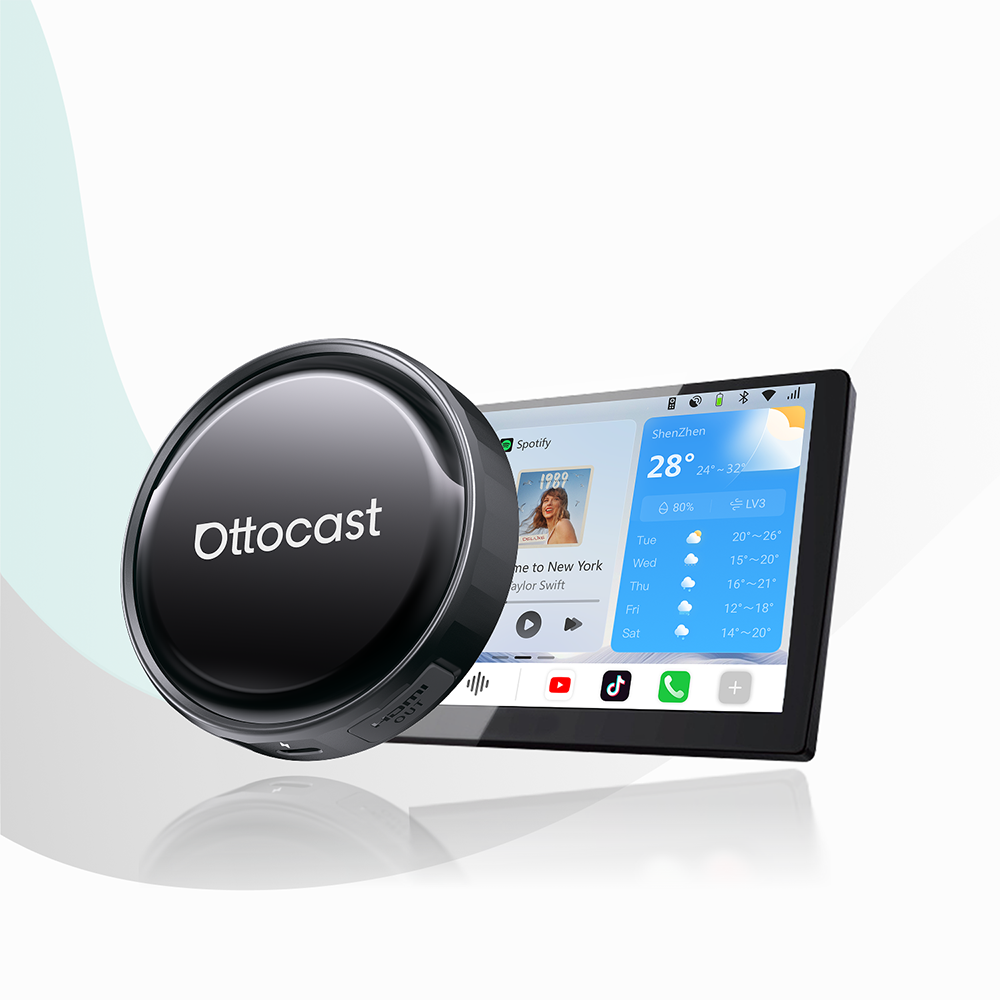
The Ottocast Mini NOVA is designed for drivers who want maximum performance in the smallest possible package. This ultra-compact design fits easily into tight spaces and remains hidden once installed, helping you maintain a clean interior.
Performance
Performance is where the Mini NOVA stands out a lot. It uses an upgraded chipset that enables fast auto-connection, typically pairing within seconds after the vehicle starts. The connection will stay stable even when you are on a long drive, and this minimizes lag or audio dropouts (which can be a problem for lower-quality adapters).
Support
Another major advantage is dual-platform support. Unlike many similar devices that work only with Apple CarPlay, the Mini NOVA also offers support for Android Auto. It’s perfect if you have different phone types in your family.
Updates
Over-the-air (or OTA for short) updates make sure that your adapter is always compatible with new auto systems and smartphone OS versions. In simple words, your device will work better and longer.
The features and specs are top-notch, but you can also check out other options in the Ottocast wireless adapter collection.
All in all, the Mini NOVA offers the perfect balance of speed, stability, and flexibility among compact wireless adapters in 2026.
Other Mini Adapter Reviews
Here are three more mini adapters that are worth your time.
Carlinkit Mini SE
 The Carlinkit Mini SE is a budget-friendly option for drivers who want a basic wireless CarPlay experience. It’s not complicated to install, and it works well for short trips. But the boot times tend to be slower, especially if you compare them with premium models. Also, connection stability can become an issue, but this depends on vehicle compatibility.
The device supports Apple CarPlay only, which limits flexibility in households that own both Android and iOS phones.
AAWireless TWO
 AAWireless is a company that is famous for Android Auto solutions, but some new versions do support CarPlay through some additional configurations. The device offers decent performance and customization, but the setup can be a tad more complex than easy plug-and-play alternatives.
If you are an Apple user, simpler options will be more convenient for you, though.
2Air Carlinkit 5.0
 2Air Carlinkit 5.0 supports both CarPlay and Android Auto, so it’s very versatile. But it takes longer to start up, especially compared to newer adapters. Some users also reported occasional connection delays and lag in vehicles that have older infotainment systems.
Yes, it is affordable, but it will not deliver the same consistency as higher-end mini adapters.
NOTE: All these alternatives are great for budget-conscious buyers, but performance differences become noticeable with daily use.
What Actually Matters When Choosing a Mini Adapter
With mini adapters, the differences show up in everyday use.
- Reconnection time: Some adapters connect within a few seconds after you start the car, while others can take 15 to 20 seconds. If you make frequent short trips, this delay becomes noticeable very quickly.
- Performance in hidden locations: Mini devices are often installed inside a center console or behind trim. In these enclosed spaces, weaker models may struggle with wireless interference, leading to audio stuttering or delayed navigation responses.
- Switching between drivers: If multiple people use the same vehicle, look for an adapter that reconnects to previously paired phones automatically instead of requiring manual selection each time.
- Heat management: Because mini adapters operate in tight spaces with limited airflow, efficient hardware helps prevent overheating and keeps performance consistent during longer drives.
- Software updates: Models that receive OTA updates are less likely to run into connection issues after iOS, Android, or vehicle system updates.
In daily driving, these factors affect the experience far more than small differences in size or price.
Mini vs Full-Size Wireless Adapters: Quick Comparison
So, as we have learned, these mini adapters are perfect if you want a discreet setup in your car. Yes, still, full-size models do have their own advantages. Check out the comparison.
| Feature | Mini Adapter | Full-Size Adapter |
|---|---|---|
| Size | Ultra-compact | Larger housing |
| Installation | Hidden, minimal space | May require cable management |
| Portability | Easy to move between cars | Less portable |
| Performance | Excellent (new models) | Excellent |
| Advanced features | Limited | Sometimes more options |
It all comes down to your specific preferences. If you prefer a compact solution, mini models are certainly the better choice. On the other hand, if you are looking for additional hardware options, you can consider the Otto Media series from Ottocast.
Installation and Setup

Setting up a mini wireless CarPlay adapter is something that typically takes just a few minutes. Here’s a standard step-by-step process that you can follow.
Step 1: Start your car and make sure that your factory wired CarPlay works well.
Step 2: Plug the new adapter into the car’s USB CarPlay port.
Step 3: Enable Bluetooth and Wi-Fi on your mobile device.
Step 4: Pair the device when it appears on your phone.
After this first setup, each time you turn on your car with your phone in your pocket, everything will connect automatically.
However, before you make your purchase, you should confirm that your vehicle supports wired CarPlay. You can check Apple’s official Apple CarPlay compatibility list. That way, you can be sure that the adapter will work correctly with your own infotainment system.
Who Should Buy a Mini Adapter?
If you’ve come this far in the text, you are probably someone who is very interested in a mini wireless adapter. Here are some top buyer personas that are compatible with this type of product.
- Neat drivers who are looking to maintain a clean and cable-free dashboard.
- People who need to drive every day and who value automatic connections.
- People whose jobs require them to frequently switch vehicles.
- People who often rent or drive company cars.
- Minimalist drivers who prefer compact accessories.
In the simplest terms, if convenience and simplicity matter more than extra hardware features, then a mini adapter will probably be the most practical upgrade for you. Just make sure to check car models that are compatible with wireless CarPlay
FAQs
- Do mini adapters work with all car models?
The answer is no. Generally speaking, they require a vehicle that has factory-wired CarPlay.
- Is wireless CarPlay slower than wired CarPlay?
Generally, the answer is no. Most modern adapters offer similar performance with minimal delay.
- Do wireless CarPlay adapters support phone calls and navigation?
Yes, of course. All standard CarPlay functions work normally with these adapters.
- Can I use a mini wireless CarPlay adapter with multiple phones?
Yes. Most mini adapters remember previously paired devices. When multiple phones are nearby, the adapter typically connects to the last used device automatically.
- Will a mini adapter drain my phone battery faster?
Wireless CarPlay uses Wi-Fi and Bluetooth, which can increase battery usage compared to wired connections. For long trips, it’s recommended to use a car charger to keep your phone powered.
Featured Products