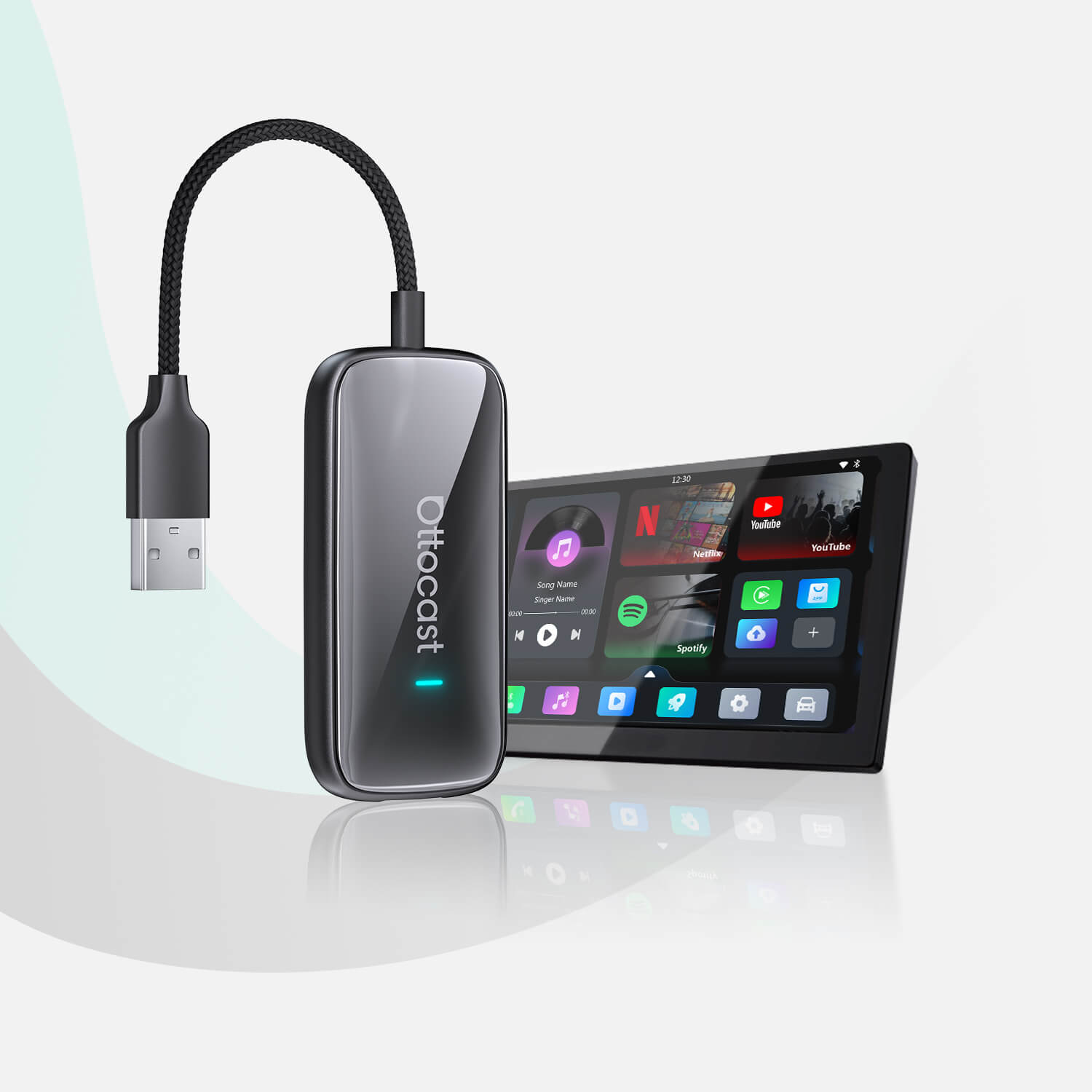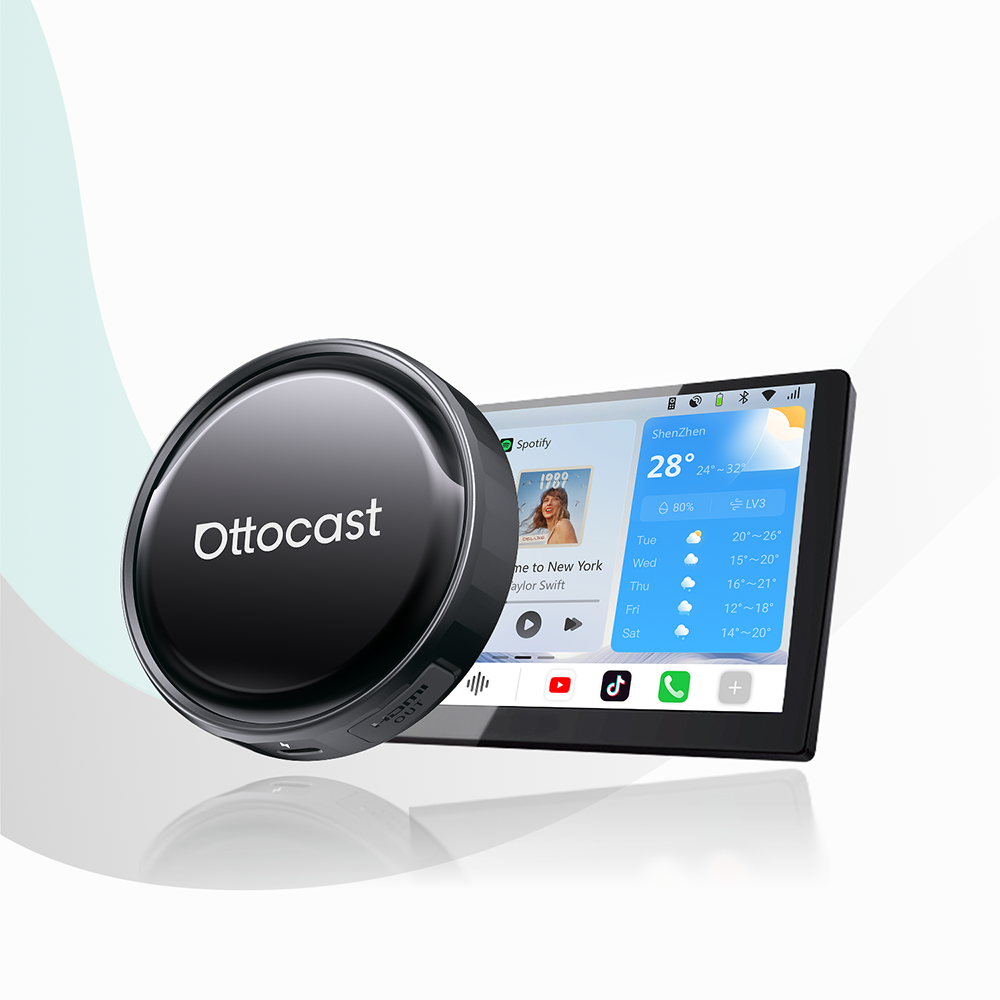




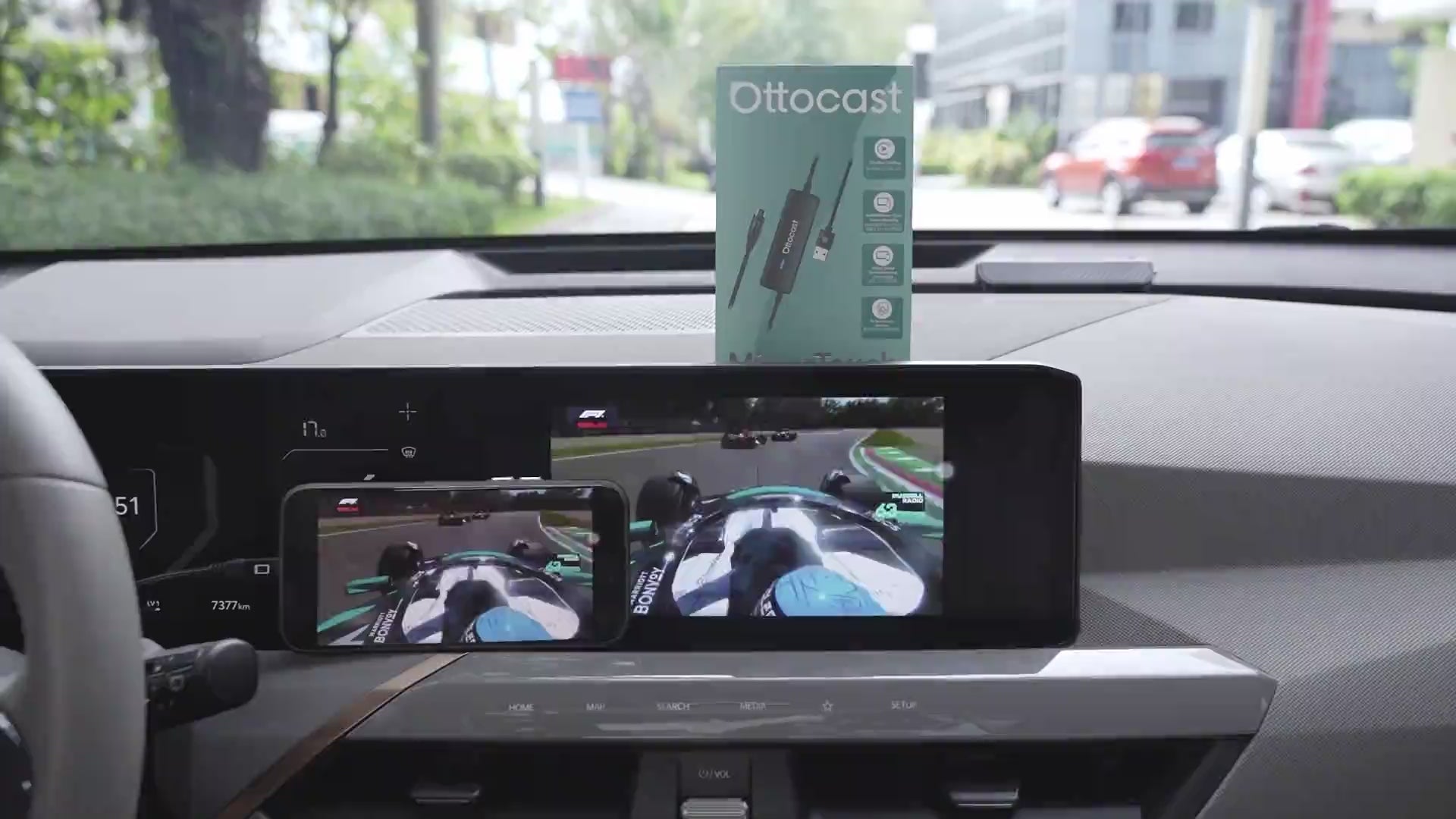
Mirror Touch Wireless CarPlay Adapter
PRICE
Requires USB-C DisplayPort Phone + Factory Wired CarPlay
-
Vehicle:Your vehicle must have factory wired CarPlay.
-
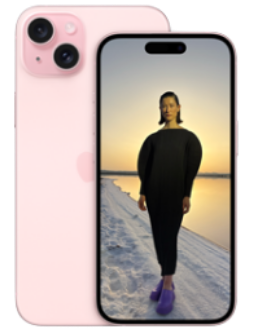
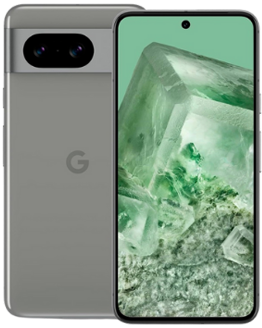
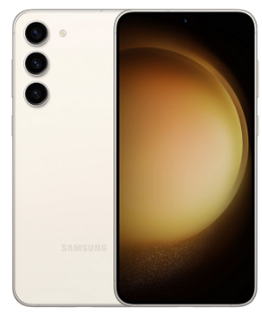
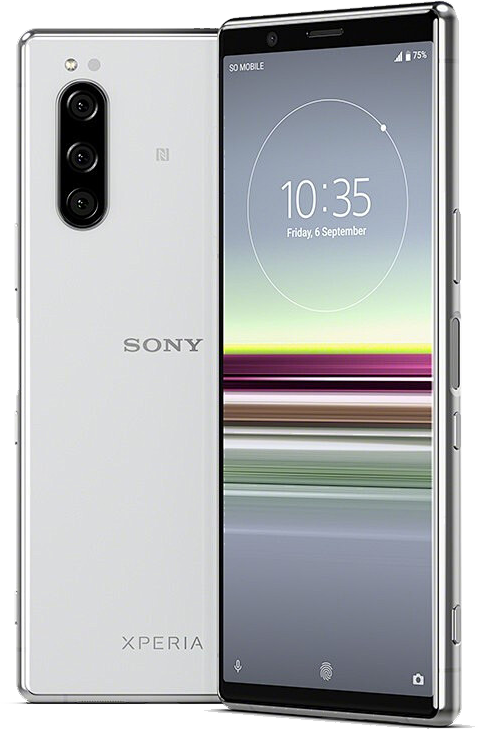
Phone:Android phones with DP (DisplayPort) screen mirroring supportiPhone 15 series and newer via USB-C DisplayPort output
Factory Wireless CarPlay Vehicles (e.g. some BMW models): Recommended Model: OttoAibox i3
How to Check Wired CarPlay / Android Auto Support
Solution found for your vehicle!
VEHICLE SELECTED
Audi A4, 2018
We've confirmed your vehicle does not have factory CarPlay. Don't worry! The Ottoscreen AI shown below is the complete solution designed to bring smart features and full screen CarPlay to your car easily.
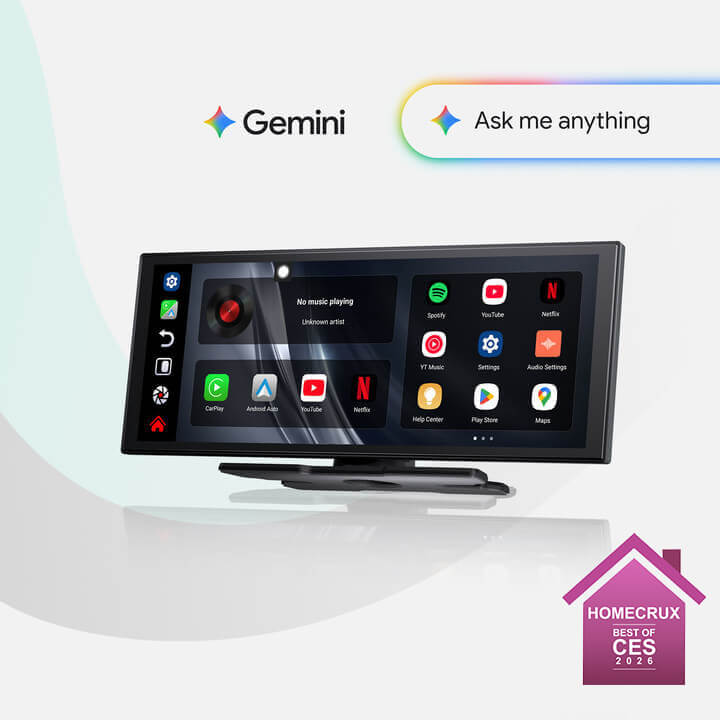
Ottoscreen AI
Great! Your Car Has Wired CarPlay
VEHICLE SELECTED
Audi A4, 2018
Your vehicle is listed with factory wired CarPlay. Review the requirements above before purchasing.
Need Confirmation
VEHICLE SELECTED
Audi A4, 2018
We apologize, your model is not in our database. Please confirm one crucial detail: Does your car have Wired Apple CarPlay?
Watch the guide video below or use an AI tool (like Gemini or ChatGPT) to quickly search your car's features and confirm. If it has wired CarPlay, our products is the perfect fit!
Wireless CarPlay Only
VEHICLE SELECTED
Audi A4, 2018
Your vehicle only supports wireless CarPlay and does not have wired CarPlay, so this product is not compatible with your vehicle. Don’t worry—you can choose our OTTOAIBOX i3 to watch videos in your car.
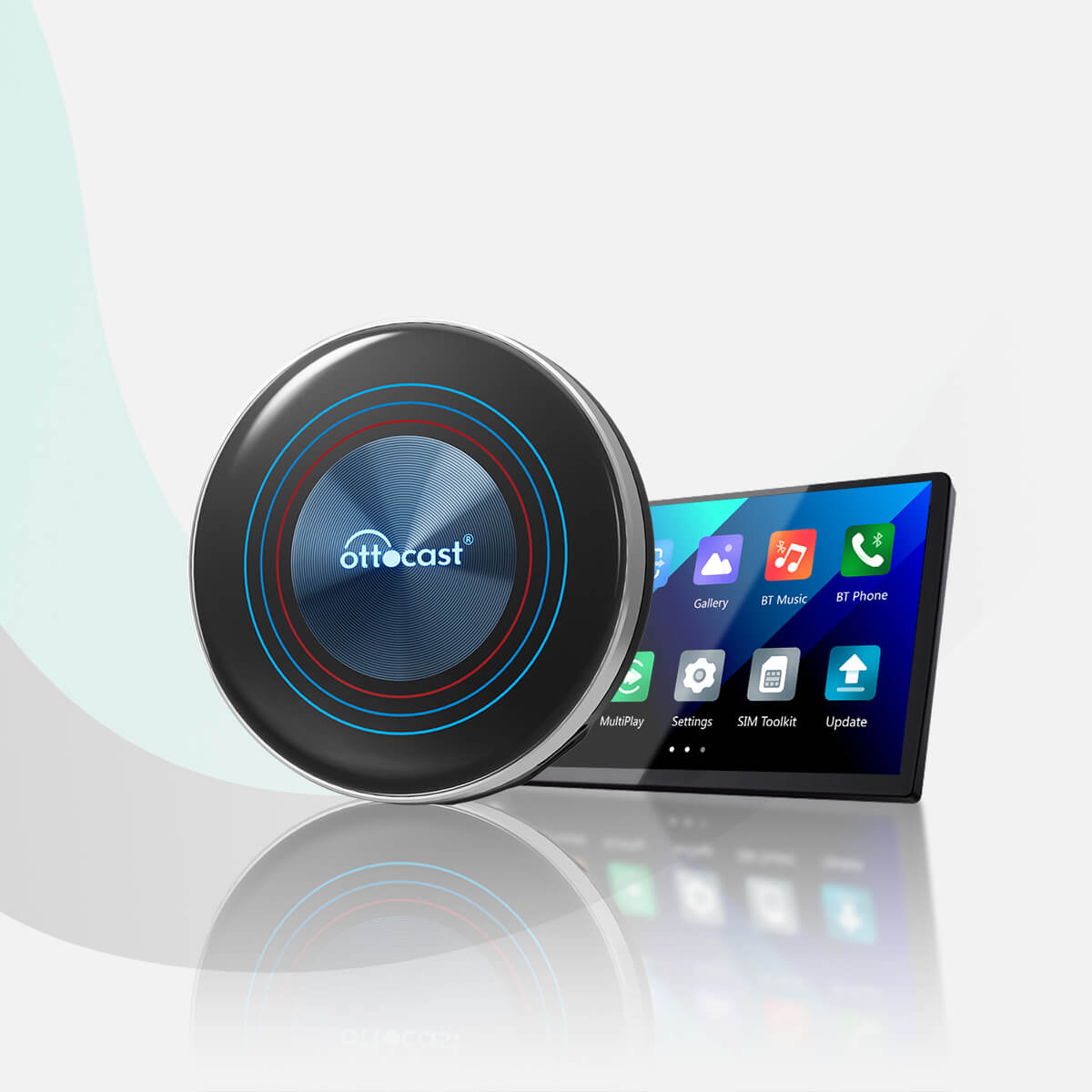
OttoAibox i3 BMW CarPlay AI Box
Great! Your Car Has Wired CarPlay
VEHICLE SELECTED
Audi A4, 2018
Your vehicle is listed with factory wired CarPlay. Review the requirements above before purchasing.
Wired Android Auto Only
VEHICLE SELECTED
Audi A4, 2018
Your vehicle only supports wired Android Auto and does not have wired CarPlay, so this product is not compatible with your vehicle.
Wireless CarPlay Only
VEHICLE SELECTED
Audi A4, 2018
Your vehicle supports factory wireless CarPlay. However, wired CarPlay has only been confirmed on higher trim levels, while availability on lower trims may vary.
Not sure if your car supports wired CarPlay? Connect your iPhone to the car’s USB port using a cable. If there are multiple USB ports, use the one intended for phone connection rather than charging only. If CarPlay appears on your factory screen, your vehicle is compatible with our product.
Wired Android Auto & wireless CarPlay only
Audi A4, 2018
Perfect Match!
VEHICLE SELECTED
Audi A4, 2018
Your car supports Wired CarPlay and works with our products.
Perfect Match!
VEHICLE SELECTED
Audi A4, 2018
Your car supports Wired CarPlay and works with our products.
Perfect Match!
VEHICLE SELECTED
Audi A4, 2018
Your car supports Wired CarPlay and works with our products.
Upsell products
Warranty products
After-sale policy

30-Day Returns

1-Year Warranty

Dedicated Support
Share
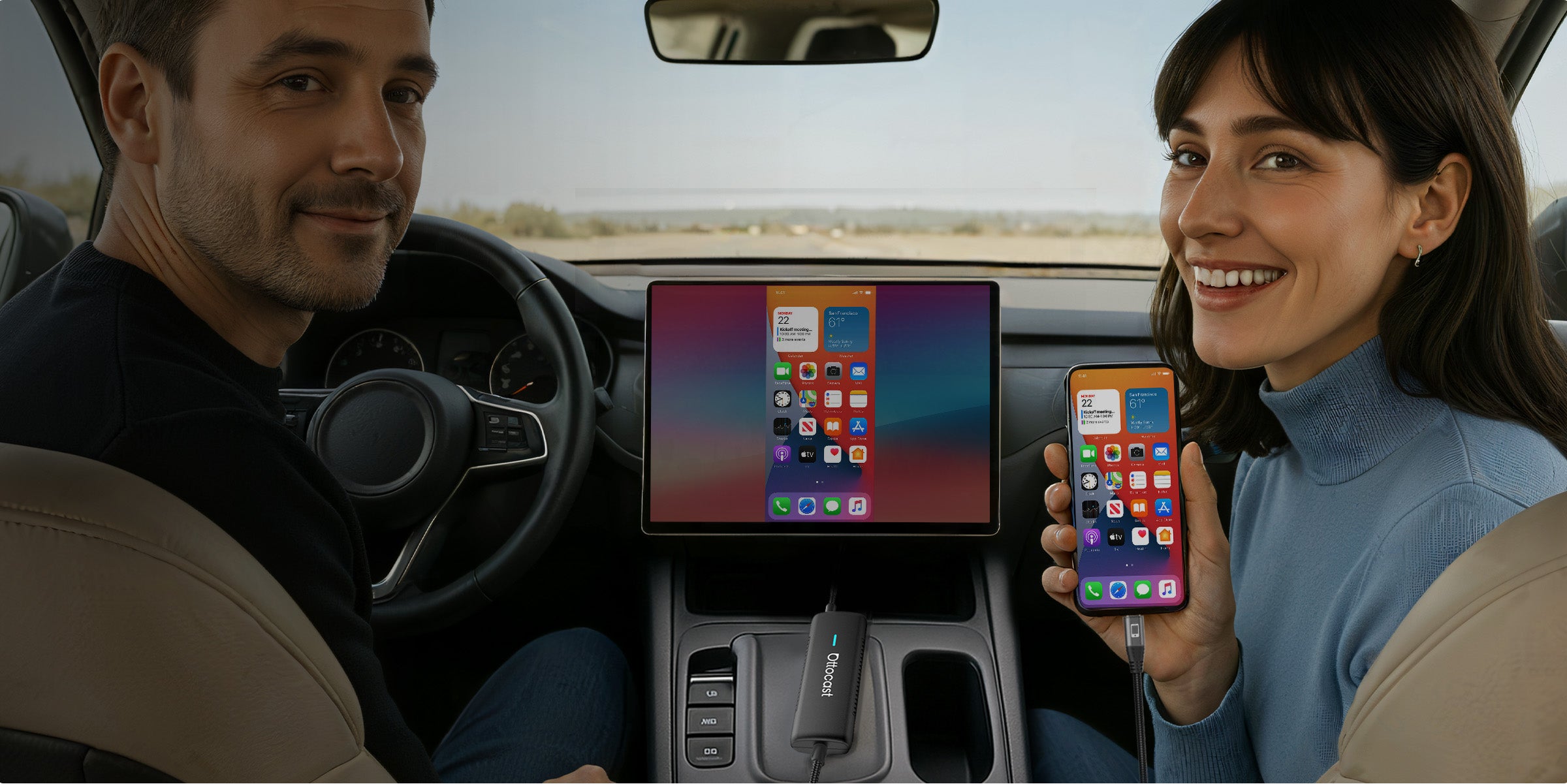
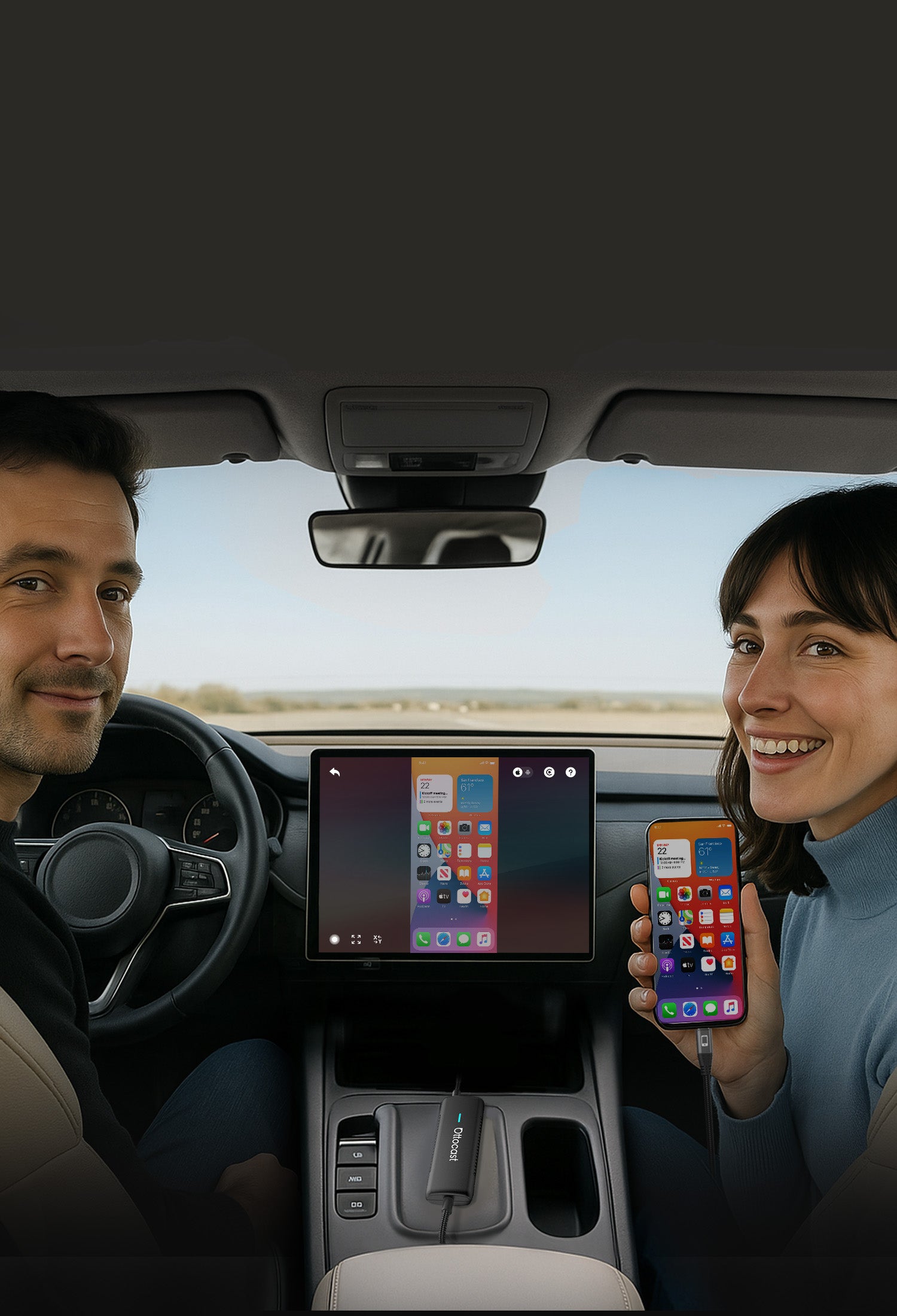


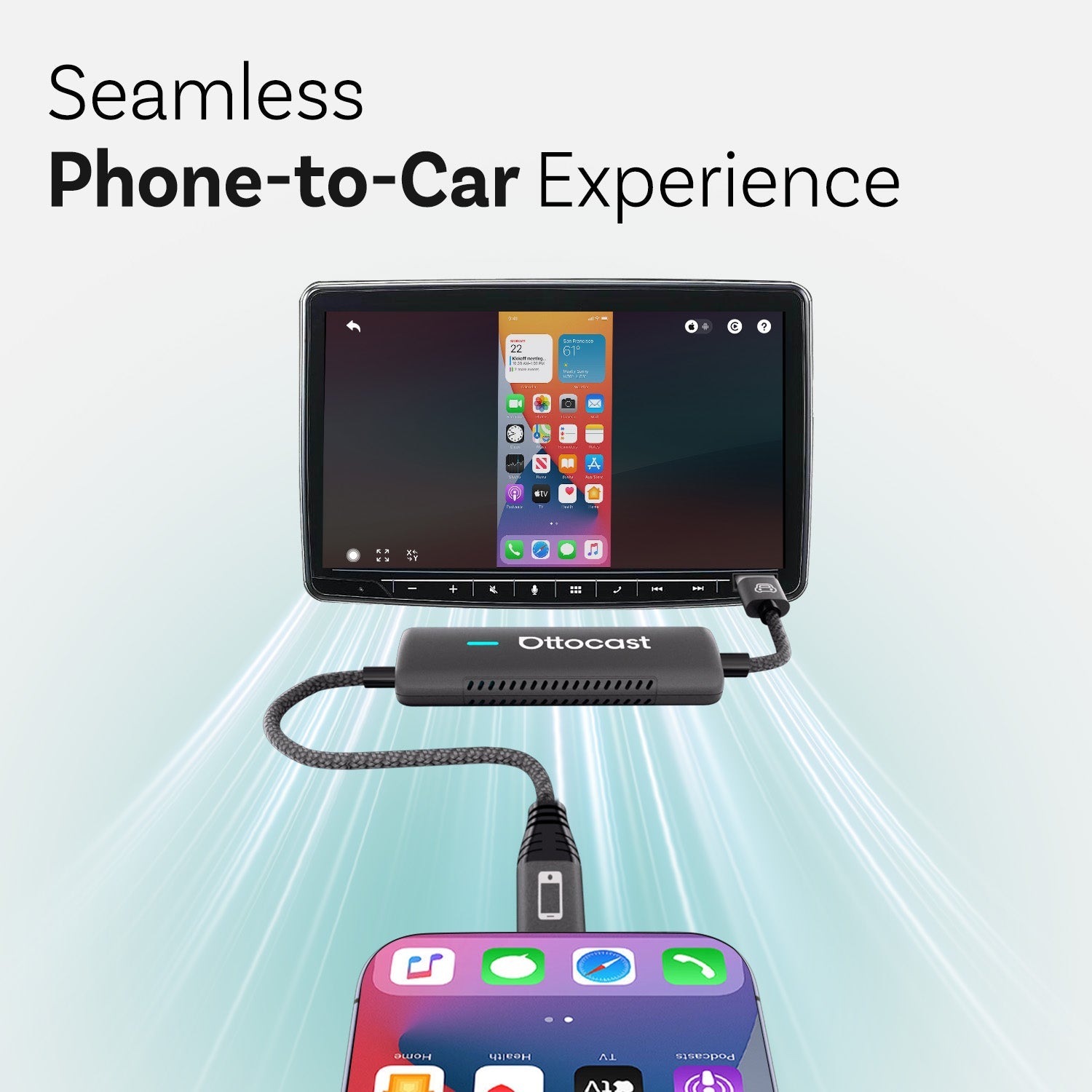
Seamless Phone-to-Car Experience
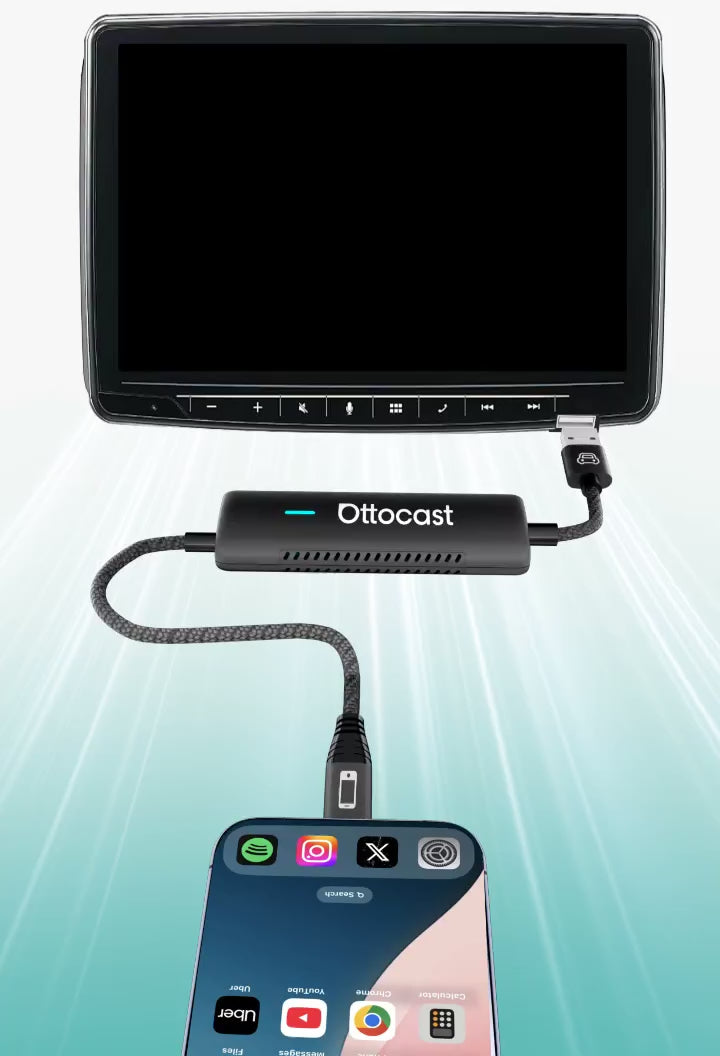

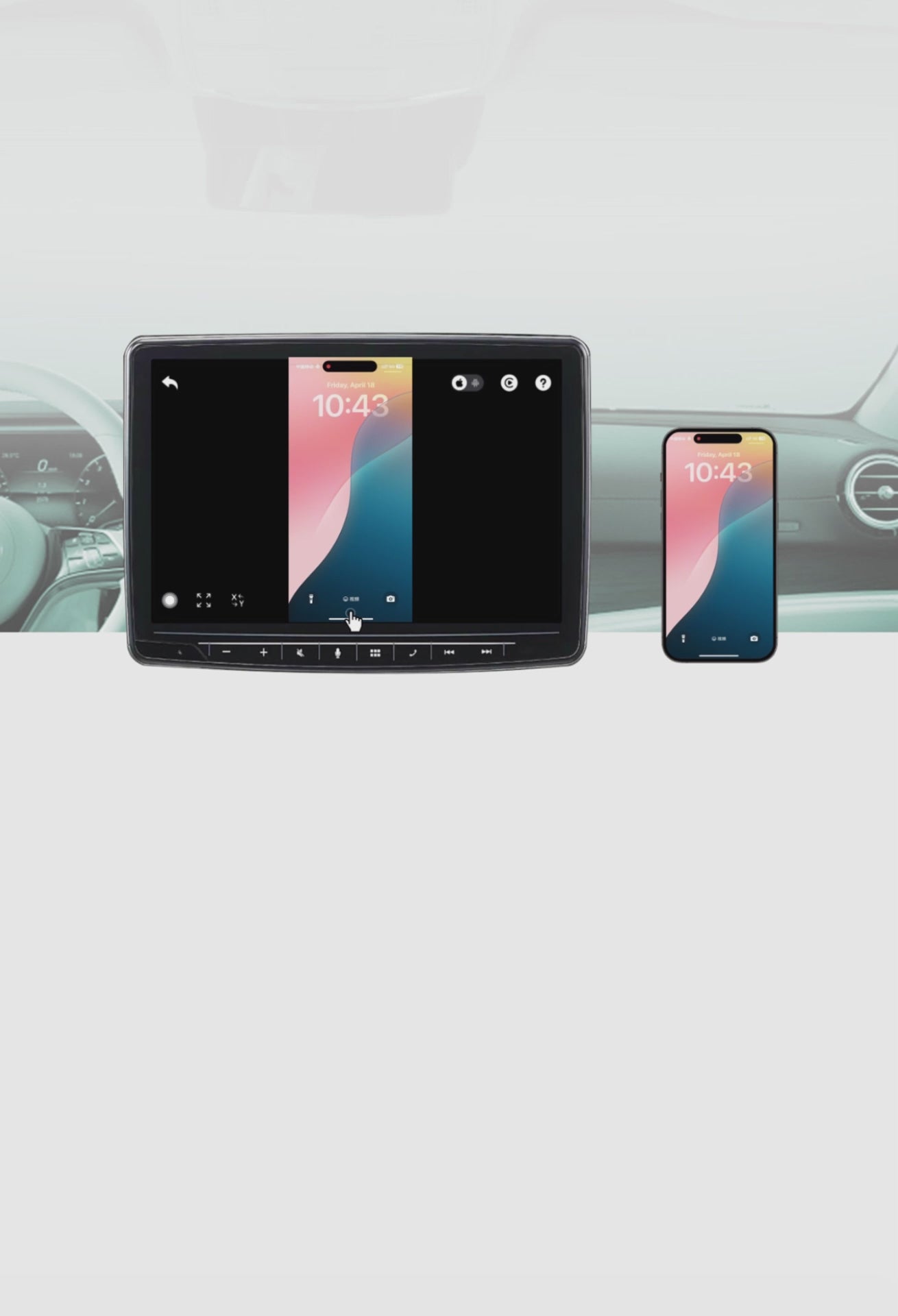

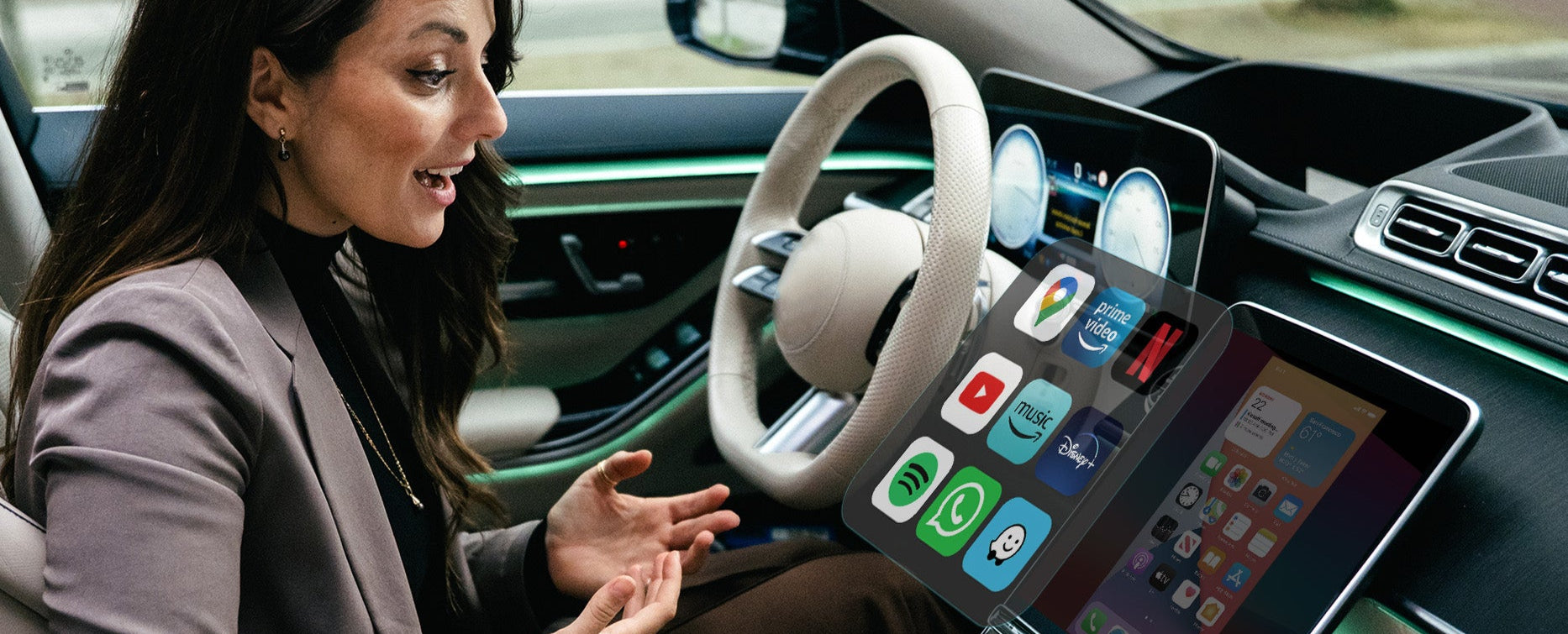
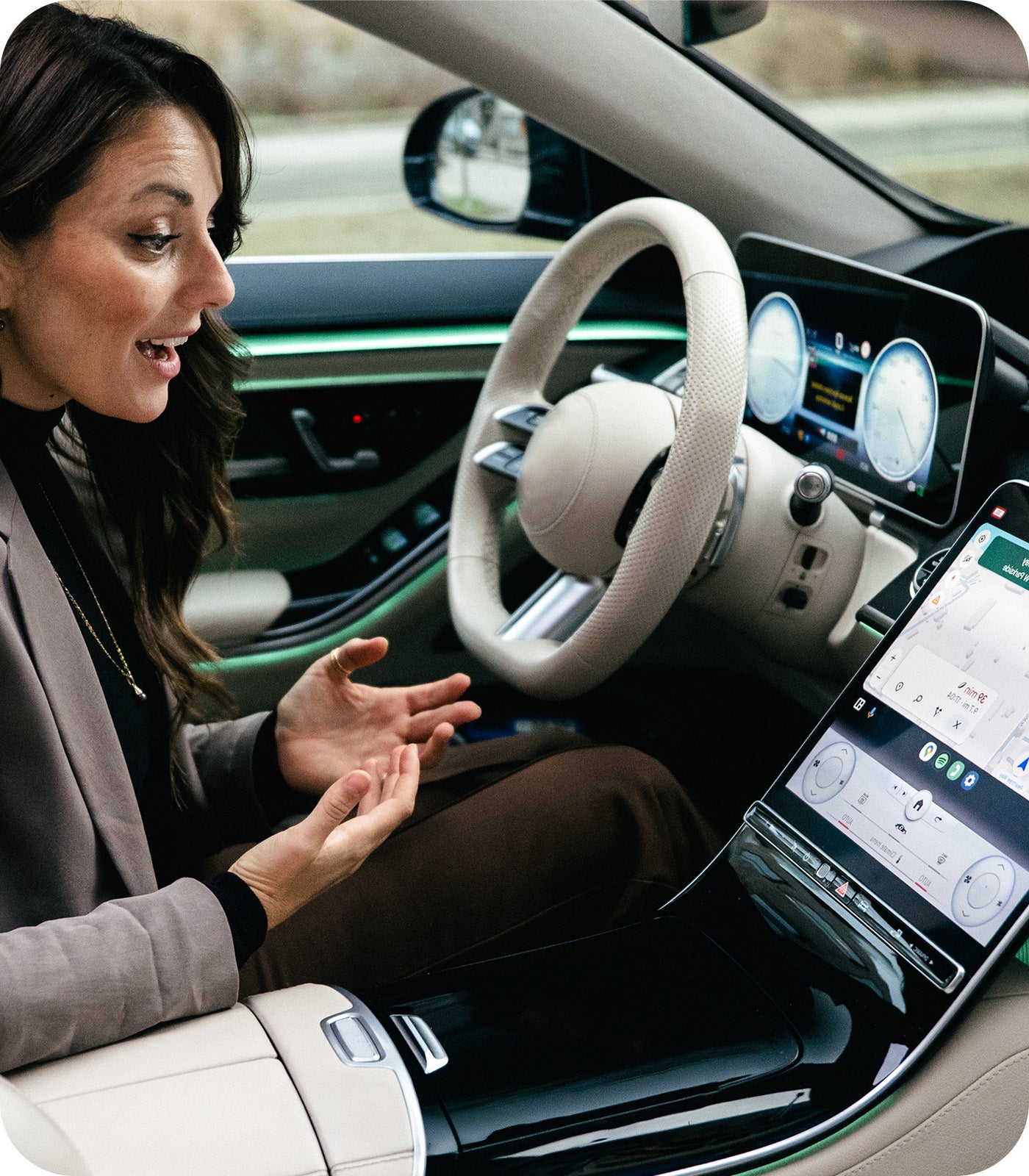
Integrate All Sound
to car’s Built-in Audio system

Making your journey smarter and safer
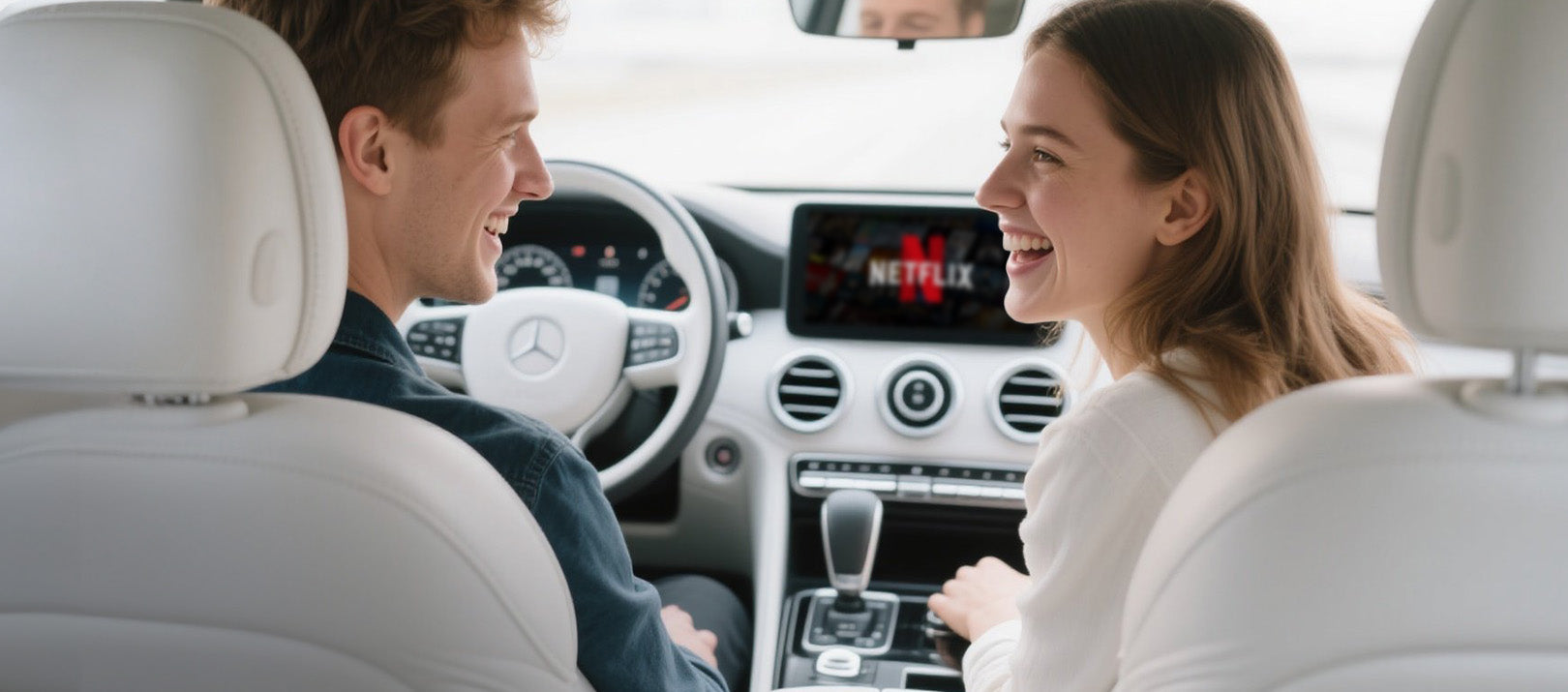

Your car screen displays everything from your phone as you step in
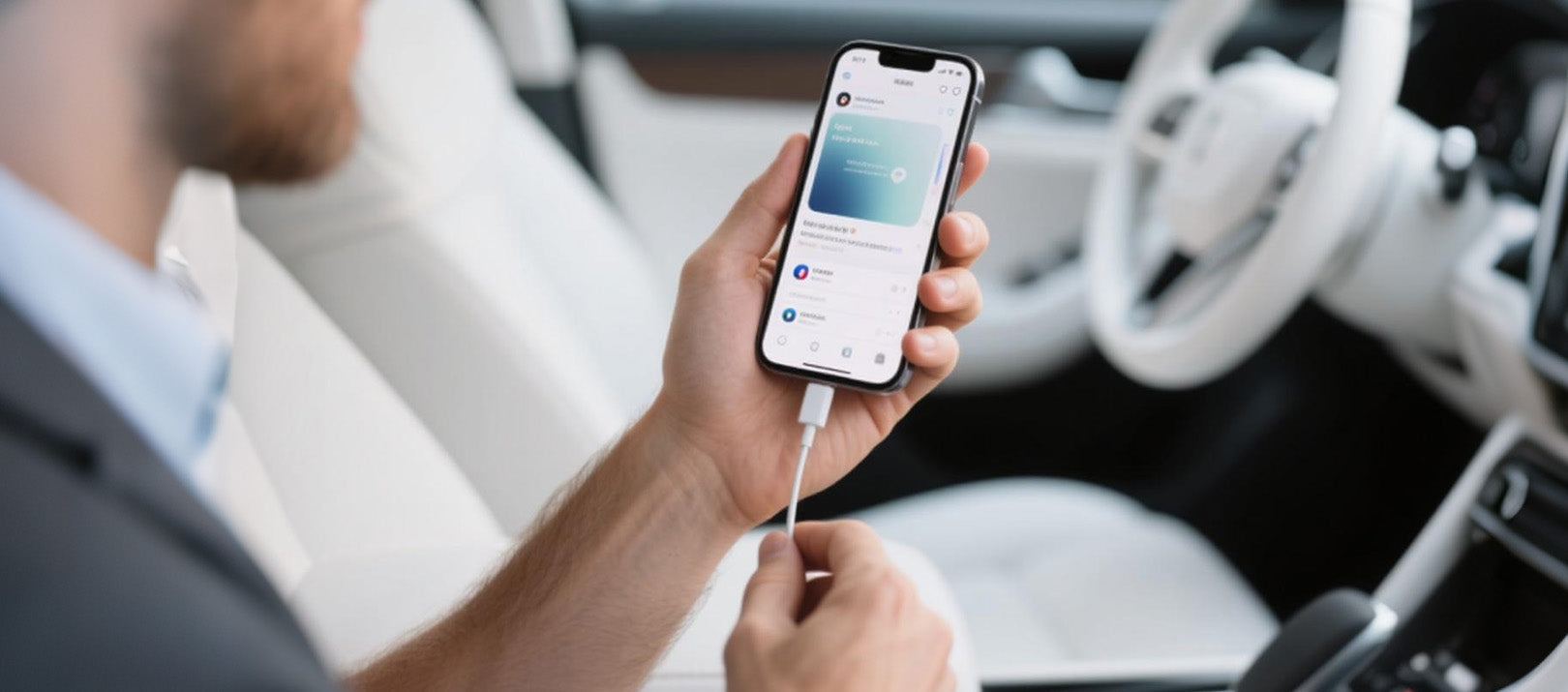

Mirror Touch provide a truly seamless start from every ride
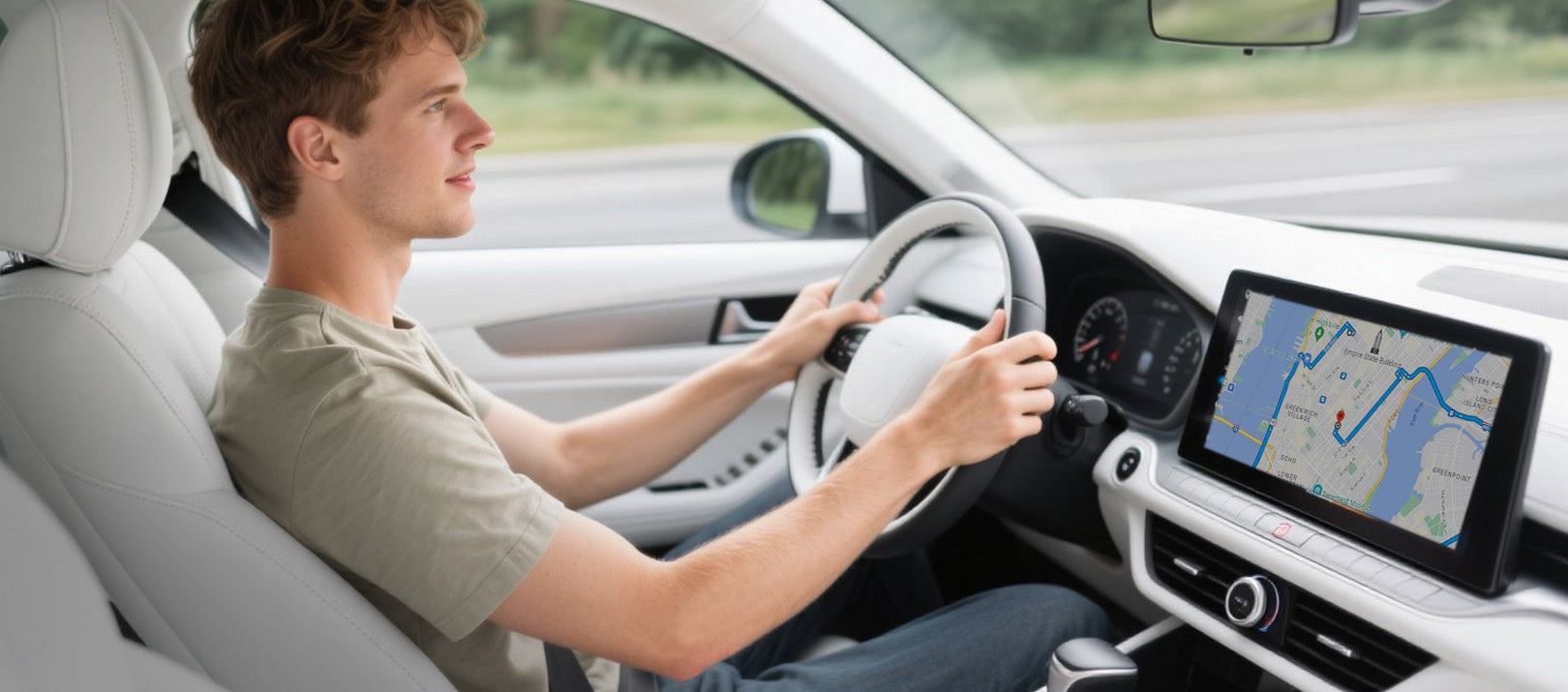

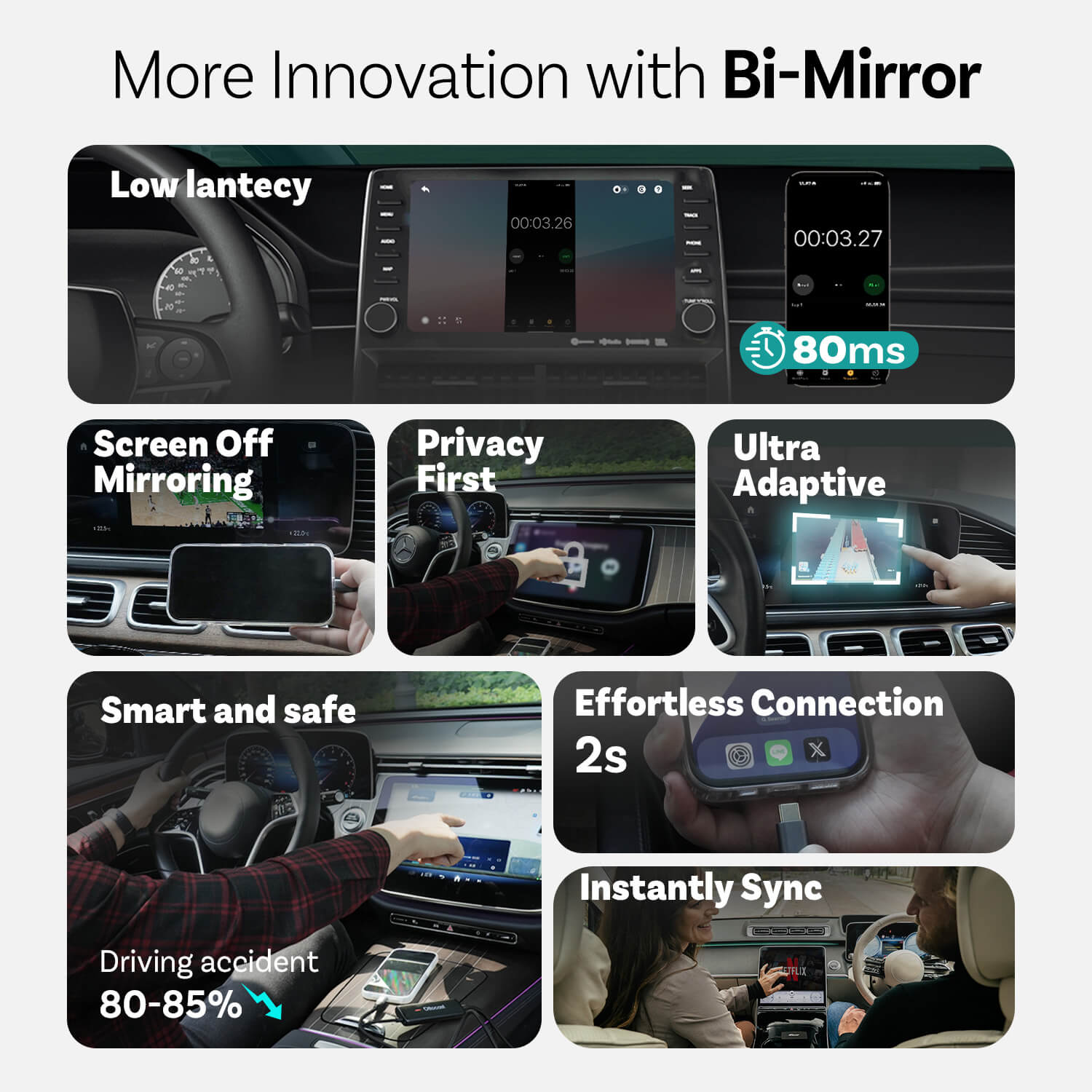
Using dashboard instead of phone to reduce driving accident around 80-85%


Innovations from Mirror Touch

Privacy First
Your messages, logins, and history stay exclusively on your phone.

80ms Low lantecy
100ms threshold that humans can perceive.

Ultra Adaptive
Effortlessly adapts to your most of apps orientation and native display features
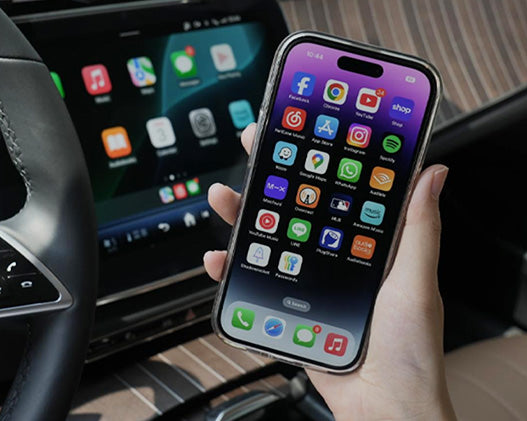
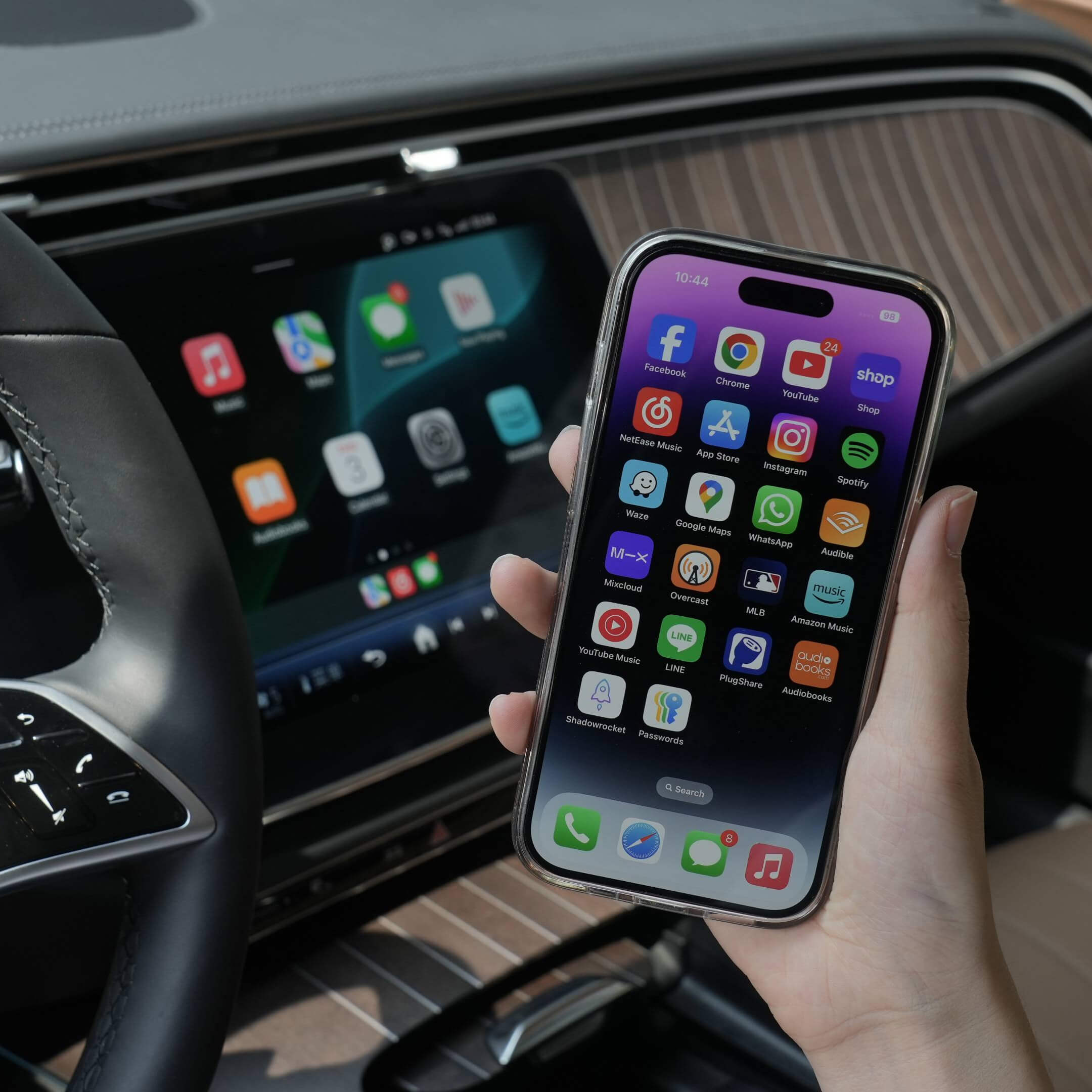


More Features
Ottocast Mirror Touch



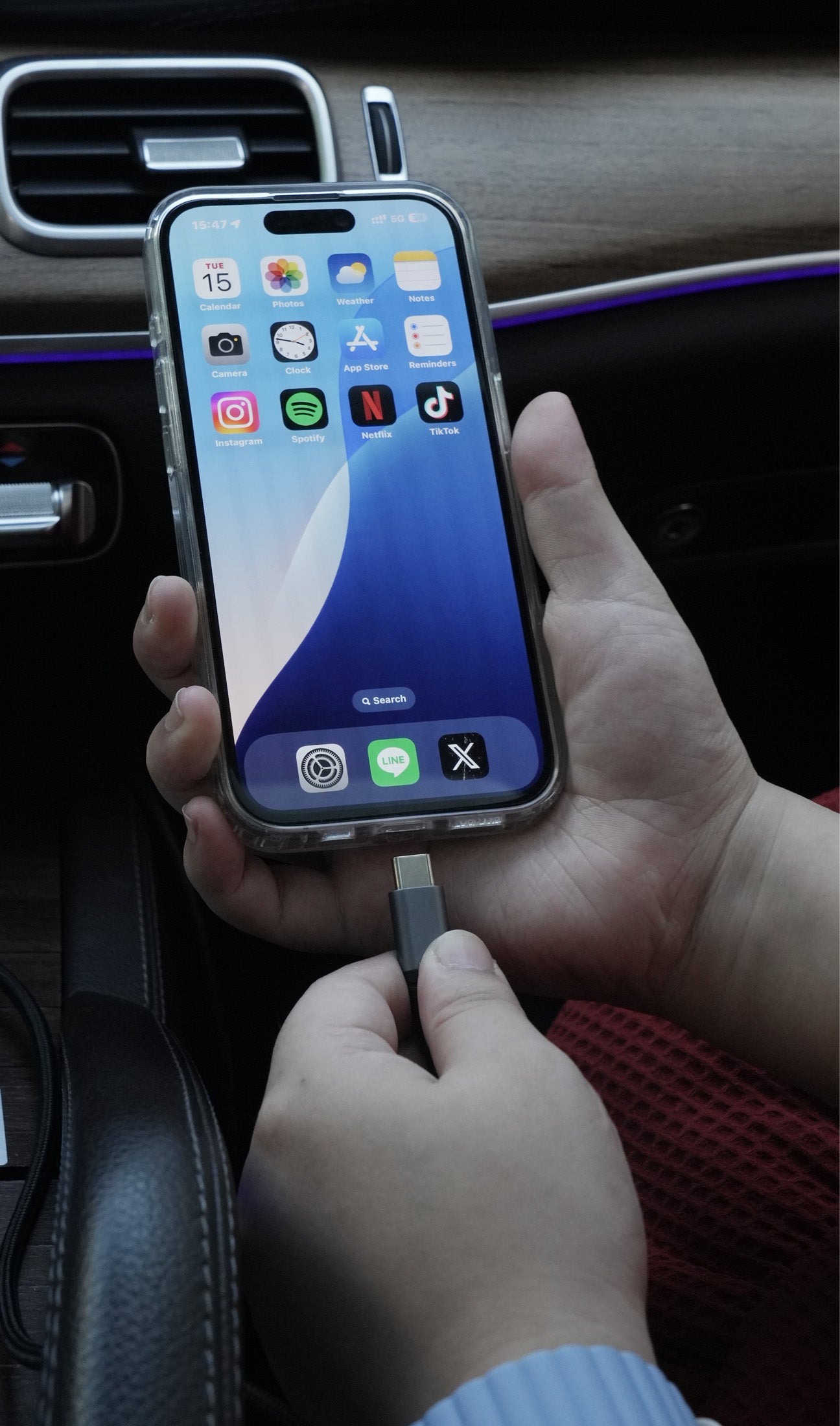
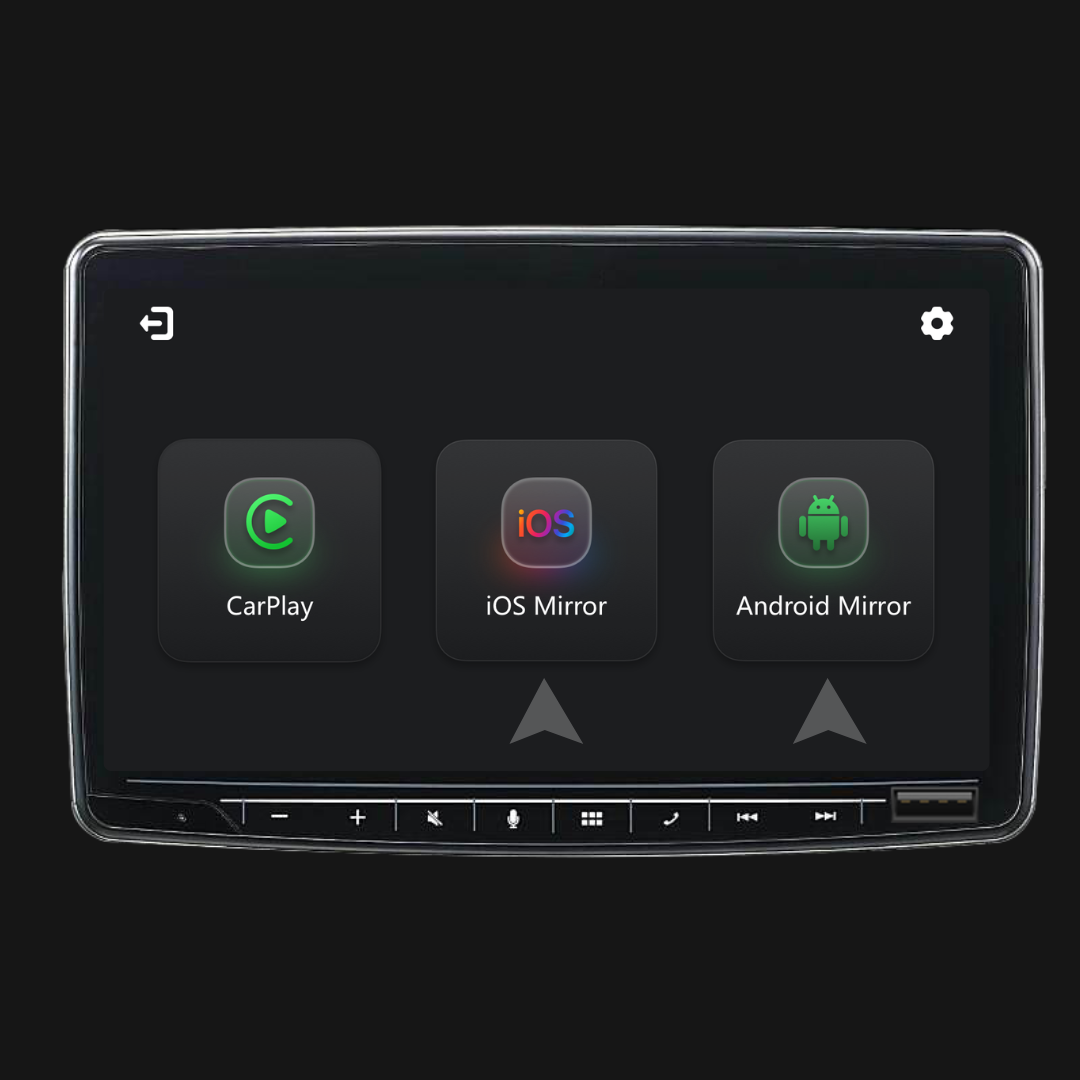
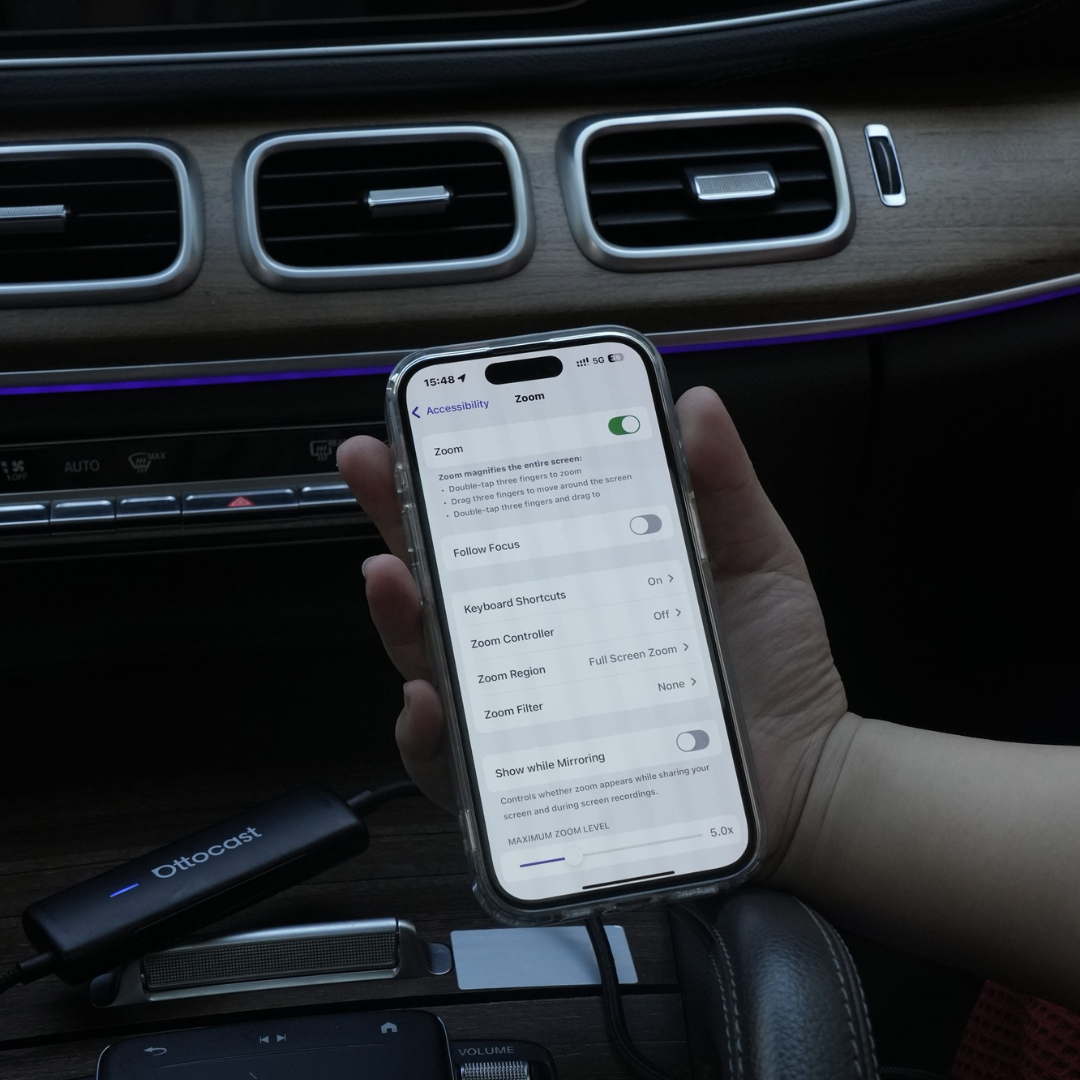
Three Steps to get Mirror and Control
FAQ
Is this Ottocast product compatible with my car?
Compatibility depends on which feature you want to use:
Phone Mirroring
- Supports Android phones with DP screen mirroring
- Supports iPhone 15 and later via USB-C DisplayPort output
Please make sure DP screen mirroring is enabled on your phone.
👉 Compatibility List
Wireless CarPlay
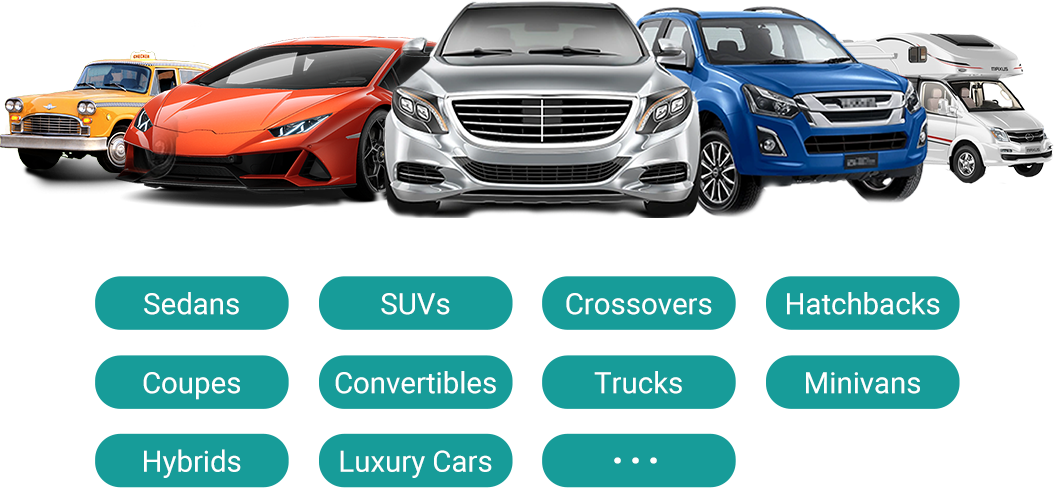
- Works with vehicles (2016 or later) or motorcycles that have factory wired Apple CarPlay
- ❌ Not compatible with Android Auto-only vehicles
How can I check compatibility on your website?
On the product page, click “Check If Your Car Has Wired CarPlay” (under “Add to Cart”), then select your make / model / year to see the result.
Are there any discount codes, coupons, or vouchers for Ottocast products?
Yes. New customers may receive a welcome offer when subscribing to Ottocast emails, and we run limited-time promotions throughout the year.
For the latest active codes, subscribe at the bottom of the page and we’ll send updates.
If I’ve paired two phones, which one will it connect to next time?
If multiple paired phones are nearby, Ottocast will usually reconnect to the last used phone.
To switch devices, disconnect CarPlay on the current phone (or turn off its Bluetooth/Wi-Fi), then connect with the other phone.
Some models also support one-tap switching or manual device selection.
Can I move it between two cars?
Yes. Just unplug it and use it in another compatible vehicle. In the new car, you may need to re-pair your phone or do a quick first-time setup.
Can my phone use the screen mirroring feature?
It depends on whether your phone supports video output (DisplayPort / DP Alt Mode).
- Android: Supported on USB-C phones with DP Alt Mode.
- iPhone: Supported on iPhone 15 and newer (USB-C DisplayPort output).
Tip: Check your phone specs/settings to confirm DP Alt Mode is supported and enabled.
Compatibility list: Click to check
Do mirroring and touch control require a cable?
Yes. Screen mirroring and touch control require a wired connection. Connect your phone with a cable, then tap iOS Cast or Android Cast on the screen to start.
Do I need to set it up every time I get in the car?
No. After the first setup, it auto-connects when you start the car (as long as your phone’s Bluetooth/Wi-Fi are on). You can then switch between CarPlay and phone mirroring (if supported).
What should I confirm before buying?
Please confirm these 3 points:
- Phone support for mirroring/touch control:
- iPhone: iPhone 15+ (USB-C with DisplayPort/DP video output)
- Android: USB-C phone with DP Alt Mode video output
- Car requirement: Your vehicle must support factory wired CarPlay (commonly 2016+).
- Compatibility check: Use the compatibility list/checker on the product page to confirm your exact vehicle.
Why choose Mirror Touch?
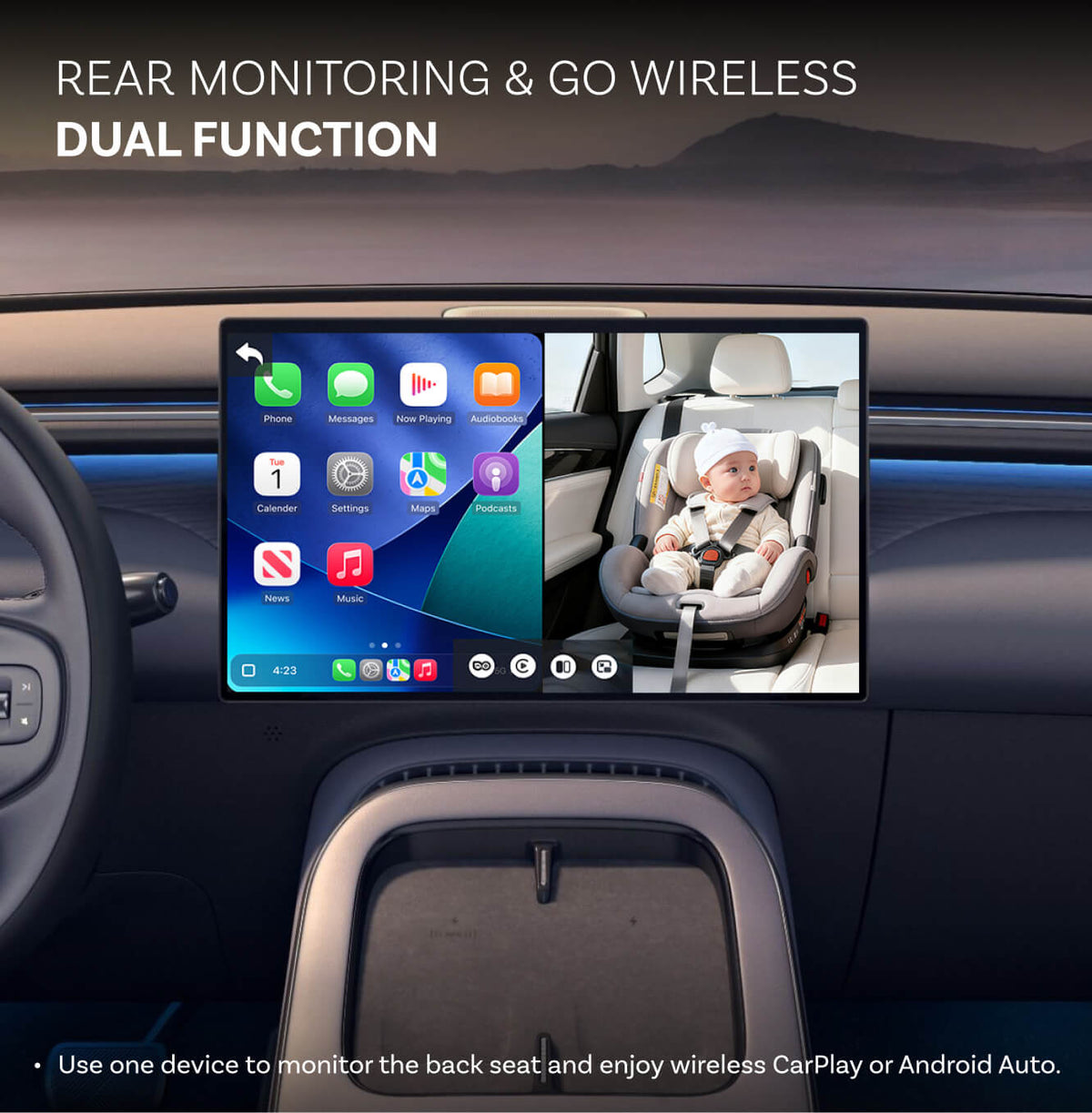
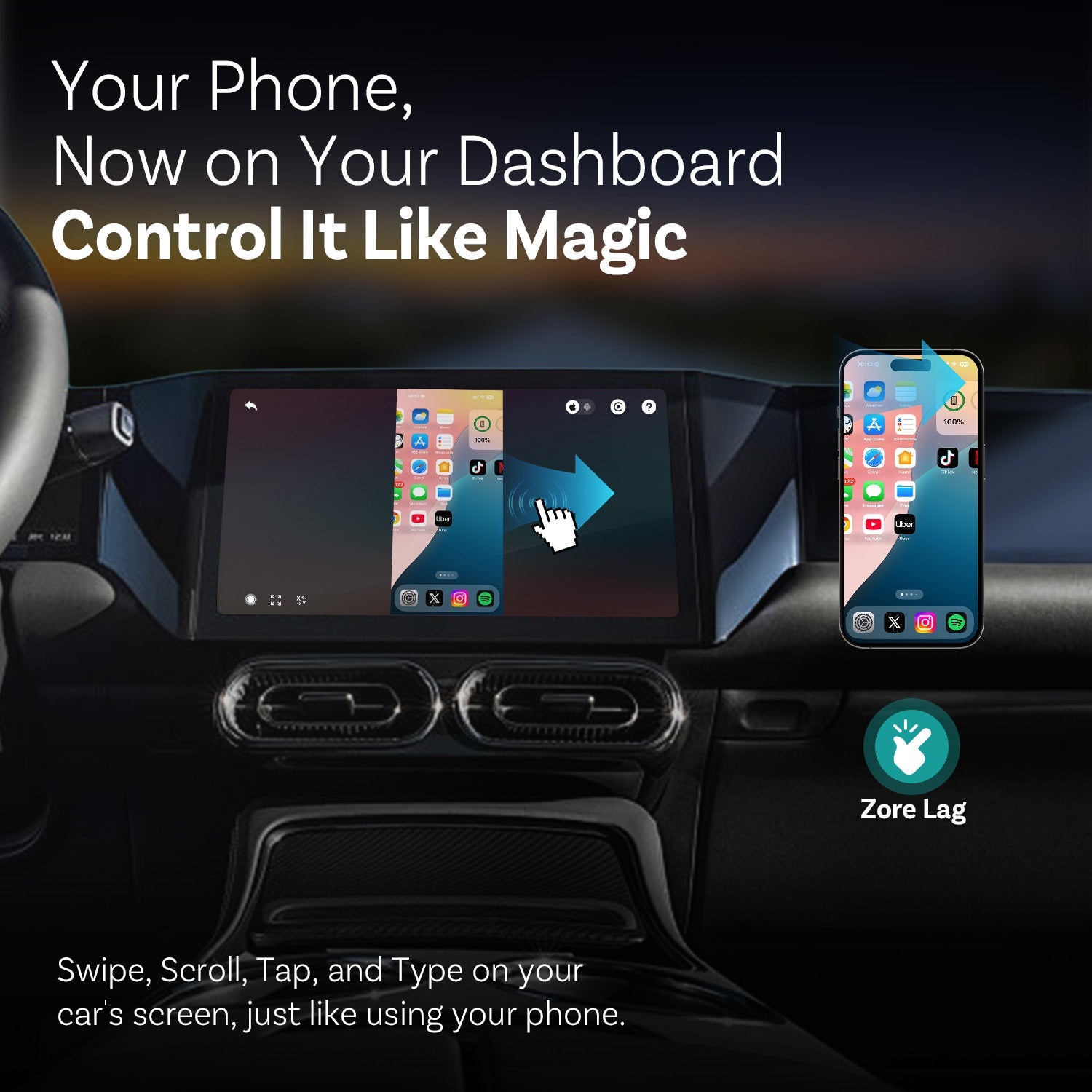
Mirror Touch upgrades standard wireless CarPlay with two key features: full-screen phone mirroring and touch control—so you can tap, swipe, and type on your car screen like on your phone.
It’s designed for low latency, and your data/history stays on your phone.
This is another quality product from Ottocast that delivers solid performance, though with a few quirks. The device does an excellent job mirroring my iPhone, and I was able to use most apps without issue. However, I noticed some minor performance hiccups when using navigation apps like Waze and Google Maps the voice directions often started late, cutting off the first few words. In addition, my SiriusXM radio would pause whenever navigation audio played.
The unit supports both Apple and Android platforms and offers wireless connectivity on both 2.4 GHz and 5 GHz bands. I also appreciate how quickly it boots up after the initial Bluetooth and Wi-Fi setup. It conveniently converts OEM wired CarPlay and Android Auto systems into a fully wireless experience.
Overall, this is a capable and well-built device, but I recommend checking your vehicle s compatibility before purchasing
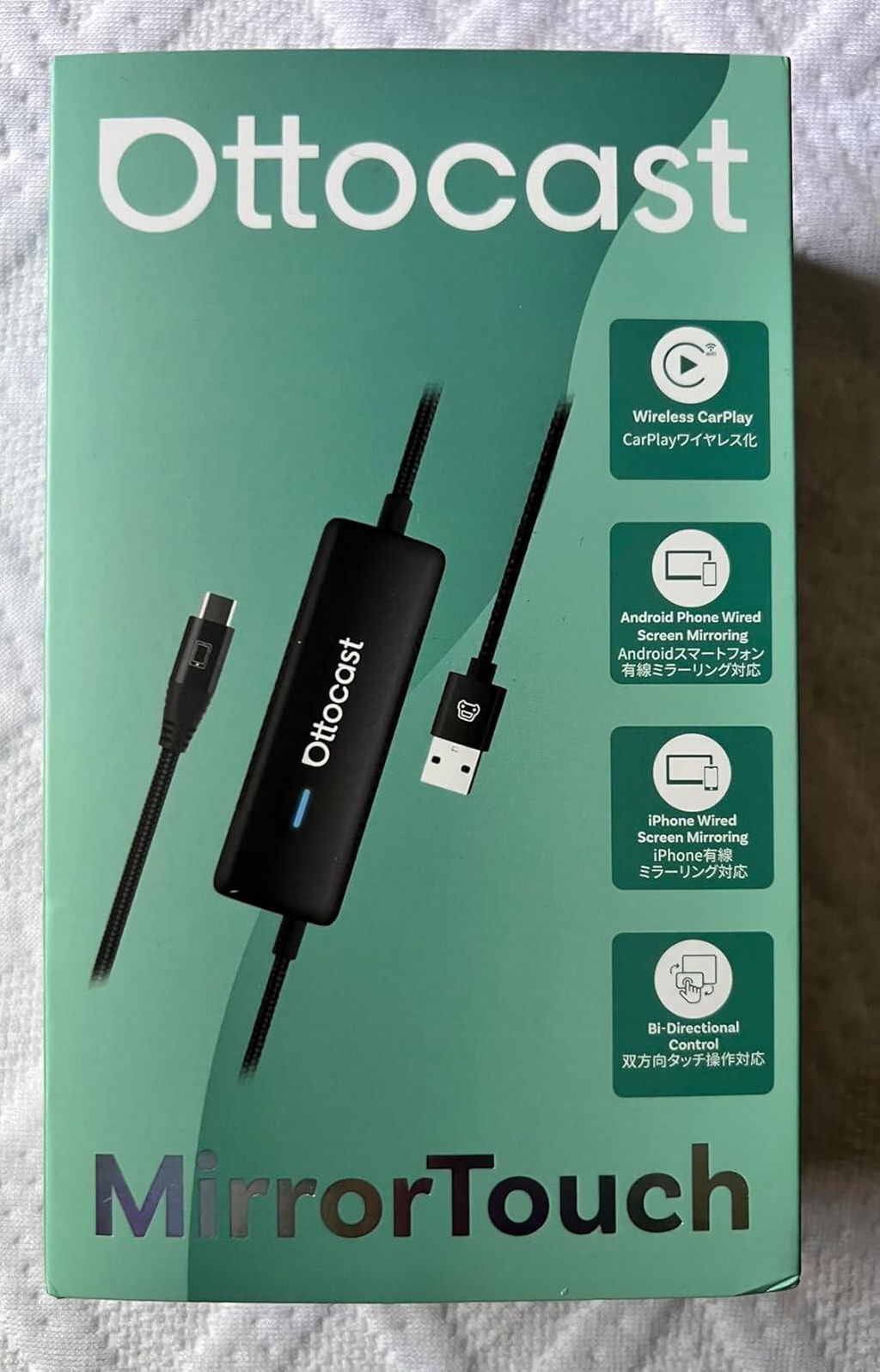
This car adapter works just great with how easy it is to set it up and mirror my iPhone. It's just perfect for long trips. I'm actually able to play YouTube videos or watch movies. All of that is available at a single touch as it mirrors everything that is on my iPhone. Overall, I am very happy with this product.
This mirroring and wireless CarPlay adapter is a really nice upgrade for drivers looking to modernize their factory wired infotainment systems. This adapter transforms traditional setups into wireless hubs with support for both wireless CarPlay and phone mirroring.
Its dual-mode functionality is a pretty cool feature. Not only does it enable wireless CarPlay, freeing you from the hassle of USB cables, but it also supports full phone mirroring in both directions. That means you can view and control your smartphone screen directly from your car s display, making it ideal for accessing apps, streaming content, or navigating with your preferred tools.
Overall, this product offers a sleek, intuitive way to bring wireless convenience and enhanced functionality.
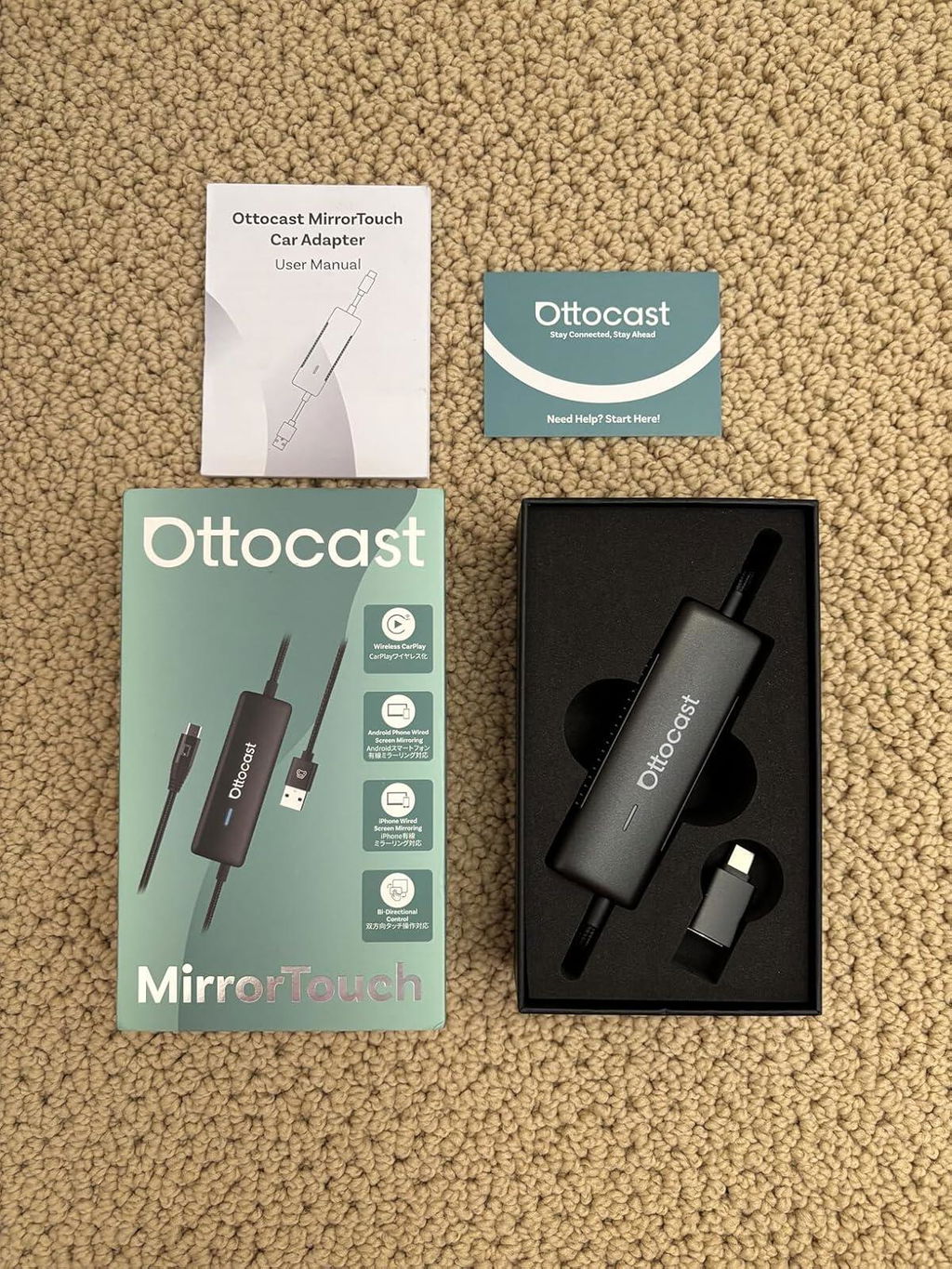
Positives:
Wireless CarPlay & Mirroring: Eliminates the need for cables while keeping full functionality.
Bi-Directional Mirroring: Works both ways between phone and car display for added convenience.
Plug & Play: Simple setup no complicated installation required.
Dual Mode Support: Compatible with both iPhone and Android devices.
Smooth Performance: Minimal lag when streaming apps, navigation, or media.
Keeps Factory Look: Maintains the original dashboard interface while adding wireless functionality.
Negatives:
Some features may depend on the car s factory system capabilities.
Initial pairing can take a minute to recognize the device, but it works reliably after setup.
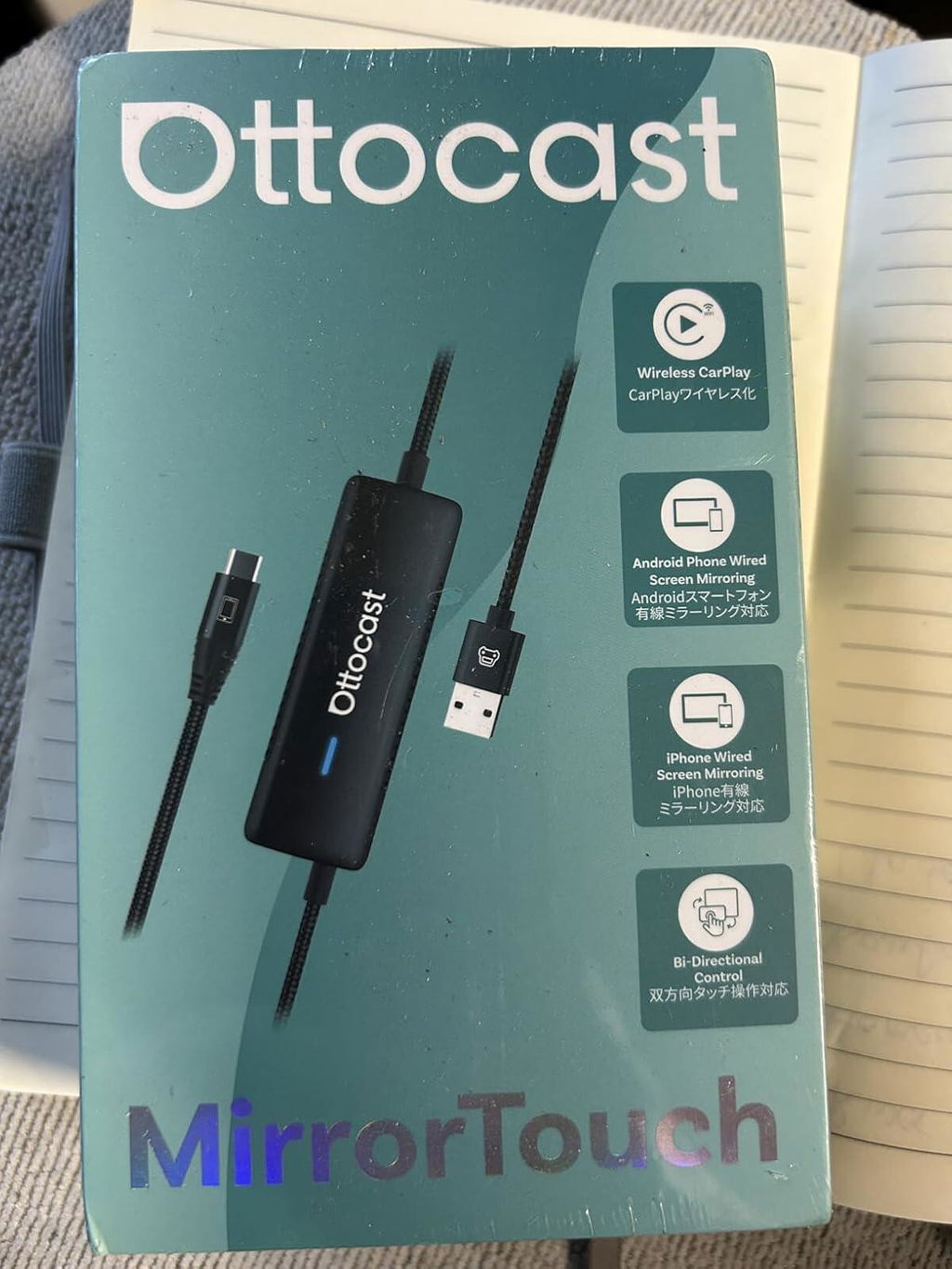
? Positives:
* Enables wireless CarPlay with bi-directional phone mirroring
* Dual mode works with factory wired CarPlay systems
* Smooth integration with both iPhone and Android devices
* Easy to set up and reliable connection while driving
* Keeps the dashboard tidy without extra cables
? Negatives:
* Some advanced apps may have slight latency
* Requires compatible CarPlay system for full functionality
A convenient upgrade for anyone wanting a wireless, streamlined CarPlay experience in their vehicle!
Parto subito con lo spiegarvi gli aspetti negativi che mi fanno poco apprezzare questo adattatore: la compatibilit davvero cos ampia come riportato dal produttore? ho provato a testarlo sulle mie due renault (r-link/r-link2) senza successo, mentre su i sistemi volkswagen ha funzionato, inoltre mi chiedo, se gi presente android auto, perch spendere pi di 100 per aggiungere un adattatore che in parte fa ci che il sistema farebbe anche senza perdendo anche alcune funzioni della cockpit? Per avere Netflix in movimento (con alcune procedure si pu ottenere anche su android auto se si vuole) o per un'interfaccia differente? Inoltre, dovremo comunque utilizzare il nostro smartphone per la connessione (hotspot) e quindi avremo anche la necessit per utilizzi prolungati di avere in carica il nostro smartphone.
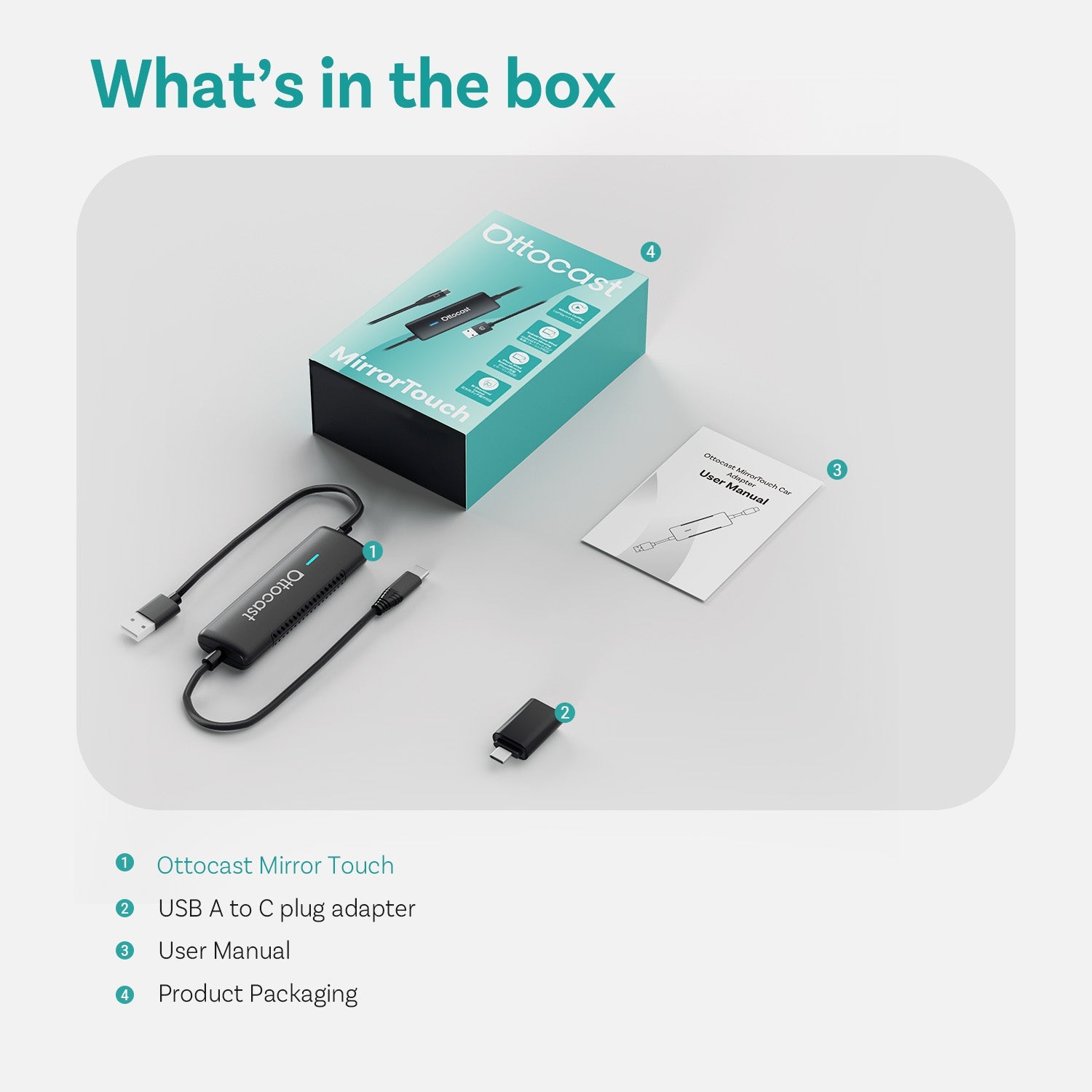
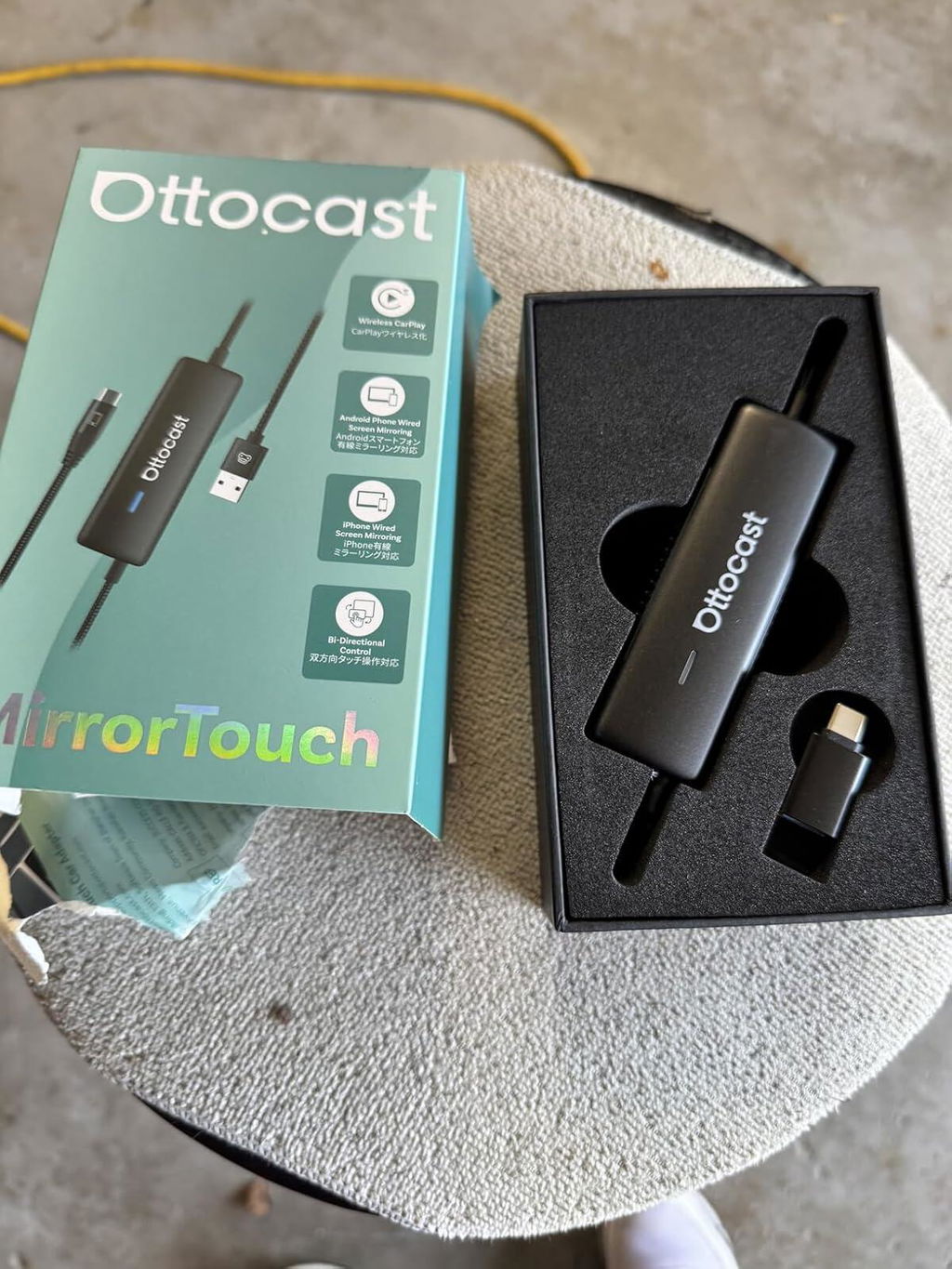
La piccola confezione in cartone contiene oltre all accessorio stesso, un cavo USB/ USB C e un secondo cavo USB C / USB C per la connessione alla nostra auto. Presente anche un piccolo foglio illustrativo senza purtroppo lingua italiana.
In poche parole, abbiamo di fronte un adattatore che ci permette di avere sul nostro veicolo dotato di Android auto/ CarPlay un interfaccia differente da quella che siamo abituati a vedere accendendo la nostra auto, un interfaccia molto ben ordinata che aggiunge le icone di netflix e altri widget utili per la navigazione nel sistema.
Il pairing davvero plug-and-play, mi bastato collegare il cavo al connettore dell auto e allo smartphone per avere sul display della mia autoradio con sistema android auto e il gioco fatto, ora verranno trasmesse le informazioni e le impostazioni della nuova interfaccia.
Praticamente avremo sul nostro cruscotto un tablet android che potremo utilizzare a nostro piacimento. Collegondolo infatti ad una rete wifi, che ovviamente sar quella del nostro smartphone, potremo utilizzare
le app integrate di YouTube e Netflix anche in movimento.
Possibile utilizzare anche lo screen mirroring, che permette di duplicare lo schermo del telefono sul display dell'auto, funzione utile qualora volessimo visualizzare documenti, file o foto sul display della nostra auto.
In conclusione ci troviamo di fronte ad un adattatore con numerose funzionalit ma alcune fuori dalla possibilit di usarle se non da fermo.
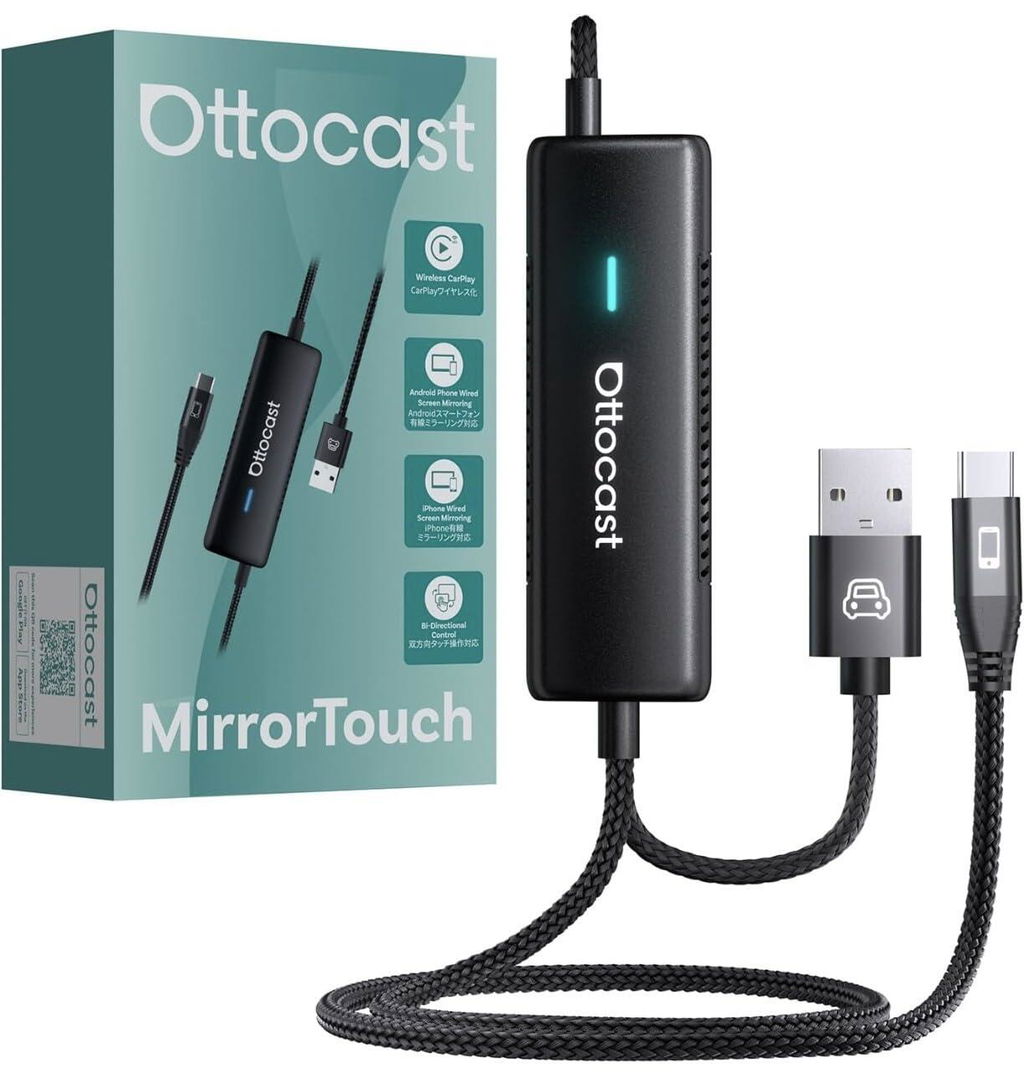
My vehicle has factory-wired CarPlay, which works well but felt limiting. I wanted the ability to display any app from my phone on the dashboard screen, not just the approved CarPlay selections. This adapter s promise of bi-directional control managing phone apps from the touchscreen and vice versa seemed like a significant upgrade to my daily commute.
The setup was refreshingly simple; I plugged the Ottocast into my car s USB port, connected my phone via Bluetooth, and it mirrored my screen almost instantly. The dual-mode functionality is its best feature, allowing me to switch between the standard CarPlay interface for music and maps and the full phone mirroring for other applications. The touch response on the car s display is surprisingly responsive, making navigation feel intuitive rather than laggy or frustrating.
This small device has fundamentally changed how I interact with my car s infotainment system. It provides the flexibility of a full smartphone interface while maintaining the clean integration of the factory setup. The wireless connection is stable, and it automatically reconnects when I start the car, making it a truly seamless part of my drive.
Pros:
- Effortless setup and automatic reconnection
- Excellent touchscreen responsiveness on the car s display
- Seamlessly switches between standard CarPlay and full mirroring
- Works wirelessly for a clutter-free experience
Cons:
- Video playback can be slightly choppy on some apps due to safety protocols
- Requires a stable phone connection for optimal performance
- The interface can feel slightly complex with its dual modes at first
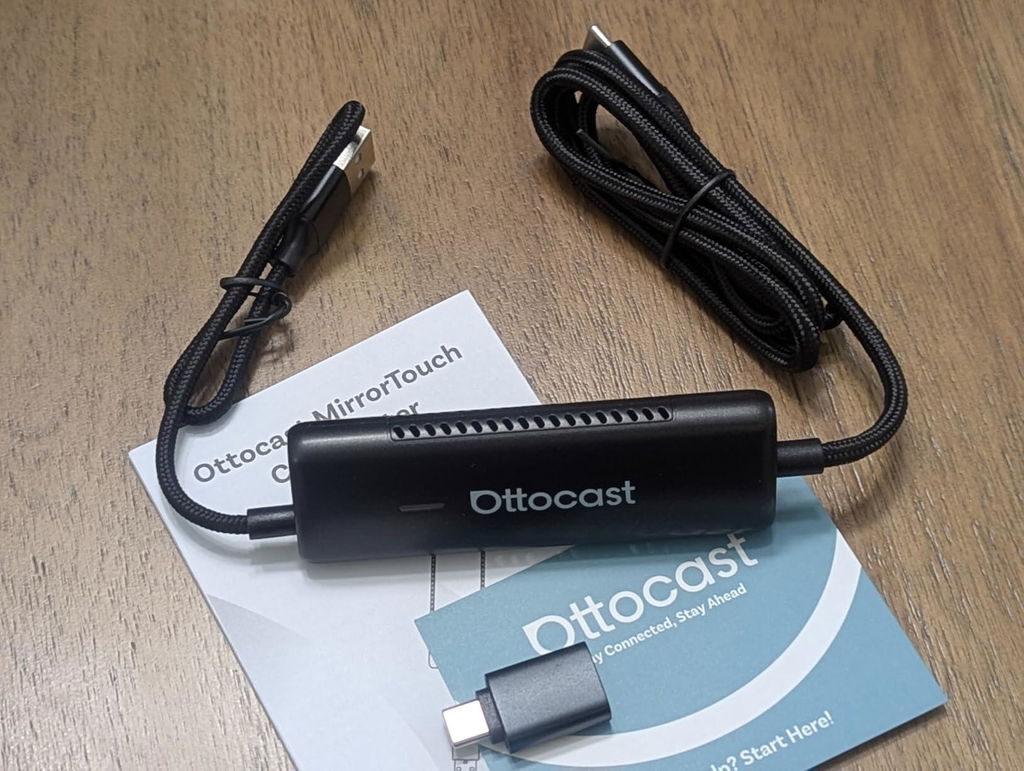
My first wireless CarPlay adapter was an Ottocast about 6 years ago. It still works perfectly. Wanting similar results for the last Toyota Rav4 w/o wireless CarPlay, I tried this new model. Set-up? Without reading any instructions, I plugged it in, turned on the ignition, and a menu appeared on the car s screen. How simple is that? A couple of clicks later, I checked my iPhone 15 s Bluetooth, and there was a new device CAR something. I clicked that, paired it, and I ve had perfect wireless CarPlay connections ever since. A+++.
Screen mirroring? I wondered how useful this would be aside from occasionally playing YouTube for the kids of the car screen. It can mirror the iPhone s screen vertically, but I m mot sure when we d ever use it? CarPlay is now pretty customizable in terms of what Apps you want on the screen, so I don t see the need. The only advantage would be to use the car s audio system for video soundtracks while streaming Netflix and YouTube, but it s easier to use an iPad, using your iPhone as a hot spot, so t he kids can stay in the backseat!! It is bigger than most adapters, but I really don t care if it connects this fast, and this reliability.
Wireless CarPlay adapter? 5 or 6 stars excellent!
iPhone screen mirroring? Whatever 3 stars, but that s only because I ll probably never use it
Streaming YouTube on your infotainment system? 4 stars, seems to work well, but the screen is too far away from the backseat, so the kids aren t too thrilled
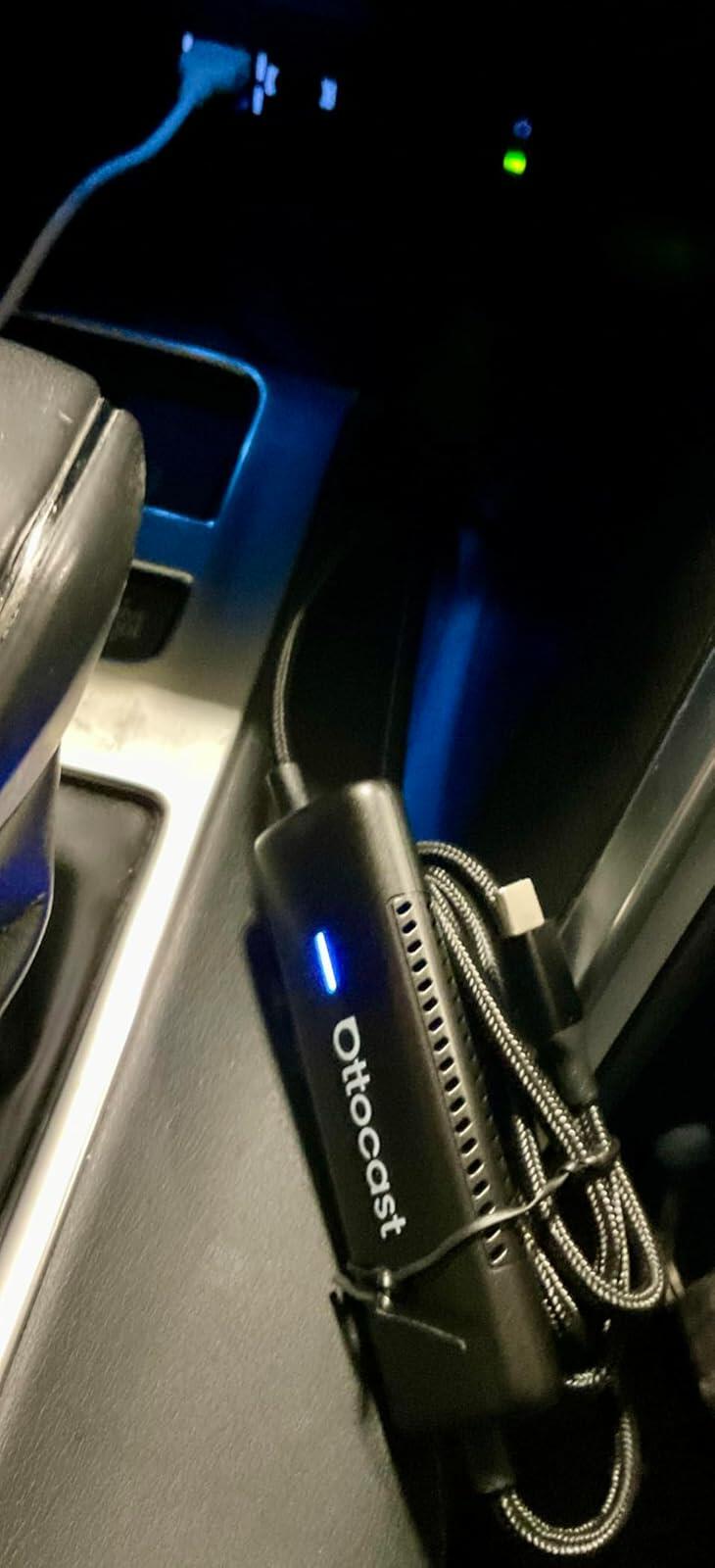
Setup was effortless just plug it in, and my iPhone connected wirelessly within seconds. The bi-directional mirroring is incredible: I can use apps, maps, and even messaging right from my car screen without fumbling with my phone. On longer trips, my family loves streaming movies and shows, and the smooth playback makes every ride feel like an adventure.
The 27W fast charging is a lifesaver no more worrying about my phone dying mid-drive. I also really value the privacy feature: when I disconnect, all my data is instantly cleared, which gives me peace of mind when renting a car. It works flawlessly with both iOS and Android devices, so I know it ll be future-proof for years to come.
If you want wireless CarPlay, entertainment, and powerful charging all in one, Mirror Touch is absolutely worth it.
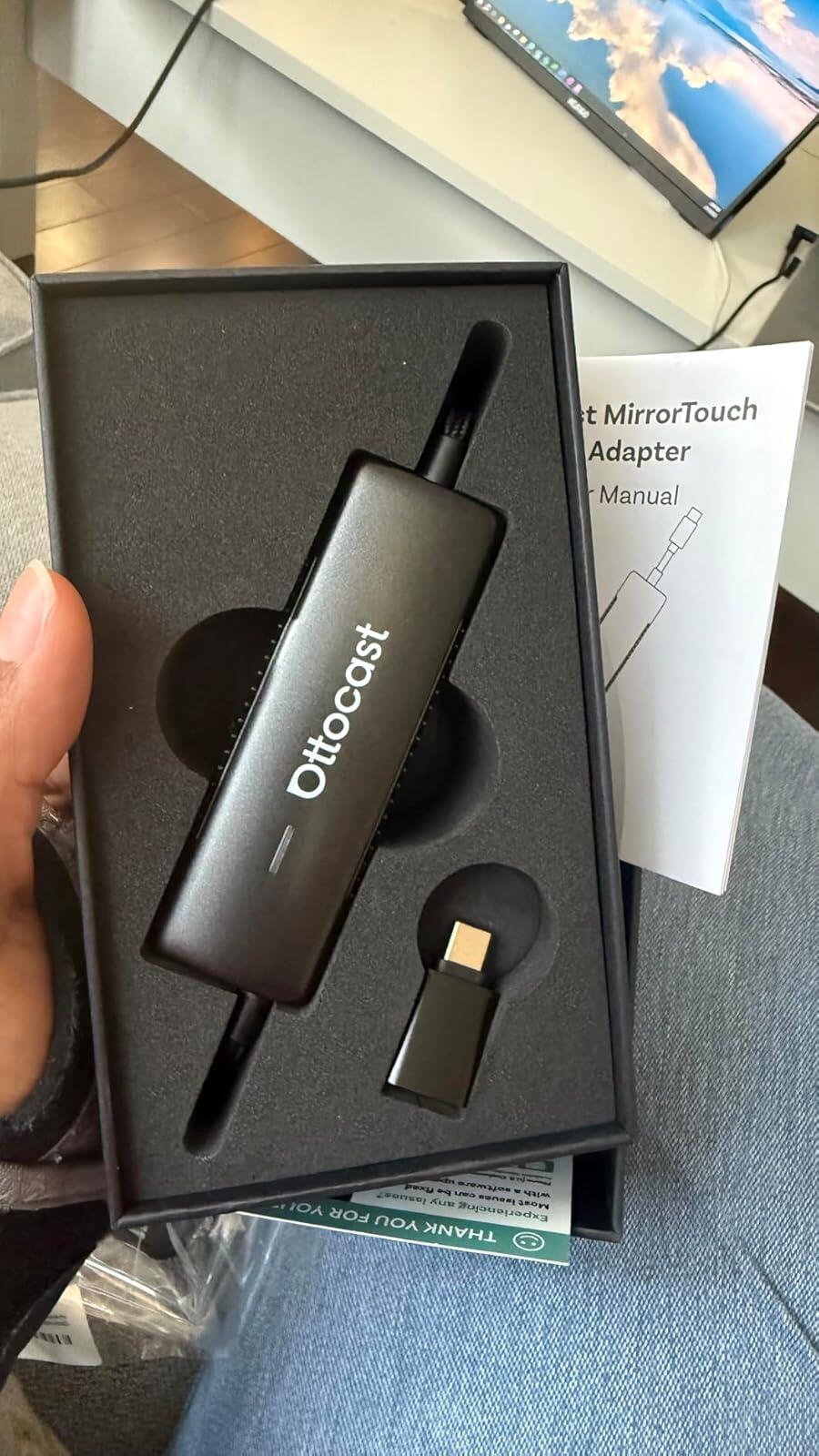
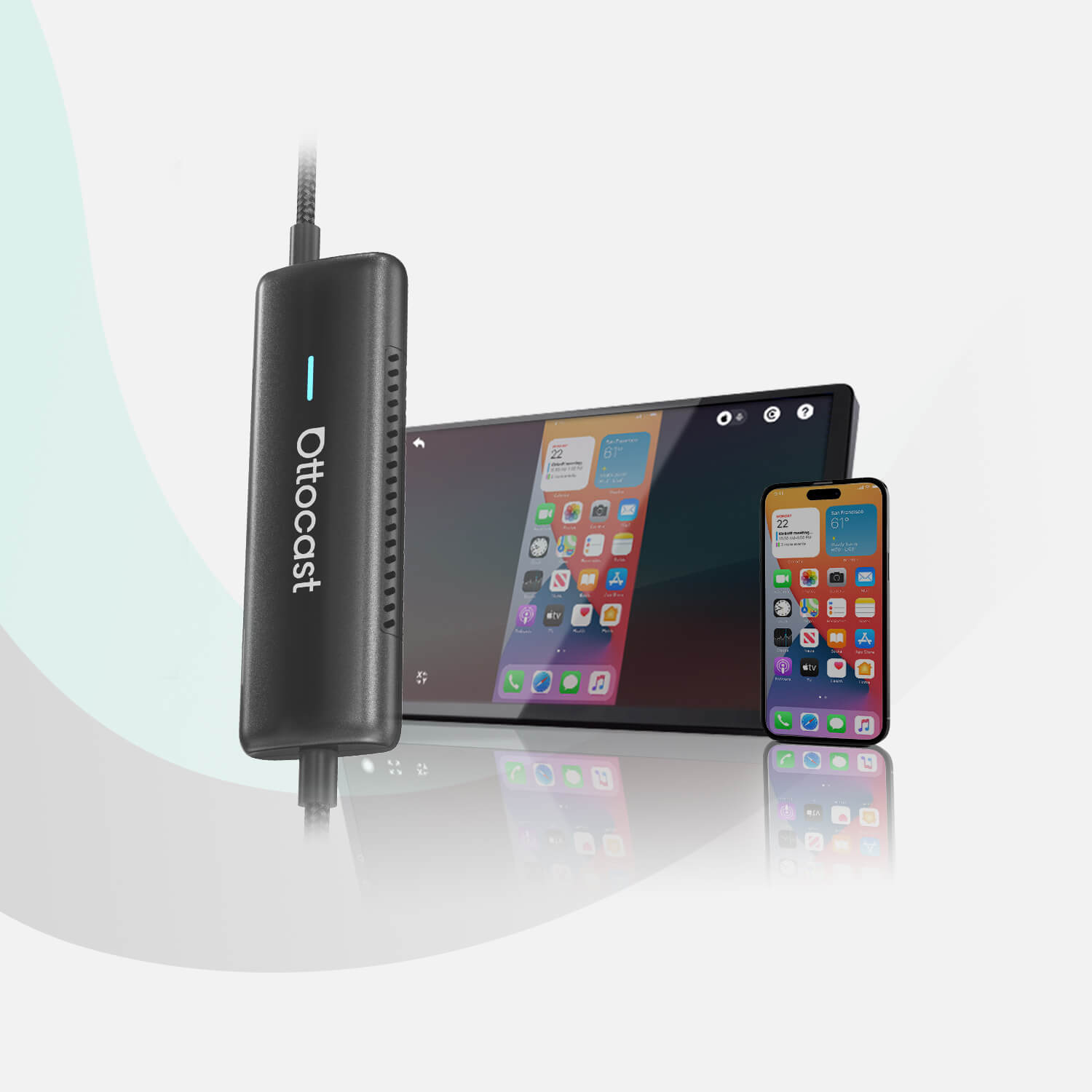
This device is excellent for iPhone with USB-c ports and some Android phones. What I realized is that my Android phone won't work with the screen mirror, as a display port mirroring support is needed on the phone. There's no Android Auto as well. The design is quite good as the adapter is just a part of the cable, in the middle section. Just make sure you check your phones and make sure they are compatible. The product description currently has no details on this, but it's described on one of the product pictures. Unfortunately, I did not notice this until later.
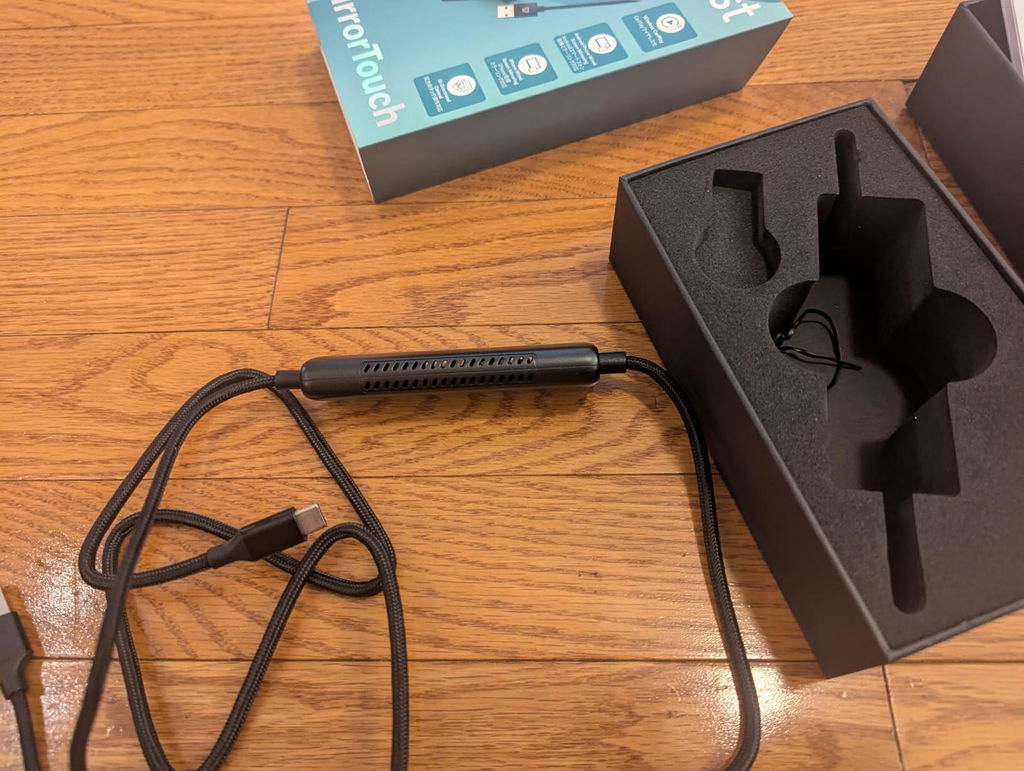
I did not realize that this would not work with the lightning connector for my phone and as a result it does not suit my needs. For android or newer iPhones with the C connection, this is a compact connector that will get your screen mirrored on your stereo screen.
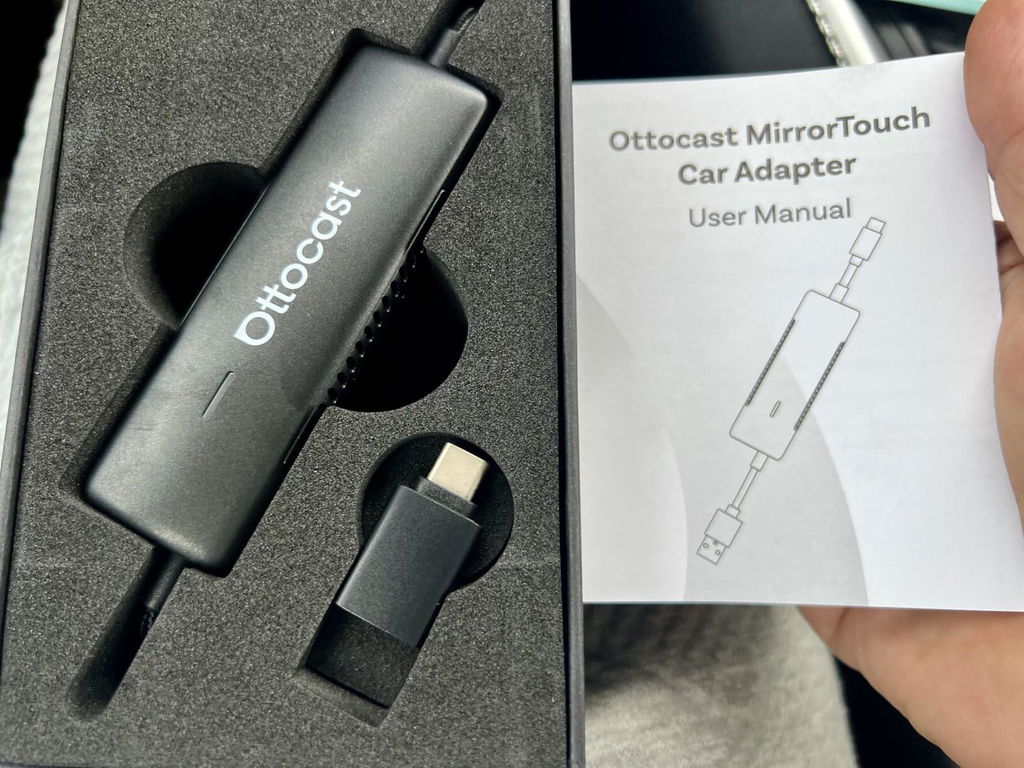
All I can say is wow!! This is the best car play adapter on the market hands down! Ottocast does it again can t wait to see what the next generation of this brings.
Setup : 10/10 super simple literally plug and play with a couple of setting tweaks. Includes easy to follow instructions and a YouTube tutorial in case you need further help. Connection is lightning quick and has no dropped calls or resets.
Functions perfectly and could not ask for anything else as this brings true iOS mirroring straight from your phone, no more Laggy AI boxes. The system runs buttery smooth. Sound quality is great just like oem no lagg or lossless.
Size is slim but long. Fits easily in glove
Compartment or center console. 5 stars here ***** highly recommended!!
So far so good. I m not using it much or probably at all for anything other than CarPlay accessory. Works instantly and as expected.
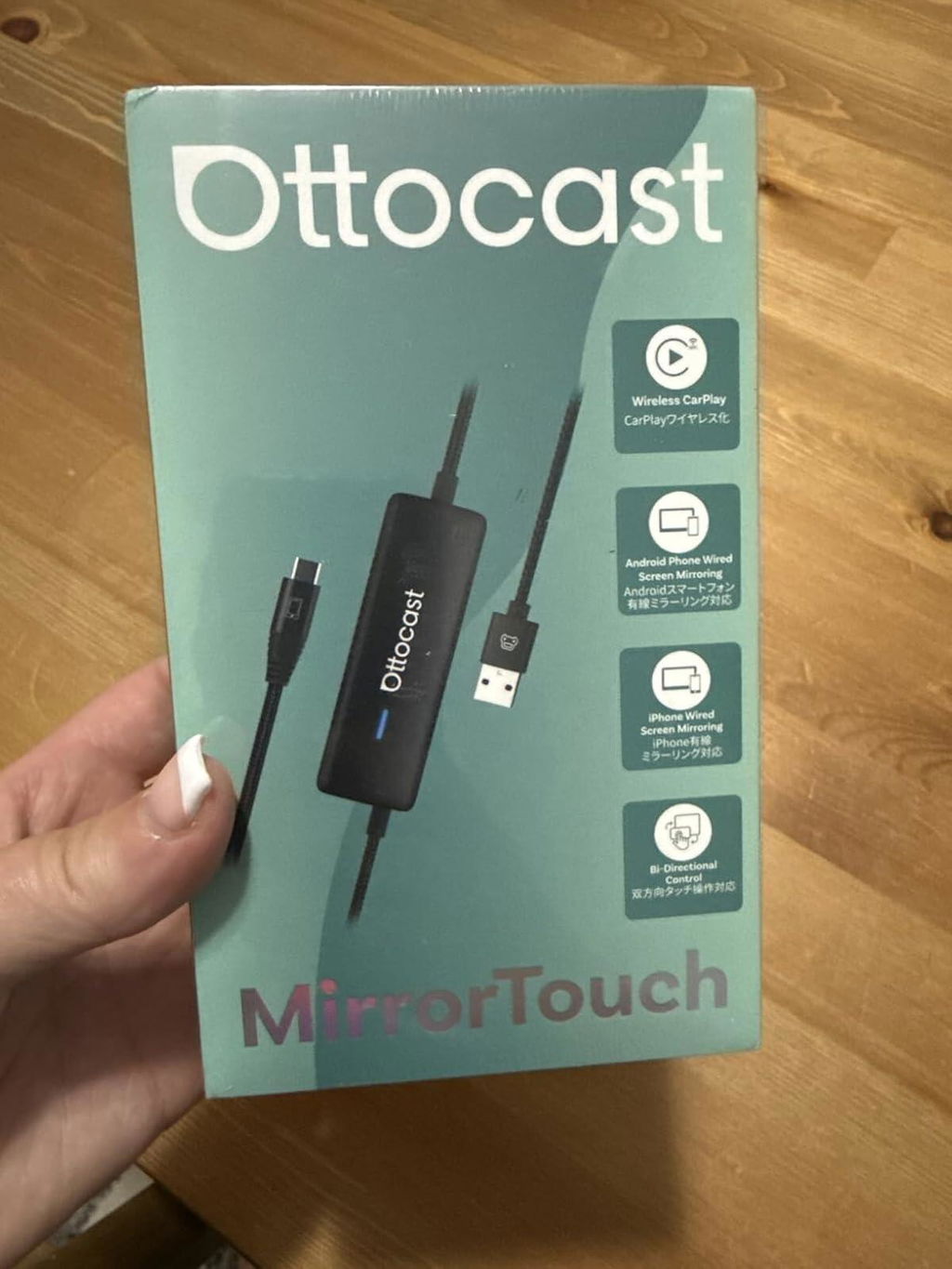
This is such a great adapter - truly plug and play device that works wonderfully and fits right in the palm of your hand. I appreciate its size and how well it works; sound quality is good and it's tiny yet durable. Its connection is awesome and it has no lagging. Great price and value and better entertainment on the go!
This is such a great adapter - truly plug and play device that works wonderfully and fits right in the palm of your hand. I appreciate its size and how well it works; sound quality is good and it's tiny yet durable. Its connection is awesome and it has no lagging. Great price and value and better entertainment on the go!
This thing is the cheat code for older wired-only cars. Wireless CarPlay connects fast and stays stable, and the mirroring mode lets you display anything from the phone navigation apps, video apps, whatever. Touch response is quick with no lag. Install? Literally plug it in and pick your WiFi. Zero drama. Massive upgrade if your car s head unit is stuck in 2016.
it is a bit bulky but easy enough to setup and mount inside my car. it really is so much easier to setup this way so i don't have to keep plugging in my phone to my car only for it to get disconnected and lose my maps while driving.
In time and the product works as expected. Great purchase
Perfect! It was basically plug and play! super easy to use and was able to watch anything that could be run on my phone right on the car's screen!
This is such a great adapter - truly plug and play device that works wonderfully and fits right in the palm of your hand. It's connection is awesome, has fast charging and it has no lagging. Great sound, price and value and better entertainment on the go!
Nice concept but not working with my Audi , Lexus and Maserati!!!!!
Ich nutze den Adapter nun seit einigen Wochen und schaetze besonders die kabellose CarPlay-Verbindung. Die Installation war tatsaechlich Plug & Play, einfach einstecken und nach kurzer Synchronisation lief alles flott. Musik, Navigation und Telefonie funktionieren stabil, und die Touchscreen-Steuerung reagiert praezise.
Allerdings ist das Geraet recht gross und haengt mit langem Kabel am Armaturenbrett - das wirkt etwas klobig fuer eine "drahtlose" Loesung. Ausserdem scheint die Kompatibilitaet nicht universell zu sein, besonders bei aelteren Infotainment-Systemen kann es Probleme geben. Wer ein kompatibles Auto hat, bekommt aber ein solides Upgrade.
You may also like