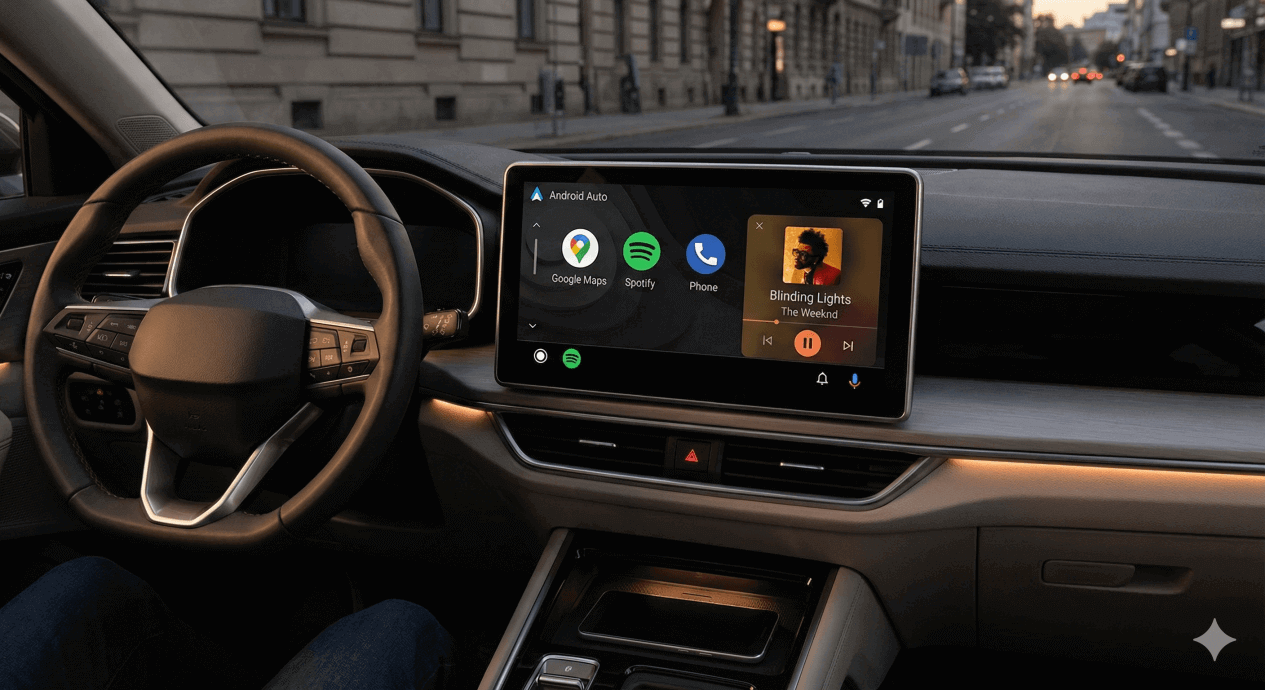
Driving long hours on the road can feel boring without good music. Android Auto changes that by bringing your favorite tunes right to the car screen. It makes in-car entertainment easy and safe. You can control everything with voice commands or big buttons on the display. This keeps your hands on the wheel and eyes on the road. Many drivers look for the best music apps for Android Auto to get a seamless music experience. These Android Auto music apps turn every trip into a fun jam session.
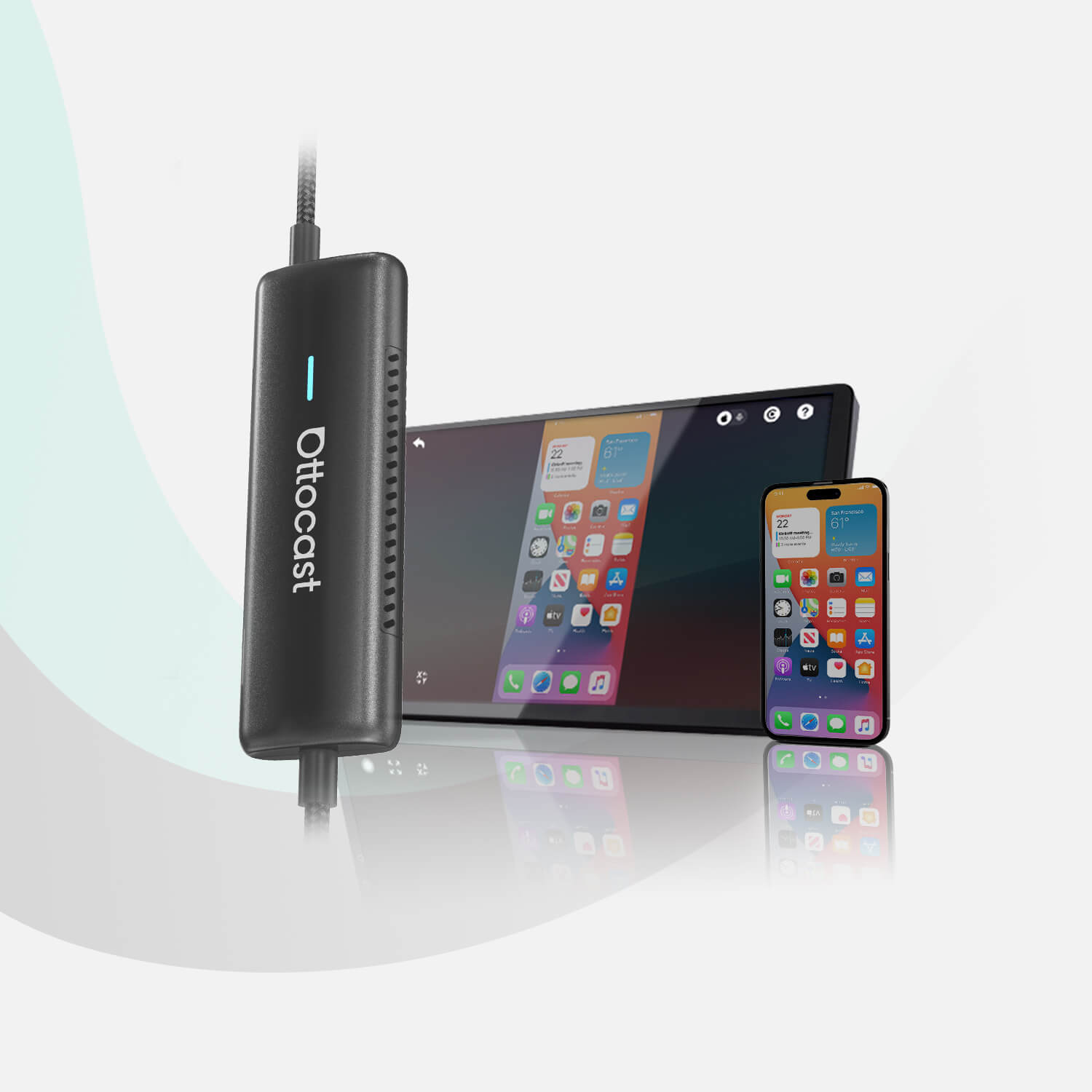
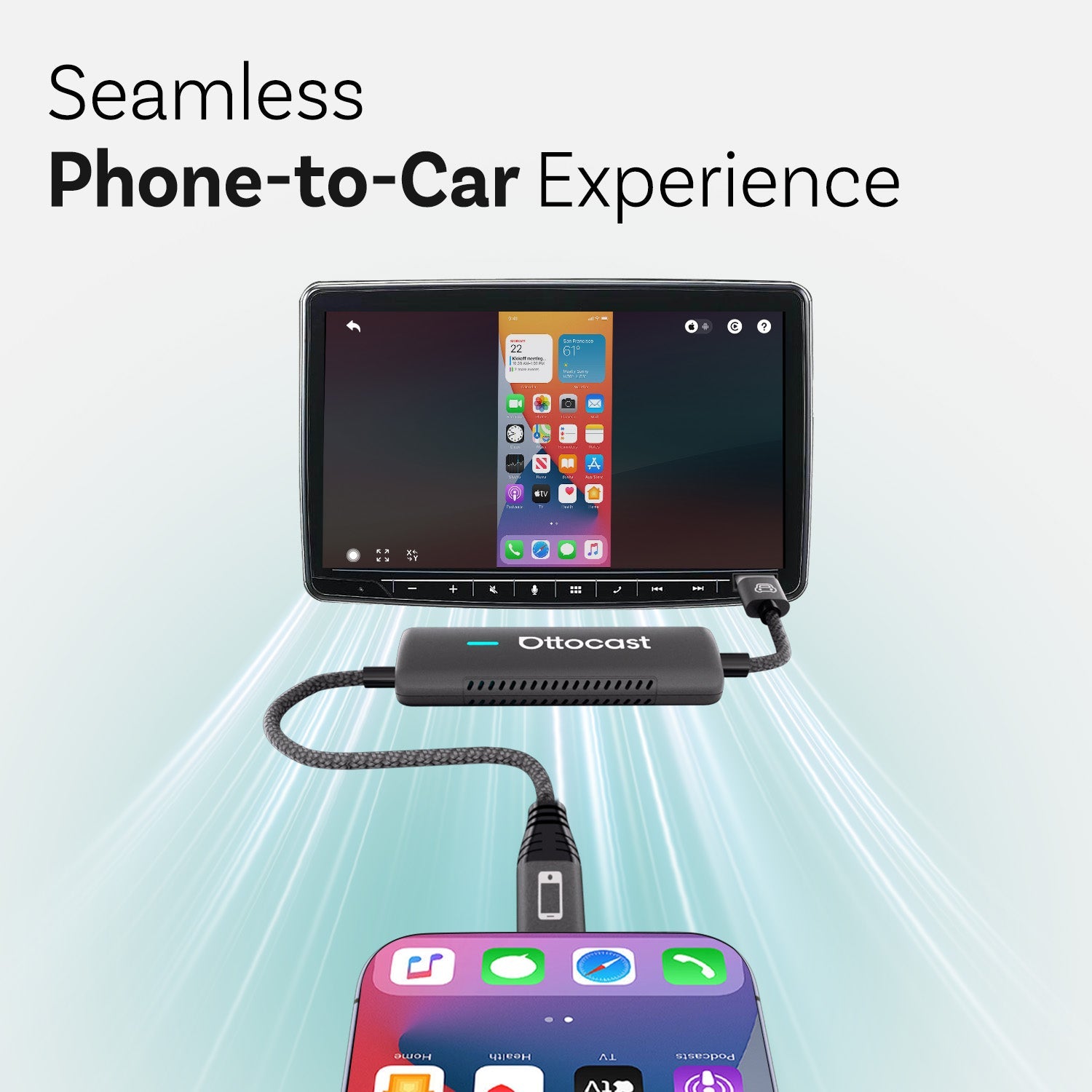
Android Auto works with many phones and car systems. It supports wired and wireless connections. Some cars have it built in. Others need a phone plugged in. For older cars, you can add wireless adapters like the ones from Ottocast. They make the switch to wireless Android Auto simple and quick. With the right setup, you get smooth access to music without cables getting in the way. This helps create better in-car entertainment for daily commutes or road trips.
Why Choose the Right Music Apps for Android Auto
Not all music players work well with Android Auto. Google made rules to keep things safe while driving. The apps show big icons and simple menus. Voice control is a must. You can say "Hey Google, play my playlist" and the music starts. This gives a seamless music experience. Bad apps might crash or have small text that distracts you. Good Android Auto music apps load fast and respond to touches or voice right away.
Streaming apps are popular because they have huge libraries. You can find any song or podcast in seconds. Local players are great for offline listening. They play files saved on your phone. No need for internet on long drives with no signal. Many best music apps for Android Auto mix both options. They let you stream or play local files. This fits different needs and data plans.
Safety comes first with these apps. Android Auto limits what you can do while the car moves. You cannot type long searches. Voice does most of the work. Album art shows big on the screen. Skip buttons are easy to hit. This setup makes in-car entertainment fun without risk.

Top Streaming Music Apps for Android Auto
Spotify is one of the most used Android Auto music apps. It has millions of songs and playlists. The interface on the car screen is clean. You see your library, search, and recent plays. Voice commands work great. Say "play rock music" and it starts a station. Spotify wraps up your year with fun stats too. Many drivers love the daily mixes that match your taste.

YouTube Music comes next for many people. It replaced Google Play Music and works perfectly with Android Auto. You get music videos but only audio plays in the car for safety. The app suggests songs based on what you like. It has free and premium plans. Premium removes ads and allows background play. You can upload your own music files to the cloud and access them anywhere. This makes it versatile for a seamless music experience.
Amazon Music is another strong choice. If you have Prime, you get a big library for free. Unlimited plan opens even more. The Android Auto version shows playlists and stations clearly. It supports high-quality audio if your car system allows it. Voice search finds artists fast. Many users switch to it for the integration with Alexa devices at home.
Pandora offers radio-style listening. You create stations based on a song or artist. Thumbs up or down refines the picks. It is simple for drivers who do not want to choose every track. The app runs smooth on Android Auto. Ads play on free version but premium fixes that.
Deezer and Tidal are for music fans who want high fidelity sound. Tidal has hi-res audio that sounds better on good car speakers. Both apps have curated playlists and lyrics. They work well with voice controls in Android Auto.
Apple Music also supports Android Auto now. If you use it on your phone, it shows up fine. The library is huge and sound quality is high.
These streaming options make up many of the best music apps for Android Auto. They update often and add new features.
Best Local Music Players for Android Auto
Some drivers prefer local files. They download songs to the phone or use a USB drive. This saves data and works offline. Poweramp is a top pick here. It has strong equalizer settings. You can tweak bass and treble for your car speakers. The app supports many file types. Folder view helps find music fast. Poweramp looks good on Android Auto with big controls.
AIMP is free and powerful. It plays local files without issues. You get tag editing and playlist support. No ads in the main version. It handles large libraries well.
Musicolet is offline only with no internet permission. This keeps it light and private. It has queue management and multiple playlists. Android Auto support is solid. Many like it for no distractions.
Pulsar and PlayerPro are also good. They have nice designs and extras like lyrics. Rocket Player offers cloud sync if needed.
VLC for Android plays almost any file. It works on Android Auto for local media. Simple and reliable.
These local players give control over your music collection. Perfect for areas with bad signal.
How to Add Music Apps to Android Auto
Adding apps is easy most of the time. First, install the app on your phone from Google Play Store. Open Android Auto on the phone or in the car. Go to settings and look for the app launcher. You see a list of compatible apps. Check the box for the ones you want. They appear on the car screen next time.
Some apps show up automatic if they support Android Auto. Restart the phone or car system if not. Update Android Auto and the music app. Clear cache if problems happen.
For cars without built-in Android Auto, wireless adapters help. Ottocast makes devices like the Play2Video series or OttoAibox that add wireless support. Plug them in and pair your phone. Then all compatible Android Auto music apps work without wires. This upgrades older cars for better in-car entertainment.
Only approved apps show by default. Google checks them for safety. If an app claims support but does not appear, check the developer site. Most popular ones work fine.
Getting a Seamless Music Experience in Your Car
Voice commands make everything better. Say "Hey Google, play upbeat songs on Spotify" and it happens. This is key for safe driving. Big buttons help too. Touch the screen less.
Organize playlists before you drive. Have one for morning energy or chill evenings. Many apps let you pin favorites.
Sound quality matters. Use good cables for wired or stable wireless. Some Ottocast AI boxes like the P3 or NanoAI add extra power for smooth playback. They help with lag in music streaming.
Battery drain can happen with long use. Wireless adapters from Ottocast often charge the phone at the same time.
Mix streaming and local for best results. Download playlists for offline when you know the route has no data.
More Tips for Great In-Car Entertainment
Podcasts and audiobooks fit well too. Apps like Pocket Casts or Audible work on Android Auto. Switch between music and talk easily.
Multi-user cars benefit from profiles. Each person has their own playlists ready.
Update everything regular. New versions fix bugs and add support.
If you have a head unit without full Android Auto, adapters open the door. Ottocast has options that bring wireless freedom. This lets you enjoy all these best music apps for Android Auto without hassle.
EQ settings in apps like Poweramp can match your car sound. Boost lows for more punch.
Lyrics show in some apps. Sing along on long drives.
Group similar genres in folders for local players.
High-bitrate files sound best offline.
These small things add up to a great drive.
Driving with music lifts your mood. Studies show it reduces stress on the road. Android Auto makes it safe and easy. Choose from streaming giants like Spotify and YouTube Music or local champs like Poweramp and Musicolet. Add them simple and start playing.
For the full seamless music experience, a good connection matters. Wireless adapters remove cables and make switching fast. Ottocast products help many users get there quick.
Pick one or two apps that fit your library. Try free versions first. Soon your car becomes the best place to listen. Every trip feels shorter with the right soundtrack. Jam out on the go with these Android Auto music apps. Safe travels and happy listening.
You may also like